✅ Future-proofBuilt to keep working — even if the maker walks away.
It works locally over Z-Wave, so it keeps running even if ABUS shuts down the app or the servers. Nothing here ties you to a single company's survival.
Works locally over Z-Wave — keeps running without the maker's cloud
Still in production
Companion app is actively updated
Based on how this device connects (local vs. cloud), whether it’s still sold and supported, and its app / subscription. A guide, not a guarantee.
Connectivity
Z-Wave
Prices
No prices yet — be the first to add one.
Community tags
Be the first to tag this page — tags appear right away. Try a theme, capability, or subject (e.g. WWII, heist, slow burn, time travel, A24).
Community photos
Photos from members
No member photos yet.
Reviews
What members say
Sign in to rate Z-Wave indoor siren and share a photo.
No reviews yet.
Community
Be the first to start a thread about Z-Wave indoor siren
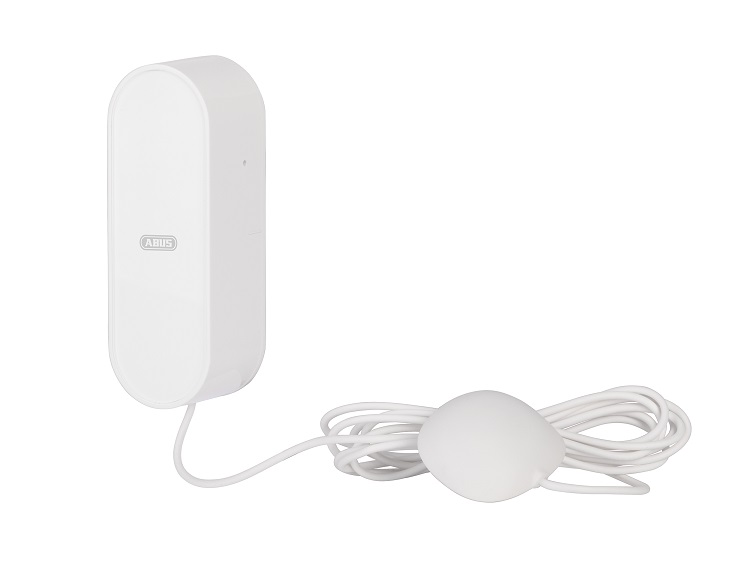
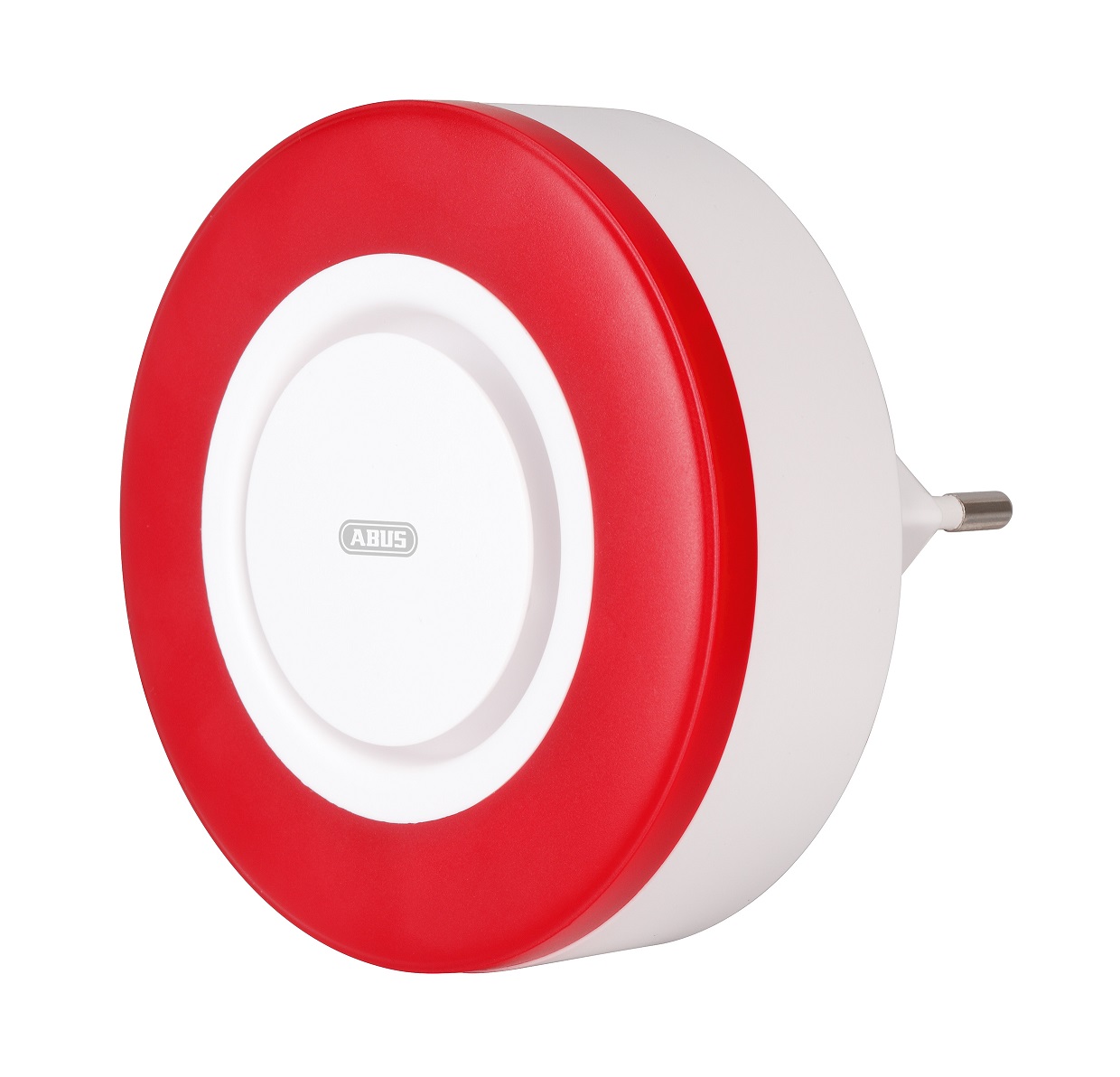
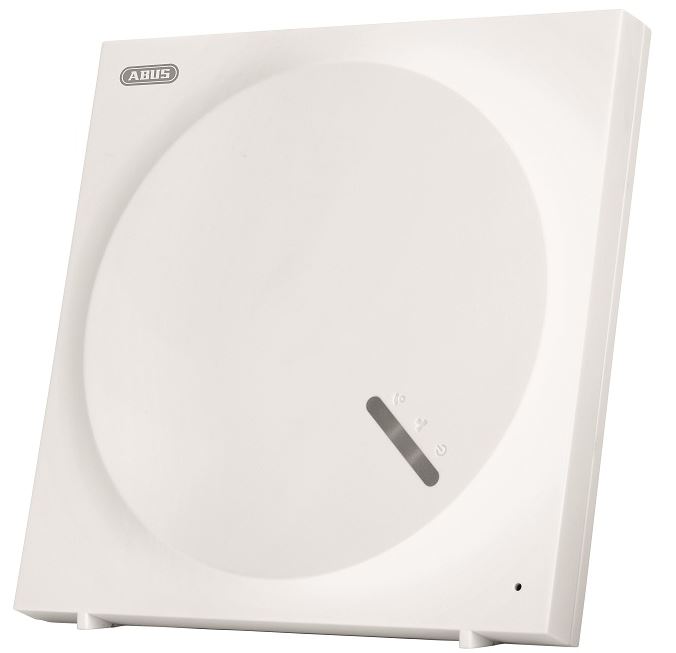
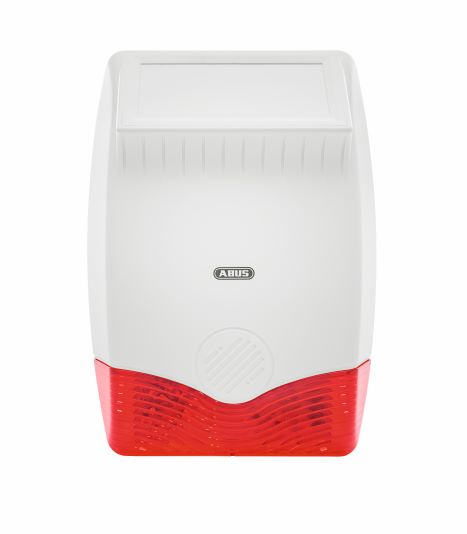
The ABUS Z-Wave indoor siren offers more than the loud alarm with 100dB in case of alarm. An additional speaker can play voice messages that provide understandable information about events or status changes of the Z-Wave Gateway. Frequently used notifications are pre-installed, e.g. notifications about activations or deactivations of the security system. Individual notifications can also be transferred to the siren via USB cable and triggered via a Z-Wave gateway. The siren has tamper protection and is battery operated. The integrated hygrometer provides sensor values for building automation and thus, for example, the heating behaviour can be controlled depending on the temperature and humidity. Firmware updates can be conveniently uploaded over the air (OTA) and numerous configuration parameters allow individual adjustments, e.g. the duration of the alarm.
Want to buy adds it to your wish list and follows ABUS for updates. I own it adds it to your collection.
The ABUS Z-Wave indoor siren offers more than the loud alarm with 100dB in case of alarm. An additional speaker can play voice messages that provide understandable information about events or status changes of the Z-Wave Gateway. Frequently used notifications are pre-installed, e.g. notifications about activations or deactivations of the security system. Individual notifications can also be transferred to the siren via USB cable and triggered via a Z-Wave gateway. The siren has tamper protection and is battery operated. The integrated hygrometer provides sensor values for building automation and thus, for example, the heating behaviour can be controlled depending on the temperature and humidity. Firmware updates can be conveniently uploaded over the air (OTA) and numerous configuration parameters allow individual adjustments, e.g. the duration of the alarm.
Hardware platform
SD3502
Short description
The ABUS Z-Wave indoor siren offers more than the loud alarm with 100dB in case of alarm.
Association groups
Group Number Maximum Nodes Supported End Point ID Group Name Description 1
Product identifier
PLSG10000
Countries / regions
European Union
Certification number
ZC10-20036878
Radio range z wave (m)
40
Configuration parameters
Parameter Number Name Description Format Size Min Value Max Value Default Value Parameter Values 1
Supports explorer frames
Yes
Supported command classes
Identifier Name Key Version COMMAND_CLASS_SOUND_SWITCH
Supported multilevel sensors
Multilevel Sensor Type Air temperature
Supported notification types
Notification Type Event / State Siren
From to description 10 600 adjustable from 10 600 in seconds (hexadecimal: 0x0 a 0x258) 3 sound playback for z wave controllers that do not support sound switch command class, the sound to be played can be set here. 1 1 0 99 0 from to description 1 99 1 99 = sound 1 99 is played, (hexadecimal: 0x00 0x63) 0 0 no sound is played. 4 temperature report additional temperature report, which is sent when the set threshold is exceeded. 1 1 0 10 5 from to description 0 10 the value 0 deactivates the temperature report. adjustable from 0 10 in 0.5° steps, e.g. 5 = 2.5°. (hexadecimal: 0x00 0x0 a) 5 air humidity report additional humidity report that is sent when the set threshold is exceeded. 1 1 0 10 5 from to description 1 10 adjustable from 0 10 in 5% steps, e.g. 5 = 25%, (hexadecimal: 0x00 0x0 a) 0 0 humidity report is disabled. 6 sabotage alarm determines whether sound file #2 should be played directly in case of a sabotage alarm. 1 1 0 1 0 from to description 0 0 0 = the siren does not play a sound file. 1 1 1 = the siren plays sound file #2. (hexadecimal: 0x00 0x01) texts