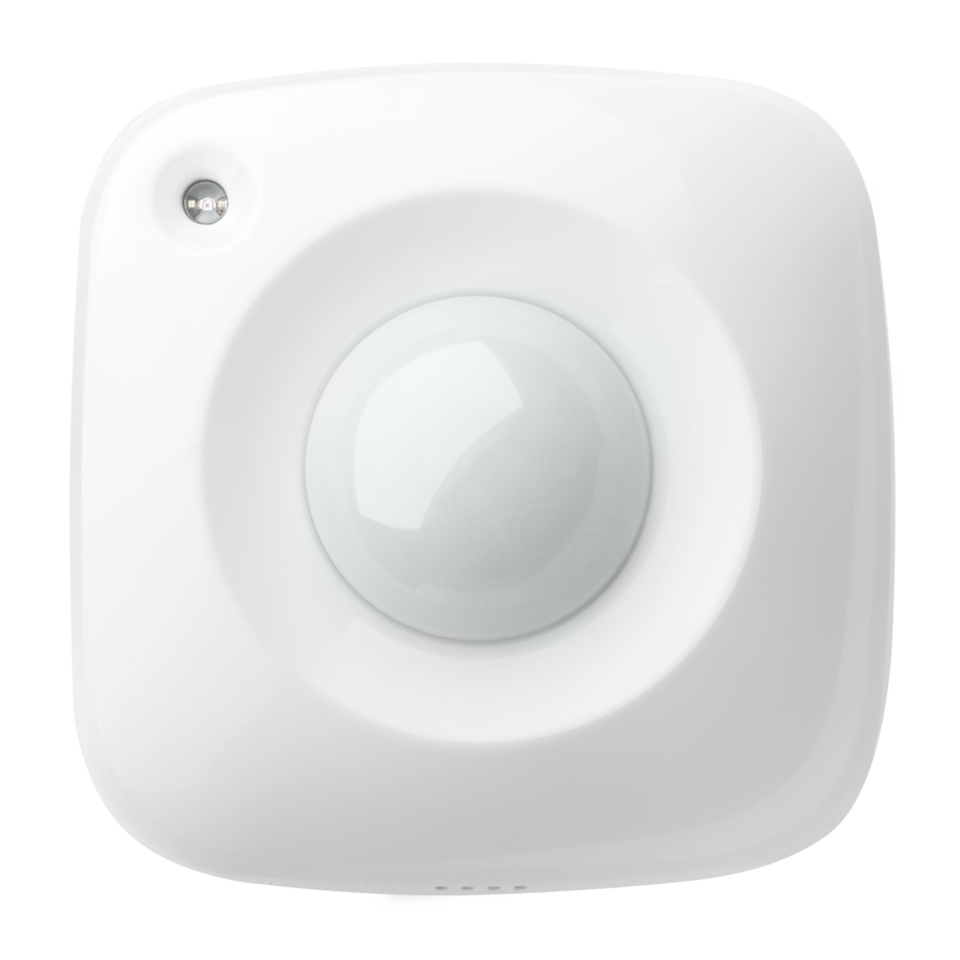
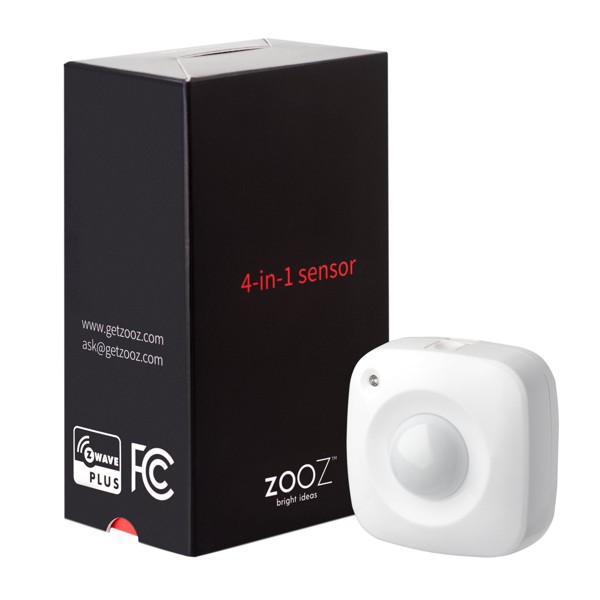
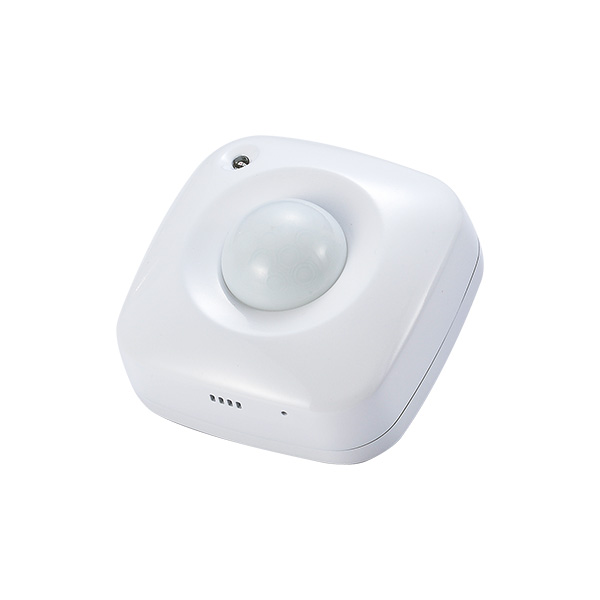
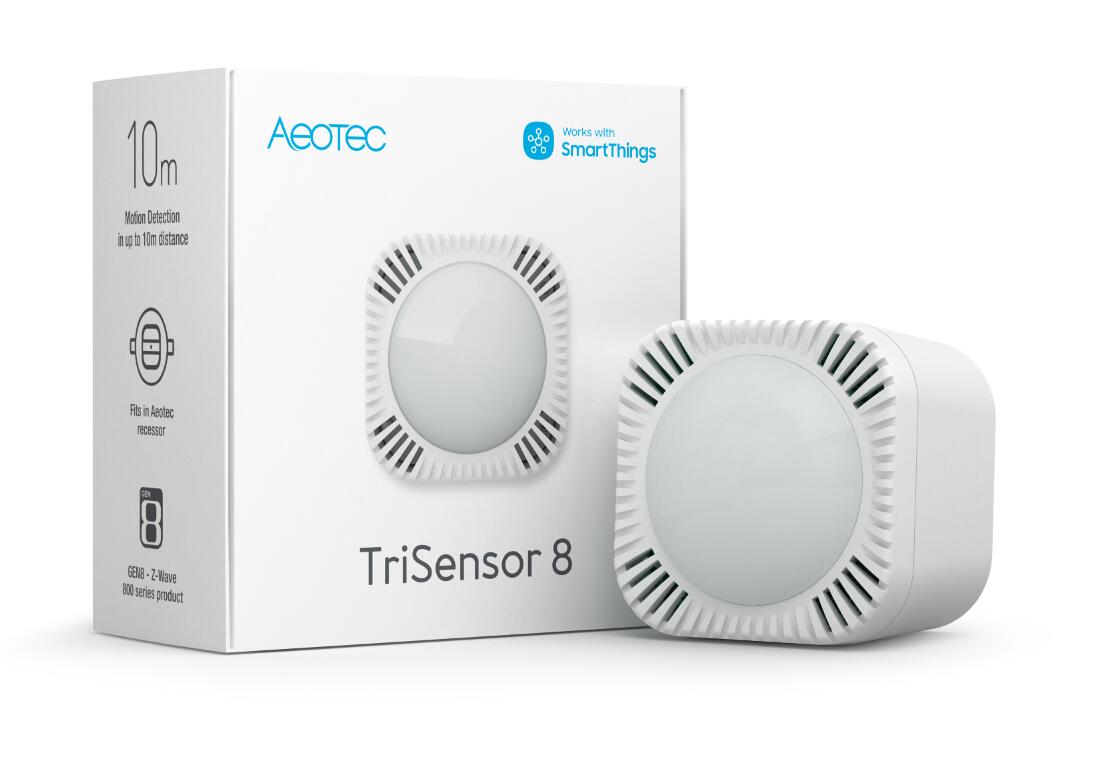
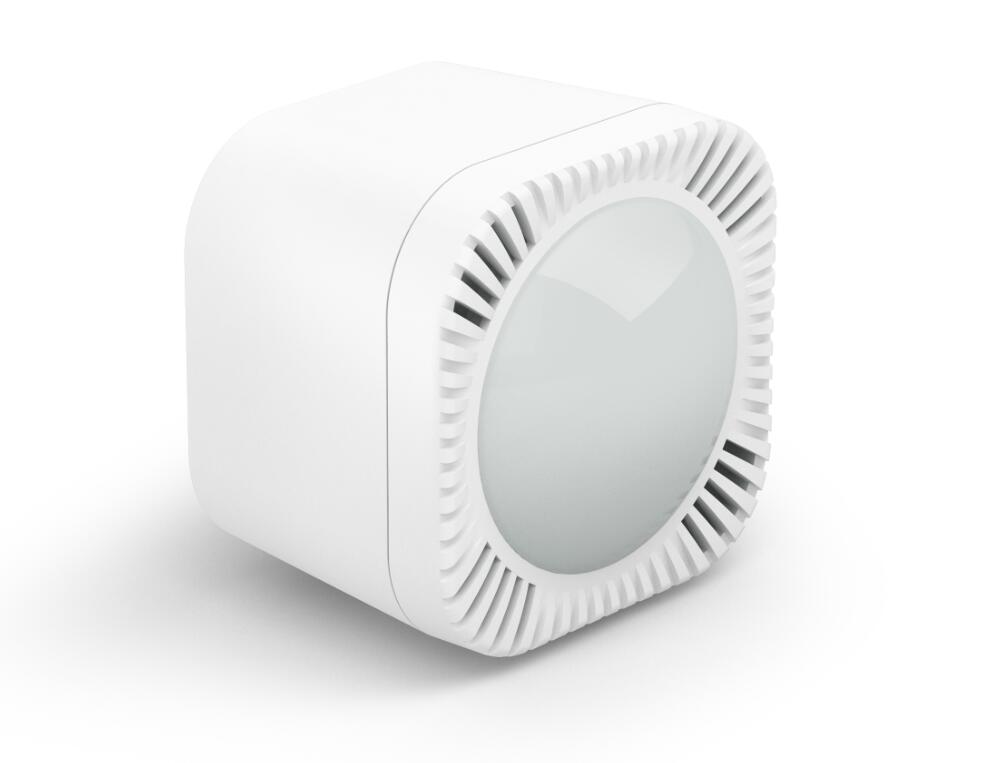
Long descriptionTriSensor can be included and operated in any Z-Wave network with other Z-Wave certified devices from other manufacturers and/or other applications. All non-battery operated nodes within the network will act as repeaters regardless of vendor to increase reliability of the network. If PIR motion sensor is triggered, the TriSensor will send a Basic set to associated devices. The PIR motion sensor will then become inactive. If no PIR motion is triggered after the PIR interval time (configurable), the TriSensor will send Basic Set to the associated nodes. Short descriptionAeotec TriSensor has a motion detector, ambient temperature and ambient light sensor in one, based on Z-Wave Plus technology. From to description 0 11 0 – pir sensor disabled. 1 – lowest sensitivity. 11 – highest sensitivity. 2 motion clear time this parameter is configured the time to clear motion event after a motion event detected. time to motion clear, the device will send a clear event report to controller and send basic set = 0x00 to nodes associated in group 2. unit: second. 0 2 0 0 240 from to description 1 32767 time to motion clear, the device will send a clear event report to controller and send basic set = 0x00 to nodes associated in group 2. unit: second. 4 binary sensor report enable ‘0’ –disable sensor binary report when motion event is detected or cleared. ‘1’ –enable sensor binary report when motion event is detected or cleared. 0 1 0 0 0 from to description 0 1 ‘0’ –disable sensor binary report when motion event is detected or cleared. ‘1’ –enable sensor binary report when motion event is detected or cleared. 7 temperature alarm value this parameter is configured the threshold value that alarm level for temperature. when the current ambient temperature value is larger than this configuration value, device will send a basic set = 0x ff to nodes associated in group 3. if current temperature value is less than this value, device will send a basic set = 0x00 to nodes associated in group 3. value = [value] × 0.1(celsius / fahrenheit) 0 2 0 0 239 from to description 400 850 value = [value] × 0.1(celsius / fahrenheit) 5 disable basic set to associated nodes this parameter is configured the enabled or disabled send basic set command to nodes that associated in group 2 and group 3. 0 – disabled all group basic set command 1 – enabled group 2 basic set command, group 3 basic set command is disabled. 2 – enabled group 3 basic set command, group 2 basic set command is disabled. 3 – enabled group 2 and group 3 basic set command. 0 1 0 0 3 from to description 0 3 0 – disabled all group basic set command 1 – enabled group 2 basic set command, group 3 basic set command is disabled. 2 – enabled group 3 basic set command, group 2 basic set command is disabled. 3 – enabled group 2 and group 3 basic set command. 23 temperature sensor report interval this parameter is configured the time interval for temperature sensor report. this value is larger, the battery life is longer. and the temperature value changed is not obvious. unit: second. 0 2 0 0 3600 from to description 1 32767 unit: second. 31 light intensity offset value the current measuring light intensity value can be add and minus a value by this setting. 0 2 0 0 0 from to description 1000 1000 scale: lux. 10 led indicate disable this parameter is configured the led light on disable or enable. ‘1’ – enable led blink when device detects a motion event. ‘0’ – disable led blink. this configuration is not affect inclusion, exclusion and reset. 0 1 0 0 1 from to description 0 1 ‘1’ – enable led blink when device detects a motion event. ‘0’ – disable led blink. this configuration is not affect inclusion, exclusion and reset. 11 led color for motion event report ‘0’ – disable. ‘1’ – red. ‘2’ – green. ‘3’ – blue. ‘4’ – yellow. ‘5’ – pink. ‘6’ – cyan. ‘7’ – purple. ‘8’ – orange. 0 1 0 0 2 from to description 0 8 ‘0’ – disable. ‘1’ – red. ‘2’ – green. ‘3’ – blue. ‘4’ – yellow. ‘5’ – pink. ‘6’ – cyan. ‘7’ – purple. ‘8’ – orange. 24 light sensor report interval this parameter is configured the time interval for light sensor report. this value is larger, the battery life is longer. and the light intensity changed is not obvious. unit: second. 0 2 0 0 3600 from to description 1 32767 unit: second. 100 light sensor calibrated coefficient this configuration defines the calibrated scale for ambient light intensity. because the method and position that the sensor mounted and the cover of sensor will bring measurement error, user can get more real light intensity by this parameter setting. user should run the steps as blows for calibrating 1) set this parameter value to default (assumes the sensor has been added in a z wave network). 2) place a digital luxmeter close to sensor and keep the same direction, monitor the light intensity value (vm) which report to controller and record it. the same time user should record the value (vs) of luxmeter. 3) the scale calibration formula: k = vm / vs. 4) the value of k is then multiplied by 1024 and rounded to the nearest whole number. 5) set the value getting in to this parameter, calibrate finished. for example, vm = 300, vs = 2600, then k = 2600 / 300 = 8.6667 k = 8.6667 * 1024 = 8874.7 ≈ 8875 the parameter should be set to 8875. 0 2 0 0 1024 from to description 1 32767 this configuration defines the calibrated scale for ambient light intensity. because the method and position that the sensor mounted and the cover of sensor will bring measurement error, user can get more real light intensity by this parameter setting. 6 basic set value settings for group 2 ‘0’ – send basic set = 0x ff to devices associated in group 2 when motion event is triggered, send basic set = 0x00 to devices associated in group 2 when motion event is cleared. ‘1’– send basic set = 0x00 to devices associated in group 2 when motion event is triggered, send basic set = 0x ff to devices associated in group 2 when motion event is cleared. ‘2’ – send basic set = 0x ff to devices associated in group 2 when motion event is triggered. ‘3’ – send basic set = 0x00 to devices associated in group 2 when motion event is triggered. ‘4’ – send basic set = 0x00 to devices associated in group 2 when motion event is cleared. ‘5’ – send basic set = 0x ff to devices associated in group 2 when motion event is cleared. 0 1 0 0 0 from to description 0 5 ‘0’ – send basic set = 0x ff to devices associated in group 2 when motion event is triggered, send basic set = 0x00 to devices associated in group 2 when motion event is cleared. ‘1’– send basic set = 0x00 to devices associated in group 2 when motion event is triggered, send basic set = 0x ff to devices associated in group 2 when motion event is cleared. ‘2’ – send basic set = 0x ff to devices associated in group 2 when motion event is triggered. ‘3’ – send basic set = 0x00 to devices associated in group 2 when motion event is triggered. ‘4’ – send basic set = 0x00 to devices associated in group 2 when motion event is cleared. ‘5’ – send basic set = 0x ff to devices associated in group 2 when motion event is cleared. textsID Description Value 1