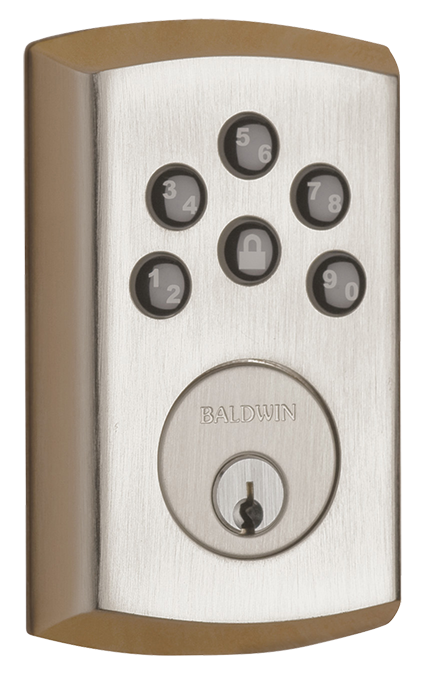
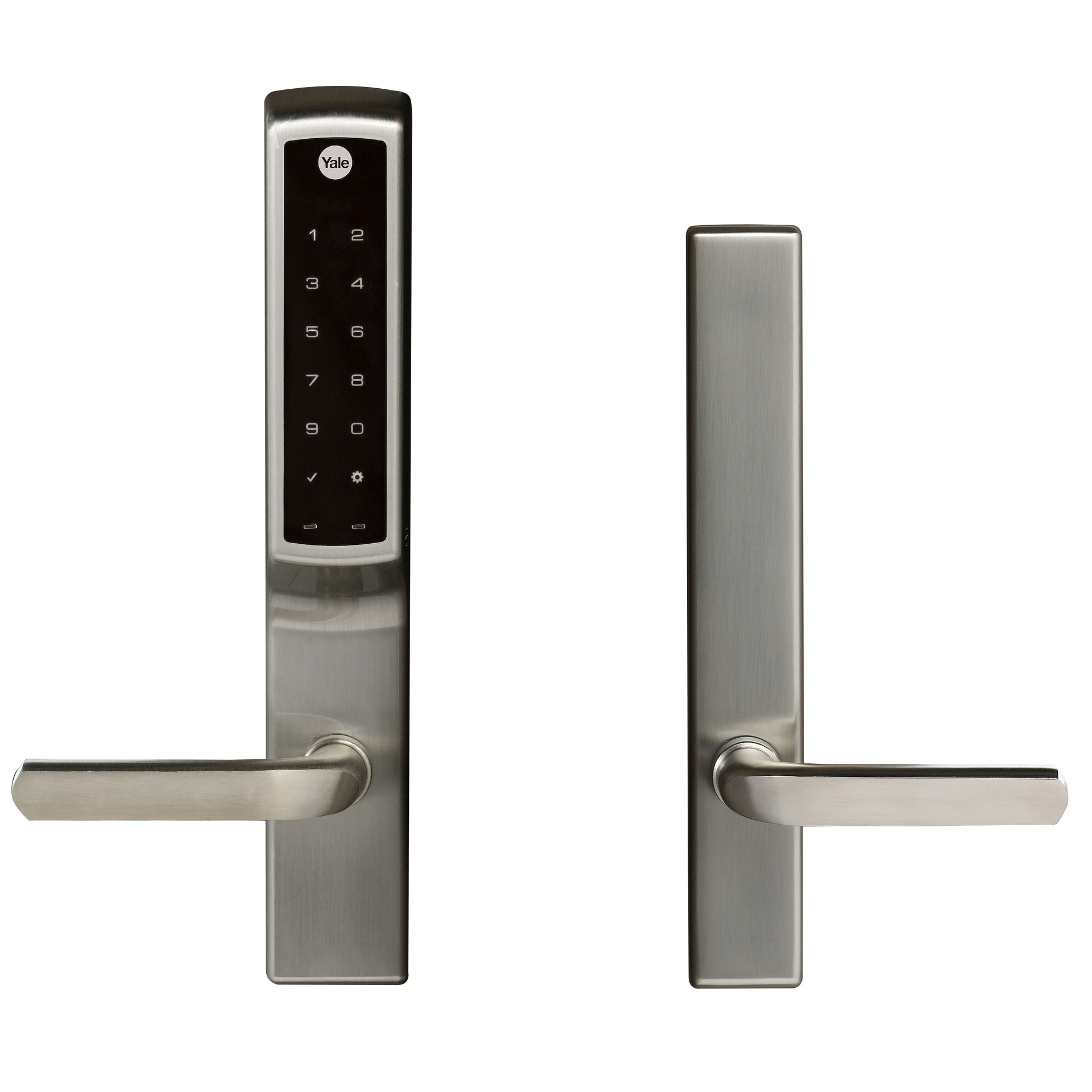
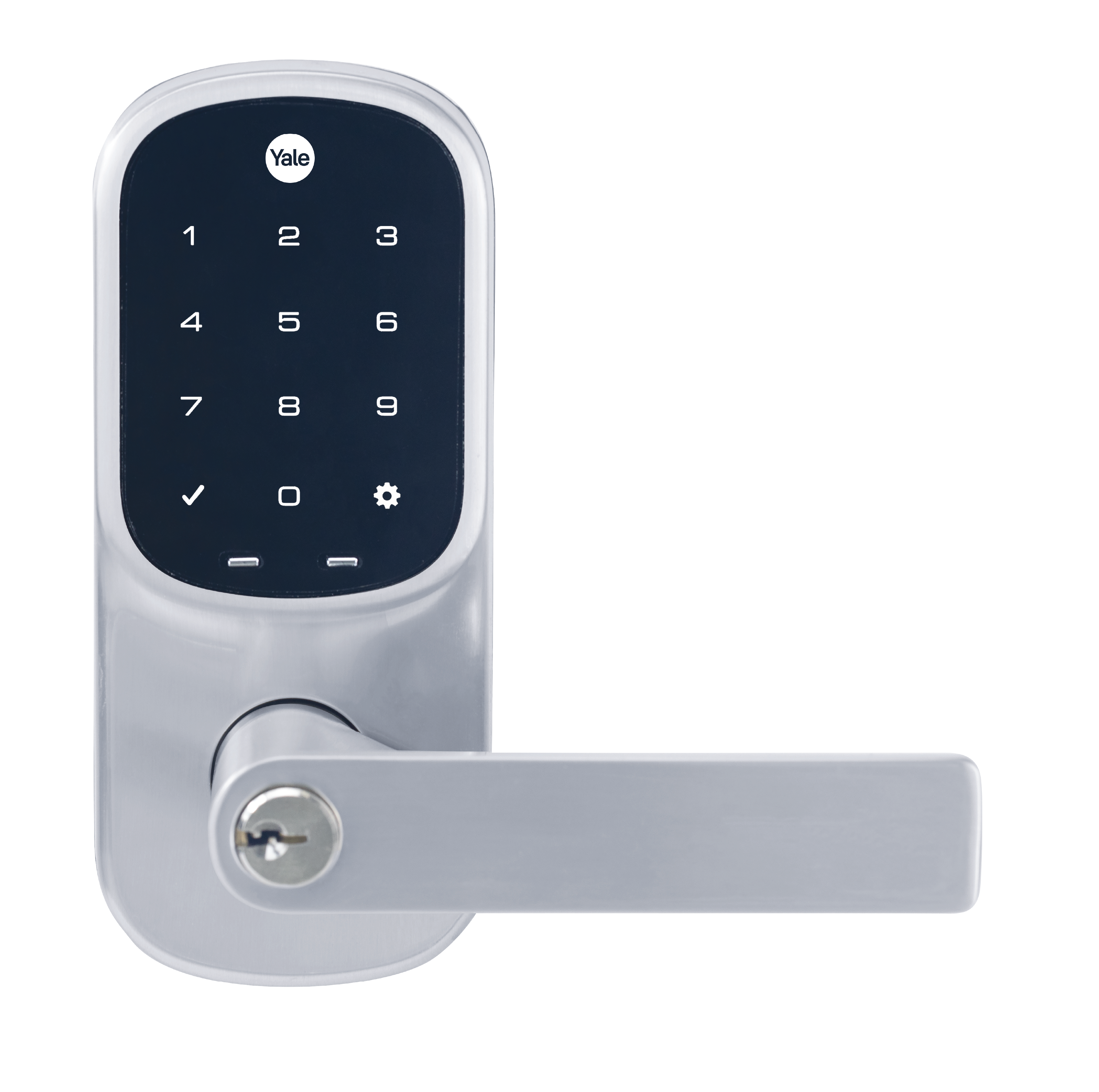
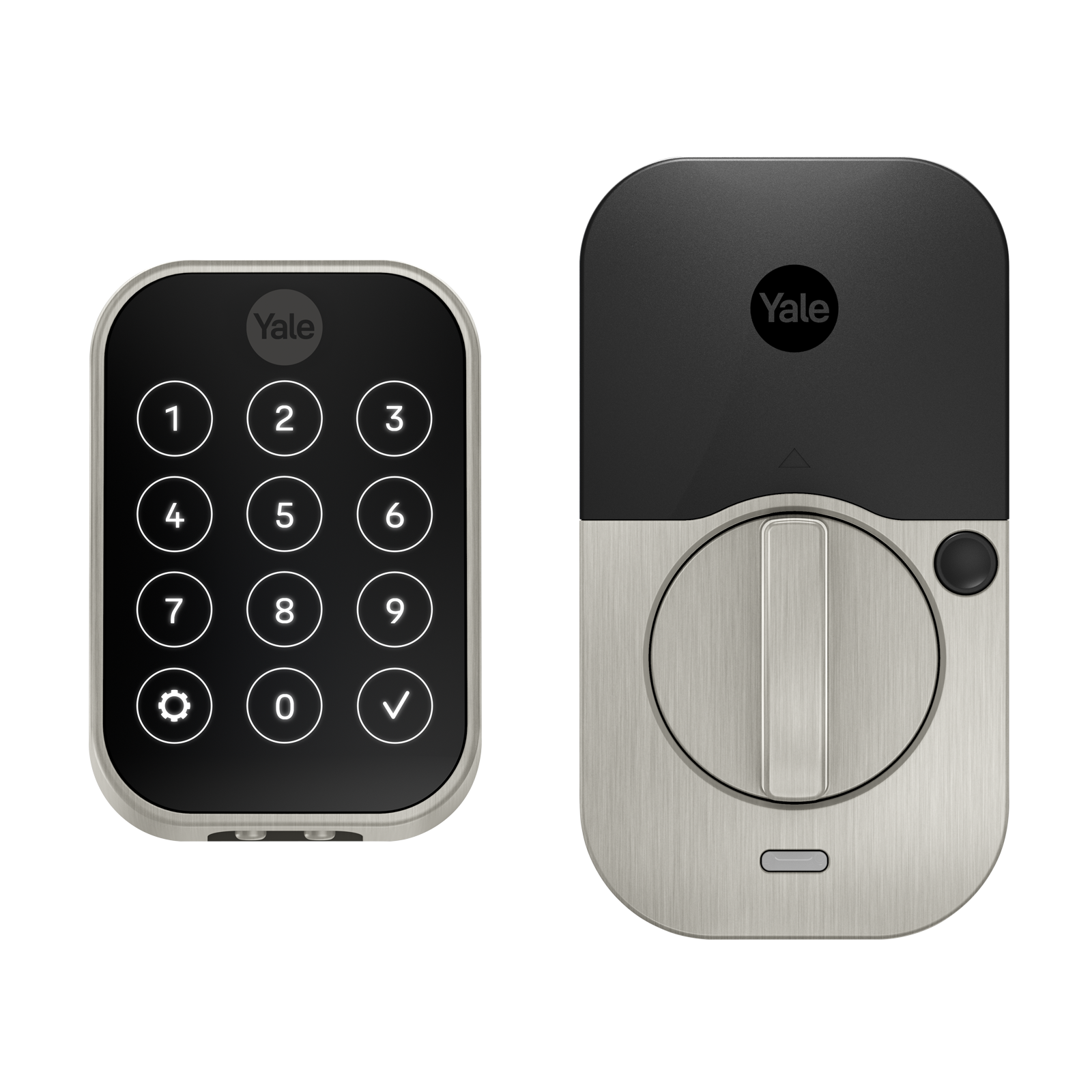
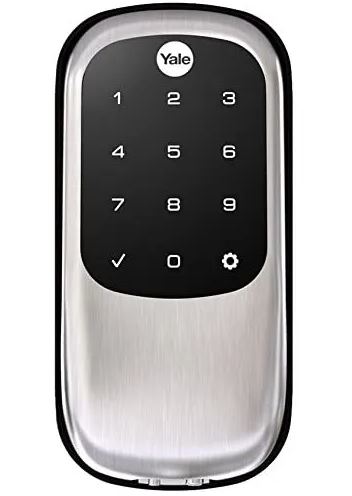
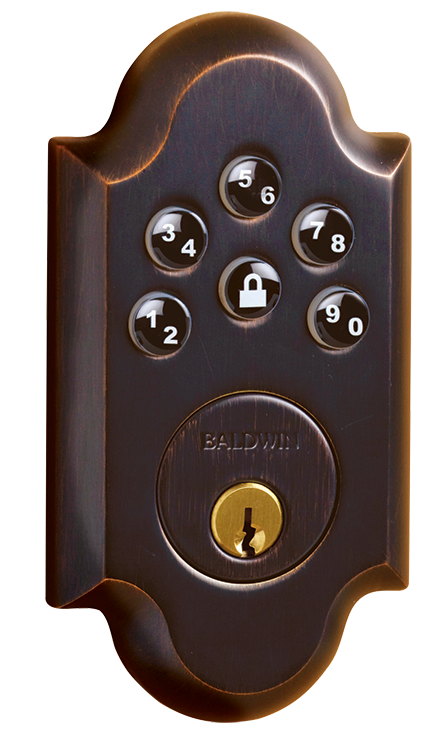
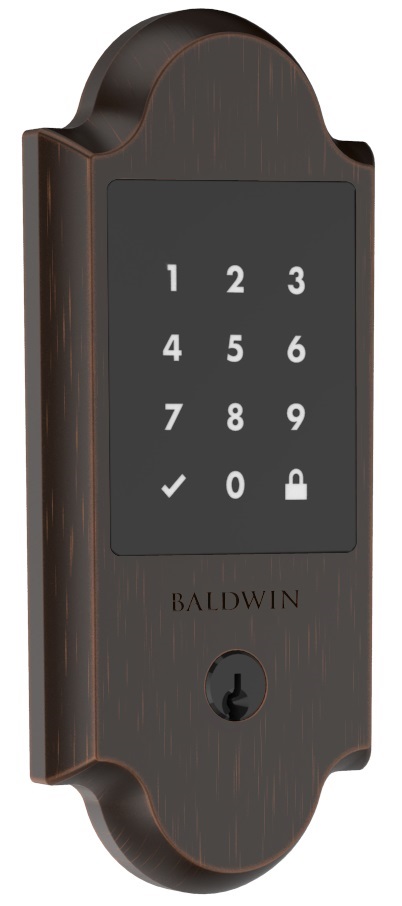
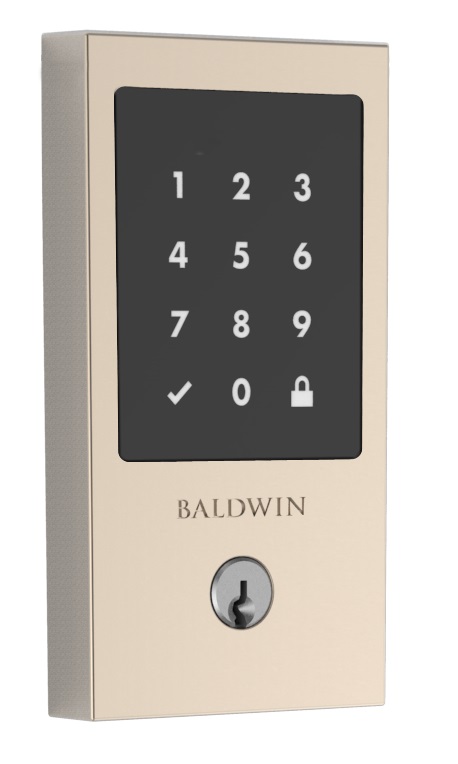
Long descriptionBaldwin®, the leader in residential security, introduces the Soho AC Electronic Deadbolt with Z-Wave. Backlit keypad with One touch locking 30 user codes BHMA grade 2 certified Full 128-bit encryption security Drill and pick resistant backup keyway SmartKey: Re-key the lock in seconds Value 4 firmware updatable value updatable by consumer by rf supported notification types value access control home security power management communications protocol value z wave serial api battery type value aa door lock type value deadbolt association groupsGroup Number Maximum Nodes Supported End Point ID Description 1 From to description 3 3 guest 4 4 worker 1 1 owner 5 user code type for user code 5 this configuration parameter is used to get or set the type of user for their corresponding user code. by default, all user codes are set to the owner type unless otherwise specified. the parameter type is associated with the user code location 5. caution must be used when setting these values. guests and workers will require schedules attached to them in order for those types to be assigned. 0 1 0 0 1 from to description 1 1 owner 3 3 guest 4 4 worker 6 user code type for user code 6 this configuration parameter is used to get or set the type of user for their corresponding user code. by default, all user codes are set to the owner type unless otherwise specified. the parameter type is associated with the user code location 6. caution must be used when setting these values. guests and workers will require schedules attached to them in order for those types to be assigned. 0 1 0 0 1 from to description 1 1 owner 3 3 guest 4 4 worker 7 user code type for user code 7 this configuration parameter is used to get or set the type of user for their corresponding user code. by default, all user codes are set to the owner type unless otherwise specified. the parameter type is associated with the user code location 7. caution must be used when setting these values. guests and workers will require schedules attached to them in order for those types to be assigned. 0 1 0 0 1 from to description 1 1 owner 3 3 guest 4 4 worker 2 user code type for user code 2 this configuration parameter is used to get or set the type of user for their corresponding user code. by default, all user codes are set to the owner type unless otherwise specified. the parameter type is associated with the user code location 2. caution must be used when setting these values. guests and workers will require schedules attached to them in order for those types to be assigned. 0 1 0 0 1 from to description 3 3 guest 4 4 worker 1 1 owner 3 user code type for user code 3 this configuration parameter is used to get or set the type of user for their corresponding user code. by default, all user codes are set to the owner type unless otherwise specified. the parameter type is associated with the user code location 3. caution must be used when setting these values. guests and workers will require schedules attached to them in order for those types to be assigned. 0 1 0 0 1 from to description 4 4 worker 1 1 owner 3 3 guest 24 user code type for user code 24 this configuration parameter is used to get or set the type of user for their corresponding user code. by default, all user codes are set to the owner type unless otherwise specified. the parameter type is associated with the user code location 24. caution must be used when setting these values. guests and workers will require schedules attached to them in order for those types to be assigned. 0 1 0 0 1 from to description 1 1 owner 3 3 guest 4 4 worker 25 user code type for user code 25 this configuration parameter is used to get or set the type of user for their corresponding user code. by default, all user codes are set to the owner type unless otherwise specified. the parameter type is associated with the user code location 25. caution must be used when setting these values. guests and workers will require schedules attached to them in order for those types to be assigned. 0 1 0 0 1 from to description 1 1 owner 3 3 guest 4 4 worker 23 user code type for user code 23 this configuration parameter is used to get or set the type of user for their corresponding user code. by default, all user codes are set to the owner type unless otherwise specified. the parameter type is associated with the user code location 23. caution must be used when setting these values. guests and workers will require schedules attached to them in order for those types to be assigned. 0 1 0 0 1 from to description 1 1 owner 3 3 guest 4 4 worker 31 dipswitch settings this is a one byte read only bit mask that returns the state of the user accessible dipswitches on the rear panel of the door lock. 0x01: lock status led (1: enabled, 0: disabled) 0x02: autolock setting (1: enabled, 0: disabled) 0x04: buzzer (1: enabled, 0: disabled) 0 1 0 0 5 from to description 1 1 lock status led enabled 2 2 autolock enabled 3 3 autolock & lock status led enabled 4 4 internal buzzer enabled 7 7 all features enabled 0 0 all features disabled 5 5 internal buzzer & lock status led enabled 10 user code type for user code 10 this configuration parameter is used to get or set the type of user for their corresponding user code. by default, all user codes are set to the owner type unless otherwise specified. the parameter type is associated with the user code location 10. caution must be used when setting these values. guests and workers will require schedules attached to them in order for those types to be assigned. 0 1 0 0 1 from to description 1 1 owner 3 3 guest 4 4 worker 11 user code type for user code 11 this configuration parameter is used to get or set the type of user for their corresponding user code. by default, all user codes are set to the owner type unless otherwise specified. the parameter type is associated with the user code location 11. caution must be used when setting these values. guests and workers will require schedules attached to them in order for those types to be assigned. 0 1 0 0 1 from to description 1 1 owner 3 3 guest 4 4 worker 17 user code type for user code 17 this configuration parameter is used to get or set the type of user for their corresponding user code. by default, all user codes are set to the owner type unless otherwise specified. the parameter type is associated with the user code location 17. caution must be used when setting these values. guests and workers will require schedules attached to them in order for those types to be assigned. 0 1 0 0 1 from to description 3 3 guest 4 4 worker 1 1 owner 9 user code type for user code 9 this configuration parameter is used to get or set the type of user for their corresponding user code. by default, all user codes are set to the owner type unless otherwise specified. the parameter type is associated with the user code location 9. caution must be used when setting these values. guests and workers will require schedules attached to them in order for those types to be assigned. 0 1 0 0 1 from to description 1 1 owner 3 3 guest 4 4 worker 1 user code type for user code 1 this configuration parameter is used to get or set the type of user for their corresponding user code. by default, all user codes are set to the owner type unless otherwise specified. the parameter type is associated with the user code location 1. caution must be used when setting these values. guests and workers will require schedules attached to them in order for those types to be assigned. 0 1 0 0 1 from to description 4 4 worker 1 1 owner 3 3 guest 8 user code type for user code 8 this configuration parameter is used to get or set the type of user for their corresponding user code. by default, all user codes are set to the owner type unless otherwise specified. the parameter type is associated with the user code location 8. caution must be used when setting these values. guests and workers will require schedules attached to them in order for those types to be assigned. 0 1 0 0 1 from to description 1 1 owner 4 4 worker 3 3 guest textsID Description Value 1