✅ Future-proofBuilt to keep working — even if the maker walks away.
It works locally over Z-Wave, so it keeps running even if Dome shuts down the app or the servers. Nothing here ties you to a single company's survival.
Works locally over Z-Wave — keeps running without the maker's cloud
Still in production
Based on how this device connects (local vs. cloud), whether it’s still sold and supported, and its app / subscription. A guide, not a guarantee.
Connectivity
Z-Wave
Prices
No prices yet — be the first to add one.
Community tags
Be the first to tag this page — tags appear right away. Try a theme, capability, or subject (e.g. WWII, heist, slow burn, time travel, A24).
Community photos
Photos from members
No member photos yet.
Reviews
What members say
Sign in to rate Dome Door/Window Sensor Pro and share a photo.
No reviews yet.
Community
Be the first to start a thread about Dome Door/Window Sensor Pro
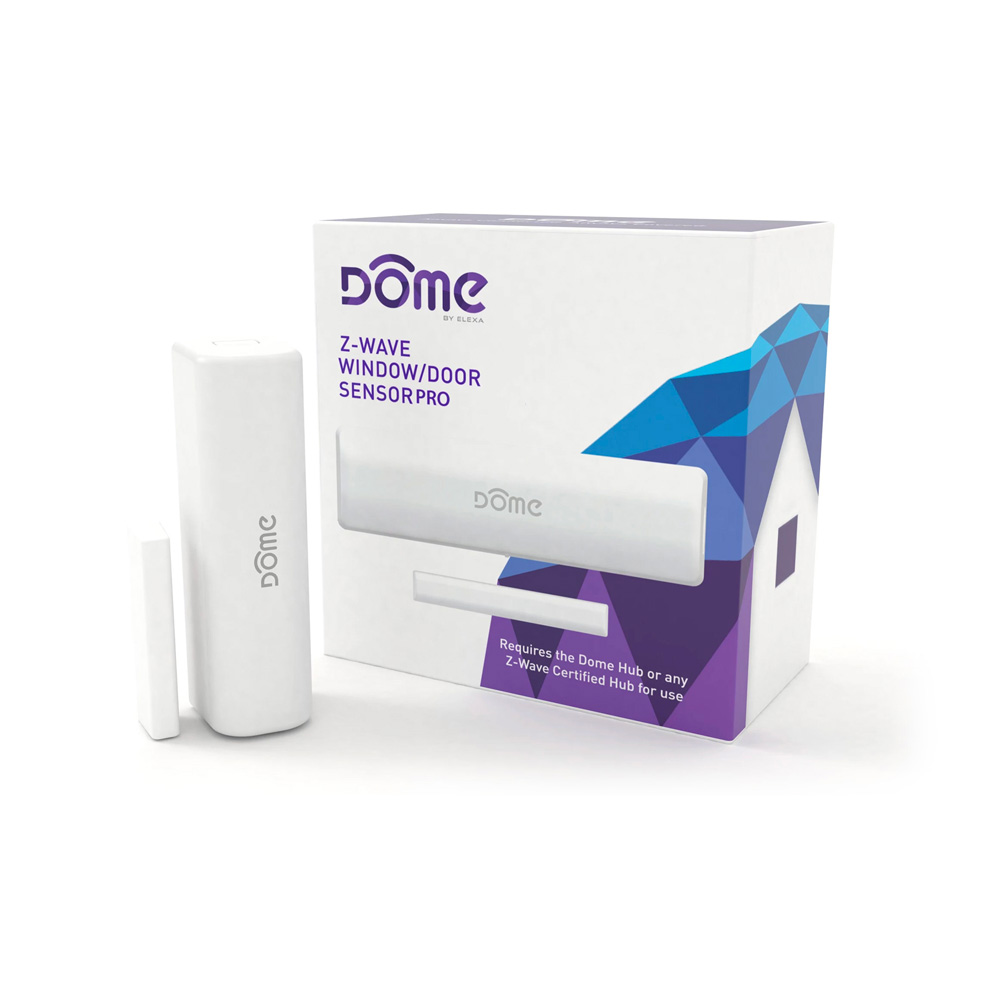
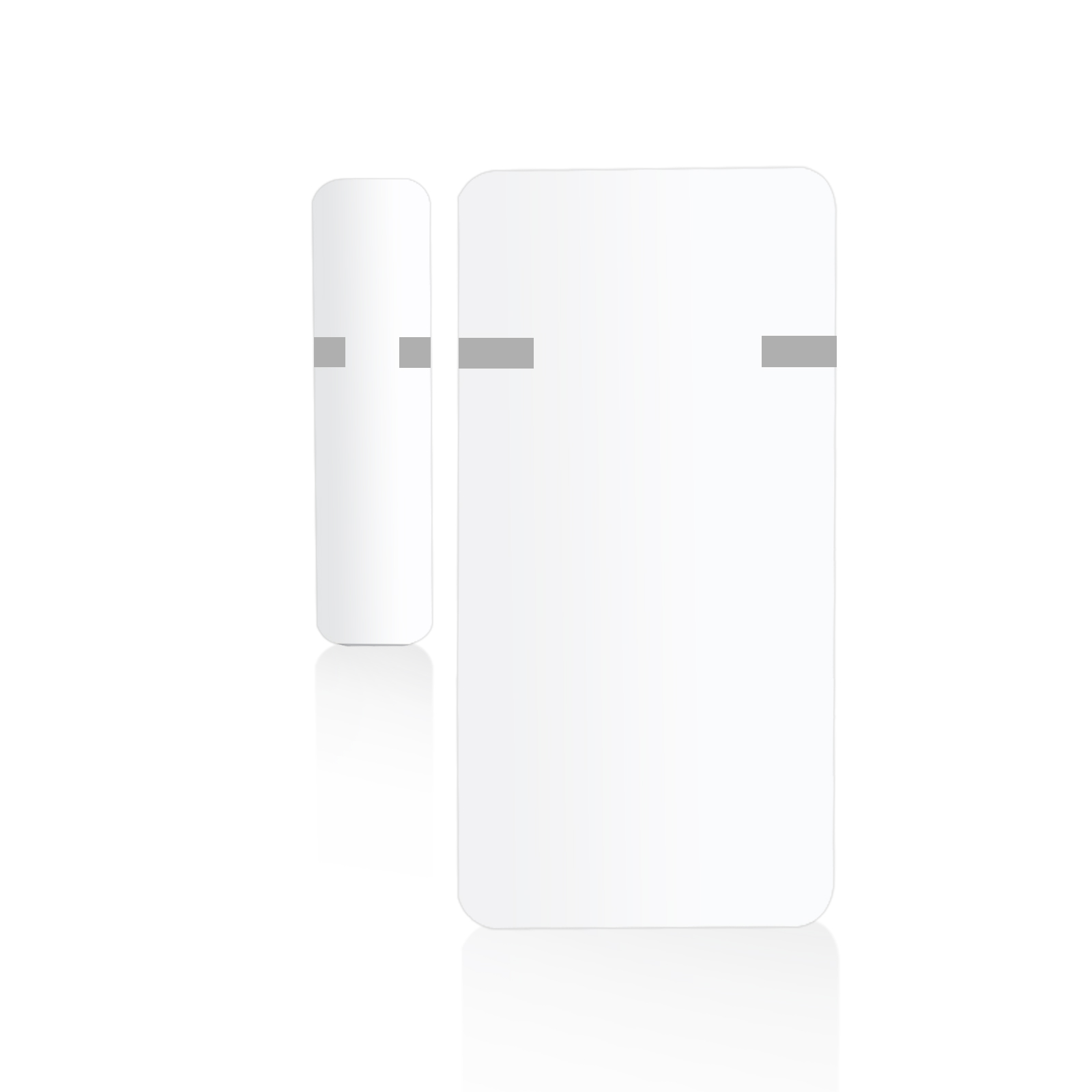
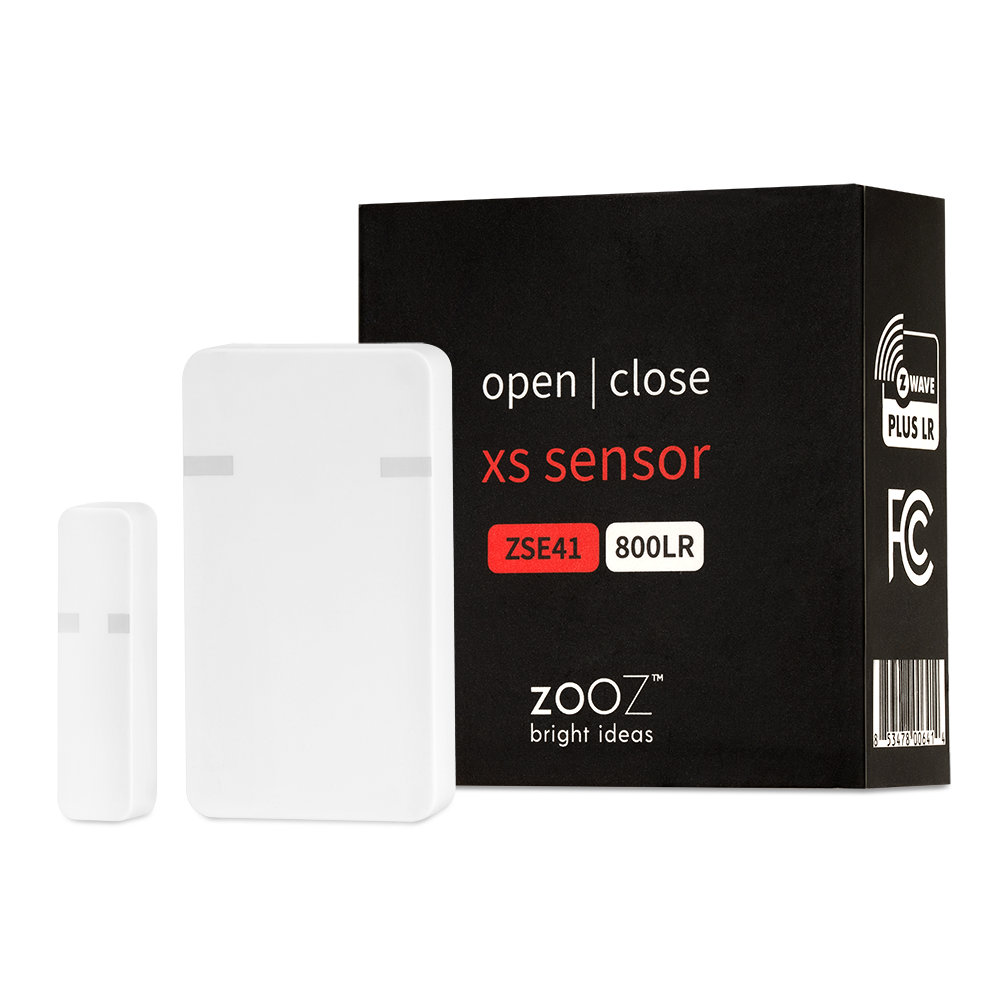
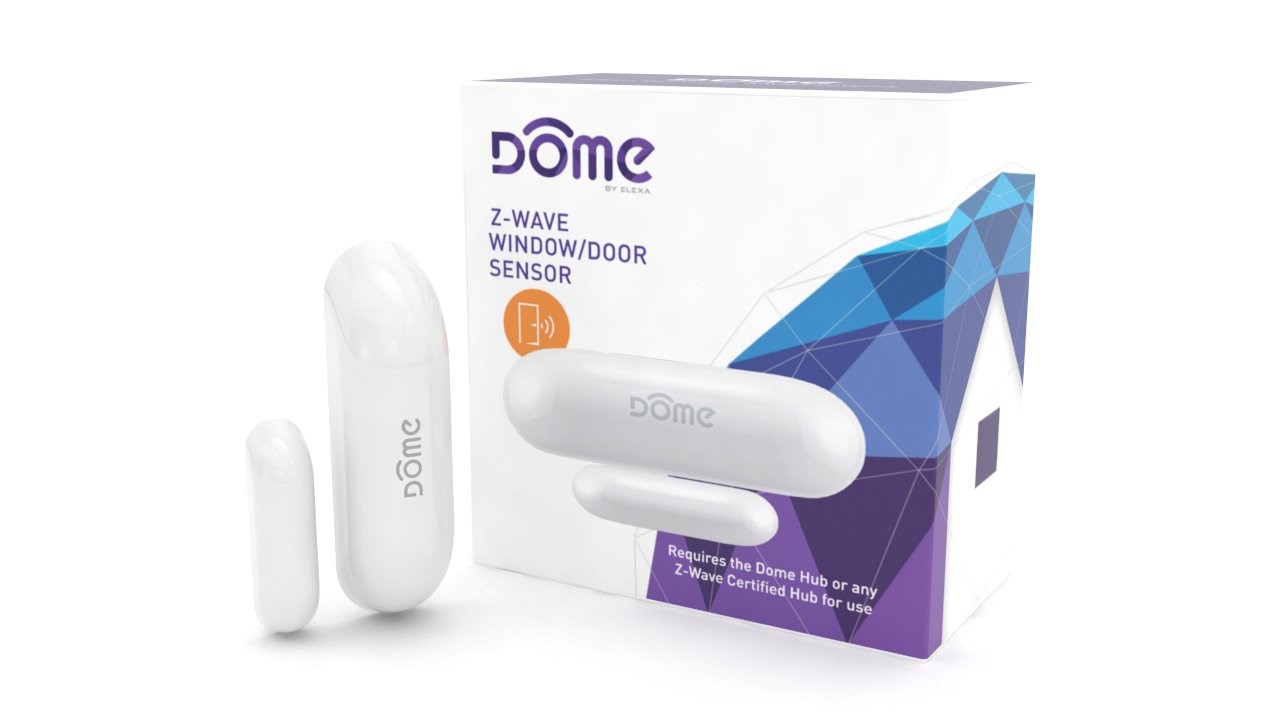
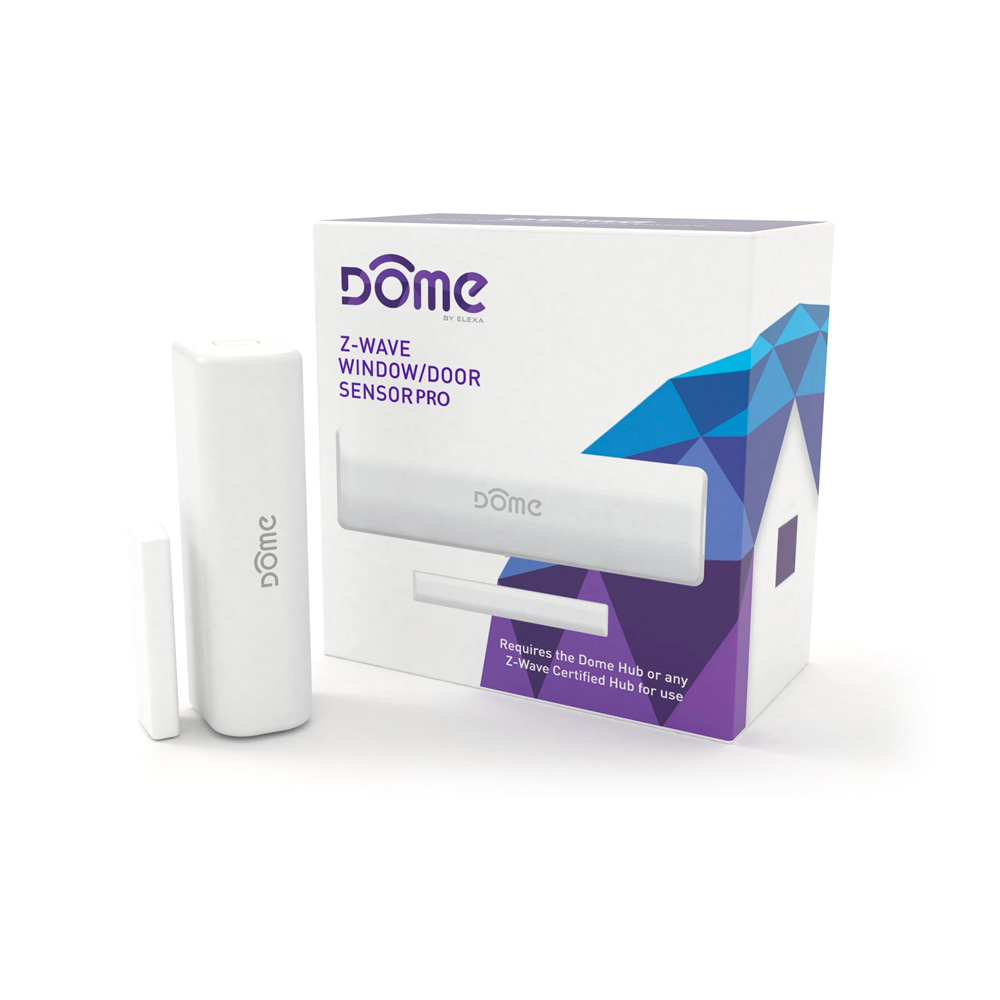
The Dome Door/Window Sensor is a battery powered security-enabled* Z-Wave Plus magnetic reed switch that can monitor the status of doors, windows, and anything else that opens and closes. It can also report ambient temperature levels. The Door/Window Sensor consists of two parts - the “sensor,” and the “magnet.” The sensor has a “reed switch” inside, which is sensitive to the magnet’s presence when aligned properly and within the defined distance. When the sensor and magnet are brought together or pulled apart, the sensor will report its open/close status to its Z-Wave controller, and the encrypted wireless communication* ensures that user data remains secure. Because many manufacturers use Z-Wave to communicate, the Door/Window Sensor can interact with different products of different categories. • Z-Wave Plus Certified • S0 Security-Enabled* • Built-In Temperature Sensor • Up to 250’ range • Ten-Year Battery Life • LED Signal Strength Indication • 1.25” Max distance between sensor & magnet • Ultra-Narrow (1/4”) Magnet for Placement Between Door and Casing • Monitor doors, windows, medicine cabinets, drawers, garage doors, and many other openings
Want to buy adds it to your wish list and follows Dome for updates. I own it adds it to your collection.
The Dome Door/Window Sensor is a battery powered security-enabled* Z-Wave Plus magnetic reed switch that can monitor the status of doors, windows, and anything else that opens and closes. It can also report ambient temperature levels. The Door/Window Sensor consists of two parts - the “sensor,” and the “magnet.” The sensor has a “reed switch” inside, which is sensitive to the magnet’s presence when aligned properly and within the defined distance. When the sensor and magnet are brought together or pulled apart, the sensor will report its open/close status to its Z-Wave controller, and the encrypted wireless communication* ensures that user data remains secure. Because many manufacturers use Z-Wave to communicate, the Door/Window Sensor can interact with different products of different categories. • Z-Wave Plus Certified • S0 Security-Enabled* • Built-In Temperature Sensor • Up to 250’ range • Ten-Year Battery Life • LED Signal Strength Indication • 1.25” Max distance between sensor & magnet • Ultra-Narrow (1/4”) Magnet for Placement Between Door and Casing • Monitor doors, windows, medicine cabinets, drawers, garage doors, and many other openings
Hardware platform
ZM5101
Short description
Dome S0 Encrypted Door/Window Sensor with Built-In Temperature Detection
Product identifier
DMDP1
Countries / regions
United States of America
Certification number
ZC10-17065635
Configuration parameters
Parameter Number Name Description Format Size Min Value Max Value Default Value Parameter Values 2
Supports explorer frames
Yes
Supported command classes
Identifier Name Key Version COMMAND_CLASS_POWERLEVEL
Supported multilevel sensors
Multilevel Sensor Type Air temperature
Supported notification types
Notification Type Event / State Access Control
Value 1 battery type value 3.7 v 14505 color value white firmware updatable value updatable by consumer by rf sensors value air temperature open/closed (binary) supported notification types value access control home security association groups
Group Number Maximum Nodes Supported End Point ID Description 3
From to description 1 1 reports open when magnet is close 0 0 reports closed when magnet is close 1 enable/disable led indicator this parameter enables or disables the led indicator flashing to indicate opening and closing events. the door/window sensor will always flash the led indicator for inclusion, exclusion, tamper, and other system events. 0 1 0 0 1 from to description 1 1 open/close led indicator enabled 0 0 open/close led indicator disabled 6 temperature units the door/window sensor can report temperature values in either celsius or fahrenheit, and this parameter allows the user to decide which unit is used. 0 1 0 0 0 from to description 0 0 temperature is reported in fahrenheit 1 1 emperature is reported in celsius 7 group 2 basic set value this parameter sets the value sent by the basic set command to association group 2. the door/window sensor sends a basic set command to association group 2 both when the tamper switch opens and closes (for more information, see “group 2”. 0 1 0 0 255 from to description 0 0 turn off device 1 99 set device to value 255 255 turn on device 3 switch between notification and binary sensor command classes by default, the door/window sensor uses the notification command class to communicate open/close and tamper events. if this parameter is set to 1, the device will instead use the binary sensor command class. to apply this setting, the battery needs be removed and replaced! this is because the supported command classes will change according to this setting, so the device must restart to advertise its new command classes. 0 1 0 0 0 from to description 2 2 binary sensor command class is used 1 1 notification command class is used 0 0 both command classes are used 4 enable/disable temperature sensor the door/window sensor can also monitor and report ambient temperature conditions. however, temperature sensing functionality is disabled by default to save battery life, and this configuration parameter is used to enable or disable this feature. to apply this setting, the battery needs be removed and replaced! this is because the supported command classes will change according to this setting, so the device must restart to advertise its new command classes. 0 1 0 0 0 from to description 1 1 temperature sensor enabled 0 0 temperature sensor disabled 5 temperature offset this configuration parameter can offset the temperature value reported by ± 125 degrees to compensate for temperature variances in a room for example, the temperature near the ceiling in a room is significantly higher than the average temperature of the same room. this parameter accepts a signed 8 bit value with an absolute value of up to 125, and its units are dependant on configuration parameter 07 0 1 0 0 0 from to description 125 1 125 to 1 degrees offset 0 125 0 125 degrees offset 8 basic set level (group 4 opening) this parameter sets the value sent by the basic set command to association group 4. the door/window sensor sends a basic set command to association group 4 when the door or window opens (for more information, see “group 4” on page 14.) 0 1 0 0 255 from to description 0 0 turn off device 1 99 set device to value 255 255 turn on device 9 basic set level (group 4 closing) this parameter sets the value sent by the basic set command to association group 4. the door/window sensor sends a basic set command to association group 4 when the door or window closes (for more information, see “group 4” on page 14.) 0 1 0 0 0 from to description 0 0 turn off device 1 99 set device to value 255 255 turn on device texts