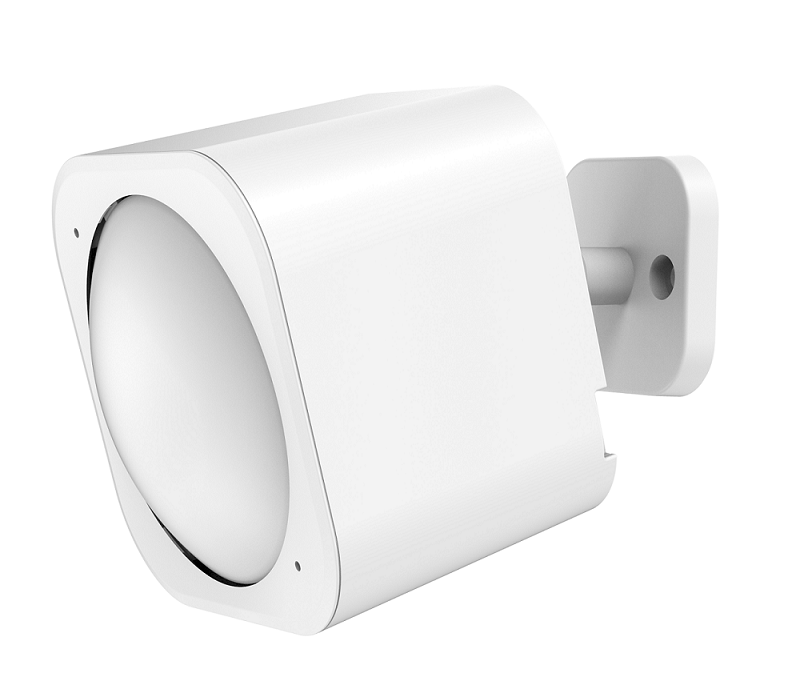
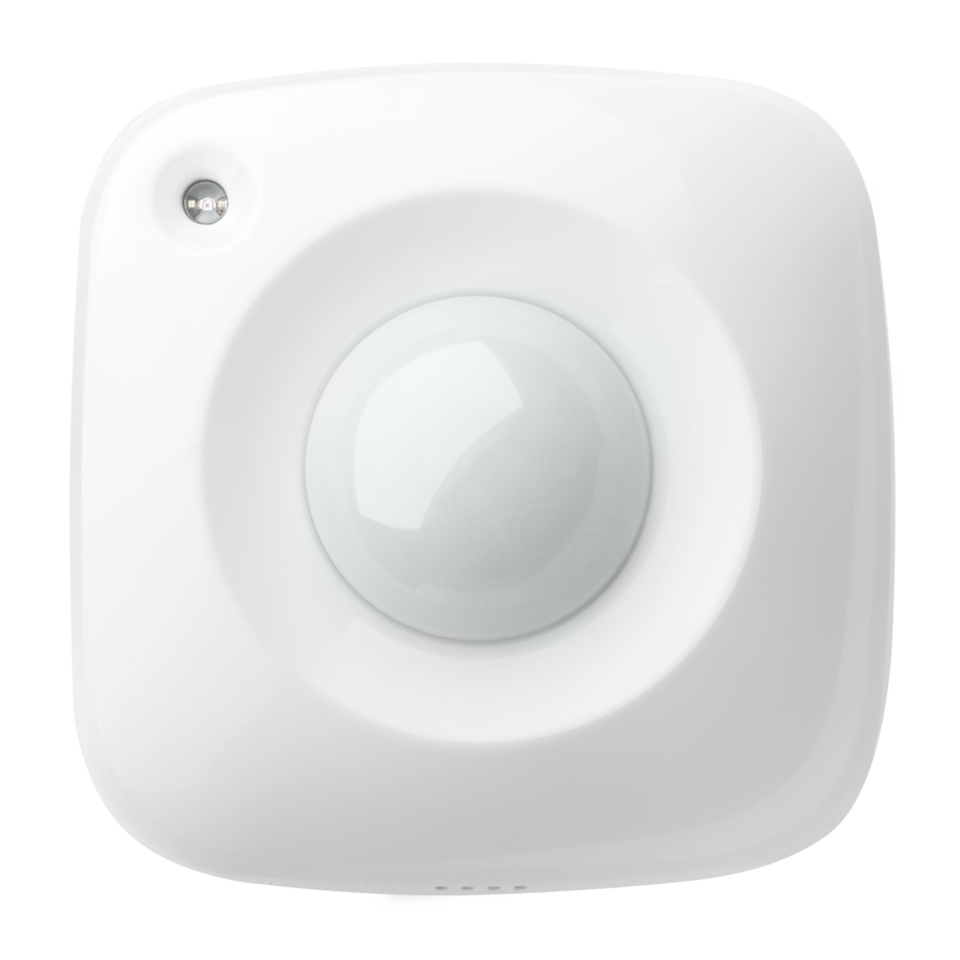
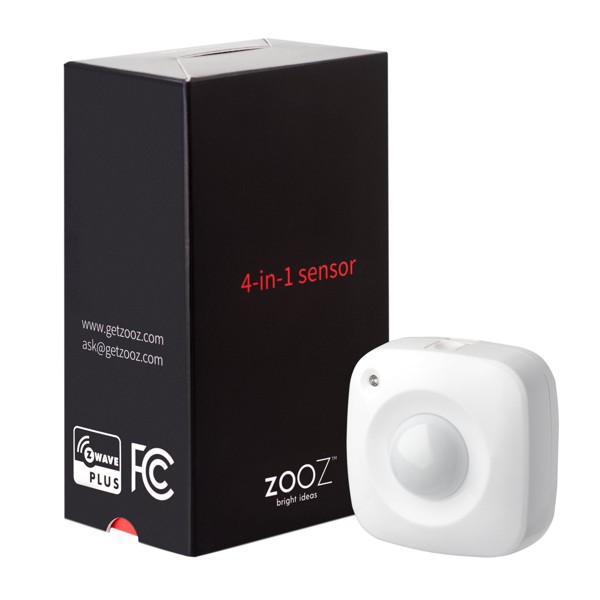
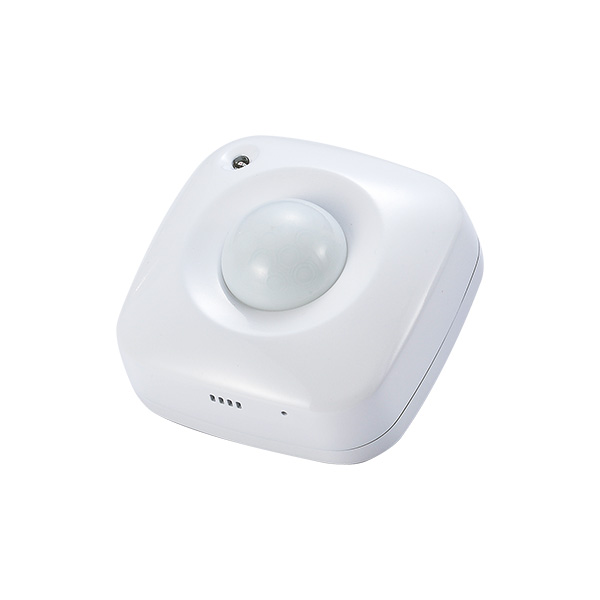
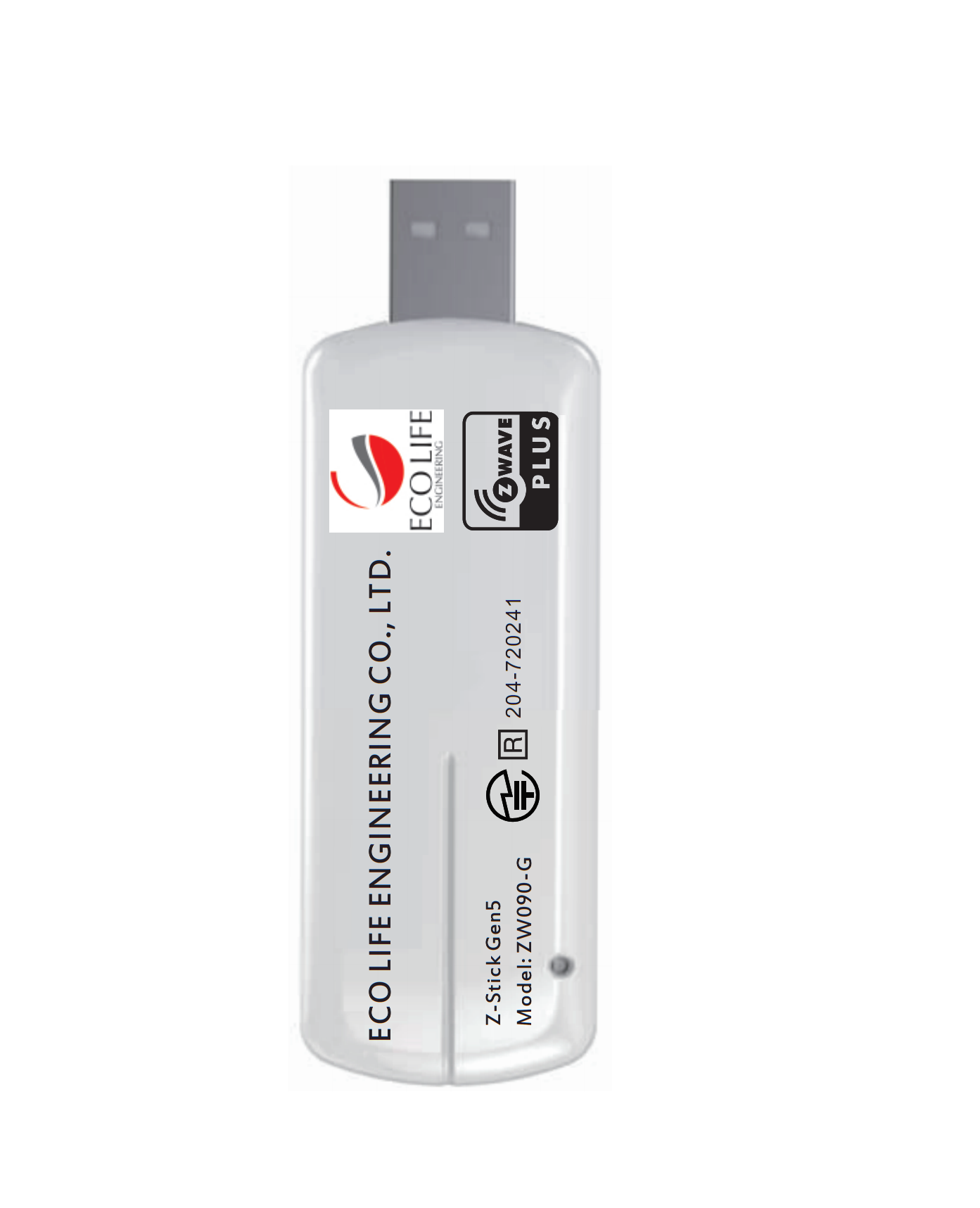
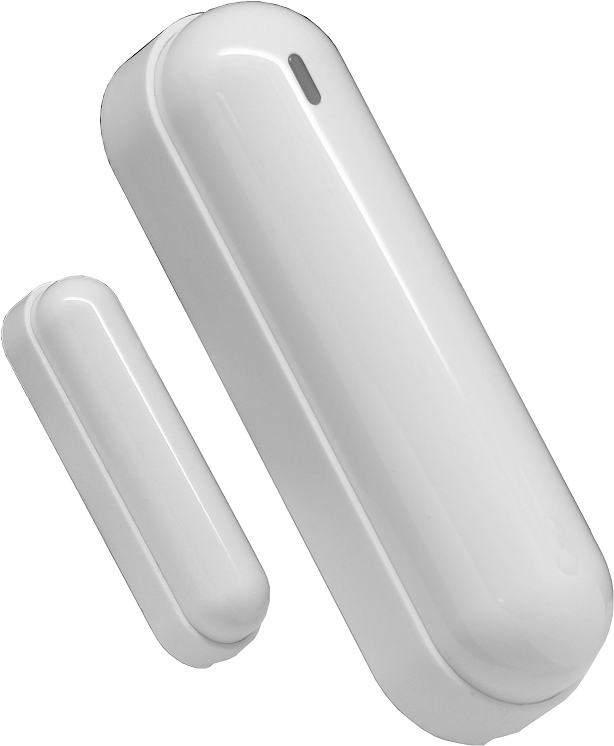
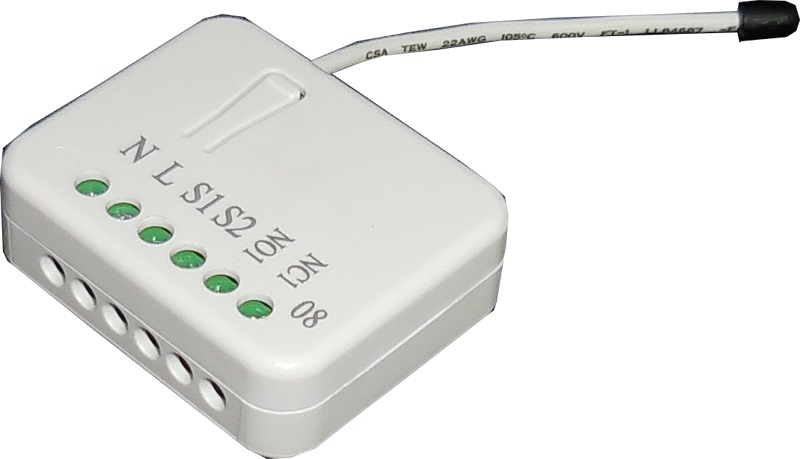
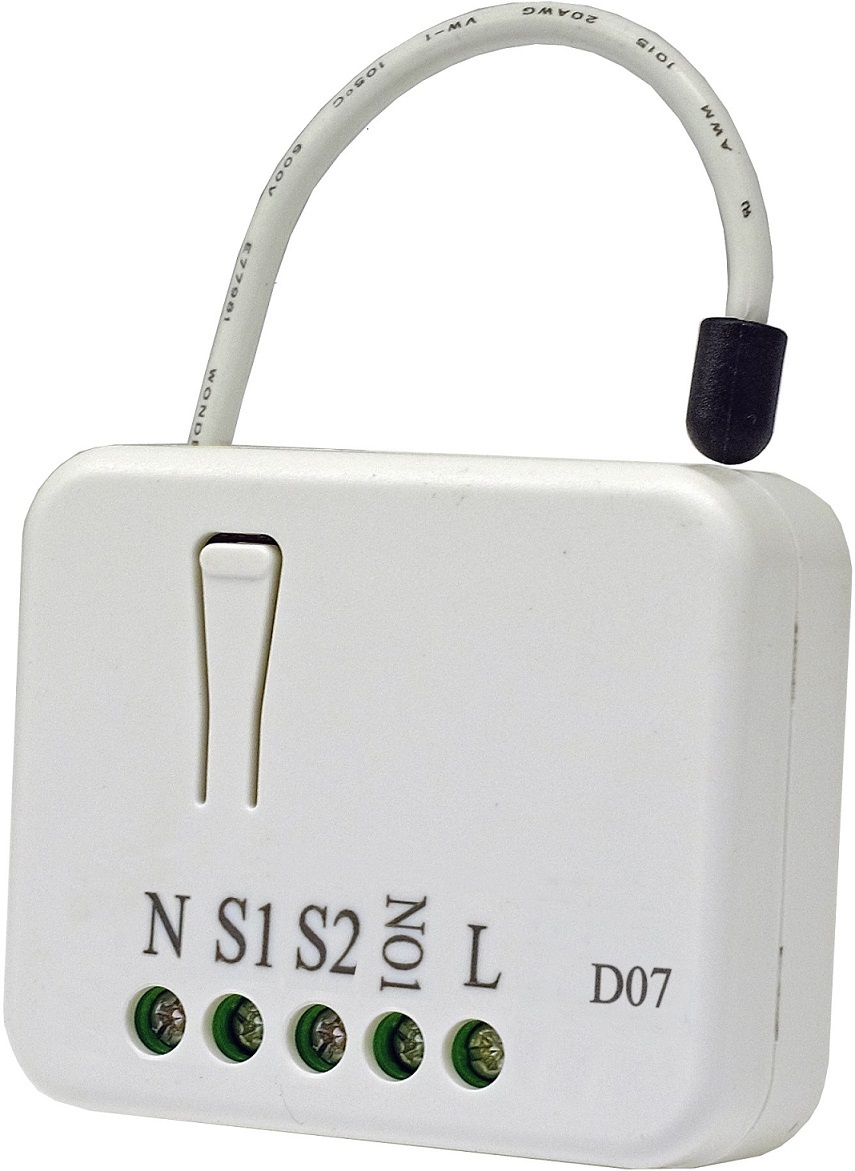
Long descriptionECO LIFE ENGINEERING MultiSensor 6 looks like a motion sensor and it acts like one too. But it’s also so much more. Installing this 1 piece of Z-Wave® technology is the same as installing 6 pieces of Z-Wave technology. Your home control network will immediately understand motion, temperature, humidity, light, Ultraviolet and Vibration readings wherever MultiSensor installed. Those intelligent readings will equate to intelligence automation. And intelligent automation will give you the perfect, smart home. Short descriptionECO LIFE ENGINEERING MultiSensor 6 is a Z-Wave motion sensor, temperature sensor, humidity sensor, lighting sensor, Ultraviolet sensor and Vibration sensor, all in one package. Value cr123 a firmware updatable value updatable by consumer by rf ip (ingress protection) rated battery quantity value 2 sensors value motion/no motion (binary) air temperature luminance humidity vibration/shock (binary) ultraviolet index supported notification types value home security association groupsGroup Number Maximum Nodes Supported End Point ID Description 1 From to description 10 3600 the range of pir time is 10 to 3600. 4 set the sensitivity of the motion sensor. this parameter changes the sensitivity level of the motion detector. 0 1 0 0 5 from to description 1 1 sensitivity level 1 of 6 2 2 sensitivity level 2 of 6 3 3 sensitivity level 3 of 6 4 4 sensitivity level 5 of 6 5 5 maximum sensitivity 0 0 minimum sensitivity 42 threshold change in humidity to induce an automatic report threshold change in humidity to induce an automatic report. note: 1. the unit is %. 2. the default value is 10, which means that if the current humidity gap is more than 10%, it will send out a humidity report. 0 1 0 0 10 from to description 1 100 available range is 1% to 100%. 43 threshold change in luminance to induce an automatic report. threshold change in luminance to induce an automatic report. 0 2 0 0 100 from to description 1 30000 available range is 1 lux to 30000 lux. 44 threshold change in battery level to induce an automatic report. threshold change in battery level to induce an automatic report. note: 1. the unit is %. 2. the default value is 10, which means that if the current battery level gap is more than 10%, it will send out a battery report. 0 1 0 0 10 from to description 1 100 available range is 1% to 100%. 45 threshold change in ultraviolet to induce an automatic report. threshold change in ultraviolet to induce an automatic report. 0 1 0 0 2 from to description 1 11 available range is 1 to 11. 46 enable/disable to send the alarm report of low temperature enable/disable to send the alarm report of low temperature(< 15℃). note: if it is enabled, the multi sensor will send a report of multi level temperature cc to controller when the current temperature is less than 15℃). 0 1 0 0 0 from to description 0 0 disable 1 1 enable. 1 30000 available range is 1 lux to 30000 lux. 48 enable/disable to send a report when the measurement is more than the upper limit value or less than the lower limit value. enable/disable to send a report when the measurement is more than the upper limit value or less than the lower limit value. 0 1 0 0 0 from to description 0 0 disable 1 1 enable. 49 set the upper limit value of temperature sensor. set the upper limit value of temperature sensor. when the measurement is more than this upper limit, which will trigger to sent out a sensor report. 0 4 0 0 824 from to description 400 2120 available range is 40.0℉ to 212.0℉. 50 set the lower limit value of temperature sensor. set the lower limit value of temperature sensor. when the measurement is less than this lower limit, which will trigger to sent out a sensor report. high byte is the lower limit value. 0 4 0 0 320 from to description 400 2120 available range is 40.0℉ to 212.0℉. 51 set the upper limit value of humidity sensor. set the upper limit value of humidity sensor. when the measurement is more than this upper limit, which will trigger to sent out a sensor report. 0 1 0 0 60 from to description 0 100 available range is 0% to 100%. 52 set the lower limit value of humidity sensor. set the lower limit value of humidity sensor. when the measurement is less than this lower limit, which will trigger to sent out a sensor report. 0 1 0 0 50 from to description 0 100 available range is 0% to 100%. 53 set the upper limit value of lighting sensor set the upper limit value of lighting sensor. when the measurement is more than this upper limit, which will trigger to sent out a sensor report. 0 1 0 0 1000 from to description 0 30000 available range is 0 to 30000 lux. 54 set the lower limit value of lighting sensor. set the lower limit value of lighting sensor. when the measurement is less than this lower limit, which will trigger to sent out a sensor report. 0 1 0 0 100 from to description 0 30000 available range is 0 to 30000 lux. 55 set the upper limit value of ultraviolet sensor. set the upper limit value of ultraviolet sensor. when the measurement is more than this upper limit, which will trigger to sent out a sensor report. 0 1 0 0 8 from to description 1 11 available range is 1 to 11. 56 set the lower limit value of ultraviolet sensor. set the lower limit value of ultraviolet sensor. when the measurement is less than this upper limit, which will trigger to sent out a sensor report. 0 1 0 0 4 from to description 1 11 available range is 1 to 11. 5 which command would be sent when the motion sensor triggered. to set which command would be sent when the motion sensor triggered. 0 1 0 0 1 from to description 1 1 send basic set cc 2 2 send sensor binary report cc 9 report the current power mode and the product state for battery power mode report the current power mode and the product state for battery power mode. note: this parameter cannot be used as set usage. 0 2 0 0 0 from to description 0 0 usb power mode 256 256 keep sleep state for battery power mode 257 257 keep awake for 10 minutes for battery power mode. 64 set the default unit of the automatic temperature report in parameter 101 103. set the default unit of the automatic temperature report in parameter 101 103. 0 1 0 0 2 from to description 1 1 the unit is celsius. 2 2 the unit is fahrenheit. 81 enable/disable the led blinking when the pir is triggered. enable/disable the led blinking when the pir is triggered. 0 1 0 0 0 from to description 0 0 enable. 1 1 disable 100 set the parameter 101 103 to default values. set the parameter 101 103 to default values. 0 1 0 0 0 from to description 1 1 set the parameter 101 103 to default values. 111 to set the interval time of sending reports in report group 1 to set the interval time of sending reports in report group 1 0 4 0 0 3600 from to description 5 2678400 available range is 5 to 2678400 seconds. 112 to set the interval time of sending reports in report group 2 to set the interval time of sending reports in report group 2 0 4 0 0 3600 from to description 5 2678400 available range is 5 to 2678400 seconds. 113 to set the interval time of sending reports in report group 3 to set the interval time of sending reports in report group 3 0 4 0 0 3600 from to description 5 2678400 available range is 5 to 2678400 seconds. 201 temperature sensor calibration temperature sensor calibration. note: 1. high byte is the calibration value. low byte is the unit (0x01=celsius, 0x02=fahrenheit) 2. the calibration value (high byte) contains one decimal point. e.g. if the value is set to 20 (0x1401), the calibration value is 2.0 ℃ (eu/au version) or if the value is set to 20 (0x1402), the calibration value is 2.0 ℉(us version) 3. the calibration value (high byte) = standard value measure value. e.g. if measure value =25.3℃ and the standard value = 23.2℃, so the calibration value= 23.2℃ 25.3℃= 2.1℃ (0x eb). if the measure value =30.1℃ and the standard value = 33.2℃, so the calibration value= 33.2℃ 30.1℃=3.1℃ (0x1 f). 0 2 0 0 0 from to description 128 127 available range is 12.8℃ to 12.7℃. 202 humidity sensor calibration humidity sensor calibration. the calibration value = standard value measure value. e.g. if measure value =80 rh and the standard value = 75 rh, so the calibration value= 75 rh – 80 rh= 5 rh (0x fb). if the measure value =85 rh and the standard value = 90 rh, so the calibration value= 90 rh – 85 rh=5 rh (0x05). 0 1 0 0 0 from to description 50 50 available range is 50 rh to 50 rh. 203 luminance sensor calibration luminance sensor calibration. the calibration value = standard value measure value. e.g. if measure value =800 lux and the standard value = 750 lux, so the calibration value= 750 – 800= 50 (0x ffce). if the measure value =850 lux and the standard value = 900 lux, so the calibration value= 900 – 850=50 (0x0032) 0 2 0 0 0 from to description 1000 1000 available range is 1000 lux to 1000 lux. 204 ultraviolet sensor calibration ultraviolet sensor calibration. the calibration value = standard value measure value. e.g. if measure value =9 and the standard value = 8, so the calibration value= 8 – 9= 1 (0x fe). if the measure value =7 and the standard value = 9, so the calibration value= 9 – 7=2 (0x02). 0 1 0 0 0 from to description 10 10 available range is 10 to 10. 58 set the recover limit value of humidity sensor. set the recover limit value of humidity sensor. note: 1. when the current measurement <= (upper limit – recover limit), the upper limit report is enabled and then it would send out a sensor report when the next measurement is more than the upper limit. after that the upper limit report would be disabled again until the measurement = (lower limit + recover limit), the lower limit report is enabled and then it would send out a sensor report when the next measurement is less than the lower limit. after that the lower limit report would be disabled again until the measurement >= (lower limit + recover limit). 0 1 0 0 5 from to description 1 50 available range is 1 to 50% 59 set the recover limit value of lighting sensor. set the recover limit value of lighting sensor. note: 1. when the current measurement <= (upper limit – recover limit), the upper limit report is enabled and then it would send out a sensor report when the next measurement is more than the upper limit. after that the upper limit report would be disabled again until the measurement = (lower limit + recover limit), the lower limit report is enabled and then it would send out a sensor report when the next measurement is less than the lower limit. after that the lower limit report would be disabled again until the measurement >= (lower limit + recover limit). 3. unit = 10×recover limit (lux) 0 1 0 0 100 from to description 1 127 available range is 10 lux to 1270 lux 60 set the recover limit value of ultraviolet sensor. set the recover limit value of ultraviolet sensor. note: 1. when the current measurement <= (upper limit – recover limit), the upper limit report is enabled and then it would send out a sensor report when the next measurement is more than the upper limit. after that the upper limit report would be disabled again until the measurement = (lower limit + recover limit), the lower limit report is enabled and then it would send out a sensor report when the next measurement is less than the lower limit. after that the lower limit report would be disabled again until the measurement >= (lower limit + recover limit). 0 1 0 0 2 from to description 0 0 usb power mode 1 5 available range is 1 to 5. 256 256 keep sleep state for battery power mode 257 257 keep awake for 10 minutes for battery power mode. 252 enable/disable all configuration parameters to be locked enable/disable all configuration parameters to be locked. 0 1 0 0 0 from to description 0 0 disable 1 1 enable. 255 reset to factory defaults. reset to factory defaults. 0 4 0 0 0 from to description 1 1 reset all configuration parameters to factory defaults. 1431655765 1431655765 reset the product to factory defaults. 2 enable/disable waking up for 10 minutes when re power on (battery mode) the multi sensor. enable/disable waking up for 10 minutes when re power on (battery mode) the multi sensor. 0 1 0 0 0 from to description 1 1 enable. 0 0 disable textsID Description Value 1