✅ Future-proofBuilt to keep working — even if the maker walks away.
It works locally over Z-Wave, so it keeps running even if EVA LOGIK shuts down the app or the servers. Nothing here ties you to a single company's survival.
Works locally over Z-Wave — keeps running without the maker's cloud
Still in production
Companion app is actively updated
Based on how this device connects (local vs. cloud), whether it’s still sold and supported, and its app / subscription. A guide, not a guarantee.
Connectivity
Z-Wave
Prices
No prices yet — be the first to add one.
Community tags
Be the first to tag this page — tags appear right away. Try a theme, capability, or subject (e.g. WWII, heist, slow burn, time travel, A24).
Community photos
Photos from members
No member photos yet.
Reviews
What members say
Sign in to rate S2 Smart Start Dimmer Switch and share a photo.
No reviews yet.
Community
Be the first to start a thread about S2 Smart Start Dimmer Switch
Threads post into the EVA LOGIK community forum.
Sign in to start a thread in the EVA LOGIK community.
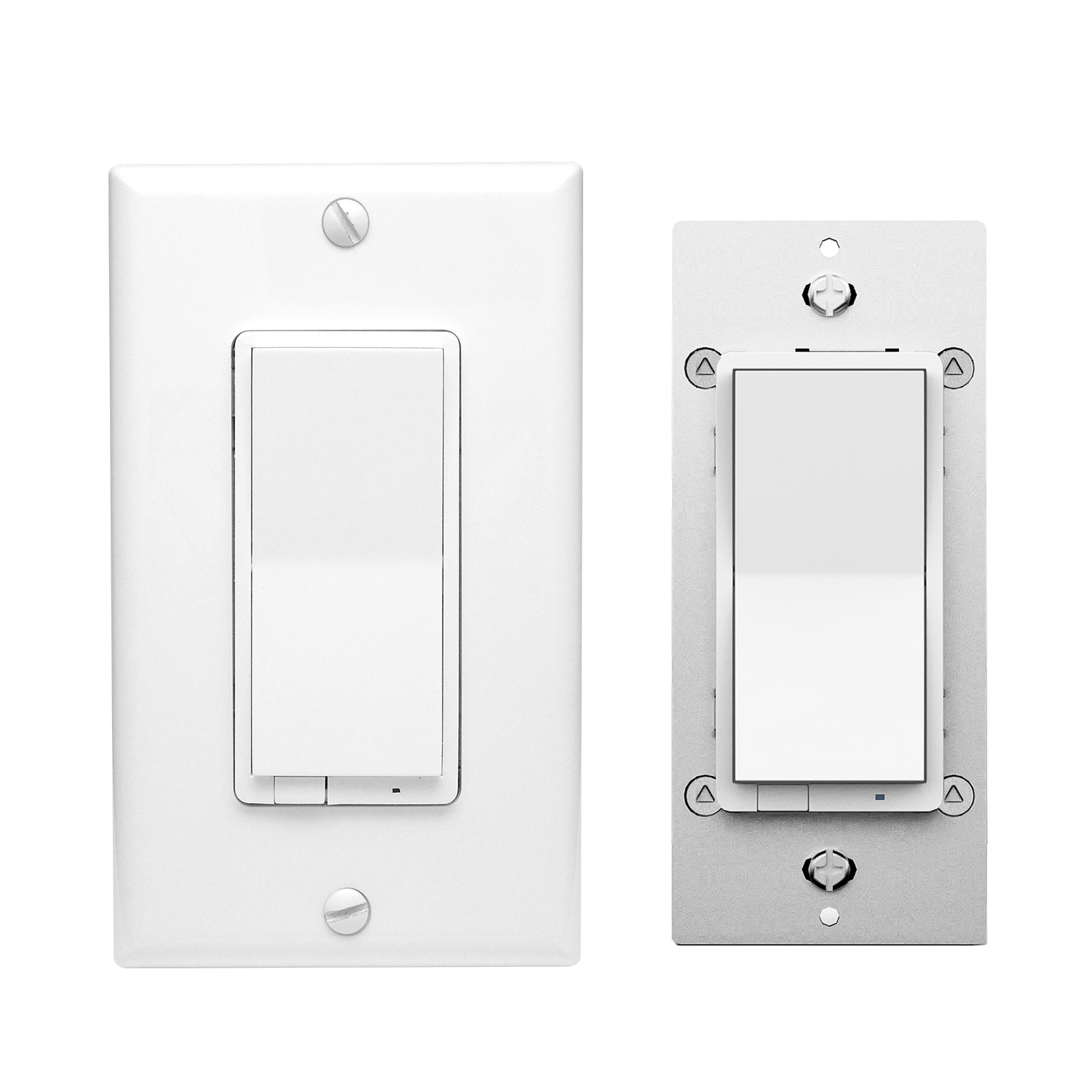
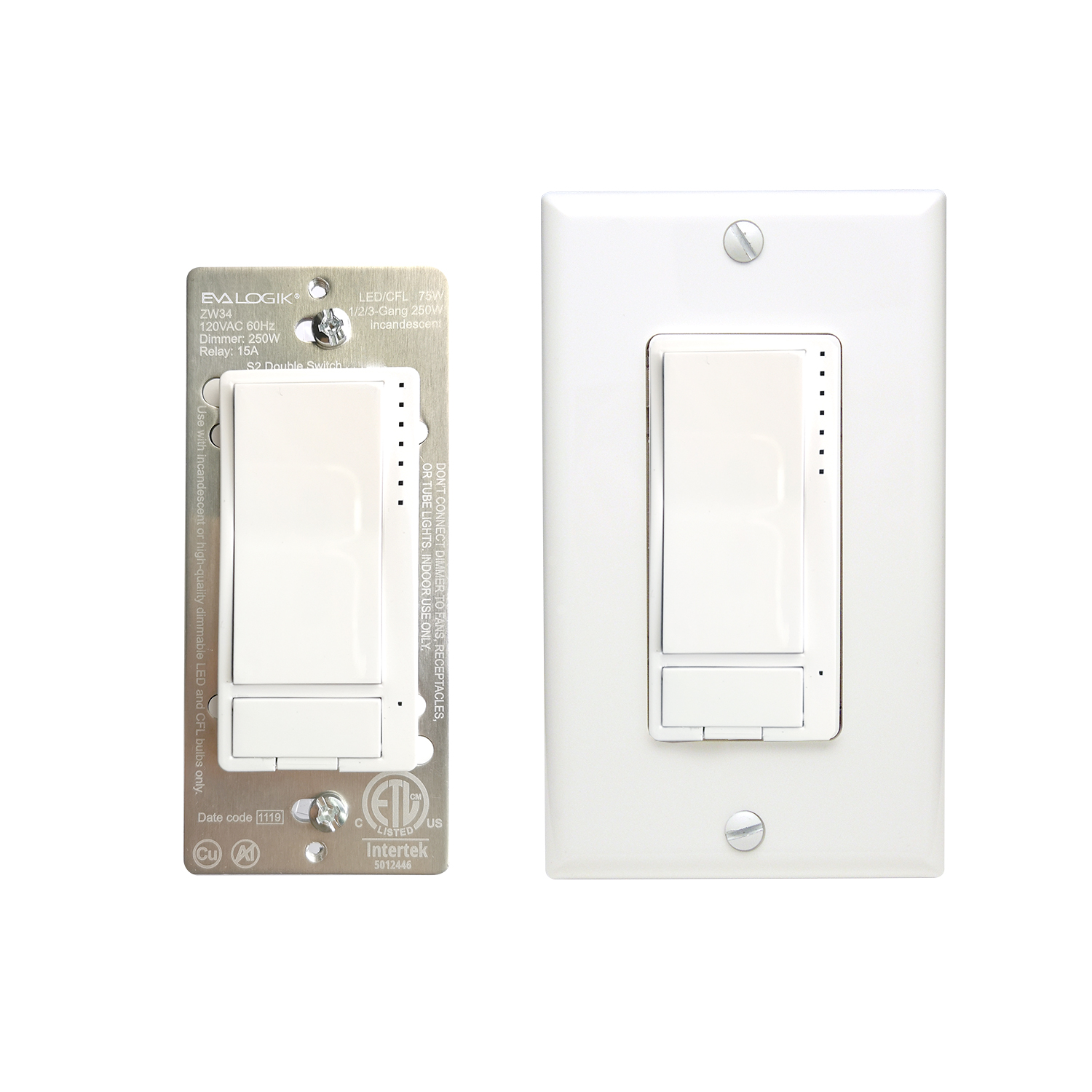
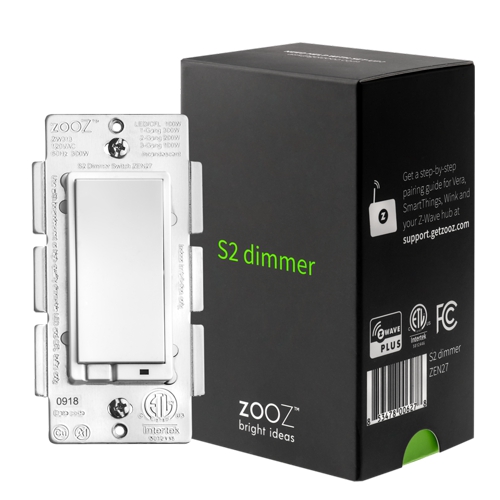
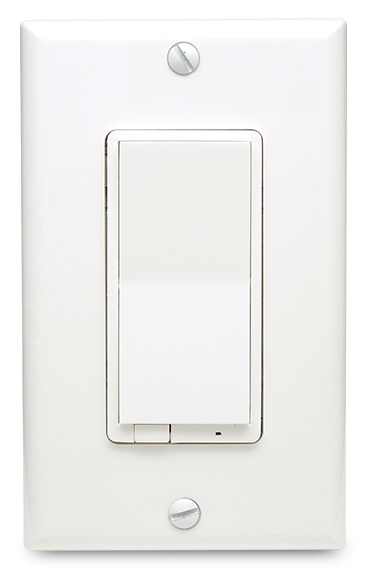
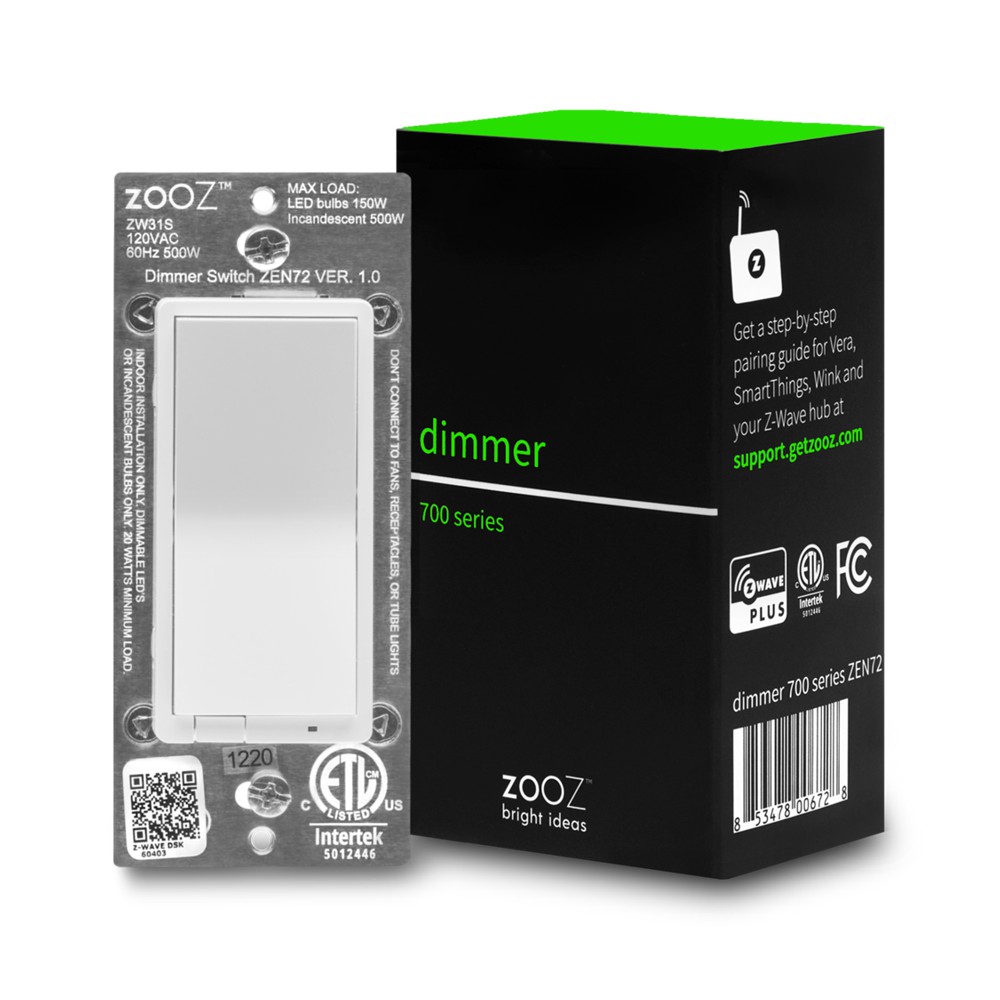
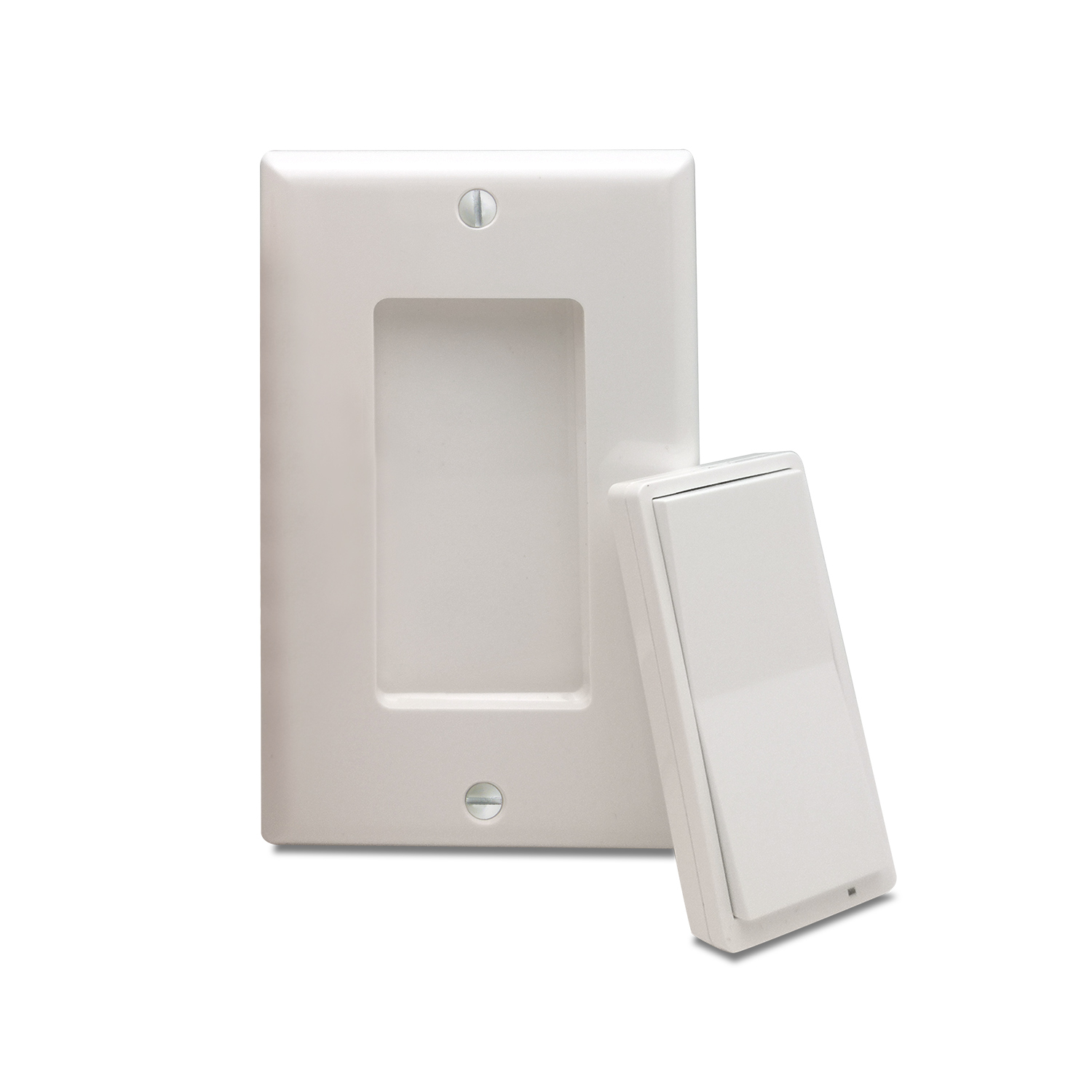
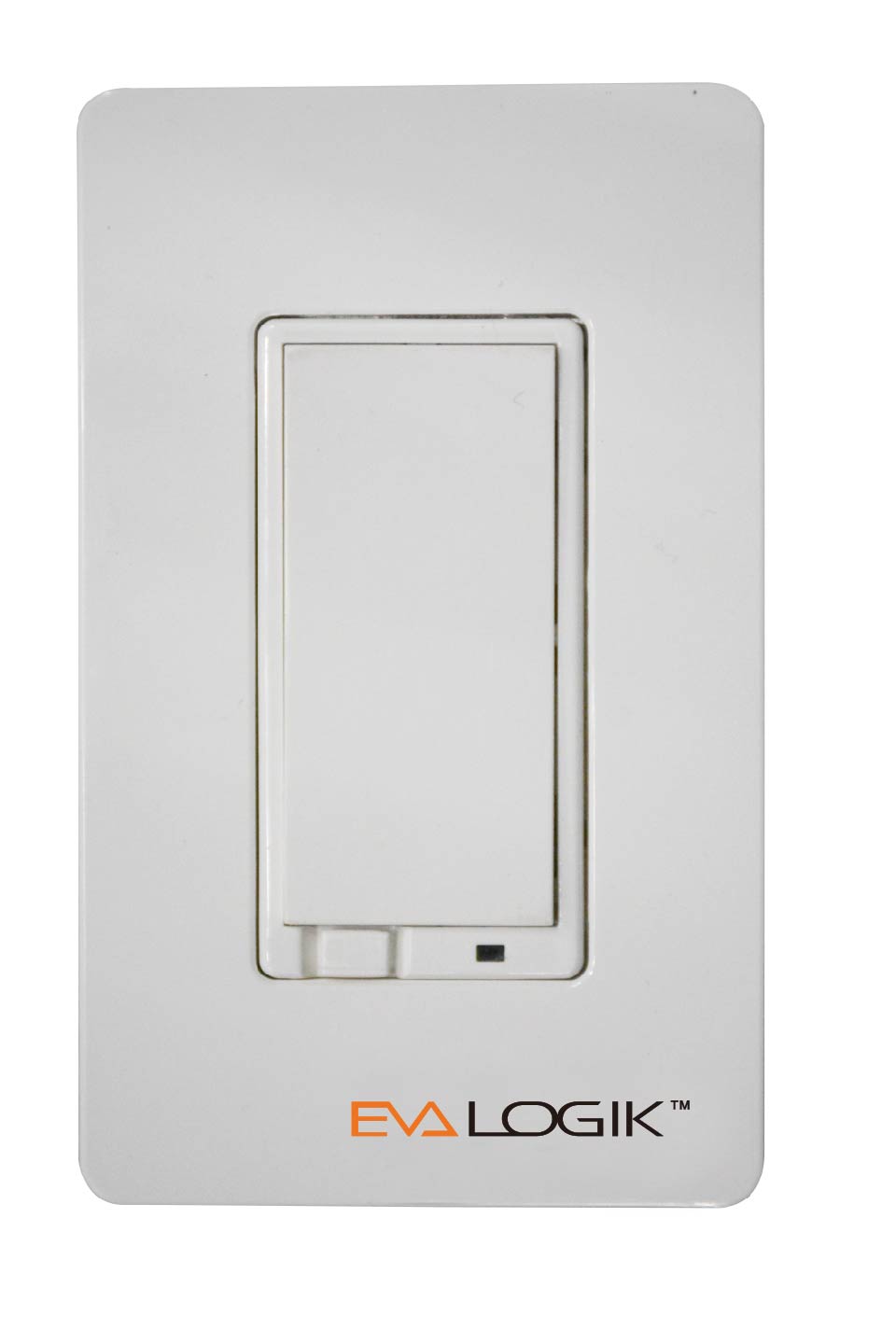
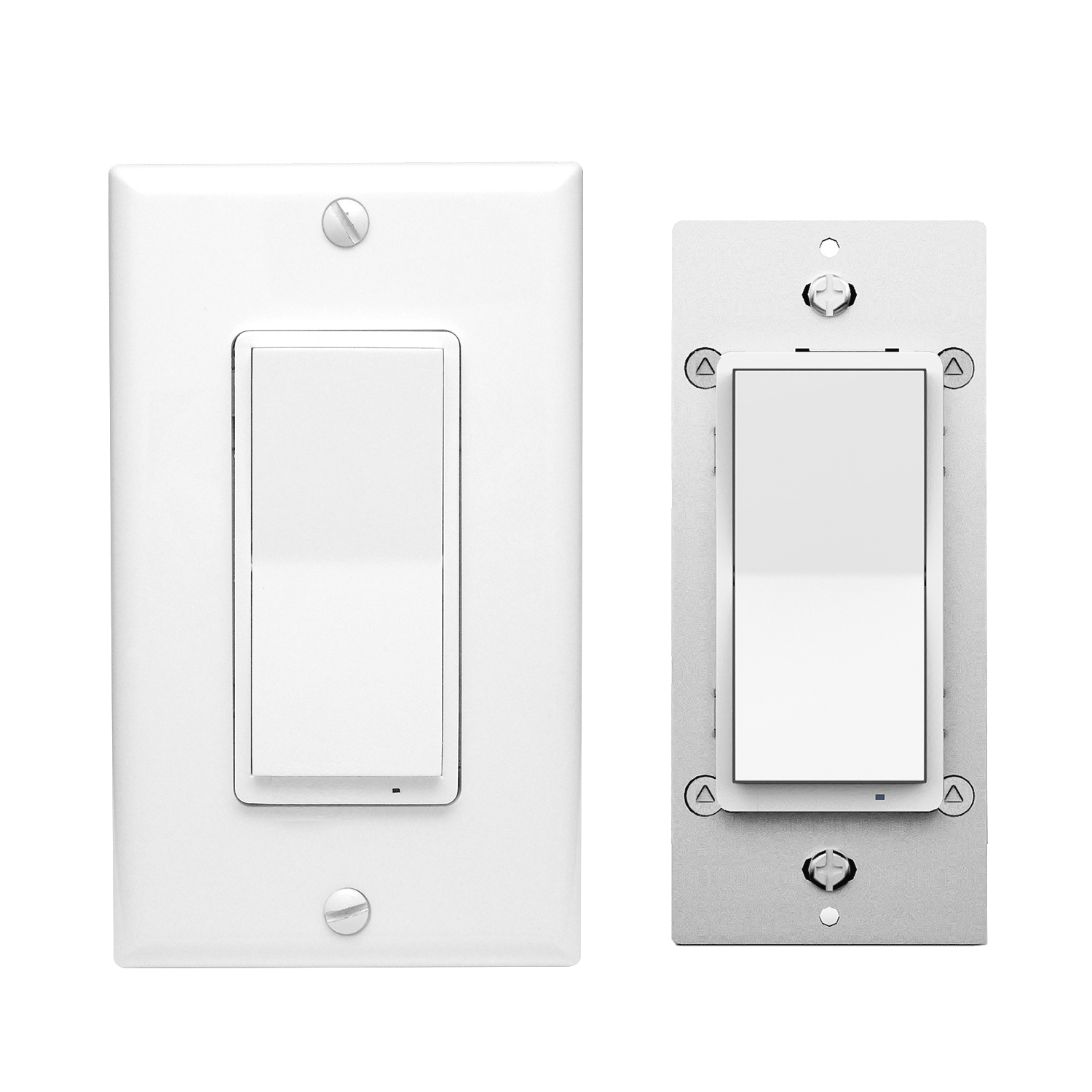
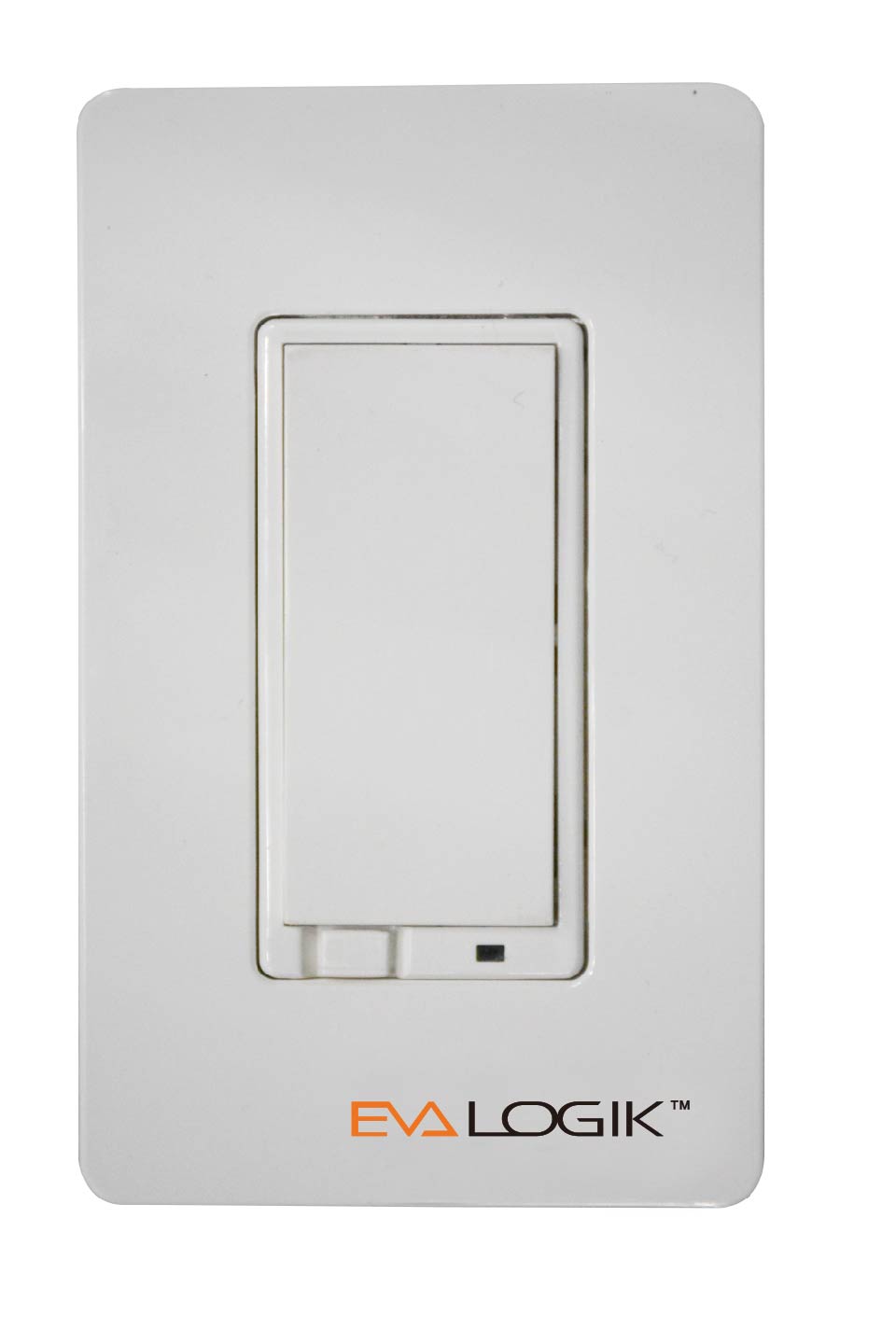
This light switch features: - Manual or remote on/off control and dimming from your mobile device or computer (when included to a Z-Wave gateway controller) - Z-Wave Plus with improved 500 chip for faster and safer wireless communication - Works with most high-quality DIMMABLE LED, CFL, and incandescent bulbs - Based on universal command classes - supported by most Z-Wave controllers - May be associated and grouped with other Z-Wave devices for advanced home automation - LED indicator to help locate the switch in dark space - Simple elegant design with screwless snap-on wall plate included - Built-in Z-Wave signal repeater for a stronger and more reliable network Z-Wave Signal Frequency: 908.42 MHz Power: 120 VAC, 60 Hz Maximum Loads: 600W Single-gang, 500W Double-gang, 400W Triple-gang Incandescent, 150W CFL or LED Minimum Load: 20W for LED and CFL bulbs Range: Up to 100 feet line of sight Operating Temperature: 32-104° F (0-40° C) Installation and Use: Indoor only
Want to buy adds it to your wish list and follows EVA LOGIK for updates. I own it adds it to your collection.
This light switch features: - Manual or remote on/off control and dimming from your mobile device or computer (when included to a Z-Wave gateway controller) - Z-Wave Plus with improved 500 chip for faster and safer wireless communication - Works with most high-quality DIMMABLE LED, CFL, and incandescent bulbs - Based on universal command classes - supported by most Z-Wave controllers - May be associated and grouped with other Z-Wave devices for advanced home automation - LED indicator to help locate the switch in dark space - Simple elegant design with screwless snap-on wall plate included - Built-in Z-Wave signal repeater for a stronger and more reliable network Z-Wave Signal Frequency: 908.42 MHz Power: 120 VAC, 60 Hz Maximum Loads: 600W Single-gang, 500W Double-gang, 400W Triple-gang Incandescent, 150W CFL or LED Minimum Load: 20W for LED and CFL bulbs Range: Up to 100 feet line of sight Operating Temperature: 32-104° F (0-40° C) Installation and Use: Indoor only
Hardware platform
ZGM130
Short description
This light switch features: - Manual or remote on/off control and dimming from your mobile device or computer (when included to a Z-Wave gateway controller) - Z-Wave Plus with improved 500 chip for faster and safer wireless communication
Product identifier
ZW31S
Countries / regions
United States of America
Supports smart start
Yes
Certification number
ZC12-21010163
Radio range z wave (m)
40
Configuration parameters
Parameter Number Name Description Format Size Min Value Max Value Default Value Parameter Values 2
Supports explorer frames
Yes
Supported command classes
Identifier Name Key Version COMMAND_CLASS_CONFIGURATION_V4
Value white electric load type value incandescent dimmable led dimmable mlv (magnetic) firmware updatable value updatable by consumer by rf switch type value toggle z wave scene type value central scene association groups
Group Number Maximum Nodes Supported End Point ID Group Name Description 1
From to description 0 0 on when off and off when on 2 2 always off 3 3 always on 1 1 on when on and off when off 3 auto turn off timer auto turn off timer values: 0 – 65535 (minutes) 2 4 0 65535 0 from to description 0 65535 auto turn off timer 5 auto turn on timer auto turn on timer 2 4 0 65535 0 from to description 0 65535 auto turn on timer 8 restores state after power failure restores state after power failure parameter=8,size=1,value=0 output off value=1 output on value=2 out put the state after power default =2 2 1 0 2 2 from to description 2 2 out put the state after power 1 1 output on 0 0 output off 9 ramp rate ramp rate(local button + z wave)> change to local and z wave like in the latest zen30 firmware, also applies to any multilevel changes (so there should be soft transition between 20 and 80% brightness if changed from the hub for example) parameter=9,size=1, value=1 from 0x63 to 0x00 or from 0x00 to 0x63 need 1s value=2 from 0x63 to 0x00 or from 0x00 to 0x63 need 2s . . value=99 from 0x63 to 0x00 or from 0x00 to 0x63 need 99s default = 1 2 1 1 99 1 from to description 1 99 from 0x63 to 0x00 or from 0x00 to 0x63 need value s 10 multilevel minimum value can be set multilevel minimum value can be set(local button)> this should apply to both for local or z wave operation parameter=10,size=1,value=0 disable value=1 . . value=99 default = 1 2 1 0 99 1 from to description 0 99 multilevel minimum value 11 multilevel maximum value can be set multilevel maximum value can be set(local button)> this should apply to both for local or z wave operation parameter=11,size=1,value=0 disable value=1 . . value=100 not accepted by hub default = 99 2 1 0 100 99 from to description 0 100 multilevel maximum value can be set 1 locally button function parameter=1,size=1,value=0 up button: on down button: off value=1 up button: off down button: on value=2 up button: on/off down button: on/off default = 0 2 1 0 2 0 from to description 0 0 up button on,down button off 1 1 up button off,down button on 2 2 up button: on/off down button: on/off 25 single tap behavior single tap behavior: when switch is off and press upper paddle 1 time, switch turns on to x brightness (local button) parameter=25,size=1, value = 0 last brightness level value = 1 custom value set in parameter 18 value = 2 maximum brightness set in parameter 11 value = 3 full 100% brightness default = 0 2 1 0 3 0 from to description 0 0 last brightness level 1 1 custom value set in parameter 18 2 2 maximum brightness set in parameter 11 3 3 full 100% brightness 23 led indicator color led indicator color parameter=23,size=1,value=0 white value=1 blue value=2 green value=3 red default = 1 2 1 0 3 1 from to description 0 0 white 1 1 blue 2 2 green 3 3 red 24 led indicator brightness led indicator brightness parameter=24,size=1,value=0 bright (100%) value=1 medium (60%) value=2 low (30%) default =1 2 1 0 2 1 from to description 0 0 bright (100%) 1 1 medium (60%) 2 2 low (30%) texts