✅ Future-proofBuilt to keep working — even if the maker walks away.
It works locally over Z-Wave, so it keeps running even if FIBARO shuts down the app or the servers. Nothing here ties you to a single company's survival.
Works locally over Z-Wave — keeps running without the maker's cloud
Still in production
Based on how this device connects (local vs. cloud), whether it’s still sold and supported, and its app / subscription. A guide, not a guarantee.
Connectivity
Z-Wave
Prices
No prices yet — be the first to add one.
Community tags
Be the first to tag this page — tags appear right away. Try a theme, capability, or subject (e.g. WWII, heist, slow burn, time travel, A24).
Community photos
Photos from members
No member photos yet.
Reviews
What members say
Sign in to rate FIBARO Door/Window Sensor and share a photo.
No reviews yet.
Community
Be the first to start a thread about FIBARO Door/Window Sensor
Threads post into the FIBARO community forum.
Sign in to start a thread in the FIBARO community.
Edit history
Loading edit history…
Certified
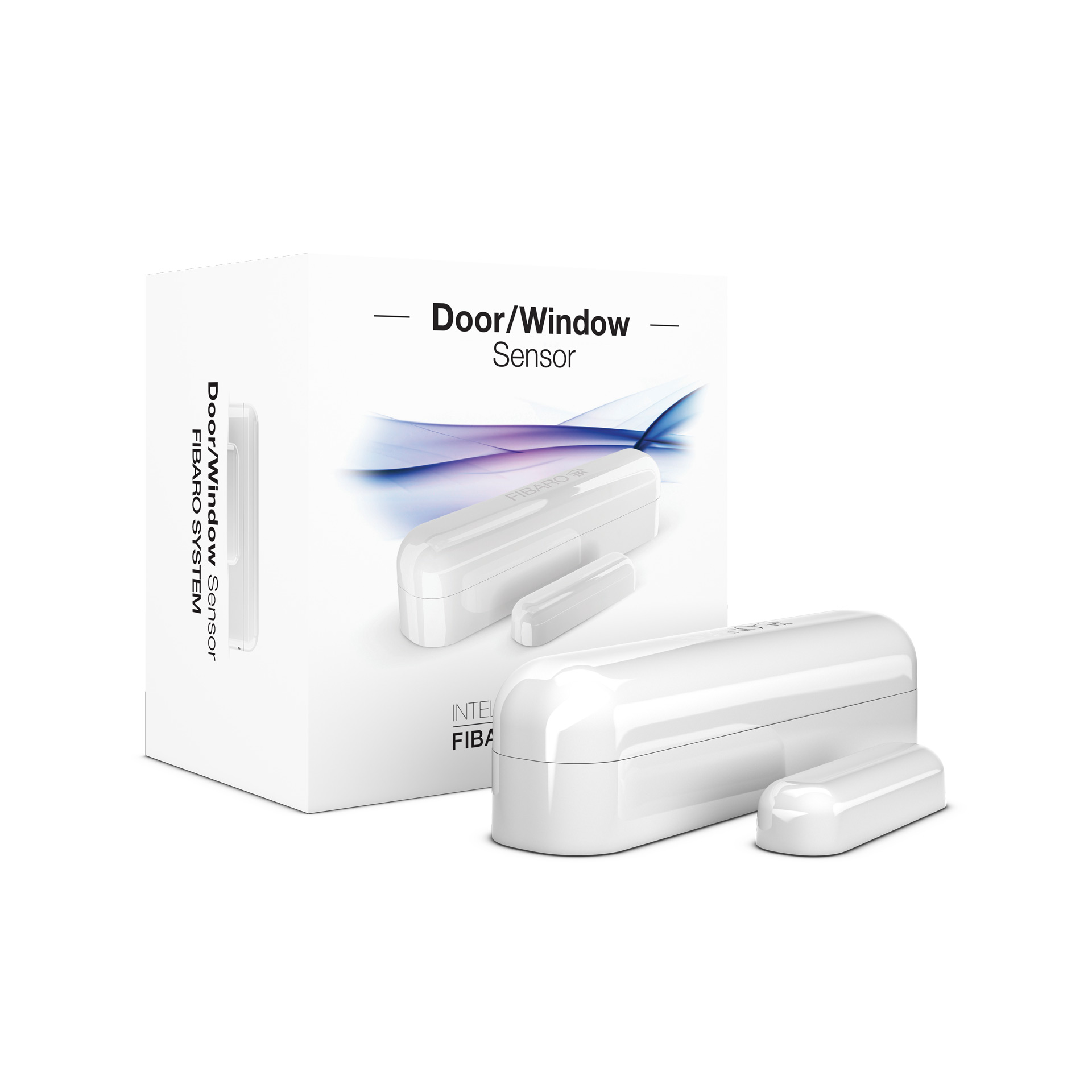
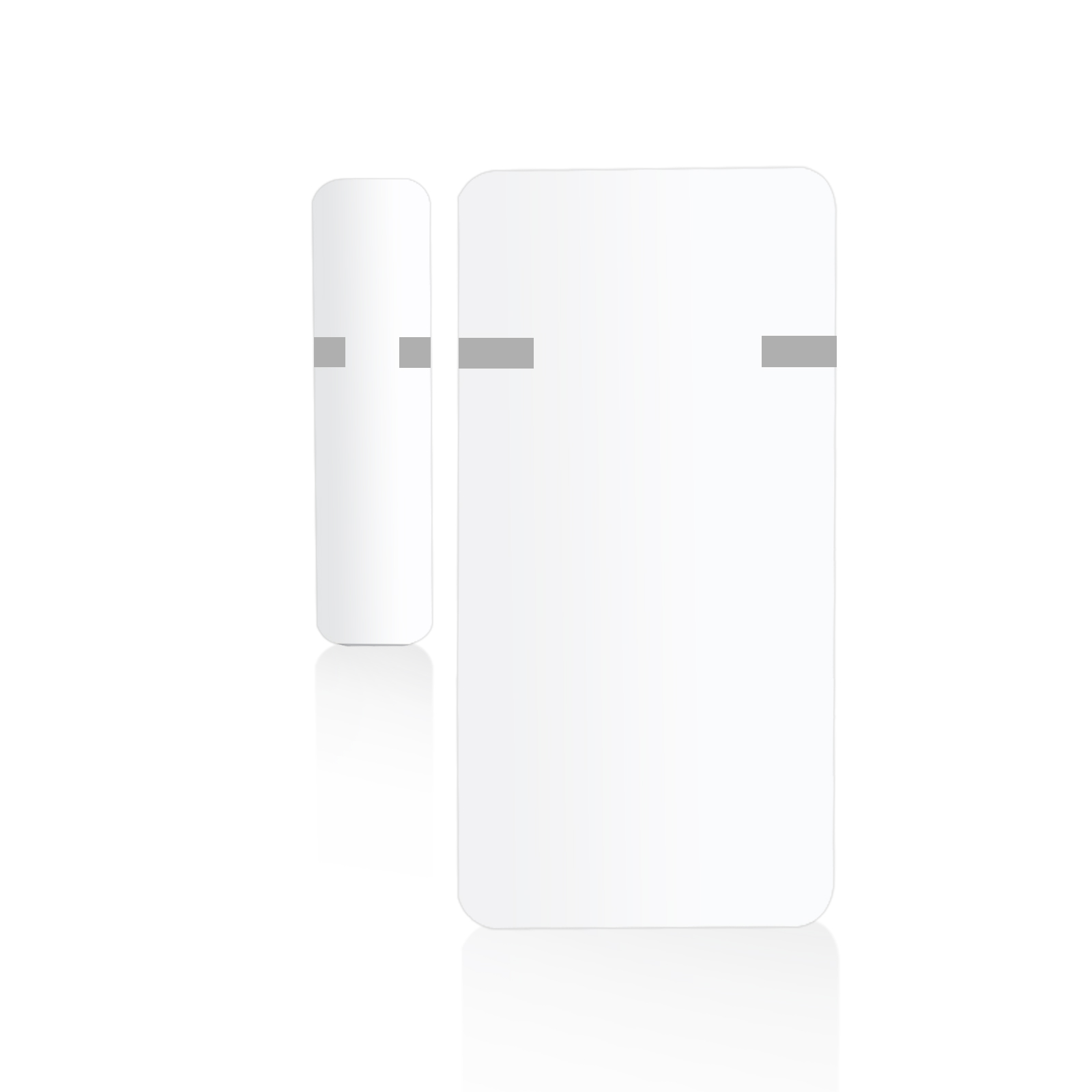
FIBARO Door/Window Sensor is a wireless, battery powered reed sensor compatible with the Z-Wave Plus standard. Changing the device’s status will automatically send signal to the Z-Wave controller and associated devices. Sensor can be used to trigger scenes and everywhere there is a need for information about opening or closing of doors, windows, garage doors, etc. Opening is detected by separating the sensor’s body and the magnet. In addition the FIBARO Door/Window Sensor supports one DS18B20 temperature sensor and has one potential free input. The FIBARO Door / Window Sensor is available in seven colors: white, silver, black, ivory, cappuccino, truffle and dark chocolate. https://www.youtube.com/watch?v=K35uFXoa5c0
Want to buy adds it to your wish list and follows FIBARO for updates. I own it adds it to your collection.
FIBARO Door/Window Sensor is a wireless, battery powered reed sensor compatible with the Z-Wave Plus standard. Changing the device’s status will automatically send signal to the Z-Wave controller and associated devices. Sensor can be used to trigger scenes and everywhere there is a need for information about opening or closing of doors, windows, garage doors, etc. Opening is detected by separating the sensor’s body and the magnet. In addition the FIBARO Door/Window Sensor supports one DS18B20 temperature sensor and has one potential free input. The FIBARO Door / Window Sensor is available in seven colors: white, silver, black, ivory, cappuccino, truffle and dark chocolate. https://www.youtube.com/watch?v=K35uFXoa5c0
Hardware platform
ZM5202
Short description
FIBARO Door/Window is a wireless, battery powered, Z-Wave compatible reed sensor.
Association groups
Group Number Maximum Nodes Supported End Point ID Description 1
Product identifier
FGK-10X
Countries / regions
European Union
Certification number
ZC10-15110001
Radio range z wave (m)
40
Configuration parameters
Parameter Number Name Description Format Size Min Value Max Value Default Value Parameter Values 54
Supports explorer frames
Yes
Controlled command classes
Identifier Name Key Version COMMAND_CLASS_BASIC
From to description 1 1 high temperature alarm 0 0 temperature alarms disabled 3 3 high and low temperature alarms enabled 2 2 low temperature alarm 31 reporting tamper alarm cancellation reporting the cancellation of tamper alarm to 5th association group. 0 1 0 0 1 from to description 1 1 send tamper cancellation report 0 0 do not send tamper cancellation report 52 temperature reports interval this parameter determines how often the temperature reports will be sent to the main controller. note: temperature measurement is performed before sending any report (regardless of parameter no. 50). excessive reporting can affect battery lifetime. reporting on the basis of temperature change (parameter no. 51) is recommended. 0 2 0 0 0 from to description 0 0 periodic temperature reports disabled 5 32400 time in seconds, 5 seconds 9 hours 55 high temperature alarm threshold if temperature is higher than the set value, high temperature notification will be sent and high temperature scene will be triggered (if activated). 0 2 0 0 540 from to description 0 1000 0 100 degrees celsius, in 0,1 degrees steps 2 door/window/alarm status parameter defines state of the sensor when the magnet is close. if you connect the alarm sensor, it determines the output type. parameter inactive in switch mode (parameter 1 set to 1). 0 1 0 0 0 from to description 1 1 door/window opened 0 0 door/window closed 4 range test after double click allows to enable activation of z wave range test with double click of a tmp button. 0 1 0 0 0 from to description 1 1 enabled 0 0 disabled 11 commands sent to 2 nd association group command frames sent to devices added to the 2nd association group. 0 1 0 0 2 from to description 0 0 on 1 1 off 2 2 on and off 50 interval of temperature measuring this parameter defines how often the temperature will be measured. the shorter the time, the more frequently the temperature will be measured, but the battery life will shorten. 0 2 0 0 300 from to description 0 0 temperature measurements disabled 5 32400 time in seconds, 5 seconds 9 hours 53 temperature offset the value to be added to the actual temperature, measured by the sensor (temperature compensation). 0 2 0 0 0 from to description 1000 1000 100 – 100 degrees celsius, in 0,1 degrees steps 51 temperature report threshold this parameter defines the change of temperature in comparison with last reported, resulting in temperature report being sent to the main controller. note: parameter 51 is active only if parameter 50 is not set to 0. 0 2 0 0 10 from to description 1 300 temperature threshold (0.1 30 degrees celsius, 0.1 degrees step) 0 0 temperature reports based on threshold disabled 71 alarm broadcast settings for broadcasting on/off commands, sensor alarm and tamper alarm. value other than 0 means alarms are sent in broadcast mode, to all devices only within the range of the device. they are not repeated by the mesh network. note: values of parameter 71 may be combined, e.g. 1+2=3 means on/off commands and sensor alarm are sent in broadcast mode. 0 1 0 0 0 from to description 0 0 broadcasts inactive 2 2 sensor alarm broadcast active 4 4 sensor alarm broadcast active 1 1 on/off commands broadcast active 3 led indications paramater defines events indicated by the led. reducing number of them results in longer battery lifetime. default setting: 6 (indication of wake up and device tampering). parameter values may be combined, e.g. 1+2+4=7, means that all indications are enabled. 0 1 0 0 6 from to description 0 0 no indications 1 1 indication of opening/closing status change (input in) 2 2 indication of wake up (1 x click or using time interval) 4 4 indication of device tampering 1 operation mode parameter defines device operation mode. caution: do not install the magnet if the device is not used as a door/window sensor, as it might lead to the malfunction of the device. 0 1 0 0 0 from to description 1 1 external switch 0 0 door/window sensor or external alarm sensor (type see par. 20) 10 2 nd association group triggers parameter defines events which result in sending on/off commands to devices added to the 2nd association group. these commands are sent alternately to switch the devices on and off. commands represent the values of basic set command frames. parameter is inactive in external button mode (parameter 1 set to 1). 0 1 0 0 0 from to description 2 2 switch after closing 1 1 switch after opening 0 0 switch after opening and closing texts