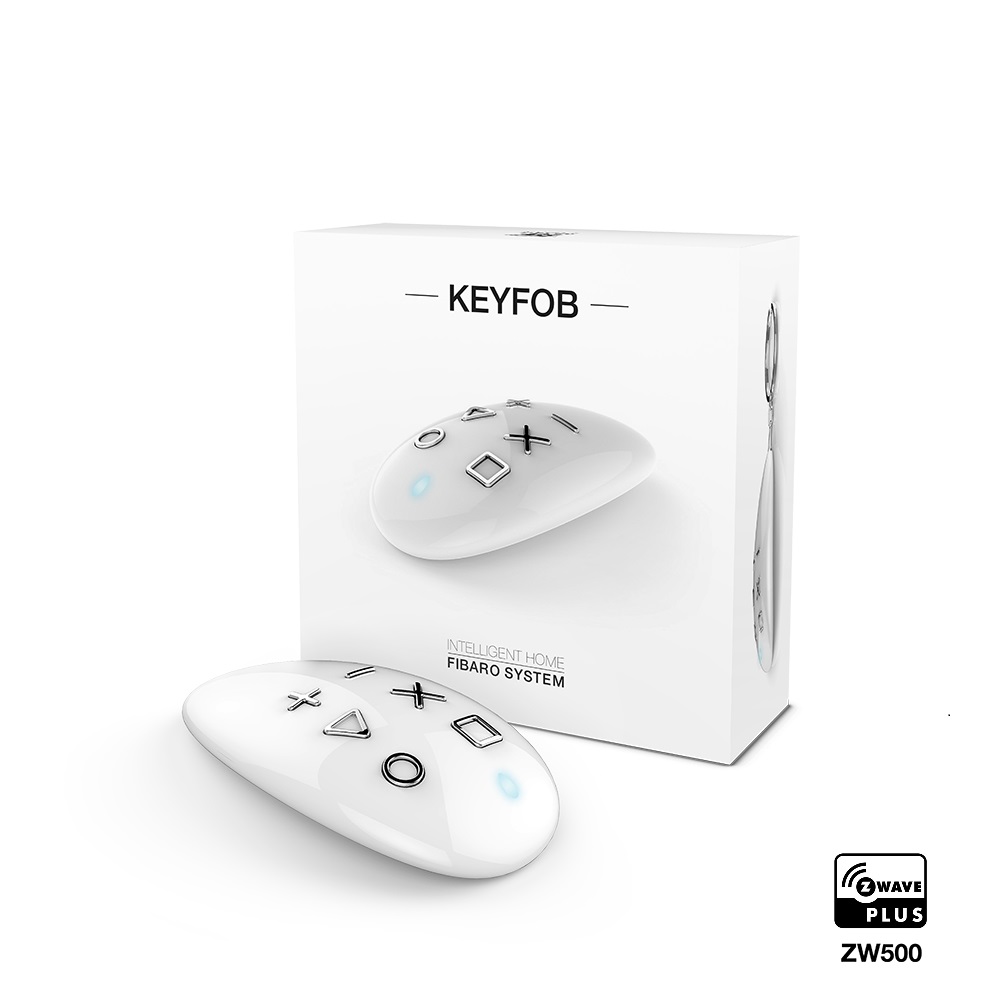
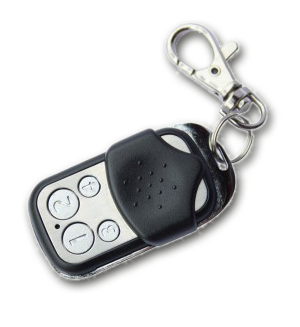
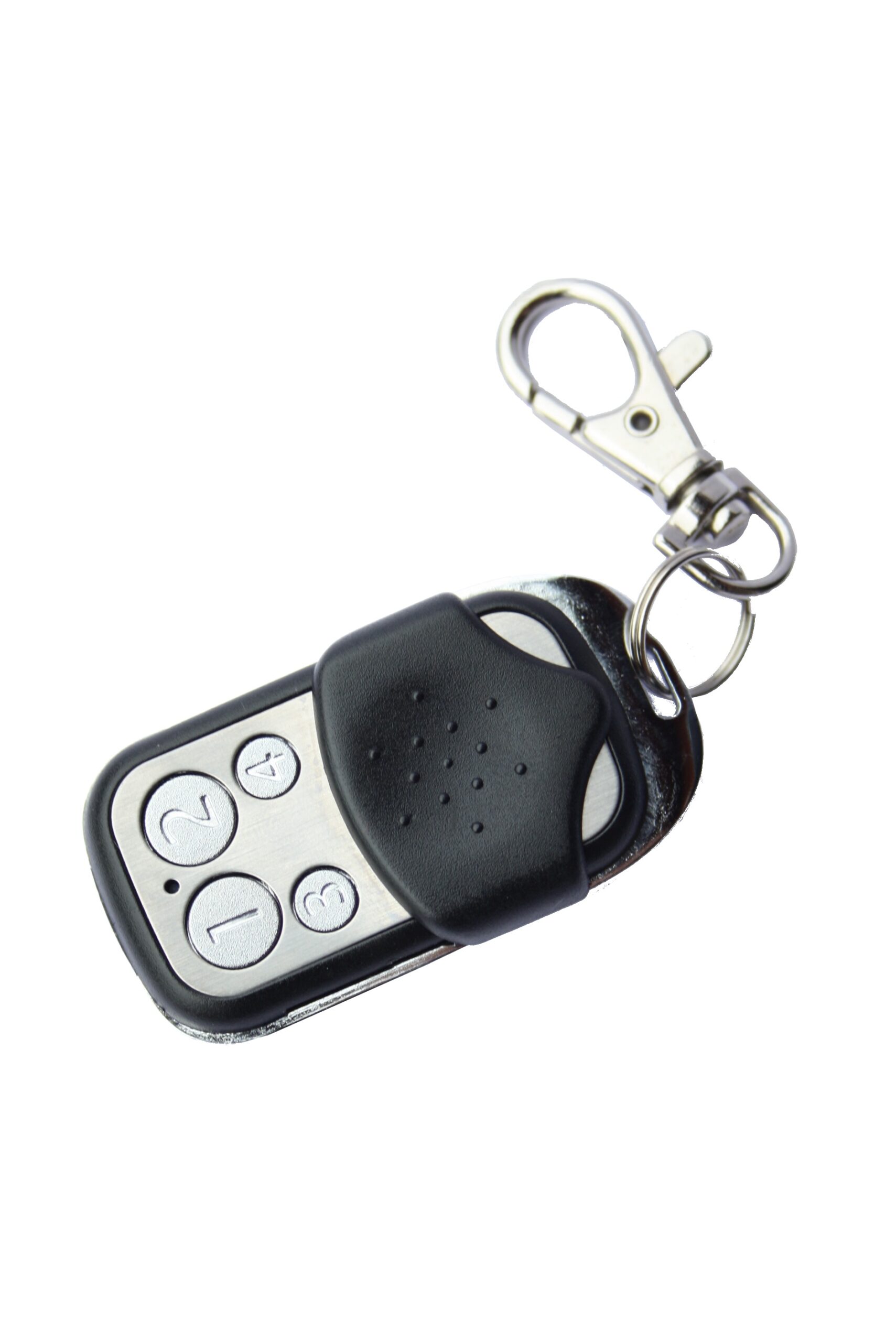
FIBARO KeyFob is a Z-Wave Plus compatible, battery-powered, compact remote control. Six buttons allow you to control other devices through the Z-Wave network and run various scenes defined in FIBARO System. Configure actions for one, two, three clicks and holding the button to suit all your needs. Built-in locking system will ensure that unauthorized person will not take control of your home.
Want to buy adds it to your wish list and follows FIBARO for updates. I own it adds it to your collection.
✅ Future-proofBuilt to keep working — even if the maker walks away.
It works locally over Z-Wave, so it keeps running even if FIBARO shuts down the app or the servers. Nothing here ties you to a single company's survival.
Works locally over Z-Wave — keeps running without the maker's cloud
Still in production
Based on how this device connects (local vs. cloud), whether it’s still sold and supported, and its app / subscription. A guide, not a guarantee.
Connectivity
Z-Wave
Prices
No prices yet — be the first to add one.
Community tags
Be the first to tag this page — tags appear right away. Try a theme, capability, or subject (e.g. WWII, heist, slow burn, time travel, A24).
FIBARO KeyFob is a Z-Wave Plus compatible, battery-powered, compact remote control. Six buttons allow you to control other devices through the Z-Wave network and run various scenes defined in FIBARO System. Configure actions for one, two, three clicks and holding the button to suit all your needs. Built-in locking system will ensure that unauthorized person will not take control of your home.
Hardware platform
ZM5101
Short description
FIBARO KeyFob is a compact, battery-powered, Z-Wave remote.
Product identifier
FGKF-601
Countries / regions
Republic of Korea
Certification number
ZC10-19076609
Radio range z wave (m)
40
Configuration parameters
Parameter Number Name Description Format Size Min Value Max Value Default Value Parameter Values 4
Supports explorer frames
Yes
Supported command classes
Identifier Name Key Version COMMAND_CLASS_POWERLEVEL
Controlled command classes
Identifier Name Key Version COMMAND_CLASS_BASIC
Value white firmware updatable value updatable by consumer by rf z wave scene type value central scene battery quantity value 1 battery type value cr2450 association groups
Group Number Maximum Nodes Supported End Point ID Description 1
From to description 9 28086 value of sequence 0 0 2nd sequence disabled 5 third scene sequence this parameter allows to set up sequence that activates scene with id 9. see "sequences" on page 10 of the manual for more information. 0 3rd sequence disabled 9 28086 value of sequence 0 2 0 0 0 from to description 0 0 3rd sequence disabled 9 28086 value of sequence 6 fourth scene sequence this parameter allows to set up sequence that activates scene with id 10. see "sequences" on page 10 of the manual for more information. 0 4th sequence disabled 9 28086 value of sequence 0 2 0 0 0 from to description 0 0 4th sequence disabled 9 28086 value of sequence 7 fifth scene sequence this parameter allows to set up sequence that activates scene with id 11. see "sequences" on page 10 of the manual for more information. 0 5th sequence disabled 9 28086 value of sequence 0 2 0 0 0 from to description 0 0 5th sequence disabled 9 28086 value of sequence 8 sixth scene sequence this parameter allows to set up sequence that activates scene with id 12. see "sequences" on page 10 of the manual for more information 0 6th sequence disabled 9 28086 value of sequence 0 2 0 0 0 from to description 0 0 6th sequence disabled 9 28086 value of sequence 10 single button associations operating mode this parameter allows to choose operating mode for single button associations. 0 single press switches state to opposite 1 single press switches state to opposite, double press sets to maximum level 2 single press turns on, double press turns off 0 1 0 0 0 from to description 0 0 single press switches state to opposite 2 2 single press turns on, double press turns off 1 1 single press switches state to opposite, double press sets to maximum level 11 value sent to □ association group this parameter allows to set value sent to devices in association group. it will result in turning multilevel devices on with set or last level. value is irrelevant for simple on/off devices. 1 99 forcing level of associated devices 255 setting associated devices to the last remembered state or turning them on 0 2 0 0 255 from to description 1 99 orcing level of associated devices 255 255 setting associated devices to the last remembered state or turning them on 17 paired buttons association for □ and ○ this parameter allows to activate paired buttons association mode for □ and ○ buttons. paired buttons are dependent and association are sent only to □ groups. ○ turns devices on and increases value, □ turns them off and decreases value. 0 paired buttons association inactive 1 paired buttons association active 0 1 0 0 0 from to description 0 0 paired buttons association inactive 1 1 paired buttons association active 3 first scene sequence this parameter allows to set up sequence that activates scene with id 7. see "sequences" on page 10 of the manual for more information. 0 1st sequence disabled 9 28086 value of sequence 0 2 0 0 0 from to description 0 0 1st sequence disabled 9 28086 value of sequence 23 scene activation for x button this parameter determines which actions result in sending assigned scene ids and attributes to the controller. 1 key pressed 1 time 2 key pressed 2 times 4 key pressed 3 times 8 key held down & released note parameter 23 values may be combined, e.g. 1+2=3 means that pressing button once or twice will result in sending assigned scene id. 0 1 0 0 9 from to description 1 1 key pressed 1 time 2 2 key pressed 2 times 4 4 key pressed 3 times 8 8 key held down & released 24 scene activation for δ button this parameter determines which actions result in sending assigned scene ids and attributes to the controller. 1 key pressed 1 time 2 key pressed 2 times 4 key pressed 3 times 8 key held down & released note parameter 24 values may be combined, e.g. 1+2=3 means that pressing button once or twice will result in sending assigned scene id. 0 1 0 0 9 from to description 1 1 key pressed 1 time 2 2 key pressed 2 times 4 4 key pressed 3 times 8 8 key held down & released 25 scene activation for button this parameter determines which actions result in sending assigned scene ids and attributes to the controller. 1 key pressed 1 time 2 key pressed 2 times 4 key pressed 3 times 8 key held down & released note parameter 25 values may be combined, e.g. 1+2=3 means that pressing button once or twice will result in sending assigned scene id. 0 1 0 0 9 from to description 1 1 key pressed 1 time 2 2 key pressed 2 times 4 4 key pressed 3 times 8 8 key held down & released 1 lock mode activation this parameter allows to activate lock mode and set up unlocking sequence. device will lock after time set in parameter 2 or after pressing and holding selected button. see "lock mode" on page 9 of the manual for more information. 0 lock mode disabled 9 28086 unlocking sequence 0 2 0 0 0 from to description 0 0 lock mode disabled 9 28086 unlocking sequence 2 lock mode time to lock and locking button this parameter allows to set time that must elapse from the last press of the button to lock the device and locking button. setting locking button will deactivate associations and scenes for pressing and holding the selected button. this parameter is irrelevant if parameter 1 is set to 0 (lock mode disable). see "lock mode" on page 9 of the manual for more information. 0 lock mode disabled 5 1791 calculated value 0 2 0 0 60 from to description 0 0 lock mode disabled 5 1791 calculated value texts