✅ Future-proofBuilt to keep working — even if the maker walks away.
It works locally over Z-Wave, so it keeps running even if GoControl shuts down the app or the servers. Nothing here ties you to a single company's survival.
Works locally over Z-Wave — keeps running without the maker's cloud
Still in production
Based on how this device connects (local vs. cloud), whether it’s still sold and supported, and its app / subscription. A guide, not a guarantee.
Connectivity
Z-Wave
Prices
No prices yet — be the first to add one.
Community tags
Be the first to tag this page — tags appear right away. Try a theme, capability, or subject (e.g. WWII, heist, slow burn, time travel, A24).
Sign in to start a thread in the GoControl community.
Edit history
Loading edit history…
Certified
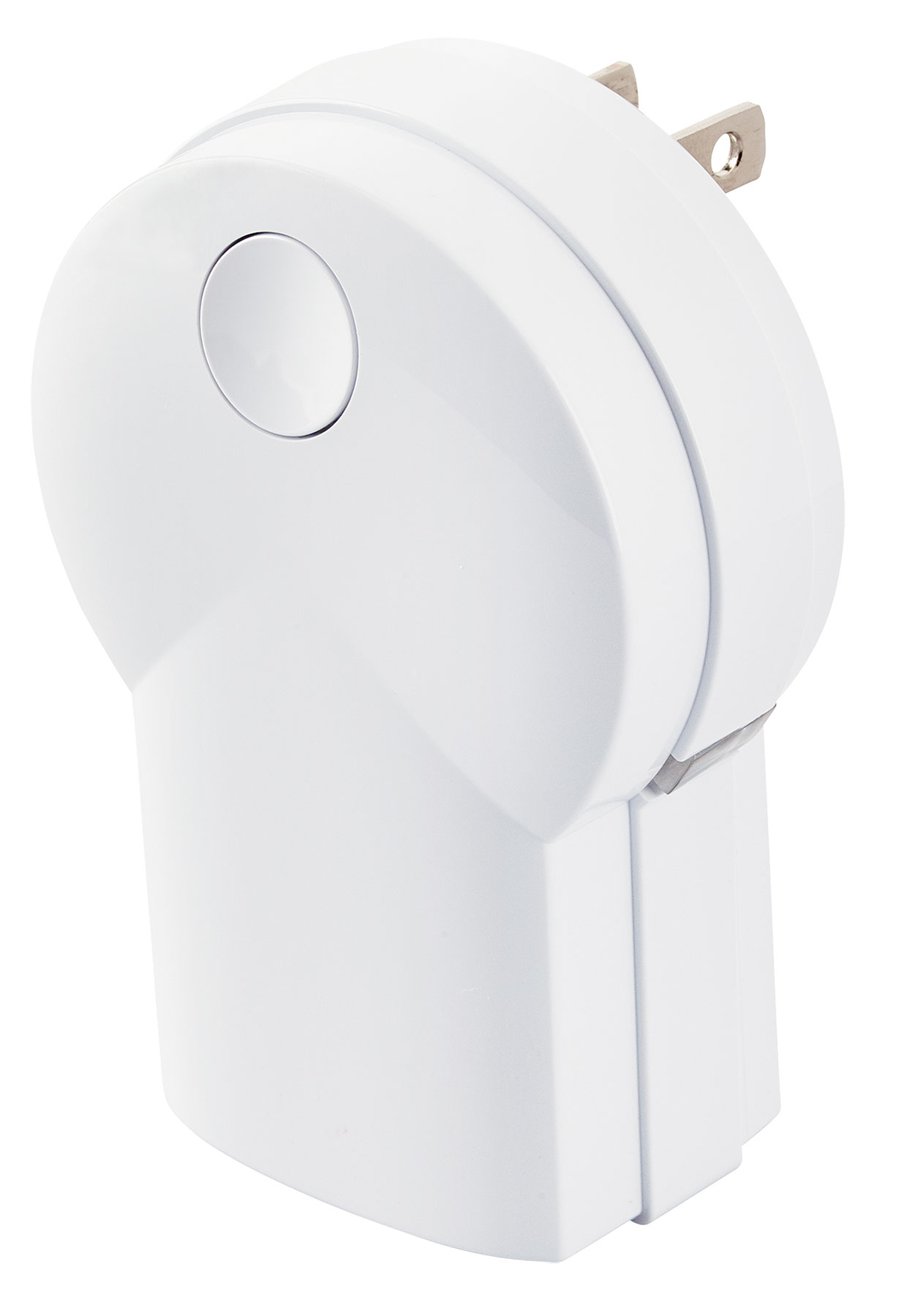
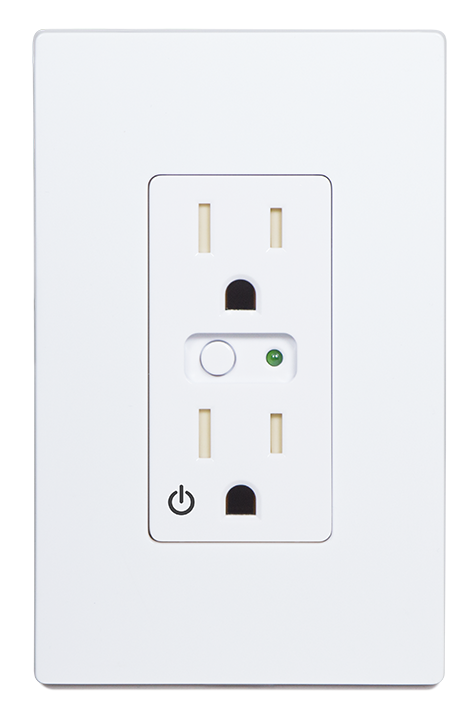
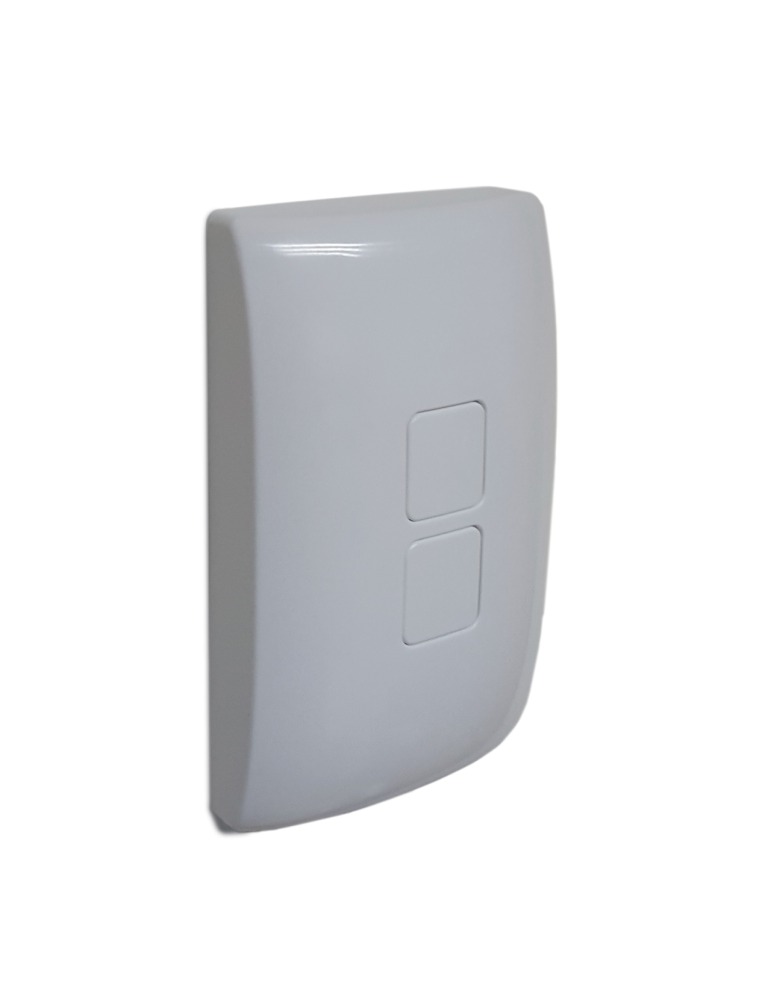
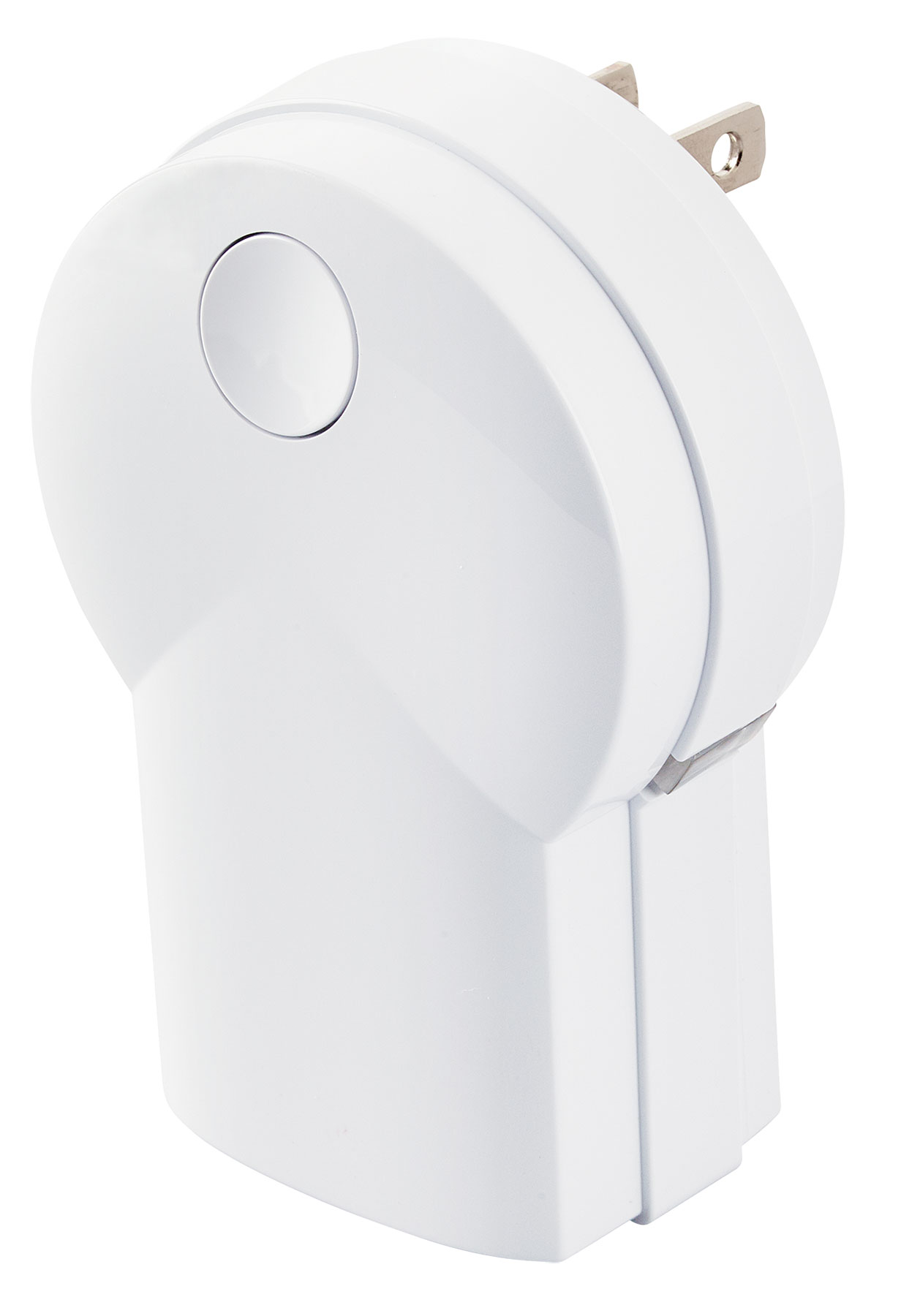
The PD300EMZ5-1 is a plug in the wall device designed to control dimmable lamps providing the ideal mood for every situation. Supporting Energy Monitoring the PD300EMZ5-1 will provide both a visual indication of the amount of energy the connected device is using, and also transmit this information to the Z-Wave hub for tracking purposes. Dual long life LEDs will also act as a night light when the load is off. The integrated button can be used to turn the connected device on / off, but it can also be temporarily disabled to eliminate the inadvertent operation of the device. With Over The Air upgrading supported, this device can be seamlessly updated to the most recent firmware and software features. Finally, as a Z-Wave plus product, it’s 30% longer range is ideal for easily creating a strong Z-Wave mesh network for an easier installation and more reliable operation.
Want to buy adds it to your wish list and follows GoControl for updates. I own it adds it to your collection.
The PD300EMZ5-1 is a plug in the wall device designed to control dimmable lamps providing the ideal mood for every situation. Supporting Energy Monitoring the PD300EMZ5-1 will provide both a visual indication of the amount of energy the connected device is using, and also transmit this information to the Z-Wave hub for tracking purposes. Dual long life LEDs will also act as a night light when the load is off. The integrated button can be used to turn the connected device on / off, but it can also be temporarily disabled to eliminate the inadvertent operation of the device. With Over The Air upgrading supported, this device can be seamlessly updated to the most recent firmware and software features. Finally, as a Z-Wave plus product, it’s 30% longer range is ideal for easily creating a strong Z-Wave mesh network for an easier installation and more reliable operation.
Hardware platform
ZM5101
Short description
Plug in device for a dimmable light fixture for use in home automation systems. Includes a long-life LED nightlight, Energy Monitoring capability, inadvertent activation protection and Over The Air upgradable.
Product identifier
PD300EMZ5-1
Countries / regions
United States of America
Certification number
ZC10-16125350
Configuration parameters
Parameter Number Name Description Format Size Min Value Max Value Default Value Parameter Values 2
Supports explorer frames
Yes
Supported command classes
Identifier Name Key Version COMMAND_CLASS_SCENE_ACTUATOR_CONF
Supported / controlled meter types
Meter Type Rate Type Description Electric meter
Value white firmware updatable value updatable by consumer via internet switch load capacity watts value 300 supported meter type value electric energy z wave scene type value scene association groups
Group Number Maximum Nodes Supported End Point ID Description 1
From to description 0 100 0 = off. 1 = very dim. 100 = full brightness. 3 night light configures the function of the integrated night light 0 1 0 0 1 from to description 0 3 0 led on when the load is on and off when the load is off. 1 led off when the load is on, and on when the load is off. 2 led is always on. 3 led is always off. 7 remote dim step defines the number of steps the dimmer takes from full on to off or off to on for remote devices. 0 1 0 0 3 from to description 1 99 # number of remote dimmer steps 8 remote dim time defines the timing between the steps for remote dimmers. 0 2 0 0 1 from to description 1 255 # remote dim time in m s 9 local dim step defines the number of steps the dimmer takes from full on to off or off to on for attached devices. 0 1 0 0 3 from to description 1 99 # number of attached dimmer steps 11 power monitoring turns power monitoring on or off 0 1 0 0 1 from to description 0 1 0 power monitoring off. 1 power monitoring on 17 all switch dim step defines the number of steps switches takes from full on to off or off to on for all devices when an all switch command is received. 0 1 0 0 3 from to description 1 99 # number of all switch steps texts