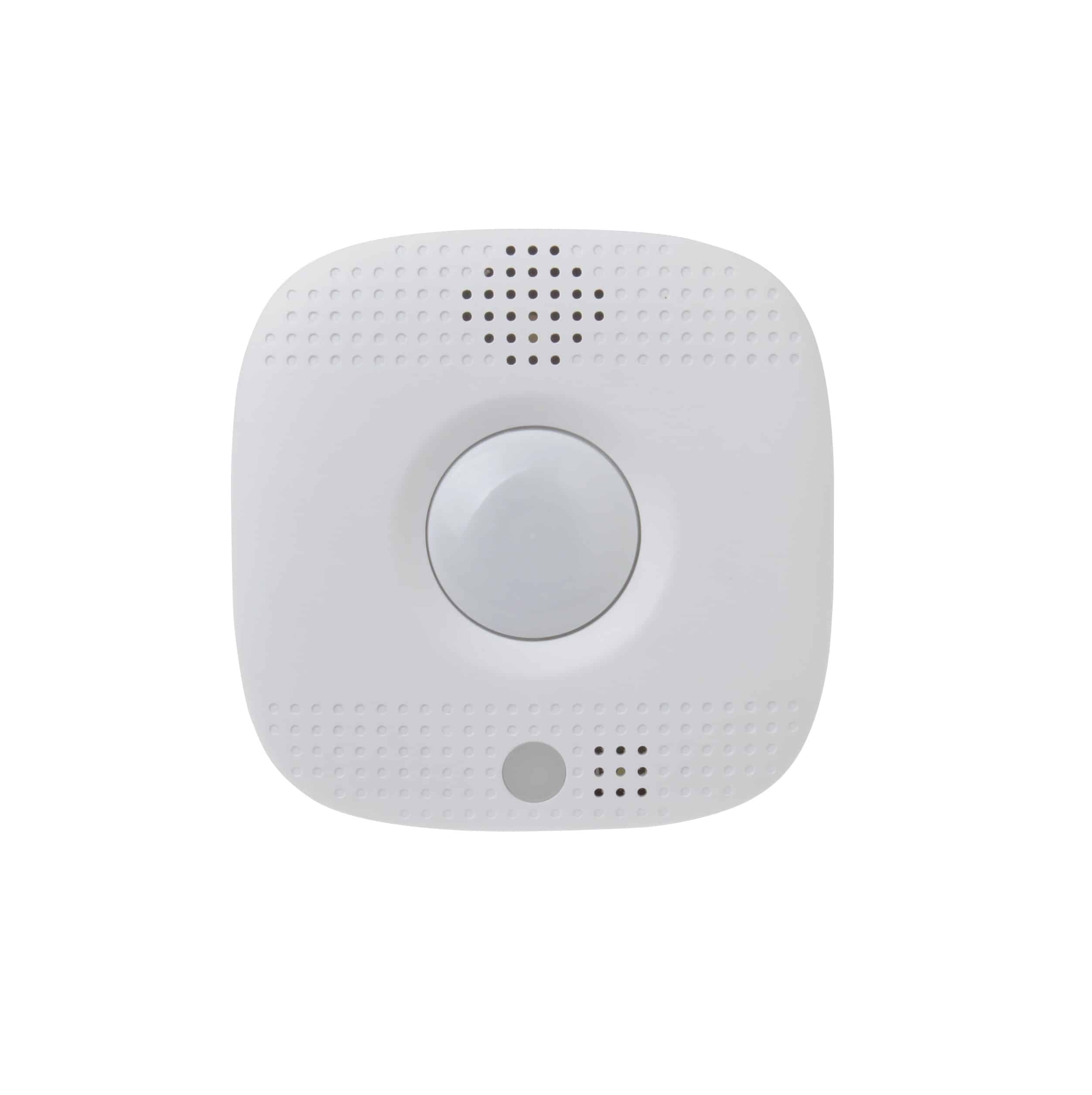
✅ Future-proofBuilt to keep working — even if the maker walks away.
It works locally over Z-Wave, so it keeps running even if Heatit controls shuts down the app or the servers. Nothing here ties you to a single company's survival.
Works locally over Z-Wave — keeps running without the maker's cloud
Still in production
Based on how this device connects (local vs. cloud), whether it’s still sold and supported, and its app / subscription. A guide, not a guarantee.
Connectivity
Z-Wave
Prices
No prices yet — be the first to add one.
Community tags
Be the first to tag this page — tags appear right away. Try a theme, capability, or subject (e.g. WWII, heist, slow burn, time travel, A24).
Community photos
Photos from members
No member photos yet.
Reviews
What members say
Sign in to rate Heatit Z-Push Wall Controller and share a photo.
No reviews yet.
Community
Be the first to start a thread about Heatit Z-Push Wall Controller
Threads post into the Heatit controls community forum.
Sign in to start a thread in the Heatit controls community.
Edit history
Loading edit history…
Certified
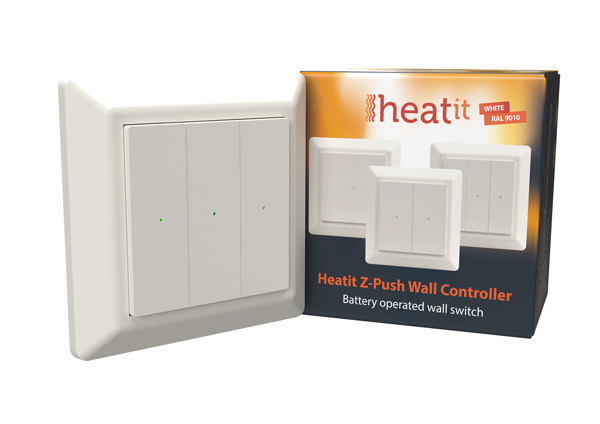
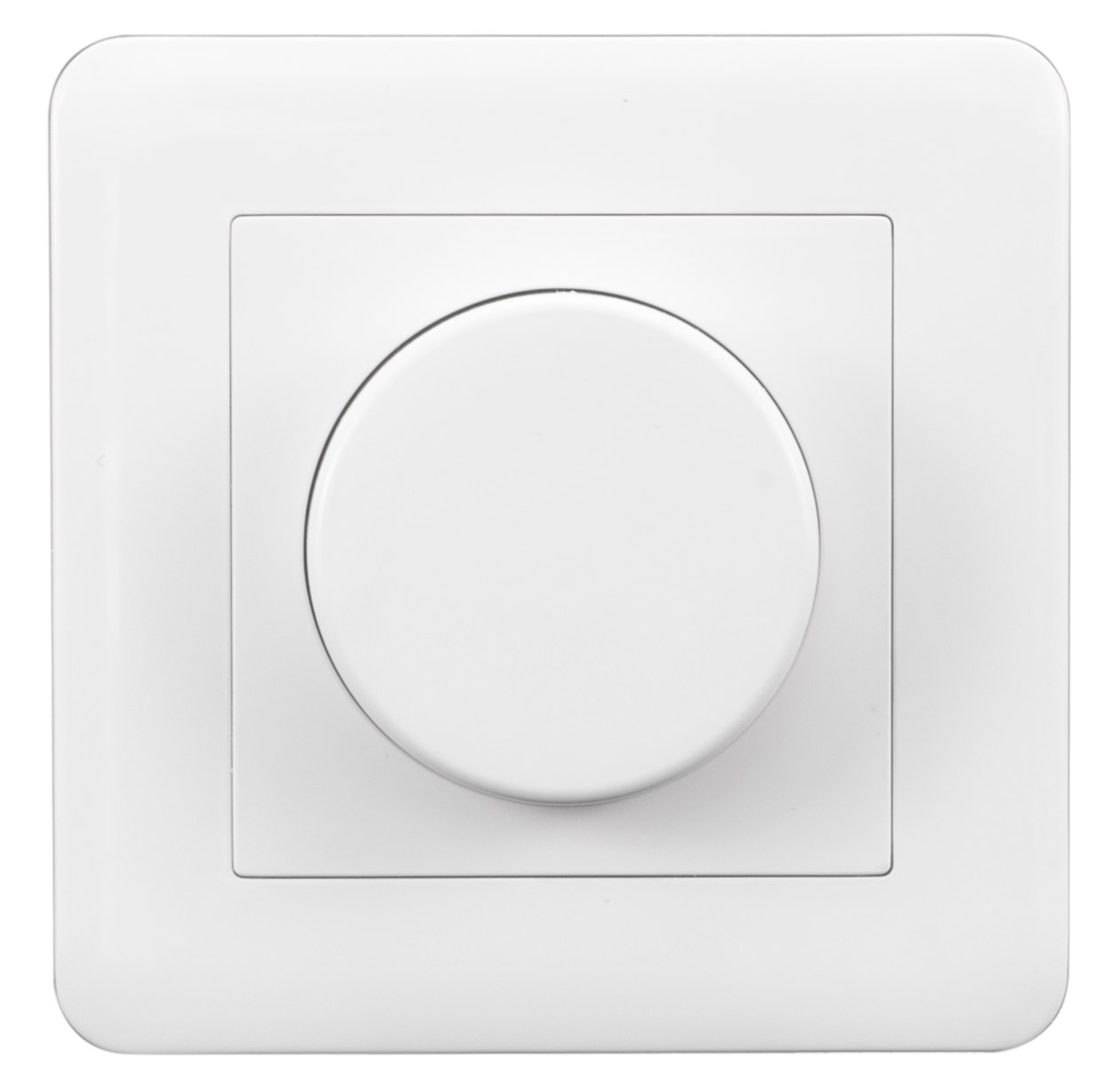
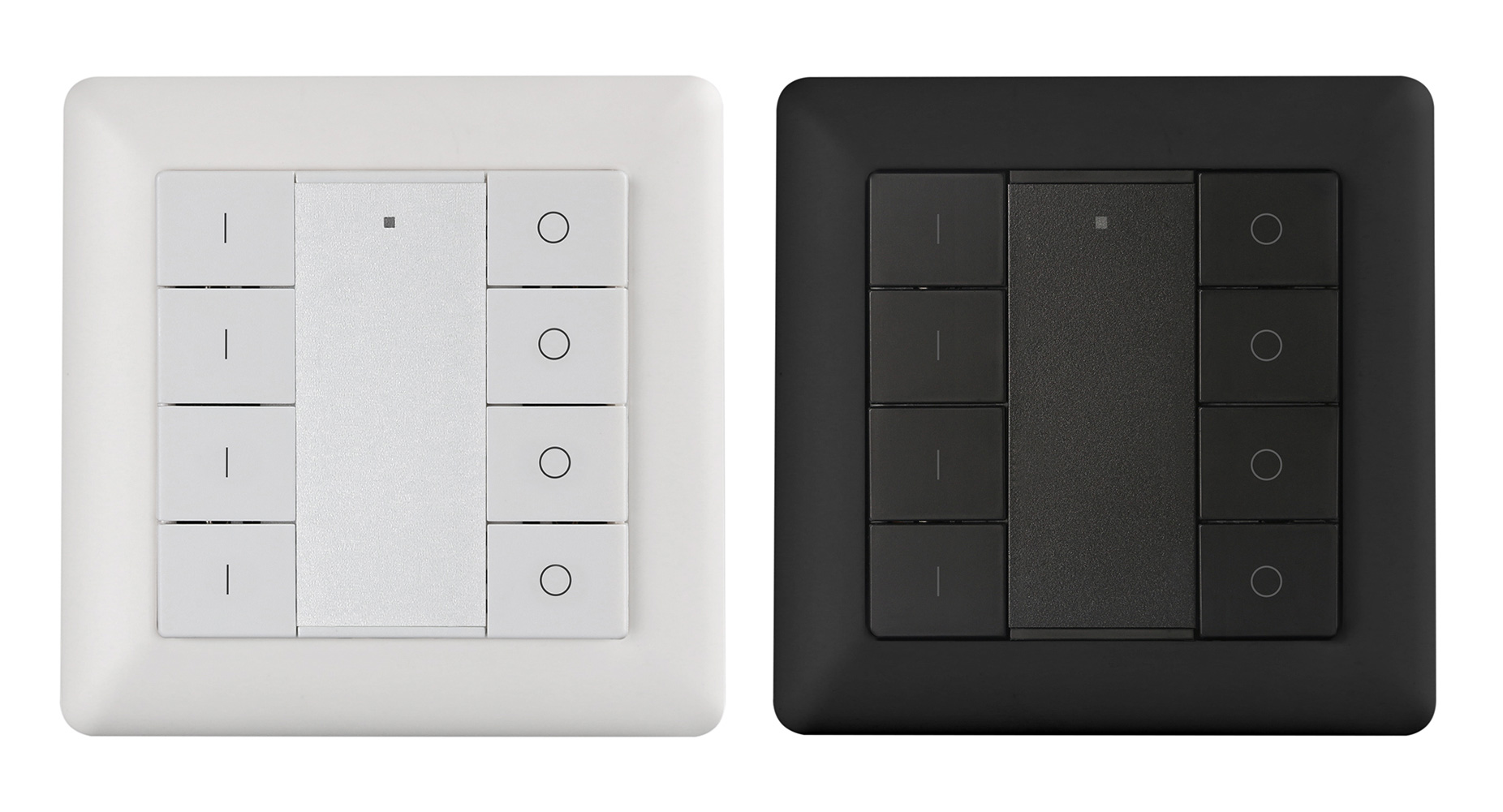
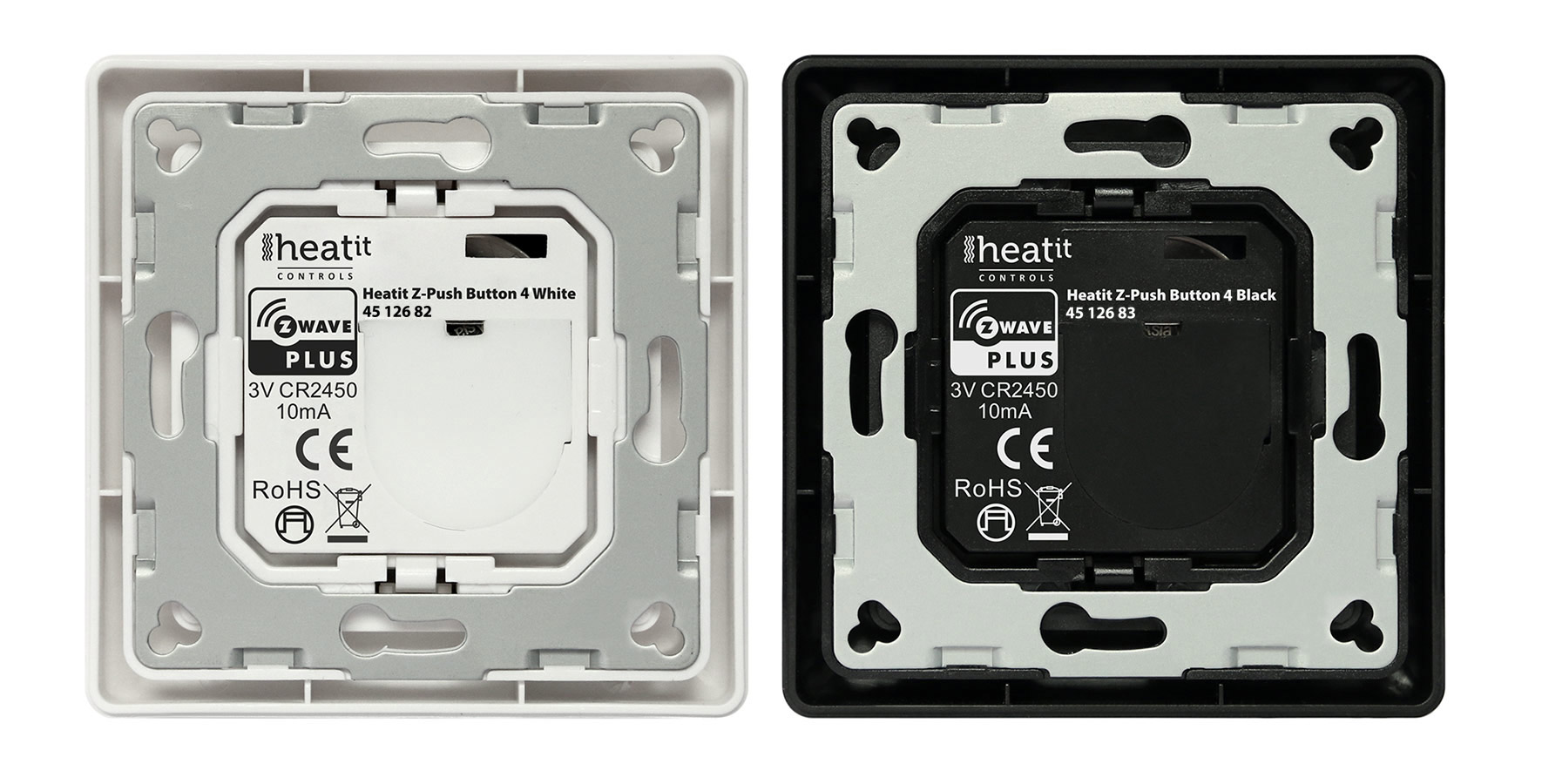
The Heatit Z-Push Wall Controller is a wireless wall mounted Z-Wave Controller. It has mounting options for 1, 2 or 3 rockers, allowing for easy and practical management of your Z-Wave products. The switch can be set up to control scenarios or work in association with other Z-Wave products. Each rocker switch has a dual color LED to indicate button actions. The Heatit Z-Push Wall Controller is supplied with all three sets of rockers in the box. The Wall Controller is coin cell battery powered. The product is intended primarily for residential applications. The Heatit Z-Wall Wall Controller has a fine, matt finish. The switch fits into System 55 frames.
Want to buy adds it to your wish list and follows Heatit controls for updates. I own it adds it to your collection.
The Heatit Z-Push Wall Controller is a wireless wall mounted Z-Wave Controller. It has mounting options for 1, 2 or 3 rockers, allowing for easy and practical management of your Z-Wave products. The switch can be set up to control scenarios or work in association with other Z-Wave products. Each rocker switch has a dual color LED to indicate button actions. The Heatit Z-Push Wall Controller is supplied with all three sets of rockers in the box. The Wall Controller is coin cell battery powered. The product is intended primarily for residential applications. The Heatit Z-Wall Wall Controller has a fine, matt finish. The switch fits into System 55 frames.
Hardware platform
ZGM130
Short description
The Heatit Z-Push Wall Controller is a wireless wall mounted Z-Wave Controller. It has mounting options for 1, 2 or 3 rockers, allowing for easy and practical management of your Z-Wave products. The Heatit Z-Push Wall Controller is supplied with all three sets of rockers in the box.
Product identifier
Z-Push Wall Controller
Countries / regions
European Union
Supports smart start
Yes
Certification number
ZC12-21030196
Radio range z wave (m)
40
Configuration parameters
Parameter Number Name Description Format Size Min Value Max Value Default Value Parameter Values 2
Supports explorer frames
Yes
Supported command classes
Identifier Name Key Version COMMAND_CLASS_CONFIGURATION_V4
Value cr2450 ip (ingress protection) rated battery quantity value 1 z wave scene type value central scene association groups
Group Number Maximum Nodes Supported End Point ID Group Name Profile Description 4
From to description 0 0 disabled (does not turn off factory reset/learn mode blinking etc) 1 0 enabled 3 active button rockers if there is issue where, single button accidently presses other buttons, customer can turn of different button groups. not needed if plasic design already prevents this. 1 = buttongroup 3 is used (when sigle rocker is used) 2 = buttongroup 2 & 4 is used (when double rocker is used) 3 = buttongroup 2, 3 & 4 is used (when triple rocker is used) 3 1 1 3 3 from to description 1 0 buttongroup 3 is used (when sigle rocker is used) 2 0 buttongroup 2 & 4 is used (when double rocker is used) 3 0 buttongroup 2, 3 & 4 is used (when triple rocker is used) 1 select button reports configure reports sent when pressing buttons: 0 send central scene command only 1 send group association command only 2 send central scene and group association commands 3 1 0 2 2 from to description 0 0 send central scene command only 1 0 send group association command only 2 0 send central scene and group association commands texts