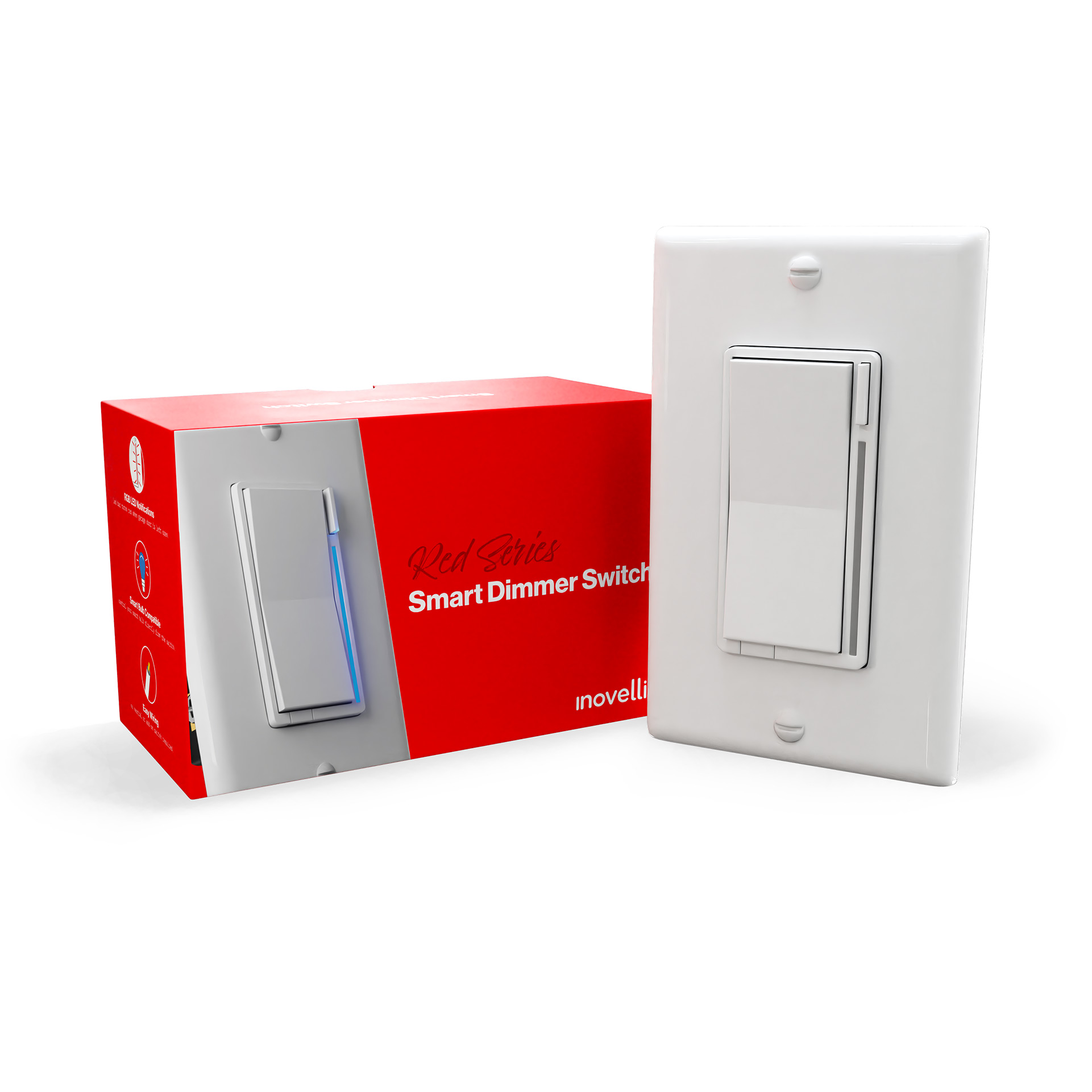
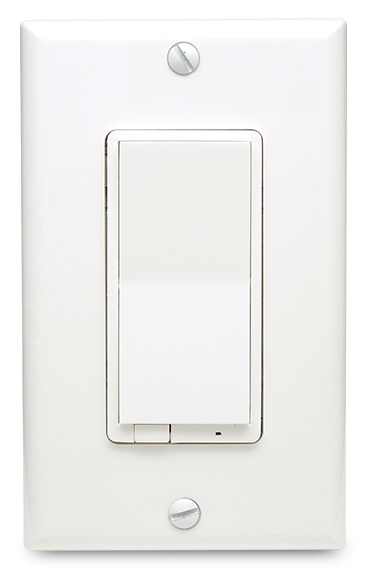
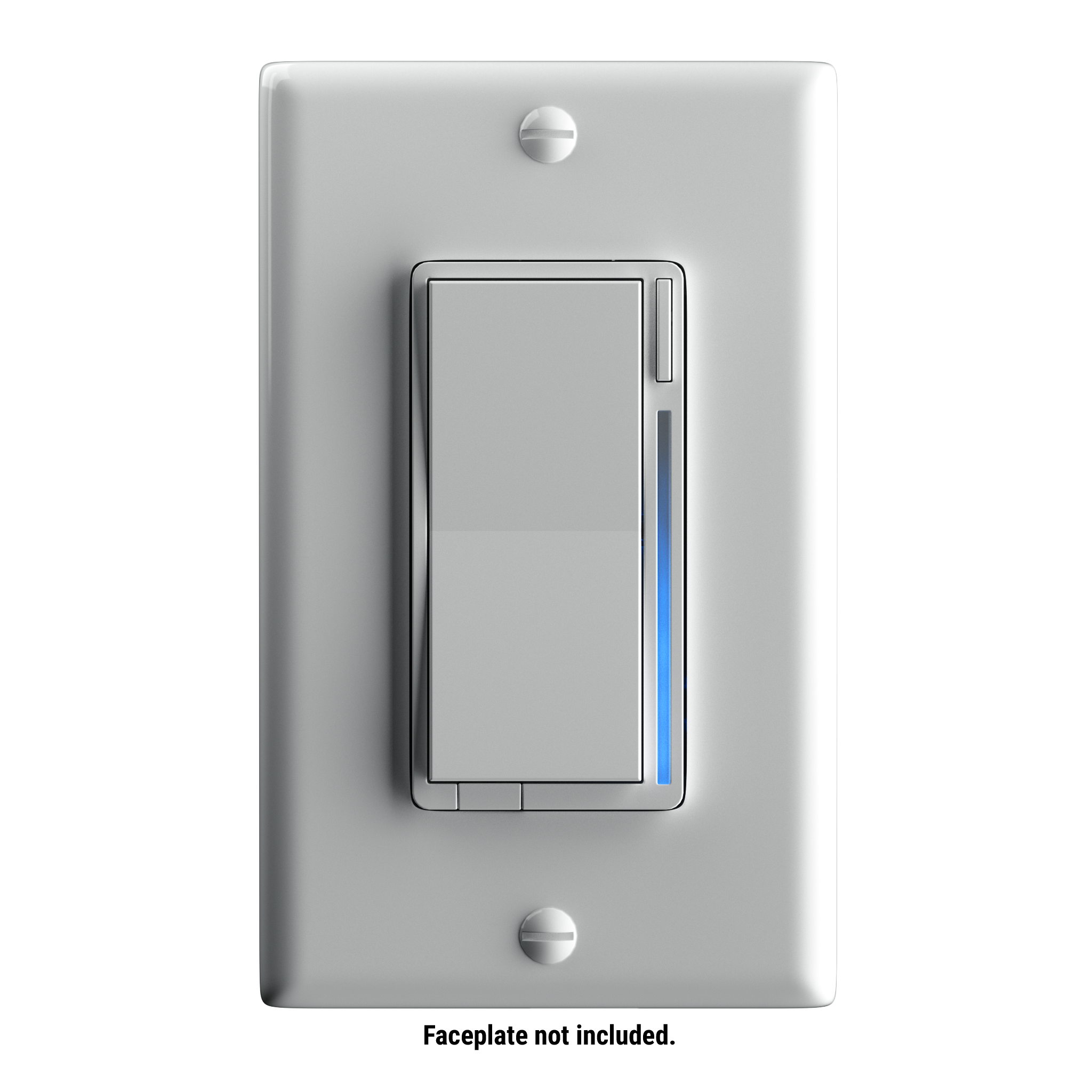
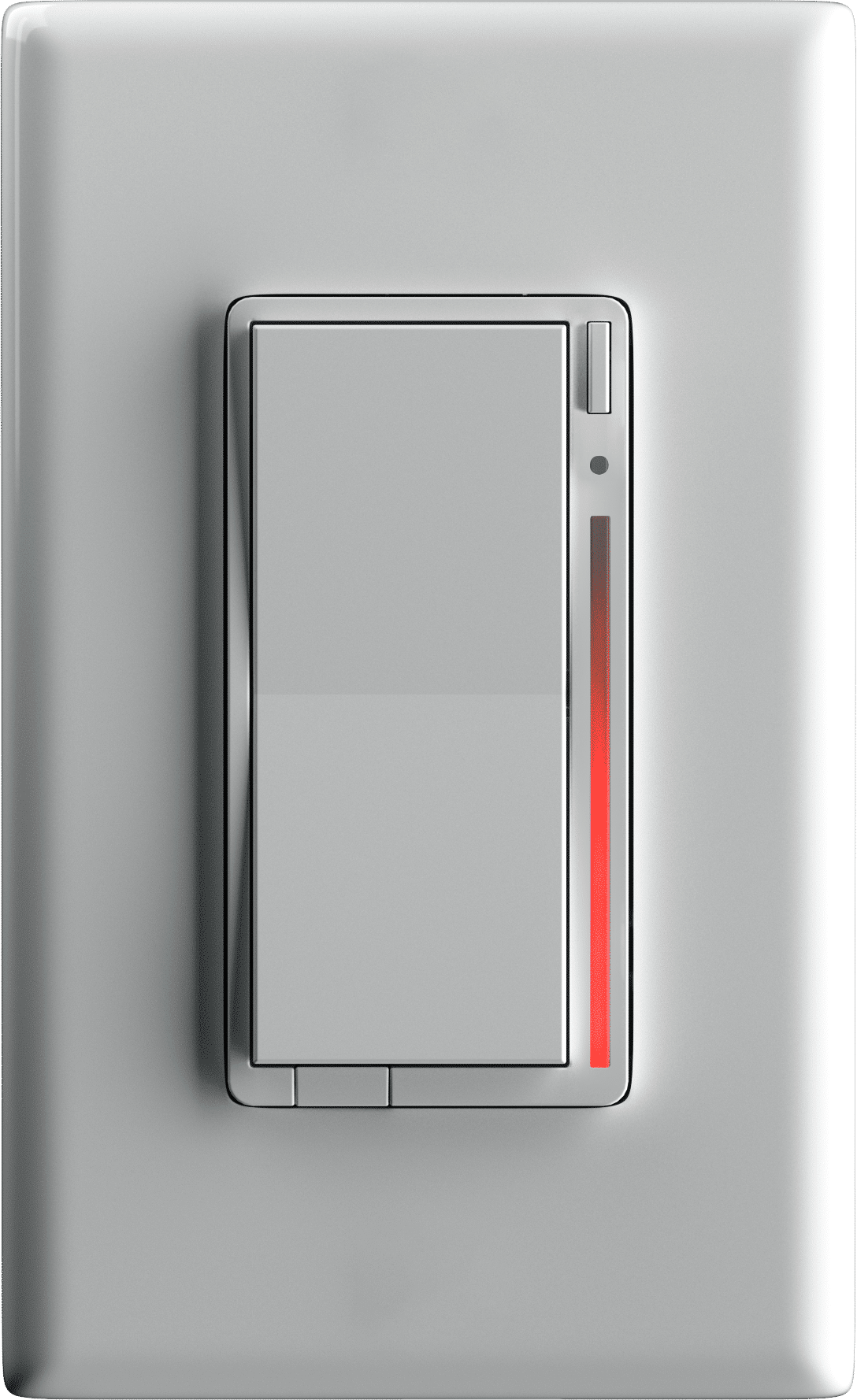
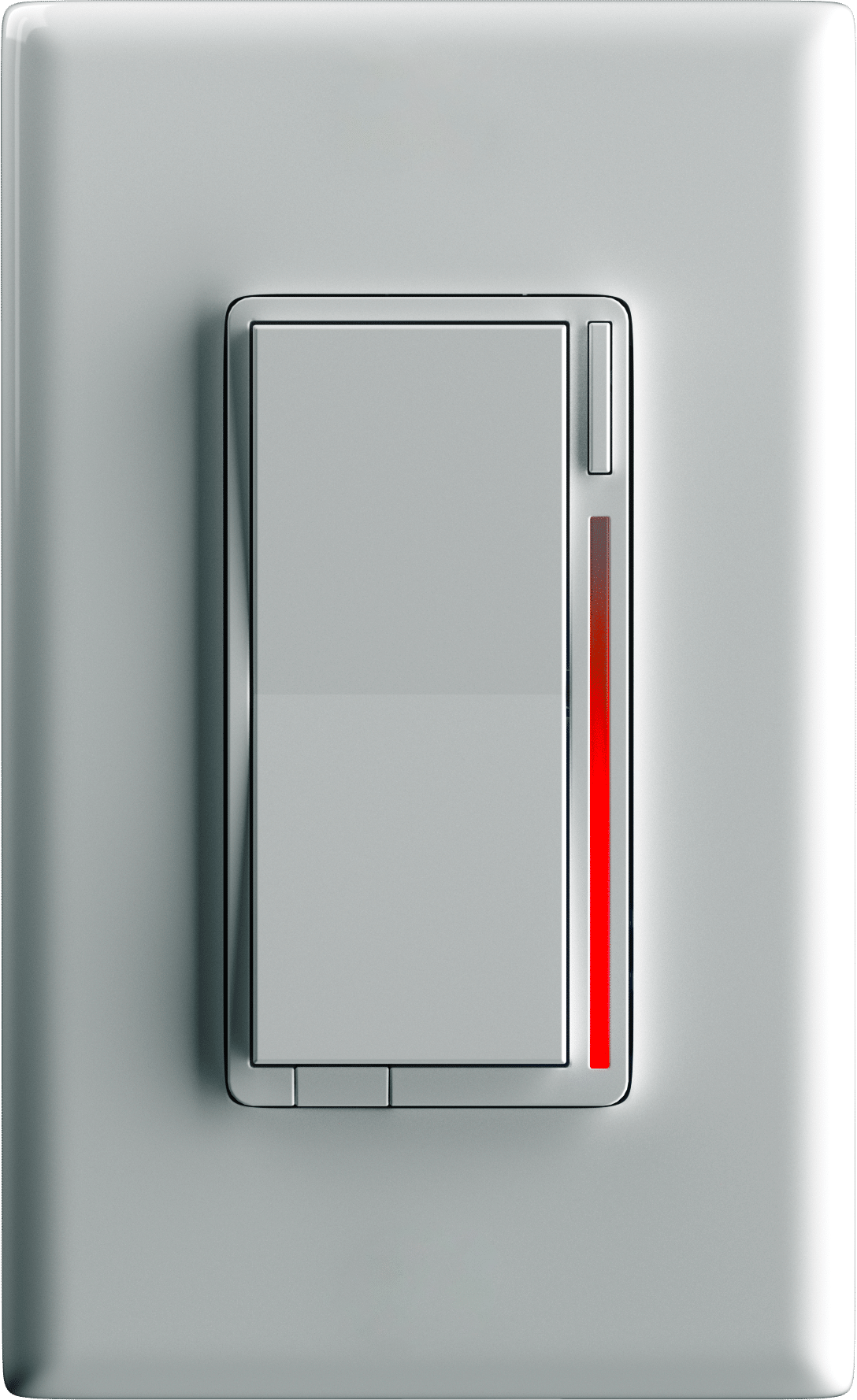
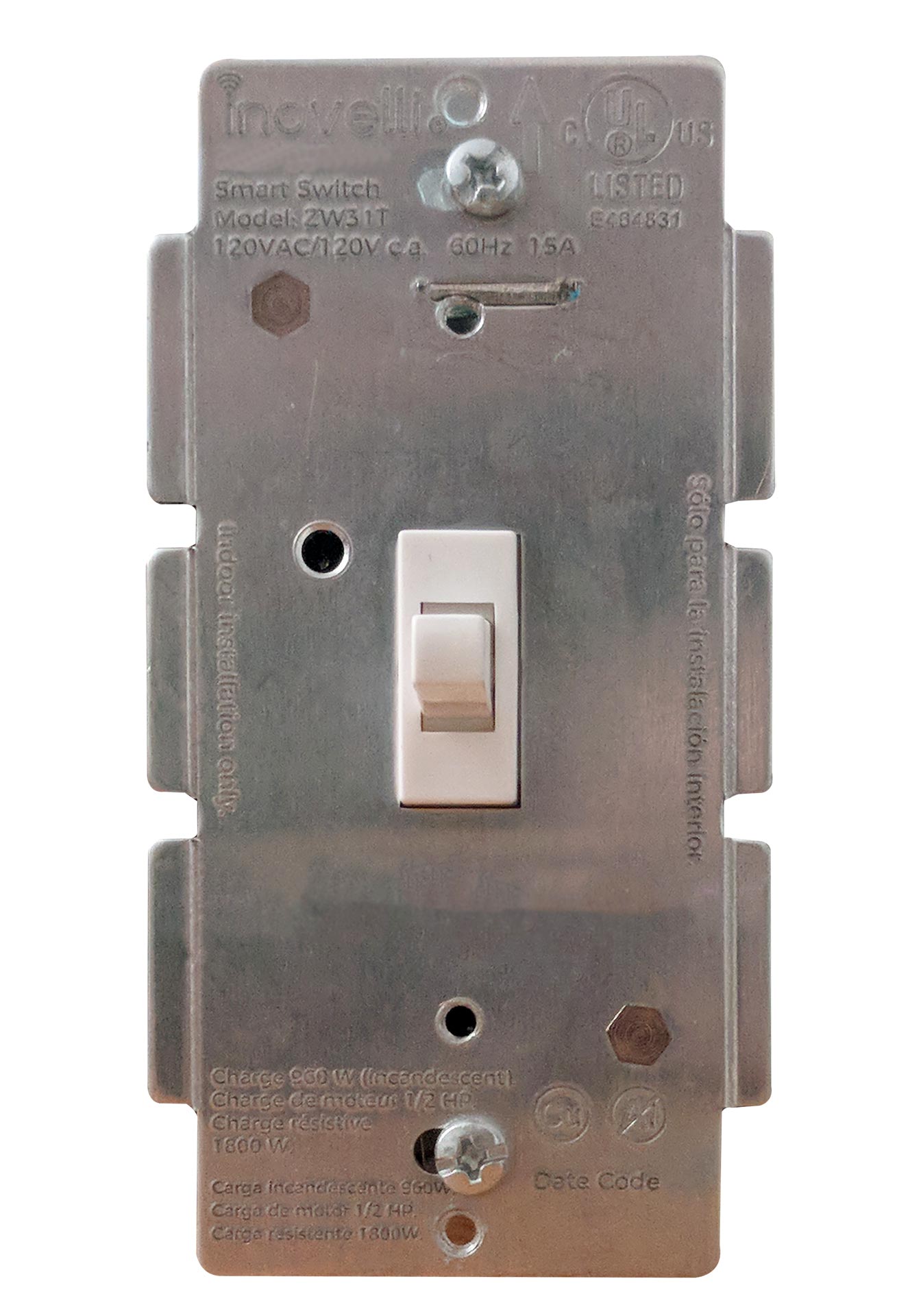
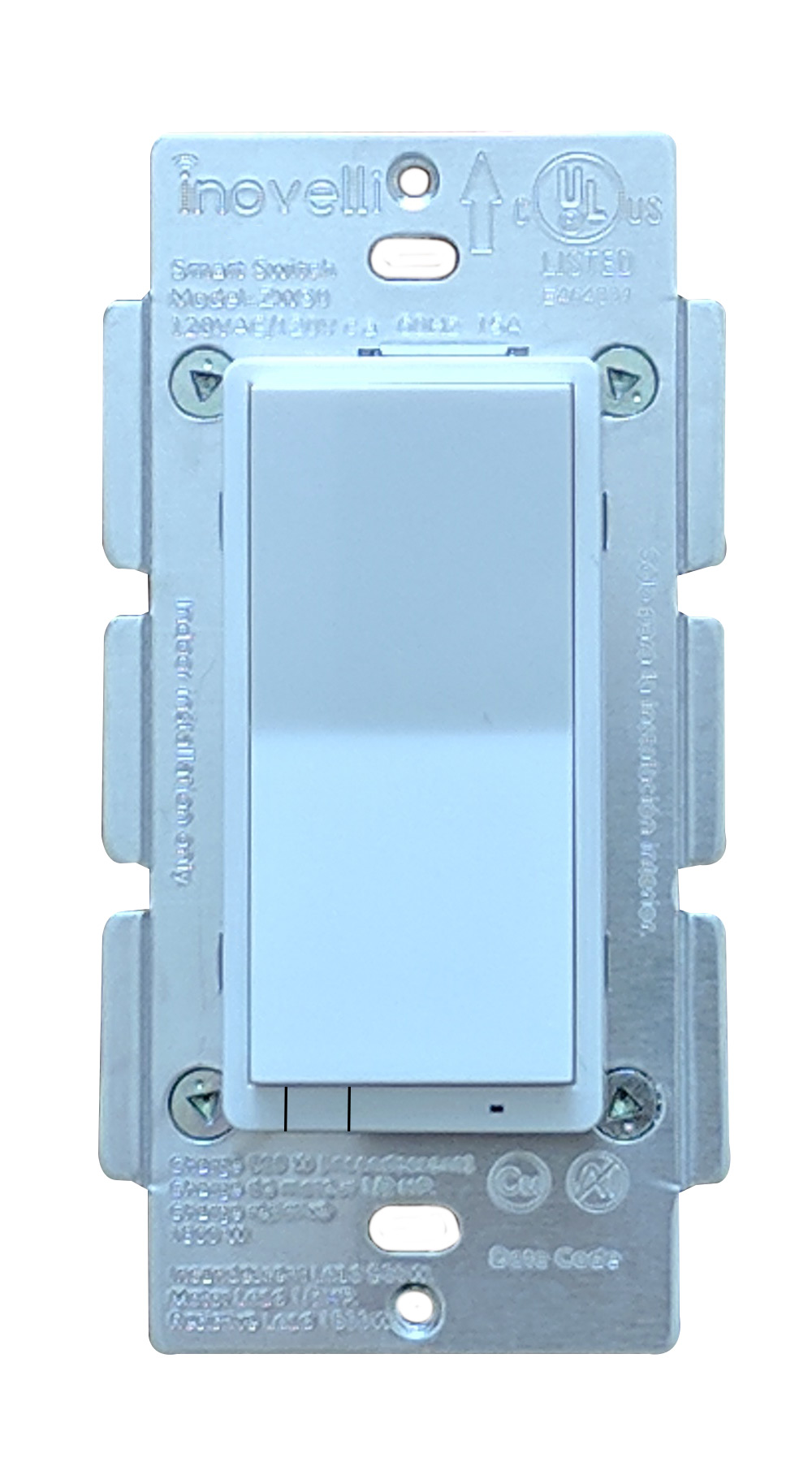
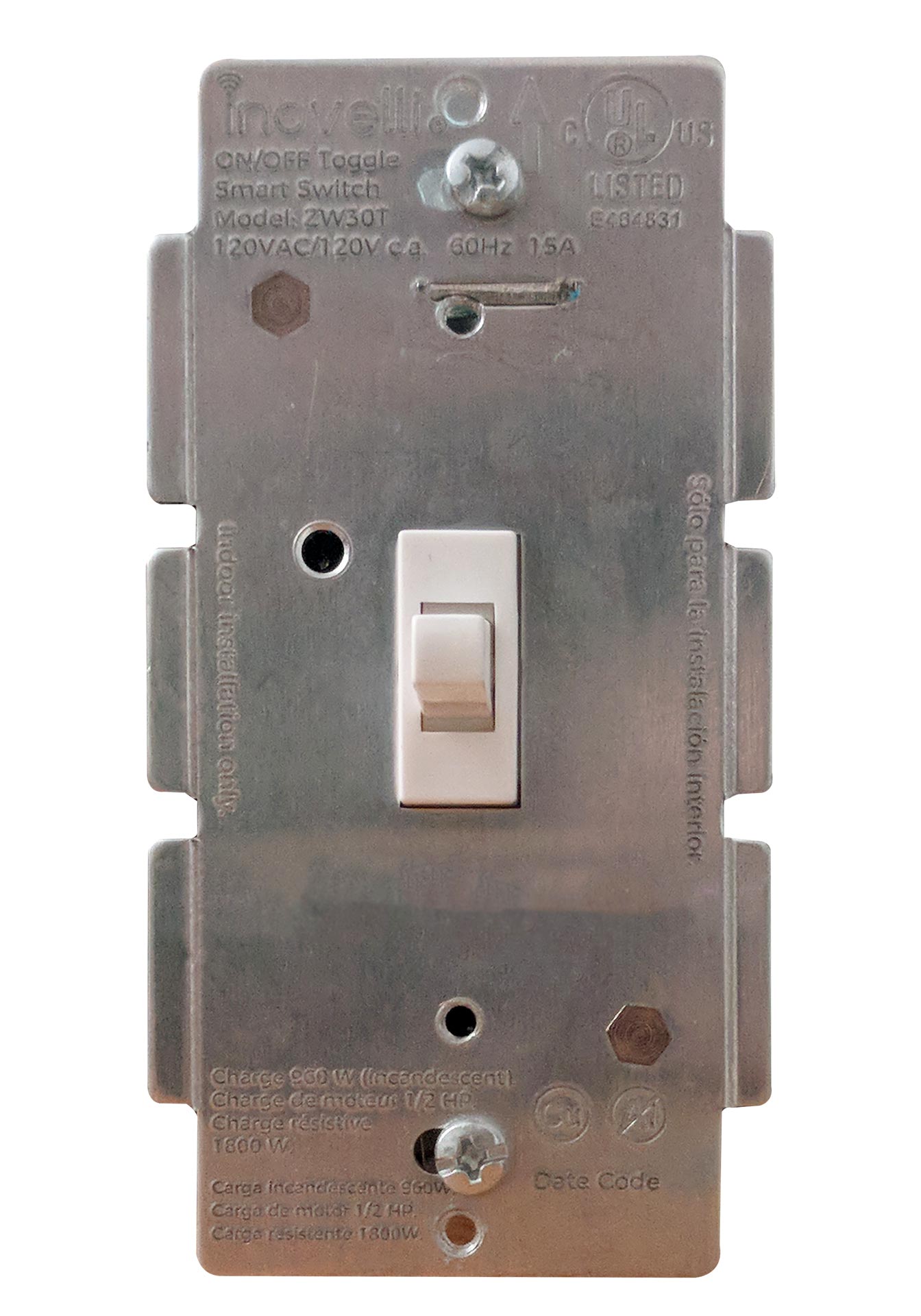
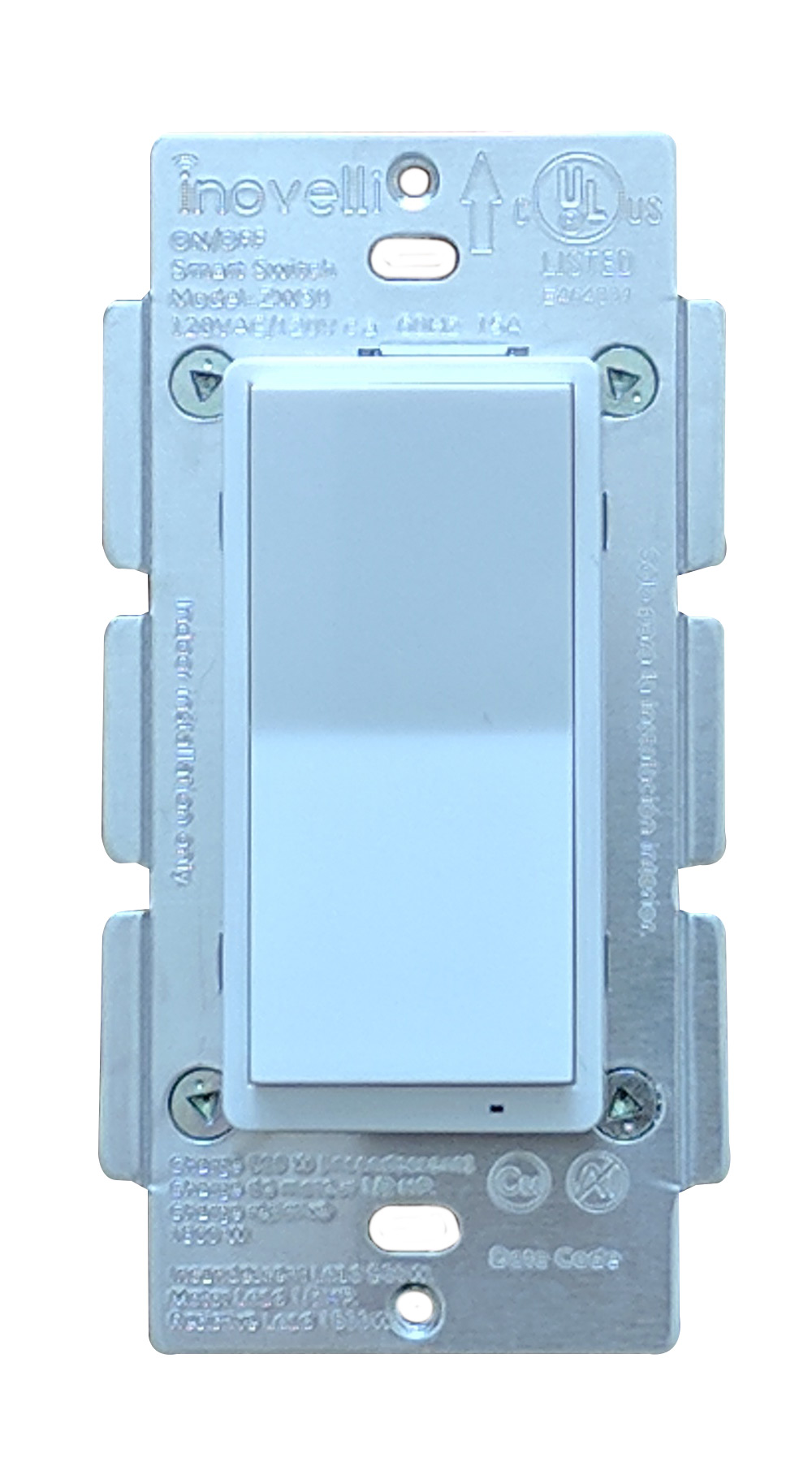
Long descriptionThe Inovelli Red Series Dimmer is a Z-Wave™ in-wall dimmer that controls attached LED, CFL, & Incandescent lighting which can be highly customized to your liking at the switch itself with our unique config button and advanced firmware. The switch can also be used either with or without a neutral wire. In addition, the Red Series comes with advanced features such as scene support, power monitoring, notifications, local protection, etc. Short descriptionThe Inovelli Red Series Dimmer is our most advanced switch to date, which provides energy monitoring, scene control, LED Bar Notifications and much more. From to description 0 0 switch returns to level it was prior to being turned off 1 100 percentage 11 power on state when power is restored, the switch reverts to either on, off, or last level. example of how the values work: 0 = off, 1 100 = specific % on, 101 = returns to level before power outage. this parameter can be set without a hub from the configuration button. 0 1 0 101 0 from to description 0 0 when power is restored, switch is off 1 100 when power is restored, switch turns on to a certain dim level 101 101 when power is restored, switch reverts to last status 1 dimming speed how fast or slow the light turns on when you hold the switch (ie: dimming from 10 20%, 80 60%, etc). example of how the values work: 0 instant on, 1 = 1 second, 100 = 100 seconds. this parameter can be set without a hub from the configuration button. finally, if you are using a, "dumb" switch in a 3 way setting, this parameter will not work if you manually press the dumb switch (it will only work if you press the smart switch). 0 1 0 100 3 from to description 1 100 seconds 2 dimming speed (z wave) how fast or slow the light turns dim when you adjust the switch remotely (ie: dimming from 10 20%, 80 60%, etc). example of how the values work: 0 = instant on, 1 = 1 second, 100 = 100 seconds. entering the value of 101 = keeps the switch in sync with parameter 1. 0 1 0 101 101 from to description 0 100 seconds 101 101 keeps in sync with parameter 1 3 ramp rate how fast or slow the light turns on when you press the switch 1x to bring from on to off or off to on. example of how the values work: 0 = instant on, 1 = 1 second, 100 = 100 seconds. entering the value of 101 = keeps the switch in sync with parameter 1. 0 1 0 101 101 from to description 0 100 seconds 101 101 keeps in sync with parameter 1 4 ramp rate (z wave) how fast or slow the light turns on when you bring your switch from on to off or off to on remotely. example of how the values work: 0 = instant on, 1 = 1 second, 100 = 100 seconds. entering the value of 101 = keeps the switch in sync with parameter 1. 0 1 0 101 101 from to description 0 100 seconds 101 101 keeps in sync with parameter 1 5 minimum dim level minimum level the light switch will dim to (great for fixing flickering bulbs). example of how the values work: 1= 1%, 2 = 2%, 45 = 45%. this parameter can be set without a hub from the configuration button. 0 1 0 45 1 from to description 1 45 percent 6 maximum dim level maximum level the light switch will dim to. example of how the values work: 55 = 55%, 56 = 56%, 100 = 100%. this parameter can be set without a hub from the configuration button. 0 1 0 100 100 from to description 55 100 percentage 7 invert switch inverts the switch (tap down = on, tap up = off). example of how the values work: 0 = disabled, 1 = enabled. this parameter can be set without a hub from the configuration button. 0 1 0 1 0 from to description 0 0 disabled 1 1 enabled 8 auto off timer automatically turns the switch off after x amount of seconds. example of how the values work: 0 = disabled, 1 = 1 second, 32767 = 32767 seconds. 0 2 0 32767 0 from to description 0 0 disabled 1 32767 seconds 9 default level (local) default dim level for the switch when pressed locally (at the switch). this is useful if you'd like your switch to turn on to a certain level when manually pressing the switch during certain times. for example, you could have your switch turn on to 10% brightness during the hours of 10pm 6am when you manually press it. example of how the values work: 0 = switch will return to level it was prior to being off, 1 = 1%, 100 = 100%. this parameter can be set without a hub from the configuration button. 0 1 0 100 0 from to description 0 0 switch returns to level it was prior to being turned off 1 100 percentage 17 led indicator timeout changes the amount of time the rgb bar shows the dim level if the led bar has been disabled. example of how the values work: 0 = always off, 1 = 1 second after level is adjusted, 10 = 10 seconds after level is adjusted. 0 1 0 10 3 from to description 0 0 always off 1 10 seconds after level is adjusted 51 disable 700ms delay removes the 700ms delay after tapping up or down. note: this will remove multi tap scene control. however, you will still have scene control when you tap up/down 1x, hold up/down, or press the config button. 1 1 0 1 1 from to description 0 0 no delay (ie: removes 700ms delay) 1 1 delay (700ms) 52 smart bulb mode puts the device into smart bulb mode, which allows you to put a smart bulb on your switch. in this mode, the switch will act as a remote and not cut power to the smart bulb, but rather it will send central scene commands to the hub to turn on/off the smart bulb. 1 1 0 1 0 from to description 0 0 non smart bulb mode 1 1 smart bulb mode 50 adjust switch delay there is inherently a 700ms delay from when you press the button to when the light turns on. this is because the switch is waiting to see if you'll tap again to activate a scene. this parameter will allow you to adjust that delay anywhere from 100ms to 900ms. 1 1 1 9 7 from to description 1 9 100ms increments (ie: 1 = 100ms, 2 = 200ms, 9 = 900ms) textsID Description Value 2