✅ Future-proofBuilt to keep working — even if the maker walks away.
It works locally over Z-Wave, so it keeps running even if Inovelli shuts down the app or the servers. Nothing here ties you to a single company's survival.
Works locally over Z-Wave — keeps running without the maker's cloud
Still in production
Based on how this device connects (local vs. cloud), whether it’s still sold and supported, and its app / subscription. A guide, not a guarantee.
Connectivity
Z-Wave
Prices
No prices yet — be the first to add one.
Community tags
Be the first to tag this page — tags appear right away. Try a theme, capability, or subject (e.g. WWII, heist, slow burn, time travel, A24).
Community photos
Photos from members
No member photos yet.
Reviews
What members say
Sign in to rate Fan & Light Switch and share a photo.
No reviews yet.
Community
Be the first to start a thread about Fan & Light Switch
Threads post into the Inovelli community forum.
Sign in to start a thread in the Inovelli community.
Edit history
Loading edit history…
Certified
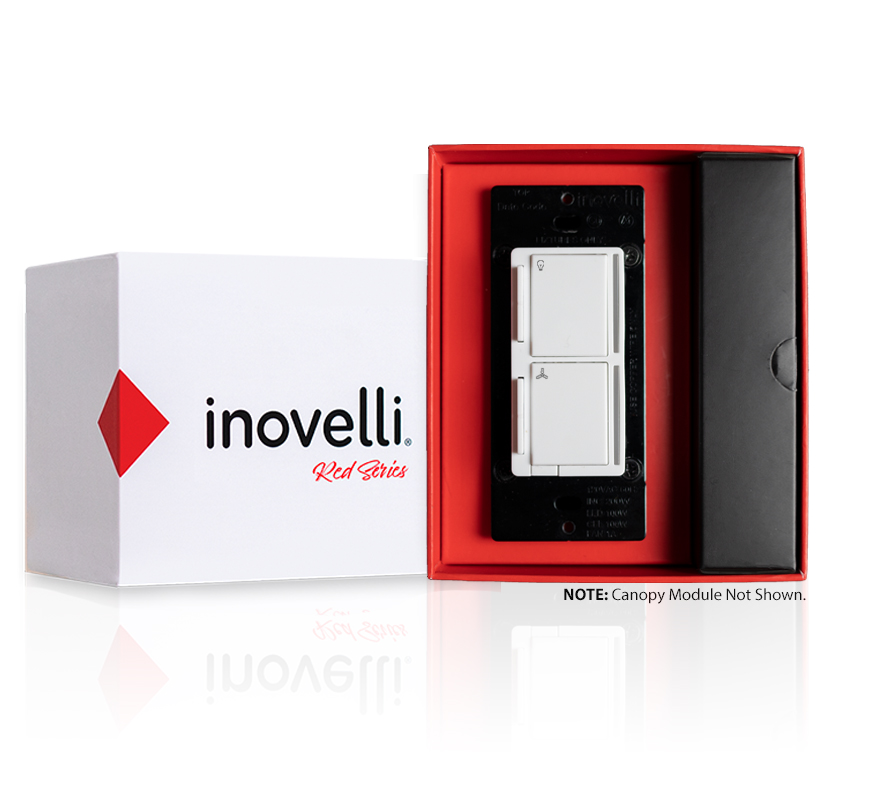
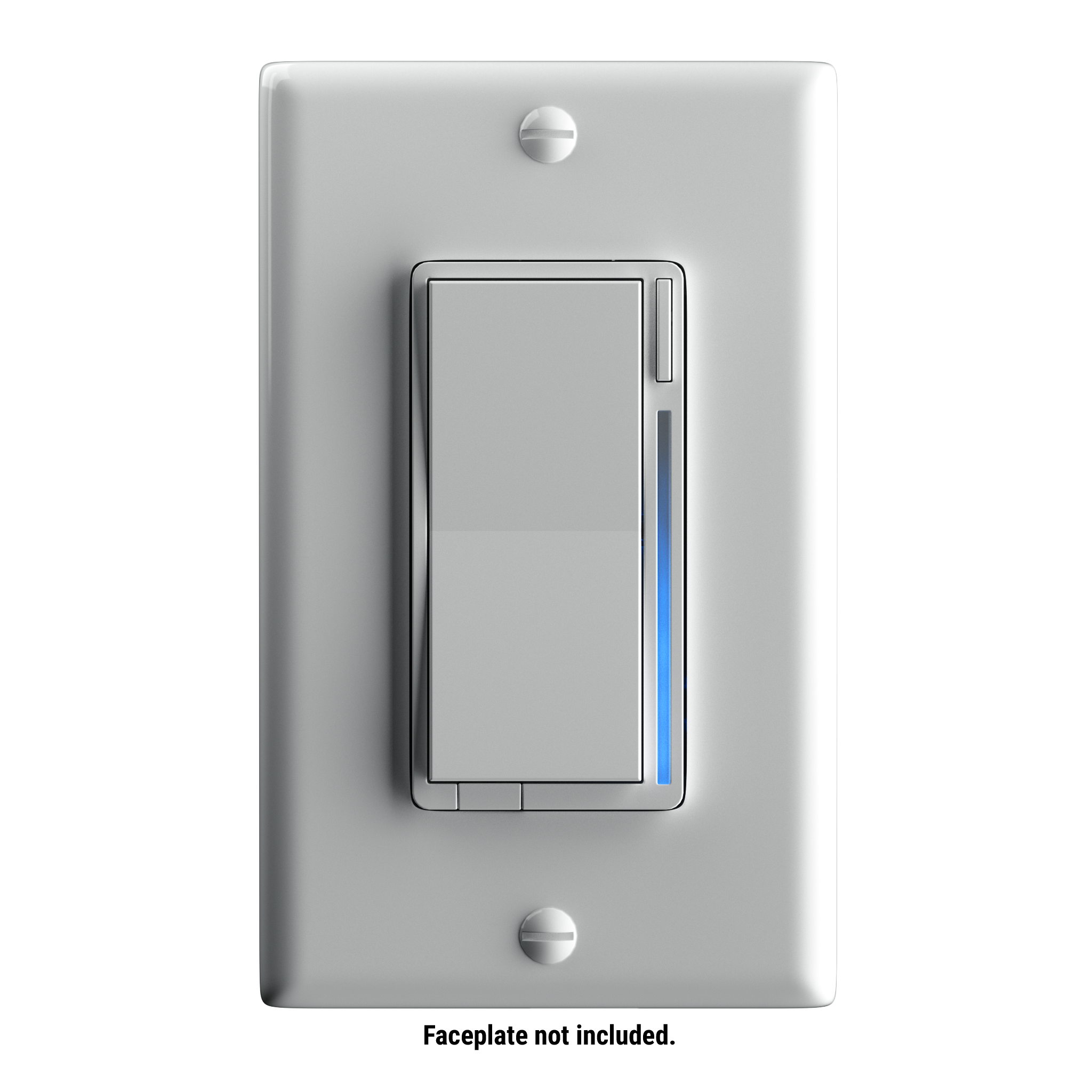
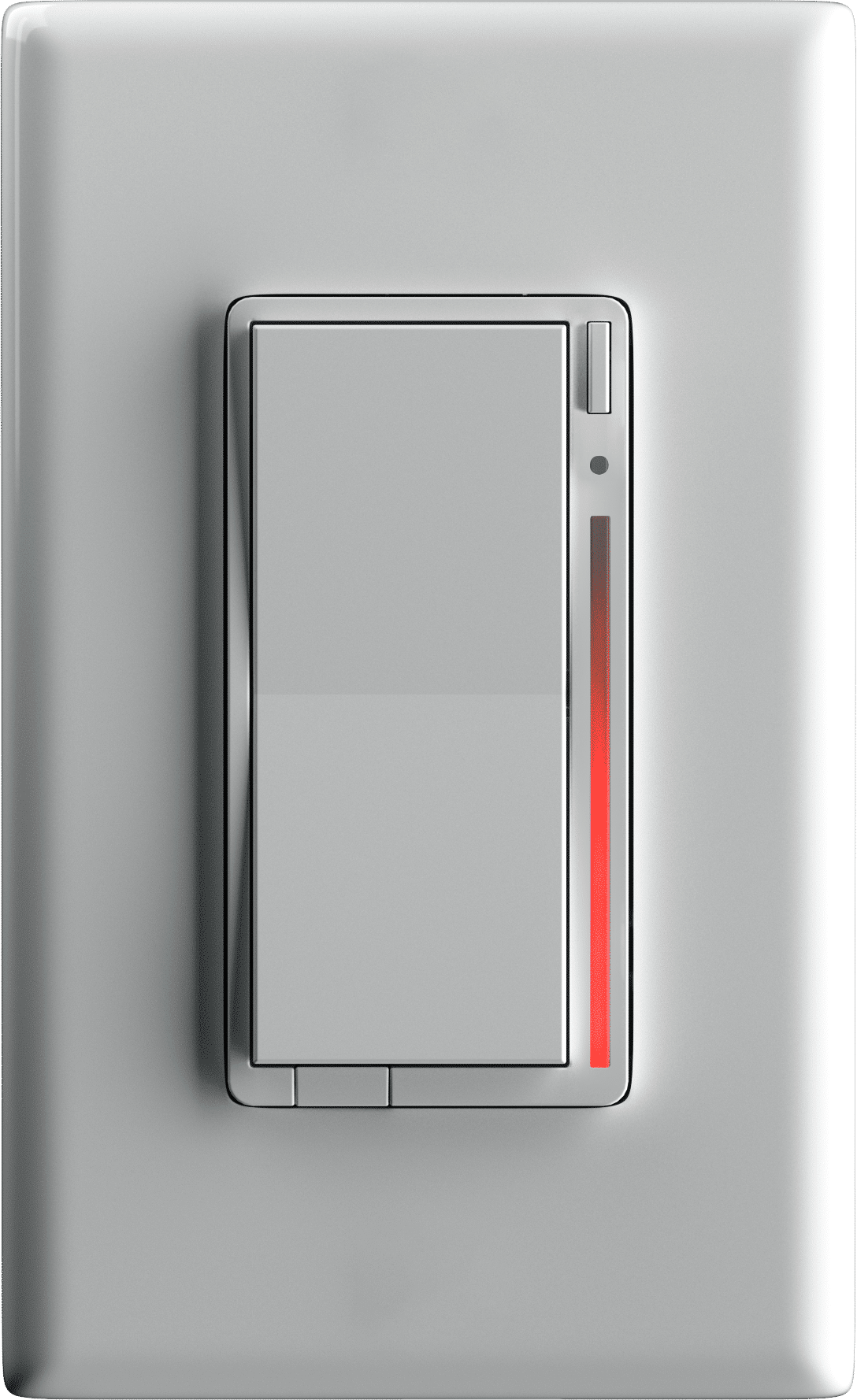
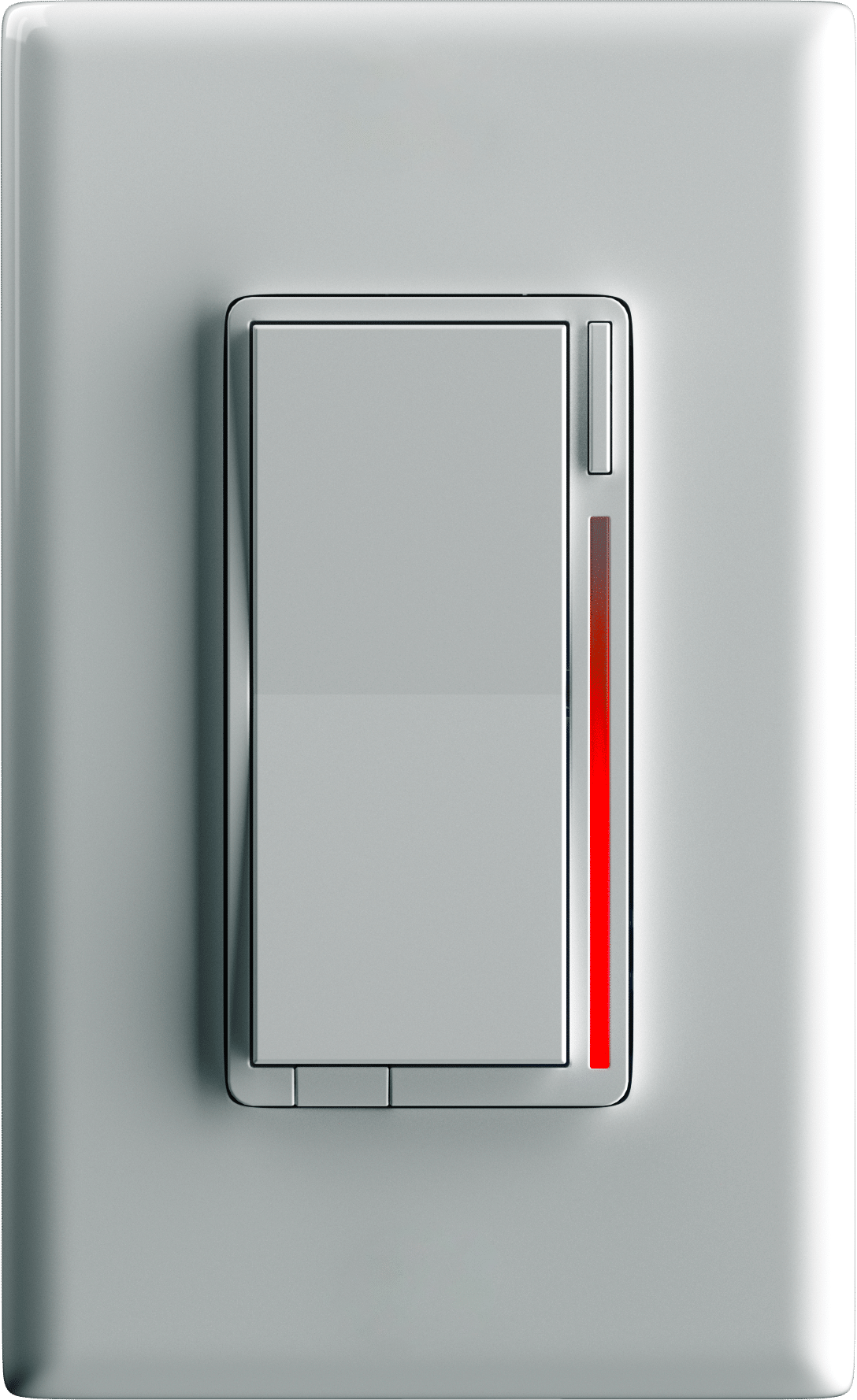
The Inovelli Red Series Fan/Light Switch is a 700 Series Z-Wave in-wall fan + light switch that controls both your fan motor and its attached LED, CFL, & Incandescent bulbs which can be highly customized to your liking at the switch itself with our unique config buttons and advanced firmware. In addition, the Red Series comes with advanced features such as scene support, power monitoring, notifications, local protection, etc. This is the first of its kind that allows homes that only have one wire coming from the fan to the light switch and uses both a light switch and canopy module. Inspired and worked on by our wonderful community.
Want to buy adds it to your wish list and follows Inovelli for updates. I own it adds it to your collection.
The Inovelli Red Series Fan/Light Switch is a 700 Series Z-Wave in-wall fan + light switch that controls both your fan motor and its attached LED, CFL, & Incandescent bulbs which can be highly customized to your liking at the switch itself with our unique config buttons and advanced firmware. In addition, the Red Series comes with advanced features such as scene support, power monitoring, notifications, local protection, etc. This is the first of its kind that allows homes that only have one wire coming from the fan to the light switch and uses both a light switch and canopy module. Inspired and worked on by our wonderful community.
Hardware platform
ZGM130
Short description
The Inovelli Fan/Light Switch controls both your fan motor and lights all from one switch. Includes the most advanced technology to date from Z-Wave (700 Series) and state-of-the-art firmware expected from Inovelli.
Product identifier
LZW36
Countries / regions
United States of America
Supports smart start
Yes
Certification number
ZC12-20060074
Radio range z wave (m)
40
Configuration parameters
Parameter Number Name Description Format Size Min Value Max Value Default Value Parameter Values 1
Supports explorer frames
Yes
Supported command classes
Identifier Name Key Version COMMAND_CLASS_CONFIGURATION_V4
Controlled command classes
Identifier Name Key Version COMMAND_CLASS_SWITCH_MULTILEVEL_V4
Supported / controlled meter types
Meter Type Rate Type Description Electric meter
Value central scene electric load type value dimmable led inductive (e.g. motor) firmware updatable value updatable by manufacturer neutral wire required color value white switch type value decorator paddle push association groups
Group Number Maximum Nodes Supported End Point ID Group Name Profile Description 7
From to description 0 100 speed at which light dims up or down (increments) 2 dimming speed (from switch) light this changes the speed in which the attached light dims up or down when controlled from the physical switch. a setting of 0 should turn the light immediately on or off (almost like an on/off switch). increasing the value should slow down the transition speed. a setting of 99 should keep this in sync with parameter 1. 2 1 0 99 99 from to description 0 98 speed at which light dims up and down (from switch) 99 99 sync to parameter 1 3 ramp rate this changes the speed in which the attached light turns on or off. for example, when a user sends the switch a basic set(value: 0x ff) or basic set(value: 0x00), this is the speed in which those actions take place. a setting of 0 should turn the light immediately on or off (almost like an on/off switch). increasing the value should slow down the transition speed. a setting of 99 should keep this in sync with parameter 1. 2 1 0 99 99 from to description 1 98 speed at which the light turns on and off 99 99 sync to parameter 1 4 ramp rate (from switch) this changes the speed in which the attached light turns on or off from the physical switch. for example, when a user presses the up or down button, this is the speed in which those actions take place. a setting of 0 should turn the light immediately on or off (almost like an on/off switch). increasing the value should slow down the transition speed. a setting of 99 should keep this in sync with parameter 1. 2 1 0 99 99 from to description 0 98 speed at which the light turns on and off (from switch) 99 99 sync to parameter 1 5 minimum level – light the minimum level that the dimmer allows the bulb to be dimmed to. useful when the user has a bulb that does not turn on at a lower level. 2 1 1 45 1 from to description 1 45 minimum % level the bulb can be dimmed down to 6 maximum level – light the maximum level that the dimmer allows the bulb to be dimmed to. useful when the user has an led bulb that reaches its maximum level before the dimmer value of 99. 2 1 55 99 99 from to description 55 99 maximum % level the bulb can be dimmed up to 7 minimum level – fan the minimum level that the dimmer allows the fan to be dimmed to. useful when the user has a fan that does not turn on at a lower level. 2 1 1 45 1 from to description 1 45 minimum % level the fan can be dimmed down to 8 name: maximum level – fan the maximum level that the dimmer allows the fan to be dimmed to. 2 1 55 99 99 from to description 55 99 maximum % level the fan can be dimmed up to 9 invert switch inverts the switch (tap down = on, tap up = off). 0 = disabled, 1 = enabled 2 1 0 1 0 from to description 0 0 disabled 1 1 enabled 10 auto off timer – light automatically turns the light off after this many seconds. when the switch is turned on a timer is started that is the duration of this setting. when the timer expires, the switch is turned off. 2 2 0 32767 0 from to description 0 0 disabled 1 32767 seconds 11 auto off timer – fan automatically turns the fan off after this many seconds. when the fan is turned on a timer is started that is the duration of this setting. when the timer expires, the fan is turned off. 2 2 0 32767 0 from to description 0 0 disabled 1 32767 seconds 17 state after power restored – fan the state the switch should return to once power is restored after power failure. 0 = off, 1 99 = level, 100=previous. 2 1 0 100 0 from to description 0 0 off 1 99 turns on to a certain percentage (1 99%) 100 100 returns to previous state the fan was in prior to power outage 23 default led strip intensity (when off) – fan this is the intensity of the fan led strip when the switch is off. this is useful for users to see the light switch location when the lights are off. 2 1 0 9 1 from to description 0 9 intensity of the fan led strip (when fan is off) 24 led strip effect – light this will allow you to add some sweet effects to your led bar (i.e.: pulse, chase, solid, etc). byte 1 = color, byte 2 = brightness level, byte 3 = effect, byte 4 = duration. *please see website for further instructions on how to set this up 2 4 0 4294967295 0 from to description 0 4294967295 please see website instructions to set this up: https://nathanfiscus.github.io/inovelli notification calc/ 25 led strip effect – fan this will allow you to add some sweet effects to your led bar (i.e.: pulse, chase, solid, etc). byte 1 = color, byte 2 = brightness level, byte 3 = effect, byte 4 = duration. *please see website for further instructions on how to set this up 2 4 0 4294967295 0 from to description 0 4294967295 please see website instructions to set this up: https://nathanfiscus.github.io/inovelli notification calc/ texts