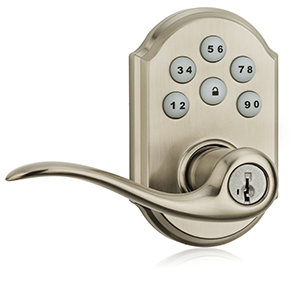
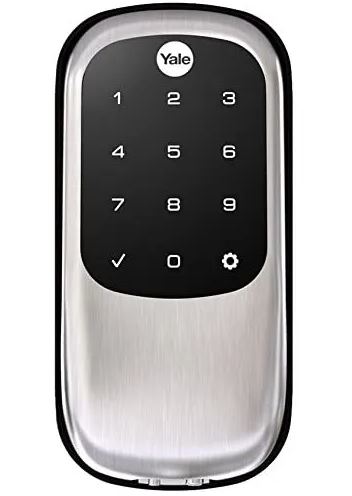
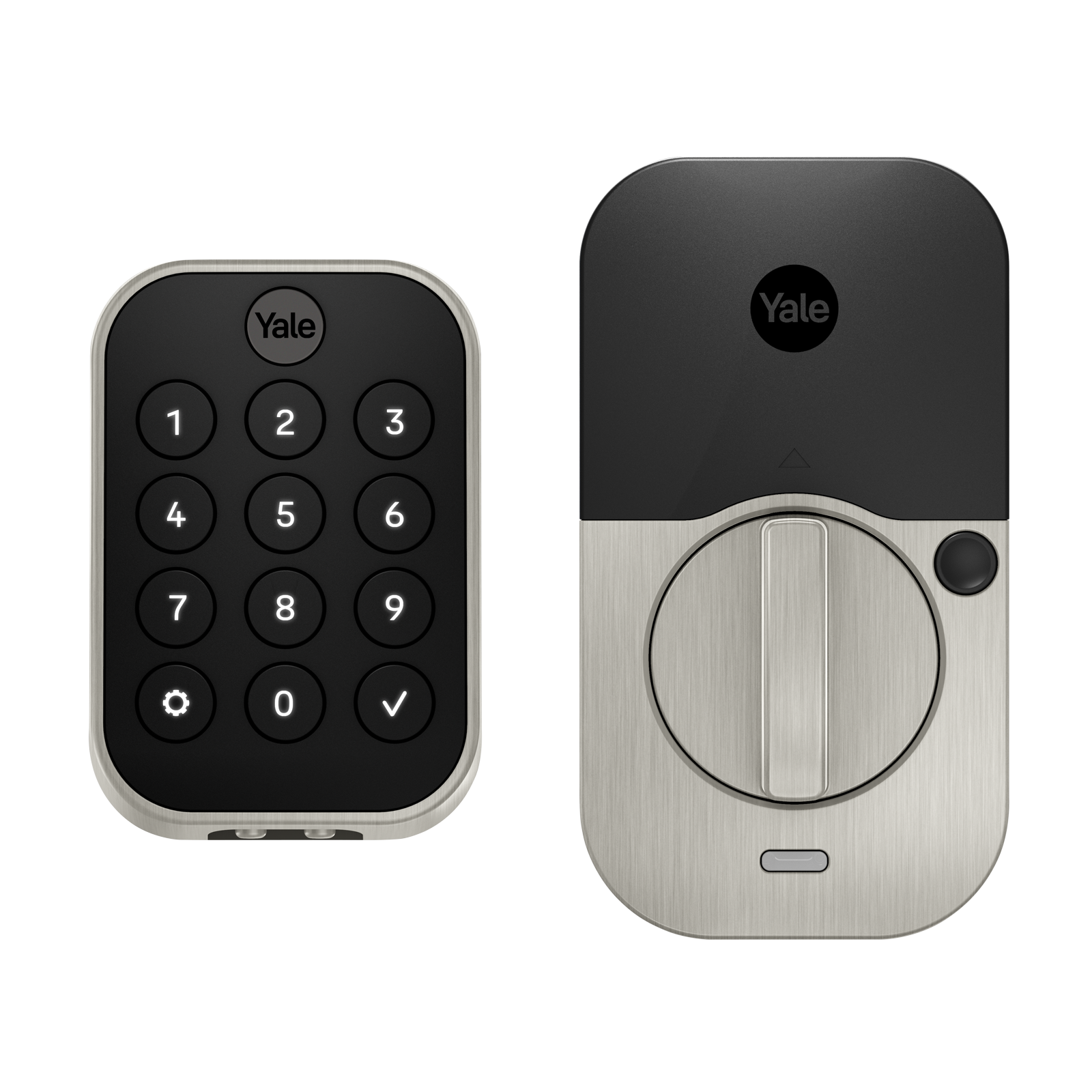
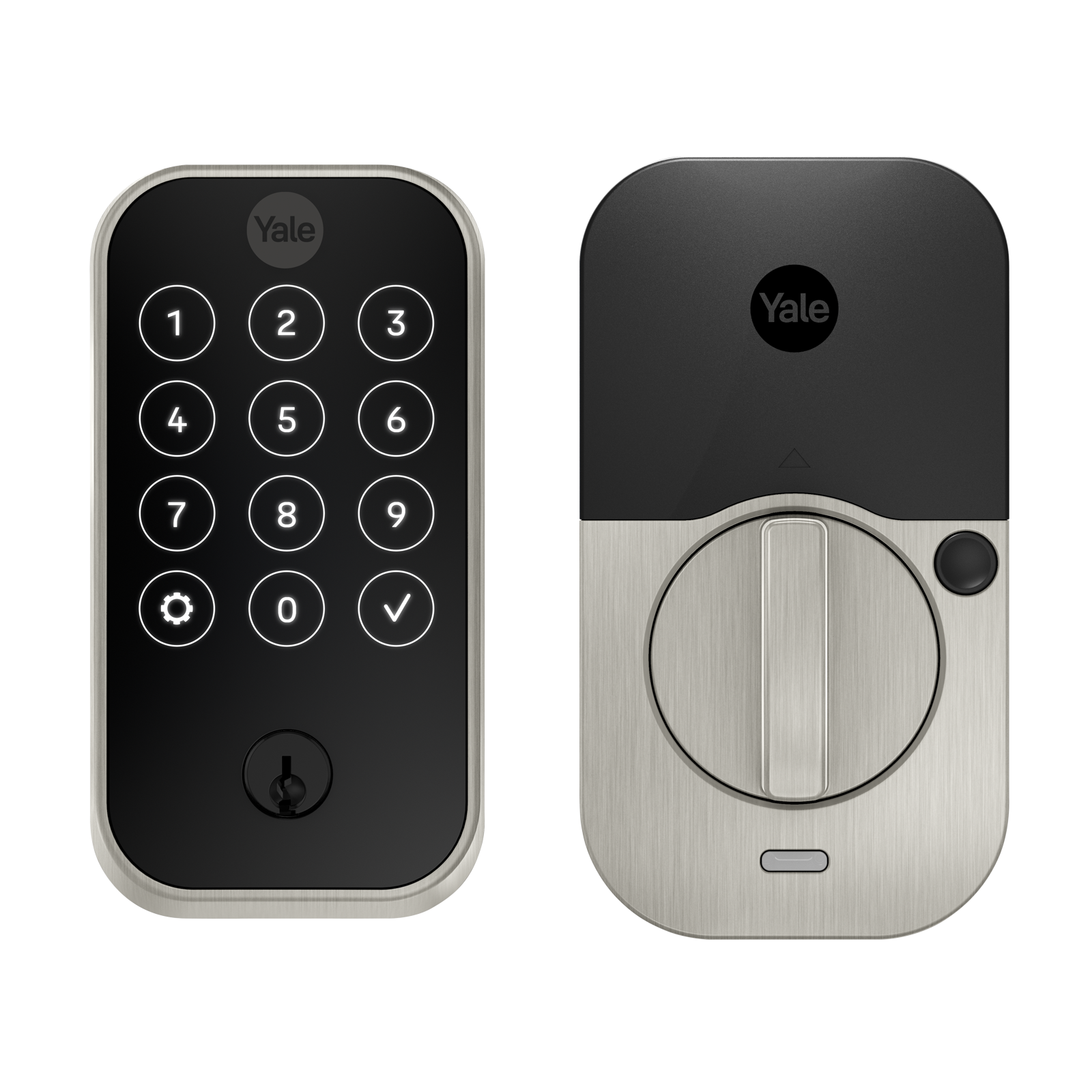
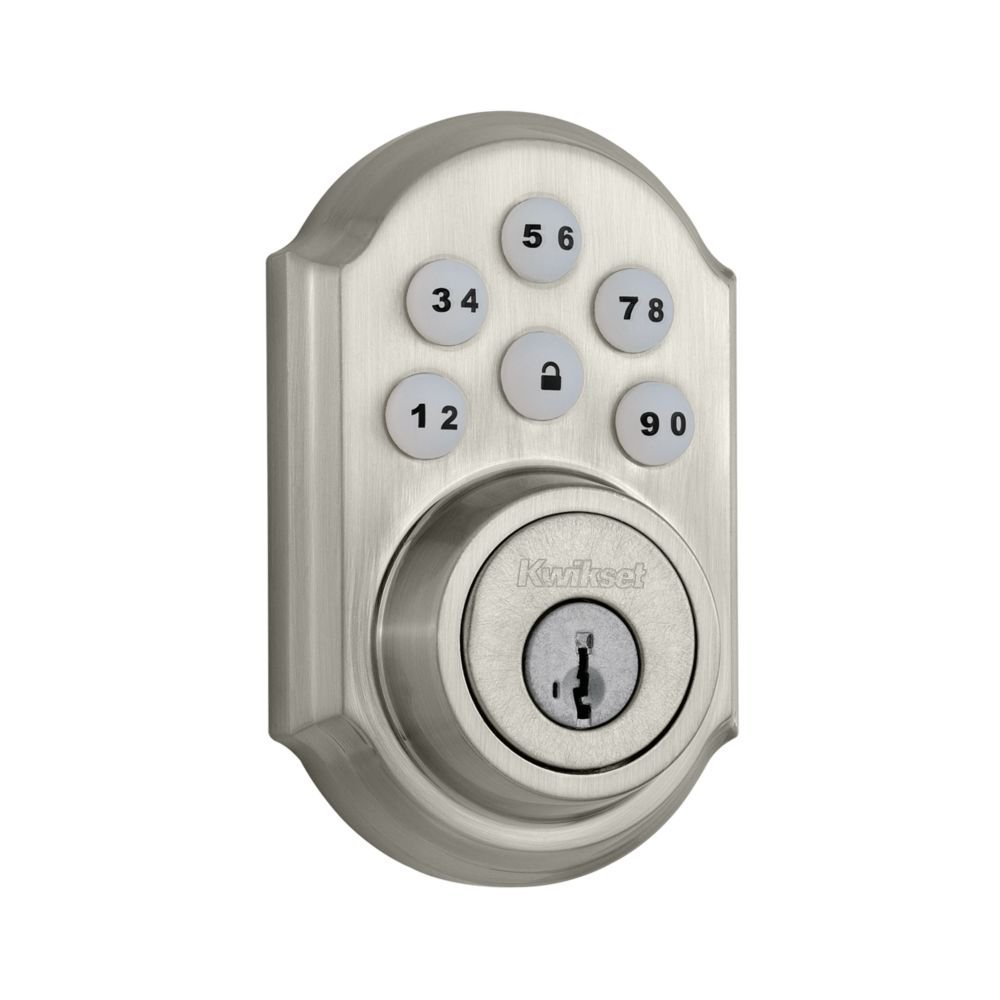
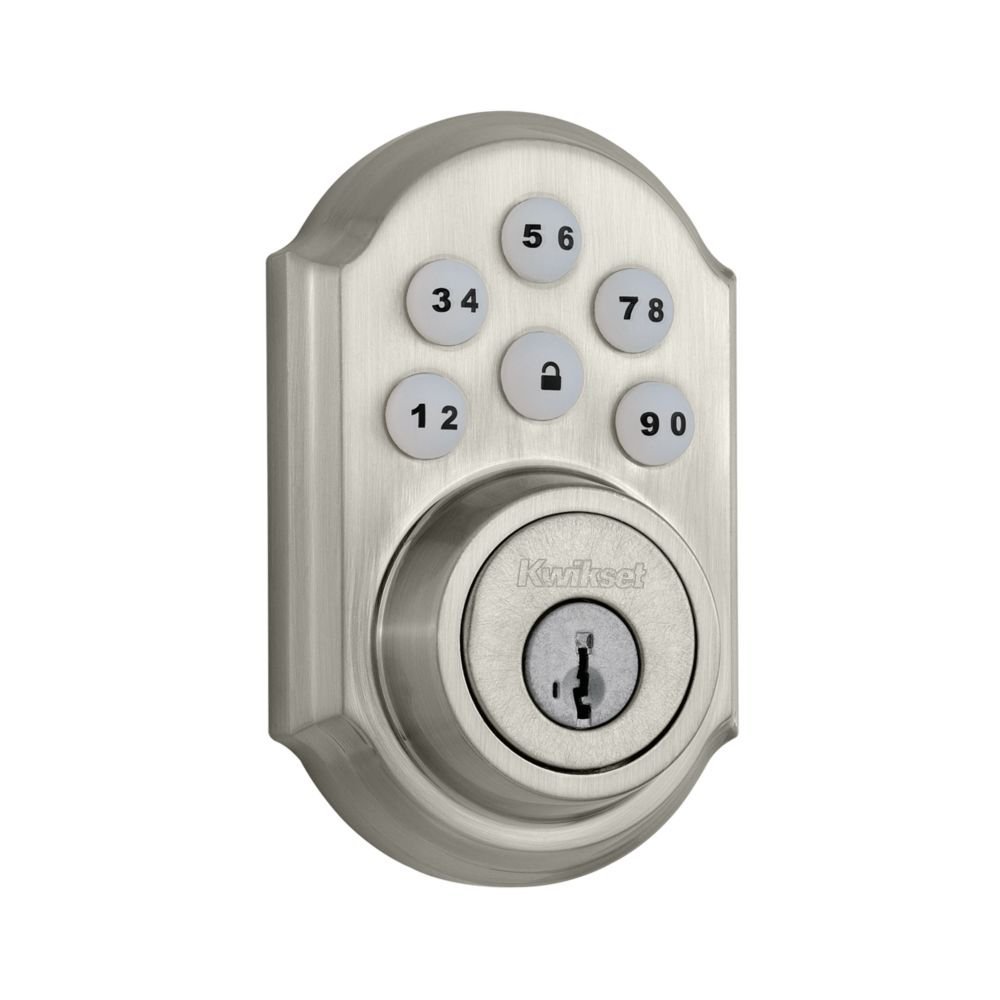
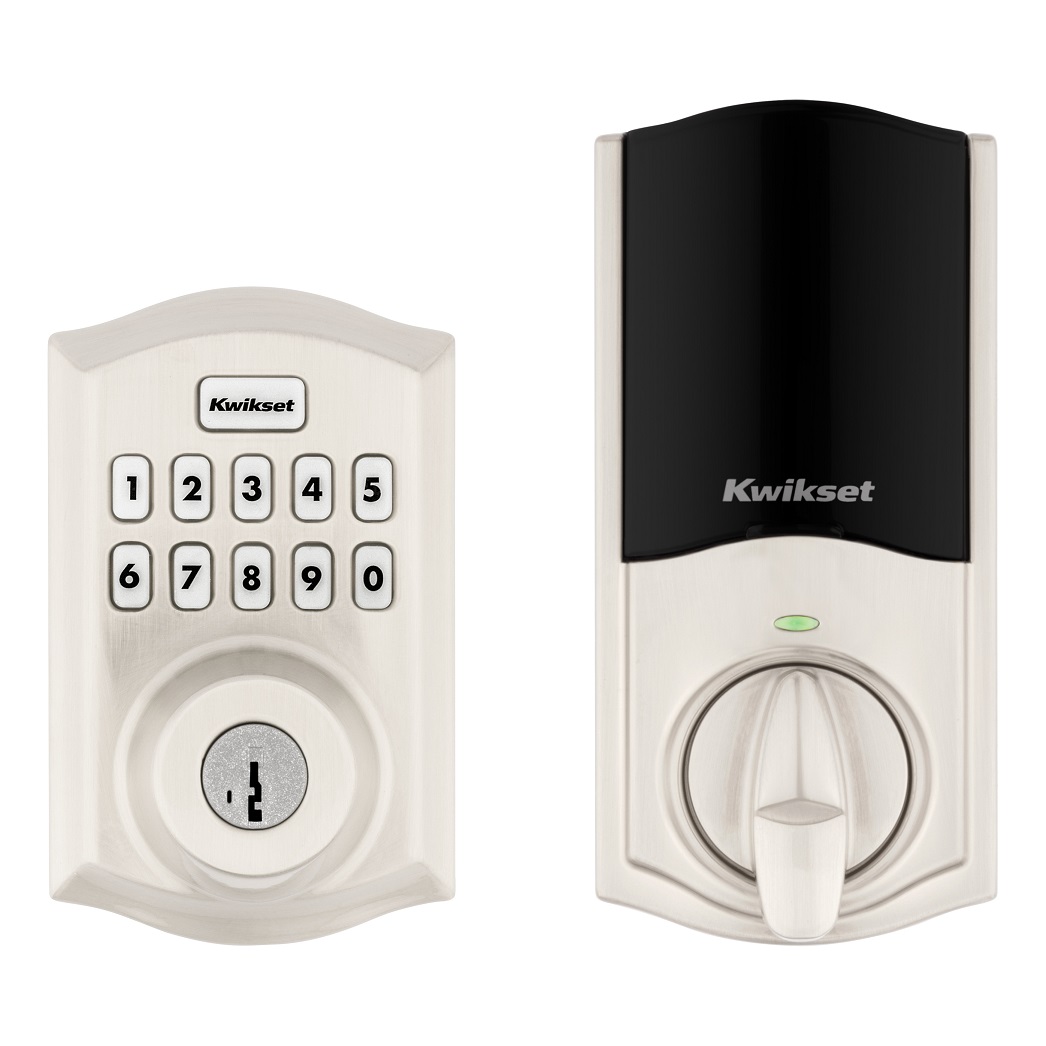
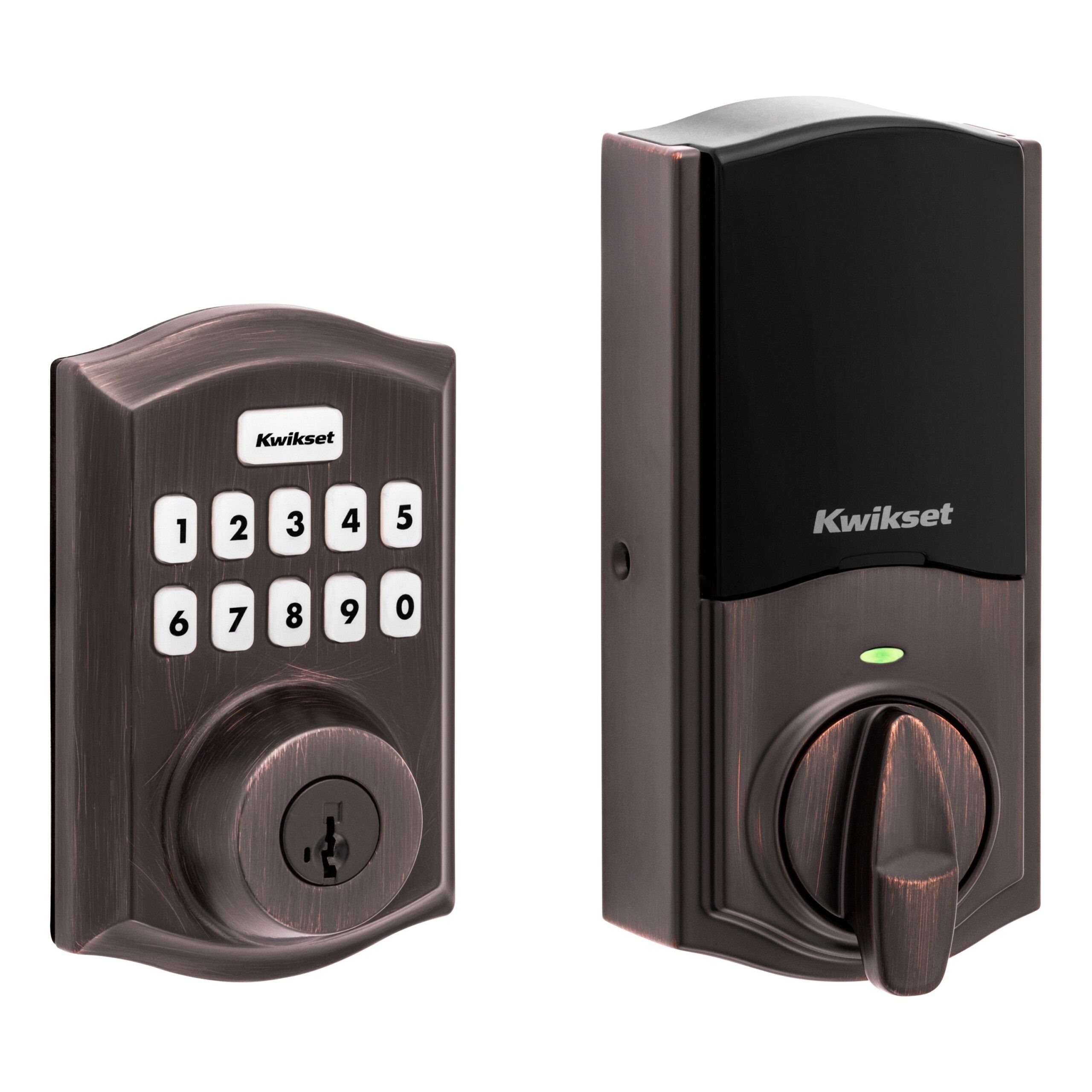
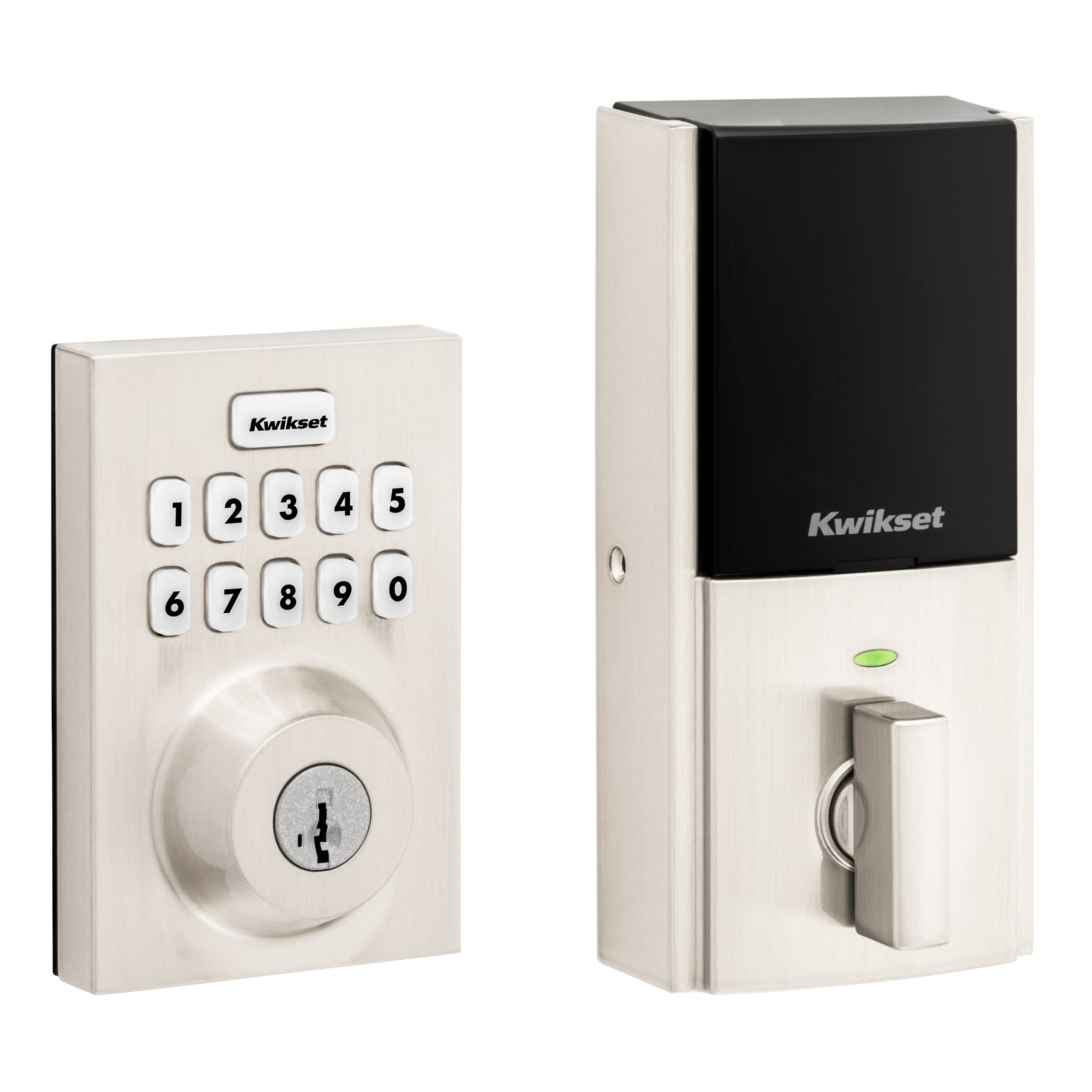
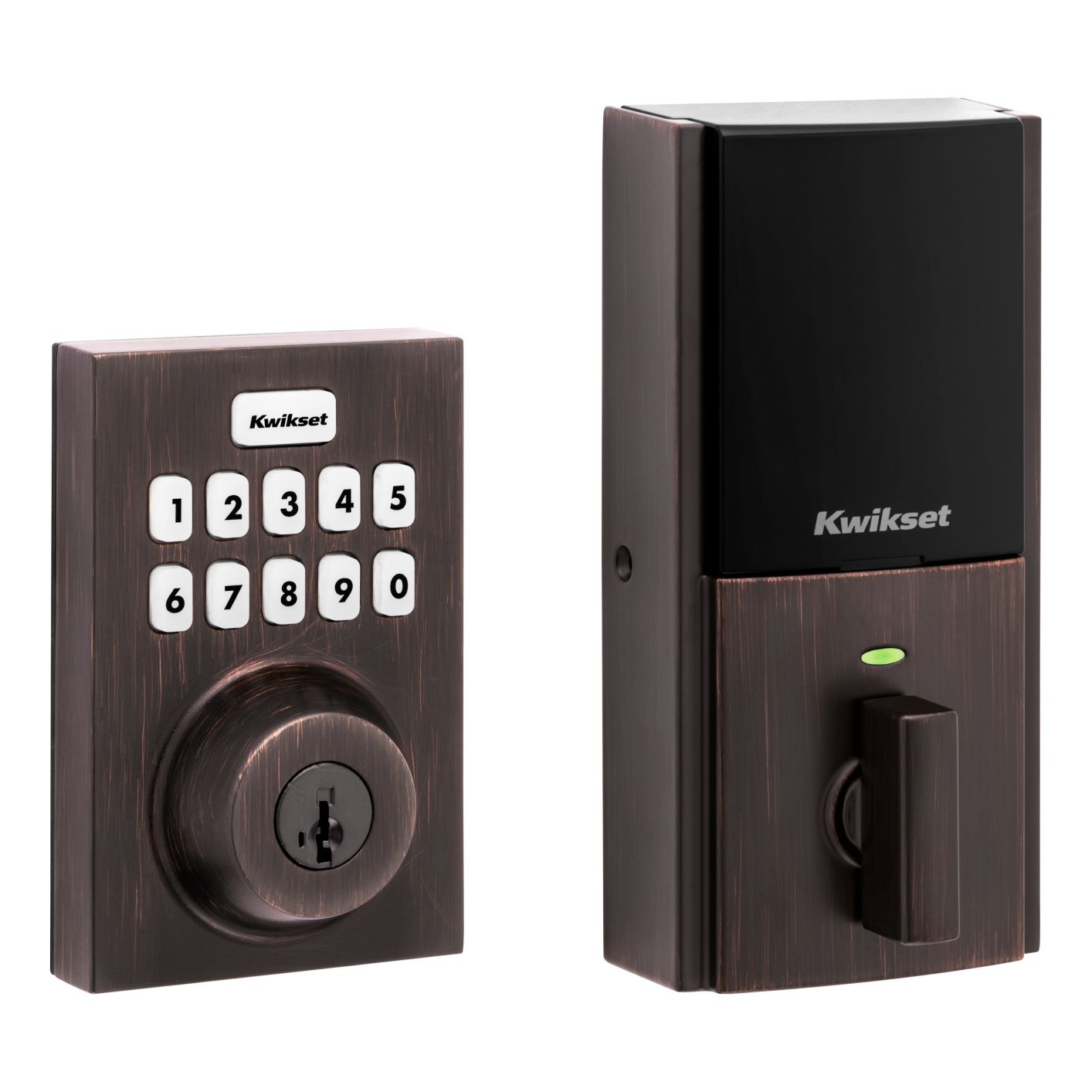
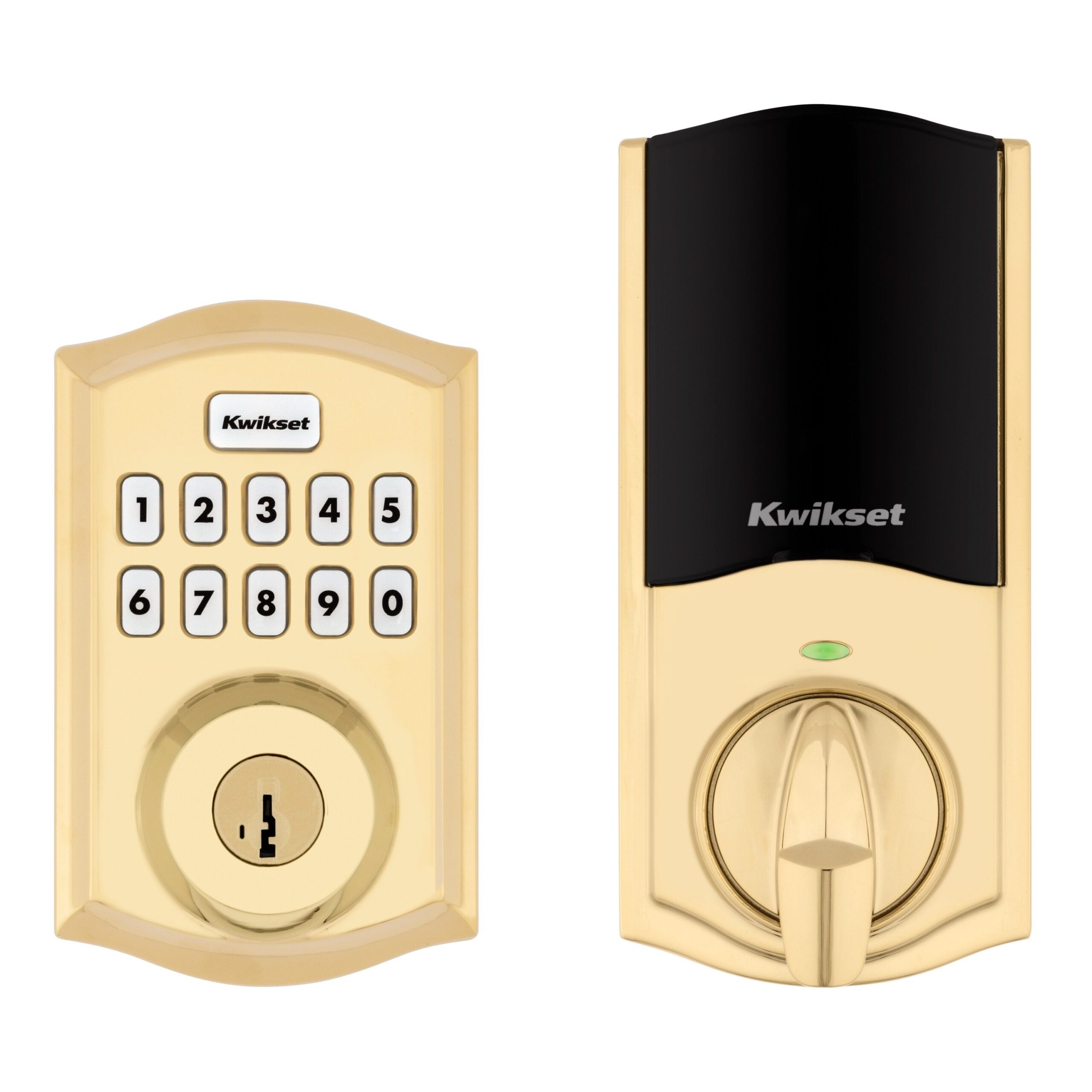
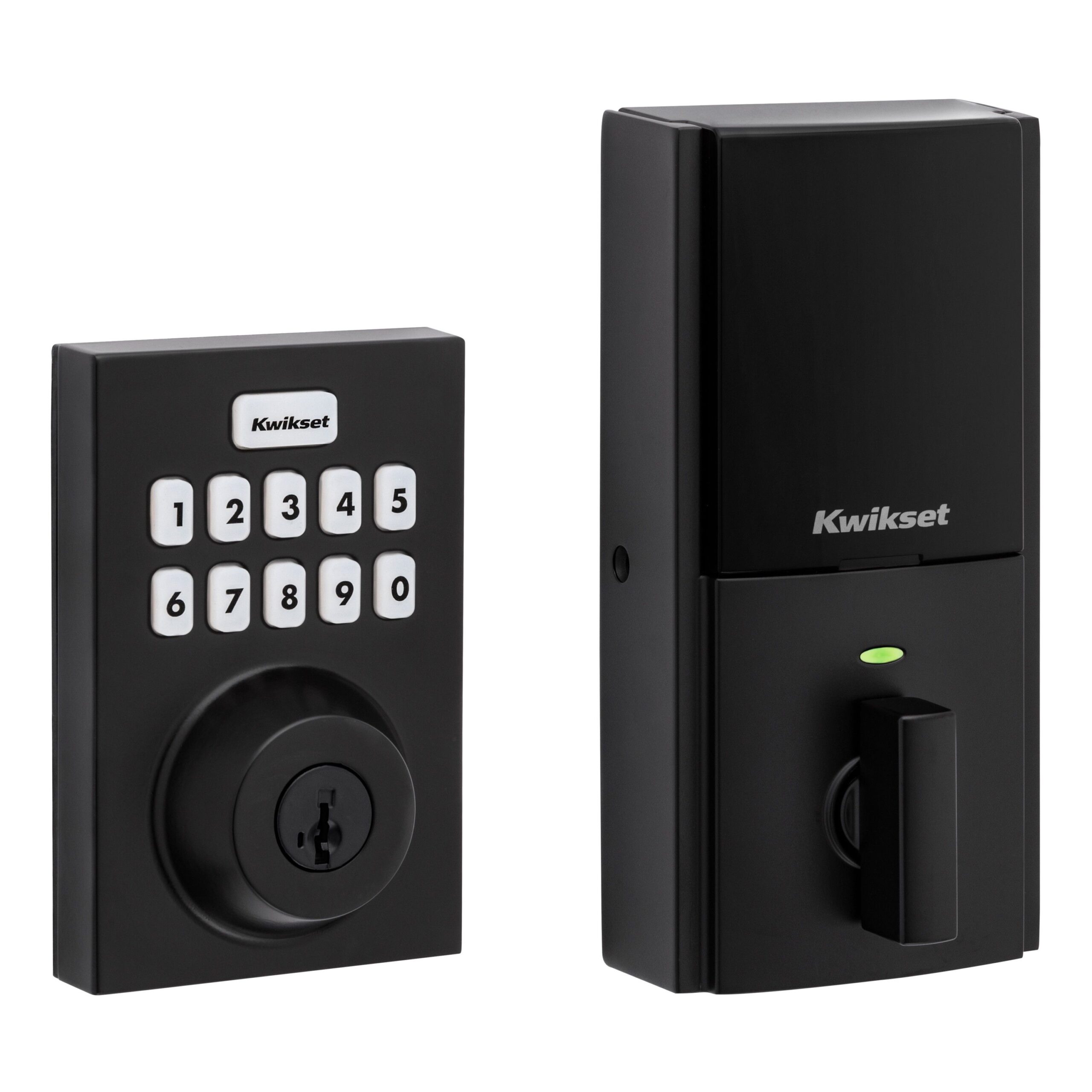
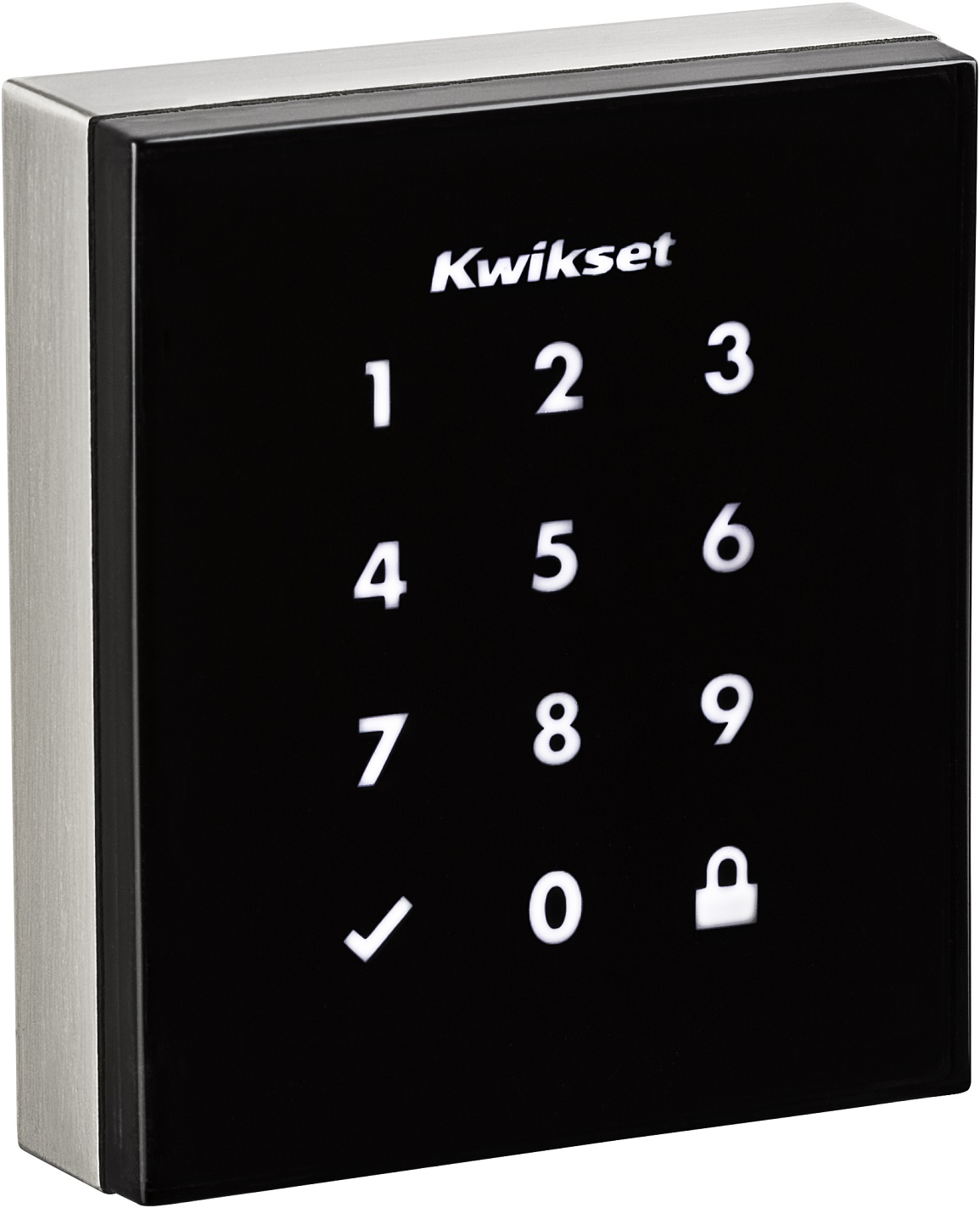
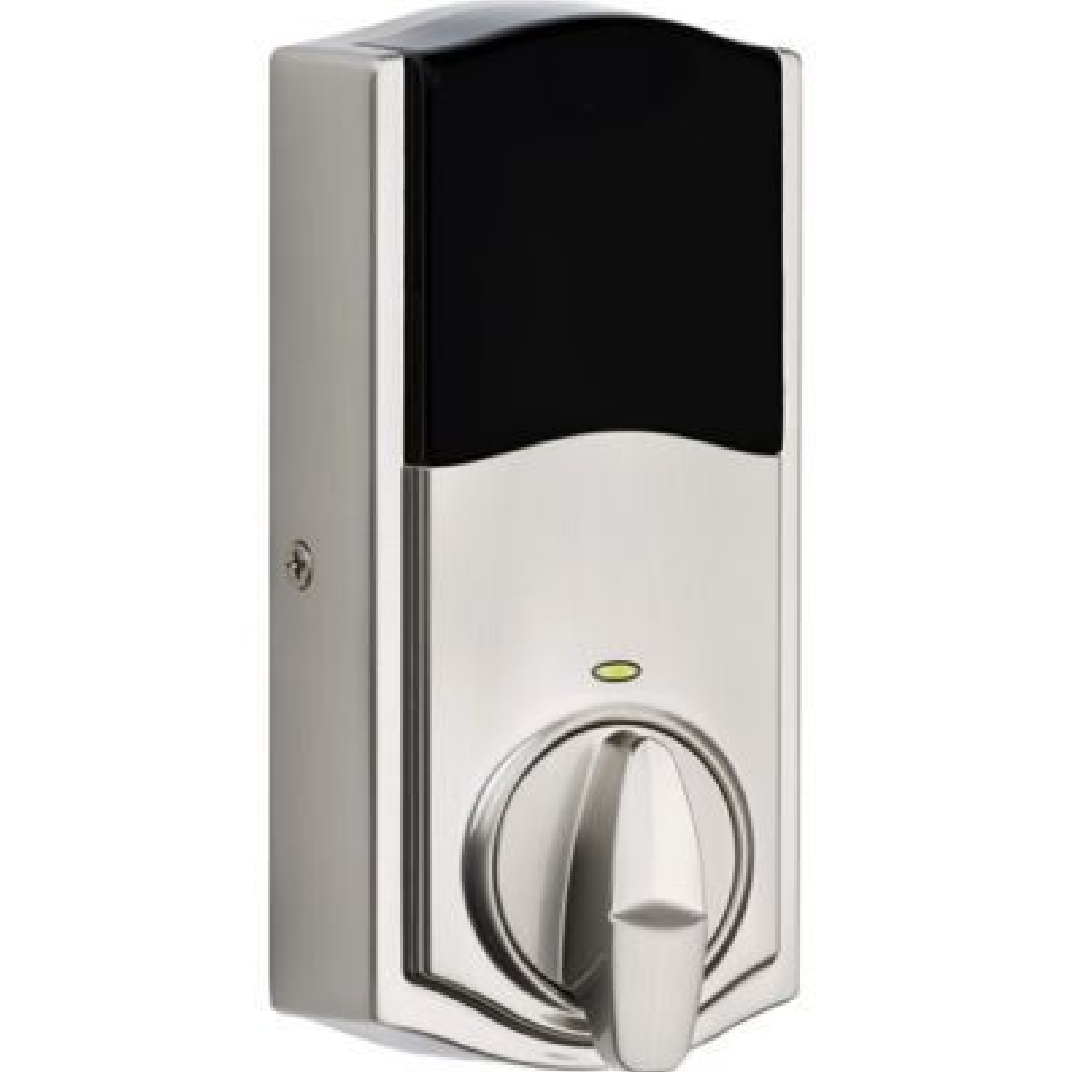
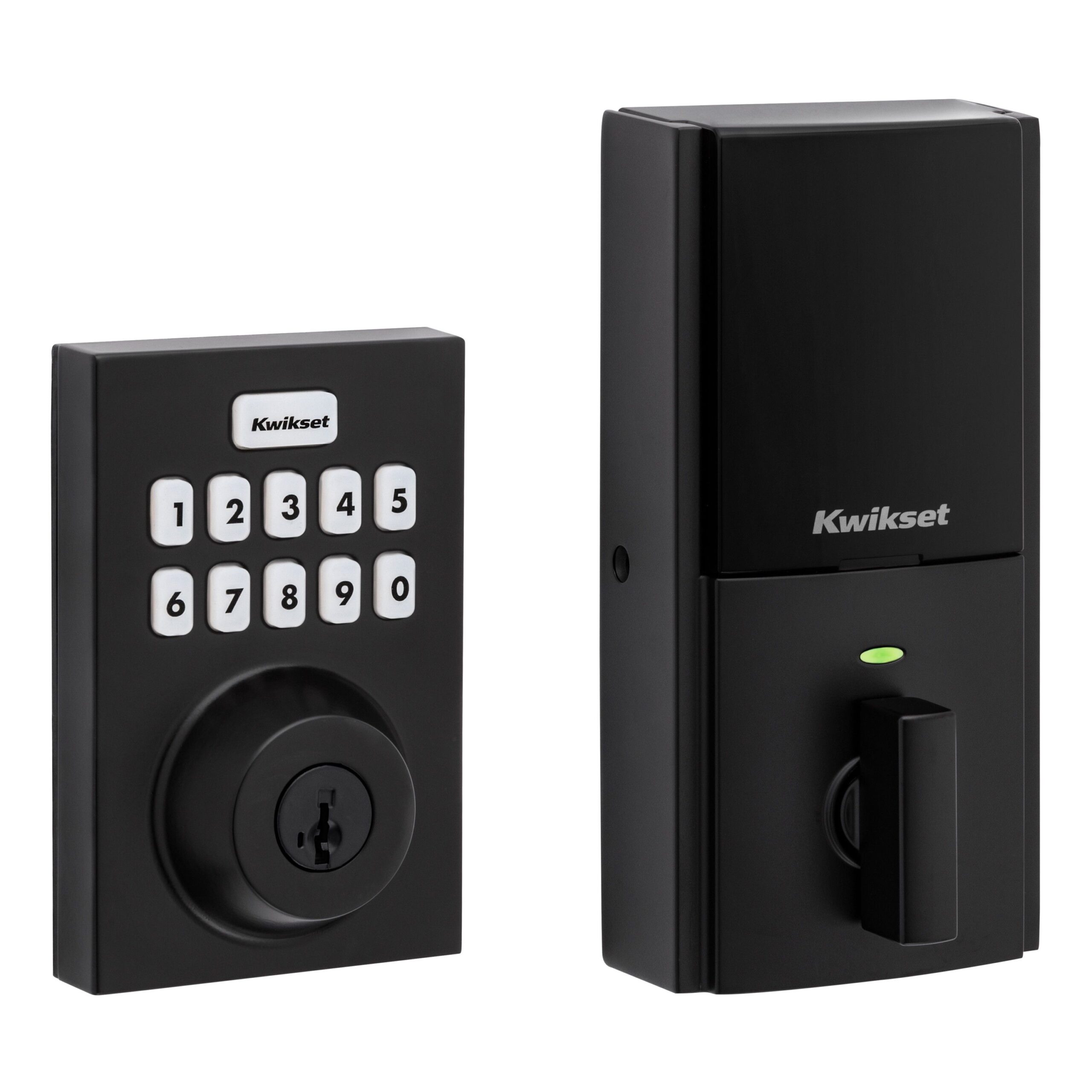
Long descriptionKwikset®, the leader in residential security, introduces the SmartCode™ 910 Touchpad Electronic Lever with Z-Wave. Backlit keypad with One touch locking 30 user codes Auto re-lock 30 seconds after unlocking Full 128-bit encryption security Drill and pick resistant backup keyway SmartKey: Re-key the lock in seconds From to description 1 1 owner 3 3 guest 4 4 worker 9 user code 9 type this configuration parameter is used to get or set the type of user for their corresponding user code. by default, all user codes are set to the owner type unless otherwise specified. the parameter type is associated with the user code location, so this parameter refers to the user code in slot #9. caution must be used when setting these values. guests and workers will require schedules attached to them in order for those types to be assigned. 0 1 0 0 1 from to description 1 1 owner 3 3 guest 4 4 worker 1 user code 1 type this configuration parameter is used to get or set the type of user for their corresponding user code. by default, all user codes are set to the owner type unless otherwise specified. the parameter type is associated with the user code location, so this parameter refers to the user code in slot #1. caution must be used when setting these values. guests and workers will require schedules attached to them in order for those types to be assigned. 0 1 0 0 1 from to description 1 1 owner 3 3 guest 4 4 worker 10 user code 10 type this configuration parameter is used to get or set the type of user for their corresponding user code. by default, all user codes are set to the owner type unless otherwise specified. the parameter type is associated with the user code location, so this parameter refers to the user code in slot #10. caution must be used when setting these values. guests and workers will require schedules attached to them in order for those types to be assigned. 0 1 0 0 1 from to description 1 1 owner 3 3 guest 4 4 worker 3 user code 3 type this configuration parameter is used to get or set the type of user for their corresponding user code. by default, all user codes are set to the owner type unless otherwise specified. the parameter type is associated with the user code location, so this parameter refers to the user code in slot #3. caution must be used when setting these values. guests and workers will require schedules attached to them in order for those types to be assigned. 0 1 0 0 1 from to description 1 1 owner 3 3 guest 4 4 worker 4 user code 4 type this configuration parameter is used to get or set the type of user for their corresponding user code. by default, all user codes are set to the owner type unless otherwise specified. the parameter type is associated with the user code location, so this parameter refers to the user code in slot #4. caution must be used when setting these values. guests and workers will require schedules attached to them in order for those types to be assigned. 0 1 0 0 1 from to description 3 3 guest 4 4 worker 1 1 owner 5 user code 5 type this configuration parameter is used to get or set the type of user for their corresponding user code. by default, all user codes are set to the owner type unless otherwise specified. the parameter type is associated with the user code location, so this parameter refers to the user code in slot #5. caution must be used when setting these values. guests and workers will require schedules attached to them in order for those types to be assigned. 0 1 0 0 1 from to description 1 1 owner 3 3 guest 4 4 worker 7 user code 7 type this configuration parameter is used to get or set the type of user for their corresponding user code. by default, all user codes are set to the owner type unless otherwise specified. the parameter type is associated with the user code location, so this parameter refers to the user code in slot #7. caution must be used when setting these values. guests and workers will require schedules attached to them in order for those types to be assigned. 0 1 0 0 1 from to description 3 3 guest 4 4 worker 1 1 owner 6 user code 6 type this configuration parameter is used to get or set the type of user for their corresponding user code. by default, all user codes are set to the owner type unless otherwise specified. the parameter type is associated with the user code location, so this parameter refers to the user code in slot #6. caution must be used when setting these values. guests and workers will require schedules attached to them in order for those types to be assigned. 0 1 0 0 1 from to description 1 1 owner 3 3 guest 4 4 worker 31 dipswitch settings this is a one byte read only bit mask that returns the state of the user accessible dipswitches on the rear panel of the door lock. 0x01: lock status led (1: enabled, 0: disabled) 0x02: autolock setting (1: enabled, 0: disabled) 0x04: buzzer (1: enabled, 0: disabled) 0x08: secure screen (1: enabled, 0: disabled) 0 1 0 0 11 2 user code 2 type this configuration parameter is used to get or set the type of user for their corresponding user code. by default, all user codes are set to the owner type unless otherwise specified. the parameter type is associated with the user code location, so this parameter refers to the user code in slot #2. caution must be used when setting these values. guests and workers will require schedules attached to them in order for those types to be assigned. 0 1 0 0 1 from to description 1 1 owner 3 3 guest 4 4 worker 17 user code 17 type this configuration parameter is used to get or set the type of user for their corresponding user code. by default, all user codes are set to the owner type unless otherwise specified. the parameter type is associated with the user code location, so this parameter refers to the user code in slot #17. caution must be used when setting these values. guests and workers will require schedules attached to them in order for those types to be assigned. 0 1 0 0 1 from to description 1 1 owner 3 3 guest 4 4 worker 23 user code 23 type this configuration parameter is used to get or set the type of user for their corresponding user code. by default, all user codes are set to the owner type unless otherwise specified. the parameter type is associated with the user code location, so this parameter refers to the user code in slot #23. caution must be used when setting these values. guests and workers will require schedules attached to them in order for those types to be assigned. 0 1 0 0 1 from to description 1 1 owner 3 3 guest 4 4 worker 24 user code 24 type this configuration parameter is used to get or set the type of user for their corresponding user code. by default, all user codes are set to the owner type unless otherwise specified. the parameter type is associated with the user code location, so this parameter refers to the user code in slot #24. caution must be used when setting these values. guests and workers will require schedules attached to them in order for those types to be assigned. 0 1 0 0 1 from to description 1 1 owner 3 3 guest 4 4 worker 25 user code 25 type this configuration parameter is used to get or set the type of user for their corresponding user code. by default, all user codes are set to the owner type unless otherwise specified. the parameter type is associated with the user code location, so this parameter refers to the user code in slot #25. caution must be used when setting these values. guests and workers will require schedules attached to them in order for those types to be assigned. 0 1 0 0 1 from to description 1 1 owner 3 3 guest 4 4 worker 8 user code 8 type this configuration parameter is used to get or set the type of user for their corresponding user code. by default, all user codes are set to the owner type unless otherwise specified. the parameter type is associated with the user code location, so this parameter refers to the user code in slot #8. caution must be used when setting these values. guests and workers will require schedules attached to them in order for those types to be assigned. 0 1 0 0 1 from to description 1 1 owner 3 3 guest 4 4 worker textsID Description Value 1