✅ Future-proofBuilt to keep working — even if the maker walks away.
It works locally over Z-Wave, so it keeps running even if NEW ONE shuts down the app or the servers. Nothing here ties you to a single company's survival.
Works locally over Z-Wave — keeps running without the maker's cloud
Still in production
Based on how this device connects (local vs. cloud), whether it’s still sold and supported, and its app / subscription. A guide, not a guarantee.
Connectivity
Z-Wave
Prices
No prices yet — be the first to add one.
Community tags
Be the first to tag this page — tags appear right away. Try a theme, capability, or subject (e.g. WWII, heist, slow burn, time travel, A24).
Community photos
Photos from members
No member photos yet.
Reviews
What members say
Sign in to rate Mini SmartPlug Dimmer and share a photo.
No reviews yet.
Community
Be the first to start a thread about Mini SmartPlug Dimmer
Threads post into the NEW ONE community forum.
Sign in to start a thread in the NEW ONE community.
Edit history
Loading edit history…
Certified
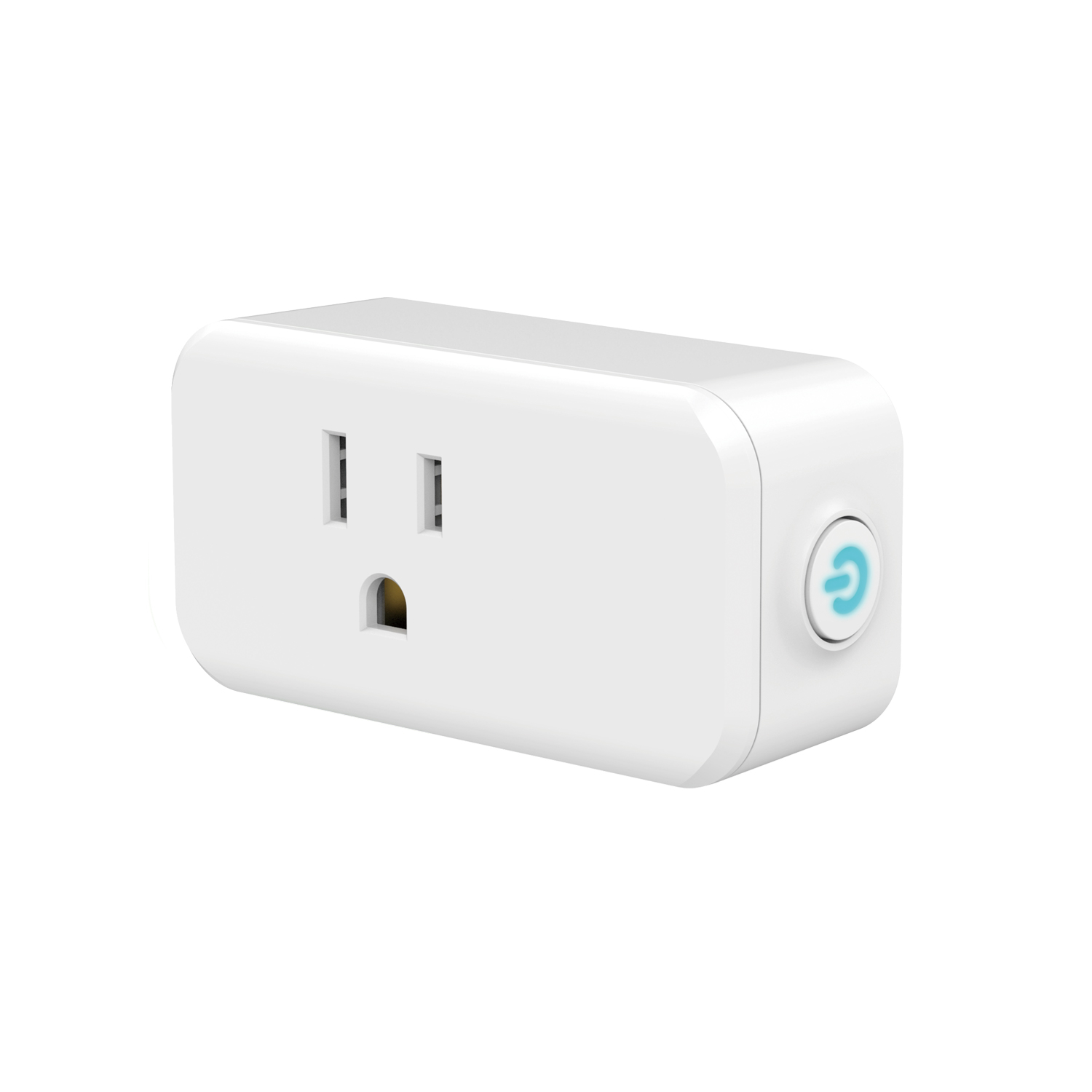
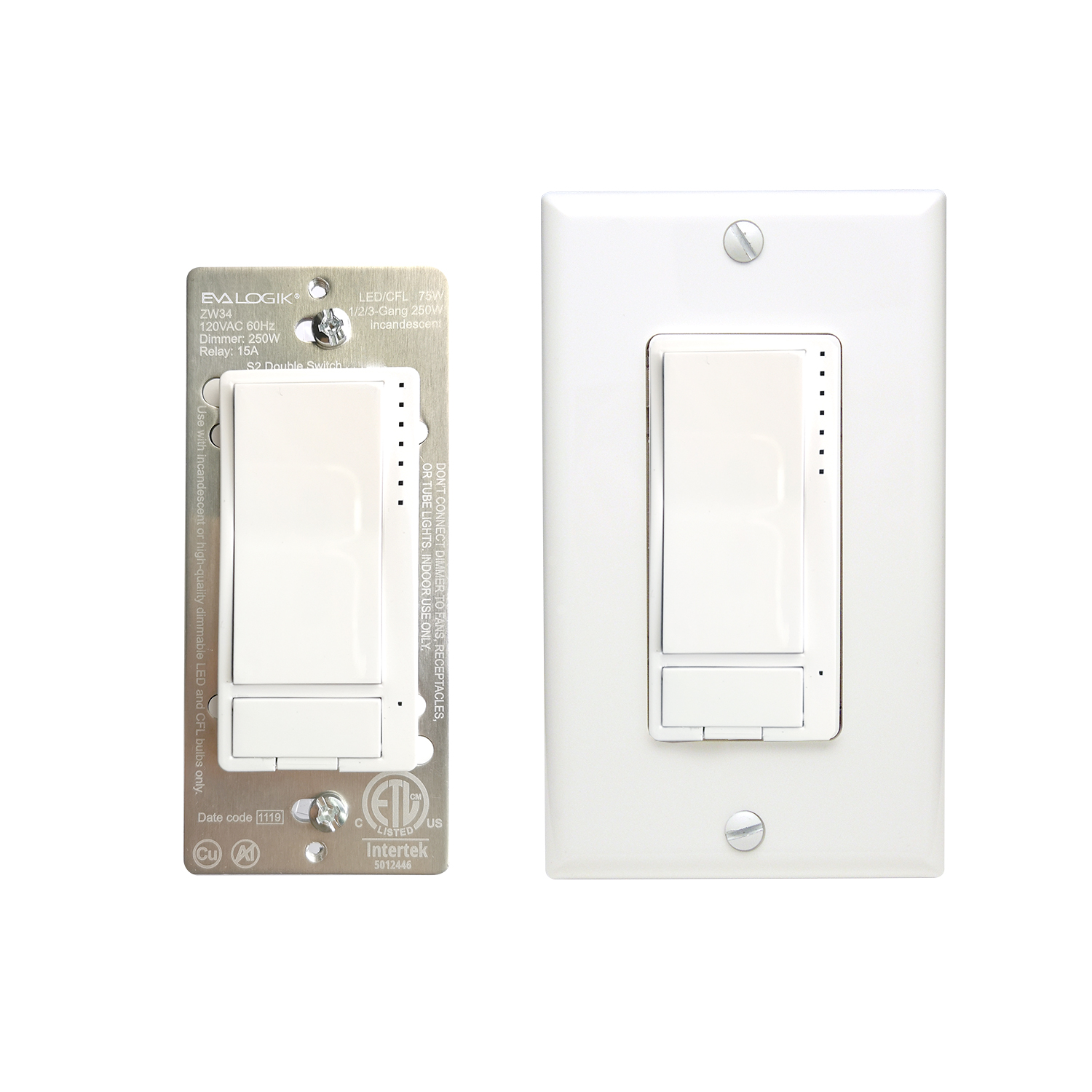
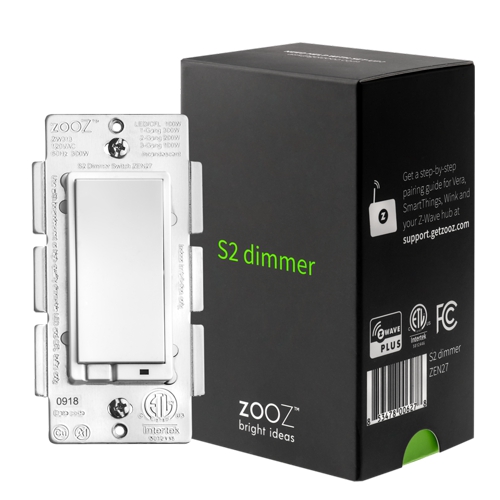
Transform any home into a smart home with the Z-Wave™ Smart Lighting Control and Appliance Module. The lighting control enables wireless control of on/off functions for standard table and floor lamps, and is compatible with incandescent, LED, Xenon, Halogen, fluorescent and compact fluorescent bulbs. Easily controlled by your mobile device or computer using any Z-Wave certified gateway, the space-saving horizontal module plugs into a standard wall receptacle without blocking the second outlet or obstructing placement of furniture. It provides a Z-Wave™ enabled outlet for the lamp or appliance that you would like to control and a regular pass-through AC outlet for other electrical appliances. Perfect for plug-in fans, heaters, lamps and more! Take control of your home lighting with Z-Wave™ Smart Lighting Controls!
Want to buy adds it to your wish list and follows NEW ONE for updates. I own it adds it to your collection.
Transform any home into a smart home with the Z-Wave™ Smart Lighting Control and Appliance Module. The lighting control enables wireless control of on/off functions for standard table and floor lamps, and is compatible with incandescent, LED, Xenon, Halogen, fluorescent and compact fluorescent bulbs. Easily controlled by your mobile device or computer using any Z-Wave certified gateway, the space-saving horizontal module plugs into a standard wall receptacle without blocking the second outlet or obstructing placement of furniture. It provides a Z-Wave™ enabled outlet for the lamp or appliance that you would like to control and a regular pass-through AC outlet for other electrical appliances. Perfect for plug-in fans, heaters, lamps and more! Take control of your home lighting with Z-Wave™ Smart Lighting Controls!
Hardware platform
ZGM130
Short description
Transform any home into a smart home with the Z-Wave™ Smart Lighting Control and Appliance Module. The lighting control enables wireless control of on/off functions for standard table and floor lamps, and is compatible with incandescent, LED, Xenon, Halogen, fluorescent and compact fluorescent bulbs.
Product identifier
N4002
Countries / regions
United States of America
Supports smart start
Yes
Certification number
ZC12-21080303
Radio range z wave (m)
40
Configuration parameters
Parameter Number Name Description Format Size Min Value Max Value Default Value Parameter Values 2
Supports explorer frames
Yes
Supported command classes
Identifier Name Key Version COMMAND_CLASS_CONFIGURATION_V4
Value white electric load type value incandescent dimmable led firmware updatable value updatable by consumer by rf switch load capacity watts value 400 w association groups
Group Number Maximum Nodes Supported End Point ID Group Name Description 1
From to description 0 0 on when off and off when on 1 1 on when on and off when off 2 2 always off 3 3 always on 1 locally button function parameter=1,size=1,value=0 up button: on down button: off value=1 up button: off down button: on value=2 up button: on/off down button: on/off default = 0 2 1 0 2 0 from to description 0 0 up button on,down button off 1 1 up button off,down button on 2 2 up button on/off,down button on/off 3 auto turn off timer auto turn off timer values: 0 – 65535 (minutes) 2 4 0 65535 0 from to description 0 65535 auto turn off this timer 5 auto turn on timer auto turn on timer 2 4 0 65535 0 from to description 0 65535 auto turn on this timer 8 restores state after power failure restores state after power failure parameter=8,size=1,value=0 output off value=1 output on value=2 out put the state after power default =2 2 1 0 2 2 from to description 0 0 output off 1 1 output on 2 2 out put the state after power 10 multilevel minimum value can be set multilevel minimum value can be set(local button)> this should apply to both for local or z wave operation parameter=10,size=1,value=0 disable value=1 . . value=99 default = 1 2 1 0 99 1 from to description 0 99 multilevel minimum value 11 multilevel maximum value can be set multilevel maximum value can be set(local button)> this should apply to both for local or z wave operation parameter=11,size=1,value=0 disable value=1 . . value=100 not accepted by hub default = 99 2 1 0 100 99 from to description 0 100 multilevel maximum value can be set 9 ramp rate ramp rate(local button + z wave)> change to local and z wave like in the latest zen30 firmware, also applies to any multilevel changes (so there should be soft transition between 20 and 80% brightness if changed from the hub for example) parameter=9,size=1, value=1 from 0x63 to 0x00 or from 0x00 to 0x63 need 1s value=2 from 0x63 to 0x00 or from 0x00 to 0x63 need 2s . . value=99 from 0x63 to 0x00 or from 0x00 to 0x63 need 99s default = 1 2 1 1 99 1 from to description 1 99 from 0x63 to 0x00 or from 0x00 to 0x63 need this value 23 led indicator color led indicator color parameter=23,size=1,value=0 white value=1 blue value=2 green value=3 red default = 1 2 1 0 3 1 from to description 0 0 white 1 1 blue 2 2 green 3 3 red 25 single tap behavior single tap behavior: when switch is off and press upper paddle 1 time, switch turns on to x brightness (local button) parameter=25,size=1, value = 0 last brightness level value = 1 custom value set in parameter 18 value = 2 maximum brightness set in parameter 11 value = 3 full 100% brightness default = 0 2 1 0 3 0 from to description 3 3 full 100% brightness 2 2 maximum brightness set in parameter 11 1 1 custom value set in parameter 18 0 0 last brightness level 24 led indicator brightness led indicator brightness parameter=24,size=1,value=0 bright (100%) value=1 medium (60%) value=2 low (30%) default =1 2 1 0 2 1 from to description 1 1 medium (60%) 2 2 low (30%) 0 0 bright (100%) texts