✅ Future-proofBuilt to keep working — even if the maker walks away.
It works locally over Z-Wave, so it keeps running even if Philio shuts down the app or the servers. Nothing here ties you to a single company's survival.
Works locally over Z-Wave — keeps running without the maker's cloud
Still in production
Based on how this device connects (local vs. cloud), whether it’s still sold and supported, and its app / subscription. A guide, not a guarantee.
Connectivity
Z-Wave
Prices
No prices yet — be the first to add one.
Community tags
Be the first to tag this page — tags appear right away. Try a theme, capability, or subject (e.g. WWII, heist, slow burn, time travel, A24).
Community photos
Photos from members
No member photos yet.
Reviews
What members say
Sign in to rate Slim Multisensor and share a photo.
No reviews yet.
Community
Be the first to start a thread about Slim Multisensor
Threads post into the Philio community forum.
Sign in to start a thread in the Philio community.
Edit history
Loading edit history…
Firmware
Current version HW: 1 FW: 1.29:01.22
Specifications
Overview
Company
Philio
Category
Sensor
Device type
Notification Sensor
Connectivity
Standard / protocol
Z-Wave
Connectivity
Z-Wave
Transport
Z-Wave
Spec version
6.51.09
Z-Wave frequency
ANZ: 919.80MHz, 921.40MHz
Certification & compliance
Certificate ID
ZC10-17095769
Firmware & software
Firmware version
HW: 1 FW: 1.29:01.22
Hardware version
SD3502
Identity & commercial
Model number
PST02-A
Lifecycle
Status
Active
More specs
Name
Slim Multisensor
Brand
Philio
Features
Feature Values Color
Documents
Category Description File Manual_Primary_Lang
Role type
ROLE_TYPE_SLAVE_SLEEPING_REPORTING
User icon
0x0C07
Categories
Sensors
Product id
0x000C
Device type
Notification Sensor
Oem version
HW: 1 FW: 1.29:01.22
Library type
SLAVE_ENHANCED_232
Supports nwi
Yes
Installer icon
0x0C07
Z wave version
Similar Sensor
Current-generation and recently-released alternatives in the same category.
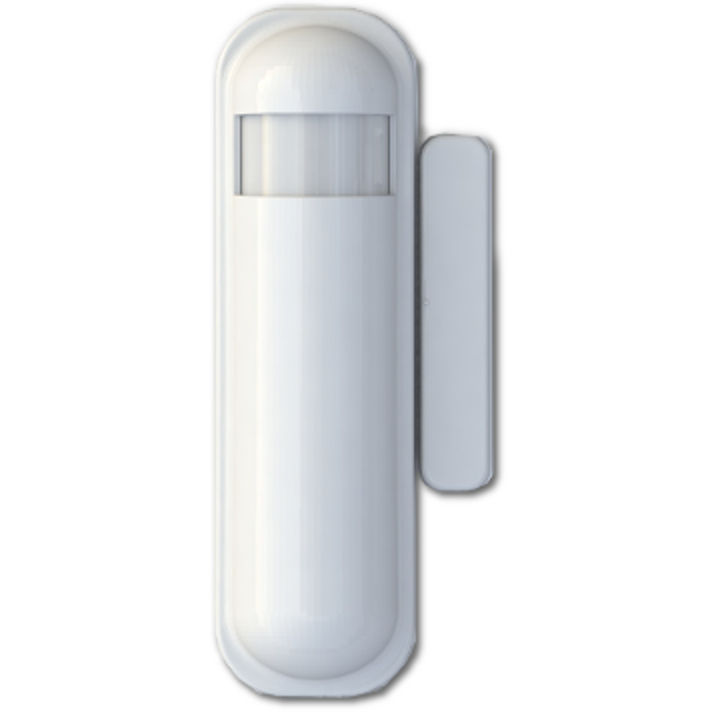
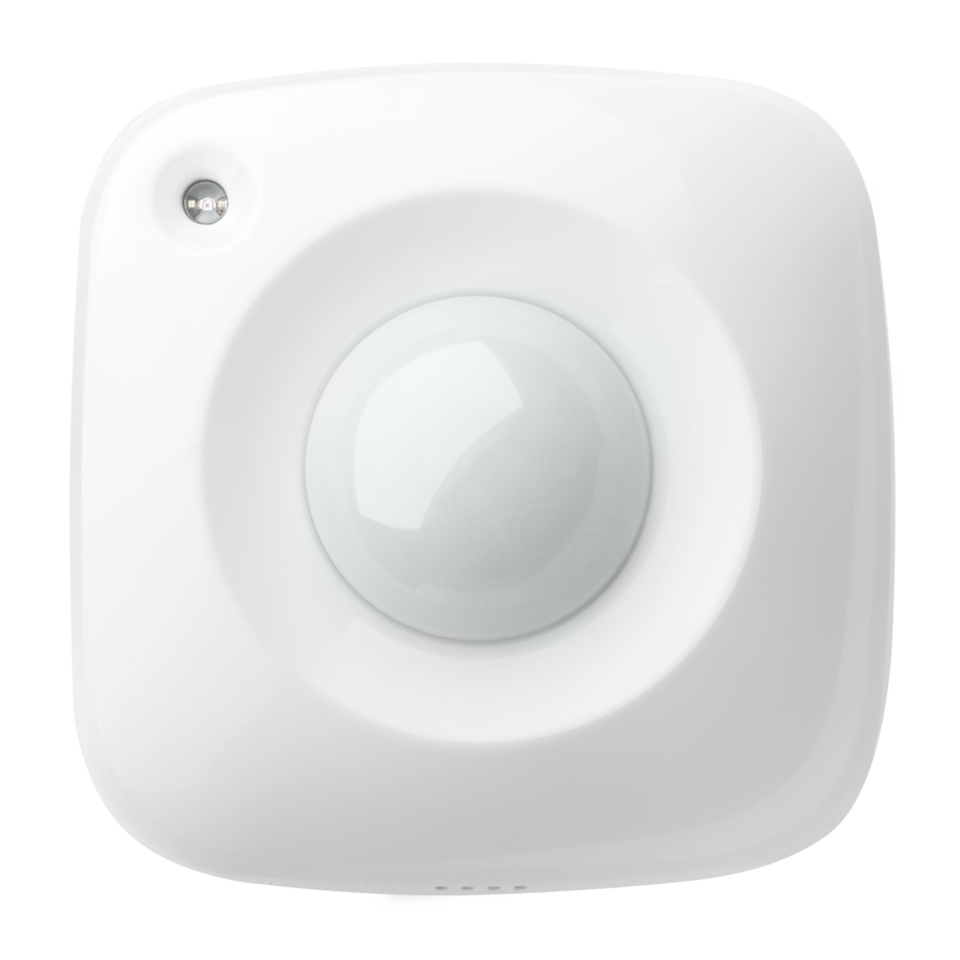
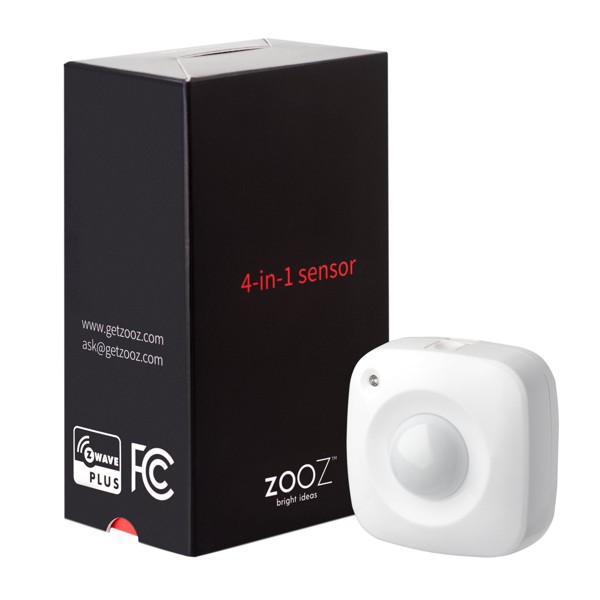
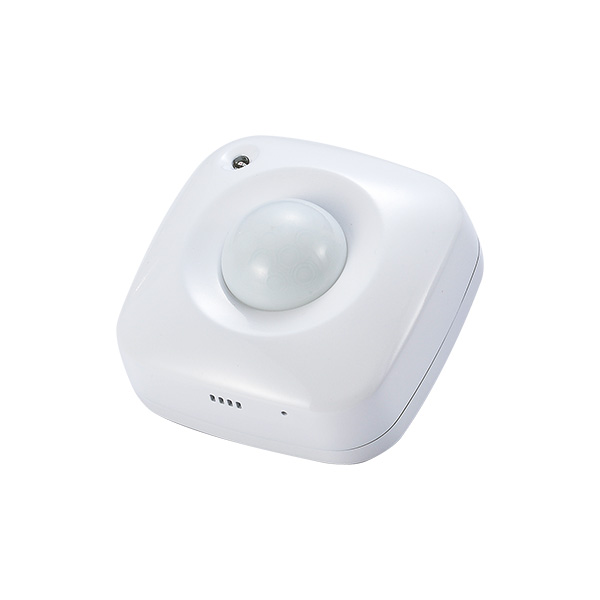
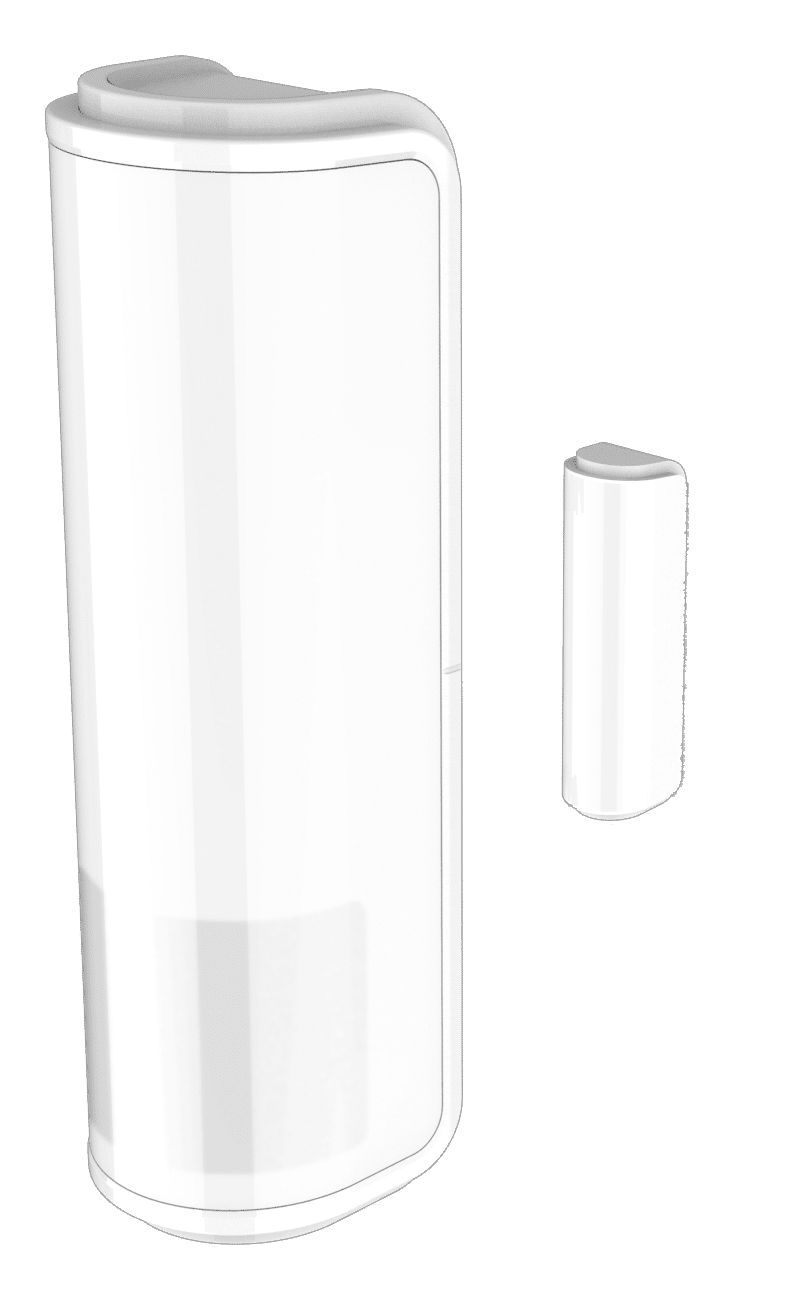
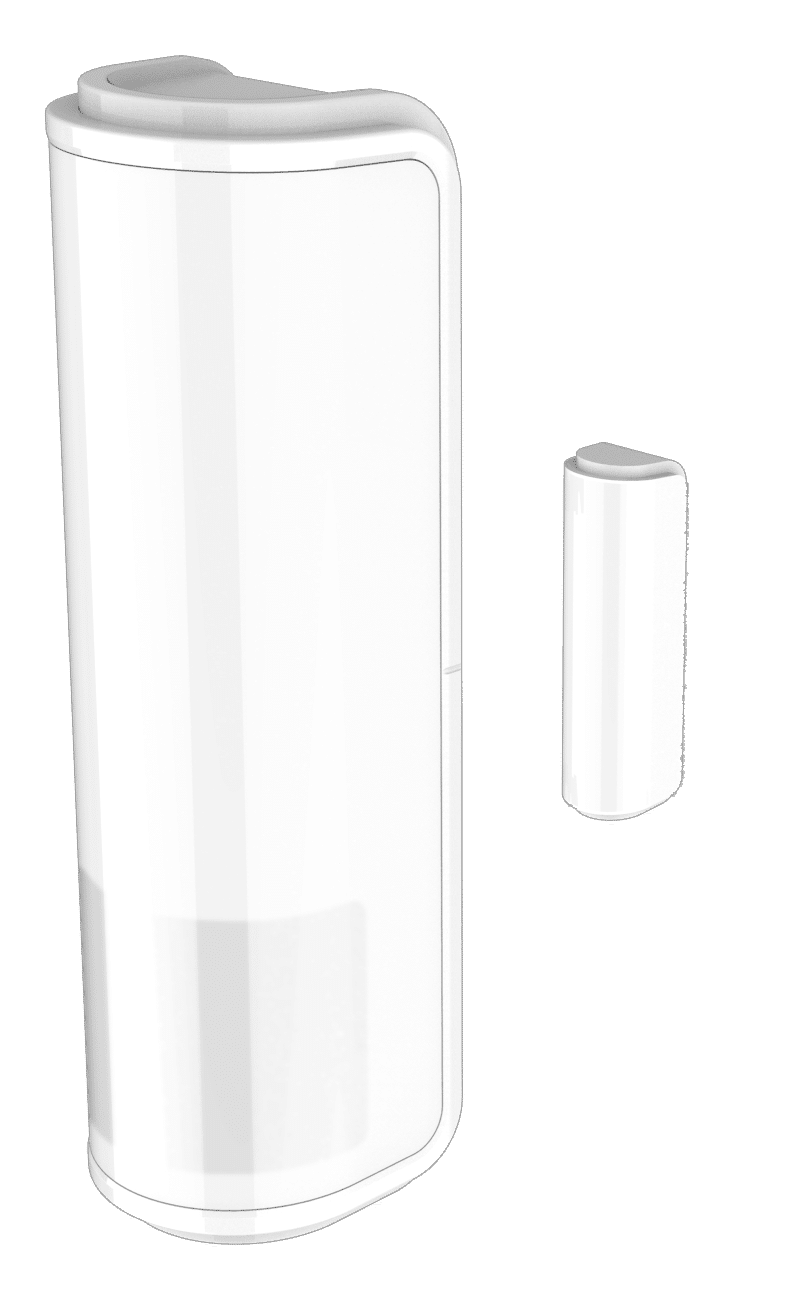
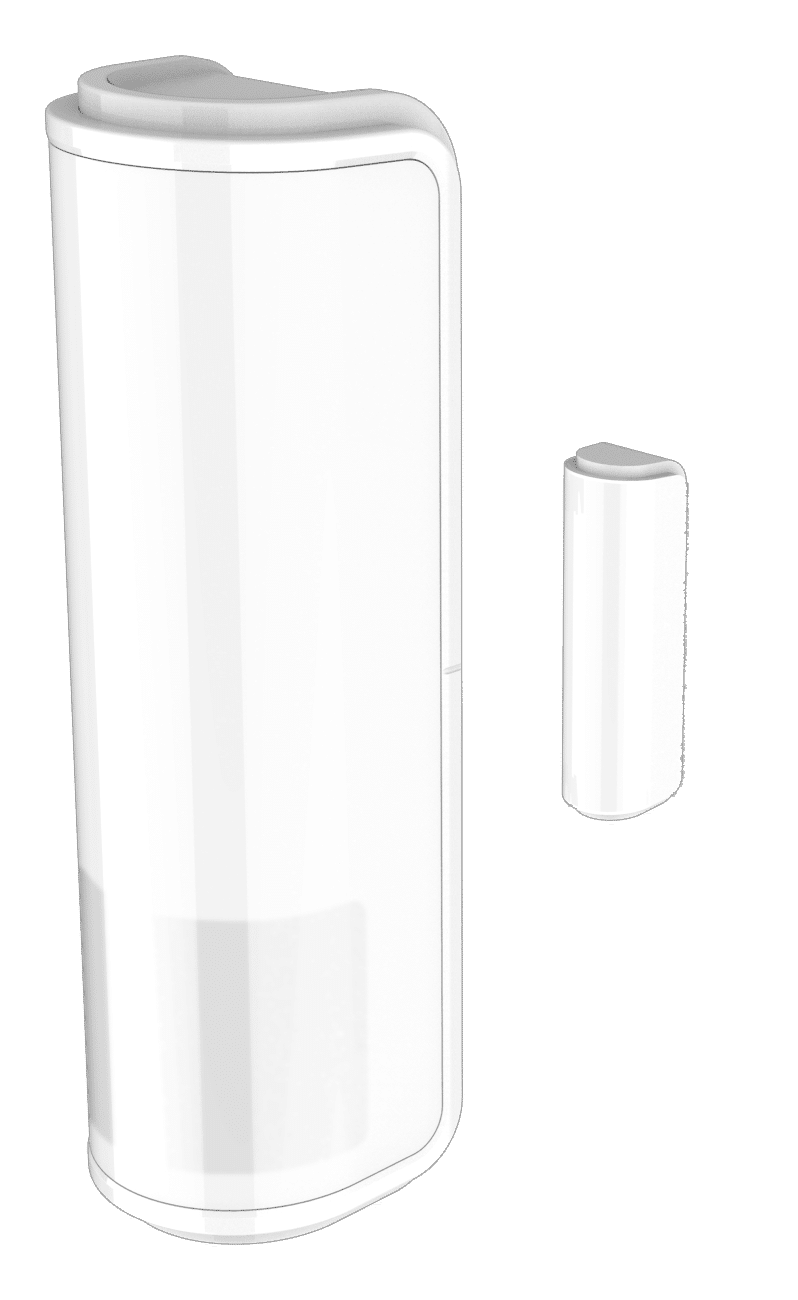
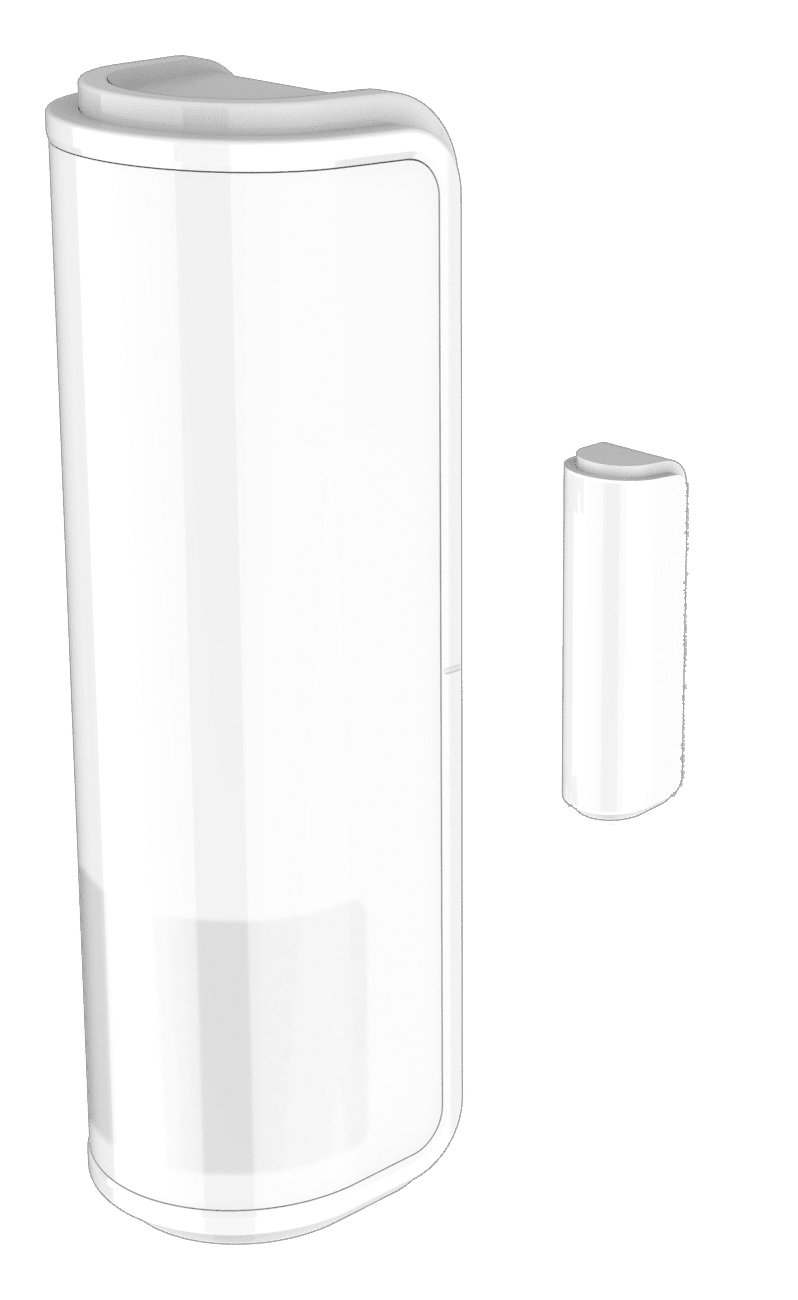
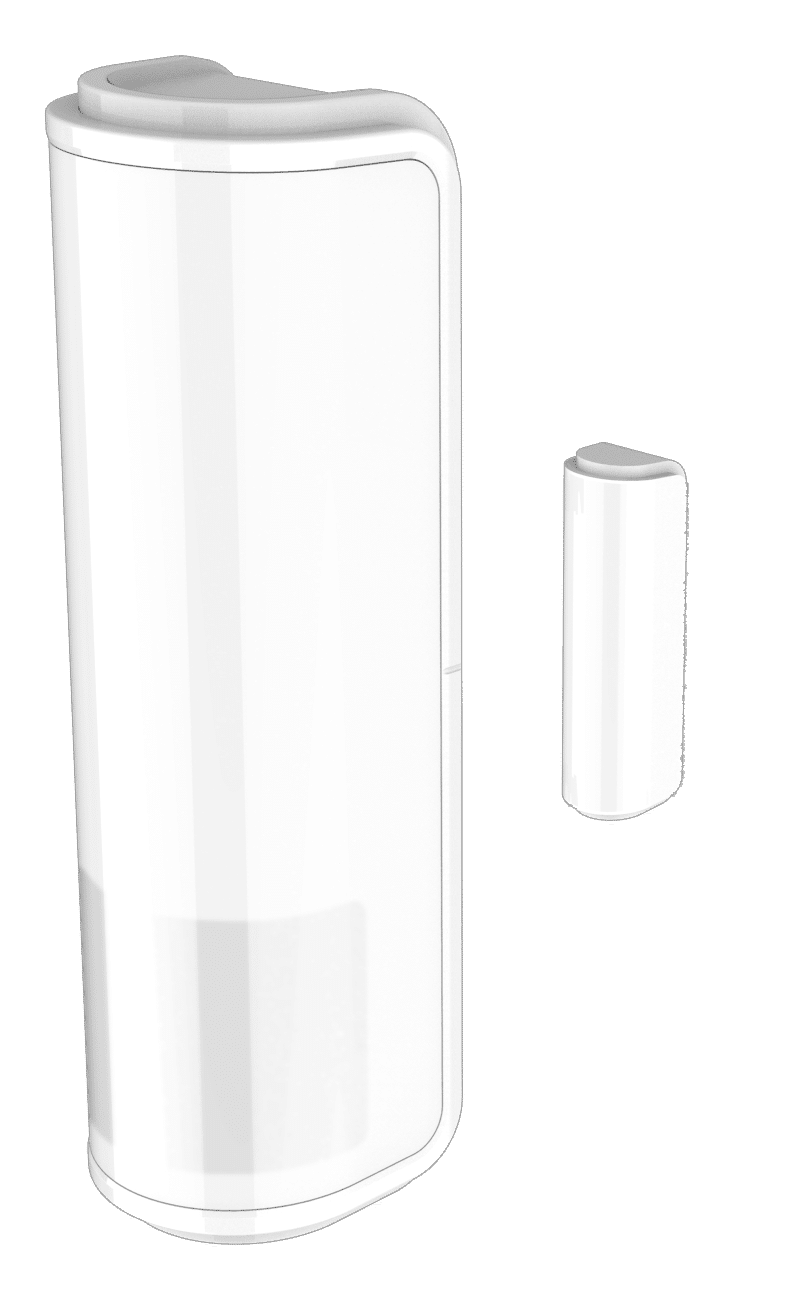
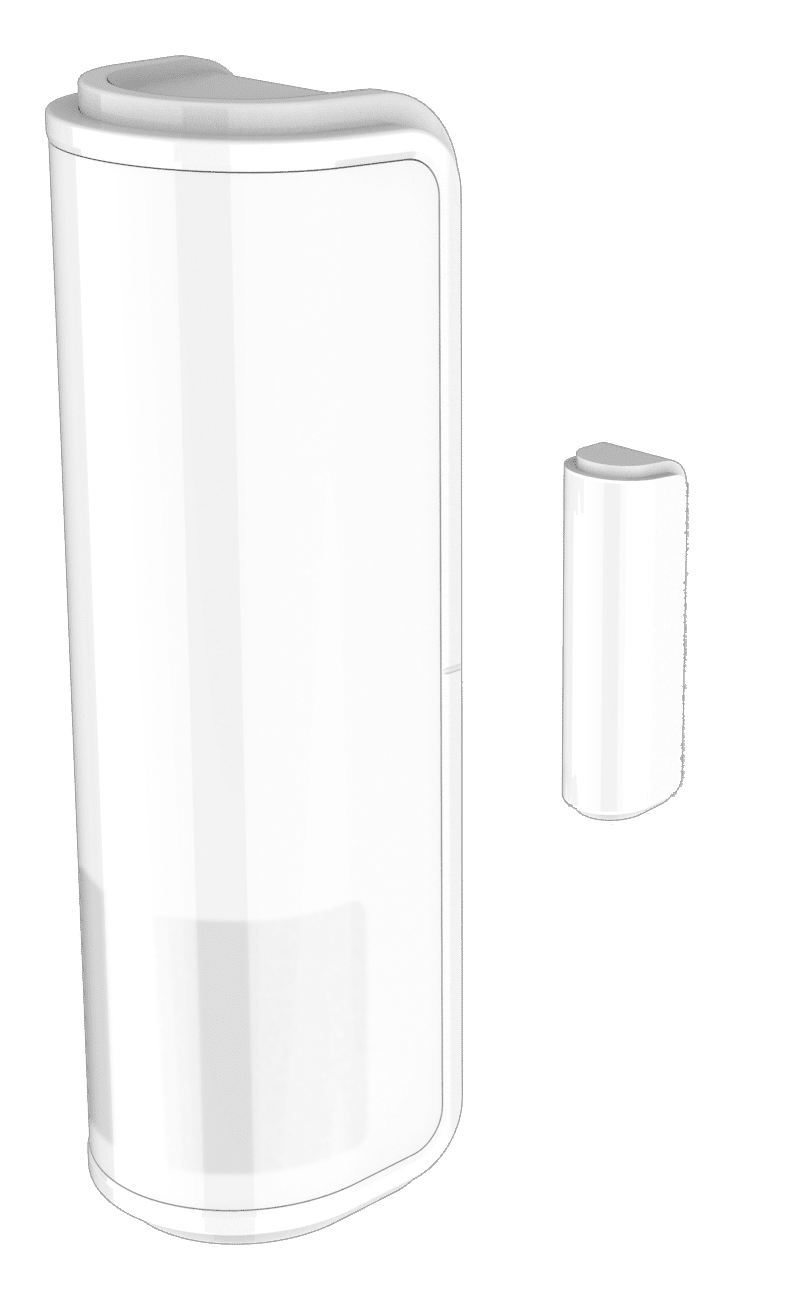
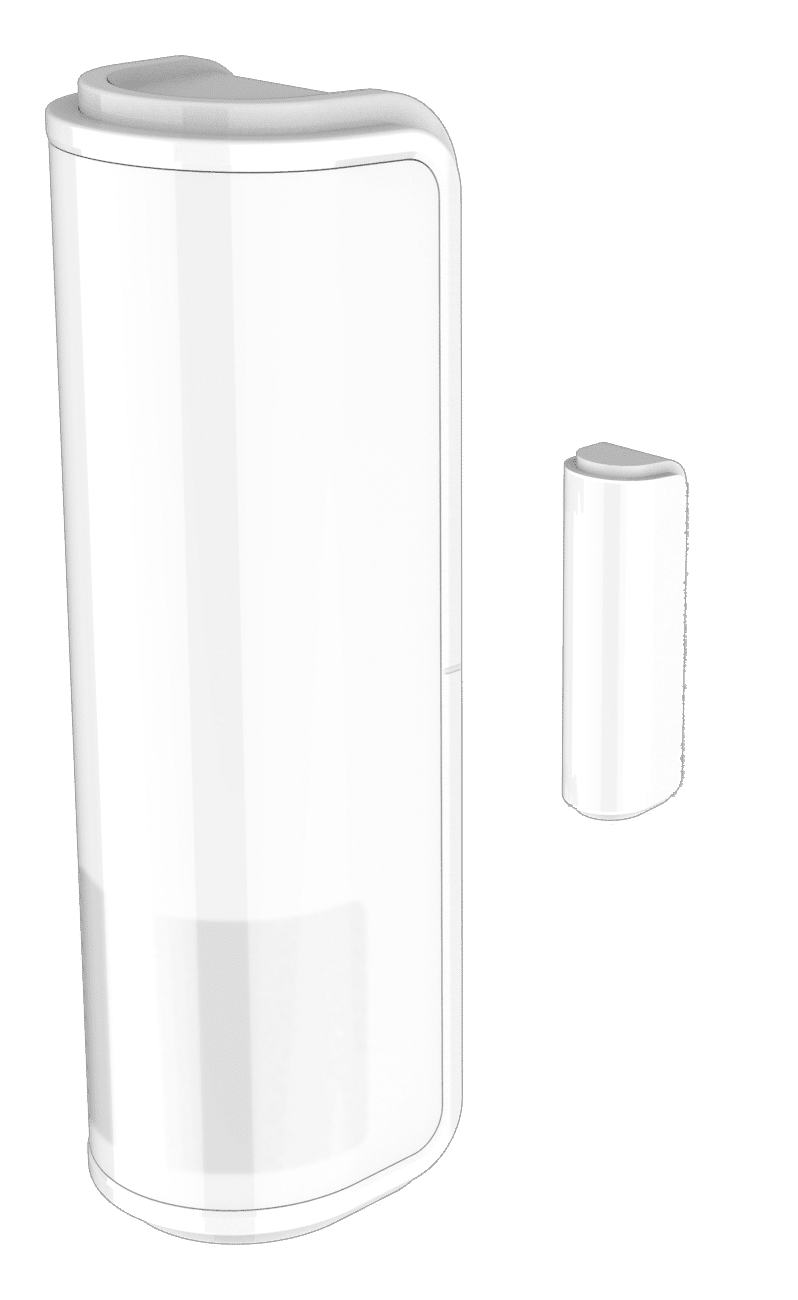
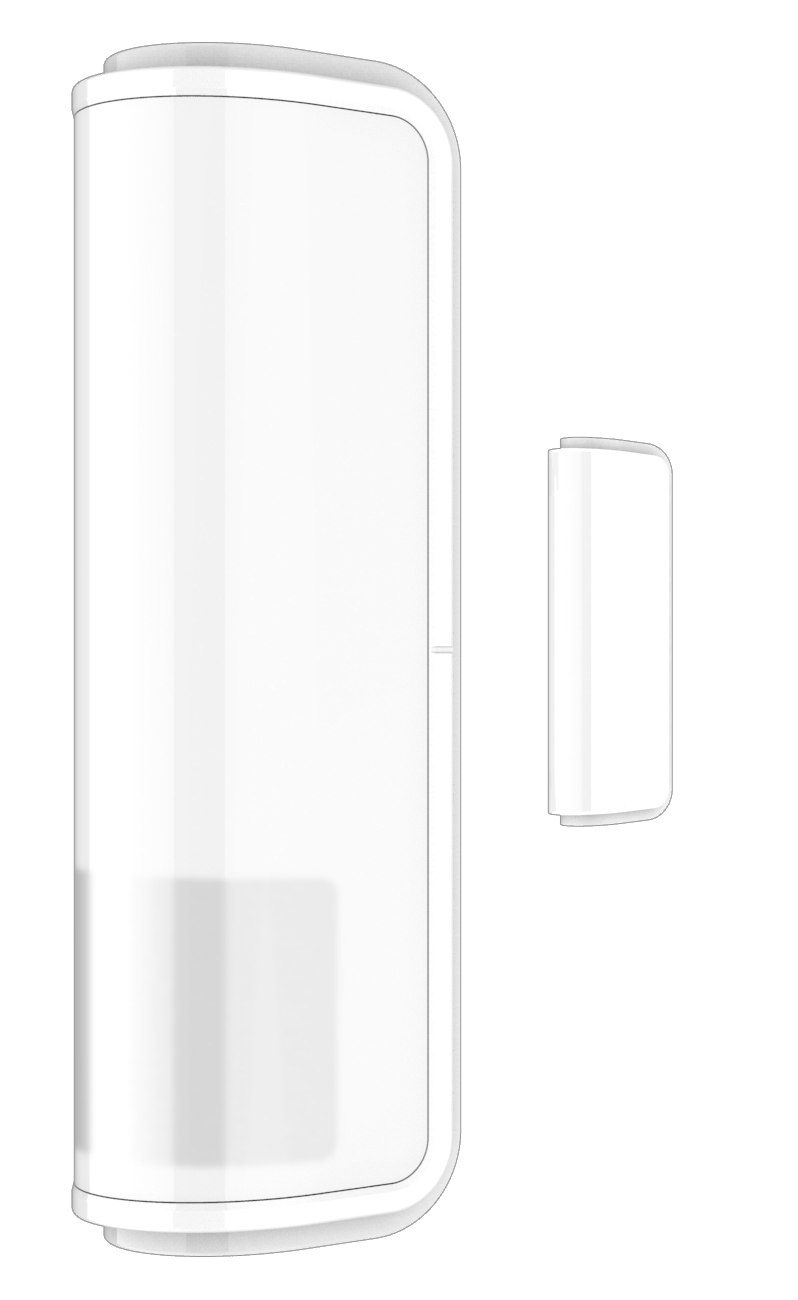
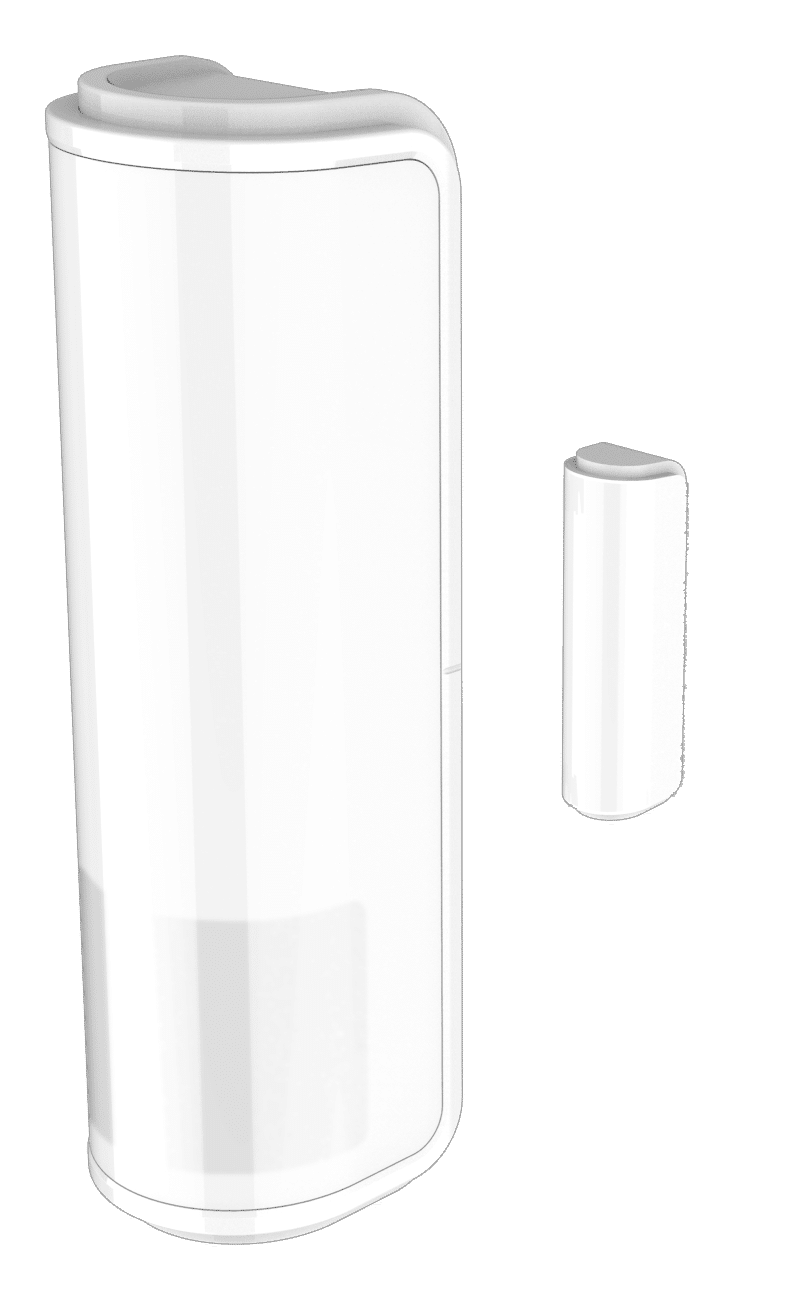
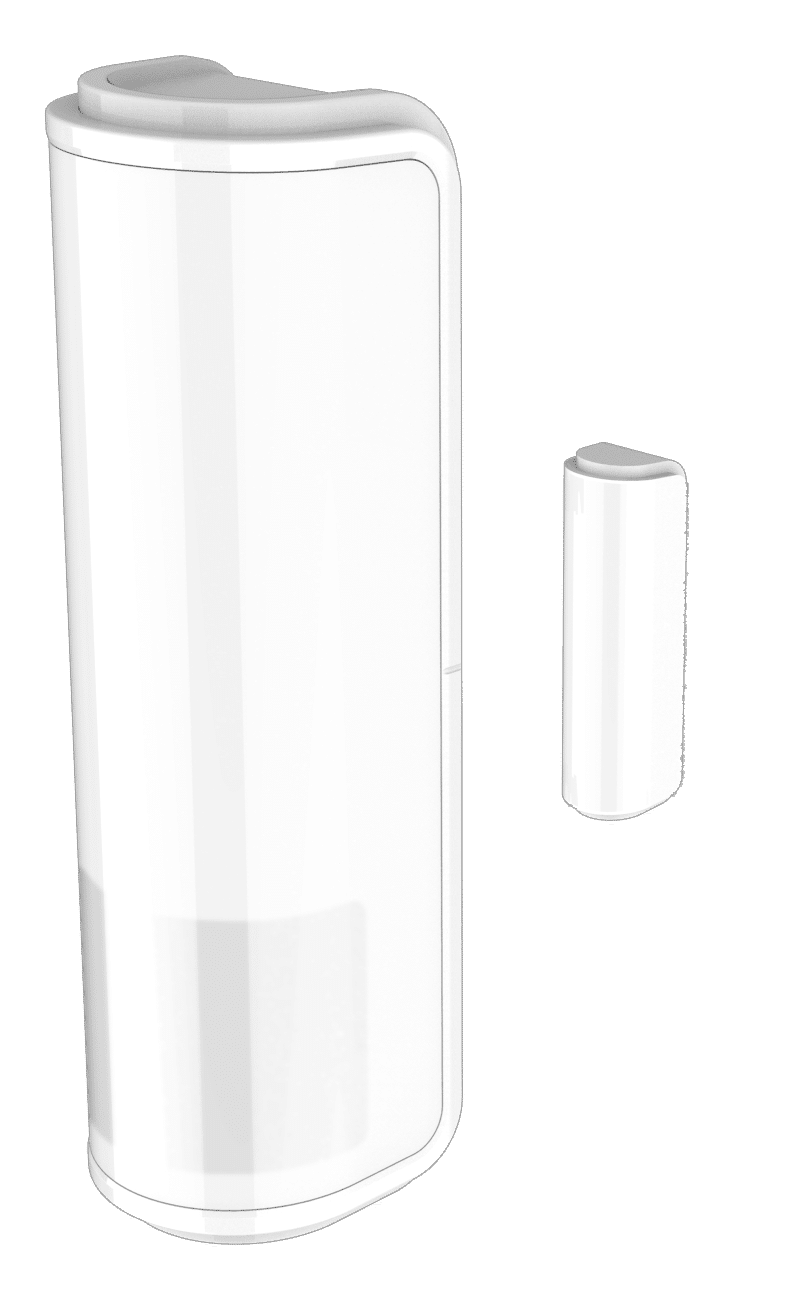
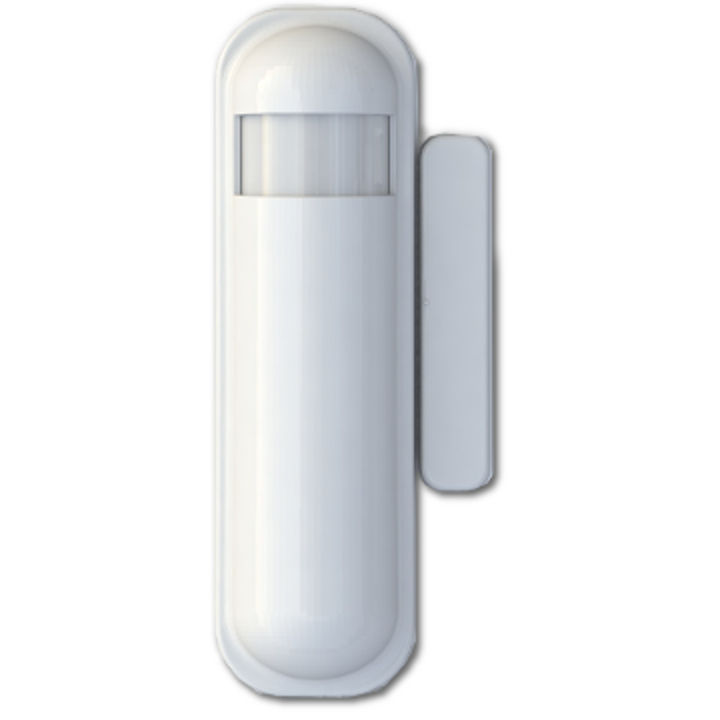
The slim multisensor PST02 has PIR, door/window, temperature and illumination, 4 sensors function in one,based on Z-Wave technology.
Hardware platform
SD3502
Short description
Slim Multisensor 4 in 1 (PIR, Door/Window, Temperature and Illumination)
Product identifier
PST02-A
Countries / regions
Australia
Certification number
ZC10-17095769
Configuration parameters
Parameter Number Name Description Format Size Min Value Max Value Default Value Parameter Values 2
Supports explorer frames
Yes
Supported command classes
Identifier Name Key Version COMMAND_CLASS_SENSOR_MULTILEVEL_V5
Controlled command classes
Identifier Name Key Version COMMAND_CLASS_BASIC
Supported multilevel sensors
Multilevel Sensor Type Air temperature
Supported notification types
Notification Type Event / State Home Security
Value white battery quantity value 1 sensors value air temperature battery type value cr123 a supported notification types value home security association groups
Group Number Maximum Nodes Supported End Point ID Description 2
From to description 0 127 equipment 1 to 100 means the light strength. 0 means turn off the light 0 0 turn off the light 4 light threshold setting the illumination threshold to turn on the light. when the event triggered and the environment illumination lower then the threshold, the device will turn on the light.0 means turn off illumination detected function. and never turn on the light.1 means darkest.99 means brightest.100 means turn off illumination detected function. and always turn on the light notice: in none test mode, only the value in 1 to 99 will enable the illumination detected function and update the illumination value. 0 1 0 0 99 from to description 0 100 setting the illumination threshold to turn on the light 99 99 99 means brightest 1 1 1 means darkest 100 100 100 means turn off illumination 3 pir sensitivity pir sensitivity settings.0 means disable the pir motion.1 means the lowest sensitivity,99 means the highest sensitivity.high sensitivity means can detected long distance, but if there is more noise signal in the environment, it will re trigger too frequency. 0 1 0 0 80 from to description 1 1 the lowest sensitivity 0 0 disable the pir motion 99 99 the highest sensitivity 0 99 pir sensitivity settings 9 turn off light time after turn on the lighting, setting the delay time to turn off the lighting when the pir motion is not detected. 8 seconds per tick, default tick is 4 (32seconds).0 means never send turn off light command. 0 1 0 0 4 from to description 0 127 default tick is 4 (32seconds). 8 pir re detect interval time in the normal mode, after the pir motion detected, setting the re detect time. 8 seconds per tick, default tick is 3 (24 seconds).setting the suitable value to prevent received the trigger signal too frequently. also can save the battery energy. 0 1 0 0 3 from to description 1 127 default tick is 3 (24 seconds). texts