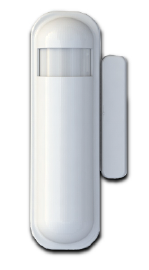
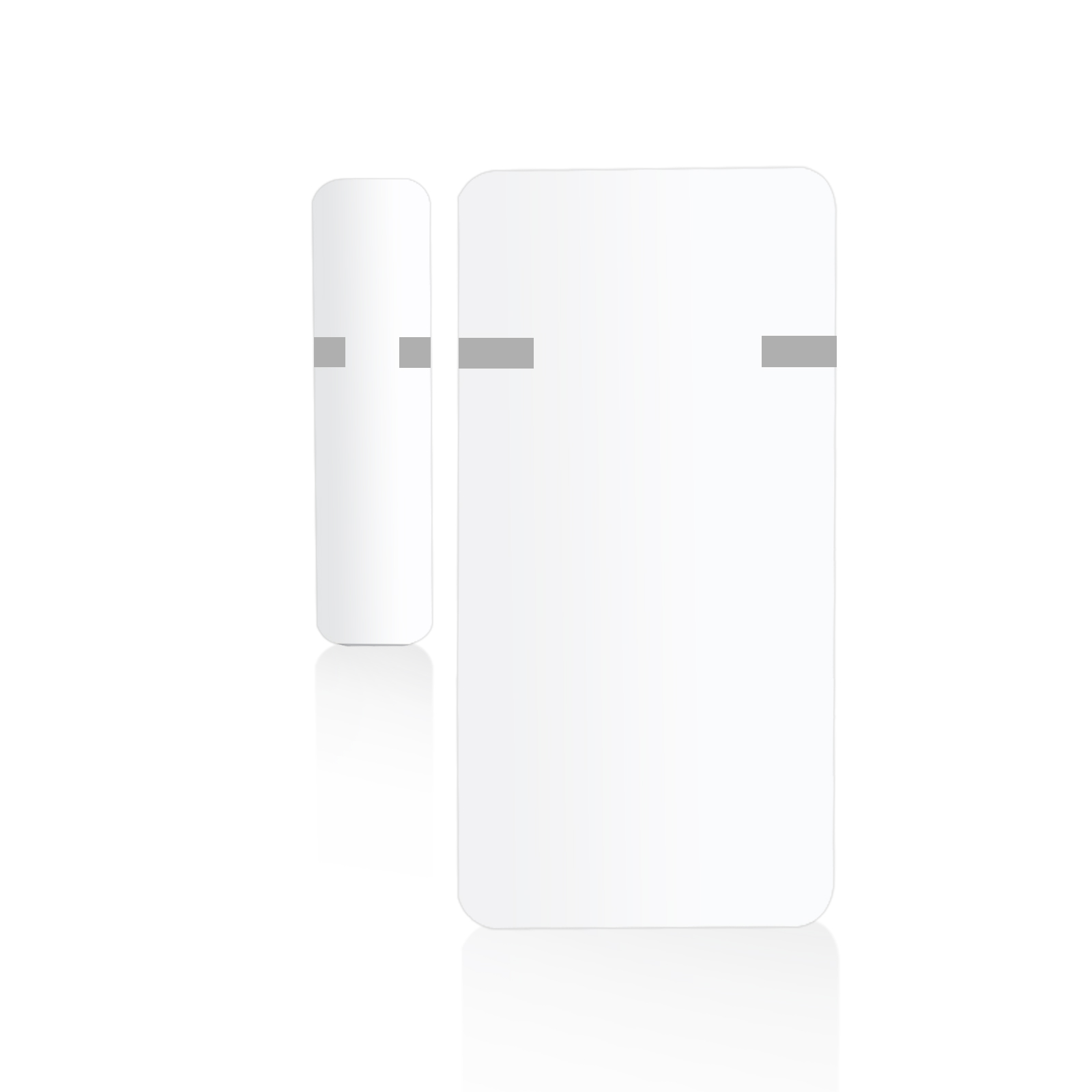
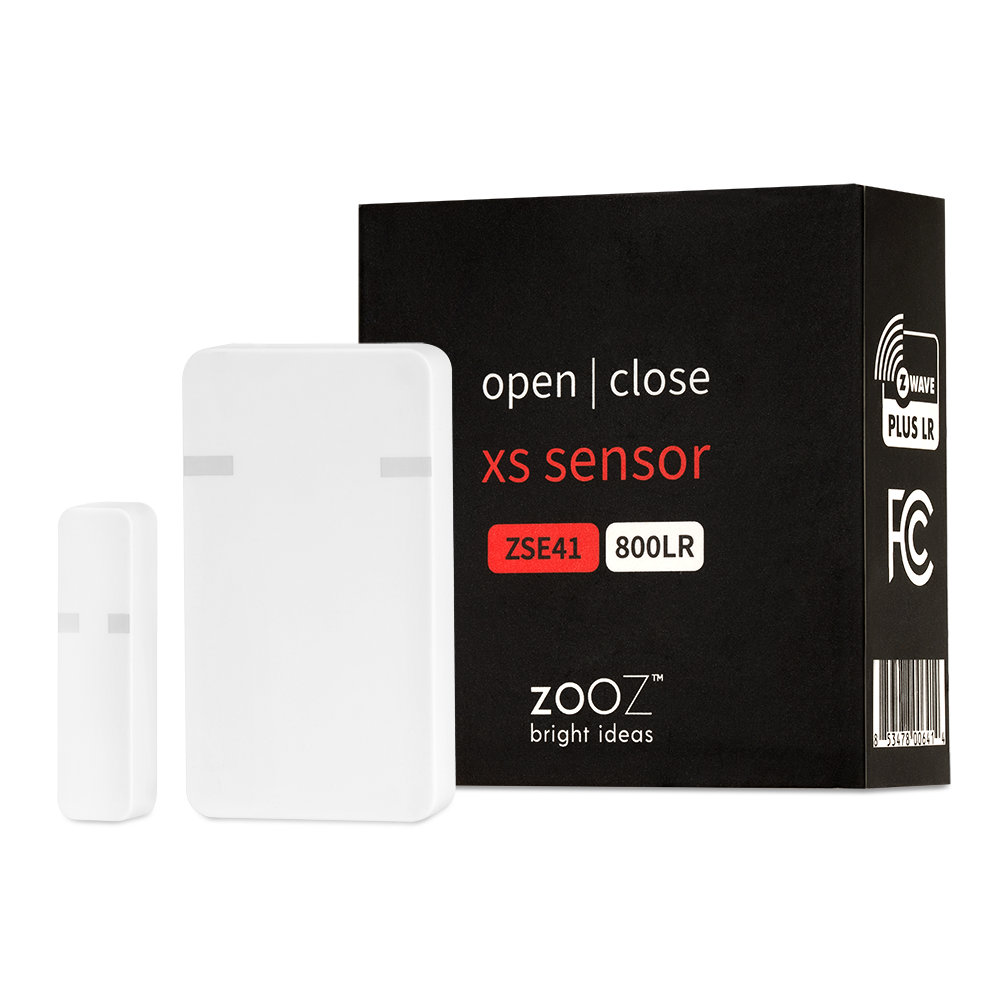
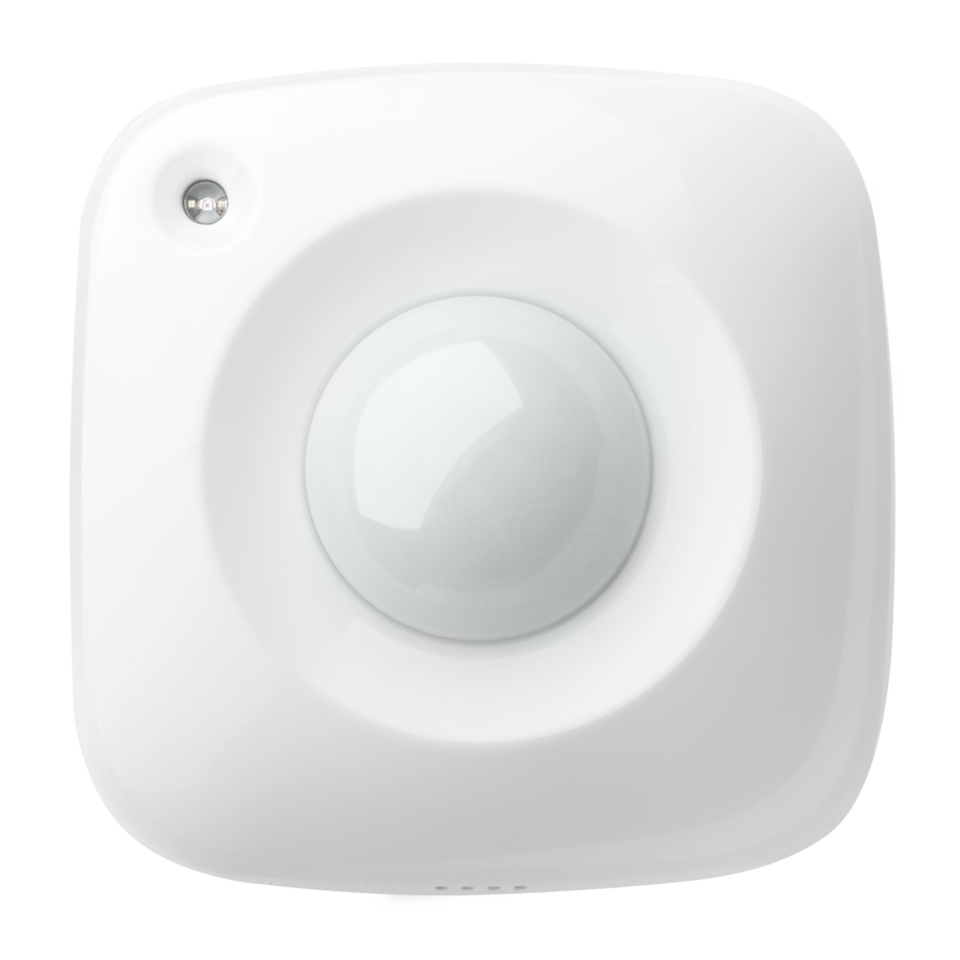
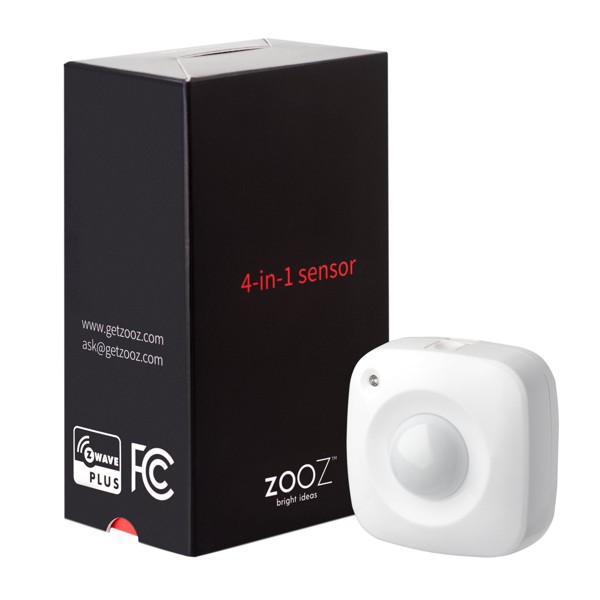
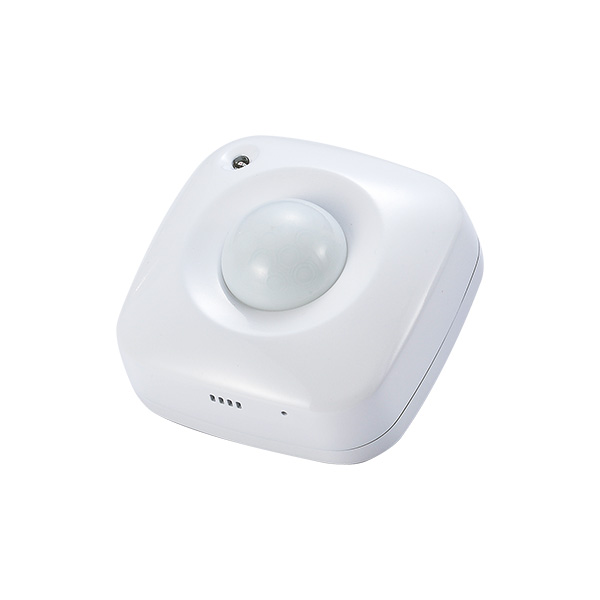
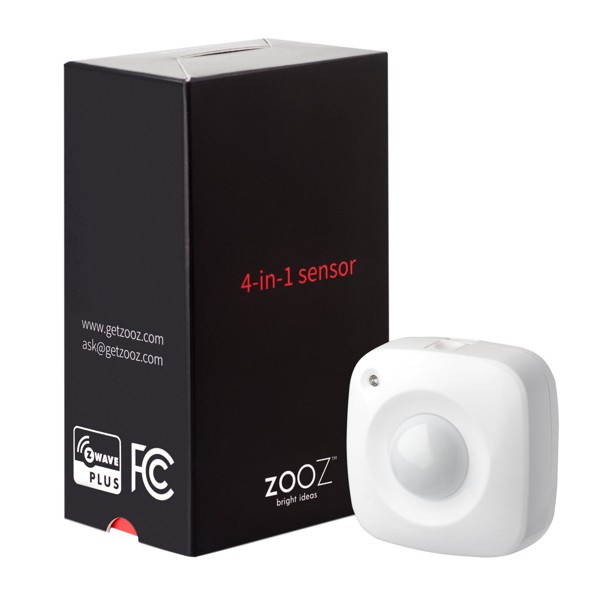
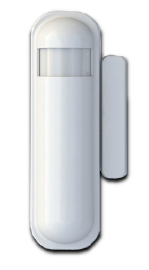
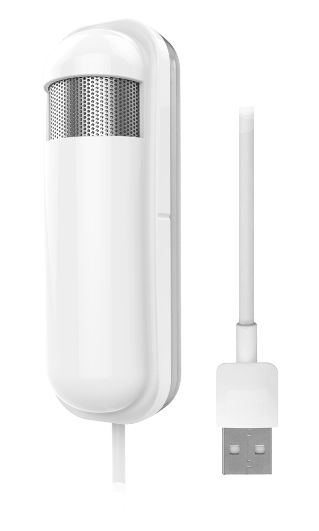
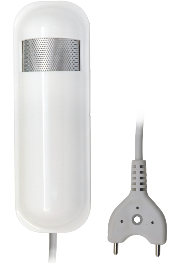
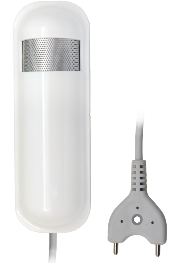
The slim multisensor PST02-1C has door/window, temperature and illumination, 3 sensors function in one,based on Z-Wave technology It is the Z-WaveTM plus product, it support the security, OTA... Those newest features of the Z-WaveTM technology. Z-WaveTM is a wireless communication protocol designed for home automation, specifically to remotely control applications in residential and light commercial environments. The technology uses a low-power RF radio embedded or retrofitted into home electronics devices and systems, such as lighting, home access control, entertainment systems and household appliances.
Long descriptionThe slim multisensor PST02-1C has door/window, temperature and illumination, 3 sensors function in one,based on Z-Wave technology It is the Z-WaveTM plus product, it support the security, OTA... Those newest features of the Z-WaveTM technology. Z-WaveTM is a wireless communication protocol designed for home automation, specifically to remotely control applications in residential and light commercial environments. The technology uses a low-power RF radio embedded or retrofitted into home electronics devices and systems, such as lighting, home access control, entertainment systems and household appliances. Short descriptionThe slim multisensor PST02-1C has door/window, temperature and illumination, 3 sensors function in one,based on Z-Wave technology From to description 127 127 setting the basic command value to turn on the light. the 0x ff( 1) means turn on the light. for dimmer equipment 1 to 100 means the light strength. 0 means turn off the light. caution: the value is unsigned byte, the range is from 0x00 ~ 0x ff. 6 mult sensor function switch multisensor function switch. using bit to control. caution: the value is unsigned byte, the range is from 0x00 ~ 0x ff. bit0: disable magnetic integrate illumination to turn on the lighting nodes in the association group 2. (1:disable, 0:enable) bit4: disable delay 5 seconds to turn off the light, when door/window bit5: disable auto turn off the light, after door/window opened to turn on the light. (1:disable, 0:enable) notice: if bit2 is zero, this setting is useless. notice: if the configuration no.9 is zero, this setting is useless. 0 1 0 0 4 from to description 0 0 bit0: disable magnetic integrate illumination to turn on the lighting nodes in the association group 2. (1:disable, 0:enable) 4 4 bit4: disable delay 5 seconds to turn off the light, when door/window 5 5 bit5: disable auto turn off the light, after door/window opened to turn on the light. (1:disable, 0:enable) notice: if bit2 is zero, this setting is useless. notice: if the configuration no.9 is zero, this setting is useless. 7 customer function customer function switch, using bit control. caution: the value is unsigned byte, the range is from 0x00 ~ 0x ff bit3: disable send out basic off after door closed. (1:disable, 0:enable) bit4: notification type, 0: using notification report. 1: using sensor binary report bit5: disable multi cc in auto report. (1:disable, 0:enable) bit6: disable to report battery state when the device triggered. (1:disable, 0:enable) 0 1 0 0 4 from to description 3 3 bit3: disable send out basic off after door closed. (1:disable, 0:enable) 5 5 bit5: disable multi cc in auto report. (1:disable, 0:enable) 6 6 bit6: disable to report battery state when the device triggered. (1:disable, 0:enable) 4 4 bit4: notification type, 0: using notification report. 1: using sensor binary report 5 operation mode operation mode. using bit to control. caution: the value is unsigned byte, the range is from 0x00 ~ 0x ff. bit1: 1 means test mode, 0 means normal mode. notice: this bit only effect by the dip switch setting to “customer mode”, otherwise it decides by dip switch setting to test or normal mode. bit2: disable the door/window function. (1:disable, 0:enable) bit3: setting the temperature scale. 0: fahrenheit, 1:celsius bit4: disable the illumination report after event triggered. (1:disable, 0:enable) bit5: disable the temperature report after event triggered. (1:disable, 0:enable) 0 1 0 0 0 from to description 2 2 disable the door/window function. (1:disable, 0:enable) 1 1 bit1: 1 means test mode, 0 means normal mode. notice: this bit only effect by the dip switch setting to “customer mode”, otherwise it decides by dip switch setting to test or normal mode. 3 3 bit3: setting the temperature scale. 0: fahrenheit, 1:celsius 4 4 bit4: disable the illumination report after event triggered. (1:disable, 0:enable) 5 5 bit5: disable the temperature report after event triggered. (1:disable, 0:enable) 9 turn off light time after turn on the lighting, setting the delay time to turn off the lighting when the pir motion is not detected. 8 seconds per tick, default tick is 4 (32 seconds). 0 means never send turn off light command 0 1 0 0 4 from to description 0 127 after turn on the lighting, setting the delay time to turn off the lighting when the pir motion is not detected. 8 seconds per tick, default tick is 4 (32 seconds). 0 means never send turn off light command 4 light threshold setting the illumination threshold to turn on the light. when the event triggered and the environment illumination lower then the threshold, the device will turn on the light. 0 means turn off illumination detected function. and never turn on the light. 1 means darkest. 99 means brightest. 100 means turn off illumination detected function. and always turn on the light. notice: in none test mode, only the value in 1 to 99 will enable the illumination detected function and update the illumination value. 0 1 0 0 99 from to description 0 100 setting the illumination threshold to turn on the light. when the event triggered and the environment illumination lower then the threshold, the device will turn on the light. 0 means turn off illumination detected function. and never turn on the light. 1 means darkest. 99 means brightest. 100 means turn off illumination detected function. and always turn on the light. notice: in none test mode, only the value in 1 to 99 will enable the illumination detected function and update the illumination value. textsID Description Value 5