✅ Future-proofBuilt to keep working — even if the maker walks away.
It works locally over Z-Wave, so it keeps running even if Popp shuts down the app or the servers. Nothing here ties you to a single company's survival.
Works locally over Z-Wave — keeps running without the maker's cloud
Still in production
Based on how this device connects (local vs. cloud), whether it’s still sold and supported, and its app / subscription. A guide, not a guarantee.
Connectivity
Z-Wave
Prices
No prices yet — be the first to add one.
Community tags
Be the first to tag this page — tags appear right away. Try a theme, capability, or subject (e.g. WWII, heist, slow burn, time travel, A24).
Community photos
Photos from members
No member photos yet.
Reviews
What members say
Sign in to rate Secure Key Chain Controller and share a photo.
No reviews yet.
Community
Be the first to start a thread about Secure Key Chain Controller
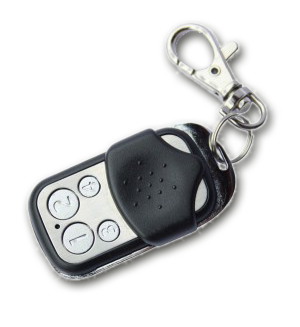
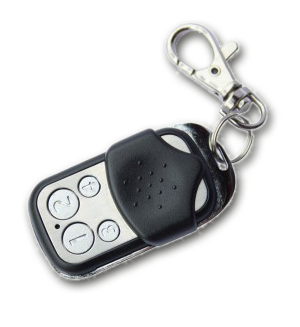
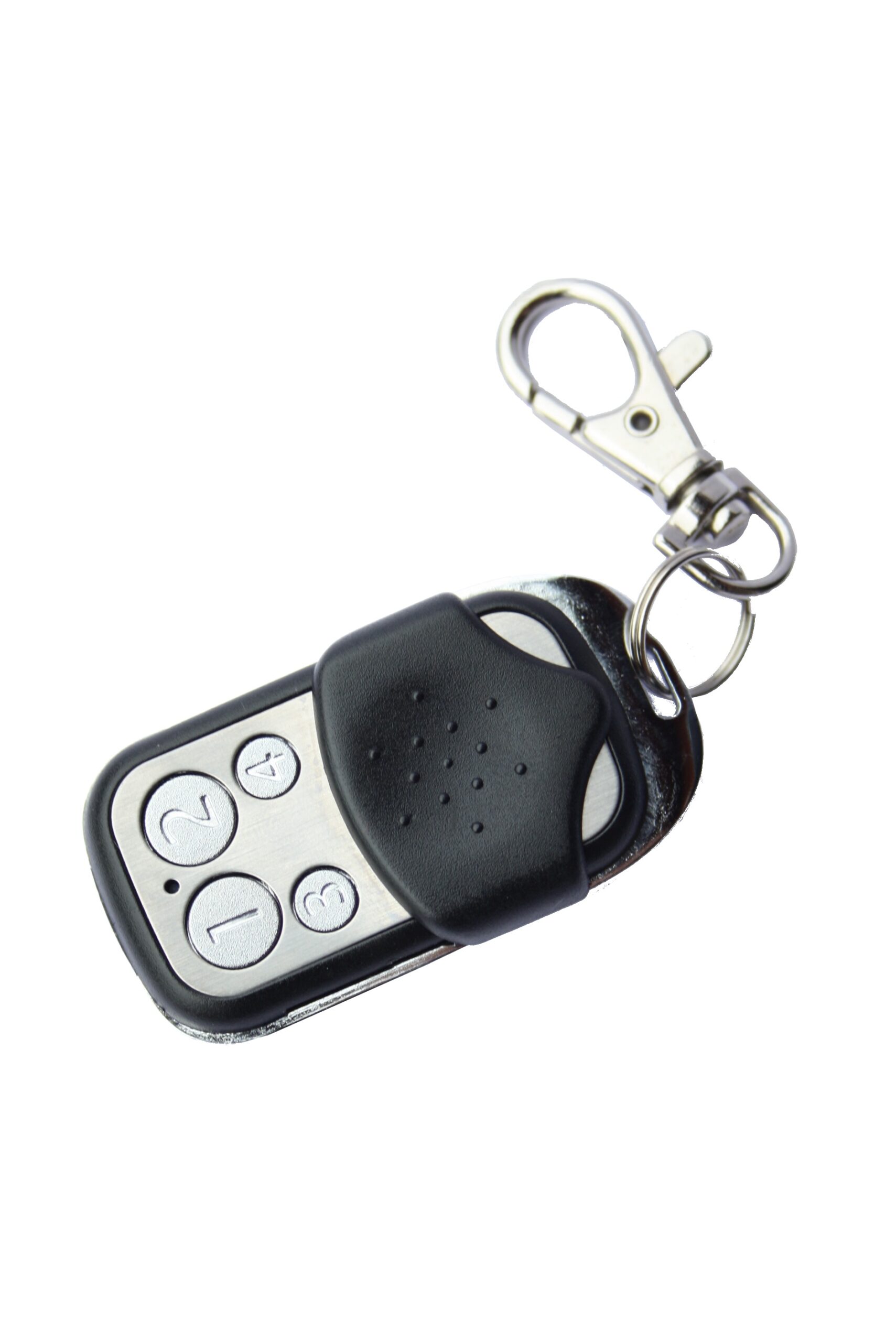
The Secure Key Fob Controller is a 4 button Z-Wave device capable to act both as primary or secondary controller. The four buttons can control other Z-Wave devices such as switches, dimmer and even door locks directly. Various options - configurable by Z-Wave configuration commands - define the actions and the commands used for this control. It is possible to use two sets of buttons (one of on/open/up and one for off/closed/down) or 4 single buttons to control 4 different groups of devices. The controller also allows triggering scenes in a central controller. Again different modes can be configured to adapt to the various implementations of scenes in different central controllers in the market. Control options also include special modes like "all on/off" or always controlling the Z-Wave device in proximity to the fob.
Want to buy adds it to your wish list and follows Popp for updates. I own it adds it to your collection.
The Secure Key Fob Controller is a 4 button Z-Wave device capable to act both as primary or secondary controller. The four buttons can control other Z-Wave devices such as switches, dimmer and even door locks directly. Various options - configurable by Z-Wave configuration commands - define the actions and the commands used for this control. It is possible to use two sets of buttons (one of on/open/up and one for off/closed/down) or 4 single buttons to control 4 different groups of devices. The controller also allows triggering scenes in a central controller. Again different modes can be configured to adapt to the various implementations of scenes in different central controllers in the market. Control options also include special modes like "all on/off" or always controlling the Z-Wave device in proximity to the fob.
Hardware platform
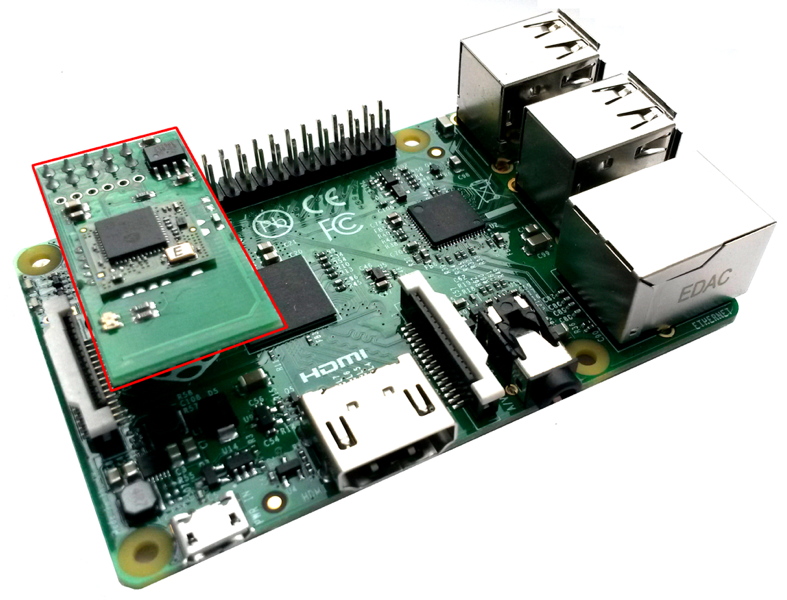
ZM5202
Short description
The Key Fob is a Z-Wave device that can both control other Z-Wave devices as primary controller and activate scenes as secondary controller.
Product identifier
POPE009204
Countries / regions
European Union
Certification number
ZC10-16125340
Radio range z wave (m)
40
Configuration parameters
Parameter Number Name Description Format Size Min Value Max Value Default Value Parameter Values 1
Supports explorer frames
Yes
Supported command classes
Identifier Name Key Version COMMAND_CLASS_SWITCH_MULTILEVEL
Controlled command classes
Identifier Name Key Version COMMAND_CLASS_DOOR_LOCK
Value 1 battery type value cr2032 color value black z wave scene type value scene & central scene association groups
Group Number Maximum Nodes Supported End Point ID Description 1
From to description 0 0 seperately 1 1 in pair without double clicks 2 2 in pair with double clicks 2 button 2 and 4 pair mode in separate mode button 2 works with control group b, button 4 with control group d. click is on, hold is dimming up, double click is off, click hold is dimming down. in pair button b/d are up/down correspondingly. click is on/off, hold is dimming up/down. single clicks works with group b, double click with group d. 0 1 0 0 1 from to description 0 0 seperately 1 1 in pair without double clicks 2 2 in pair with double clicks 11 command to control group a this parameter defines the command to be sent to devices of control group a when the related button is pressed 0 1 0 0 8 from to description 0 0 disabled 1 1 switch on/off and dim (send basic set and switch multilevel) 2 2 switch on/off only (send basic set) 3 3 switch all 4 4 send scenes 5 5 send preconfigured scenes 7 7 control door lock 8 8 central scene to gateway 25 blocks wakeup even when wakeup interval is set 0 1 0 0 1 from to description 0 0 wakeup is blocked 1 1 wakeup is not blocked texts