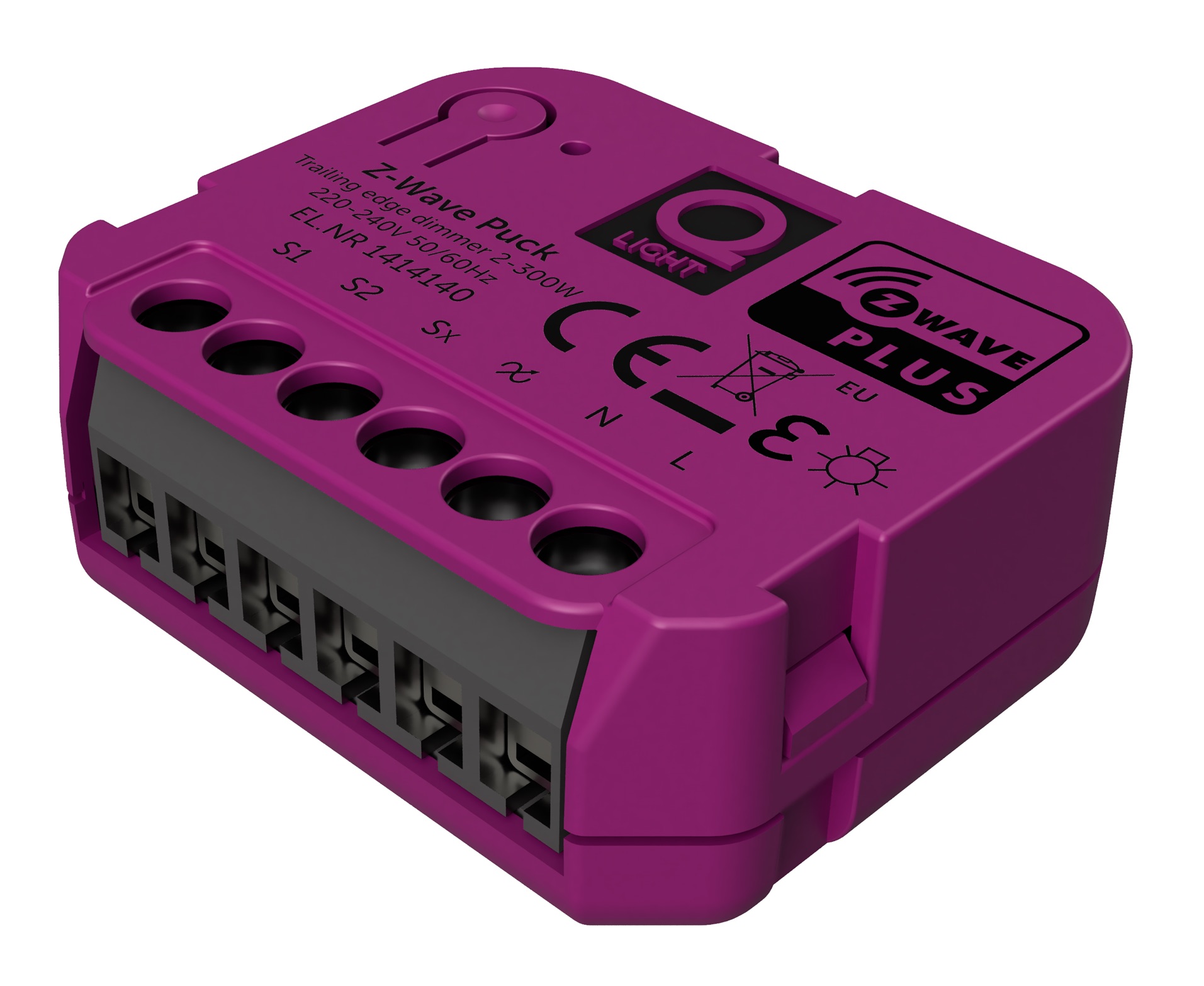
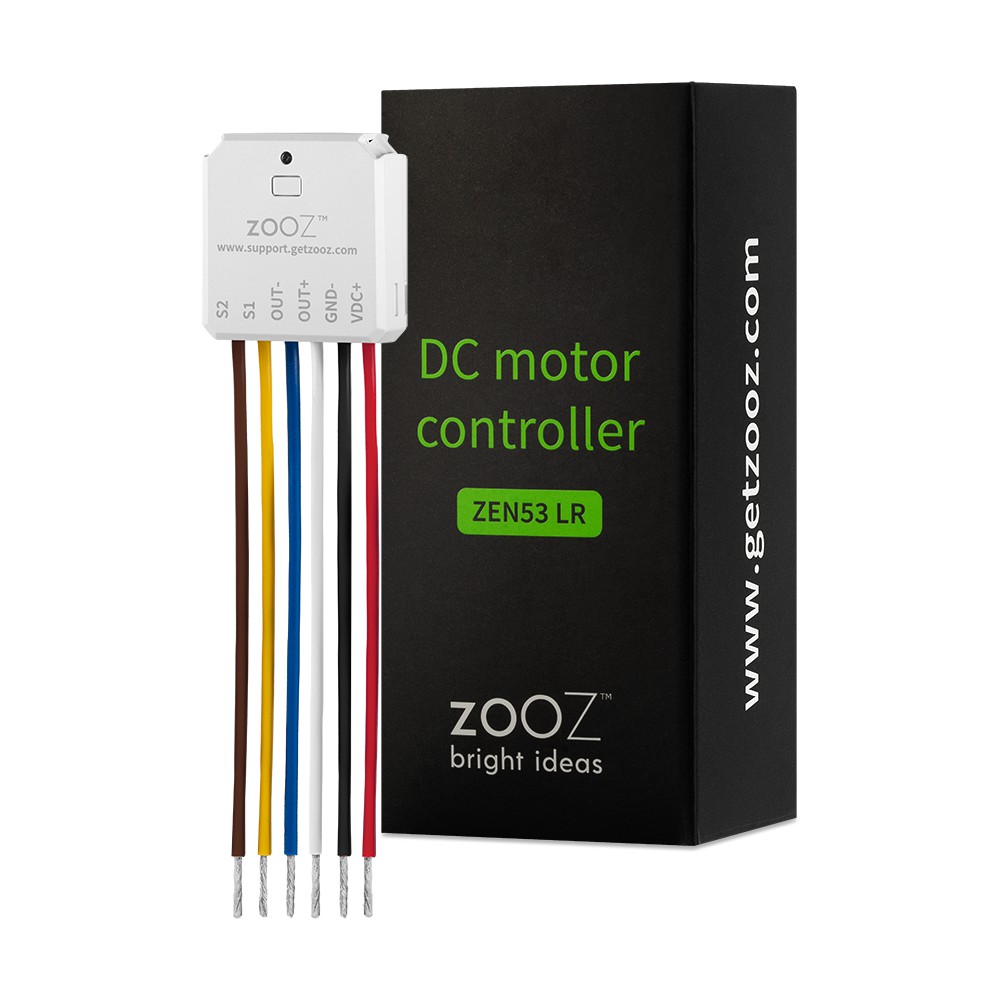
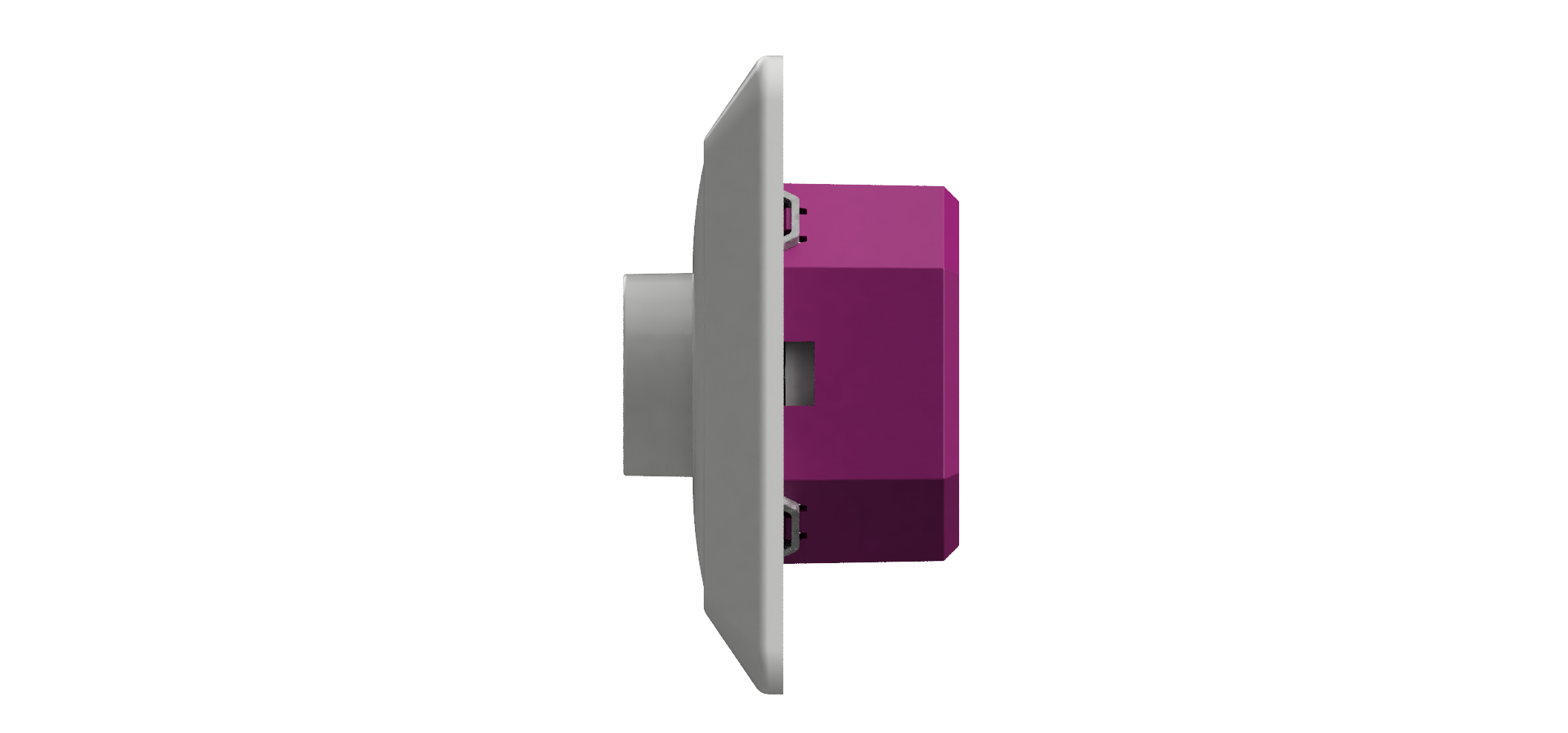
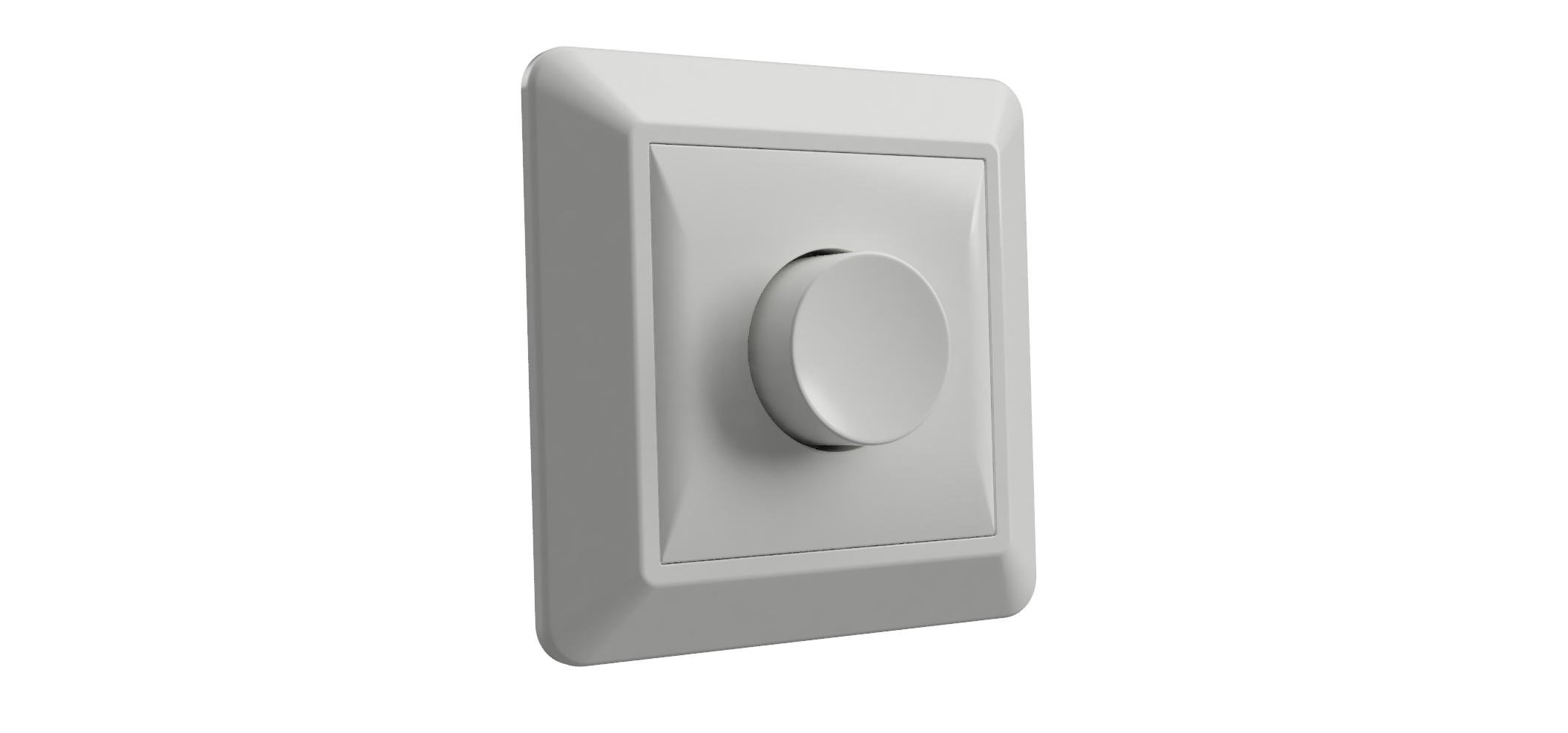
Z-Wave Puck dimmer by Q-light is a micro size in wall dimmer. Features: - 0-100% dimming range - 2-180W LED load - Compatible with any Z-Wave or Z-Wave Plus Controller - There is memorized function at power off - OverLoad protection - Soft start function - SmartStart - Works with various types of switches – on/off, momentary, roller-blind, and etc - This device is a security enable Z-Wave Plus product that is able to use encrypted Z-Wave Plus messages to communicate to other security enable Z-Wave Plus products.
Want to buy adds it to your wish list and follows Q-light for updates. I own it adds it to your collection.
✅ Future-proofBuilt to keep working — even if the maker walks away.
It works locally over Z-Wave, so it keeps running even if Q-light shuts down the app or the servers. Nothing here ties you to a single company's survival.
Works locally over Z-Wave — keeps running without the maker's cloud
Still in production
Based on how this device connects (local vs. cloud), whether it’s still sold and supported, and its app / subscription. A guide, not a guarantee.
Connectivity
Z-Wave
Prices
No prices yet — be the first to add one.
Community tags
Be the first to tag this page — tags appear right away. Try a theme, capability, or subject (e.g. WWII, heist, slow burn, time travel, A24).
Z-Wave Puck dimmer by Q-light is a micro size in wall dimmer. Features: - 0-100% dimming range - 2-180W LED load - Compatible with any Z-Wave or Z-Wave Plus Controller - There is memorized function at power off - OverLoad protection - Soft start function - SmartStart - Works with various types of switches – on/off, momentary, roller-blind, and etc - This device is a security enable Z-Wave Plus product that is able to use encrypted Z-Wave Plus messages to communicate to other security enable Z-Wave Plus products.
Hardware platform
ZM5202
Short description
Z-Wave Puck 2-180W LED load 0-100% dimming range
Product identifier
1414140
Countries / regions
European Union
Supports smart start
Yes
Certification number
ZC10-20016847
Radio range z wave (m)
40
Configuration parameters
Parameter Number Name Description Format Size Min Value Max Value Default Value Parameter Values 3
Supports explorer frames
Yes
Supported command classes
Identifier Name Key Version COMMAND_CLASS_FIRMWARE_UPDATE_MD_V4
Controlled command classes
Identifier Name Key Version COMMAND_CLASS_SWITCH_MULTILEVEL_V4
Supported notification types
Notification Type Event / State Heat Alarm
Value scene firmware updatable value updatable by manufacturer color value light purple association groups
Group Number Maximum Nodes Supported End Point ID Group Name Profile Description 2
From to description 1 2 the percentage value of dimming step during the automatic control is 2. 4 automatic control time of a dimming step this parameter defines the time of single dimming step set in parameter 3 during the automatic control. available settings:1 255(10ms 2.55s,in 10ms steps). default value:1(10ms) 1 2 1 255 1 from to description 1 2 the time of single dimming step set in parameter 3 during the automatic control is 20ms. 5 manual control dimming step size this parameter defines the percentage value of dimming step during the manual control. 1 1 1 99 1 from to description 1 2 the percentage value of dimming step during the manual control is 2. 6 manual control time of a dimming step this parameter defines the time of single dimming step set in parameter 5 during the manual control. available settings:1 255(10ms 2.55s,in 10ms steps). default value:5(50ms) 1 2 1 255 5 from to description 3 5 the time of single dimming step set in parameter 5 during the manual control is 50ms. 7 memory function after power failure if this parameter is set to 1,the device will restore its brightness before power failure. 1 1 0 1 1 from to description 1 0 the device will not restore its brightness before power failure. 8 switch type configure this parameter according to the type of switch the device is connected to. available settings: 0 – momentary (push) switch 1 – on/off switch 2– roller blind switch two switchs operate the device(s1 to brighter,s2 to dim 1 1 0 2 0 from to description 0 1 if the device is connected to on/off switch,this parameter must set to 1. 9 switch functionality of s1 and s2 if this parameter is set to 1, the device performs s2 function when s1 is pressed, and s1 function when s2 is pressed. 1 1 0 1 0 from to description 0 1 the device performs s2 function when s1 is pressed, and s1 function when s2 is pressed. 10 s1 scene id set s1 scene id is set by this configuration. note: the actual action of each scene id are set by scene actuator conf(0x26) command. 1 2 1 255 1 from to description 1 3 when you press s1 five times,the light is dimmed to the brightness set in scene id 3 . 11 s2 scene id set s2 scene id is set by this configuration. note: the actual action of each scene id are set by scene actuator conf(0x26) command. 1 2 1 255 2 from to description 2 5 when you press s1 five times,the light is dimmed to the brightness set in scene id 5. 2 maximum brightness level this parameter refers to the maximum brightness that the dimmer can achieve 1 1 2 99 99 from to description 90 98 the maximum brightness that the dimmer can achieve is 98. texts