✅ Future-proofBuilt to keep working — even if the maker walks away.
It works locally over Z-Wave, so it keeps running even if Schlage shuts down the app or the servers. Nothing here ties you to a single company's survival.
Works locally over Z-Wave — keeps running without the maker's cloud
Still in production
Based on how this device connects (local vs. cloud), whether it’s still sold and supported, and its app / subscription. A guide, not a guarantee.
Connectivity
Z-Wave
Prices
No prices yet — be the first to add one.
Community tags
Be the first to tag this page — tags appear right away. Try a theme, capability, or subject (e.g. WWII, heist, slow burn, time travel, A24).
Community photos
Photos from members
No member photos yet.
Reviews
What members say
Sign in to rate Schlage Connect Smart Deadbolt and share a photo.
No reviews yet.
Community
Be the first to start a thread about Schlage Connect Smart Deadbolt
Threads post into the Schlage community forum.
Sign in to start a thread in the Schlage community.
Edit history
Loading edit history…
Z-WaveCertified
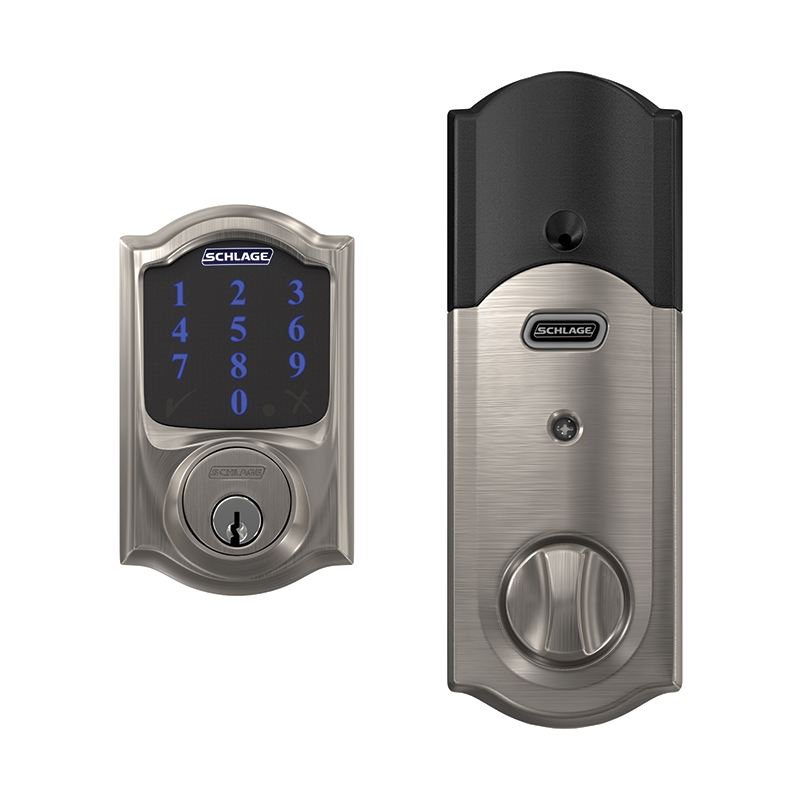
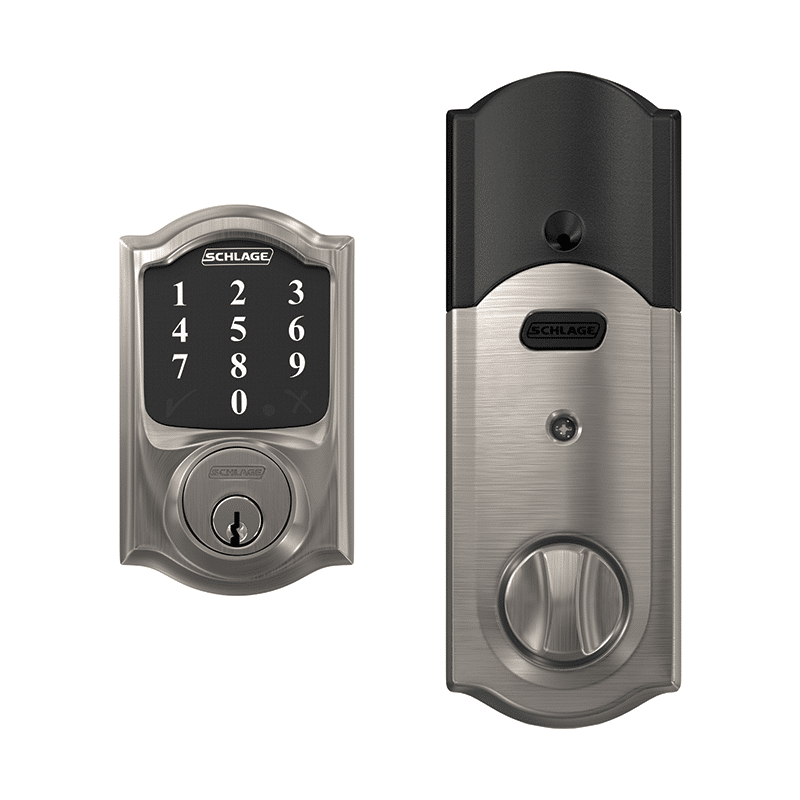
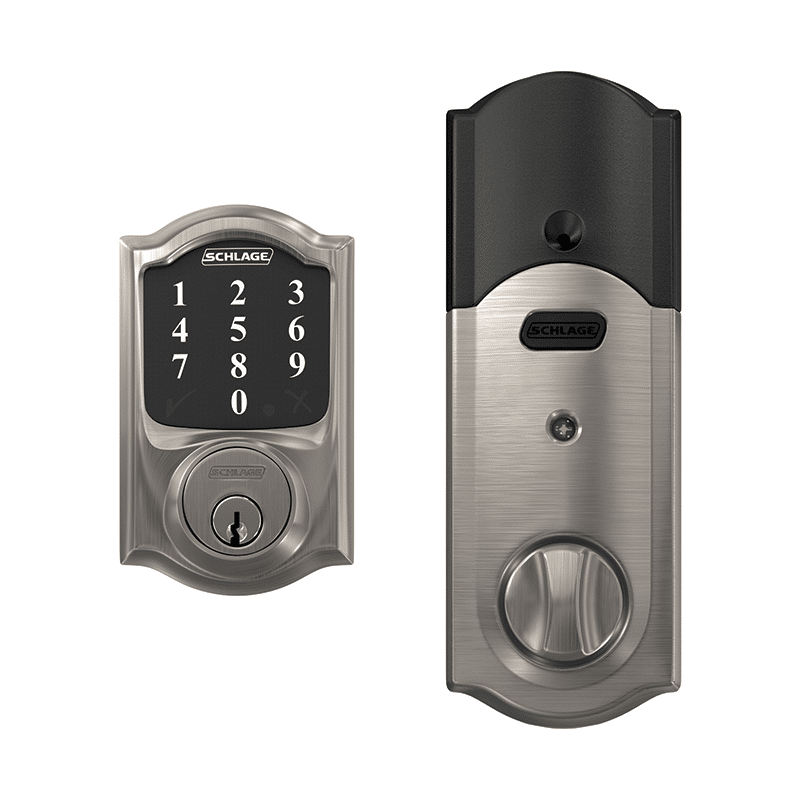
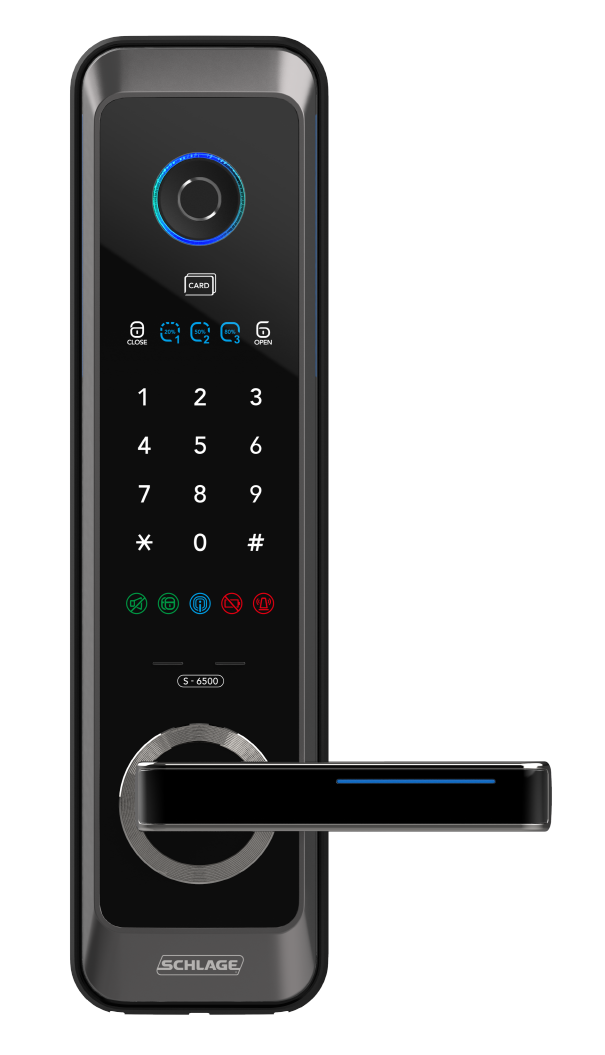
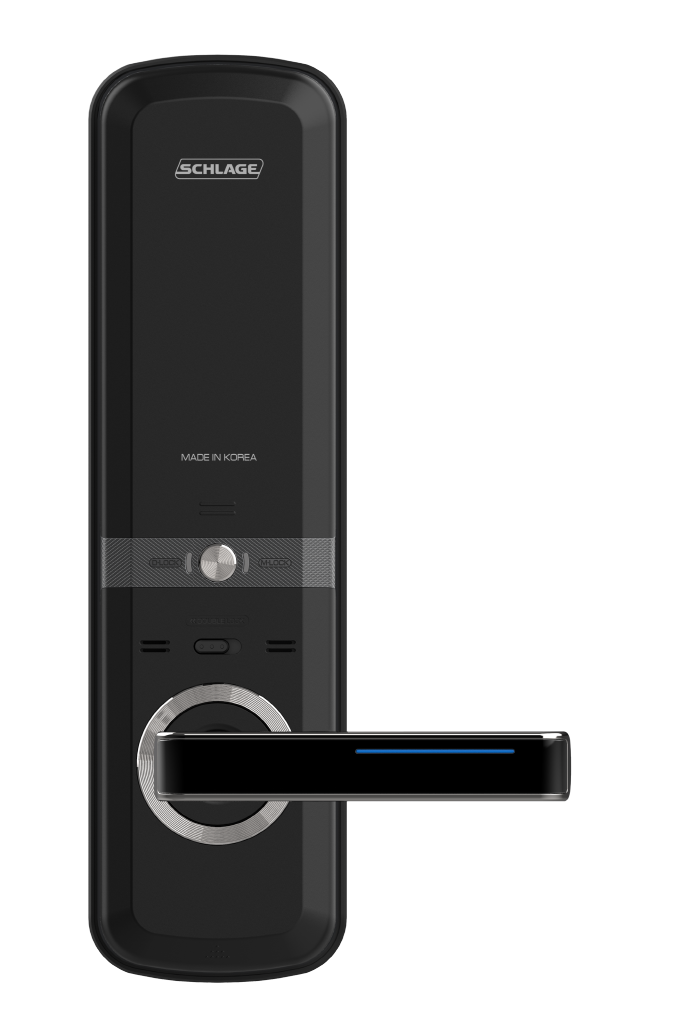
The Schlage Connect™ Smart Deadbolt combines advanced features and compatibility with your home automation or security system, allowing you to control your lock from anywhere and freeing you from the hassles of lost keys, getting locked out, or hiding a spare for friends and family. The lock comes preprogrammed with two access codes and can hold up to 30 unique codes for family members and trusted friends. The fingerprint-resistant touchscreen helps access codes stay private, minimizing tell-tale wear that can tip off possible intruders. The Schlage Connect Smart Deadbolt is battery-powered with a low battery warning that gives you weeks of advanced notice before it runs out. With guaranteed fit on standard doors, it’s easy for homeowners to install in minutes with just a screwdriver. The touchscreen continues to work in the event of a power outage, so you don’t have to worry about getting locked out – plus, a back-up key is included with the lock for peace of mind. The Schlage Connect Smart Deadbolt incorporates Z-Wave Plus S2 technology, an enhanced security protocol that features an additional layer of AES encryption of wireless signals. The Z-Wave technology allows you to integrate your exterior door locks with other Z-Wave smart home devices, such as cameras, motion detectors, lights and thermostats, bringing the safety, simplicity and style of Schlage to your smart home.
Want to buy adds it to your wish list and follows Schlage for updates. I own it adds it to your collection.
The Schlage Connect™ Smart Deadbolt combines advanced features and compatibility with your home automation or security system, allowing you to control your lock from anywhere and freeing you from the hassles of lost keys, getting locked out, or hiding a spare for friends and family. The lock comes preprogrammed with two access codes and can hold up to 30 unique codes for family members and trusted friends. The fingerprint-resistant touchscreen helps access codes stay private, minimizing tell-tale wear that can tip off possible intruders. The Schlage Connect Smart Deadbolt is battery-powered with a low battery warning that gives you weeks of advanced notice before it runs out. With guaranteed fit on standard doors, it’s easy for homeowners to install in minutes with just a screwdriver. The touchscreen continues to work in the event of a power outage, so you don’t have to worry about getting locked out – plus, a back-up key is included with the lock for peace of mind. The Schlage Connect Smart Deadbolt incorporates Z-Wave Plus S2 technology, an enhanced security protocol that features an additional layer of AES encryption of wireless signals. The Z-Wave technology allows you to integrate your exterior door locks with other Z-Wave smart home devices, such as cameras, motion detectors, lights and thermostats, bringing the safety, simplicity and style of Schlage to your smart home.
Hardware platform
ZM5101
Short description
The Schlage Connect Smart Deadbolt combines advanced features and compatibility with home automation or security systems, so you can control your lock from anywhere using your smartphone.
Product identifier
BE469ZP
Countries / regions
United States of America
Supports smart start
Yes
Certification number
ZC10-19116792
Radio range z wave (m)
40
Configuration parameters
Parameter Number Name Description Format Size Min Value Max Value Default Value Parameter Values 3
Supports explorer frames
Yes
Supported command classes
Identifier Name Key Version COMMAND_CLASS_POWERLEVEL
Controlled command classes
Identifier Name Key Version COMMAND_CLASS_TIME
Supported notification types
Notification Type Event / State Access Control
Value 4 battery type value aa door lock type value deadbolt supported notification types value access control association groups
Group Number Maximum Nodes Supported End Point ID Group Name Description 1
From to description 1 1 enable beeper 0 0 disable beeper 4 vacation mode this configuration setting controls the keypad entry of user codes allowing all user codes to be turned on (disable vacation mode) or off (enable vacation mode) 0 1 0 0 0 from to description 1 1 enable vacation mode 0 0 disable vacation mode 5 lock and leave mode this configuration setting controls the use of the "schlage" button on the keypad for single button push for throwing the deadbolt. 0 1 0 0 1 from to description 1 1 enable lock and leave mode 0 0 disable lock and leave mode 6 user slot bit field this configuration setting indicates the occupied slots (from 1 to 30) that contain user codes that will activate the deadbolt when entered on the keypad. 0 4 0 0 0 from to description 0 1 user slot bit field 7 lock specific alarm mode this configuration setting indicates the mode of the built in alarm function of the lock. 0 1 0 0 0 from to description 0 3 lock specific alarm mode 8 lock specific alarm alert sensitivity this configuration setting indicates the sensitivity setting of the alert function of the built in alarm. 0 1 0 0 3 from to description 1 5 alarm alert sensitivity 9 lock specific alarm tamper sensitivity this configuration setting indicates the sensitivity setting of the tamper function of the built in alarm. 0 1 0 0 3 from to description 1 5 alarm tamper sensitivity 10 lock specific alarm kick sensitivity this configuration setting indicates the sensitivity setting of the forced entry function of the built in alarm. 0 1 0 0 3 from to description 1 5 alarm forced entry sensitivity 11 lock specific alarm disable local controls this configuration setting controls the ability to enable or disable local control of the built in alarm function. 0 1 0 0 1 from to description 1 1 alarm enable local controls 0 0 alarm disable local controls 17 get electrical high preload transition count this configuration setting indicates the number of transitions from locked to unlocked or unlocked to locked state via electronic activation that indicated a high preload on the deadbolt. this value is a subset of parameter 12. 0 4 0 0 0 from to description 0 1 electronic state change count with high preload texts