✅ Future-proofBuilt to keep working — even if the maker walks away.
It works locally over Z-Wave, so it keeps running even if Yale Locks & Hardware shuts down the app or the servers. Nothing here ties you to a single company's survival.
Works locally over Z-Wave — keeps running without the maker's cloud
Still in production
Based on how this device connects (local vs. cloud), whether it’s still sold and supported, and its app / subscription. A guide, not a guarantee.
Connectivity
Z-Wave
Prices
No prices yet — be the first to add one.
Community tags
Be the first to tag this page — tags appear right away. Try a theme, capability, or subject (e.g. WWII, heist, slow burn, time travel, A24).
Community photos
Photos from members
No member photos yet.
Reviews
What members say
Sign in to rate nexTouch Wireless Key Free Push Button with Z-Wave and share a photo.
No reviews yet.
Community
Be the first to start a thread about nexTouch Wireless Key Free Push Button with Z-Wave
Threads post into the Yale Locks & Hardware community forum.
Sign in to start a thread in the Yale Locks & Hardware community.
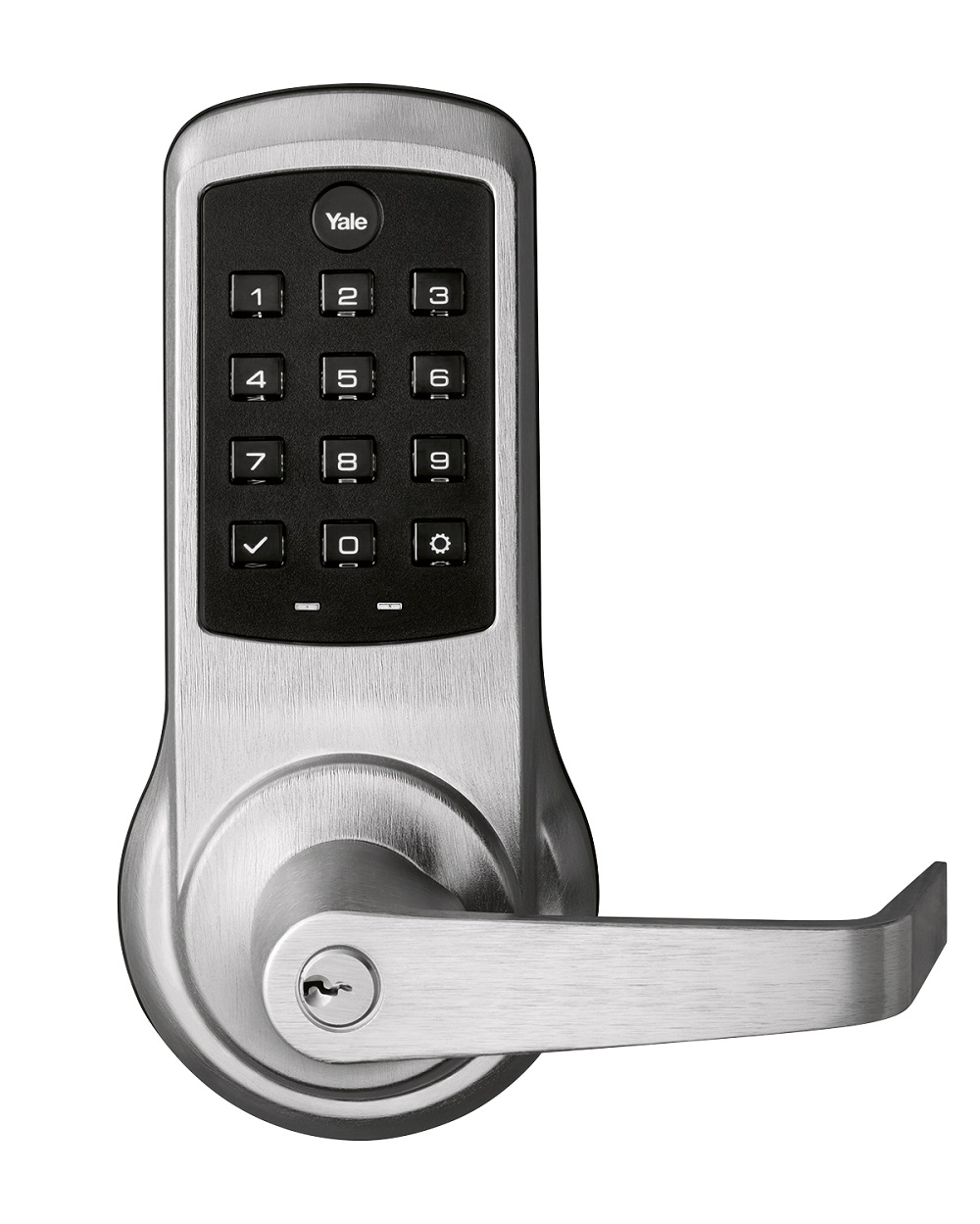
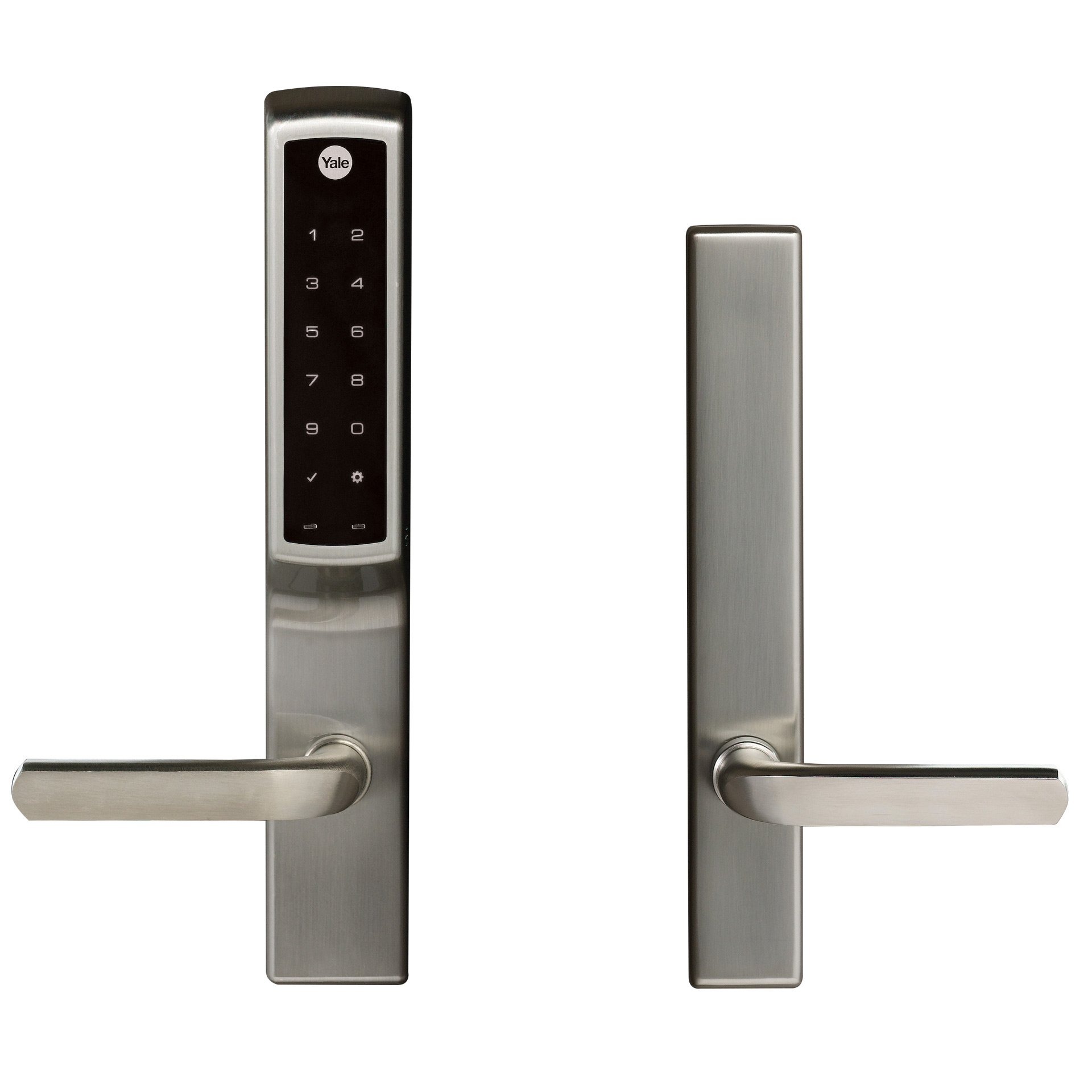
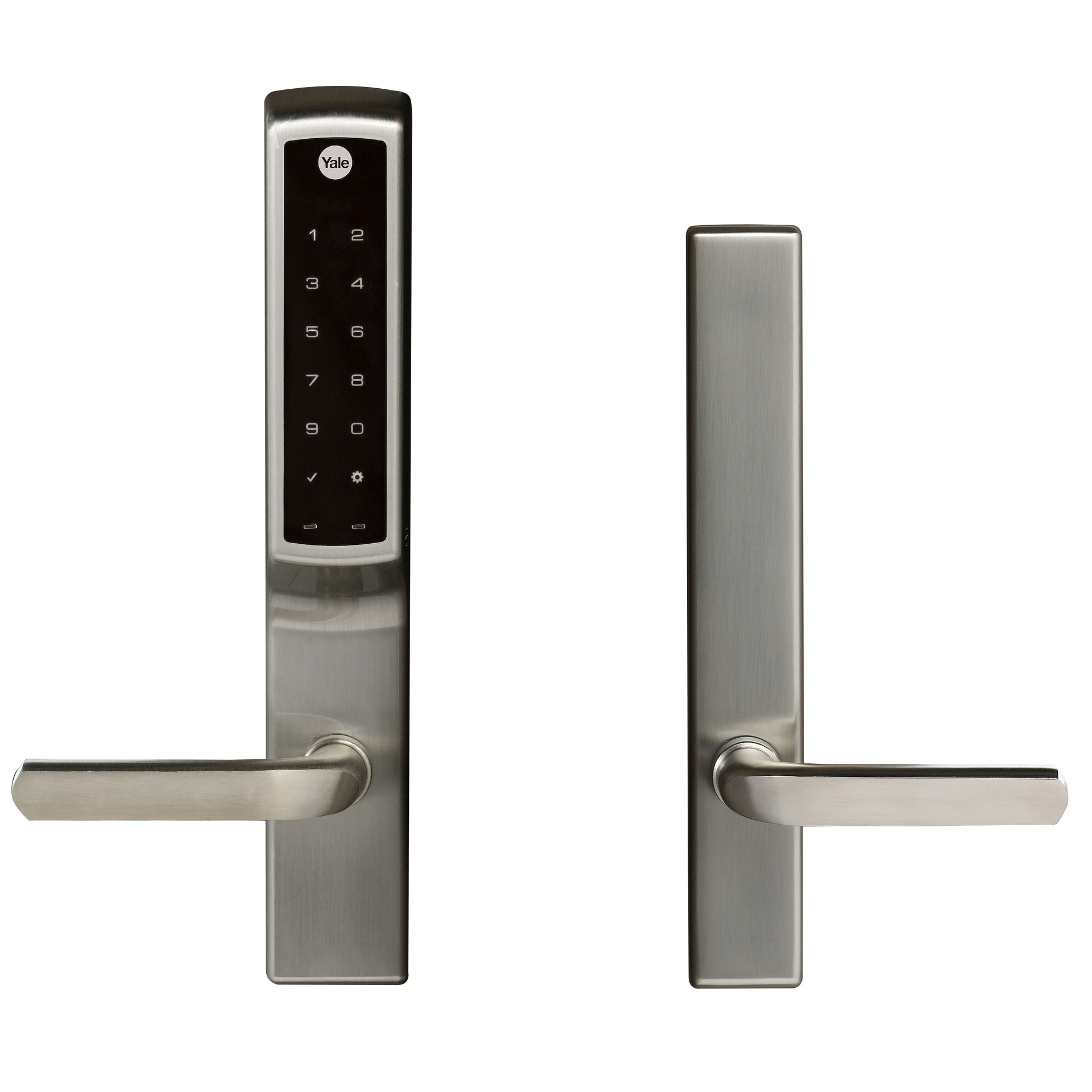
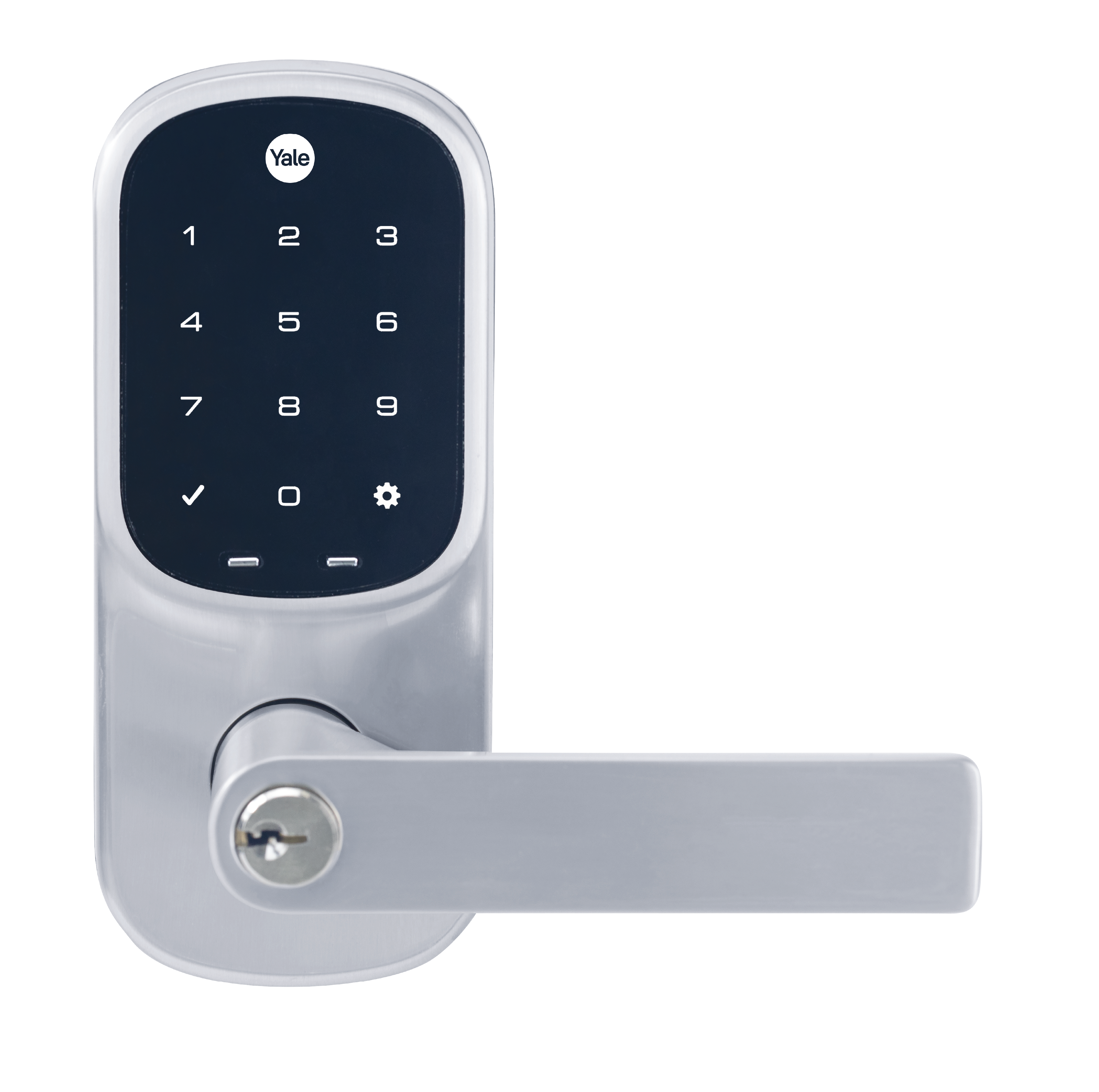
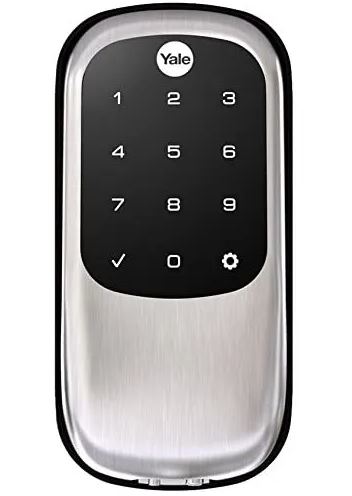
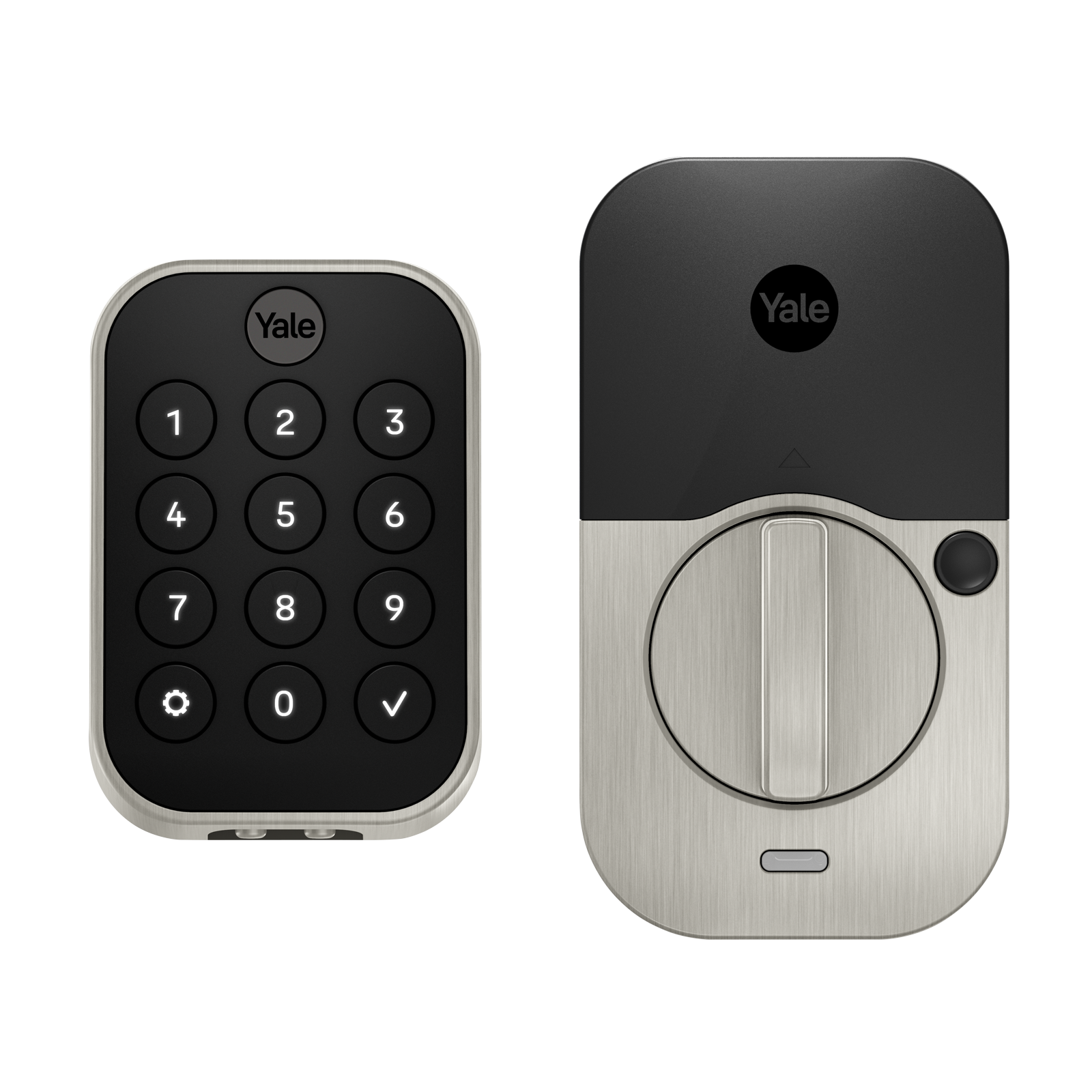
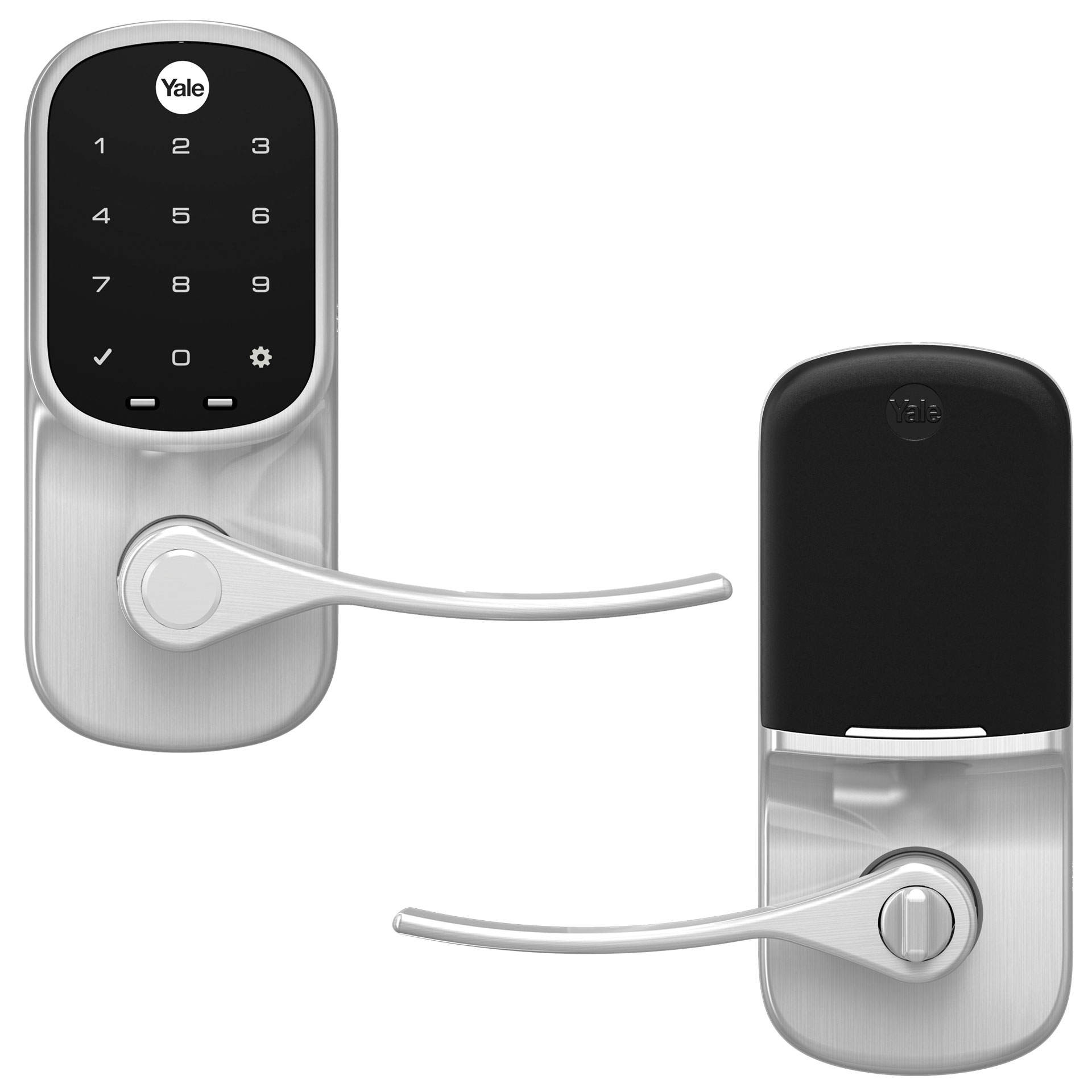
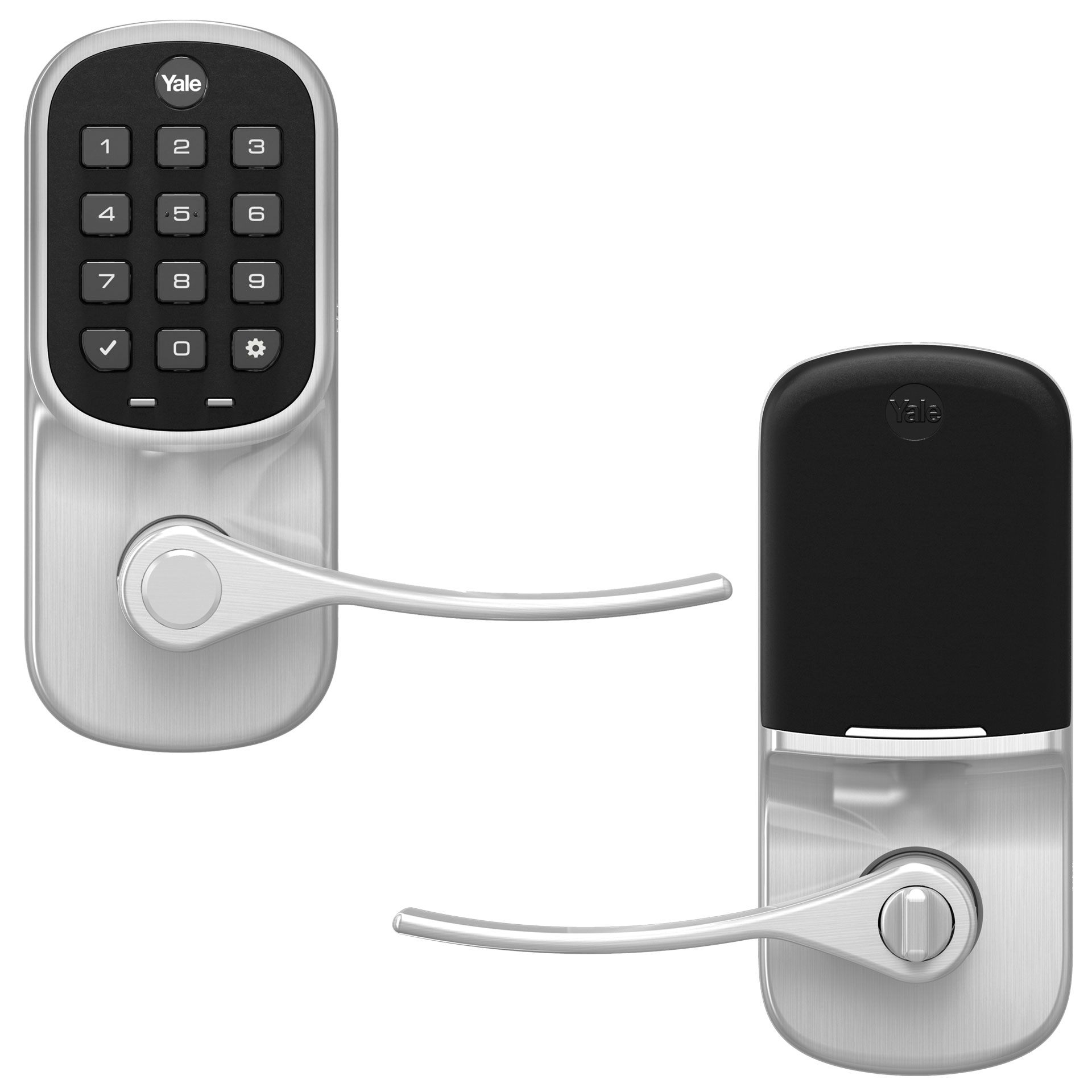
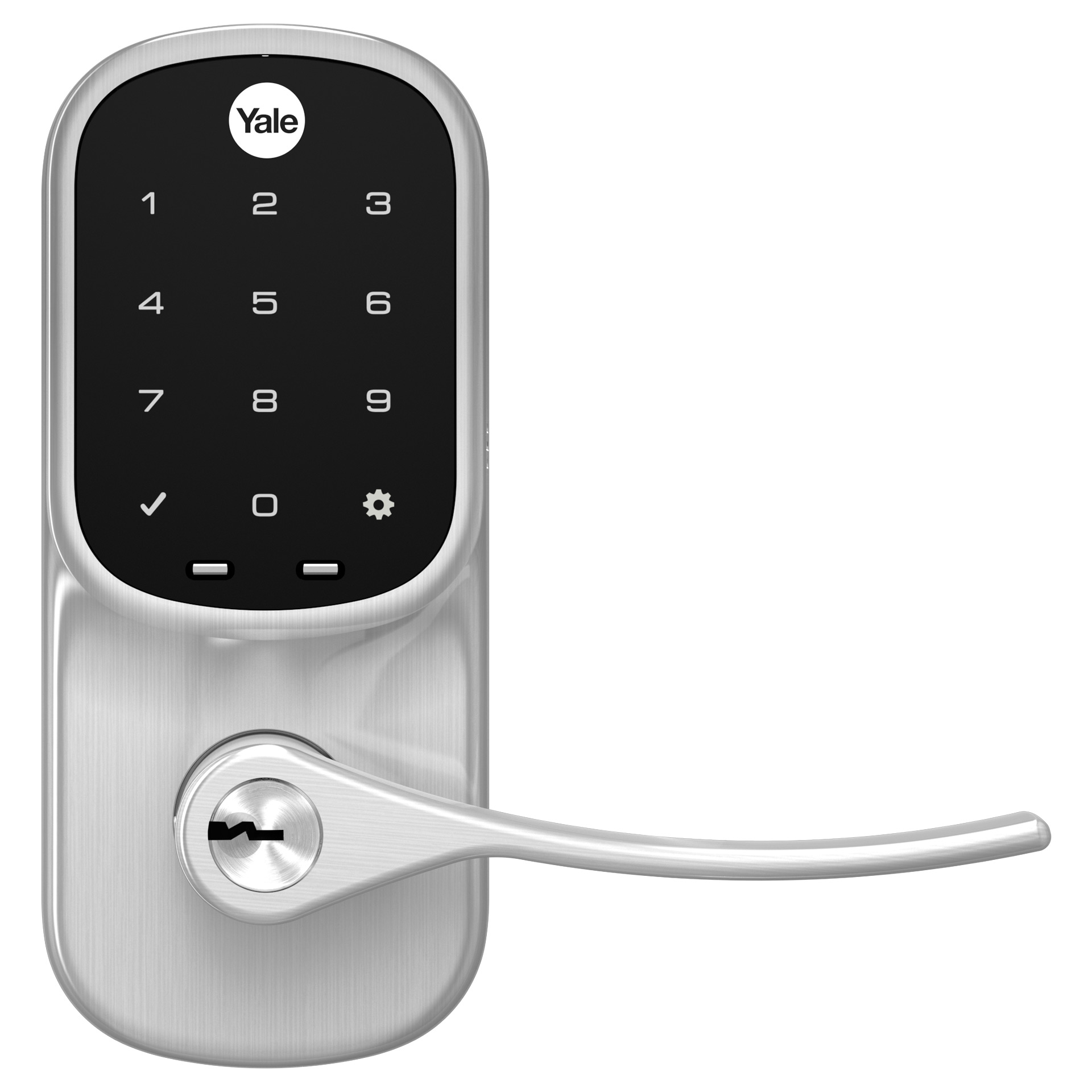
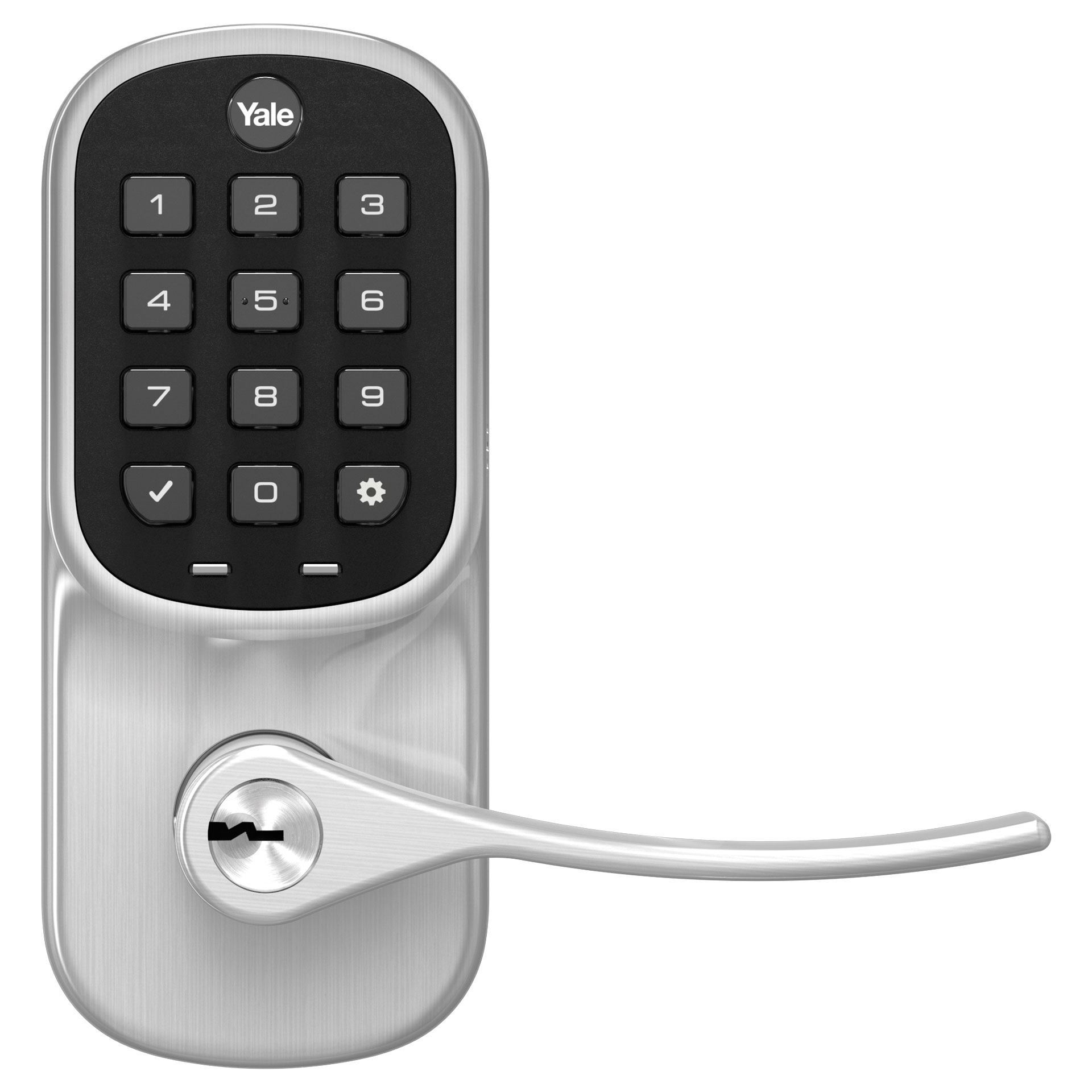
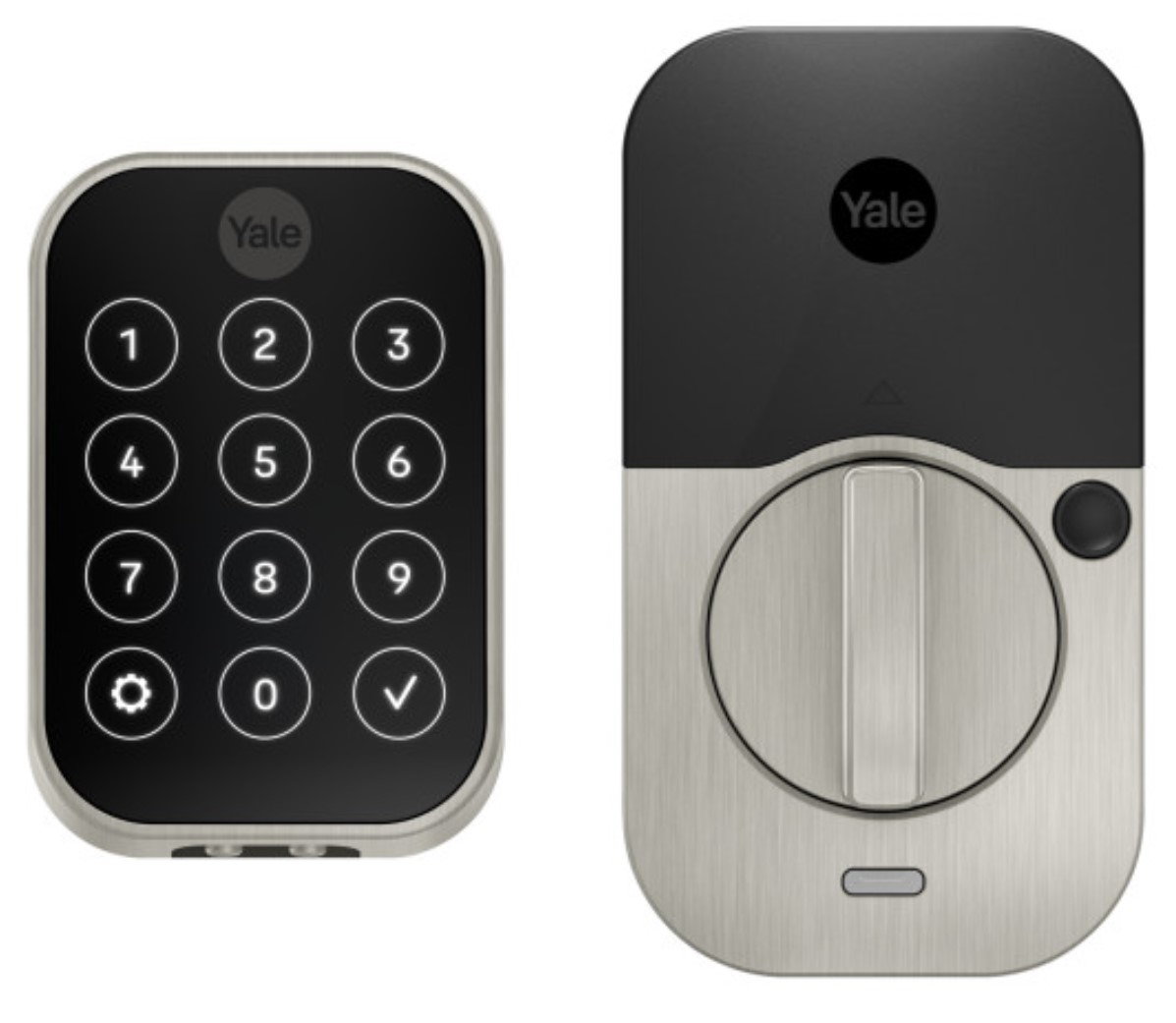
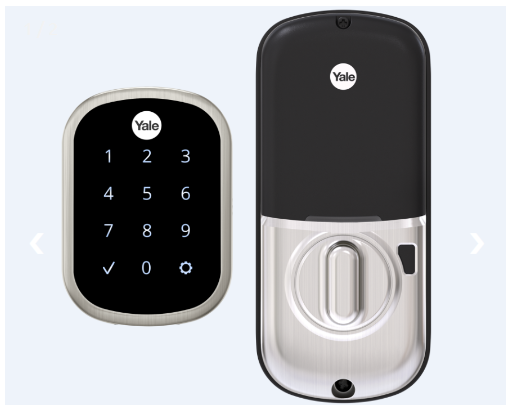
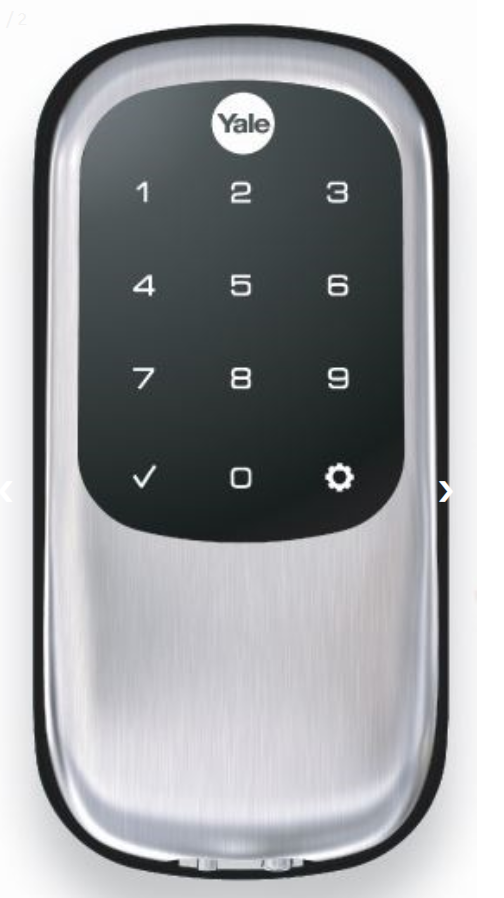
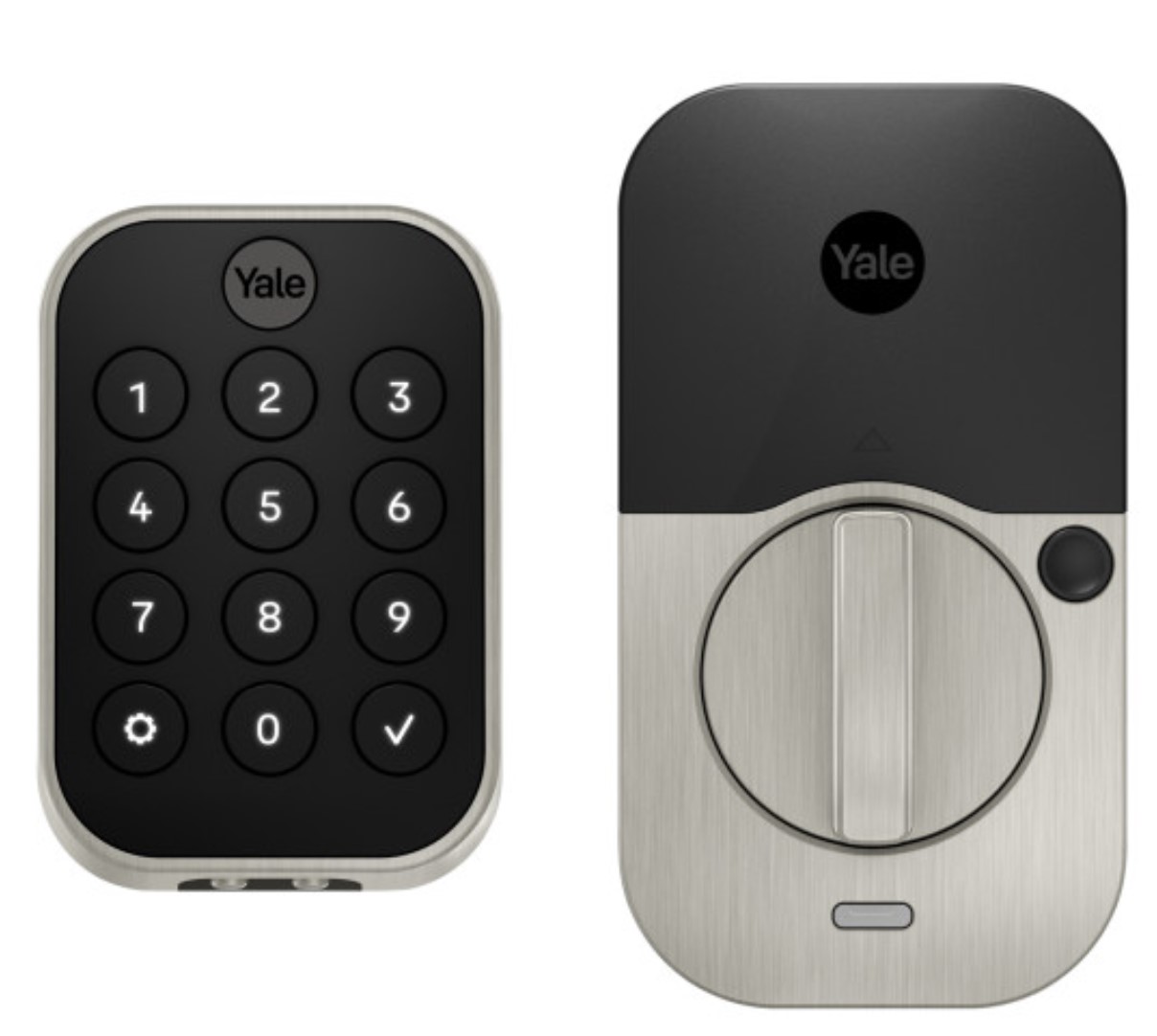
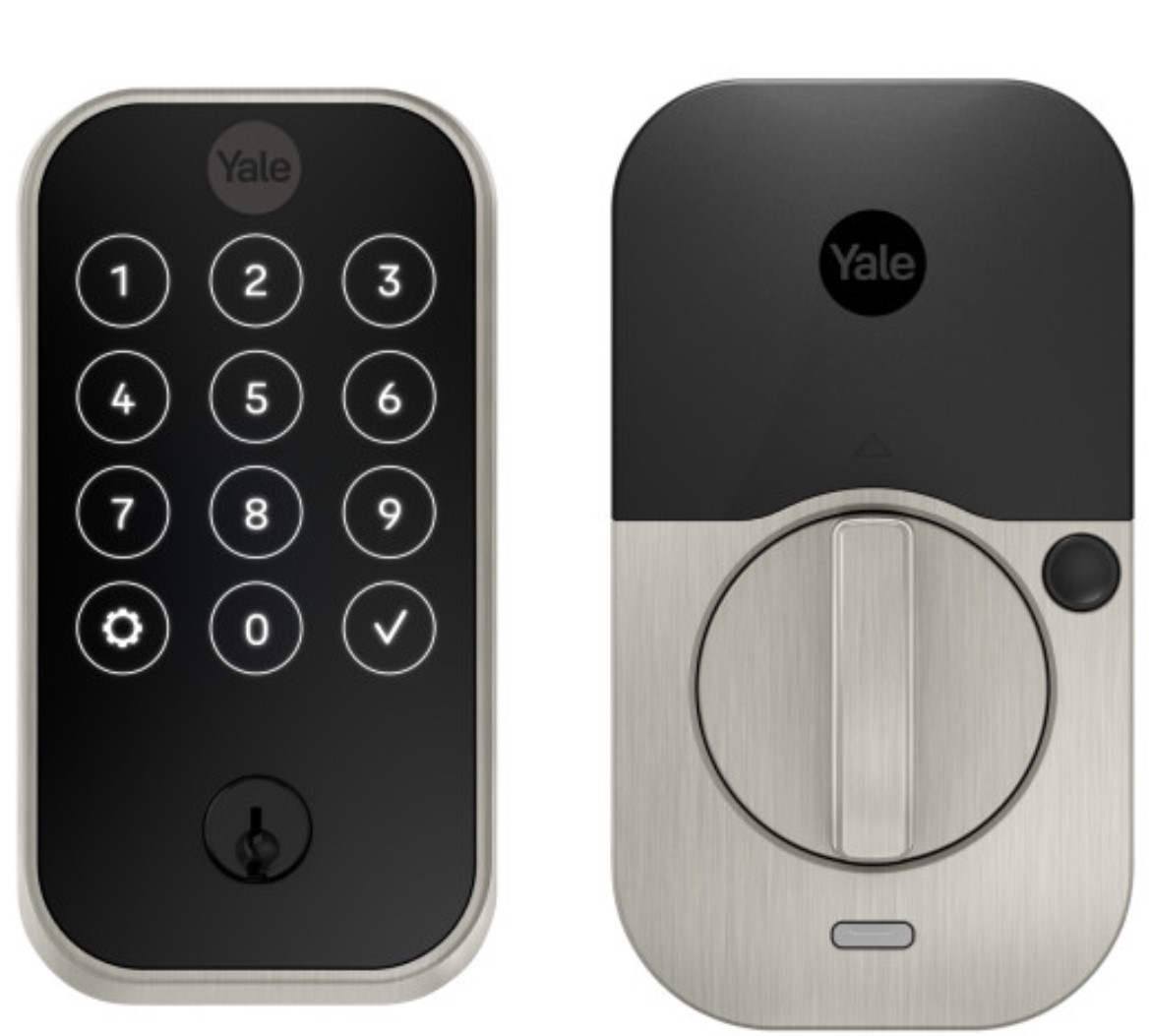
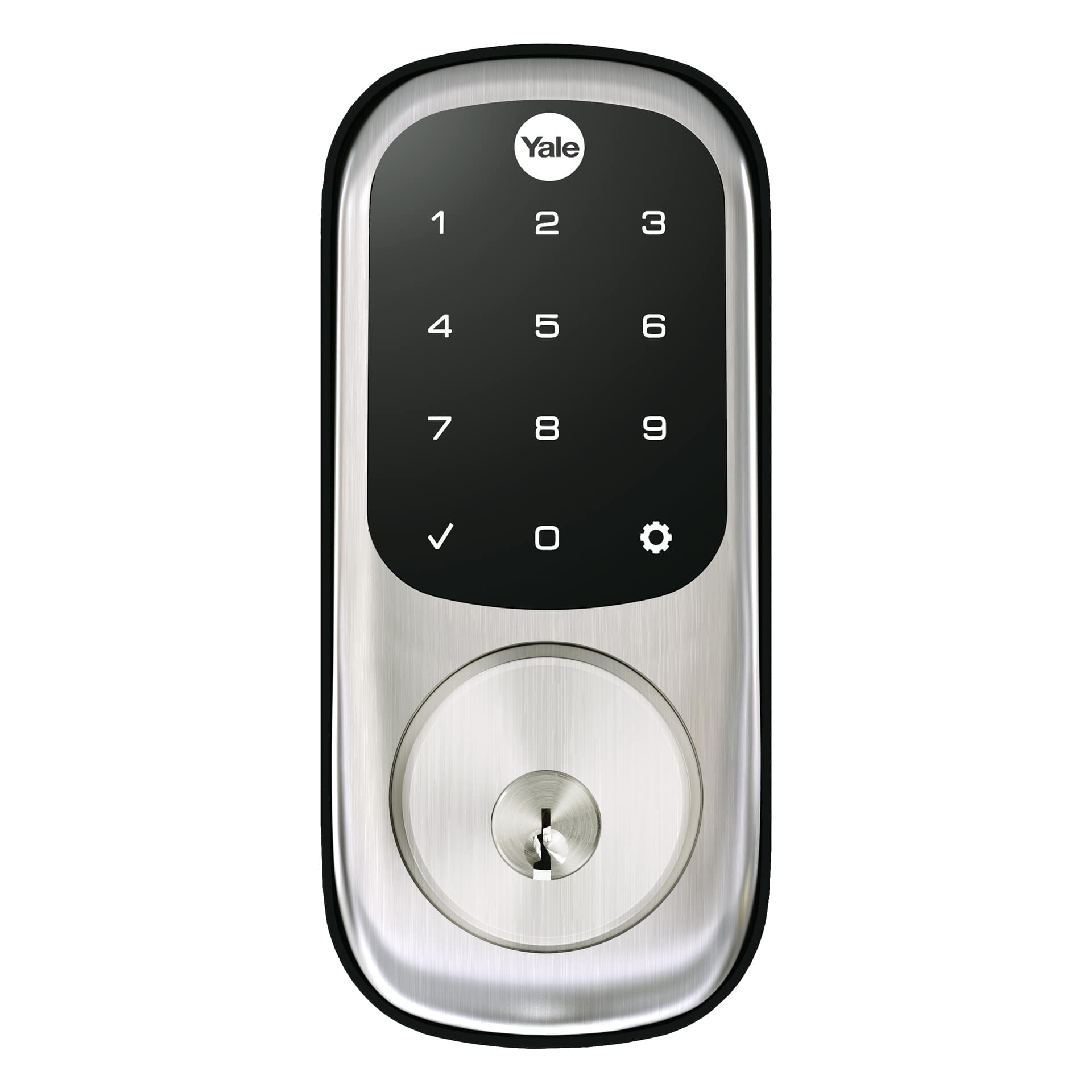
Yale nexTouch™ provides small business owners a wireless access management solution with the security of commercial grade locks and the convenience and cost-efficiency of wireless installation. The nexTouch product is a keypad access lock designed to meet most small business applications, both interior and exterior. The lock can be paired with a Z-Wave system for easy integration into new and existing alarm and automation platforms. Yale nexTouch offers many benefits for the small business owner, including easy management of employee access rights and attendance, seeing to unattended deliveries, monitoring of business hours, managing remote locations, and increased security. Lock features may vary based on the chosen integration system, but typically include accommodation of up to 500 users, real-time notifications, audit trail, scheduling of access rights and remote access. To meet small business security needs Yale nexTouch locks are ANSI/BHMA Grade 1 certified, UL listed for use on fire doors and windstorm listed. The product is designed for standard commercial doors, ideal for employee, delivery or back entrances. The lock is available with a backlit push button or touchscreen keypad, the latter offering low battery and tamper alarm indicators on the device.
Want to buy adds it to your wish list and follows Yale Locks & Hardware for updates. I own it adds it to your collection.
Yale nexTouch™ provides small business owners a wireless access management solution with the security of commercial grade locks and the convenience and cost-efficiency of wireless installation. The nexTouch product is a keypad access lock designed to meet most small business applications, both interior and exterior. The lock can be paired with a Z-Wave system for easy integration into new and existing alarm and automation platforms. Yale nexTouch offers many benefits for the small business owner, including easy management of employee access rights and attendance, seeing to unattended deliveries, monitoring of business hours, managing remote locations, and increased security. Lock features may vary based on the chosen integration system, but typically include accommodation of up to 500 users, real-time notifications, audit trail, scheduling of access rights and remote access. To meet small business security needs Yale nexTouch locks are ANSI/BHMA Grade 1 certified, UL listed for use on fire doors and windstorm listed. The product is designed for standard commercial doors, ideal for employee, delivery or back entrances. The lock is available with a backlit push button or touchscreen keypad, the latter offering low battery and tamper alarm indicators on the device.
Hardware platform
ZM5101
Short description
nexTouch is a commercial Grade 1 lever lock designed for small business applications. Integrate nexTouch into your new or existing Z-Wave automation or alarm system.
Product identifier
NTB630-ZW2
Countries / regions
United States of America
Certification number
ZC10-17065634
Configuration parameters
Parameter Number Name Description Format Size Min Value Max Value Default Value Parameter Values 3
Supports explorer frames
Yes
Supported command classes
Identifier Name Key Version COMMAND_CLASS_POWERLEVEL
Supported notification types
Notification Type Event / State Access Control
Value aa color value chrome firmware updatable value updatable by consumer by rf door lock type value lever handle ip (ingress protection) rated outdoor use supported notification types value access control power management battery quantity value 4 association groups
Group Number Maximum Nodes Supported End Point ID Description 1
From to description 10 127 seconds 4 wrong code entry limit 3 to 10 default is 5 times 0 1 0 0 5 from to description 3 10 times 5 language set the lock language. default is 1= english 0 1 0 0 1 from to description 1 1 english language 2 2 spanish language 3 3 french language 7 shut down time (after wrong code entries) 10 to 127 seconds default is 60 seconds 0 1 0 0 60 from to description 10 127 seconds 8 operating mode this sets the operating mode for the lock. 0 1 0 0 0 from to description 0 0 normal mode (default) 2 2 privacy mode (keypad locked, rf unlock functional) 1 1 vacation mode (keypad locked out) 11 one touch locking 0x00 = off, 0x ff = on default is 0x ff or on. 0 1 0 0 0 from to description 0 0 one touch locking off 128 128 one touch locking on 1 silent mode on/off level control, 1, 2, 3 default is 1. levels are 1 and 3 for models with no spoken prompts default is 1 or high 0 1 0 0 1 from to description 1 3 level 2 auto relock on/off 0x00 = off, 0x ff = on default is 0x00 or off 0 1 0 0 0 from to description 128 128 auto relock on 0 0 auto relock off texts