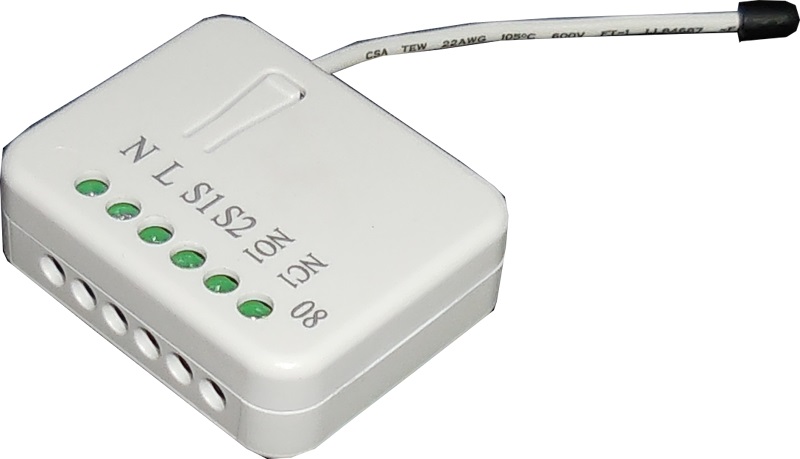
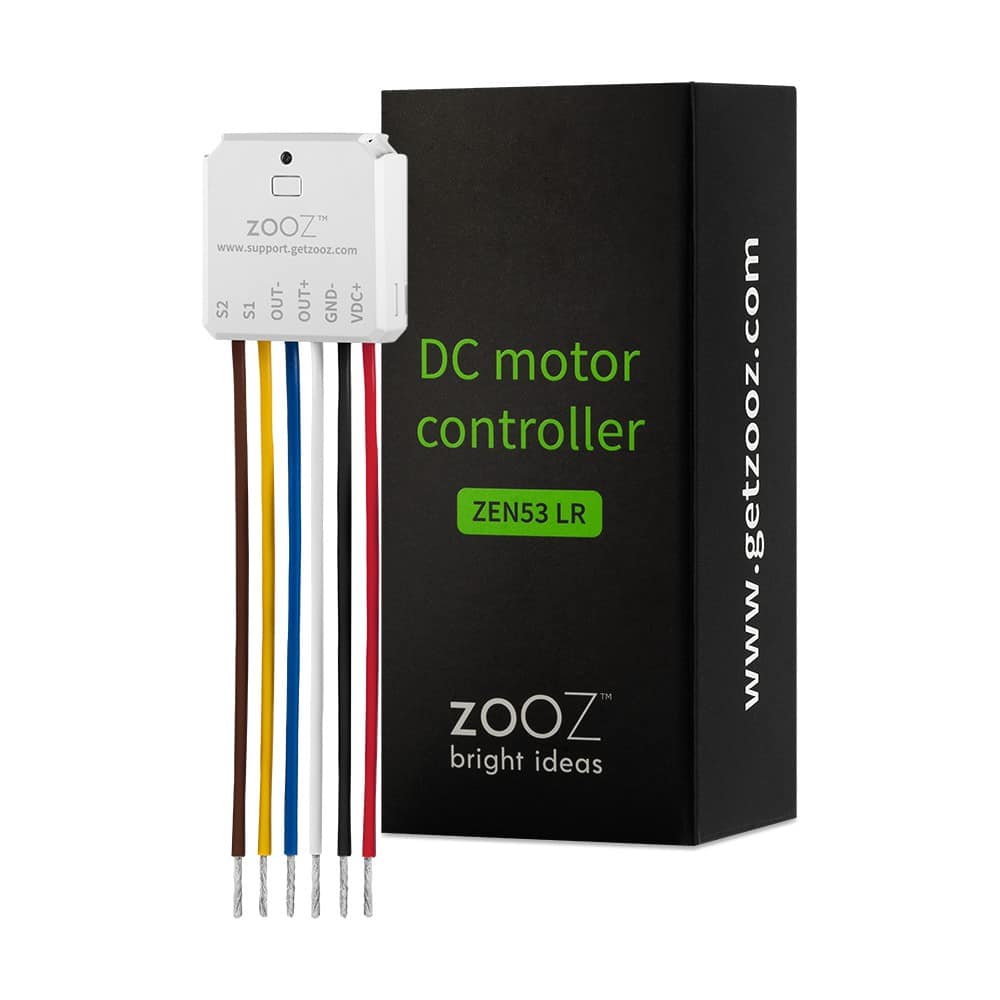
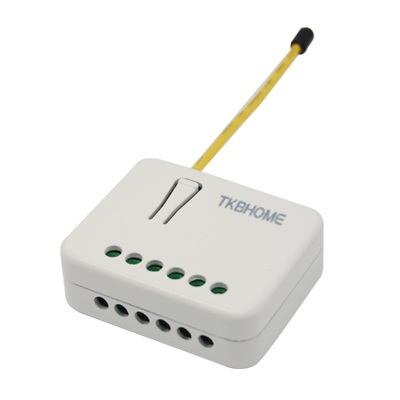
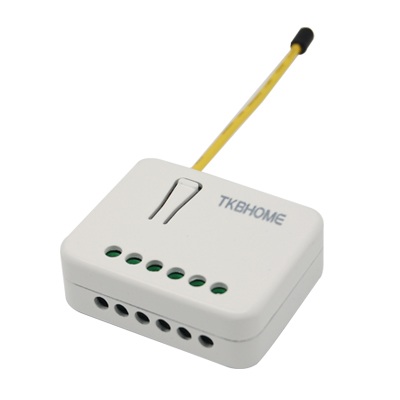
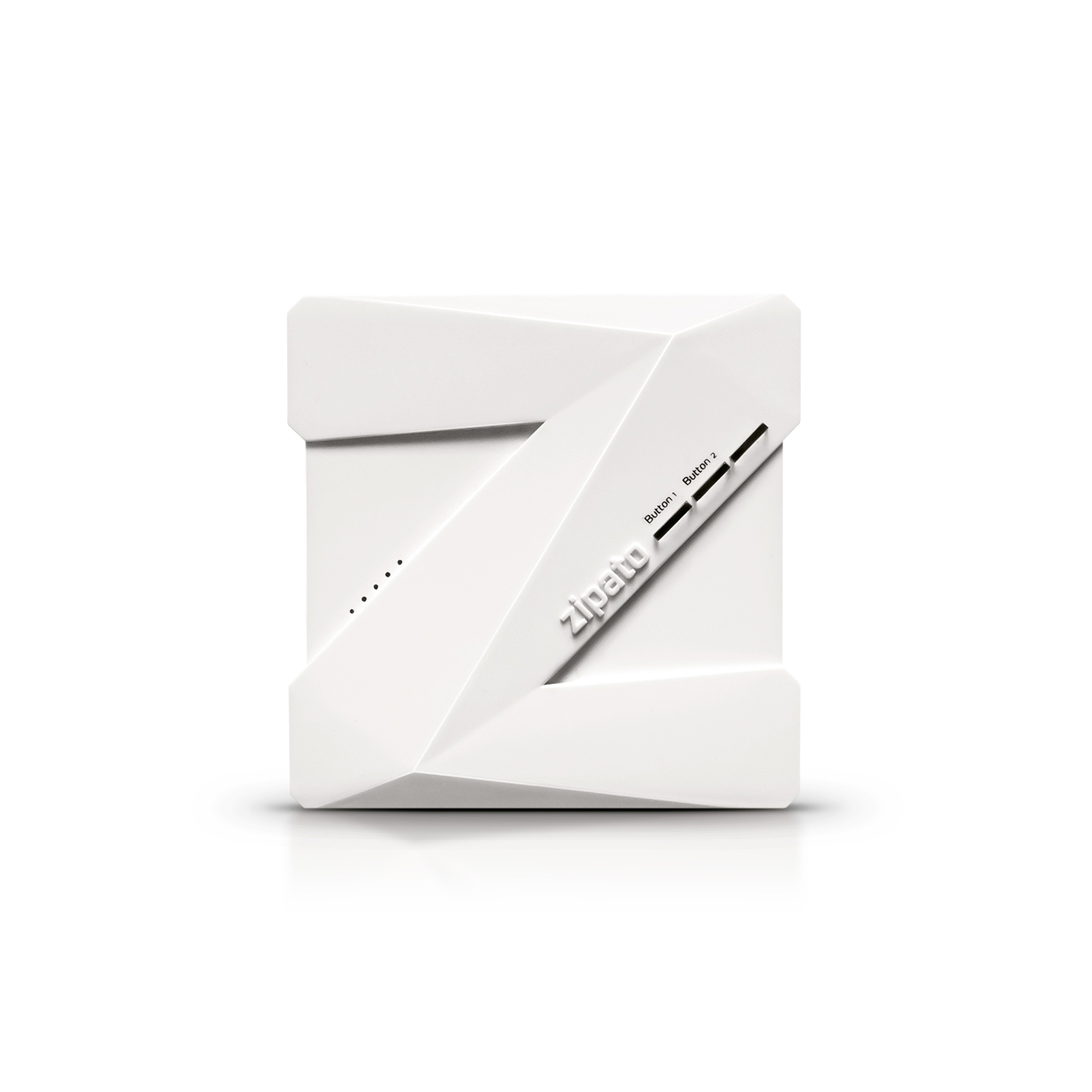
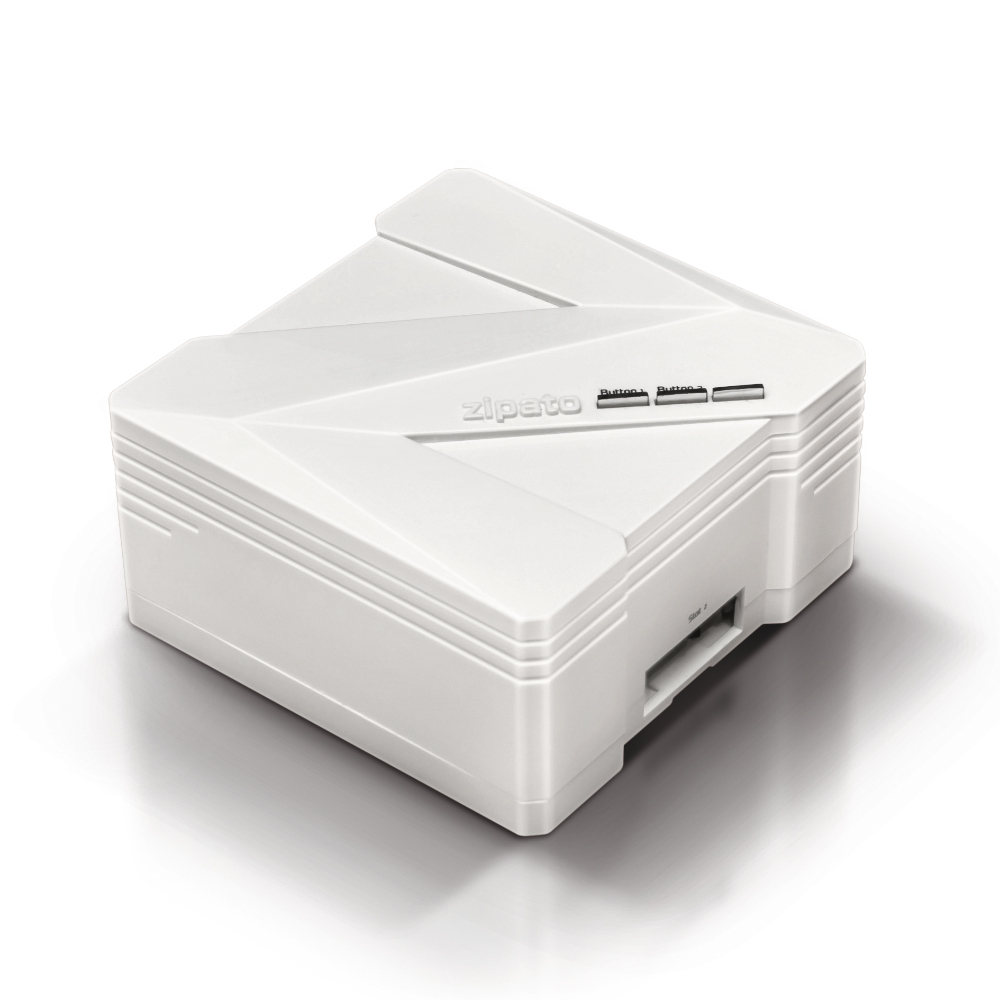
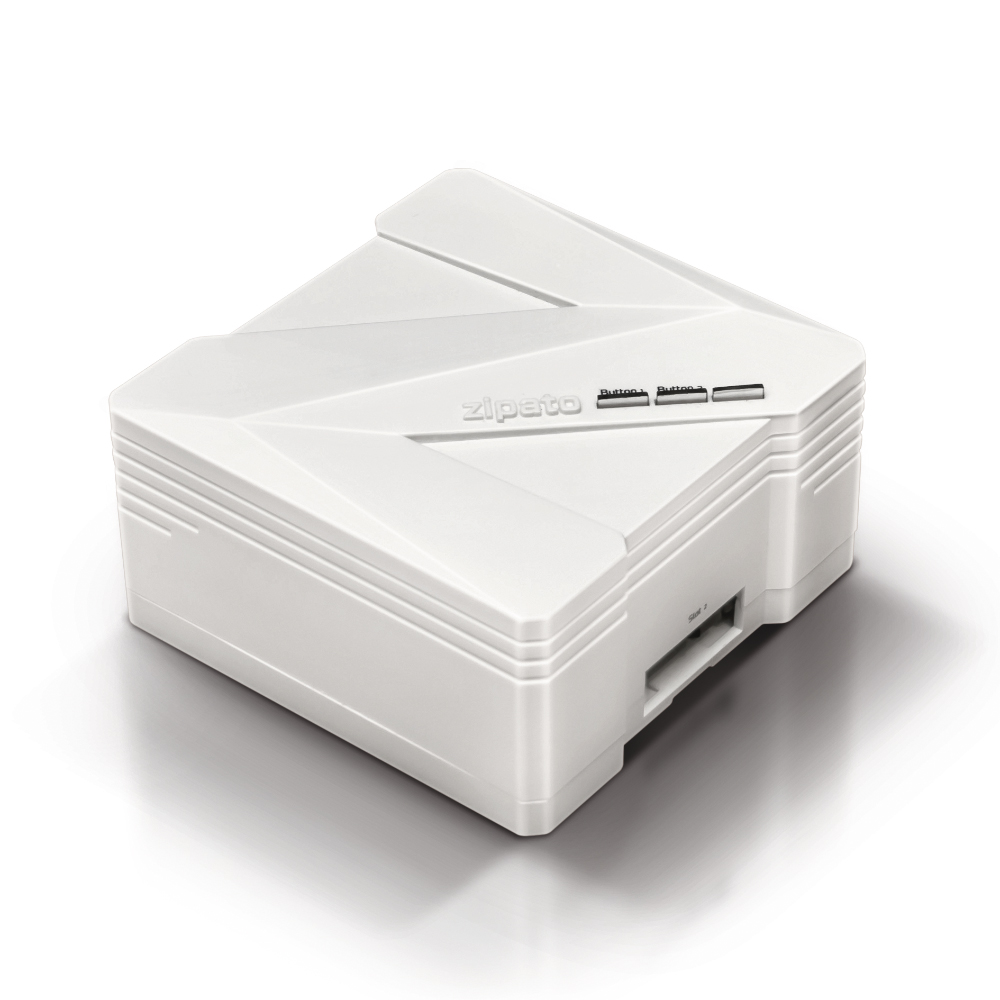
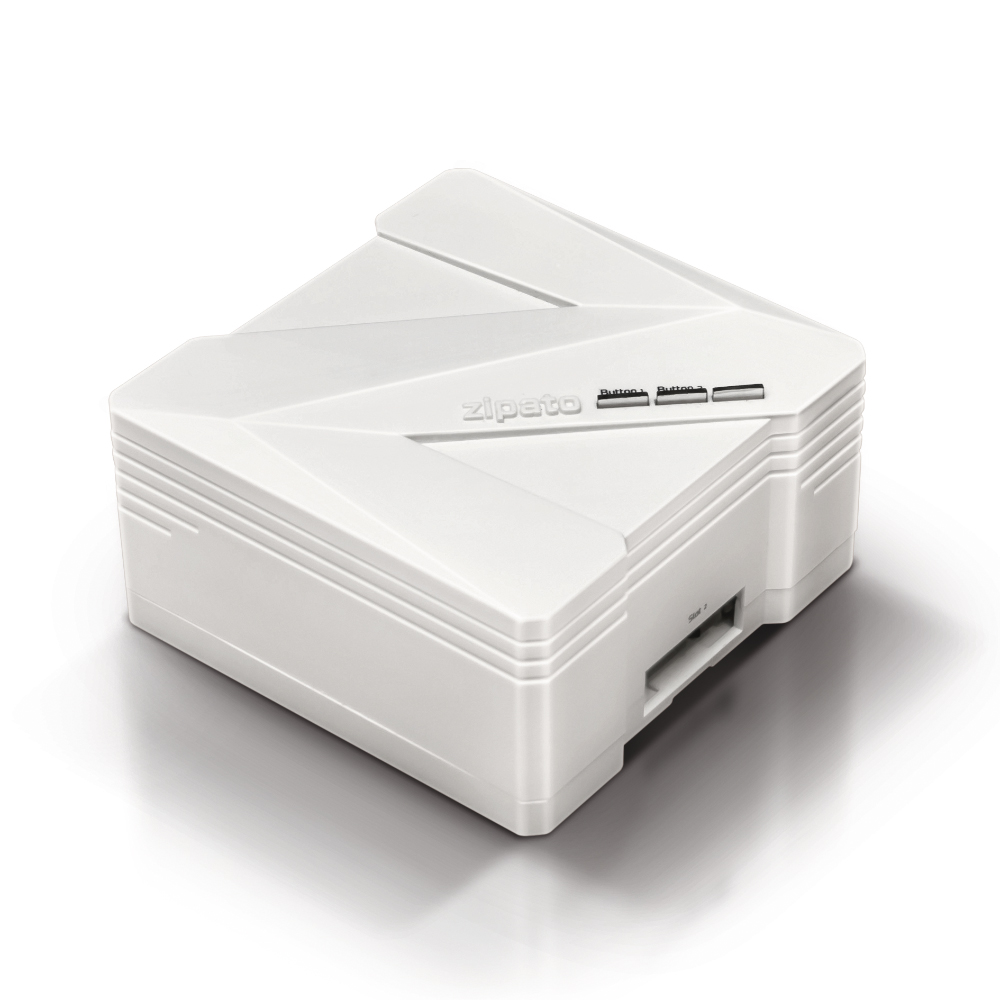
Using Micromodule Motor Controller user can control connected roller shutters and blinds, finely adjust their position with his Z-Wave controller, Z-Wave remote or simple push of a button. Micromodule Motor Controller is Z-Wave Plus enabled device which makes it compatible with any Z-Wave enabled network, regardless of the manufacturer. Slim design makes it easy to fit in majority of wall boxes. New smart-relay calibration technology reduces inrush current caused by the load and enables module to work perfectly with all kinds of roller shutters and blinds. Micromodule is able to detect position of the Shutter by using the patterned power measuring method, so it can be remote controlled not only fully up or down, but also can be adjusted to ex. 30% or 50%. When manually operated by the push button, Micromodule Motor Controller can also memorize the position and send the new shutter position to its controller (ex. IP-Gateway).
Long descriptionUsing Micromodule Motor Controller user can control connected roller shutters and blinds, finely adjust their position with his Z-Wave controller, Z-Wave remote or simple push of a button. Micromodule Motor Controller is Z-Wave Plus enabled device which makes it compatible with any Z-Wave enabled network, regardless of the manufacturer. Slim design makes it easy to fit in majority of wall boxes. New smart-relay calibration technology reduces inrush current caused by the load and enables module to work perfectly with all kinds of roller shutters and blinds. Micromodule is able to detect position of the Shutter by using the patterned power measuring method, so it can be remote controlled not only fully up or down, but also can be adjusted to ex. 30% or 50%. When manually operated by the push button, Micromodule Motor Controller can also memorize the position and send the new shutter position to its controller (ex. IP-Gateway). Short descriptionUsing Micromodule Motor Controller user can control connected roller shutters and blinds, finely adjust their position with his Z-Wave controller, Z-Wave remote or simple push of a button. Value incandescent firmware updatable value updatable by consumer by rf switch load capacity watts value 1100 watts loads controlled value 2 supported meter type value electric energy switch type value push button window covering control features value endpoint aware position aware manual calibration supports curtains supports up/down motion color value white neutral wire required association groupsGroup Number Maximum Nodes Supported End Point ID Description 1 From to description 1 10000 10000*1 kwh=10000 kwh 1 watt meter report period if the setting is configured for 1hour (set value =720), the micromodule will report its instant power consumption every 1 hour to the node of corresponding group. the maximum interval to report its instant power consumption is 45 hours (5s*32767/3600=45hr). default value is 1 hour. 0 2 0 0 720 from to description 1 32767 5*720s=3600s=1 hour 2 kwh meter report period if the setting is configured for 1hour (set value =6), the micromodule will report its accumulated power consumption (kw/h) every 1 hour to the node of corresponding group. the maximum interval to report its accumulated power consumption (kw/h) is 227.55 days (10min*32767/1440=227.55 days). default value=1 hour. 0 2 0 0 6 from to description 1 32767 6*10min= 1 hour 6 level report mode mode 1 : in 5 seconds period after controlled by a moving command, it will report the destination level when received request command. out of the 5 seconds period, it will report the actual level of the shutter when received request command. mode 2 : whenever the shutter moves past a 10 percent level, it will auto report the level to group 1 node. 0 1 0 0 2 from to description 1 1 1:report destination level in 5s 2 2 2:report 10 percent level while running 3 threshold of current for load caution this is a warning when the wattage of load exceeds the preset threshold value, if the setting value is 500, when the load current over this value, micromodule will send current meter report command to the node of corresponding group. default value=500. 0 2 0 0 500 from to description 10 500 500*0.01=5 a 5 external switch type 1.one push button when the configuration setting is one push button, only s1 input will be valid. the control moving commands can be accepted in this switch type while the shutter is moving. in this switch type, the inclusion/exclusion/reset/association function can also be fulfilled by pressing s1 just like the operation of include button. when s1 is short pressed, the shutter will move up toward top(0x ff). if during this movement s1 is short pressed again, the shutter will stop moving. a third short pressing of s1 will move the shutter down toward bottom(0x00). if during this movement s1 is short pressed again, the shutter will stop moving. and so on… inverting direction and stopping. 2.two push button: (the default setting is two push button (2)) if this setting is configured as two push button, s1 and s2 input will be valid, but will not accept pressing s1 and s2 at the same time. in this switch type, the inclusion/exclusion/reset/association function can also be fulfilled by pressing s1 or s2 just like the operation of include button. when s1 is pressed and held more than 1.5 seconds, the shutter will move up toward top(0x ff), and the shutter will stop moving when s1 is released. when s2 is pressed and held for more than 1.5 seconds, the shutter will move down toward bottom(0x00), and the shutter will stop moving when s2 is released.when s1 is short pressed, the shutter will move up toward top(0x ff). if during this movement s1 i short pressed again s1 again, the shutter just keep moving up toward top(0x ff). the easy way to stop this moving is short pressing s2. when s2 is short pressed, the shutter will move down toward botton(0x00). if during this movement s2 is short pressed again s2 again, the shutter just keep moving down toward botton(0x00). the easy way to stop this moving is short pressing s1. when in two push button switch type, s1 or s2 are pressed and not released, and pan08 receive any control moving command from z wave rf (ex. basic set, binary switch set, multilevel switch set, multilevel switch start level change or multilevel switch stop level change or scene activation set), pan08 won’t do any change in position but report alarm to group1 (alarm type=1, alarm level =0x ff), this indicate that the s1 or s2 not been release. 0 1 0 0 1 from to description 1 1 1: one push button 2 2 2:two push button textsID Description Value 5