✅ Future-proofBuilt to keep working — even if the maker walks away.
It works locally over Z-Wave, so it keeps running even if ZLINK shuts down the app or the servers. Nothing here ties you to a single company's survival.
Works locally over Z-Wave — keeps running without the maker's cloud
Still in production
Based on how this device connects (local vs. cloud), whether it’s still sold and supported, and its app / subscription. A guide, not a guarantee.
Connectivity
Z-Wave
Prices
No prices yet — be the first to add one.
Community tags
Be the first to tag this page — tags appear right away. Try a theme, capability, or subject (e.g. WWII, heist, slow burn, time travel, A24).
Community photos
Photos from members
No member photos yet.
Reviews
What members say
Sign in to rate Z-Wave In-Wall Dimmer and share a photo.
No reviews yet.
Community
Be the first to start a thread about Z-Wave In-Wall Dimmer
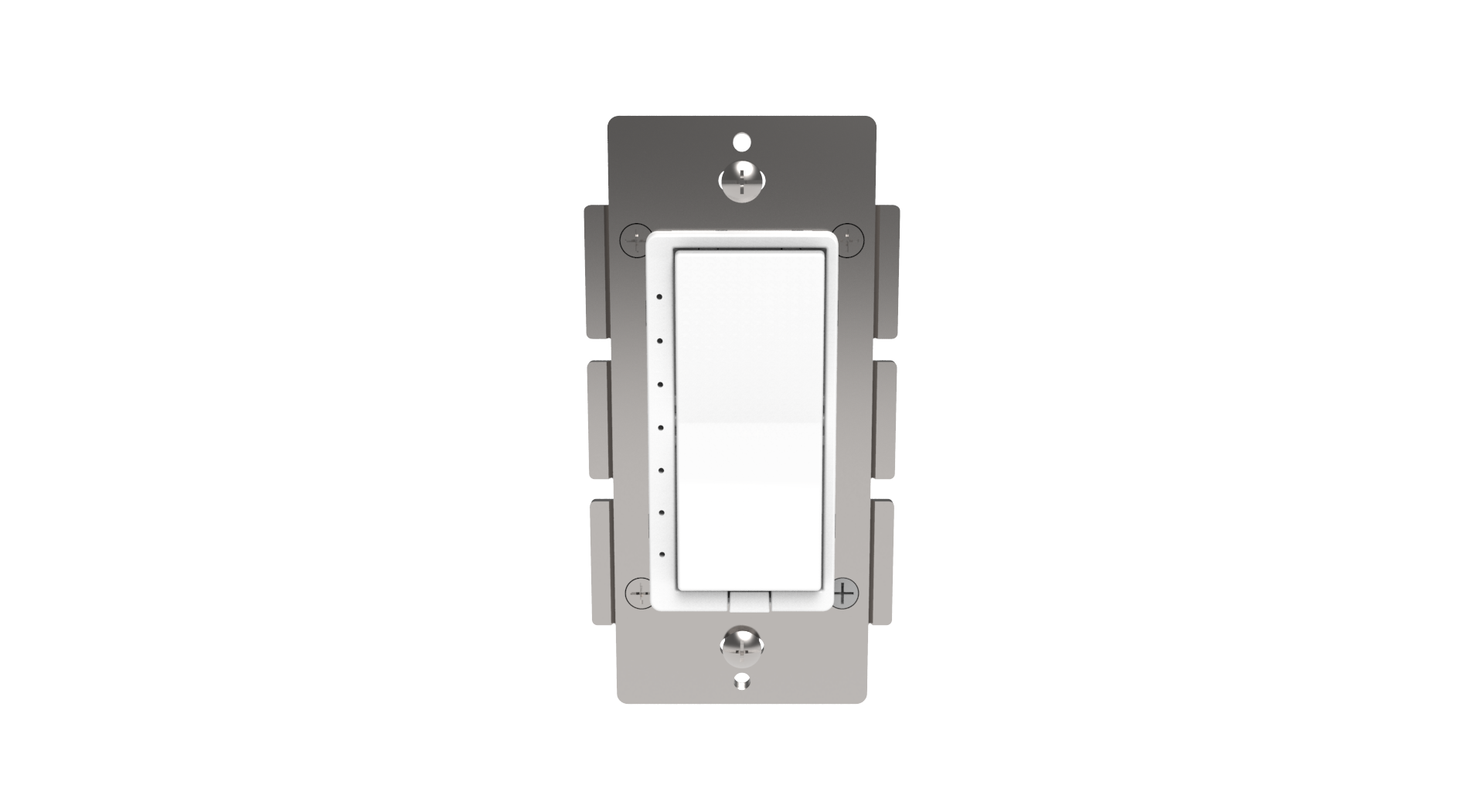
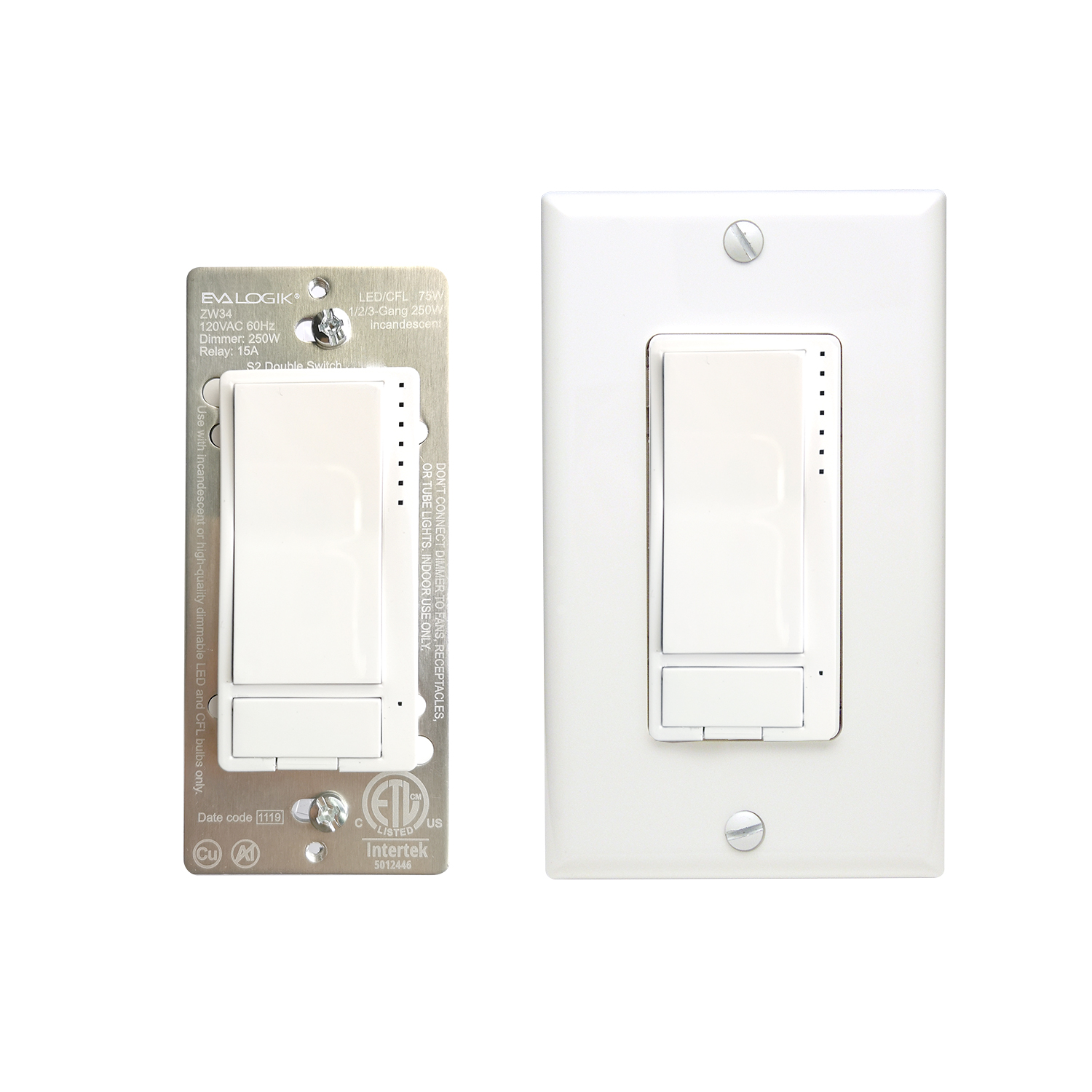
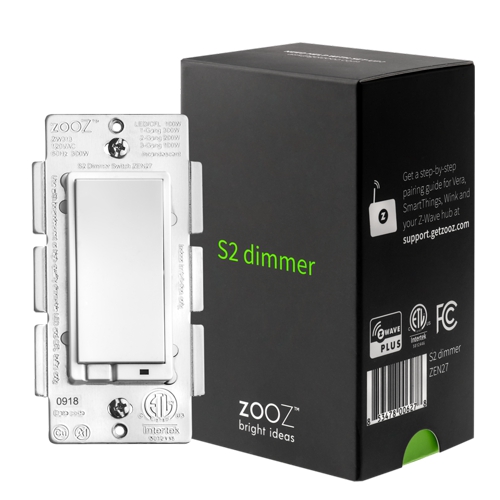
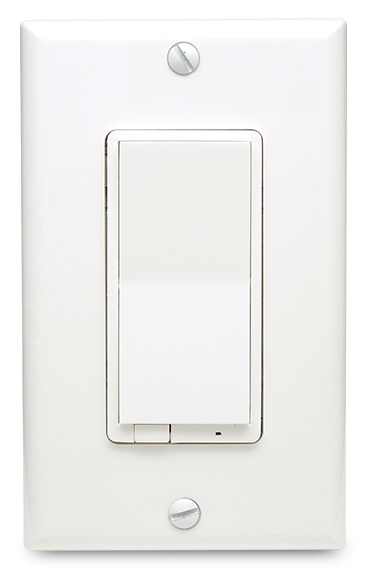
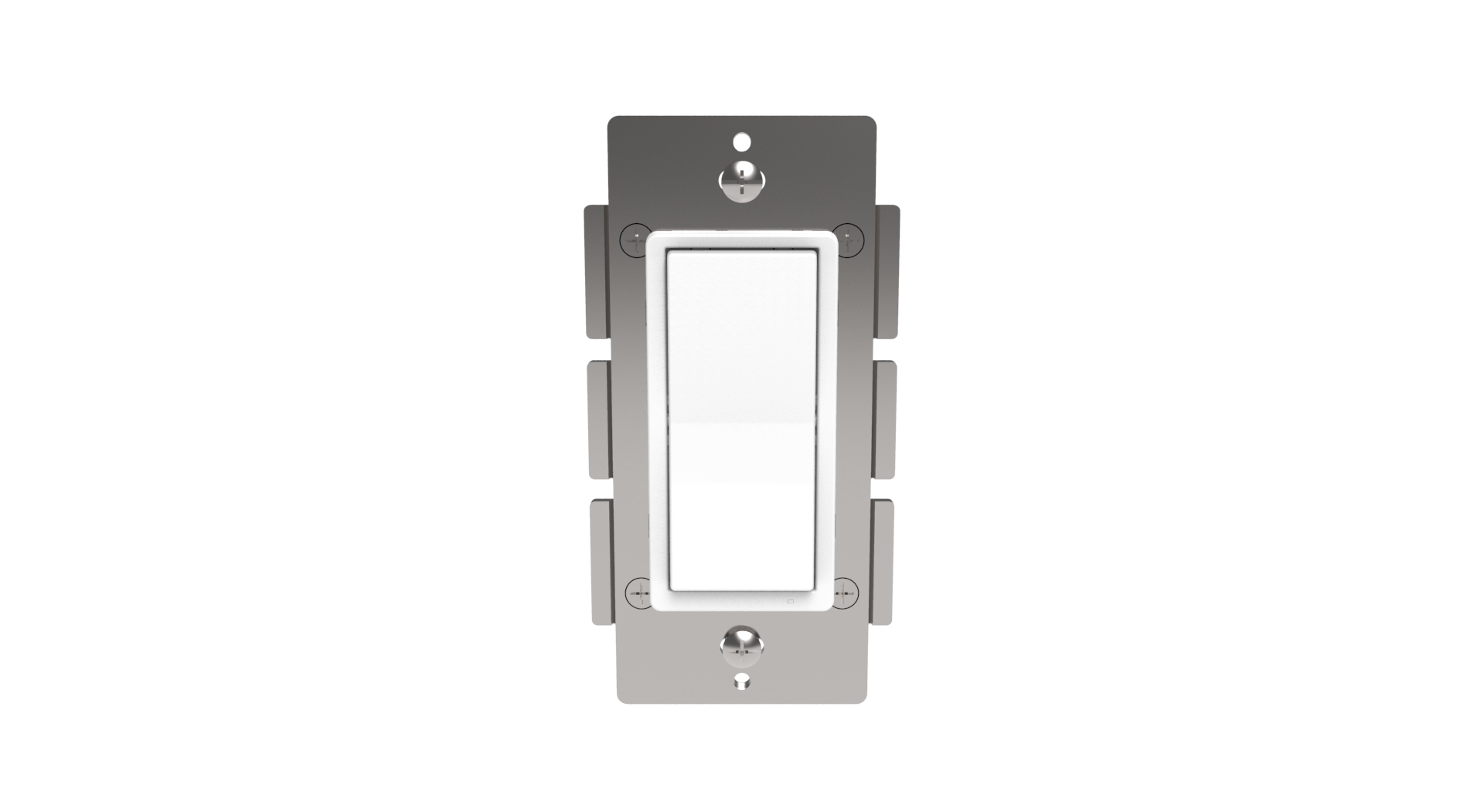
ZLINK’s WD-100 is a Z-Wave Plus certified device with S2 security and SmartStart features. You can now add this device securely and with ease using QR code on the product with compatible gateways supporting S2 and Smart Start. The elegant WD-100, with 7 LED dim level lights, communicates with other Z-Wave certified devices and updates your home into a smart home. WD-100 replaces a standard in-wall light switch turning it into a Z-Wave controlled network device with manual and remote control dimming and On/Off light control. ZLINK WD-100 supports, “Instant Feedback” of manual status to compatible gateways as well as Central Scene to allow setting multiple scene control throughout the home, with gateways supporting Central Scene. Each Z-Wave device serves as a node to repeat the signal in the network, thus, extending the overall Z-Wave mesh wireless network range. Additional Features: • Power 120 VAC, 60Hz, up to 600 watts • Region US: 908.4, 916 MHz • Works w/ most incandescent, dimmable CFL & LED lights • 7 segment LED dim level indicator • Remotely or manually turns ON or OFF, or DIM lights • Fits standard wall plates (wall plate not included) • Works with any certified gateway supporting Z-Wave
Want to buy adds it to your wish list and follows ZLINK for updates. I own it adds it to your collection.
ZLINK’s WD-100 is a Z-Wave Plus certified device with S2 security and SmartStart features. You can now add this device securely and with ease using QR code on the product with compatible gateways supporting S2 and Smart Start. The elegant WD-100, with 7 LED dim level lights, communicates with other Z-Wave certified devices and updates your home into a smart home. WD-100 replaces a standard in-wall light switch turning it into a Z-Wave controlled network device with manual and remote control dimming and On/Off light control. ZLINK WD-100 supports, “Instant Feedback” of manual status to compatible gateways as well as Central Scene to allow setting multiple scene control throughout the home, with gateways supporting Central Scene. Each Z-Wave device serves as a node to repeat the signal in the network, thus, extending the overall Z-Wave mesh wireless network range. Additional Features: • Power 120 VAC, 60Hz, up to 600 watts • Region US: 908.4, 916 MHz • Works w/ most incandescent, dimmable CFL & LED lights • 7 segment LED dim level indicator • Remotely or manually turns ON or OFF, or DIM lights • Fits standard wall plates (wall plate not included) • Works with any certified gateway supporting Z-Wave
Hardware platform
ZM5202
Short description
ZLINK WD-100 is an in-wall dimmer designed for wireless on-off-dim control of connected dimmable lighting fixtures.
Product identifier
WD-100
Countries / regions
United States of America
Supports smart start
Yes
Certification number
ZC10-18025996
Radio range z wave (m)
40
Configuration parameters
Parameter Number Name Description Format Size Min Value Max Value Default Value Parameter Values 4
Supports explorer frames
Yes
Supported command classes
Identifier Name Key Version COMMAND_CLASS_FIRMWARE_UPDATE_MD_V4
Controlled command classes
Identifier Name Key Version COMMAND_CLASS_CENTRAL_SCENE_V3
Value scene & central scene firmware updatable value updatable by consumer by rf color value white outdoor use switch load capacity watts value 600 w incandescent electric load type value incandescent fluorescent led dimmable led dimmable fluorescent switch type value decorator paddle rocker switch load capacity current value 5 amp switch load capacity volt ampere value 120 vac association groups
Group Number Maximum Nodes Supported End Point ID Description 1
From to description 0 1 if value =0, the connected light will turn on by pressing the top side of the rocker switch and turn off by pressing the bottom side. if value =1 the connected light will turn off by pressing the top side of the rocker switch and turn on by pressing the bottom side. 0 0 10 timer for turning on or off the lights manually timer for turning on or off the lights manually. parameter 10 indicates the time duration of each level when the light is controlled by paddle switch 0 2 0 0 3 from to description 0 0 1 255 parameter 10 indicates the time duration of each level when the light is controlled by paddle switch 9 level for turning on or off the lights manually level for turning on or off the lights manually. parameter 9 indicates the number of levels when the light is controlled by paddle switch. 0 1 0 0 1 from to description 0 0 1 99 parameter 9 indicates the number of levels when the light is controlled by paddle switch. 7 resolution level of dimming resolution level for turning on or off the lights via remote control. parameter 7 indicates the number of levels when the light is controlled by remote. lower this number, the finer the control of dimming. higher the number the faster the dimming will jump from one state to another. 0 1 0 0 1 from to description 1 99 parameter 7 indicates the number of levels when the light is controlled by remote. lower this number, the finer the control of dimming. higher the number the faster the dimming will jump from one state to another. 0 0 8 speed of dimming parameter 8 is regarding the speed for turning on or off the lights via remote control or scheduled program. parameter 8 indicates the time duration of each level when the light is controlled by remote. for example, if the parameter 7 is set to 1 and parameter 8 is set to 3, it will take approximately 3 seconds for the lights to turn on or off when you remotely turn on or off the switch. this provides a soft feel for the lights turning on or off. if you prefer instant on or off like incandescent light bulb, you can set a higher number for parameter 7 and set parameter 8 to 1. 0 2 0 0 3 from to description 1 255 parameter 8 indicates the time duration of each level when the light is controlled by remote. for example, if the parameter 7 is set to 1 and parameter 8 is set to 3, it will take approximately 3 seconds for the lights to turn on or off when you remotely turn on or off the switch. this provides a soft feel for the lights turning on or off. if you prefer instant on or off like incandescent light bulb, you can set a higher number for parameter 7 and set parameter 8 to 1. 0 0 texts