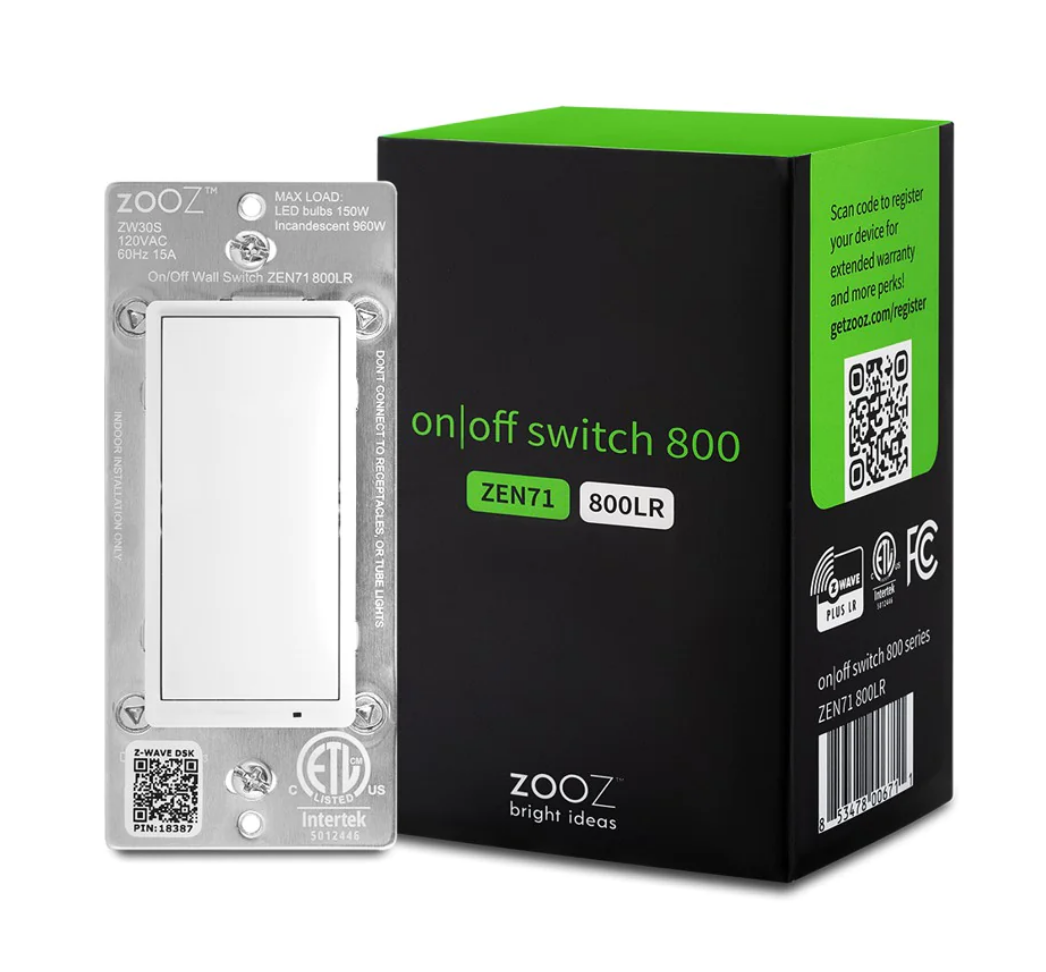
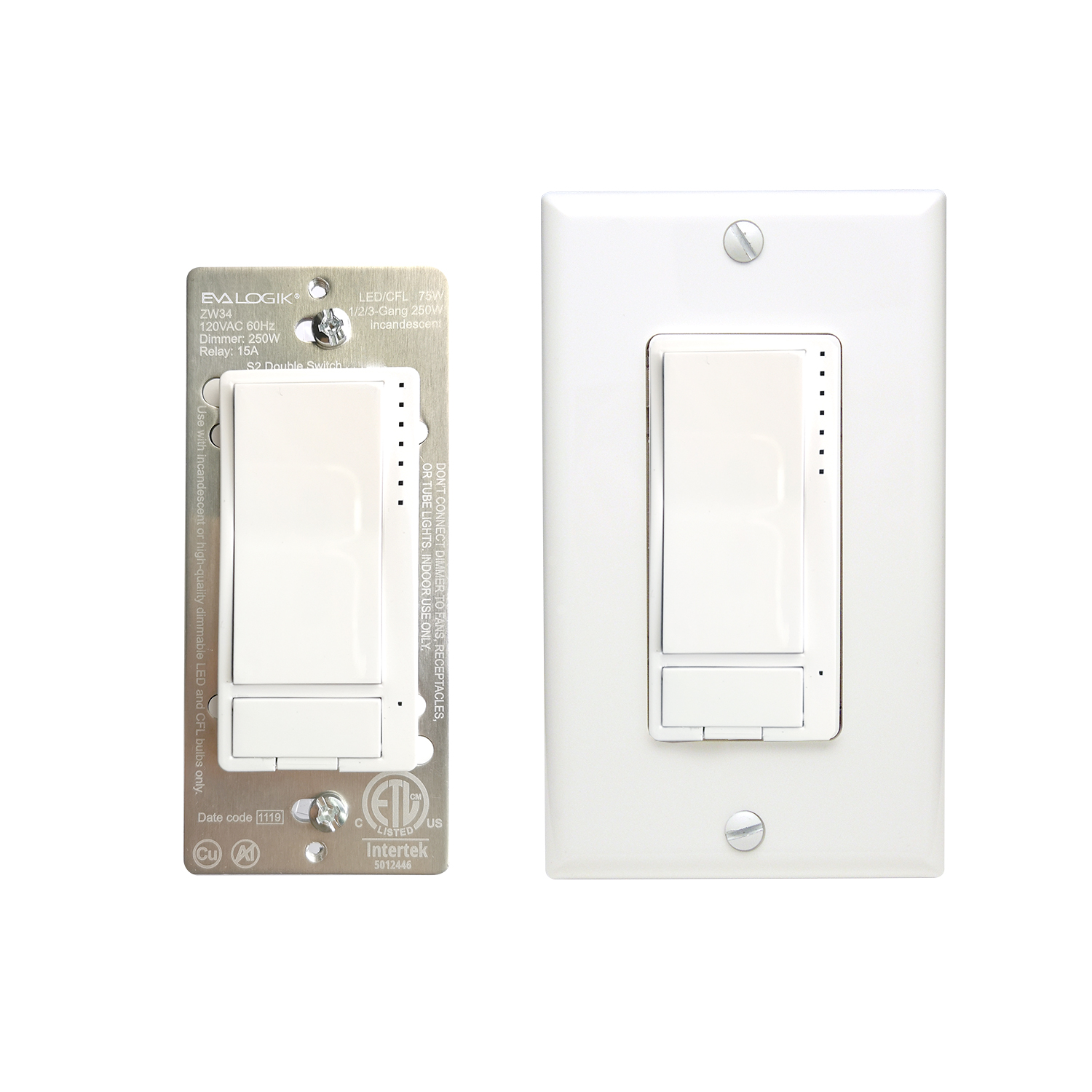
✅ Future-proofBuilt to keep working — even if the maker walks away.
It works locally over Z-Wave, so it keeps running even if Zooz shuts down the app or the servers. Nothing here ties you to a single company's survival.
Works locally over Z-Wave — keeps running without the maker's cloud
Still in production
Based on how this device connects (local vs. cloud), whether it’s still sold and supported, and its app / subscription. A guide, not a guarantee.
Connectivity
Z-Wave
Prices
No prices yet — be the first to add one.
Community tags
Be the first to tag this page — tags appear right away. Try a theme, capability, or subject (e.g. WWII, heist, slow burn, time travel, A24).
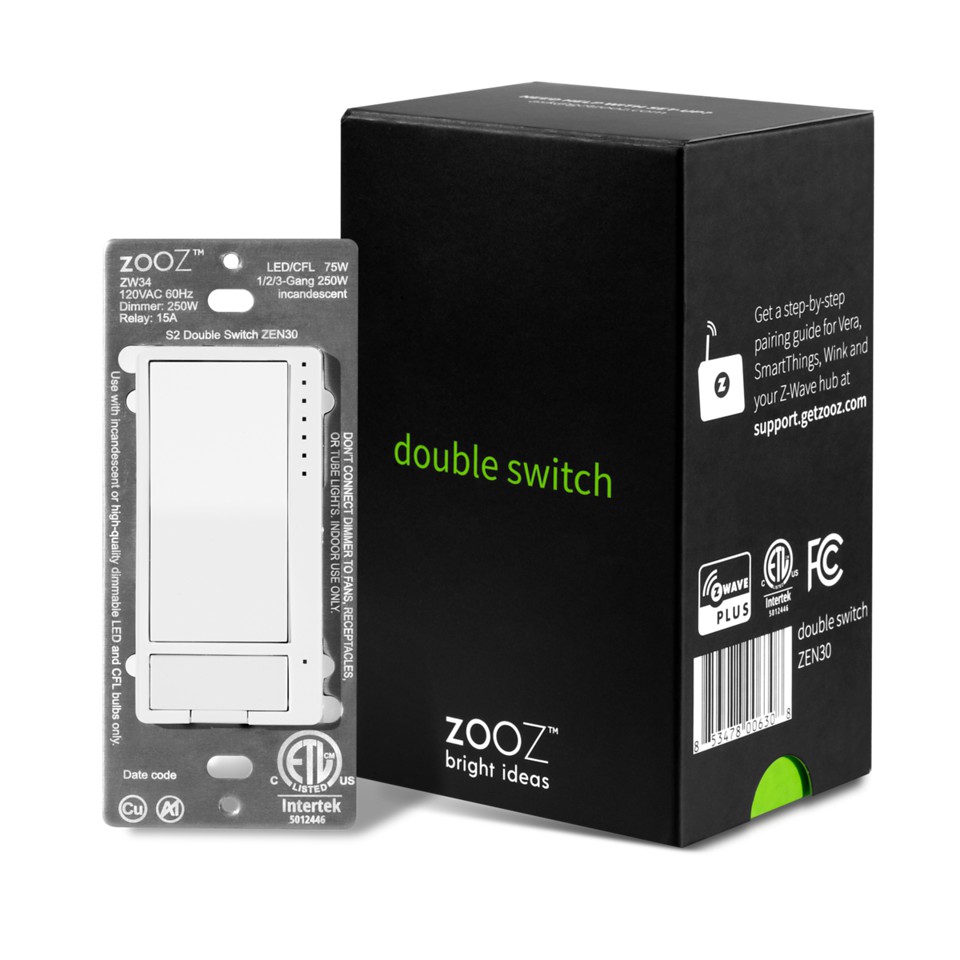
PRODUCT FEATURES: - Manual or Z-Wave control of 2 separate loads (dimmer + relay) - Perfect replacement for a fan / light combo (neutral wire required) - Scene control for multi-tap scenarios on select hubs - Quick and easy pigtail wire installation (single pole only) - 4-color LED indicator and air-gap switch for added safety - Fully customizable dimming features including ramp rate, on brightness level, and double tap to full brightness - Remembers and restores on/off status aer power failure - Built-in Z-Wave Plus signal repeater to extend network range - S2 security protocol and 500 Z-Wave chip SPECIFICATIONS: - Model Number: ZEN30 - Z-Wave Signal Frequency: 908.42 MHz - Power: 120 VAC, 60 Hz - Dimmer Max Load: 75 W LED, 250 W incandescent; DON’T use with tube lights, DC powered fixtures, or chandeliers - Relay Max Load: 15 A (1/2 HP) - Operating Temperature: 32-104° F (0-40° C) - Installation and Use: Indoor only
Want to buy adds it to your wish list and follows Zooz for updates. I own it adds it to your collection.
PRODUCT FEATURES: - Manual or Z-Wave control of 2 separate loads (dimmer + relay) - Perfect replacement for a fan / light combo (neutral wire required) - Scene control for multi-tap scenarios on select hubs - Quick and easy pigtail wire installation (single pole only) - 4-color LED indicator and air-gap switch for added safety - Fully customizable dimming features including ramp rate, on brightness level, and double tap to full brightness - Remembers and restores on/off status aer power failure - Built-in Z-Wave Plus signal repeater to extend network range - S2 security protocol and 500 Z-Wave chip SPECIFICATIONS: - Model Number: ZEN30 - Z-Wave Signal Frequency: 908.42 MHz - Power: 120 VAC, 60 Hz - Dimmer Max Load: 75 W LED, 250 W incandescent; DON’T use with tube lights, DC powered fixtures, or chandeliers - Relay Max Load: 15 A (1/2 HP) - Operating Temperature: 32-104° F (0-40° C) - Installation and Use: Indoor only
Hardware platform
ZM5202
Short description
A dimmer and 15 A relay in one wall switch, this Double Switch is an easy replacement for your existing double wall switch.
Product identifier
ZEN30
Countries / regions
United States of America
Certification number
ZC10-20026859
Radio range z wave (m)
40
Configuration parameters
Parameter Number Name Description Format Size Min Value Max Value Default Value Parameter Values 1
Supports explorer frames
Yes
Supported command classes
Identifier Name Key Version COMMAND_CLASS_FIRMWARE_UPDATE_MD_V4
Controlled command classes
Identifier Name Key Version COMMAND_CLASS_BASIC_V2
Value white electric load type value incandescent mlv (magnetic) led dimmable led inductive (e.g. motor) dimmable mlv (magnetic) dimmable elv (magnetic) firmware updatable value updatable by consumer by rf loads controlled value 2 neutral wire required z wave scene type value central scene association groups
Group Number Maximum Nodes Supported End Point ID Group Name Description 3
From to description 0 0 led indicator is on when switch is off, led indicator is off when switch is on (default); 1 1 led indicator is on when switch is on, led indicator is off when switch is off; 2 2 led indicator is always off and led’s don’t indicate brightness level during dimming; 3 3 led indicator is always on. 2 led indicator control for relay choose if you want the led indicator to turn on when the relay is on or off, or if you want it to remain on or off at all times 1 1 0 3 0 from to description 0 0 led indicator is on when relay is off, led indicator is off when relay is on (default); 1 1 led indicator is on when relay is on, led indicator is off when relay is off; 2 2 led indicator is always off 3 3 led indicator is always on 3 led indicator color for dimmer choose the color of the led indicators for the dimmer. 1 1 0 3 0 from to description 0 0 white 1 1 blue 2 2 green 3 3 red 4 led indicator color for relay choose the color of the led indicator for the relay. 1 1 0 3 0 from to description 0 0 white 1 1 blue 2 2 green 3 3 red 5 led indicator brightness for dimmer choose the led indicators’ brightness level for the dimmer. 1 1 0 2 1 from to description 0 0 bright (100%) 1 1 medium (60%) 2 2 low (30%) 6 led indicator brightness for relay choose the led indicators’ brightness level for the relay. 1 1 0 2 1 from to description 0 0 bright (100%) 1 1 medium (60%) 2 2 low (30%) 7 led indicator mode for scene control choose if you want the led indicators next to the dimmer light up when a scene is selected. you’ll see 1 to 5 led’s light up for 1 – 5 tap triggers and 6 led’s light up for the press and hold trigger of any paddle / button used. 1 1 0 1 1 from to description 0 0 led’s enabled to indicate scene triggers; 1 1 led’s disabled to indicate scene triggers (default). 8 auto turn off timer for dimmer use this parameter to set the time aer which you want the dimmer to automatically turn off once it has been turned on. the number entered as value corresponds to the number of minutes. 1 4 0 65535 0 from to description 0 0 timer disabled 1 65535 minutes 9 auto turn on timer for dimmer use this parameter to set the time aer which you want the dimmer to automatically turn on once it has been turned off. the number entered as value corresponds to the number of minutes. 1 4 0 65535 0 from to description 0 0 timer disabled 1 65535 minutes 10 auto turn off timer for relay use this parameter to set the time aer which you want the relay to automatically turn off once it has been turned on. the number entered as value corresponds to the number of minutes. 1 4 0 65535 0 from to description 0 0 timer disabled 1 65535 minutes 11 auto turn on timer for relay use this parameter to set the time aer which you want the relay to automatically turn on once it has been turned off. the number entered as value corresponds to the number of minutes. 1 4 0 65535 0 from to description 0 0 timer disabled 1 65535 minutes 17 double tap function for dimmer choose if you want the dimmer to turn on to full brightness or custom brightness level aer you double tap the upper paddle. 1 1 0 1 0 from to description 0 0 the light will turn on to full brightness with double tap (default). 1 1 the light will turn on to the maximum brightness level set in parameter 15 with double tap. 23 custom brightness level on for dimmer set custom brightness level (in %) for the dimmer to come on to at single tap. 1 1 0 99 0 from to description 0 0 last brightness level 1 99 % brightness texts