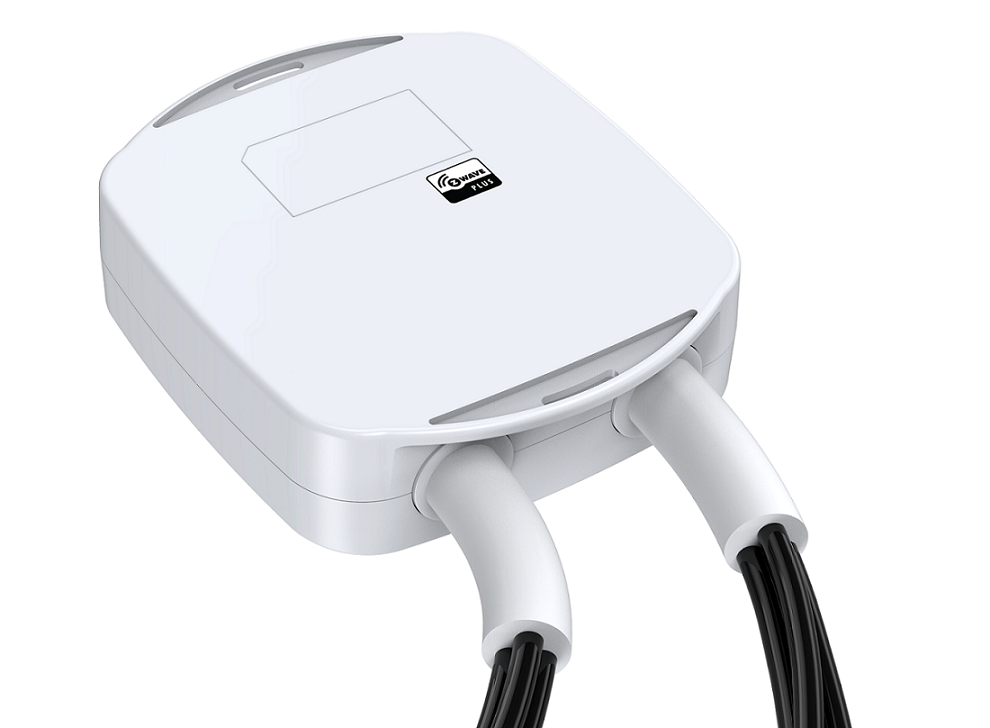
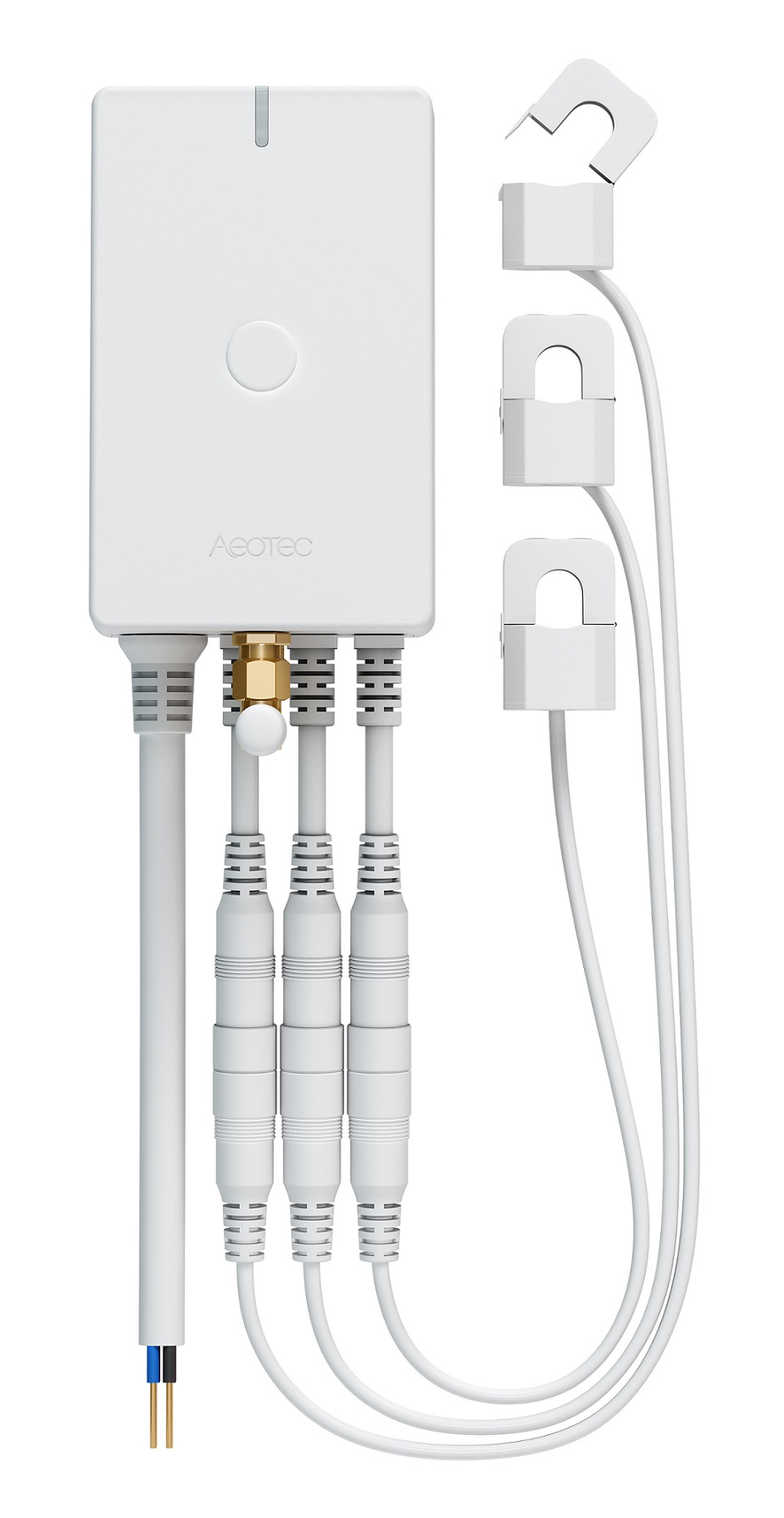
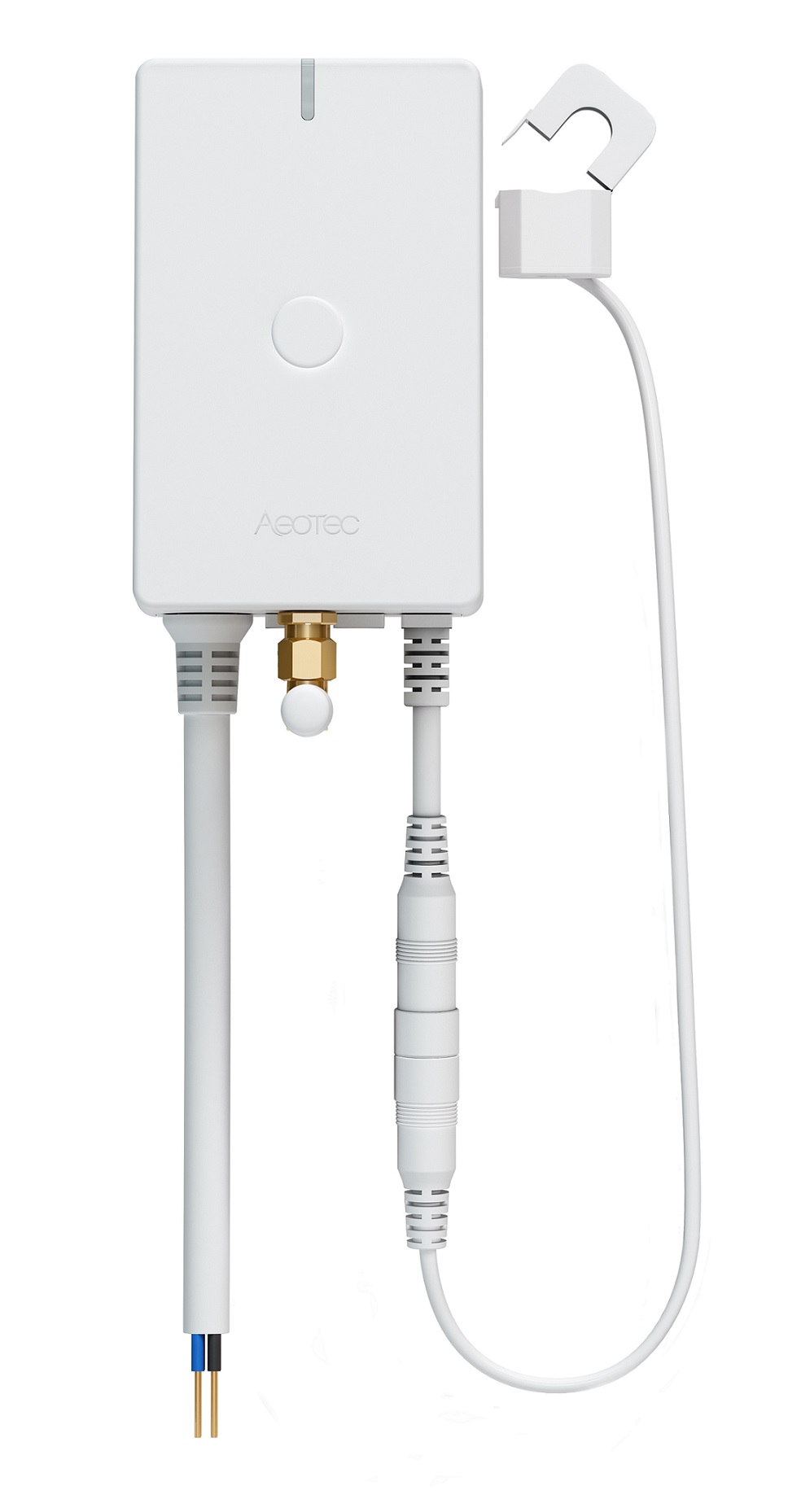
Aeon Labs Heavy Duty Smart Switch is a Z-Wave device that can report the wattage energy usage and KWH usage to a Z-Wave Controller (especially a gateway), it can be controlled by other Z-Wave devices to turn on/off loads, it can bear up to 40A current of resister loads. It also acts as a repeater that forward Z-Wave command messages to destination nodes if the originating controller is out of range from the destination node. By taking advantage of the Z-Wave mesh network, commands can be routed to their destination via intermediary “listening” Z-Wave products. Products that are Z-Wave certified can be used and communicate with other Z-Wave certified devices.
Long descriptionAeon Labs Heavy Duty Smart Switch is a Z-Wave device that can report the wattage energy usage and KWH usage to a Z-Wave Controller (especially a gateway), it can be controlled by other Z-Wave devices to turn on/off loads, it can bear up to 40A current of resister loads. It also acts as a repeater that forward Z-Wave command messages to destination nodes if the originating controller is out of range from the destination node. By taking advantage of the Z-Wave mesh network, commands can be routed to their destination via intermediary “listening” Z-Wave products. Products that are Z-Wave certified can be used and communicate with other Z-Wave certified devices. From to description 0 255 there are 255 different partners can be configured. 252 enable/disable lock configuration this parameter is used to enable/disable lock all configuration parameters. (0 =disable, 1 = enable) 0 1 0 0 0 from to description 0 1 when value==0, all configuration parameters are configurable. when value==1, all configuration parameters are not configurable.(locked). 255 reset to default factory setting this parameter is used to reset product to default factory setting. (there are just 2 values can be used) 0 4 0 0 0 from to description 0 1431655765 when value==1431655765, it will reset the product to default factory setting and be excluded from z wave network. when value==1, it only will reset the all configuration parameters to default setting. the other values will be reserved. 3 current overload protection this parameter is used for the overload protection, which means the load will be disconnected after 5 seconds when the current more than 39.5 a. 0 1 0 0 0 from to description 0 1 0=disabled, 1=enabled 80 enable/disable to send notifications to associated devices to associated devices this parameter is used to enable/disable to send notifications to associated devices (in group 1) when the state of heavy duty smart switch gen5’s load is changed. (0=send nothing, 1=send hail cc, 2=send basic cc report). 0 1 0 0 0 from to description 0 2 (0=nothing, 1=hail cc, 2=basic cc report 90 enable/disable the function of parameter 91 and 92 this parameter is used to enable/disable the function of parameter 91 and 92 below (1=enabled, 0=disabled). 0 1 0 0 1 from to description 0 1 0=disabled, 1=enabled 91 induce an automatic report this parameter is used to induce an automatic report when the change of the current power is more/less than the threshold in wattage. 0 2 0 0 50 from to description 0 60000 the threshold can be set from 0 to 60000 watt. 92 induce an automatic report this parameter is used to induce an automatic report when the change of the current power is more/less than the threshold in percentage. 0 1 0 0 10 from to description 0 100 the threshold can be set from 0 to 100 percent. 100 set parameter 101~103 to default. this parameter is used to restore the parameter 101, 102 and 103 to default setting. 0 1 0 0 0 from to description 0 1 when value==1, parameters 101 ~103 will be restored to default setting. when value==0, it will not restore any parameter. 110 set parameter 111~113 to default. this parameter is used to restore the parameter 111, 112 and 113 to default setting. 0 1 0 0 0 from to description 0 1 when value==1, parameters 111 ~113 will be restored to default setting. 111 set the interval time of sending report. this parameter is used to set the interval time of sending report in report group 1. (the unit of time is second). 0 4 0 0 5 from to description 0 268435456 you have a wide range to set the interval time that can be set from 0 to 268435456 seconds. 112 set the interval time of sending report. this parameter is used to set the interval time of sending report in report group 2. (the unit of time is second). 0 4 0 0 120 from to description 0 268435456 you have a wide range to set the interval time that can be set from 0 to 268435456 seconds. 113 set the interval time of sending report. this parameter is used to set the interval time of sending report in report group 3. (the unit of time is second). 0 4 0 0 120 from to description 0 268435456 you have a wide range to set the interval time that can be set from 0 to 268435456 seconds. textsID Description Value 1