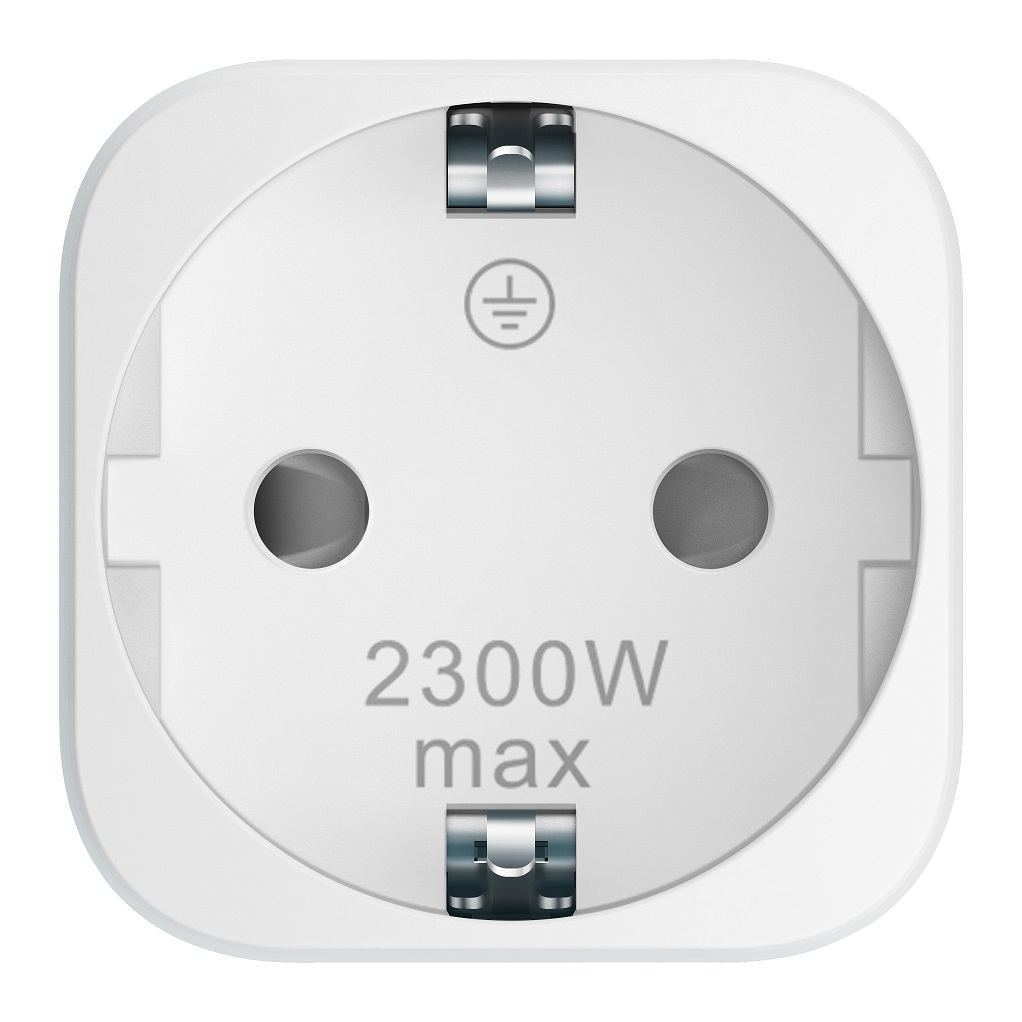
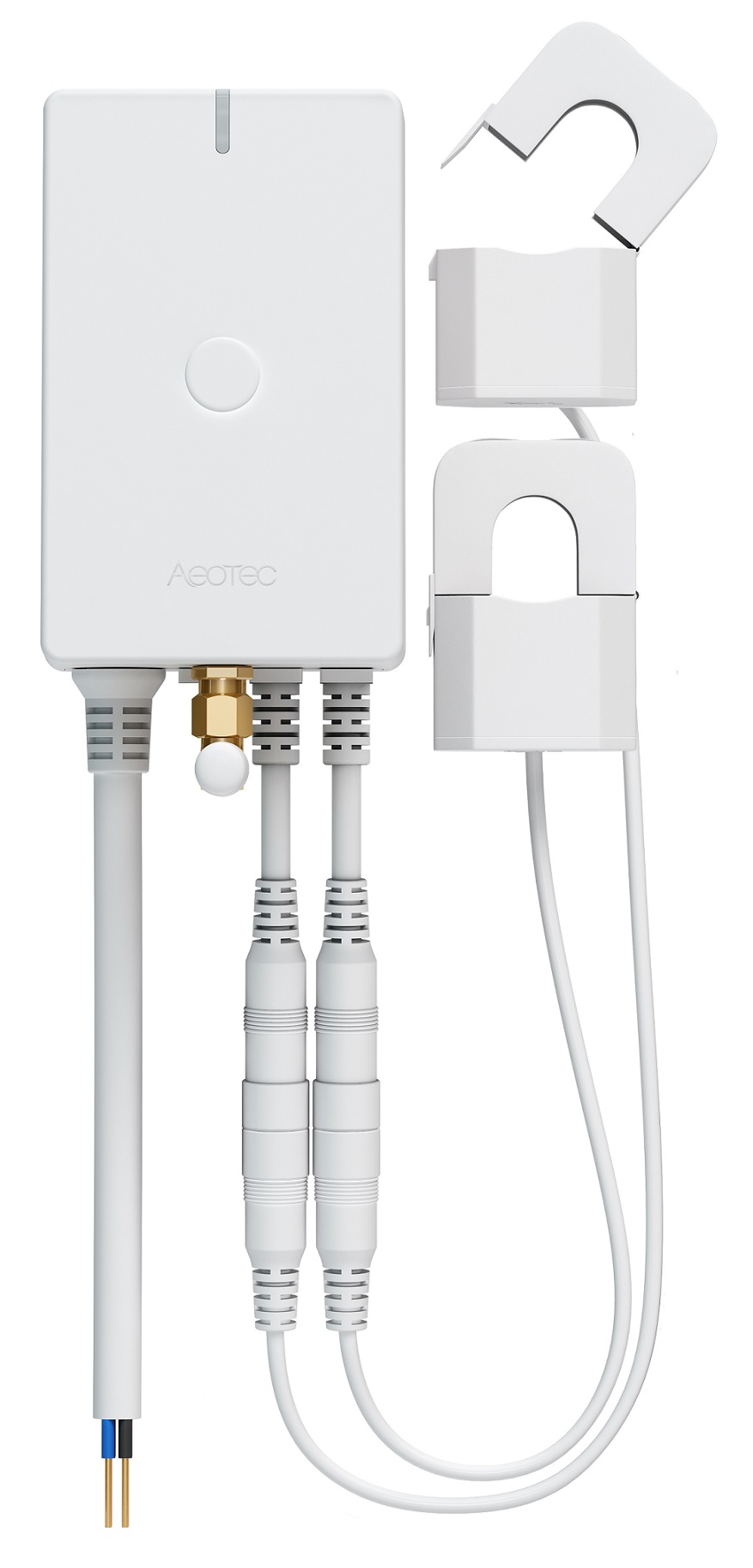
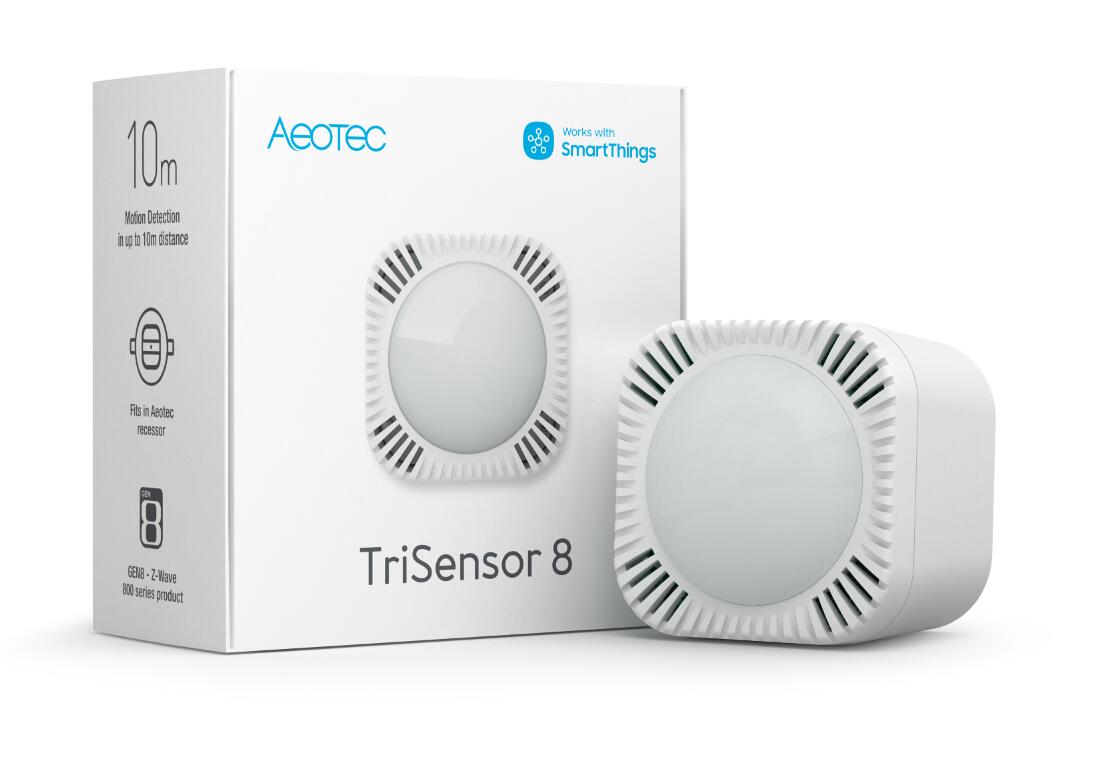
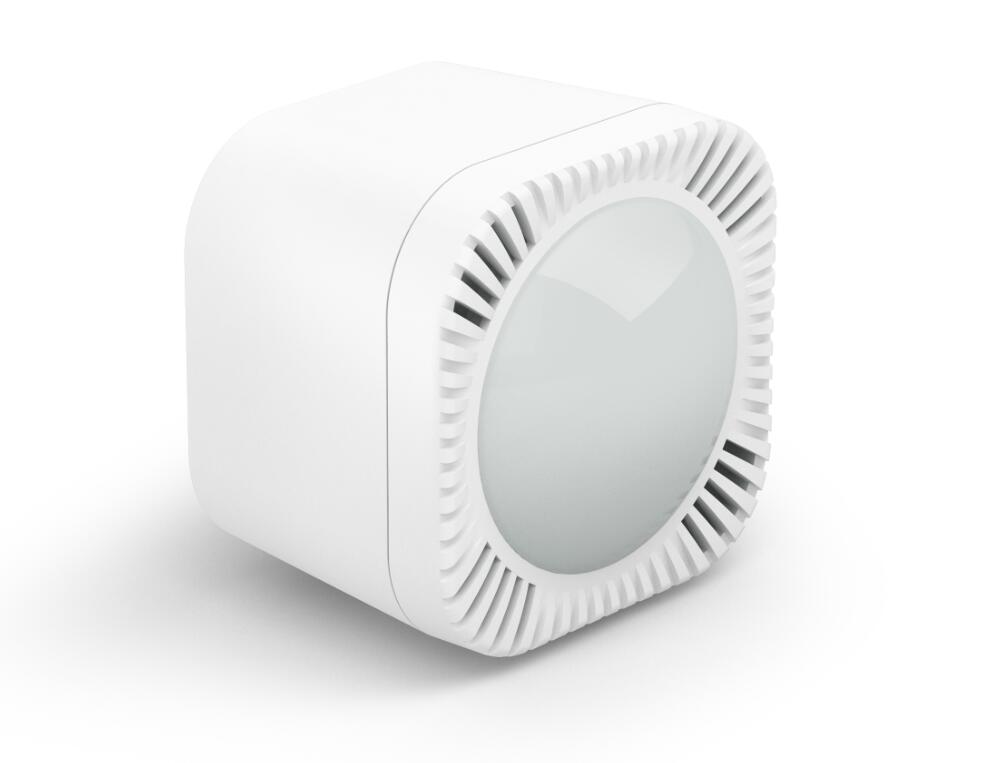
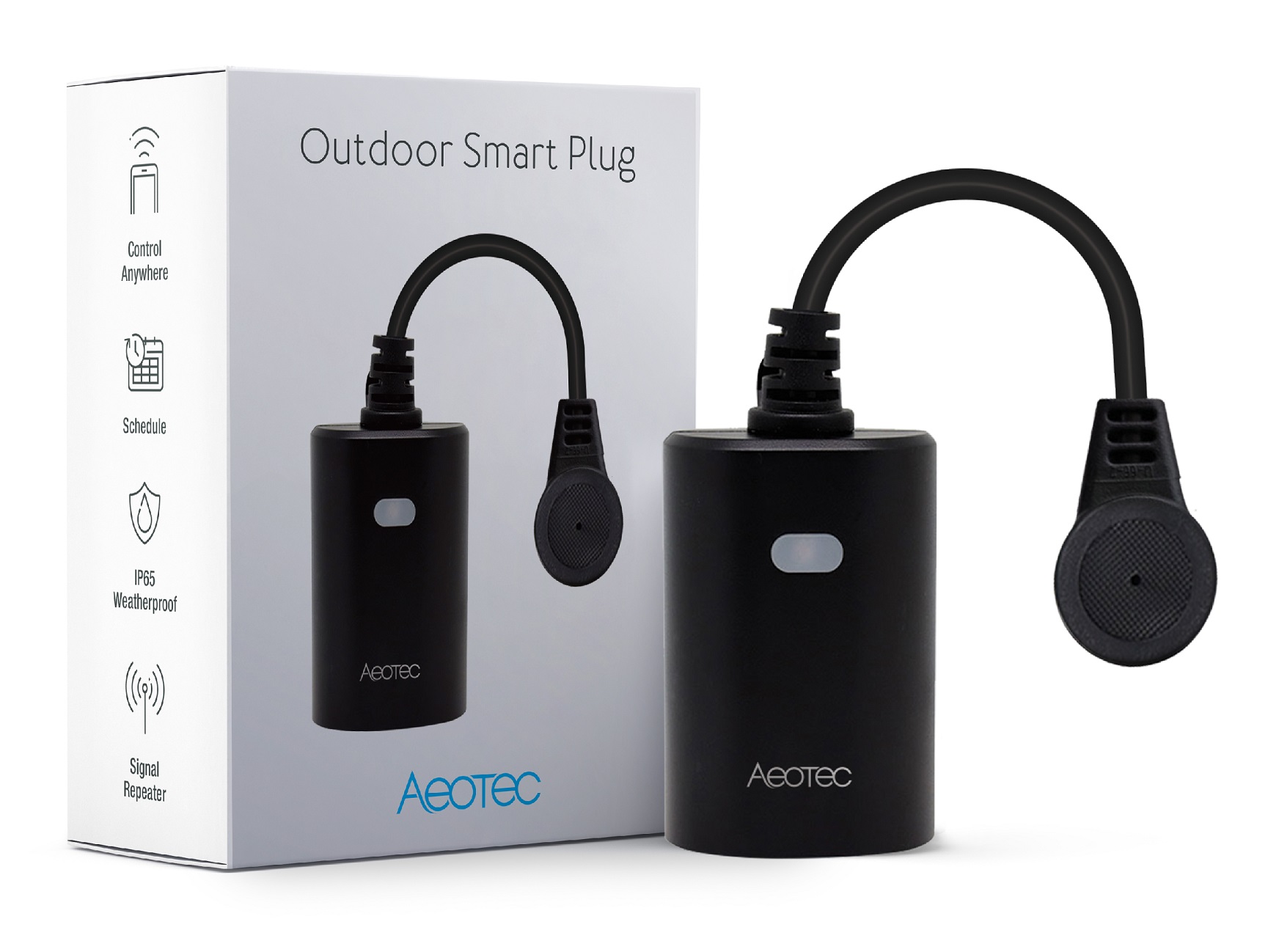
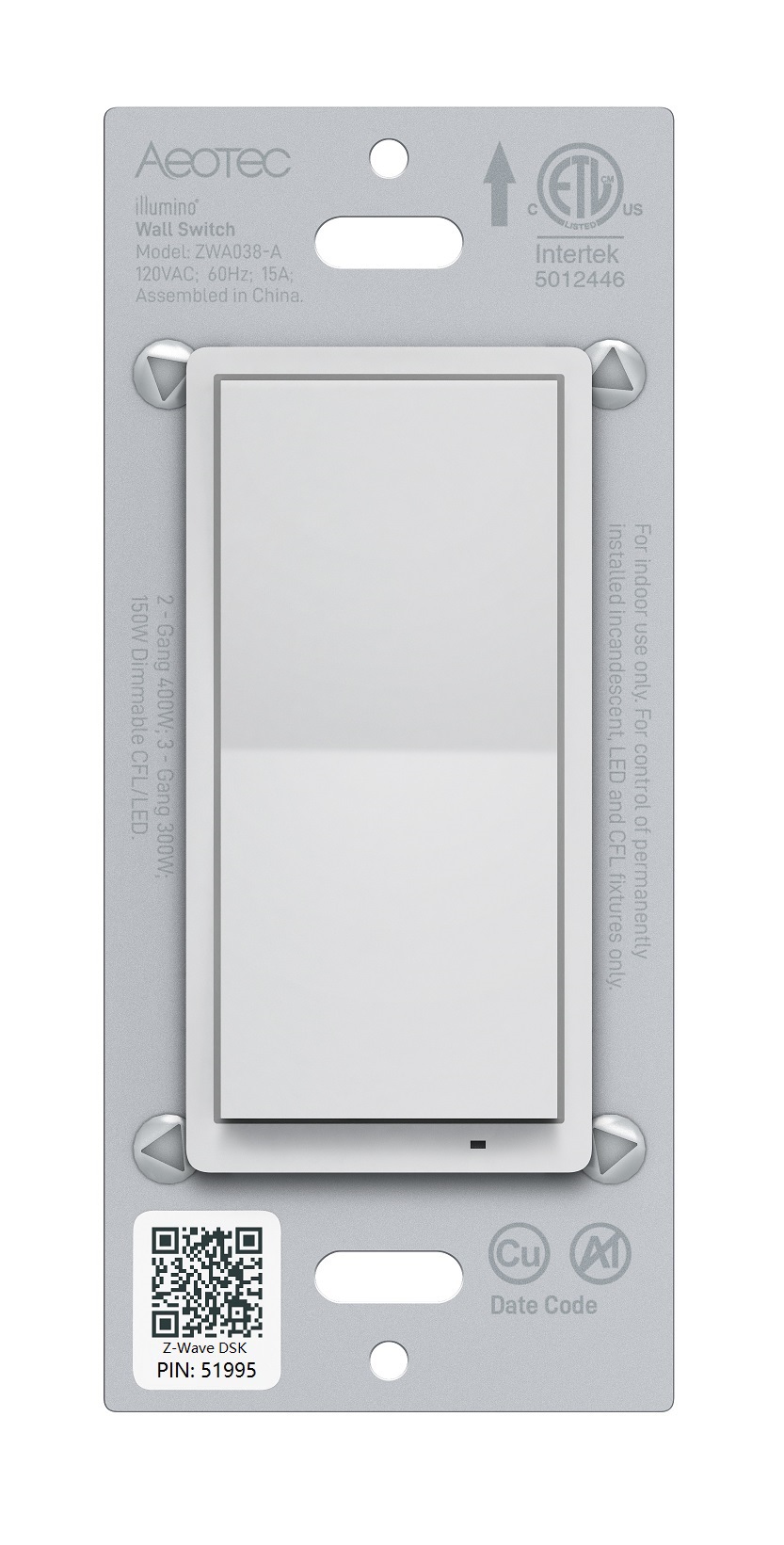
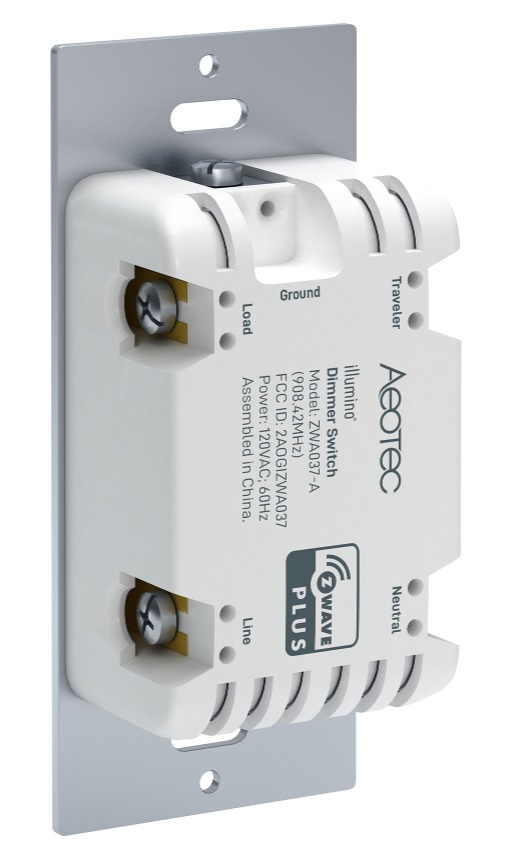
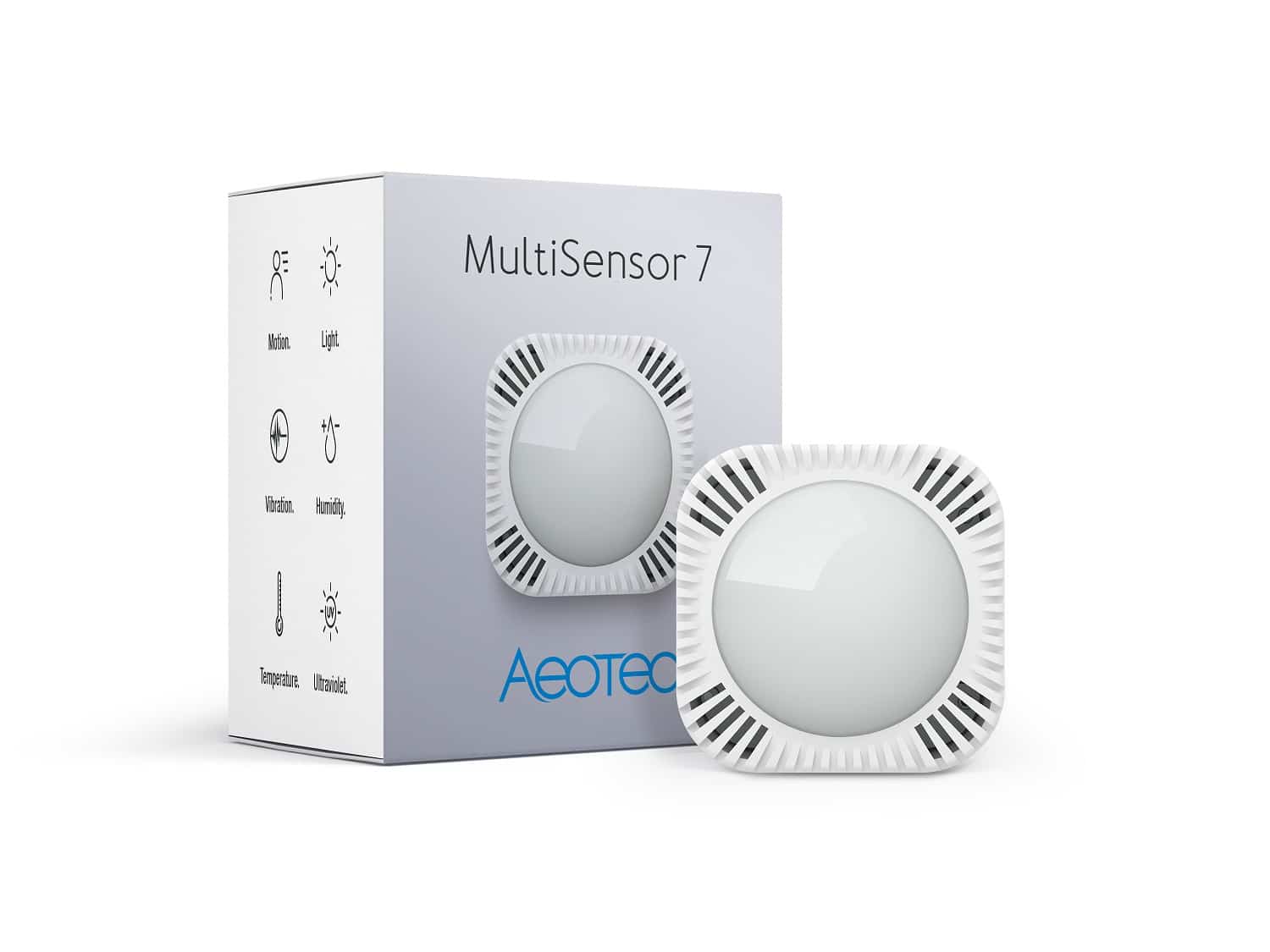
1. Elegant appearance, small size, easy to use, friendly operation. 2. Support power metering function, with high measurement accuracy, and more accurate knowledge of the power consumption of the load. 3. Support over-current, over-load and over-heat protection, which is more secure and reliable. 4. Support scene personalization and is more intelligent. 5. Support Night Light Mode to reduce light pollution. 6. Support S2 Security, which is safer and more reliable. 7. Support SmartStart, making inclusion more convenient.
Want to buy adds it to your wish list and follows Aeotec for updates. I own it adds it to your collection.
✅ Future-proofBuilt to keep working — even if the maker walks away.
It works locally over Z-Wave, so it keeps running even if Aeotec shuts down the app or the servers. Nothing here ties you to a single company's survival.
Works locally over Z-Wave — keeps running without the maker's cloud
Still in production
Companion app is actively updated
Based on how this device connects (local vs. cloud), whether it’s still sold and supported, and its app / subscription. A guide, not a guarantee.
Connectivity
Z-Wave
Prices
No prices yet — be the first to add one.
Community tags
Be the first to tag this page — tags appear right away. Try a theme, capability, or subject (e.g. WWII, heist, slow burn, time travel, A24).
1. Elegant appearance, small size, easy to use, friendly operation. 2. Support power metering function, with high measurement accuracy, and more accurate knowledge of the power consumption of the load. 3. Support over-current, over-load and over-heat protection, which is more secure and reliable. 4. Support scene personalization and is more intelligent. 5. Support Night Light Mode to reduce light pollution. 6. Support S2 Security, which is safer and more reliable. 7. Support SmartStart, making inclusion more convenient.
Hardware platform
ZM5101
Short description
A small but powerful switch with energy metering function.
Product identifier
ZW175-C16
Countries / regions
European Union
Supports smart start
Yes
Certification number
ZC10-19066544
Radio range z wave (m)
40
Configuration parameters
Parameter Number Name Description Format Size Min Value Max Value Default Value Parameter Values 8
Supports explorer frames
Yes
Supported command classes
Identifier Name Key Version COMMAND_CLASS_FIRMWARE_UPDATE_MD_V4
Controlled command classes
Identifier Name Key Version COMMAND_CLASS_SWITCH_BINARY
Supported multilevel sensors
Multilevel Sensor Type Power
Supported notification types
Notification Type Event / State Power Management
Supported / controlled meter types
Meter Type Rate Type Description Electric meter
Value power voltage current supported notification types value power management system switch load capacity watts value 2300 w z wave scene type value scene supported meter type value electric energy color value white firmware updatable value updatable by consumer by rf outdoor use association groups
Group Number Maximum Nodes Supported End Point ID Description 1
From to description 0 0 disable, no reaction to alarm settings 1 1 switch is on 2 2 switch is off 3 3 switch will turn on in 5 seconds, and then turn off in 5 seconds in a cycle until user disables the alarm manually 9 alarm settings determine if alarms are enabled in switch, and what switch will react to which alarm. the format of the parameter is bit field (checkboxes). the parameter must be treated as a bit field where each individual bit can be set or reset. a graphical configuration tool should present this parameter as a series of checkboxes. please refer to the manual for more details about supported notification type and notification event. 0 2 0 0 0 from to description 256 256 smoke alarm 512 512 co alarm 1024 1024 co2 alarm 2048 2048 heart alarm 4096 4096 water alarm 8192 8192 access control 16384 16384 home security 1 1 access control trigger state 10 setting to disable alarm determines the method of disabling the alarm of the device. note: power off will also disable the alarm response without any limitation. 0 2 0 0 0 from to description 0 0 can be disabled by 3x tapping action button within 1 second 1 1 can be disabled when receives a state idle corresponding to the alarm. note: if access control is enable, it also can be disabled when receives the reversal state of window/door. 10 255 sets the duration of the alarm in seconds(i.e. customer sets this setting to 50, the alarm state of the switch will disable after 50 seconds) 80 configure what command will be sent via lifeline when switch state has changed. configure what command will be sent via lifeline when switch state has changed. 0 1 0 0 2 from to description 0 0 none 1 1 basic report 2 2 binary switch report 4 over load protection define a threshold power and automatically turn off switch when the load connected bypasses the maximum allowed power regardless of always on setting. over load protection will be active if the load power exceeds the setting and lasts for more than 30s. if be active, indicator light will become red light blinking and the product will send out notification report (over load detected), and disable the function that manually or rf control the switch state until users set protection state to be unprotected through the gateway or controller. even power off will still keep protection state. 0 2 0 0 2415 from to description 0 0 disable over load protection 1 2415 threshold power is 1 2145 w 81 load indicator mode setting. note: configuring brightness and color of indicator light in different time/status of different modes will be saved in the current setting mode. please refer to the manual for more details. 0 1 0 0 2 from to description 0 0 disable mode 1 1 night light mode 2 2 on/off mode 82 configure the enable and disable time of night light mode if you want to set night light mode to be enable at 19:00 at night and disable at 07:30 in the morning, you just need to configure: value1=0x13, value2=0x00, value3=0x07, value4=0x1 e. 0 4 0 0 301991936 from to description 0 2147483647 value1=enable hour, value2=enable minute, value3=disable hour, value4=disabale minute 91 threshold power (w) for inducing automatic report. threshold power (w) for inducing automatic report. 0 2 0 0 0 from to description 1 2300 1 2300 w 0 0 disable 92 threshold power consumption (k wh) for inducing automatic report. threshold power consumption (k wh) for inducing automatic report. 0 2 0 0 0 from to description 0 0 disable 1 10000 1 10000k wh 93 threshold current (a) for inducing automatic report. threshold current (a) for inducing automatic report. 0 1 0 0 0 from to description 0 0 disable 1 100 0.1 10 a. unit is 0.1 a. 111 configure the sending frequency of meter report. configure the sending frequency of meter report. 0 4 0 0 600 from to description 0 0 disable 600 2592000 600 2592000s. (10minute 30day) 255 factory reset or initialization (write only) factory reset or initialization (write only) 0 1 0 0 0 from to description 0 0 initialization: initialize all configuration parameters to default values. 1431655765 1431655765 factory reset: restore the product to factory settings and remove from the network. texts