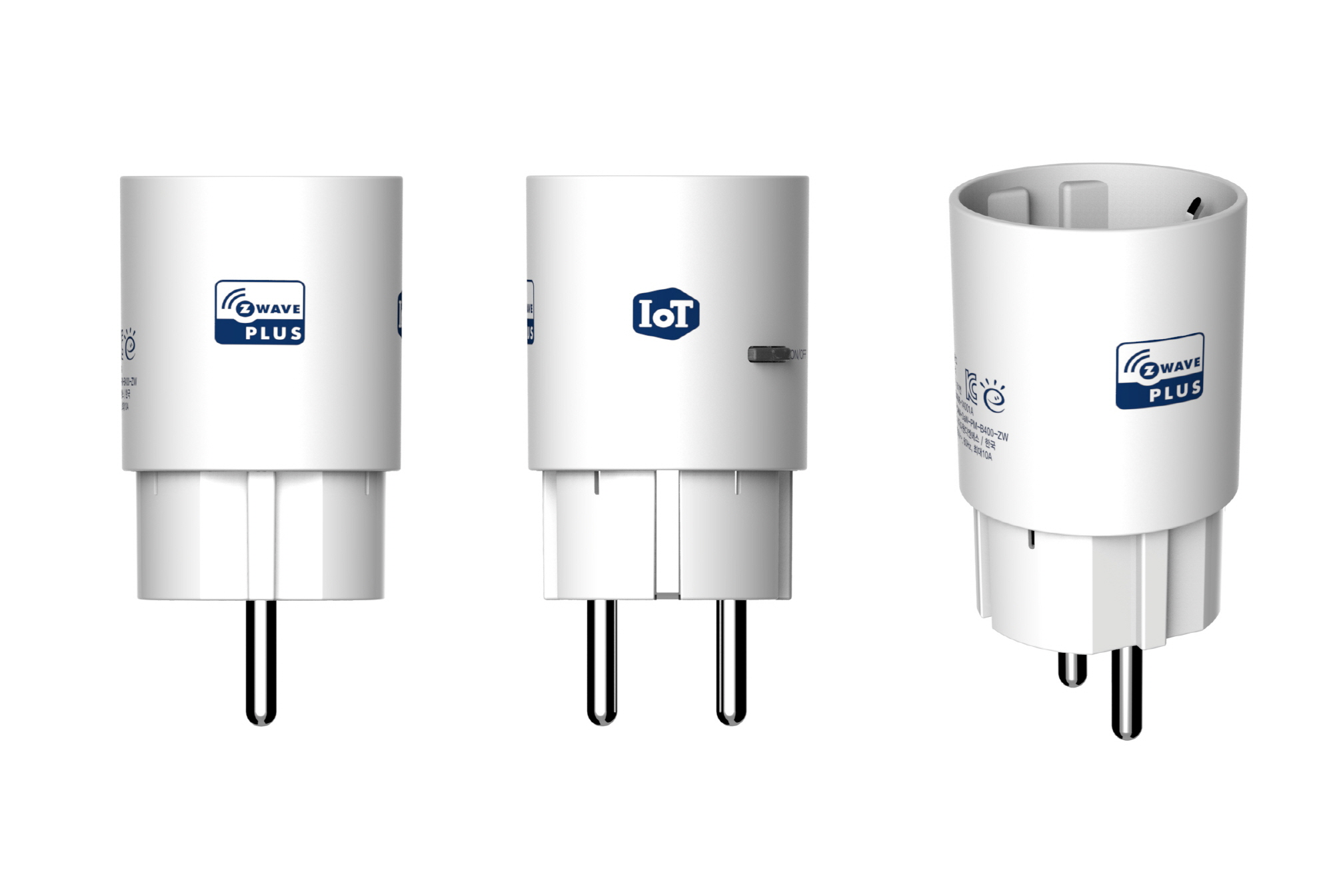
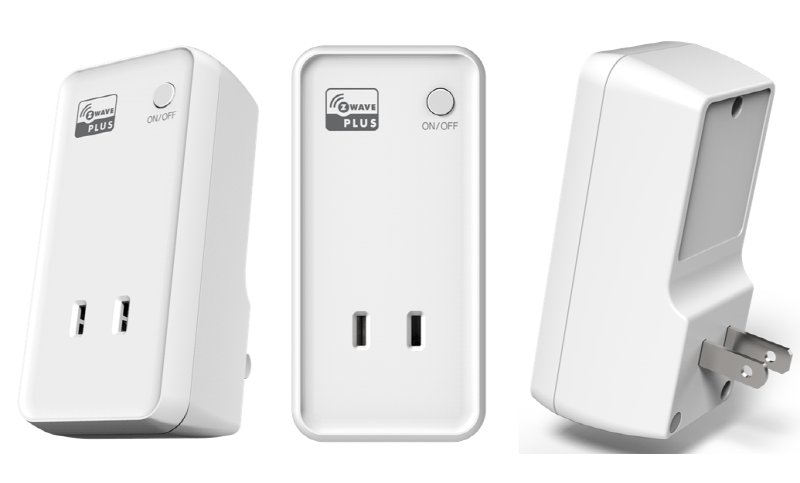
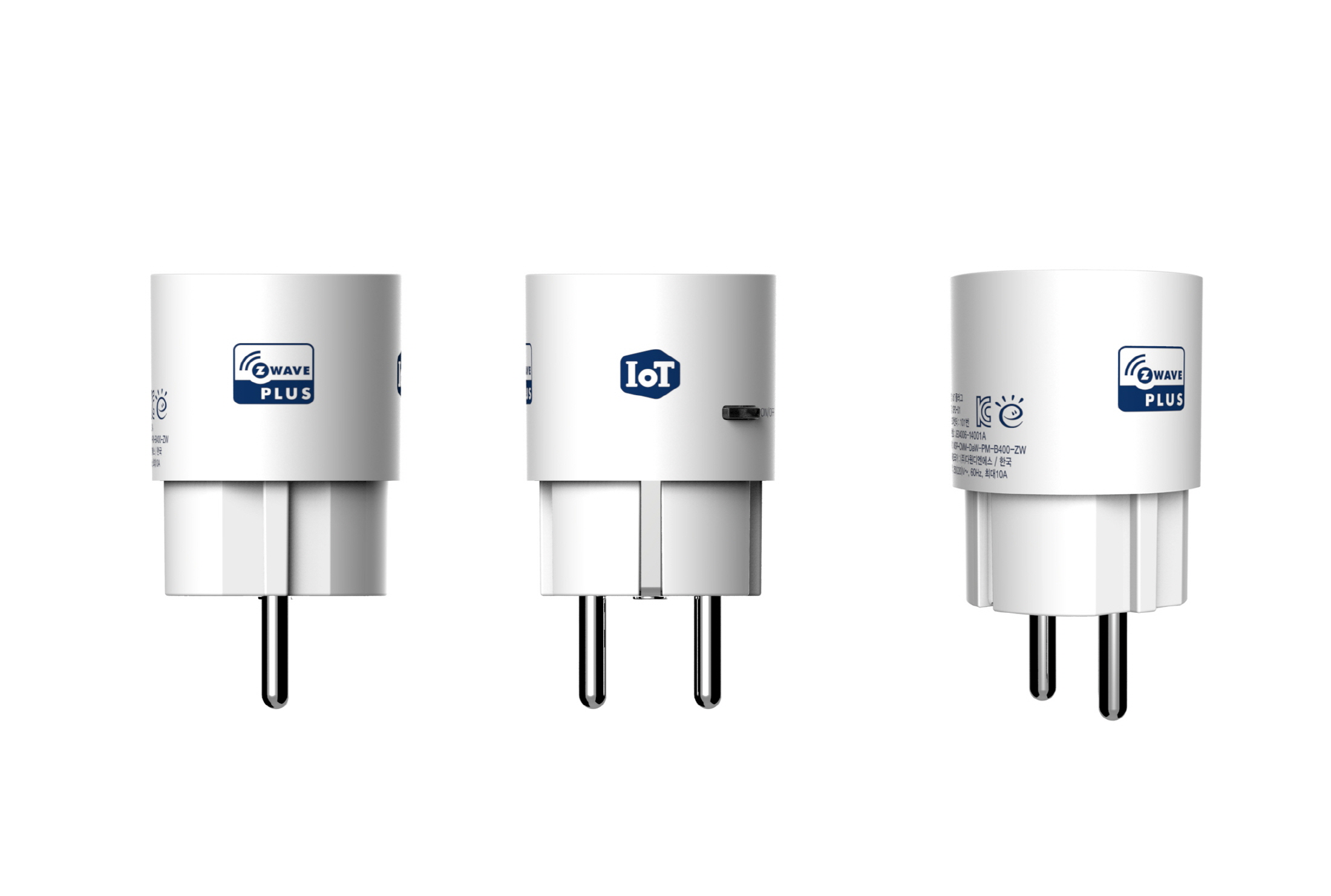
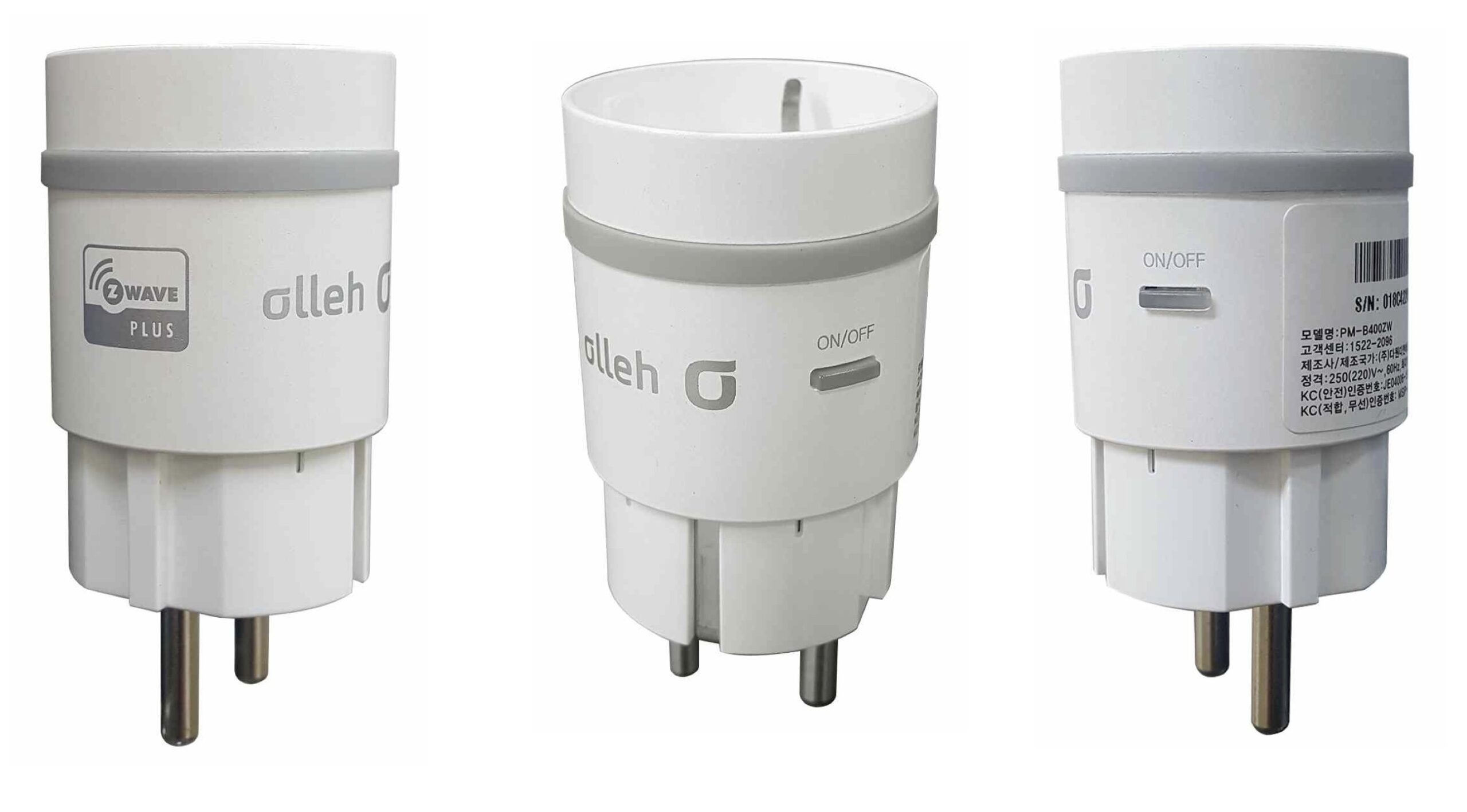
The device can remotely power on/off to the load connected and will inform you of the electricity usage of your load. You can use it to measure the power of the load connected to the device (currently instantaneous power & used power).
Want to buy adds it to your wish list and follows Dawon DNS for updates. I own it adds it to your collection.
✅ Future-proofBuilt to keep working — even if the maker walks away.
It works locally over Z-Wave, so it keeps running even if Dawon DNS shuts down the app or the servers. Nothing here ties you to a single company's survival.
Works locally over Z-Wave — keeps running without the maker's cloud
Still in production
Based on how this device connects (local vs. cloud), whether it’s still sold and supported, and its app / subscription. A guide, not a guarantee.
Connectivity
Z-Wave
Prices
No prices yet — be the first to add one.
Community tags
Be the first to tag this page — tags appear right away. Try a theme, capability, or subject (e.g. WWII, heist, slow burn, time travel, A24).
The device can remotely power on/off to the load connected and will inform you of the electricity usage of your load. You can use it to measure the power of the load connected to the device (currently instantaneous power & used power).
Hardware platform
ZM5101
Short description
The Z-Wave smart Plug makes it possible to meter the amount of power used by home appliance. This device can switch on or off the electric home appliance (remotely and manual)
Product identifier
SPD-01A
Countries / regions
Republic of Korea
Certification number
ZC10-17075713
Configuration parameters
Parameter Number Name Description Format Size Min Value Max Value Default Value Parameter Values 1
Supports explorer frames
Yes
Supported command classes
Identifier Name Key Version COMMAND_CLASS_POWERLEVEL
Supported notification types
Notification Type Event / State Power Management
Supported / controlled meter types
Meter Type Rate Type Description Electric meter
Value updatable by manufacturer representative color value white switch load capacity current value 10 a switch load capacity volt ampere value 2200 va (220 v) switch load capacity watts value ~2200 w supported meter type value electric energy supported notification types value power management association groups
Group Number Maximum Nodes Supported End Point ID Description 1
From to description 0 1 standby power monitoring function enable/disable setting value 0 60000 standby power reference value range(3 byte) 2 peridic measurement value transmission this parameter determines whether or not to periodically reports the measured power values. value : 1 (transmits a power value measured at the plug, periodically. value : 0 (not transmitting power value) ( default : 1) 0 1 0 0 1 from to description 0 1 if value is 0, plug do not transmit power value. if value is 1, plug transmits power value to hub. 3 accumulation start/stop this parameter is for the function measuring the power used cumulatively. value : 0 stop accumulating power value. value : 1 start accumulating power value. ( default : accumulation start ) (this configuration value is used only 0 and 1.) 0 1 0 0 0 from to description 0 1 if value is 0, plug stop accumulating power value. if value is 1, plug start accumulating power value. 4 connected device use/not use this parameter is a value that indicates whether the device is in use connected to the plug. this is read only. and this parameter has meaning only when the standby power off function is on. value : 0 when connected device(home appliance) is not use value : 1 when connected device(home appliance) is in use before setting the standby power mode, this parameter is meaningless. only when using standby power break mode, plug can report this parameter. (this configuration value is used only 0 and 1.) 0 1 0 0 0 from to description 0 1 if value is 0, connected device is not use, if value is 1, it is in use. 5 periodic time intervals this parameter is for the periodic report interval. minimum time interval : 10minutes(standard unit) value : 1 (10minutes * 1) = 10minutes interval value : 2 (10minutes * 2) = 20minutes interval …….. …….. value : 144(10m * 144) = 24 hours interval =>max ( default : 6 = one hour ) 0 1 0 0 6 from to description 1 144 unit is per 10 minutes.you can change this value using configuration command class. texts