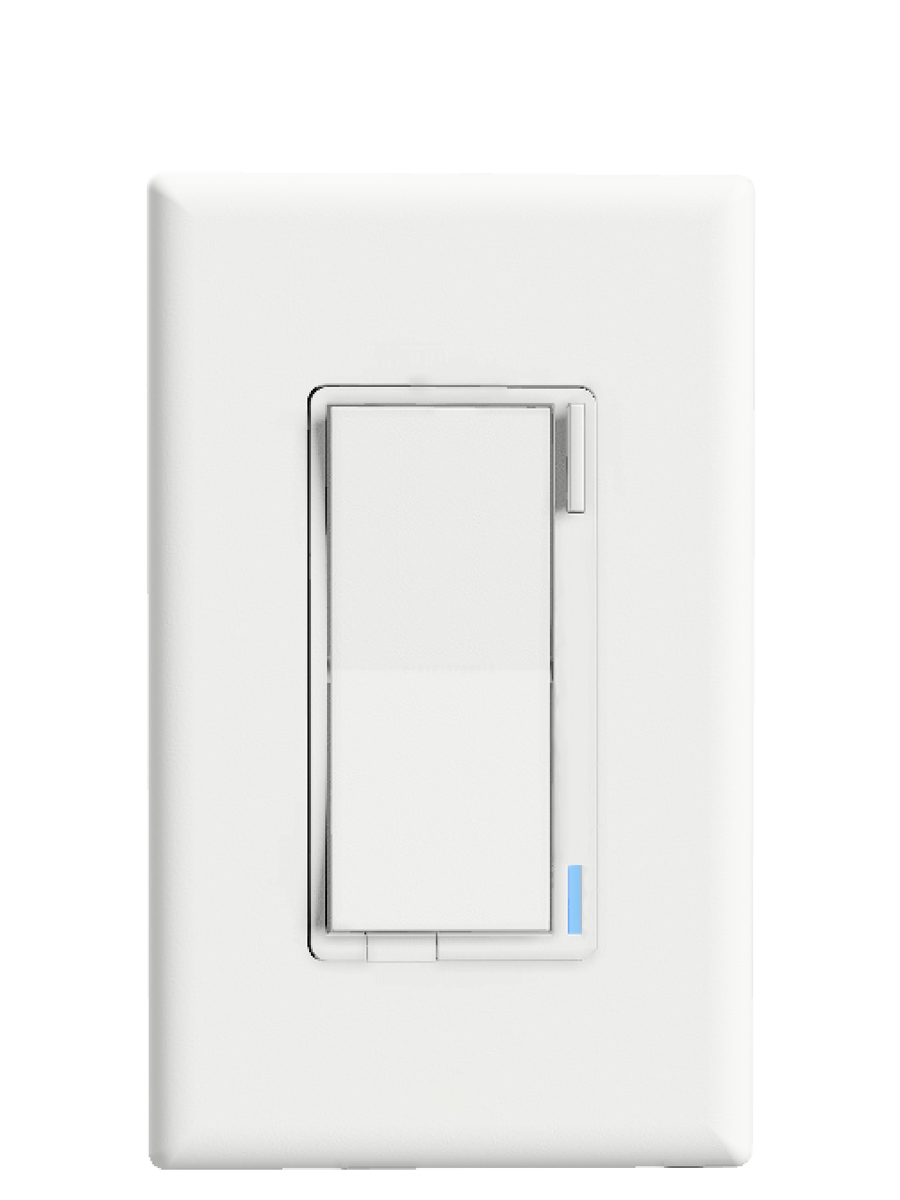
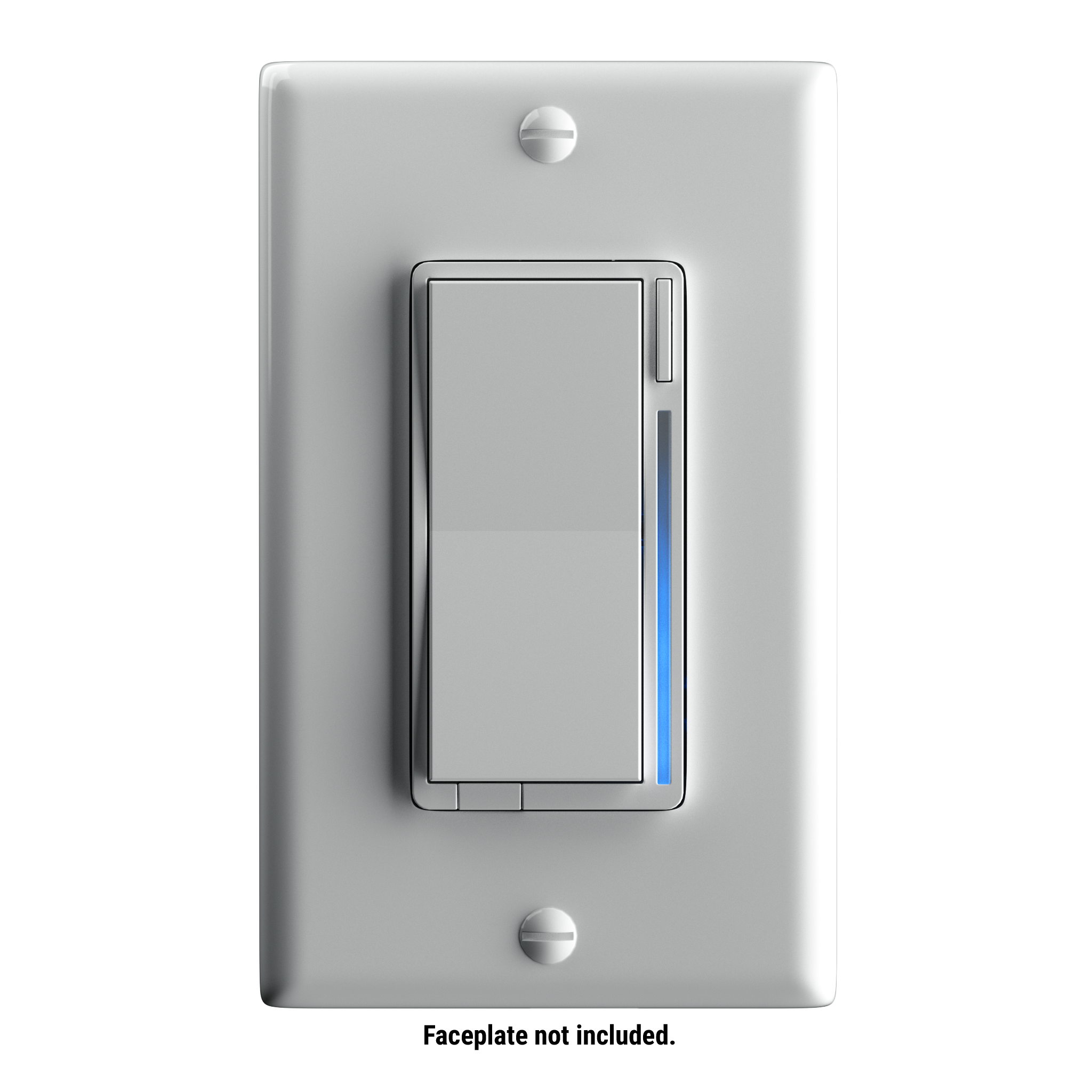
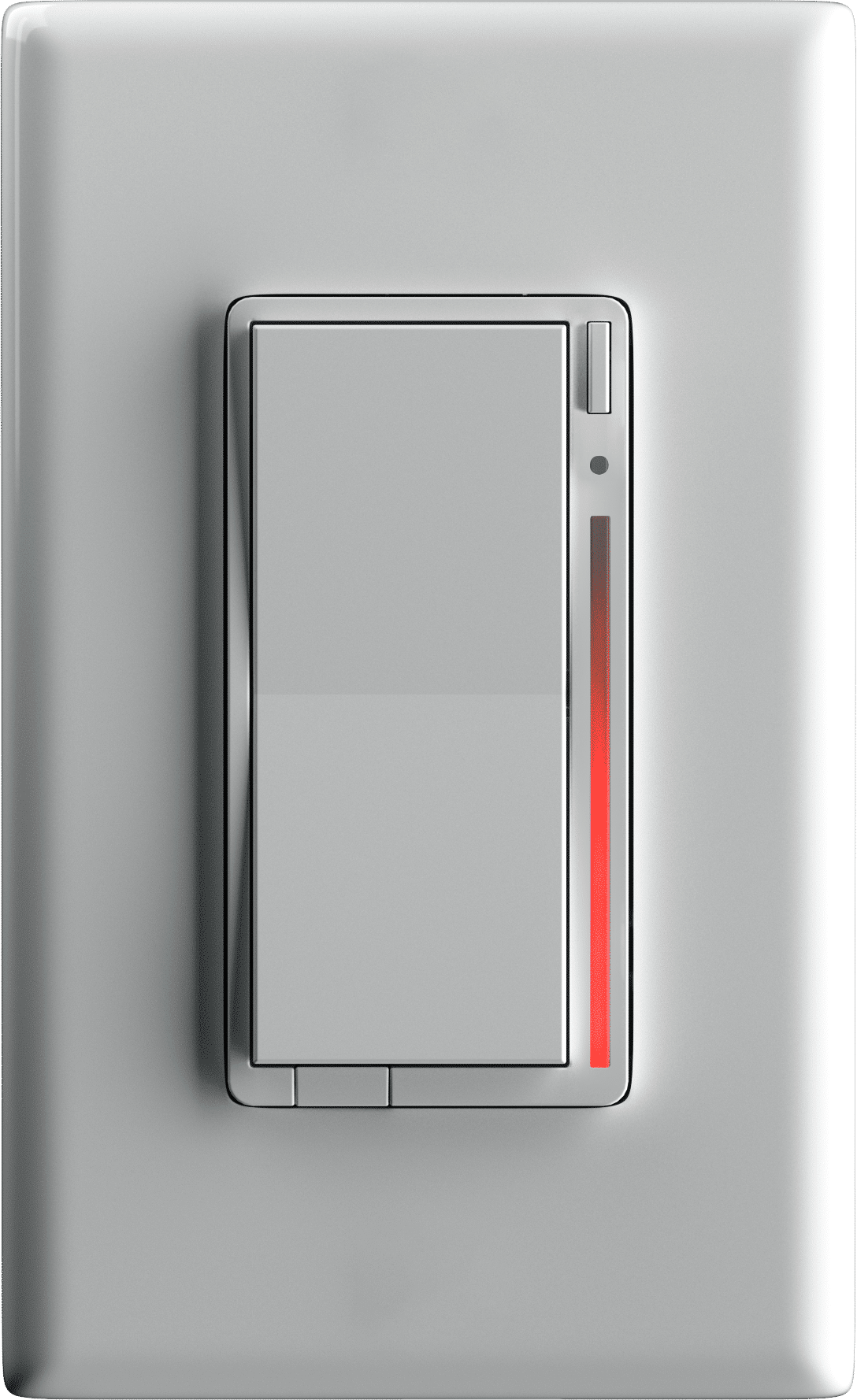
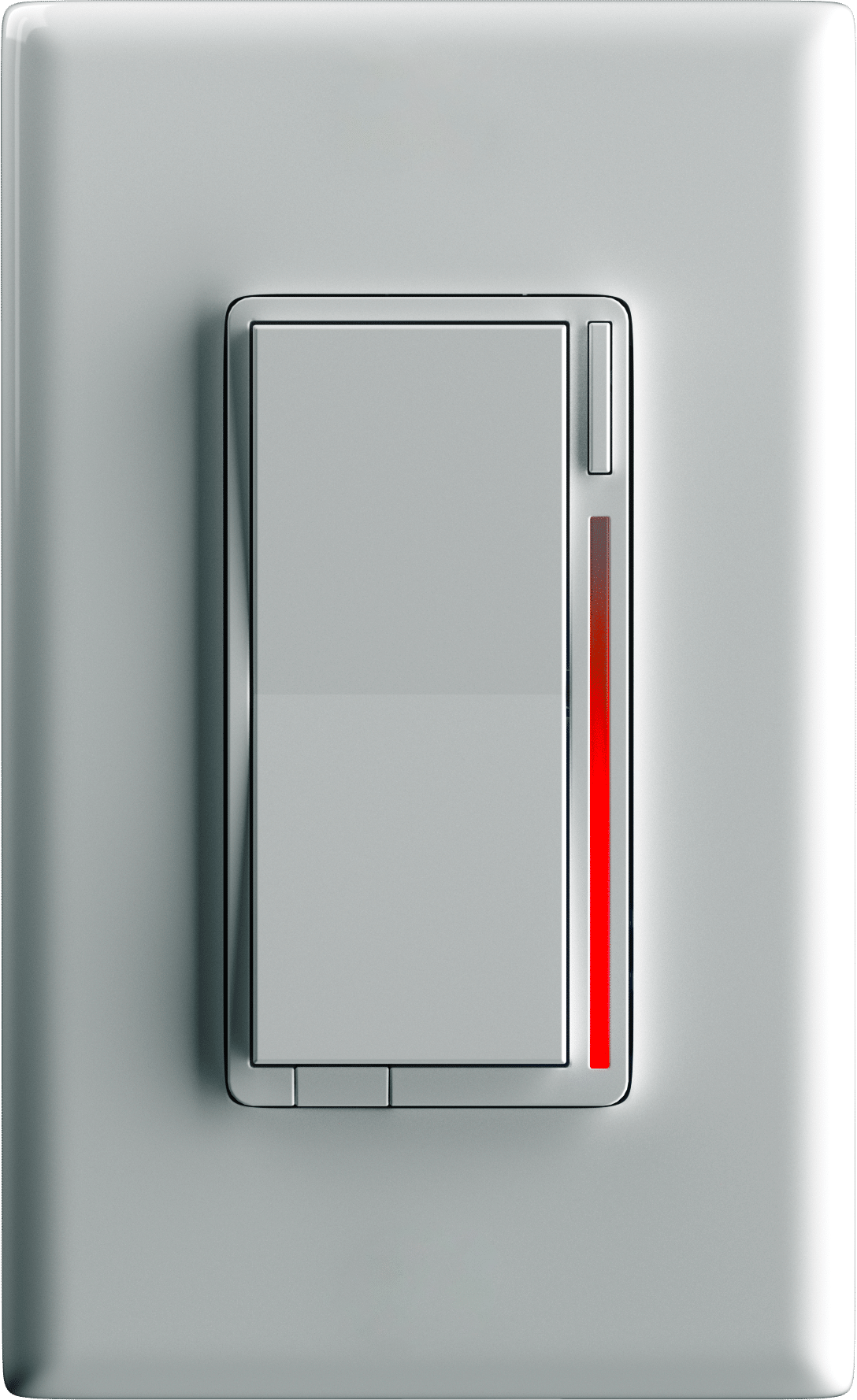
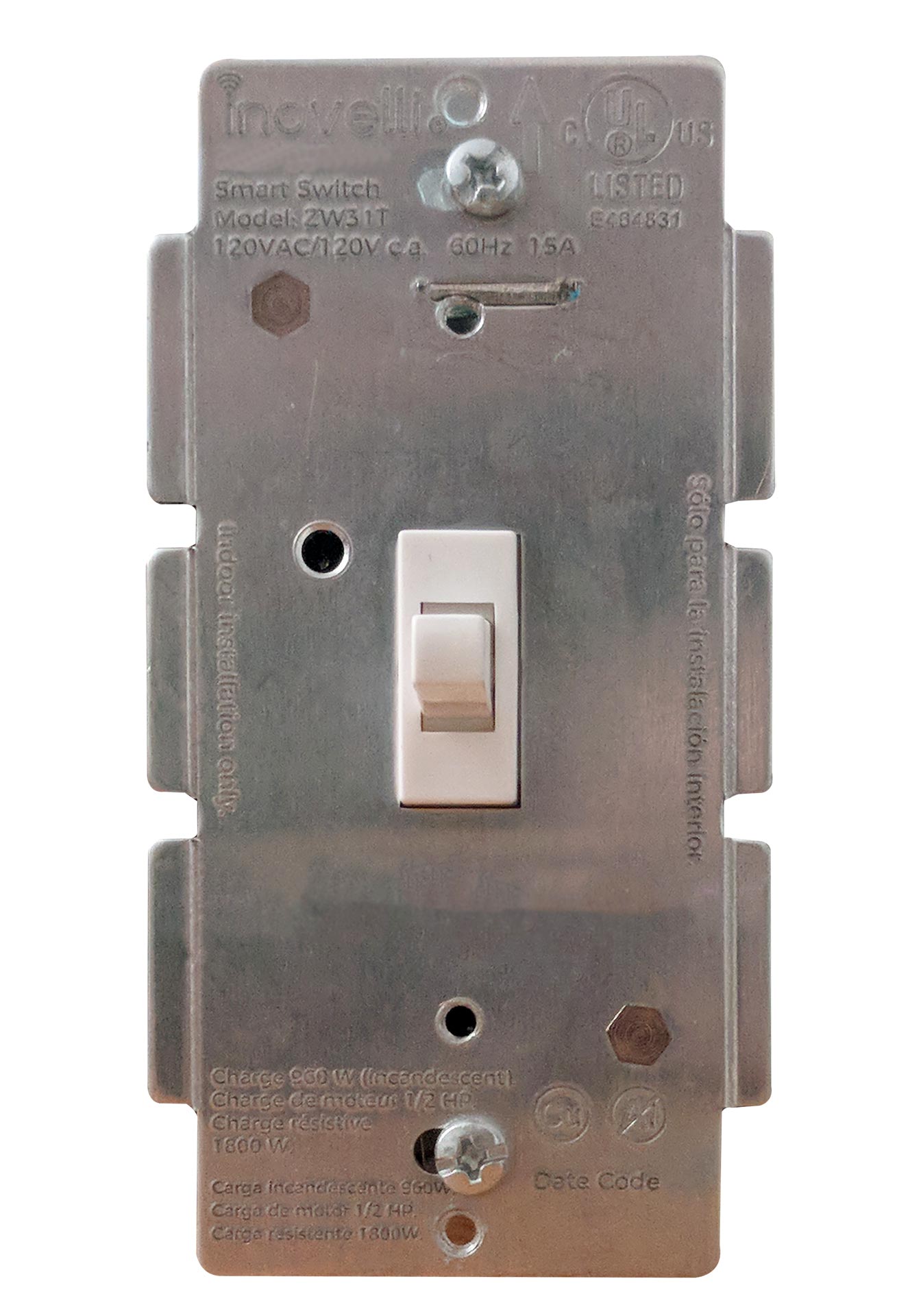
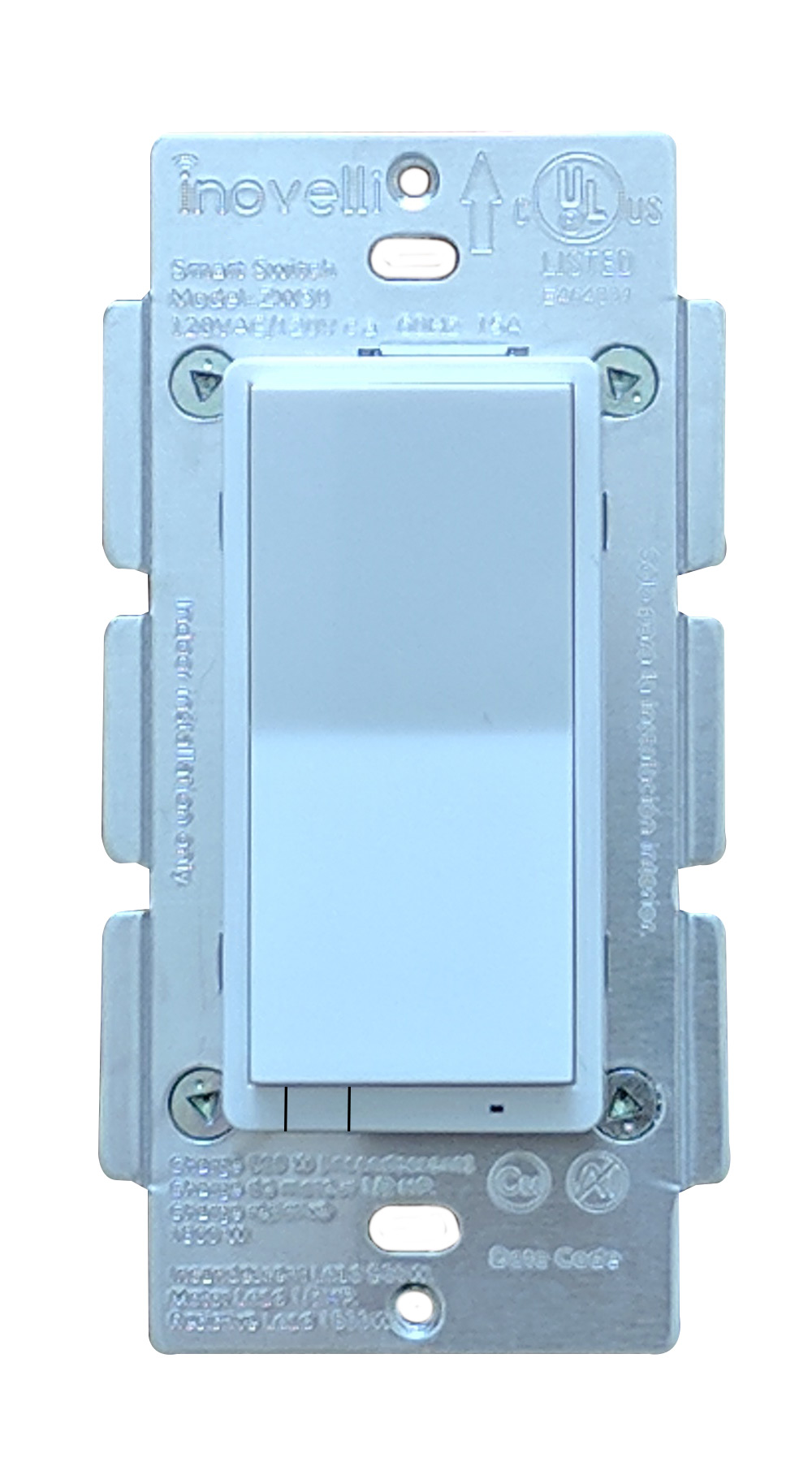
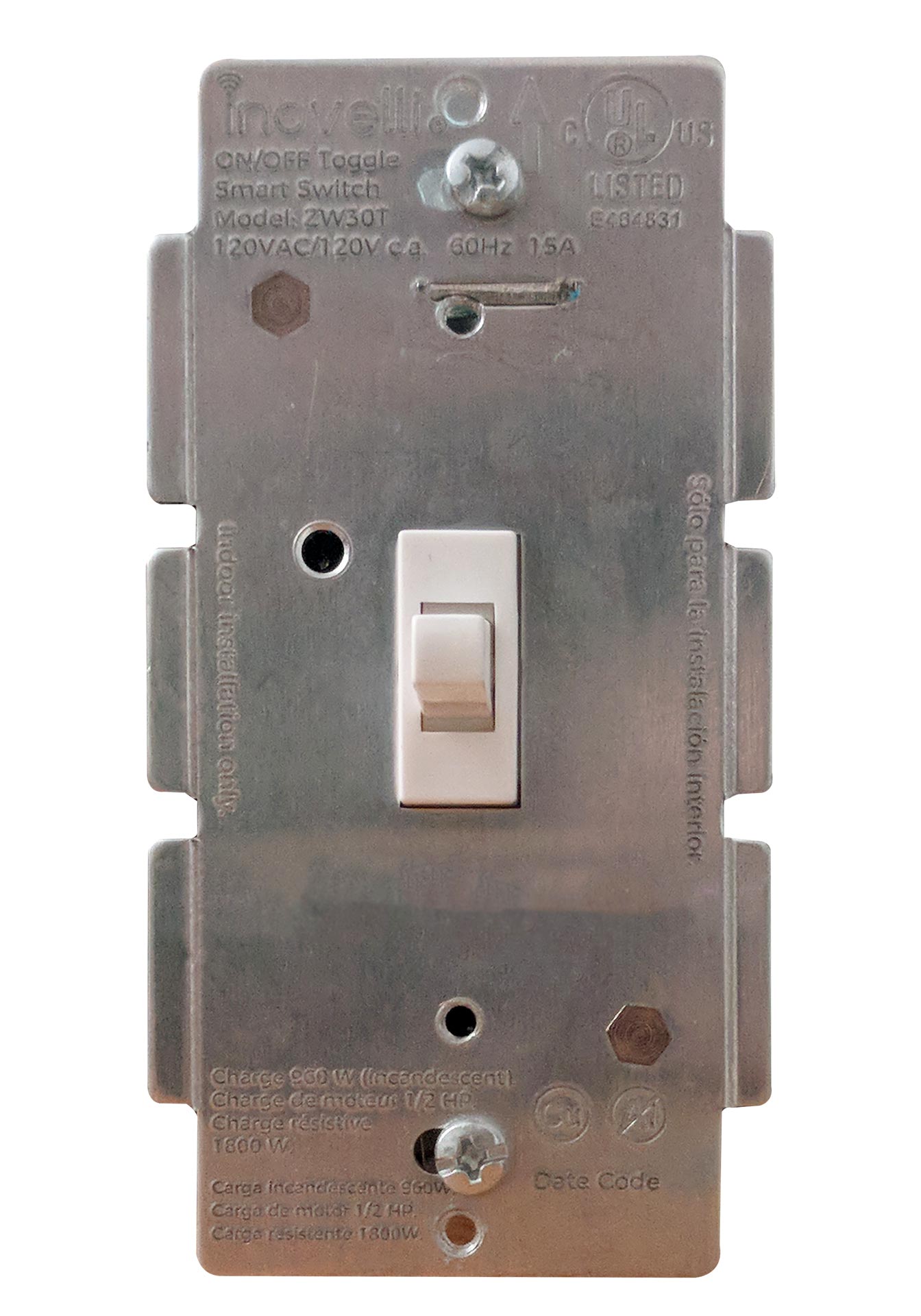
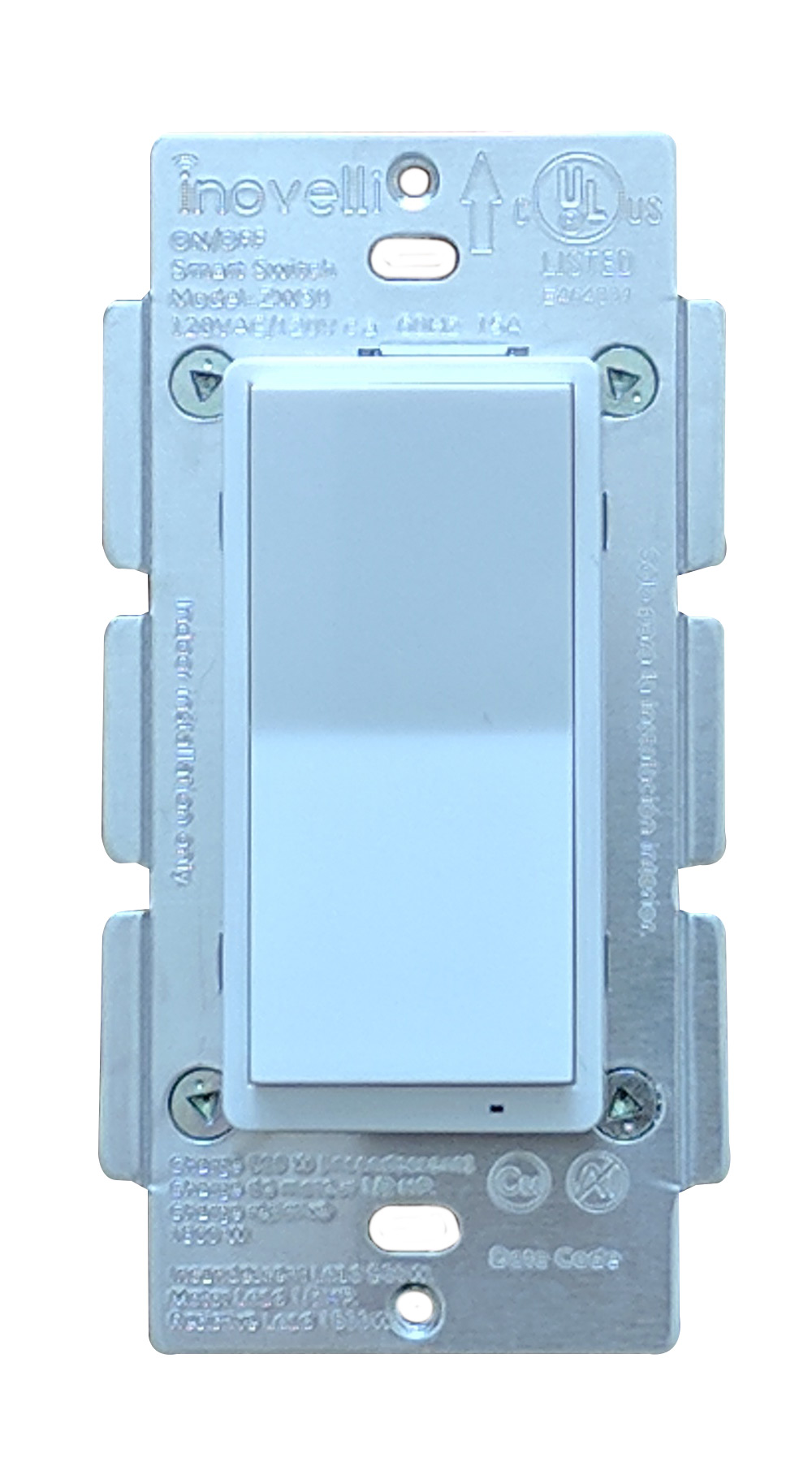
Long descriptionThe Inovelli On/Off switch is a Z-Wave device that controls attached LED, CFL, & Incandescent lighting which can be highly customized to your liking at the switch itself with our unique config button and advanced firmware. From to description 1 1 enabled 0 0 disabled 5 led indicator color this will set the default color of the led bar. this is calculated by using a hue color circle (value / 255 * 360). see website for more info. this parameter can be set without a hub from the configuration button. 0 2 0 0 170 from to description 0 255 hue color circle 170 170 blue 6 led indicator intensity this will set the intensity of the led bar (ie: how bright it is). example of how the values work: 0 = off, 1 = low, 5 = medium, 10 = high. this parameter can be set without a hub from the configuration button. 0 1 0 0 5 from to description 0 0 off 1 3 low intensity 4 7 medium intensity 8 10 high intensity 7 led indicator intensity (when off) this is the intensity of the led bar when the switch is off. example of how the values work: 0 = off, 1 = low, 5 = medium, 10 = high. this parameter can be set without a hub from the configuration button. 0 1 0 0 1 from to description 0 0 off 1 3 low intensity 4 7 medium intensity 8 10 high intensity 8 led strip effect this will allow you to add some sweet effects to your led bar (ie: pulse, chase, solid, etc). example of how the values work: byte 1 = choose color, byte 2 = choose brightness level, byte 3 = choose effect, byte 4 = duration. please see website for further instructions on how to set this up as the possible values are a matrix. you start with byte 1 to select the color, then move to byte 2 to select the brightness level, then move to byte 3 to choose the effect, and finally move to byte 4 to choose the duration. 0 4 0 0 0 from to description 0 0 please see website for matrix 1 power on state when power is restored, the switch reverts to either on, off, or last level. example of how the values work: 0 = off, 1 100 = specific % on, 101 = returns to level before power outage. this parameter can be set without a hub from the configuration button. 0 1 0 0 0 from to description 101 101 when power is restored, switch reverts to last status 1 100 when power is restored, switch turns on to a certain dim level 0 0 when power is restored, switch is off 3 auto off timer automatically turns the switch off after x amount of seconds. example of how the values work: 0 = disabled, 1 = 1 second, 32767 = 32767 seconds. 0 2 0 0 0 from to description 0 0 disabled 1 32767 seconds textsID Description Value 1