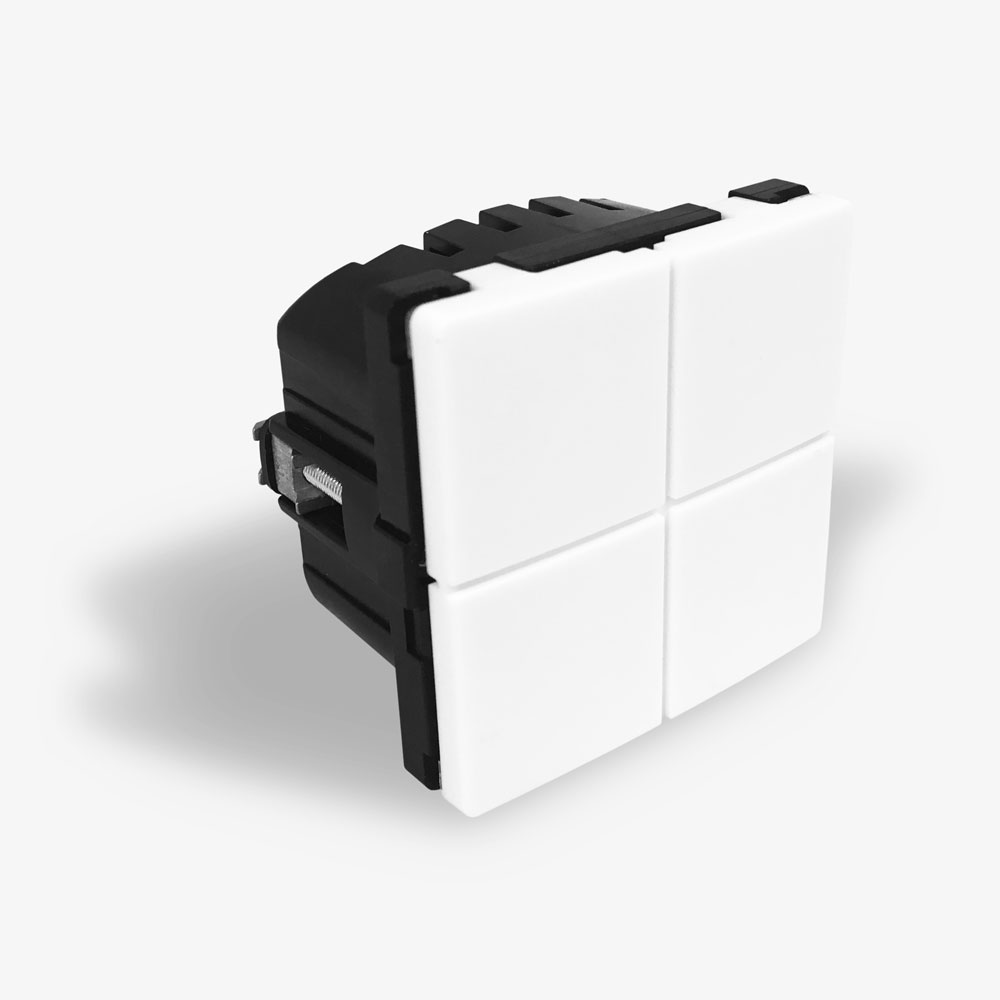
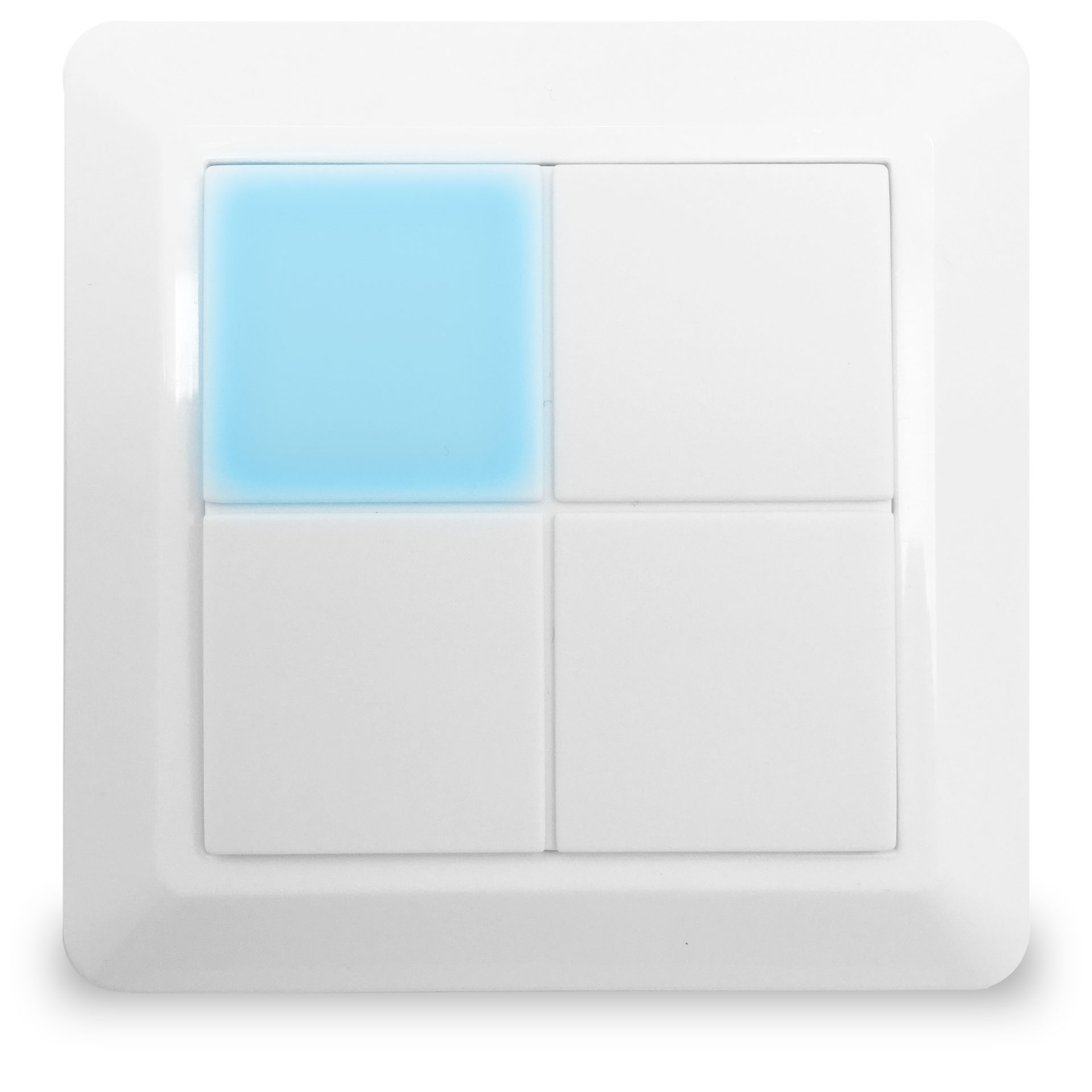
The front is elegantly designed with a diffused backlight in each of the four pushbuttons. The pushbuttons can light up in all colors which can be used to show the status of a lamp, as orientation light during nighttime, visual alarm and much more. Each pushbutton is a tactile switch designed that can hold up to four functions and control either a wired lamp or other Z-Wave devices, e.g. other light dimmers, roller shutters and power outlets. The light dimmer can dim all dimmable light sources from 0-250 W. MATRIX ZDB5100 is designed to fit into all FUGA® compatible wall boxes and cover frames.
Long descriptionThe front is elegantly designed with a diffused backlight in each of the four pushbuttons. The pushbuttons can light up in all colors which can be used to show the status of a lamp, as orientation light during nighttime, visual alarm and much more. Each pushbutton is a tactile switch designed that can hold up to four functions and control either a wired lamp or other Z-Wave devices, e.g. other light dimmers, roller shutters and power outlets. The light dimmer can dim all dimmable light sources from 0-250 W. MATRIX ZDB5100 is designed to fit into all FUGA® compatible wall boxes and cover frames. From to description 2 2 pushbutton 2 controls the dimmer. 4 4 pushbutton 3 controls the dimmer. 8 8 pushbutton 4 controls the dimmer. 1 1 pushbutton 1 controls the dimmer. 0 0 no local operation of the dimmer. 17 timer value for pushbutton 1 this parameter specifies the time used in previous configuration parameter. this parameter is only applicable if previous parameter has value 1 or 2. 1 2 0 43200 300 from to description 0 43200 specifies the time in seconds. default is 300 = 5 minutes. 23 off indication rgb saturation for pushbutton 1 this parameter specifies the saturation levels for the red, green and blue leds, when off status is indicated. (default is the off state indicated as a low white light on 5%). byte 1: colour saturation, red. byte 2: colour saturation, green. byte 3: colour saturation, blue. byte 4: led control. 1 4 0 255 47 from to description 0 255 byte 3: specifies the saturation for the blue leds. (default is 47) 0 255 byte 4: led indicator control; see the application note about this parameter. (default is 0) 0 255 byte 1: specifies the saturation for the red leds. (default is 47) 0 255 byte 2: specifies the saturation for the green leds. (default is 47) 24 pushbutton 2 functionality this parameter specifies the functionality of pushbutton 2. 0 1 0 4 0 from to description 0 0 standard toggle function, the state is switched between on and off, dimming up and down. 1 1 automatic turn off after the time has expired (staircase lighting function), the time is specified in the next configuration parameter. 2 2 automatic turn on after the time has expired, the time is specified in the next configuration parameter. 3 3 always turn off or dim down. using this parameter, the pushbutton can only send ‘off’ or ‘dim down’ commands. use this in pair with another pushbutton with value 4 (see chapter 2.6 in the manual) 4 4 always turn on or dim up. using this parameter, the pushbutton can only send ‘on’ or ‘dim up’ commands. use this in pair with another pushbutton with value 3 (see chapter 2.6 in the manual) 25 timer value for pushbutton 2 this parameter specifies the time used in previous configuration parameter. this parameter is only applicable if previous parameter has value 1 or 2. 1 2 0 43200 300 from to description 0 0 enhanced led control is disabled 0 43200 specifies the time in seconds. default is 300 = 5 minutes 1 1 enhanced led control is enabled 31 off indication rgb saturation for pushbutton 2 this parameter specifies the saturation levels for the red, green and blue leds, when off status is indicated. (default is the off state indicated as a low white light on 5%). byte 1: colour saturation, red. byte 2: colour saturation, green. byte 3: colour saturation, blue. byte 4: led control. 1 4 0 255 255 from to description 0 255 byte 4: led indicator control; see the application note about this parameter (default is 0) 0 255 byte 2: specifies the saturation for the green leds (default is 47) 0 255 byte 3: specifies the saturation for the blue leds (default is 47) 0 255 byte 1: specifies the saturation for the red leds (default is 47) 41 timer value for pushbutton 4 this parameter specifies the time used in previous configuration parameter. this parameter is only applicable if previous parameter has value 1 or 2. 1 2 0 43200 300 from to description 0 43200 specifies the time in seconds. default is 300 = 5 minutes 42 multi level switch set values for pushbutton 4 byte 1: enable / disable. byte 2: upper switch value. byte 3: lower switch value. byte 4: not used – must be set to 0. 1 4 0 255 255 from to description 0 0 byte 4: not used – must be set to 0. 0 99 byte 2: when single pressing the pushbutton for on, a multilevel switch set with this value will be send to devices in association group 4 0 0 byte 1: disabled – a single activation of the pushbutton will not send commands to devices in association group 4. 0 99 byte 3: when single pressing the pushbutton for off, a multilevel switch set with this value will be send to devices in association group 4. (default = 0) 1 1 byte 1: enabled – a single activation will send commands to devices in association group 4. devices will receive commands with the values set in byte 2 and 3 (default). 255 255 byte 2: when single pressing the pushbutton for on, a multilevel switch set with this value will be send to devices in association group 4. (default) 43 binary switch set support for pushbutton 4 this parameter specifies how received binary switch set commands are handled. 1 1 0 2 2 from to description 0 0 binary switch set only controls the pushbutton indicator leds, on/off 1 1 binary switch set controls the internal switch status and the pushbutton indicator leds 2 2 binary switch set is handled as if the user had activated the pushbutton, including transmission of commands via the association groups 44 pushbutton 4 led indication this parameter specifies how the led indication is controlled. 1 1 0 7 7 from to description 0 0 internal led control is disabled, only external commands control the indication. 1 1 the led indication follows the switch status 2 2 the led indication follows the switch status – with inverted functionality 3 3 same as 1 4 4 same as 2 5 5 the led indication follows the status of the internal dimmer, on or off 6 6 the led indication follows the status of the internal dimmer with inverted functionality, on or off 7 7 the led indicator is on for 5 seconds when the pushbutton is activated 45 colour commands for pushbutton 4 led indication this parameter specifies how command class switch color commands are handled. 1 1 0 2 1 from to description 0 0 direct control; the led indication shows the received colour immediately, until the pushbutton is activated 1 1 colour command sets the colour for off indication 2 2 colour command sets the colour for on indication 46 on indication rgb saturation for pushbutton 4 this parameter specifies the saturation levels for the red, green and blue leds, when on status is indicated. (default is the on state indicated by a 50% blue colour). byte 1: colour saturation, red. byte 2: colour saturation, green. byte 3: colour saturation, blue. byte 4: led control. 1 4 0 255 255 from to description 0 255 byte 1: specifies the saturation for the red leds. (default is 0) 0 255 byte 2: specifies the saturation for the green leds. (default is 0) 0 255 byte 3: specifies the saturation for the blue leds. (default is 127) 0 255 byte 4: led indicator control; see the application note about this parameter. (default is 0) 47 off indication rgb saturation for pushbutton 4 this parameter specifies the saturation levels for the red, green and blue leds, when off status is indicated. (default is the off state indicated as a low white light on 5%). byte 1: colour saturation, red. byte 2: colour saturation, green. byte 3: colour saturation, blue. byte 4: led control. 1 4 0 255 255 from to description 0 255 byte 1: specifies the saturation for the red leds. (default is 47) 0 255 byte 2: specifies the saturation for the green leds. (default is 47) 0 255 byte 4: led indicator control; see the application note about this parameter. (default is 0) 0 255 byte 3: specifies the saturation for the blue leds. (default is 47) 3 duration of on/off this parameter specifies the duration when turning the light on or off. 1 1 0 255 0 from to description 0 0 immediately 1 127 time in seconds 128 255 time in minutes (minus 127) from 1 – 128 minutes, where 128 is 1 minute 4 dimmer mode the dimmer can work in three different modes: on/off, leading edge or trailing edge. 0 1 0 2 1 from to description 0 0 no dimming, only on/off (0/100%). 1 1 trailing edge dimming 2 2 leading edge dimming 5 dimmer minimum level this parameter specifies the actual level of the dimmer output when set to 0%. 0 1 0 99 0 from to description 0 99 corresponds to 0 – 99% 6 dimmer maximum level this parameter specifies the actual level of the dimmer output when set to 99%. 1 1 0 99 99 from to description 0 99 corresponds to 0 – 99% 7 central scene notifications this parameter can be used for disabling central scene notifications. 1 1 0 1 1 from to description 0 0 notifications are disabled 1 1 notifications are enabled 8 double activation functionality this parameter specifies the reaction when double activating the pushbuttons. 1 1 0 1 1 from to description 0 0 double activation disabled 1 1 double activation sets light to 100% 9 triple activation of pushbutton 1 this parameter can be used for disabling the z wave network add/remove process when triple activating pushbutton 1. if disabled, the triple activation functionality can be used as a central scene notification. 1 1 0 1 1 from to description 0 0 triple activation of pushbutton 1, does not start the add/remove process. 1 1 triple activation of pushbutton 1, starts the add/remove process 11 pushbutton debounce timer pushbutton input debounce time in 0.01 seconds resolution. 1 1 0 255 5 from to description 0 255 0 – 2.55 seconds. default is 5, which equals to a debounce filter on 50 milliseconds (0.05 seconds) 2 duration of dimming this parameter specifies the duration of a full regulation of the light from 0% to 100%. a regulation of the light with 1% will take 1/100 of the specified duration. this is used when a pushbutton is held down for controlling the dimming, and when the dimming is fulfilled from other z wave devices. 1 1 0 255 5 from to description 0 0 immediately 1 127 duration in seconds. 128 255 duration in minutes (minus 127) from 1 – 128 minutes, where 128 is 1 minute textsID Description Value 1