✅ Future-proofBuilt to keep working — even if the maker walks away.
It works locally over Z-Wave, so it keeps running even if myTEM SmartHome shuts down the app or the servers. Nothing here ties you to a single company's survival.
Works locally over Z-Wave — keeps running without the maker's cloud
Still in production
Based on how this device connects (local vs. cloud), whether it’s still sold and supported, and its app / subscription. A guide, not a guarantee.
Connectivity
Z-Wave
Prices
No prices yet — be the first to add one.
Community tags
Be the first to tag this page — tags appear right away. Try a theme, capability, or subject (e.g. WWII, heist, slow burn, time travel, A24).
Community photos
Photos from members
No member photos yet.
Reviews
What members say
Sign in to rate Radio I/O Modul and share a photo.
No reviews yet.
Community
Be the first to start a thread about Radio I/O Modul
Threads post into the myTEM SmartHome community forum.
Sign in to start a thread in the myTEM SmartHome community.
Edit history
Loading edit history…
Certified
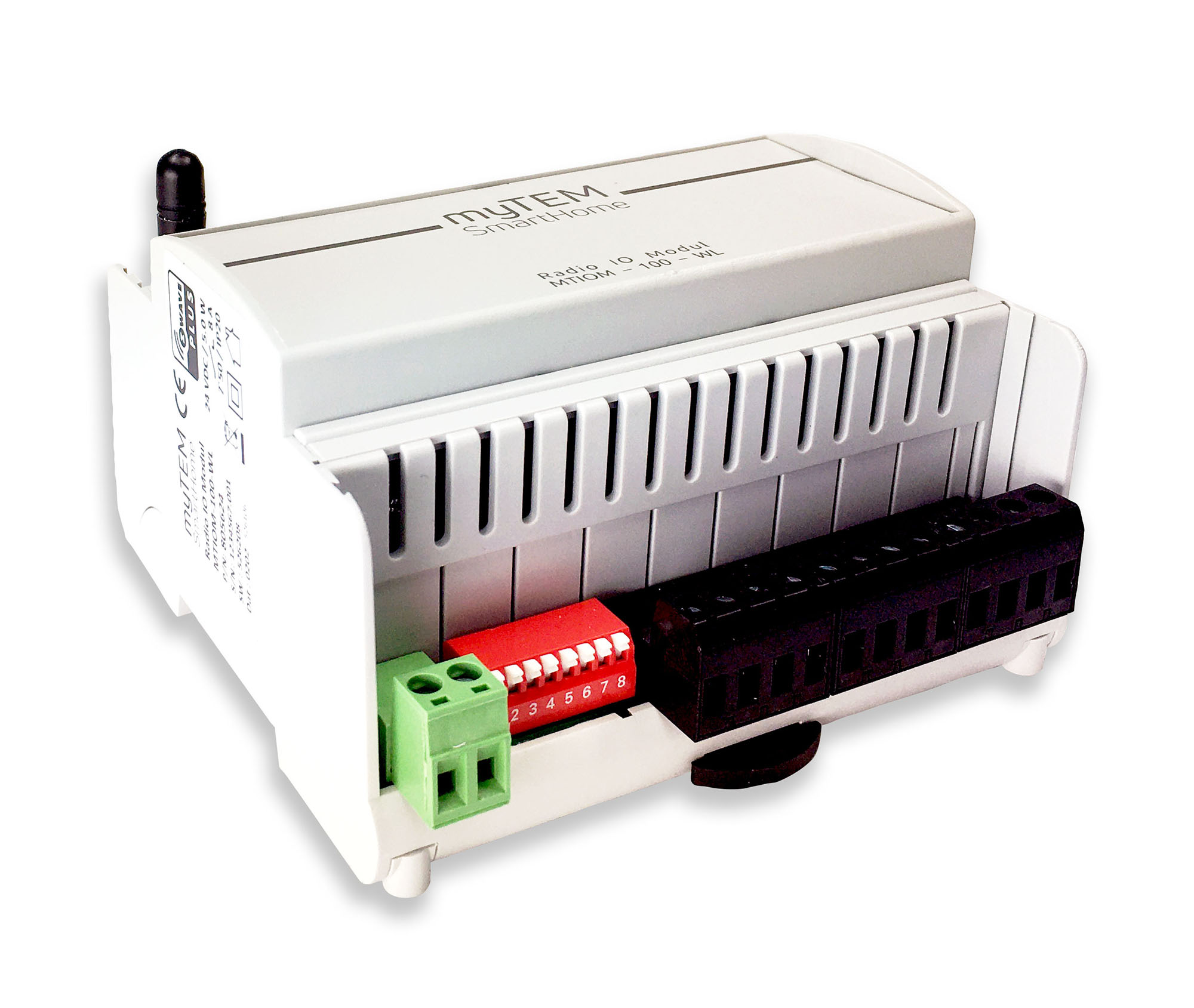
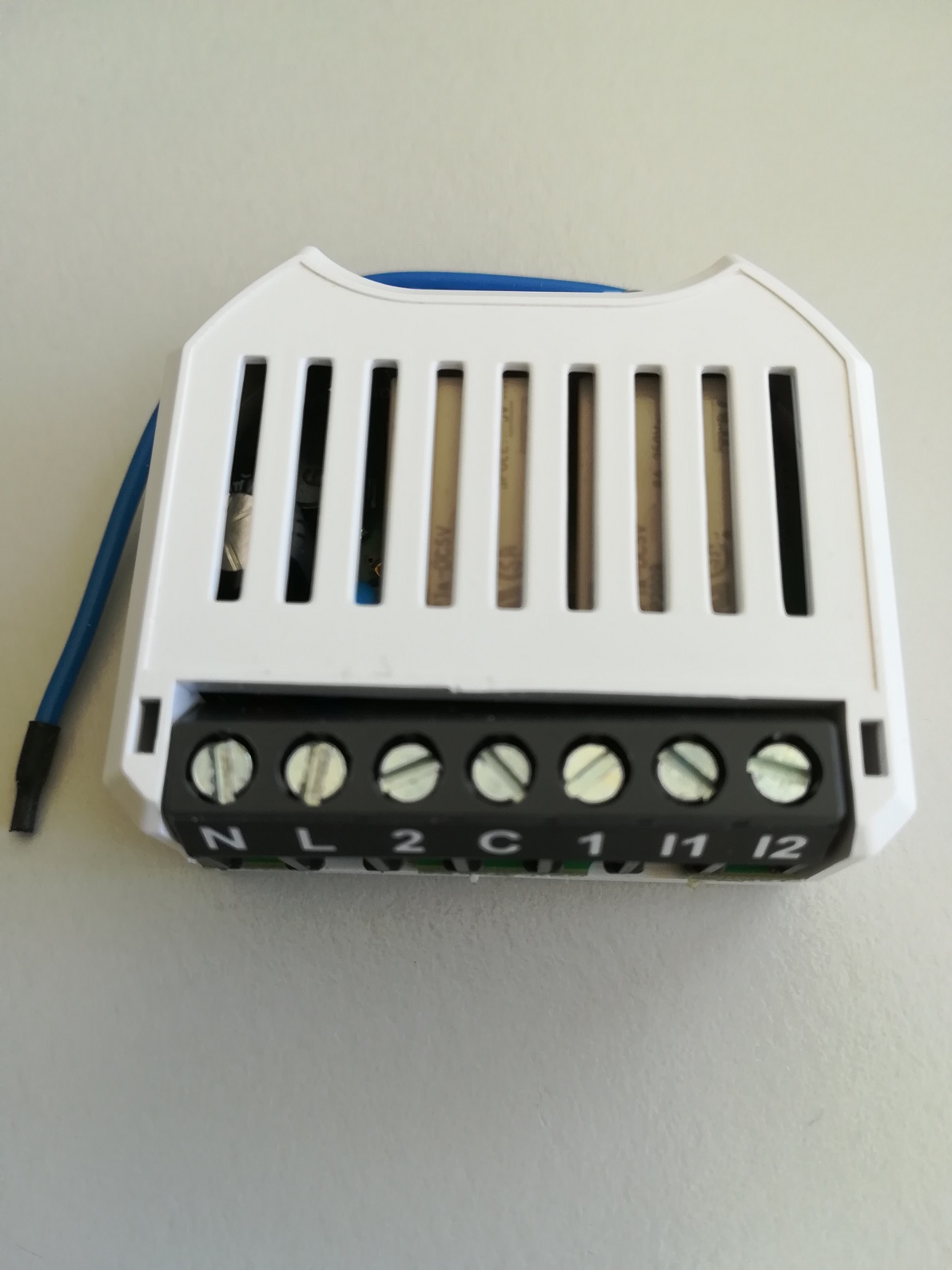
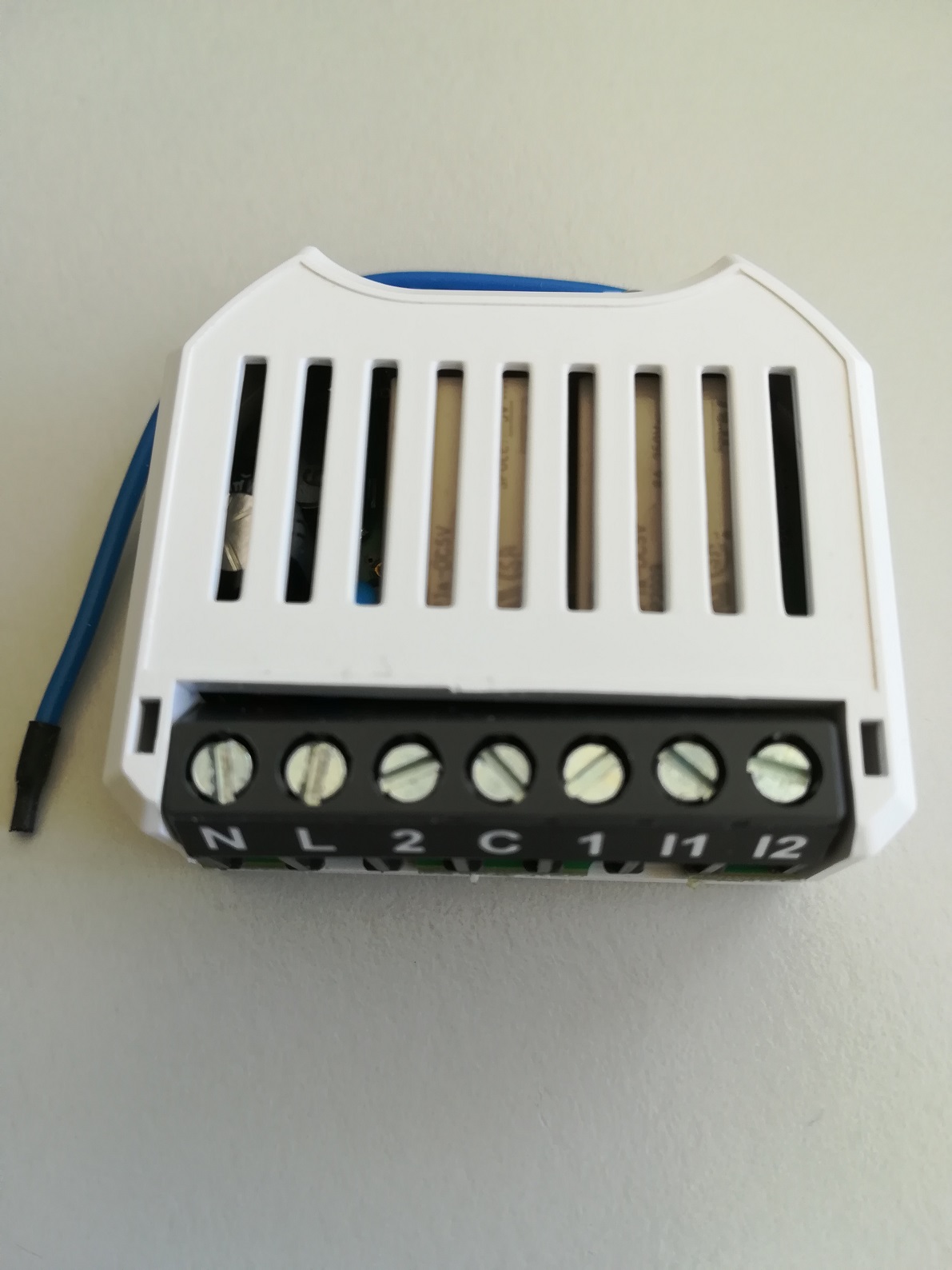
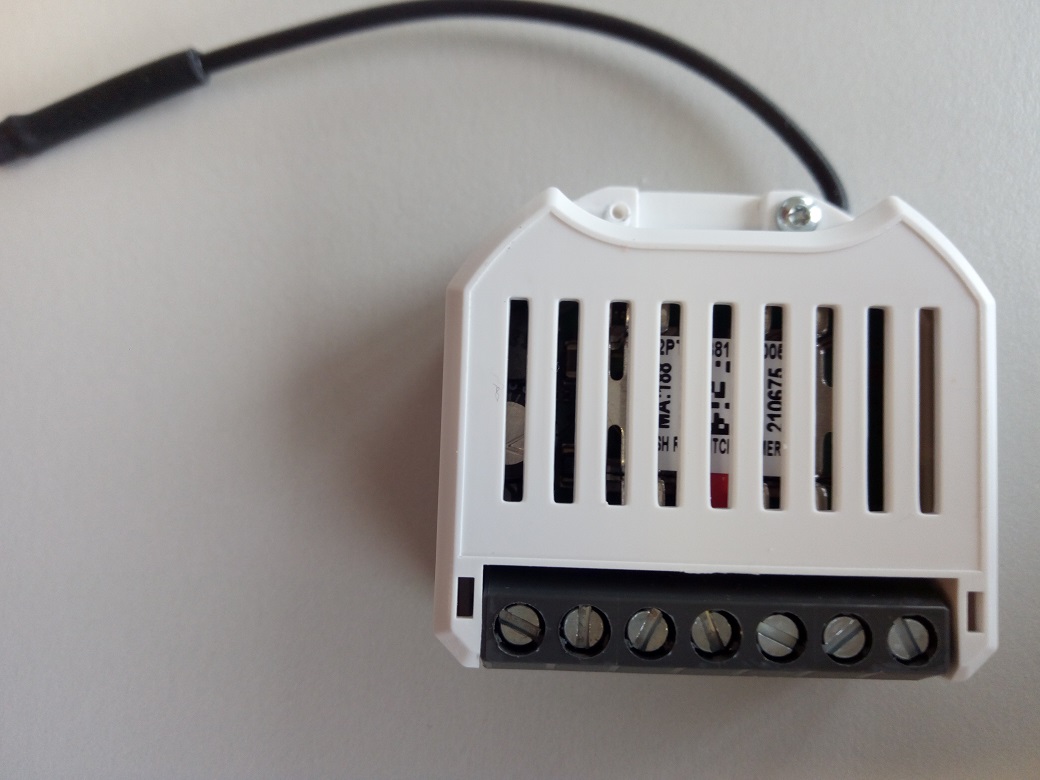
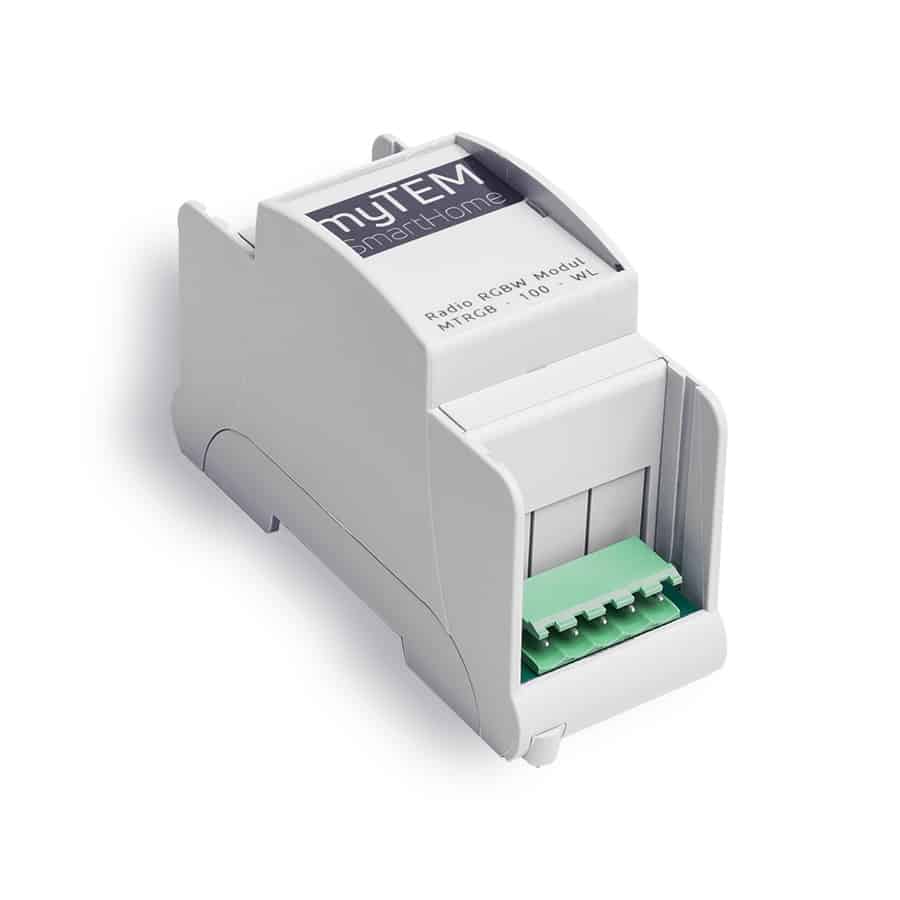
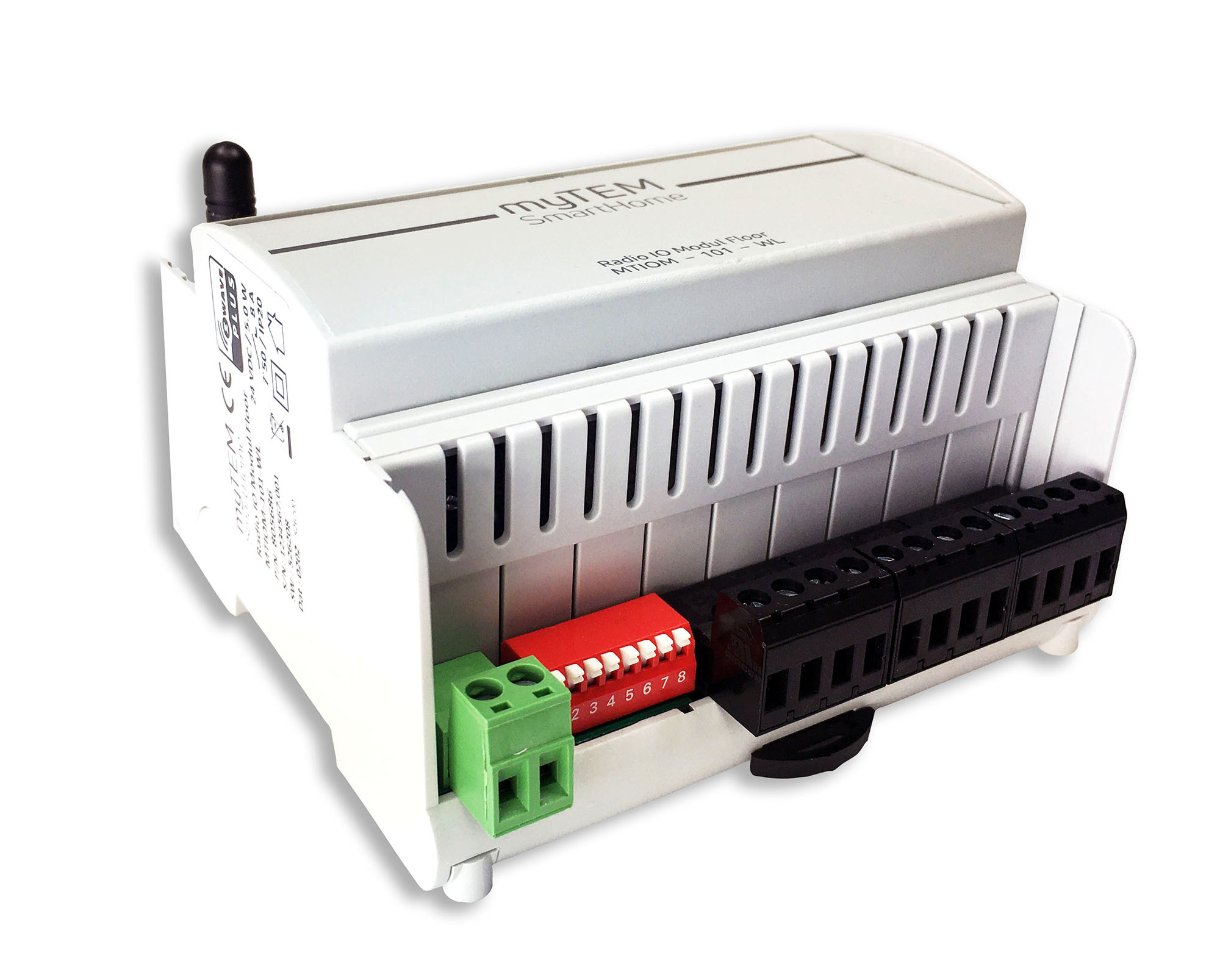
The Radio IO Modul MTIOM-100-WL is a universal, Z-Wave compatible module from myTEM for extending your smart home system with additional inputs and outputs. It is a Z-Wave device of the type Binary Switch for the use in Europe / Switzerland. Main use is for: - Switching of lights - Switching of single-phase fan motors - Switching of electric blinds or similar shading devices - Operation by means of buttons, sensors via the central server Functions: - Supply voltage 24 VDC ± 10% - Communication via Z-Wave mesh network - 6 digital inputs 24 VDC (DI1 – DI6) for e.g. external switches - 24 VDC power supply, 100 mA, for the digital inputs DI1 – DI6 (VDIout) - 4 analog inputs (AI1 – AI4), which can be used for 0-10 VDC or NTC-, PTC- or PT1000 sensors. Analog inputs can also be used as digital inputs 24 VDC. - 6 digital outputs with potential-free, relay 8 A, 250 VAC - Manual positions of the outputs via DIP switch for easy commissioning - The device is installed in a control cabinet, mounted on a 35 mm DIN rail
Want to buy adds it to your wish list and follows myTEM SmartHome for updates. I own it adds it to your collection.
The Radio IO Modul MTIOM-100-WL is a universal, Z-Wave compatible module from myTEM for extending your smart home system with additional inputs and outputs. It is a Z-Wave device of the type Binary Switch for the use in Europe / Switzerland. Main use is for: - Switching of lights - Switching of single-phase fan motors - Switching of electric blinds or similar shading devices - Operation by means of buttons, sensors via the central server Functions: - Supply voltage 24 VDC ± 10% - Communication via Z-Wave mesh network - 6 digital inputs 24 VDC (DI1 – DI6) for e.g. external switches - 24 VDC power supply, 100 mA, for the digital inputs DI1 – DI6 (VDIout) - 4 analog inputs (AI1 – AI4), which can be used for 0-10 VDC or NTC-, PTC- or PT1000 sensors. Analog inputs can also be used as digital inputs 24 VDC. - 6 digital outputs with potential-free, relay 8 A, 250 VAC - Manual positions of the outputs via DIP switch for easy commissioning - The device is installed in a control cabinet, mounted on a 35 mm DIN rail
Hardware platform
ZGM130
Short description
The Radio IO Modul MTIOM-100-WL is a universal, Z-Wave compatible module from myTEM for extending your smart home system with additional inputs and outputs.
Product identifier
MTIOM-100-WL
Countries / regions
European Union
Supports smart start
Yes
Certification number
ZC12-21020178
Radio range z wave (m)
40
Configuration parameters
Parameter Number Name Description Format Size Min Value Max Value Default Value Parameter Values 1
Supports explorer frames
Yes
Supported command classes
Identifier Name Key Version COMMAND_CLASS_CONFIGURATION_V4
Supported multilevel sensors
Multilevel Sensor Type Air temperature
Supported notification types
Notification Type Event / State Power Management
Value 6 z wave scene type value central scene association groups
Group Number Maximum Nodes Supported End Point ID Group Name Profile Description 1
From to description 1 1440 value tells at what interval [min] heartbeat will be sent 8 di 4 send enable see manual 2 2 0 2 0 from to description 0 0 notifications for di 4 are disabled 1 1 binary sensor report for di 4 is enabled 2 2 central scene report for di 4 is enabled 5 di 2 send interval [min] see manual 2 2 1 1200 50 from to description 1 1200 value tells at what interval [0.1min] notification for di 2 will we sent 7 di 3 send interval[min] see manual 2 2 1 1200 50 from to description 1 1200 value tells at what interval [0.1min] notification for di 3 will we sent 9 di 4 send interval [min] see manual 2 2 1 1200 50 from to description 1 1200 value tells at what interval [0.1min] notification for di 4 will we sent 11 di 5 send interval [min] see manual 2 2 1 1200 50 from to description 1 1200 value tells at what interval [0.1min] notification for di 5 will we sent 17 ai 1 send delta temp [k] see manual 1 2 1 100 5 from to description 1 100 value tells at what temperature difference [0.1 k]for ai 1 will be sent 23 ai 2 send delta volt [v] see manual 2 2 1 100 5 from to description 1 100 value tells at what voltage difference [0.1 v]for ai 2 will be sent 24 ai 3 send enable see manual 2 2 0 1 0 from to description 0 0 sending ai 3 values disabled 1 1 sending ai 3 values enabled 25 ai 3 sensor select see manual 2 2 0 5 0 from to description 0 0 configure ai 3 for ntc 5k ohm thermistor 1 1 configure ai 3 for ntc 10k ohm thermistor 2 2 configure ai 3 for ptc 1k ohm thermistor 3 3 configure ai 3 for pt1000 thermistor 4 4 configure ai 3 for 0 10 v sensor 5 5 configure ai 3 for digital input 3 di 1 send interval [min] see manual 2 2 1 1200 50 from to description 1 1200 value tells at what interval [0.1min] notification for di 1 will we sent 10 di 5 send enable see manual 2 2 0 2 0 from to description 1 1 binary sensor report for di 5 is enabled 0 0 notifications for di 5 are disabled 2 2 central scene report for di 5 is enabled 2 di 1 send enable see manual 2 2 0 2 0 from to description 0 0 notifications for di 1 are disabled 1 1 binary sensor report for di 1 is enabled 2 2 central scene report for di 1 is enabled 6 di 3 send enable see manual 2 2 0 2 0 from to description 0 0 notifications for di 3 are disabled 1 1 binary sensor report for di 3 is enabled 2 2 central scene report for di 3 is enabled 4 di 2 send enable see manual 2 2 0 2 0 from to description 0 0 notifications for di 2 are disabled 1 1 binary sensor report for di 2 is enabled 2 2 central scene report for di 2 is enabled 31 ai 4 send interval [min] see manual 2 2 1 1200 50 from to description 1 1200 value tells at what interval [0.1min] sensor values for ai 4 will be sent texts