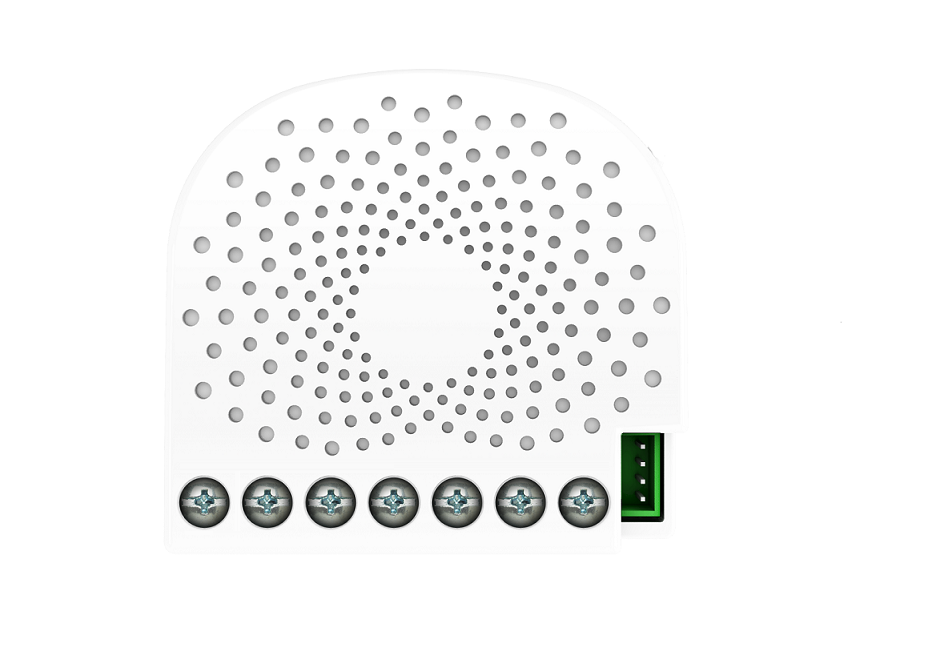
✅ Future-proofBuilt to keep working — even if the maker walks away.
It works locally over Z-Wave, so it keeps running even if Oomi shuts down the app or the servers. Nothing here ties you to a single company's survival.
Works locally over Z-Wave — keeps running without the maker's cloud
Still in production
Based on how this device connects (local vs. cloud), whether it’s still sold and supported, and its app / subscription. A guide, not a guarantee.
Connectivity
Z-Wave
Prices
No prices yet — be the first to add one.
Community tags
Be the first to tag this page — tags appear right away. Try a theme, capability, or subject (e.g. WWII, heist, slow burn, time travel, A24).
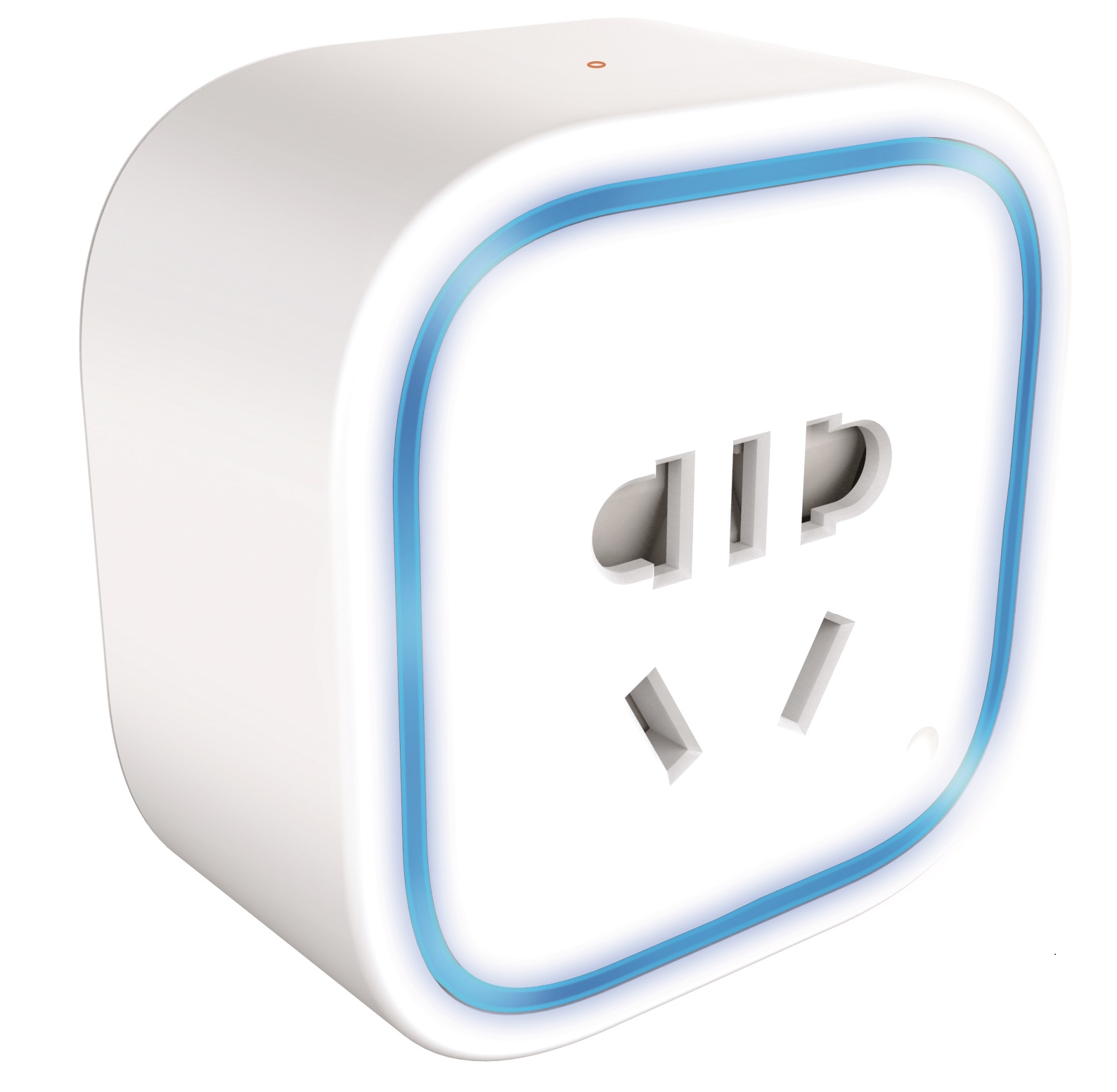
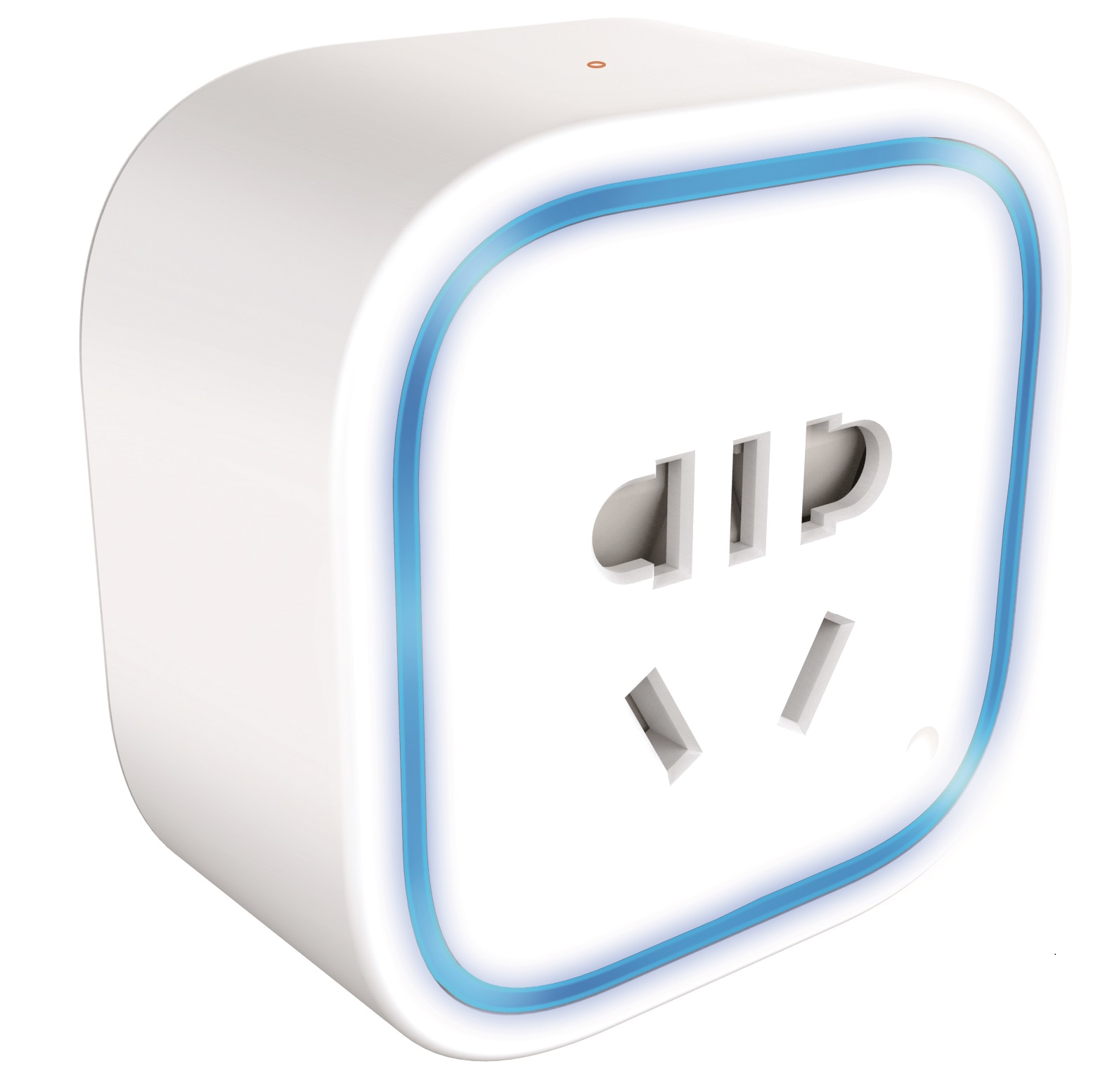
Oomi Plug is a low-cost Z-Wave Switch plug-in module specifically used to enable Z-Wave command and control (on/off) of any plug-in tool. It can report immediate wattage consumption or kWh energy usage over a period of time. In the event of power failure, non-volatile memory retains all programmed information relating to the unit’s operating status. Its surface has a Smart RGB LED, which can be used for indicating the output load status or strength of the wireless signal. You can configure its indication colour according to your favour. The Plug is also a security Z-wave device and supports Over The Air (OTA) feature for the products firmware upgrade.
Want to buy adds it to your wish list and follows Oomi for updates. I own it adds it to your collection.
Oomi Plug is a low-cost Z-Wave Switch plug-in module specifically used to enable Z-Wave command and control (on/off) of any plug-in tool. It can report immediate wattage consumption or kWh energy usage over a period of time. In the event of power failure, non-volatile memory retains all programmed information relating to the unit’s operating status. Its surface has a Smart RGB LED, which can be used for indicating the output load status or strength of the wireless signal. You can configure its indication colour according to your favour. The Plug is also a security Z-wave device and supports Over The Air (OTA) feature for the products firmware upgrade.
Hardware platform
ZM5101
Short description
Oomi Plug is a plug-in on/off switch module that also provides energy metering.
Product identifier
FT145-K19
Countries / regions
China
Certification number
ZC10-17105790
Configuration parameters
Parameter Number Name Description Format Size Min Value Max Value Default Value Parameter Values 82
Supports explorer frames
Yes
Supported command classes
Identifier Name Key Version COMMAND_CLASS_SCENE_ACTUATOR_CONF
Controlled command classes
Identifier Name Key Version COMMAND_CLASS_SWITCH_BINARY
Supported / controlled meter types
Meter Type Rate Type Description Electric meter
Value electric energy electric load type value incandescent fluorescent mlv (magnetic) elv (electronic) led dimmable led inductive (e.g. motor) firmware updatable value updatable by consumer by rf association groups
Group Number Maximum Nodes Supported End Point ID Description 1
From to description 0 59 time of off state (minute) 256 279 time of off state (hour) 65536 65595 time of on state (minute) 16777216 16777239 time of on state (hour) 90 enable/disable the parameter 91 and 92 enable/disable the parameter 91 and 92. 0 1 0 0 0 from to description 0 0 disable 1 1 enable 91 induce an automatic report the value here represents minimum change in wattage (in terms of wattage) to induce a meter report 0 2 0 0 25 from to description 0 32767 the threshold can be set from 0 to 32767 watt. 101 to set which report would be sent in report group 1 to set which report would be sent in report group 1 0 4 0 0 0 from to description 1 1 send meter report of voltage 2 2 send meter report of current 4 4 send meter report of watt 8 8 send meter report of k wh 80 to set which notification would be sent to the associated nodes in association group 1 to set which notification would be sent to the associated nodes in association group 1 when the state of output load is changed. 0 1 0 0 0 from to description 0 0 nothing 2 2 basic report cc 1 1 hail cc 102 to set which report would be sent in report group 2 to set which report would be sent in report group 2 0 4 0 0 0 from to description 1 1 send meter report of voltage 2 2 send meter report of current 4 4 send meter report of watt 8 8 send meter report of k wh 103 to set which report would be sent in report group 3 to set which report would be sent in report group 3 0 4 0 0 0 from to description 1 1 send meter report of voltage 2 2 send meter report of current 4 4 send meter report of watt 8 8 send meter report of k wh 111 set the time interval of sending report set the time interval of sending report 0 4 0 0 3 from to description 1 2147483647 interval seconds 112 set the time interval of sending report set the time interval of sending report 0 4 0 0 600 from to description 1 2147483647 interval seconds 113 set the time interval of sending report set the time interval of sending report 0 4 0 0 600 from to description 1 2147483647 interval seconds 243 pin code this parameter is used to get the pin code of plug. 0 2 0 0 0 from to description 0 65535 the available range of the pin code is 0 to 65535. 252 enable/disable configuration locked enable/disable configuration locked 0 1 0 0 0 from to description 0 0 disable 1 1 enable 255 reset the plug reset the plug to factory default. 0 4 0 0 0 from to description 1 1 reset all configuration parameters to default. 1431655765 1431655765 reset the plug to factory default 81 configure the state of led configure the state of led when it is in energy mode, momentary indicate mode or night light mode. 0 1 0 0 0 from to description 0 0 energy mode. the led will follow the status (on/off). 1 1 momentary indicate mode. when the state of switch’s load changed, the led will follow the status (on/off) of its load, but the led will turn off after 5 seconds if there is no any switch action. 2 2 night light mode. the led will remain the state that is set via the multilevel switch set cc or color switch set cc. 3 current overload protection. current overload protection. output load will be closed after 2 minutes if the current overruns (us: 16.5 a, au: 10.5 a, eu: 14 a). 0 1 0 0 1 from to description 0 0 disabled 1 1 enabled 92 induce an automatic report the value here represents minimum change in wattage percent (in terms of percentage) to induce a meter report 0 1 0 0 5 from to description 0 100 the threshold can be set from 0 to 100%. texts