✅ Future-proofBuilt to keep working — even if the maker walks away.
It works locally over Z-Wave, so it keeps running even if Swidget shuts down the app or the servers. Nothing here ties you to a single company's survival.
Works locally over Z-Wave — keeps running without the maker's cloud
Still in production
Based on how this device connects (local vs. cloud), whether it’s still sold and supported, and its app / subscription. A guide, not a guarantee.
Connectivity
Z-Wave
Prices
No prices yet — be the first to add one.
Community tags
Be the first to tag this page — tags appear right away. Try a theme, capability, or subject (e.g. WWII, heist, slow burn, time travel, A24).
Community photos
Photos from members
No member photos yet.
Reviews
What members say
Sign in to rate Z-Wave Power Control Insert and share a photo.
No reviews yet.
Community
Be the first to start a thread about Z-Wave Power Control Insert
Threads post into the Swidget community forum.
Sign in to start a thread in the Swidget community.
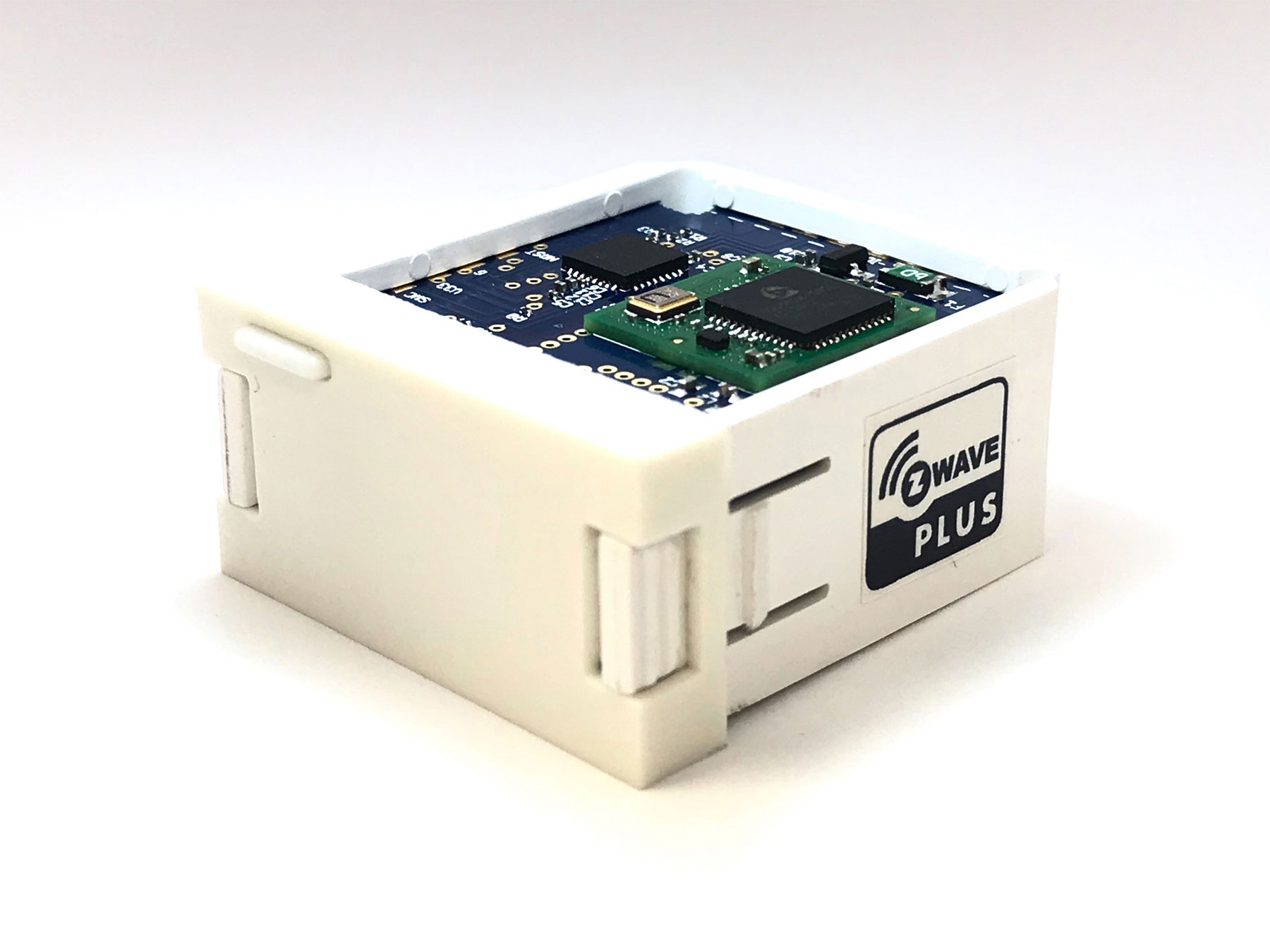
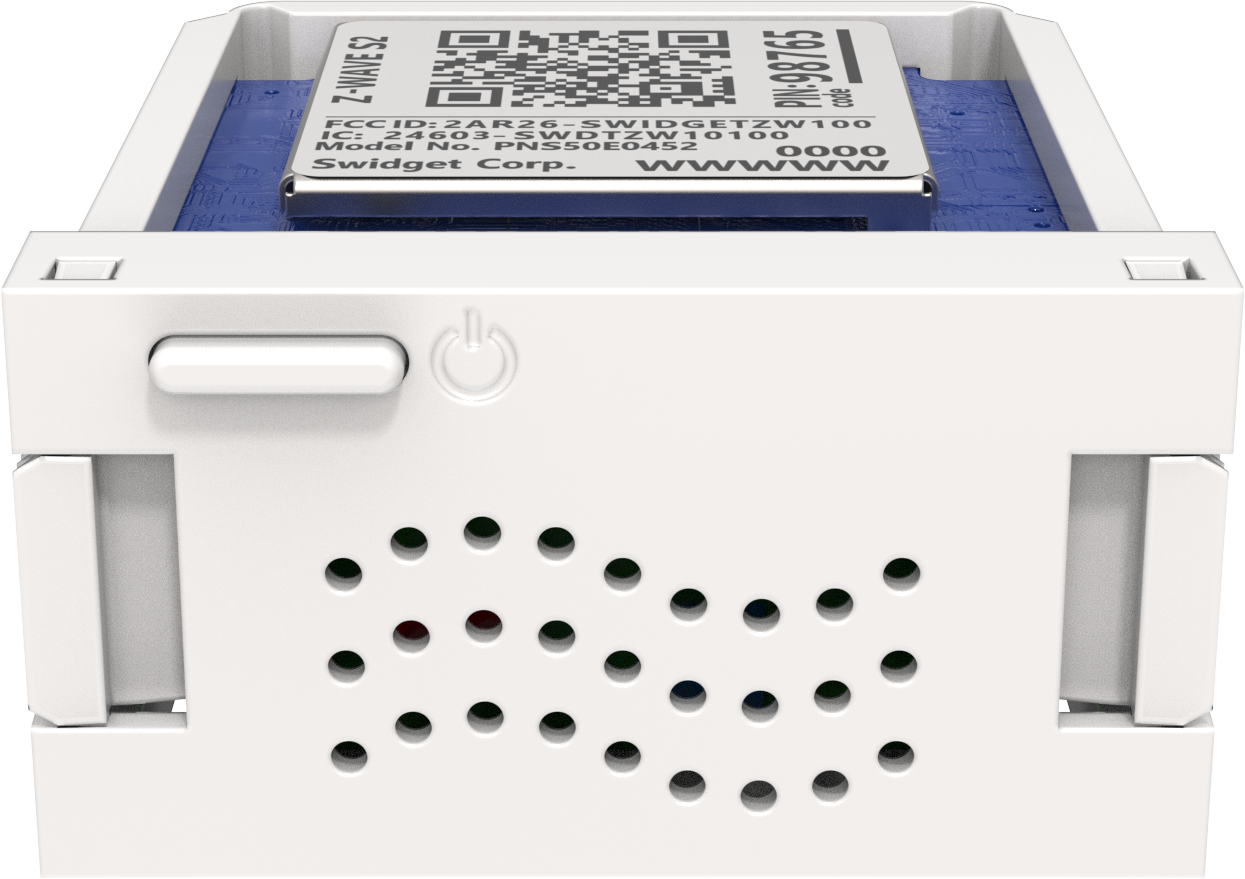
The Swidget Z-Wave Insert can control your appliances, lights, or whole home when paired with a Swidget Outlet. The user can wirelessly connect to any compatible Z-Wave hub or device to control one outlet and independently monitor power consumption of both outlets. Easily installed, the Swidget Outlet functions like an ordinary outlet with the ability to add Smart Home functionality, like the Z-Wave Control, through the center cavity. Once connected to a compatible Z-Wave hub, this Z-Wave Control Insert contains the smarts to schedule your devices to turn on/off at a specified time, event or activity. If supported by your hub, it can send you notifications when a plugged-in device turns on/off like your sump pump or garage door opener, and it can display power consumption of both outlets to save you money and power over time. Features: One controlled AC receptacle Remote ON/OFF control via Z-Wave Controller/Hub Manual ON/OFF of controlled receptacle via front panel push button One always on AC receptacle Independent power monitoring of both AC receptacles Swidget Z-Wave Device detected as: o Meter (always ON receptacle) o Switch + Meter “CONTROLLED” receptacle
Want to buy adds it to your wish list and follows Swidget for updates. I own it adds it to your collection.
The Swidget Z-Wave Insert can control your appliances, lights, or whole home when paired with a Swidget Outlet. The user can wirelessly connect to any compatible Z-Wave hub or device to control one outlet and independently monitor power consumption of both outlets. Easily installed, the Swidget Outlet functions like an ordinary outlet with the ability to add Smart Home functionality, like the Z-Wave Control, through the center cavity. Once connected to a compatible Z-Wave hub, this Z-Wave Control Insert contains the smarts to schedule your devices to turn on/off at a specified time, event or activity. If supported by your hub, it can send you notifications when a plugged-in device turns on/off like your sump pump or garage door opener, and it can display power consumption of both outlets to save you money and power over time. Features: One controlled AC receptacle Remote ON/OFF control via Z-Wave Controller/Hub Manual ON/OFF of controlled receptacle via front panel push button One always on AC receptacle Independent power monitoring of both AC receptacles Swidget Z-Wave Device detected as: o Meter (always ON receptacle) o Switch + Meter “CONTROLLED” receptacle
Hardware platform
ZM5202
Short description
Swidget Z-Wave Insert can control your appliances, lights, and more when paired with a Swidget Outlet. Wirelessly control one outlet and monitor power of both.
Product identifier
ZW000RWA
Countries / regions
United States of America
Certification number
ZC10-18126328
Supports explorer frames
Yes
Supported command classes
Identifier Name Key Version COMMAND_CLASS_POWERLEVEL
Supported / controlled meter types
Meter Type Rate Type Description Electric meter
Value white supported meter type value electric energy association groups
Group Number Maximum Nodes Supported End Point ID Description 1