✅ Future-proofBuilt to keep working — even if the maker walks away.
It works locally over Z-Wave, so it keeps running even if TechniSat shuts down the app or the servers. Nothing here ties you to a single company's survival.
Works locally over Z-Wave — keeps running without the maker's cloud
Still in production
Based on how this device connects (local vs. cloud), whether it’s still sold and supported, and its app / subscription. A guide, not a guarantee.
Connectivity
Z-Wave
Prices
No prices yet — be the first to add one.
Community tags
Be the first to tag this page — tags appear right away. Try a theme, capability, or subject (e.g. WWII, heist, slow burn, time travel, A24).
Be the first to start a thread about Single-Switch
Threads post into the TechniSat community forum.
Sign in to start a thread in the TechniSat community.
Edit history
Loading edit history…
Certified
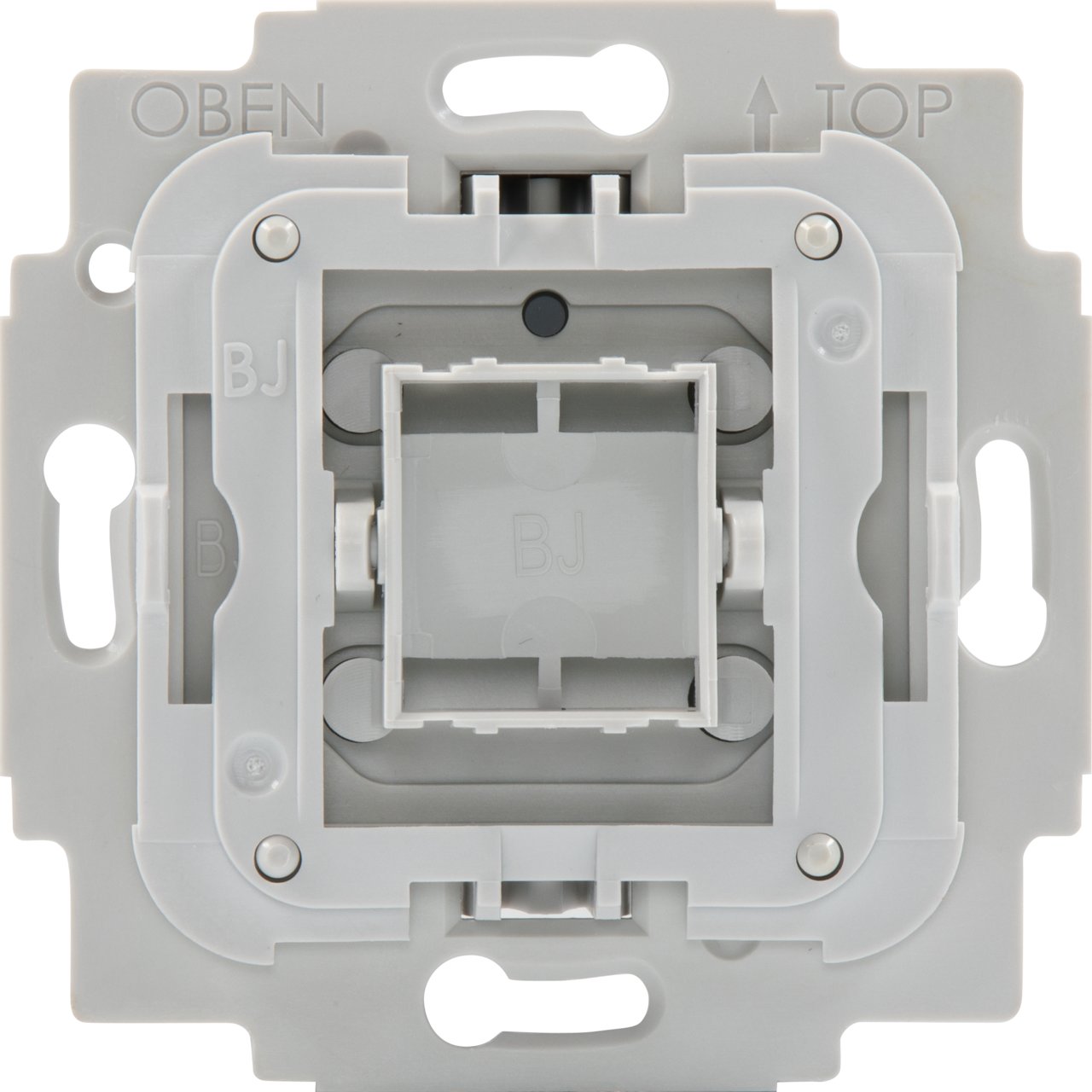
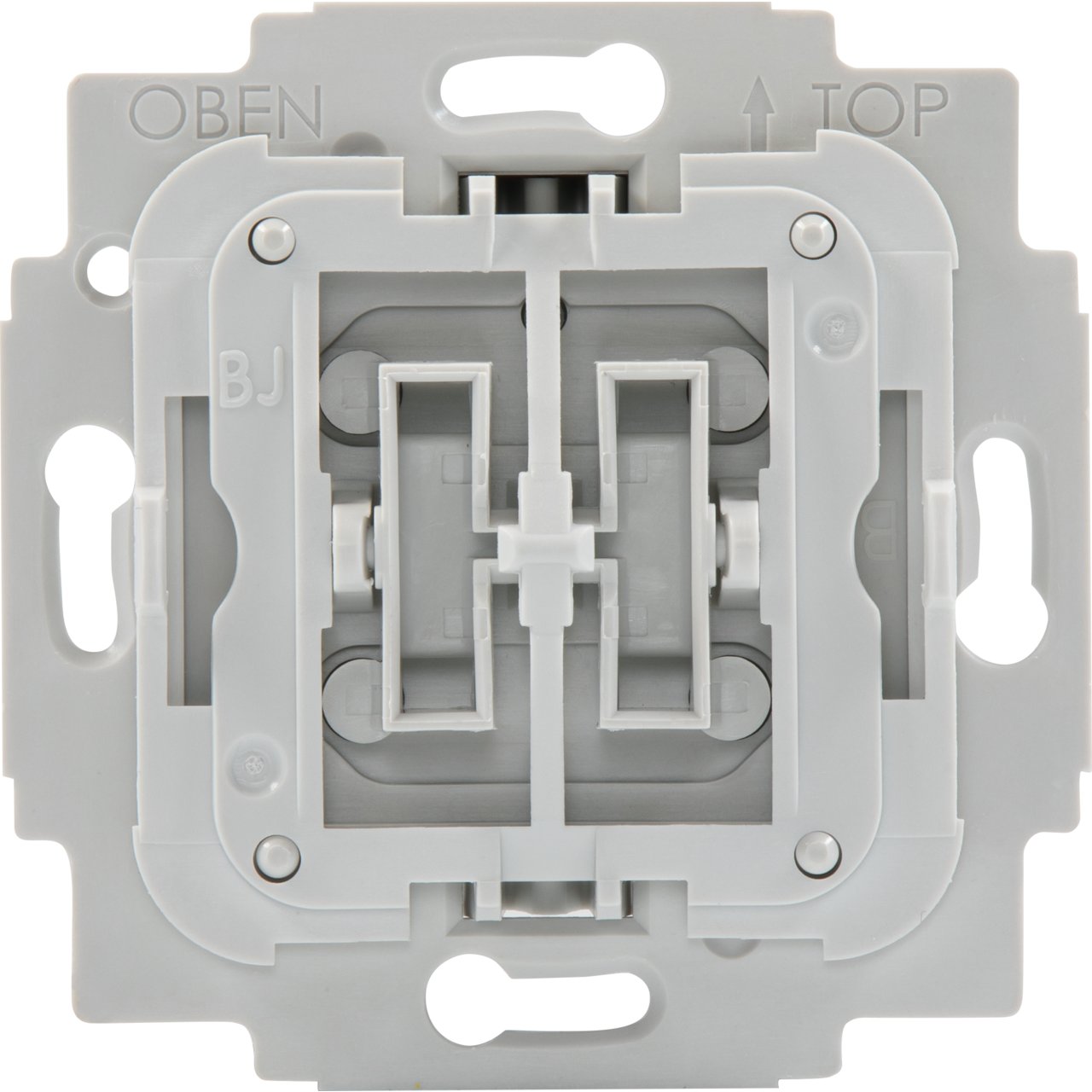
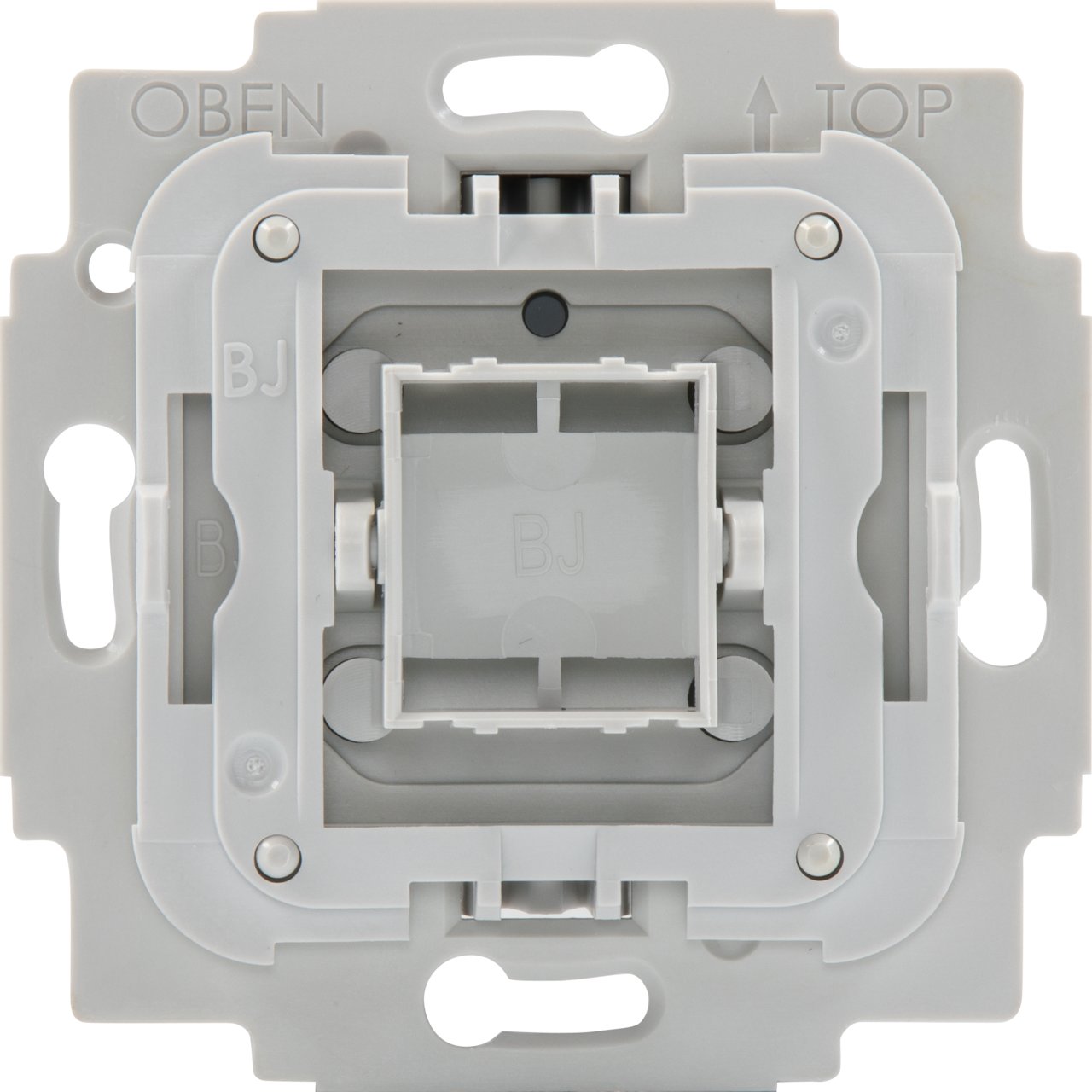
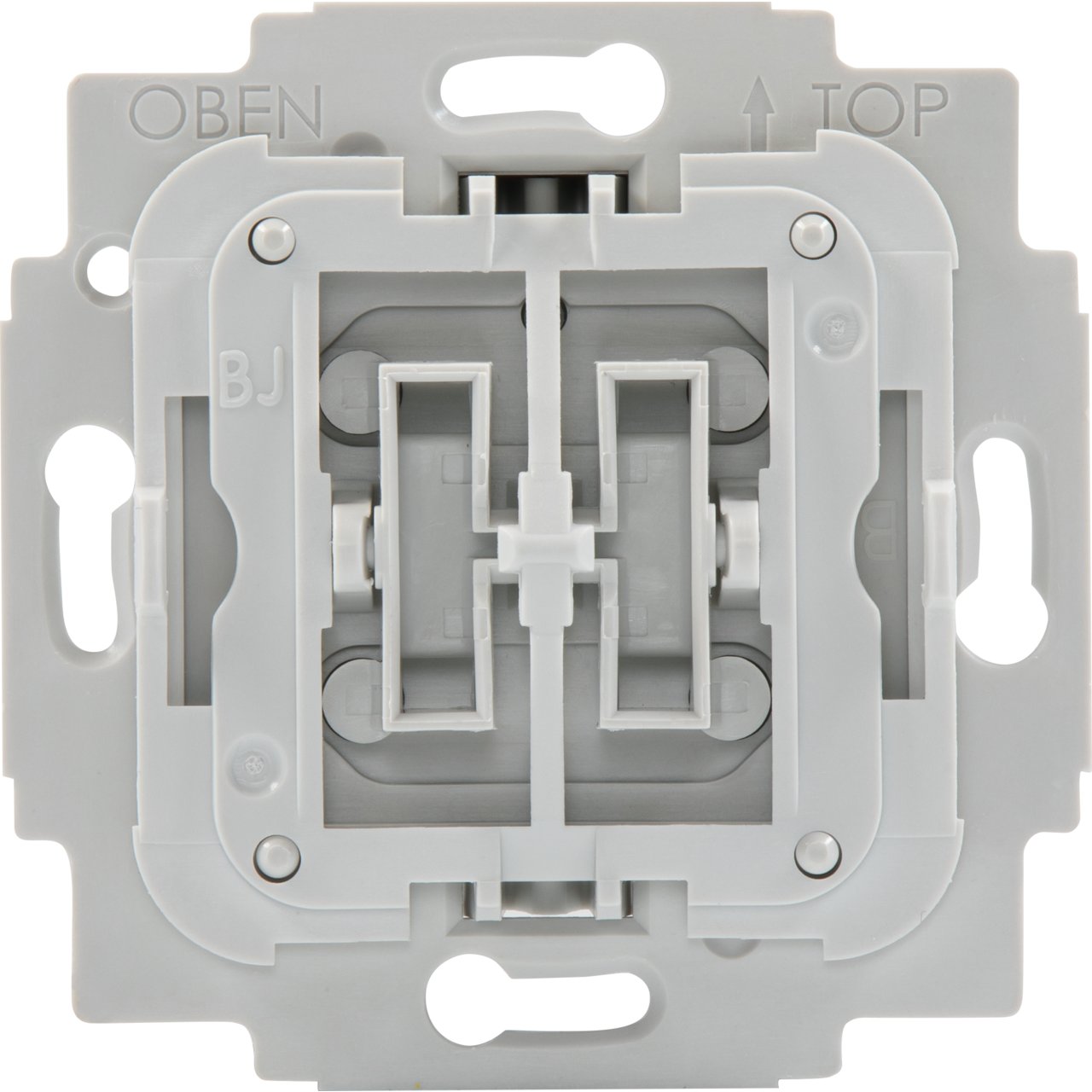
Designed as a drop-in replacement for your single wall switch from leading brand manufacturers, TechniSat's Single-Switch integrates your wall switch into the Smart Home future. Featuring Z-Wave SmartStart and S2 security for easy installation and secure operation, your wall switch can now be controlled from your Smart Home as well. ● Full manual operation ● can trigger central scenes via multiple button clicks ● Integrated 230 V auxiliary input for push buttons or toggle switch types, applicable in alternating switching and or intermediate switching circuits ● Short circuit and overload protection monitoring
Want to buy adds it to your wish list and follows TechniSat for updates. I own it adds it to your collection.
Designed as a drop-in replacement for your single wall switch from leading brand manufacturers, TechniSat's Single-Switch integrates your wall switch into the Smart Home future. Featuring Z-Wave SmartStart and S2 security for easy installation and secure operation, your wall switch can now be controlled from your Smart Home as well. ● Full manual operation ● can trigger central scenes via multiple button clicks ● Integrated 230 V auxiliary input for push buttons or toggle switch types, applicable in alternating switching and or intermediate switching circuits ● Short circuit and overload protection monitoring
Hardware platform
ZM5101
Short description
The smart wall mounted single switch is suitable for switching a light source within a Z-Wave network can also switch by hand operation. The device is compatible with many single switches from leading brand manufacturers.
Product identifier
0x00/9499
Countries / regions
European Union
Supports smart start
Yes
Certification number
ZC10-19126808
Radio range z wave (m)
40
Configuration parameters
Parameter Number Name Description Format Size Min Value Max Value Default Value Parameter Values 2
Supports explorer frames
Yes
Supported command classes
Identifier Name Key Version COMMAND_CLASS_FIRMWARE_UPDATE_MD_V4
Controlled command classes
Identifier Name Key Version COMMAND_CLASS_BASIC_V2
Supported notification types
Notification Type Event / State Power Management
Supported / controlled meter types
Meter Type Rate Type Description Electric meter
Value updatable by consumer by rf association groups
Group Number Maximum Nodes Supported End Point ID Group Name Profile Description 2
From to description 0 0 disable unsolicited meter reports of current wattage. 3 8640 interval of unsolicited reports in 10s increments (30 seconds 1 day) 4 parameter 4 operations mode for push buttons controlling the output. 1 1 0 1 0 from to description 0 0 in this mode the top button will turn the output on, while the bottom button will turn the output off. 1 1 in this mode any button press will toggle the output when on it will be turned off, when off it will be turned on. 3 parameter 3 interval of active energy meter reports in minutes. 1 2 0 30240 60 from to description 0 0 disable unsolicited meter reports of active energy. 10 30240 interval of unsolicited reports in minutes (10 minutes 3 weeks) 1 parameter 1 enable/disable central scene notifications for 2x 5x button presses 1 1 0 1 1 from to description 0 1 setting this parameter to 0 will disable central scene notifications for multiple (2x 5x button presses). 6 parameter 6 central scene mapping of extension input s. 1 1 1 3 1 from to description 1 1 multiple button presses (2x 5x) on extension input s will trigger events of central scene 1. 2 2 multiple button presses (2x 5x) on extension input s will trigger events of central scene 2. 3 3 multiple button presses (2x 5x) on extension input s will trigger events of central scene 3 an additional central scene exclusive to extension input s. 5 parameter 5 configuration of switch type connected to extension input s. 1 1 0 1 0 from to description 1 1 use this value if a push button switch is connected to extension input s. 0 0 use this value if a toggle switch is connected to extension input s. texts