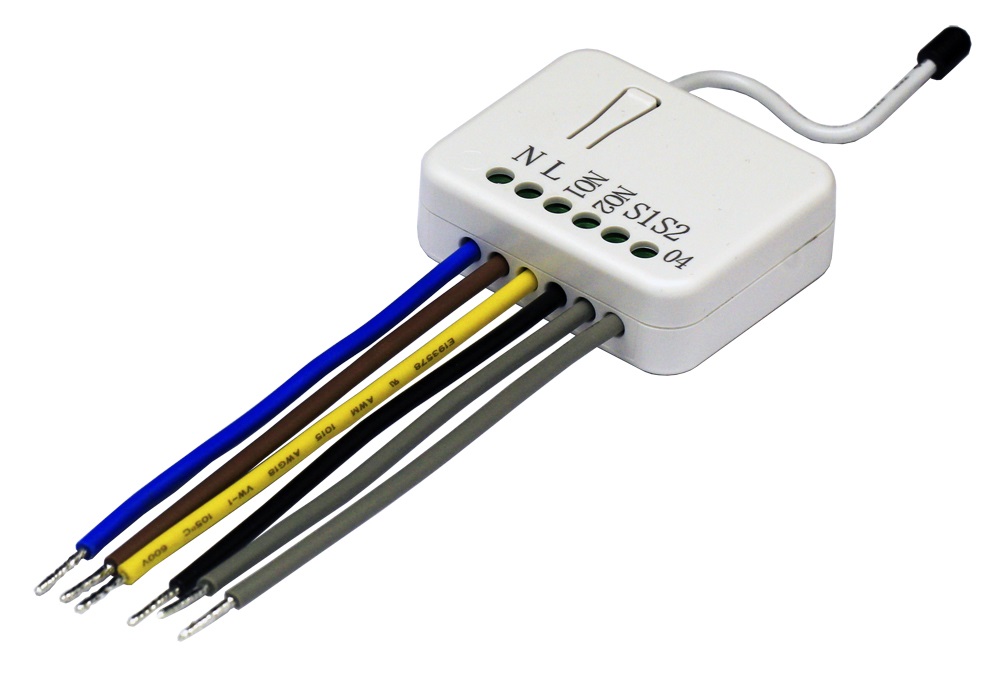
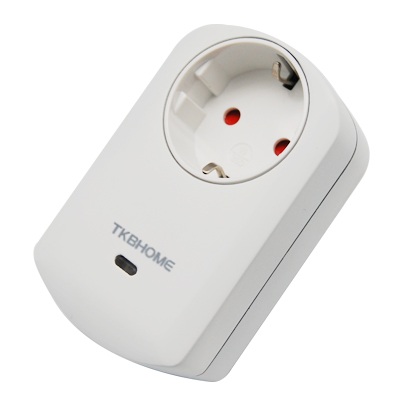
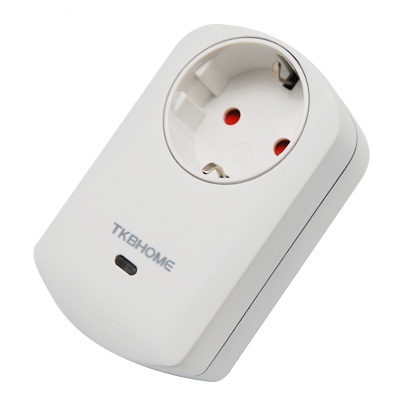
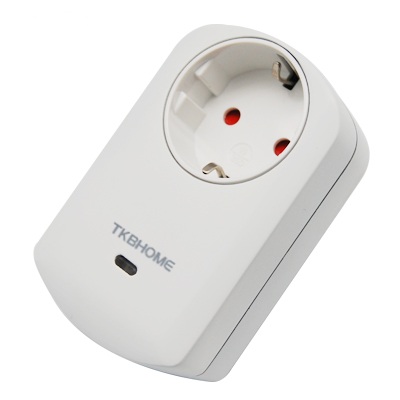
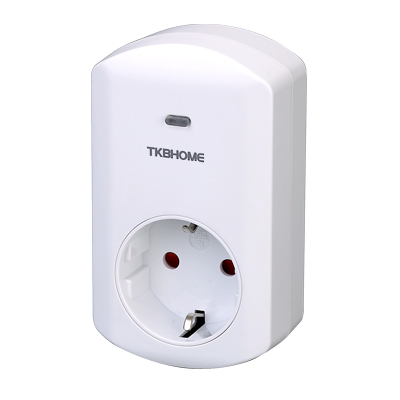
This in-wall dual relay switch module is a transceiver which is a Z-Wave PlusTM enabled device and is fully compatible with any Z-WaveTM enabled network. Mini size design let the module can easily hide itself into the wall box and that will be good for the house decoration. This in-wall switch module is able to detect Instant power wattage and overload current (7.5A with resistive load) of connected light or appliances. When detecting overload state, the Module will be disabled and its On/Off button will be lockout of which LED will flash quickly. However, disconnect and re-connect the Module will reset its overload condition to normal status. Adding to Z-WaveTM Network In the front casing, there is an on/off button with LED indicator below which is used to toggle switch on and off or carry out inclusion, exclusion, reset or association. When first power is applied, its LED flashes on and off alternately and repeatedly at 0.5 second intervals. It implies that it has not been assigned a node ID and start auto inclusion. Auto Inclusion The function of auto inclusion will be executed as long as the in wall switch does not have Node ID and just connect the switch to main power. Note: Auto inclusion timeout is 2 minute during which the node information of explorer frame will be emitted once every several seconds. Unlike “inclusion” function as shown in the table below, the execution of auto inclusion is free from pressing the On/Off button on the Switch.
Long descriptionThis in-wall dual relay switch module is a transceiver which is a Z-Wave PlusTM enabled device and is fully compatible with any Z-WaveTM enabled network. Mini size design let the module can easily hide itself into the wall box and that will be good for the house decoration. This in-wall switch module is able to detect Instant power wattage and overload current (7.5A with resistive load) of connected light or appliances. When detecting overload state, the Module will be disabled and its On/Off button will be lockout of which LED will flash quickly. However, disconnect and re-connect the Module will reset its overload condition to normal status. Adding to Z-WaveTM Network In the front casing, there is an on/off button with LED indicator below which is used to toggle switch on and off or carry out inclusion, exclusion, reset or association. When first power is applied, its LED flashes on and off alternately and repeatedly at 0.5 second intervals. It implies that it has not been assigned a node ID and start auto inclusion. Auto Inclusion The function of auto inclusion will be executed as long as the in wall switch does not have Node ID and just connect the switch to main power. Note: Auto inclusion timeout is 2 minute during which the node information of explorer frame will be emitted once every several seconds. Unlike “inclusion” function as shown in the table below, the execution of auto inclusion is free from pressing the On/Off button on the Switch. From to description 1 32767 720*5s=3600s=1 hour 2 kwh meter report period if the setting is configured for 1hour (set value =6), the tz04 will report its accumulated power consumption (kw/h) every 1 hour to the node of correspond group. the maximum interval to report its accumulated power consumption (kw/h) is 227.55 days (10min*32767/1440=227.55 days). 0 2 0 0 6 from to description 1 32767 6*10min= 1 hour 3 selected relay if controller not using multi channel command class to access the relay of tz04, you may configure the select value to react the basic command class、binary switch command class or meter command class v3. 0 1 0 0 3 from to description 1 1 1:relay1 2 2 2:relay2 3 3 3:relay1 & relay2 4 edge and pulse mode manual switch s1 and s2 can set to edge mode or pulse mode or edge toggle mode, default value is edge mode. 0 1 0 0 1 from to description 1 1 1:edge mode 2 2 2:pulse mode 3 3 3:edge toggle mode 5 threshold of current for load caution this is a warning when the current of load over the preset threshold value, if the setting value is 750, when the load current of relay1 or relay2 over this value, tz04 will send current meter report to the node of correspond group, the range of the setting value is from 10 to 750, and the default value is 750. 0 2 0 0 750 from to description 10 750 750*0.01 a = 7.5 a 6 threshold of kwh for load caution this is a warning when the kwh of load over the preset threshold value, if the setting value is 10000, when the accumulated power consumption of relay1 or relay2 over this value, tz04 will send kwh meter report command to the node of correspond group, minimum value is 1 kwh and default value is 10000 k wh. 0 2 0 0 10000 from to description 1 10000 10000*1 kwh = 10000 kwh 7 restore switch state mode whenever the ac power return from lost, tz04 will restore the switch state which could be switch off、last switch state、switch on. the default setting is last switch state. 0 1 0 0 1 from to description 0 0 0 : switch off 1 1 1 : last switch state 2 2 2 : switch on 8 auto off timer whenever tz04 switches to on, the auto off timer begin to count down. after the timer decrease to zero, it will switch off automatically. however if auto off timer is set as 0, the auto off function will be disabled. the default setting is 0. 0 2 0 0 0 from to description 0 0 0 : disable auto off function 1 32767 1 0x7 fff : 1s ~ 32767s 9 rf off command mode whenever a switch off command, basic set、binary switch set、switch all off, is received, it could be interpreted as 4 kinds of commands. 1. switch off : it switches to off state. the default setting is switch off. 2. ignore : the switch off command will be ignored. 3. switch toggle : it switches to the inverse of current state. 4. switch on : it switches to on state. 0 1 0 0 0 from to description 0 0 0 : switch off 1 1 1 : ignore 2 2 2 : switch toggle 3 3 3 : switch on 10 existence of endpoint3 multi channel command is a good way to control relay1 and relay2 of tz04 individually. the endpoint3 of tz04 is related to both relay1 and relay2. in some condition it becomes redundant in multi channel command class. when the existence of endpoint3 is set as 2, the endpoint3 will be disabled. the default value is 1. endpoint1 and endpoint2 are fixed, only endpoint3 is dynamic. 0 1 0 0 1 from to description 1 1 1 : endpoint3 exist 2 2 2 : no endpoint3 textsID Description Value 2