✅ Future-proofBuilt to keep working — even if the maker walks away.
It works locally over Z-Wave, so it keeps running even if Vivint shuts down the app or the servers. One thing to note: some features need a cloud subscription — the basics still work locally.
Works locally over Z-Wave — keeps running without the maker's cloud
Still in production
Some features need a cloud subscription — the basics still work locally
Based on how this device connects (local vs. cloud), whether it’s still sold and supported, and its app / subscription. A guide, not a guarantee.
Connectivity
Z-Wave
Community tags
Be the first to tag this page — tags appear right away. Try a theme, capability, or subject (e.g. WWII, heist, slow burn, time travel, A24).
Community photos
Photos from members
No member photos yet.
Reviews
What members say
Sign in to rate Z-Wave Secondary Keypad and share a photo.
No reviews yet.
Community
Be the first to start a thread about Z-Wave Secondary Keypad
Threads post into the Vivint community forum.
Sign in to start a thread in the Vivint community.
Edit history
Loading edit history…
Certified
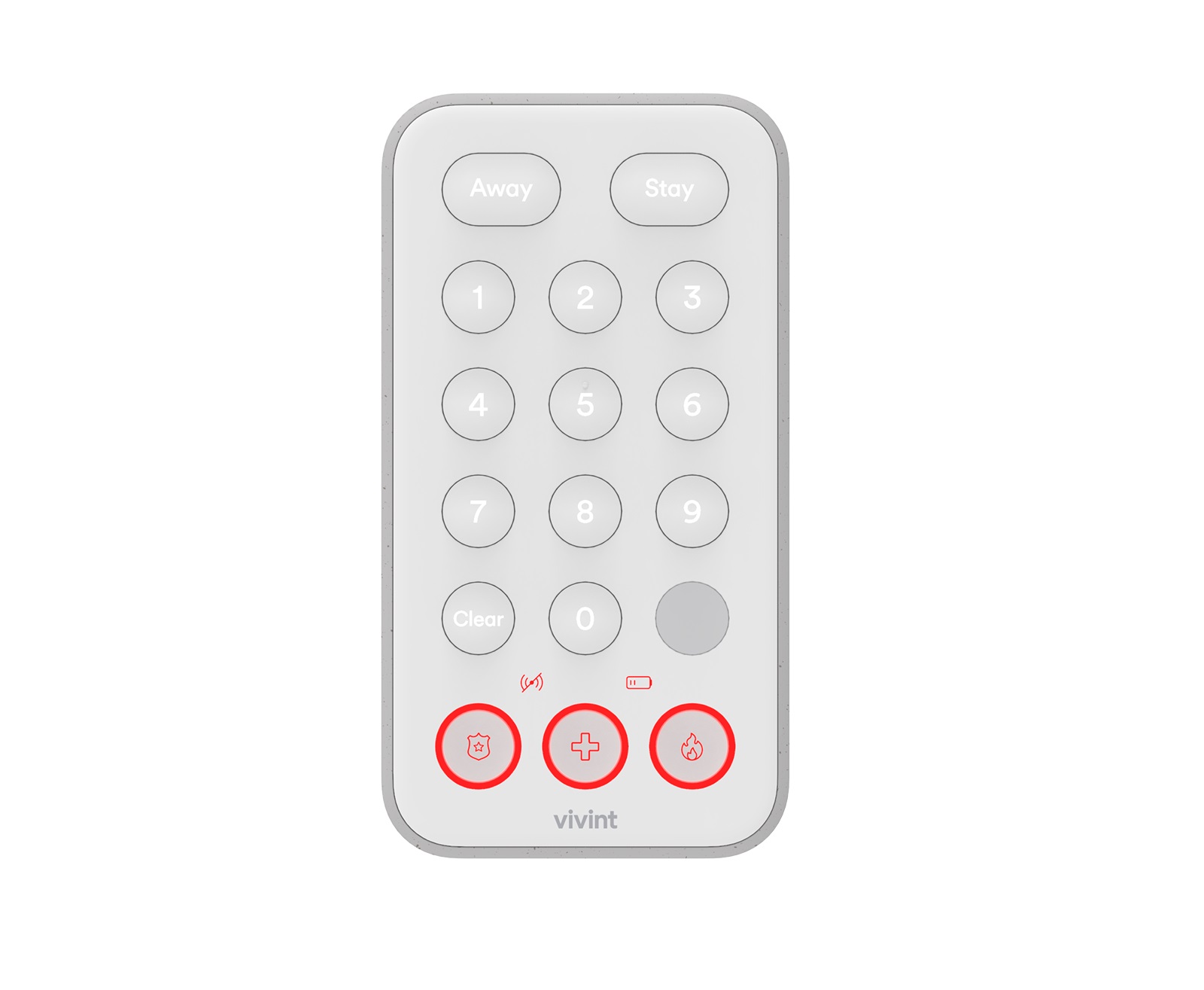
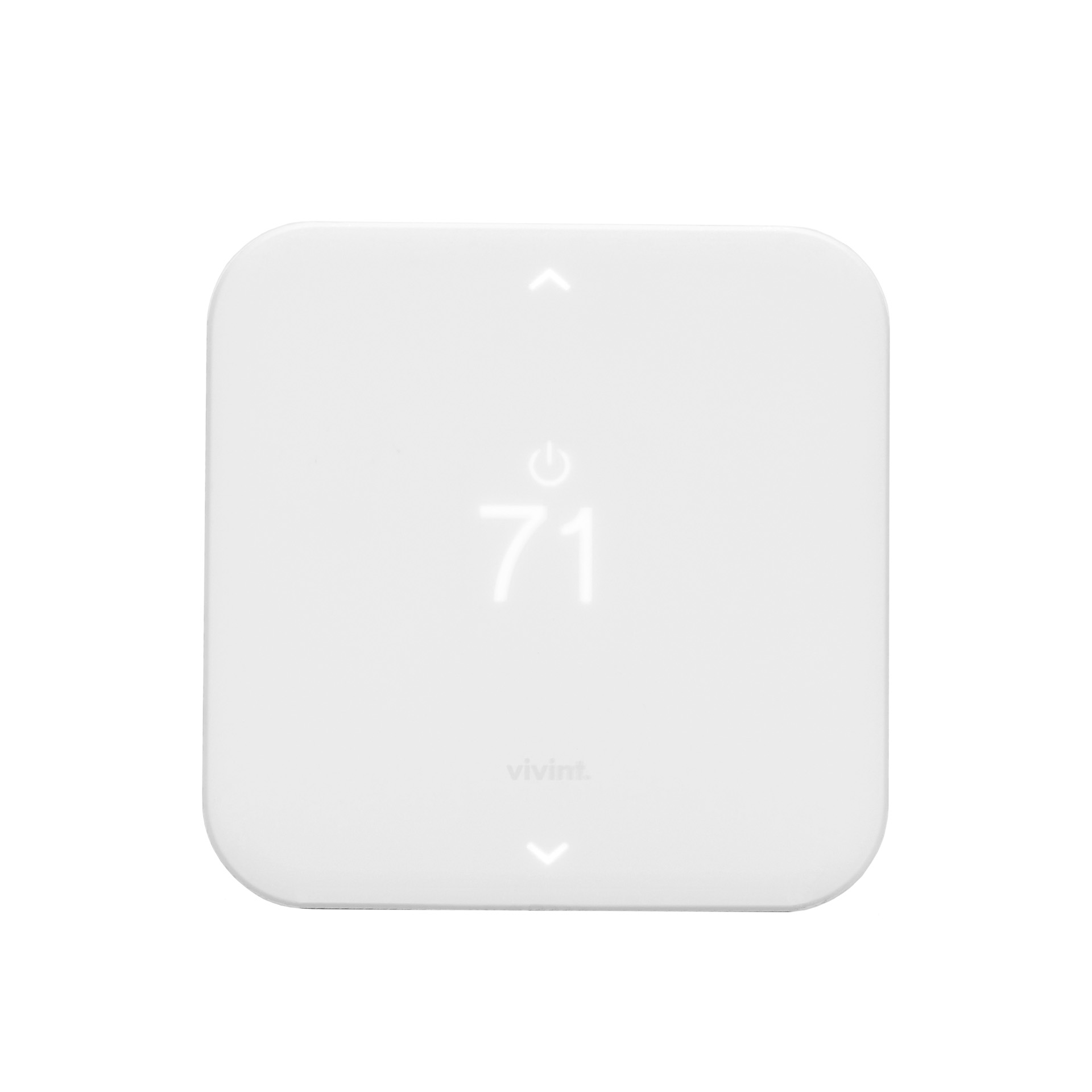
The Vivint Keypad is a wireless Z-Wave control device that provides remote access to the security features for a Vivint Smart Home™ system, including enabling and disabling both the Arm Away and Arm Stay security modes. The keypad can also be used to transmit a signal to Vivint Monitoring for fire, panic, and general emergency conditions such as a home intrusion.The keypad has an easy-to-use interface with identified and illuminated buttons, as well as indicator icons that show when the device is offline, or battery power is low. It also displays security system status with a downcast light.
Want to buy adds it to your wish list and follows Vivint for updates. I own it adds it to your collection.
The Vivint Keypad is a wireless Z-Wave control device that provides remote access to the security features for a Vivint Smart Home™ system, including enabling and disabling both the Arm Away and Arm Stay security modes. The keypad can also be used to transmit a signal to Vivint Monitoring for fire, panic, and general emergency conditions such as a home intrusion.The keypad has an easy-to-use interface with identified and illuminated buttons, as well as indicator icons that show when the device is offline, or battery power is low. It also displays security system status with a downcast light.
Hardware platform
ZGM130
Short description
The Vivint Keypad is a wireless Z-Wave control device that provides remote access to the security features for a Vivint Smart Home™ system, including enabling and disabling both the Arm Away and Arm Stay security modes.
Product identifier
M/N: KP01
Countries / regions
United States of America
Supports smart start
Yes
Certification number
ZC12-21030206
Radio range z wave (m)
40
Configuration parameters
Parameter Number Name Description Format Size Min Value Max Value Default Value Parameter Values Flag Advanced 2
Supports explorer frames
Yes
Supported command classes
Identifier Name Key Version COMMAND_CLASS_ENTRY_CONTROL
Supported notification types
Notification Type Event / State Home Security
Value white battery quantity value 4 battery type value aa alkaline association groups
Group Number Maximum Nodes Supported End Point ID Group Name Profile Description 1
From to description 0 0 disable sound/buzzer 1 0 enable sound/buzzer 1 motion detector whether or not motion detector is enabled. 1: enabled (default) / 0: disabled. 3 1 0 1 1 from to description 0 0 disable motion detector 1 0 enabling motion detector 4 application level retries number of attempts on top of the stack level retries to try to reach the controller/hub with z wave messages. 2 1 0 10 3 from to description 0 10 how many retries device does to reach controller/hub yes 5 battery poll timer amount of time in minutes between timed battery checks. 2 2 5 1440 70 from to description 5 1140 the amount of time in minute between timed battery checks. yes 3 down cast light enable the down cast light. 1: enabled (default) / 0: disabled. 3 1 0 1 1 from to description 0 0 disable down cast lighting 1 0 enable down cast lighting texts