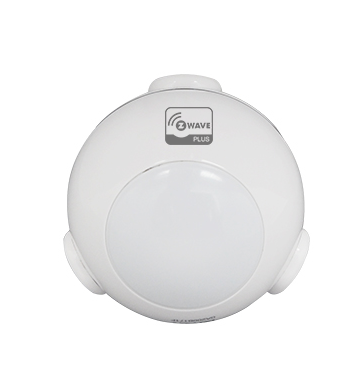
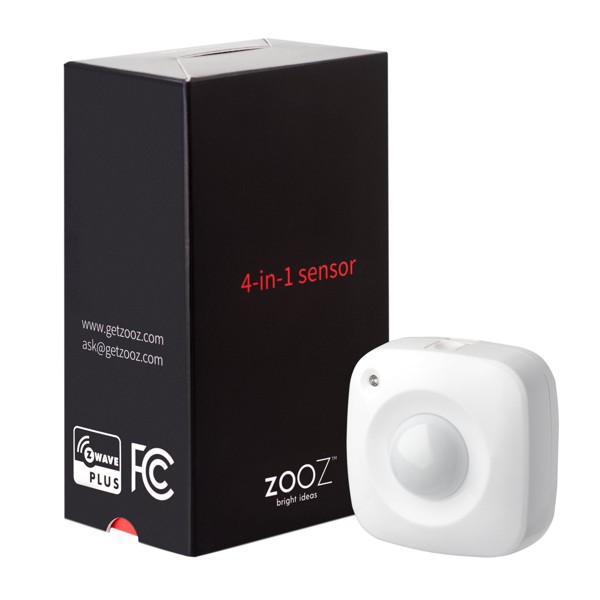
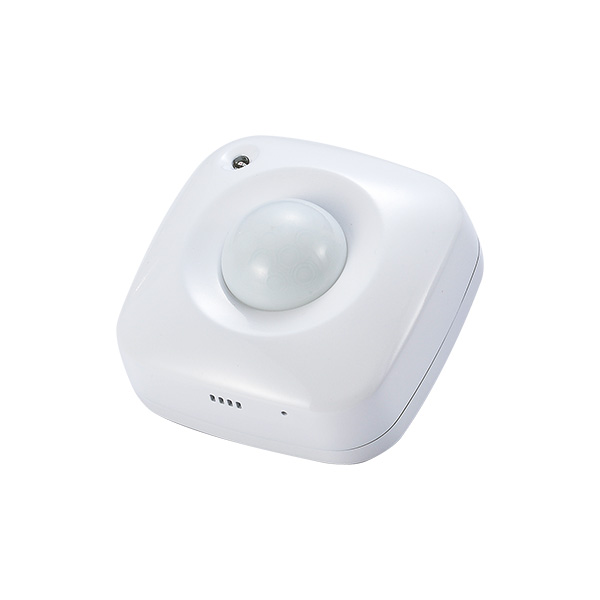
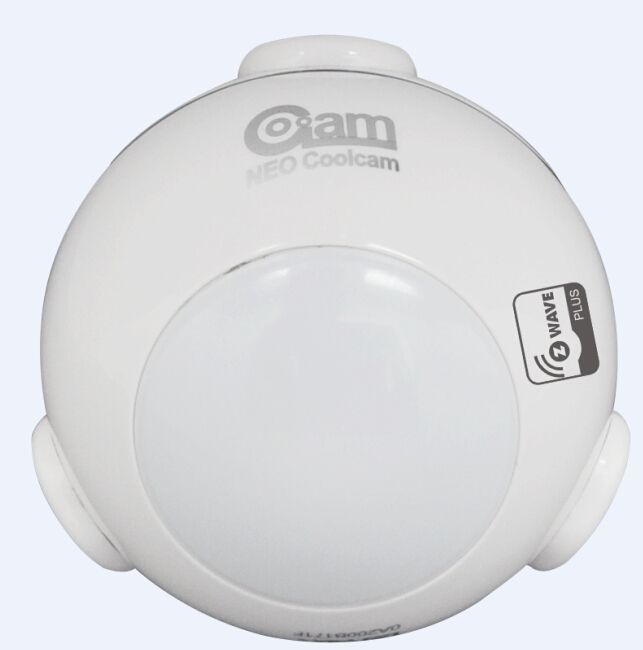
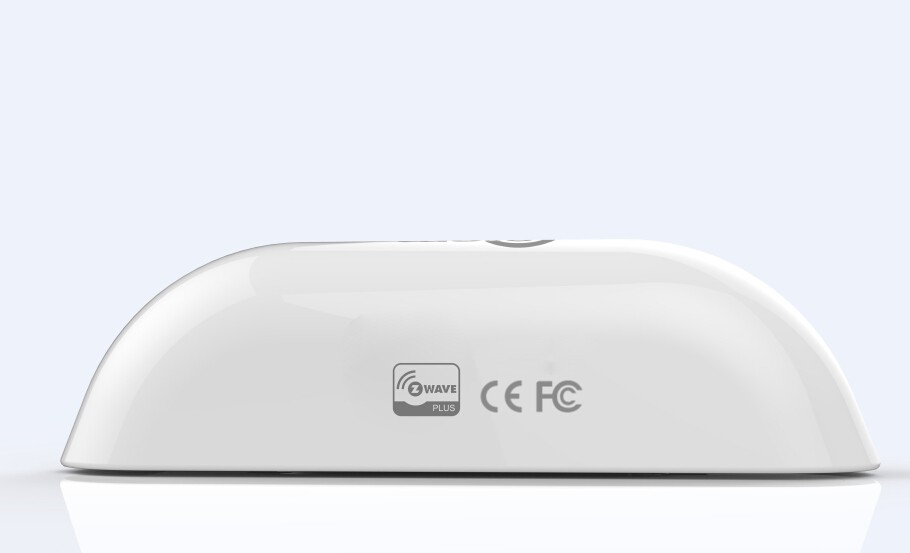
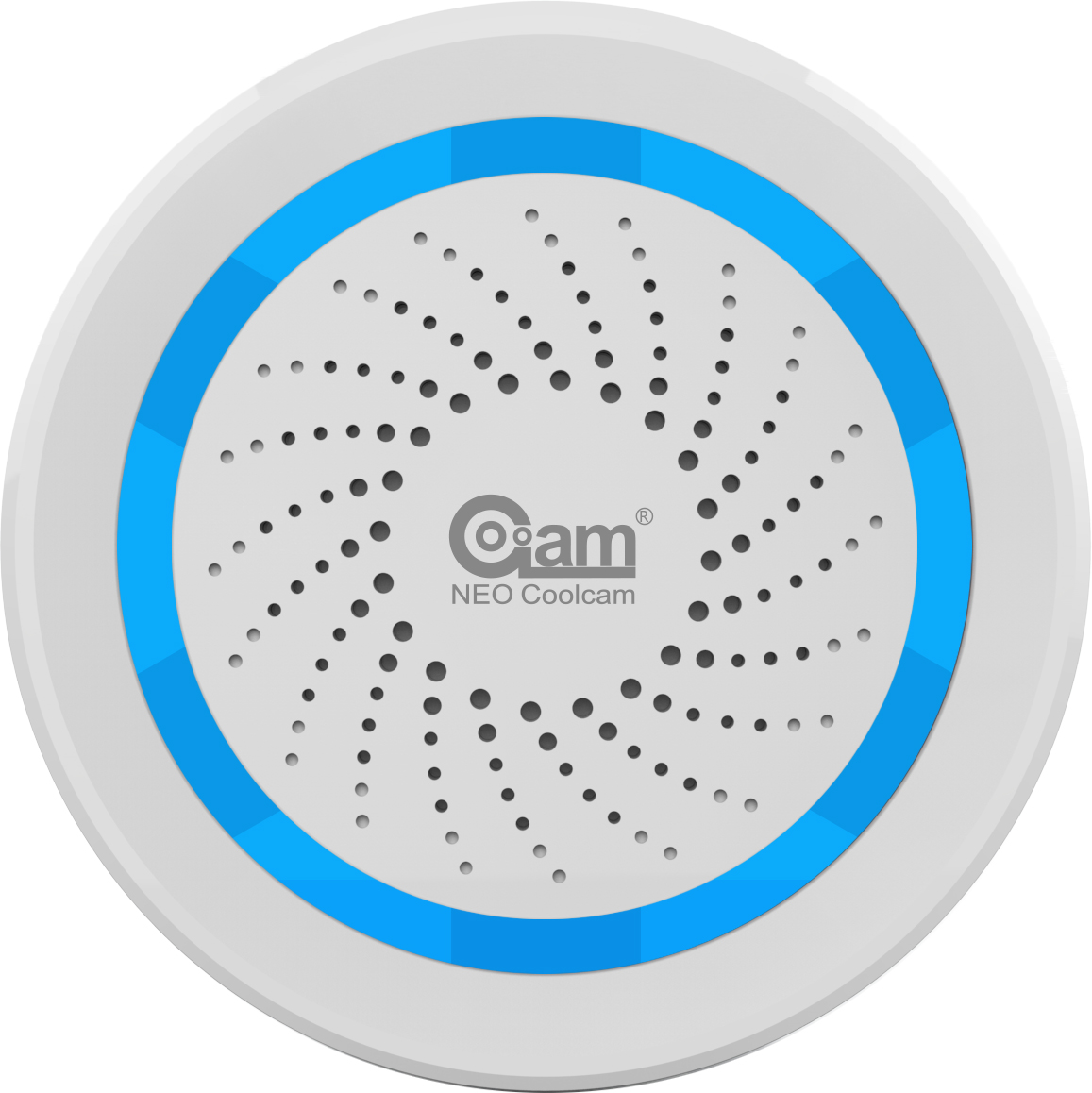
✅ Future-proofBuilt to keep working — even if the maker walks away.
It works locally over Z-Wave, so it keeps running even if Coolcam shuts down the app or the servers. Nothing here ties you to a single company's survival.
Works locally over Z-Wave — keeps running without the maker's cloud
Still in production
Companion app is actively updated
Based on how this device connects (local vs. cloud), whether it’s still sold and supported, and its app / subscription. A guide, not a guarantee.
Connectivity
Z-Wave
Prices
No prices yet — be the first to add one.
Community tags
Be the first to tag this page — tags appear right away. Try a theme, capability, or subject (e.g. WWII, heist, slow burn, time travel, A24).
Community photos
Photos from members
No member photos yet.
Reviews
What members say
Sign in to rate Motion Sensor (PIR) and share a photo.
No reviews yet.
Community
Be the first to start a thread about Motion Sensor (PIR)
Threads post into the Coolcam community forum.
Sign in to start a thread in the Coolcam community.
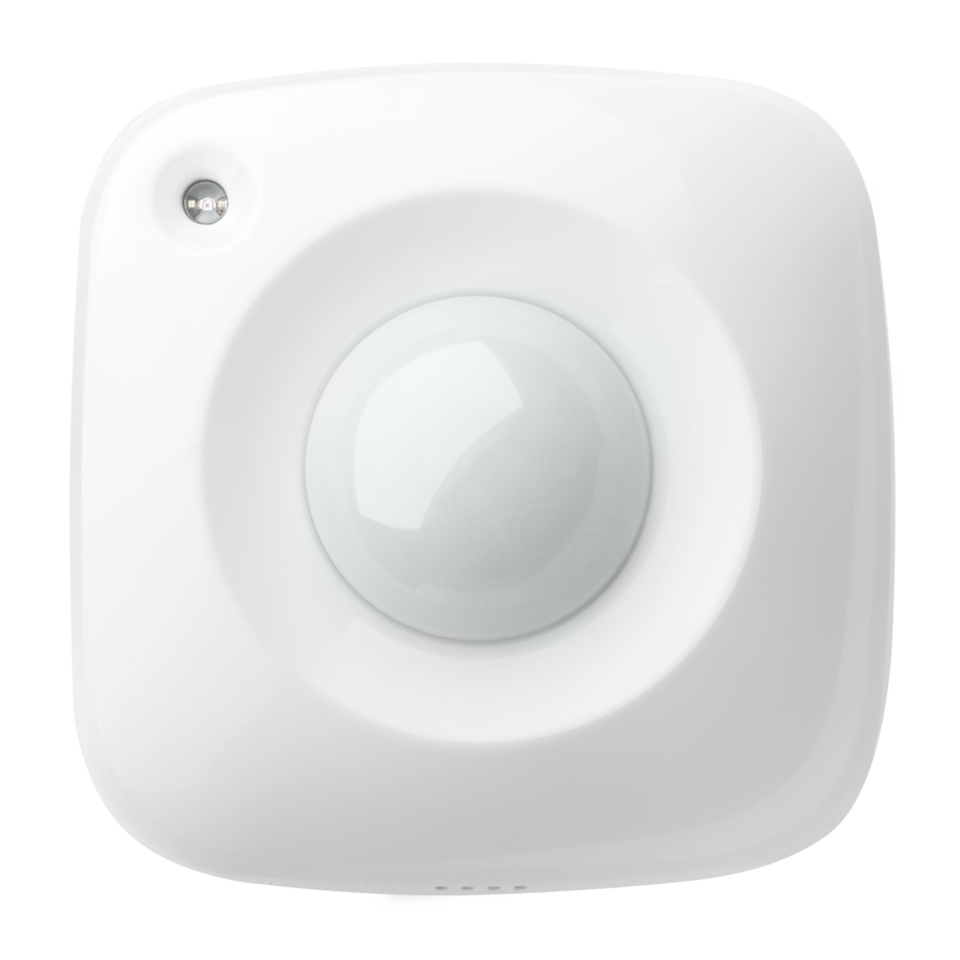
This product can be included and operated in any Z‐Wave network with other Z‐Wave certified devices from other manufacturers and/or other applications. All non‐battery operated nodes within the network will act as repeaters regardless of vendor to increase reliability of the network. In the Back casing, there is a button that is used to carry out include, exclude, wake up device or reset factory default settings. When power is first supplied, the LED will flash on and off alternately at one second intervals within 5 seconds if the detector has not been added a Z‐Wave network. Please get familiar with the terms below before starting the operations.
Want to buy adds it to your wish list and follows Coolcam for updates. I own it adds it to your collection.
This product can be included and operated in any Z‐Wave network with other Z‐Wave certified devices from other manufacturers and/or other applications. All non‐battery operated nodes within the network will act as repeaters regardless of vendor to increase reliability of the network. In the Back casing, there is a button that is used to carry out include, exclude, wake up device or reset factory default settings. When power is first supplied, the LED will flash on and off alternately at one second intervals within 5 seconds if the detector has not been added a Z‐Wave network. Please get familiar with the terms below before starting the operations.
Hardware platform
ZM5202
Short description
This product can be included and operated in any Z‐Wave network with other Z‐Wave certified devices from other manufacturers and/or other applications. All non‐battery operated nodes within the network will act as repeaters regardless of vendor to increase reliability of the network.
Product identifier
NAS-PD01ZE
Countries / regions
European Union
Certification number
ZC10-16105298
Radio range z wave (m)
40
Configuration parameters
Parameter Number Name Description Format Size Min Value Max Value Default Value Parameter Values 3
Supports explorer frames
Yes
Controlled command classes
Identifier Name Key Version COMMAND_CLASS_BASIC
Value updatable by manufacturer z wave scene type value scene battery quantity value 1 battery type value cr123 a color value white communications connections value rs 232 (serial) communications protocol value z wave serial api association groups
Group Number Maximum Nodes Supported End Point ID Description 1
From to description 0 0 0, 1 ~ 99 or 255 0 – off, alarm cancelling or turning a device off 1 ~ 99 or 255 – on (binary switch device) dim level (multilevel switch device) 4 enabled/disabled pir function this parameter can be enabled or disabled the pir detector detecting function. 0 1 0 0 255 from to description 0 0 – disable pir detector function. unsigned 255 255 – enable pir detector function. unsigned 6 re‐trigger interval setting. this parameter can be used to adjust the interval of being re‐triggered after the pir detector has been triggered. this parameter value must be less than parameter 2#. if user set this parameter to default by configure cc, the parameter #2 will be set to default value. 0 1 0 0 8 from to description 1 8 second .unsigned 5 lux level set this parameter can be set a lux level value which determines when the light sensor is activated. if the ambient illumination level falls below this value and a person moves across or within the detected area , pir detector will send a z‐wave on command(i.e. basic set (value = parameter 3) to an associated device and activate it. 0 2 0 0 100 from to description 0 1000 lux .unsigned 9 lux level report this parameter defines by how much lux level must change, in lux, to be reported to the main controller. 0 2 0 0 100 from to description 0 255 lux. unsigned 10 led blink enable this parameter defines the led on/off enable. if this parameter is set to ‘1’, the led blink will be enabled, the led will blink once when motion sensor detect a movement. otherwise, the led will be turned off always. 0 1 0 0 1 from to description 0 1 unsigned 7 light sensor polling interval this parameter can be set the light sensor measure ambient illumination level interval time. note: this value must be less than wakeup interval time. 0 2 0 0 180 from to description 60 36000 second .unsigned 8 lux level enable if this parameter is set to ‘1’, and when lux level less than the value define by parameter #5, pir detector will send a basic set command frame(i.e. basic set (value = parameter 3) to an associated device and activate it. if lux level greater than the value define by parameter #5, pir detector will not send a basic set command frame. 0 1 0 0 0 from to description 0 1 unsigned texts