✅ Future-proofBuilt to keep working — even if the maker walks away.
It works locally over Z-Wave, so it keeps running even if NodOn shuts down the app or the servers. Nothing here ties you to a single company's survival.
Works locally over Z-Wave — keeps running without the maker's cloud
Still in production
Based on how this device connects (local vs. cloud), whether it’s still sold and supported, and its app / subscription. A guide, not a guarantee.
Connectivity
Z-Wave
Prices
No prices yet — be the first to add one.
Community tags
Be the first to tag this page — tags appear right away. Try a theme, capability, or subject (e.g. WWII, heist, slow burn, time travel, A24).
Community photos
Photos from members
No member photos yet.
Reviews
What members say
Sign in to rate NodOn® wall switch and share a photo.
No reviews yet.
Community
Be the first to start a thread about NodOn® wall switch
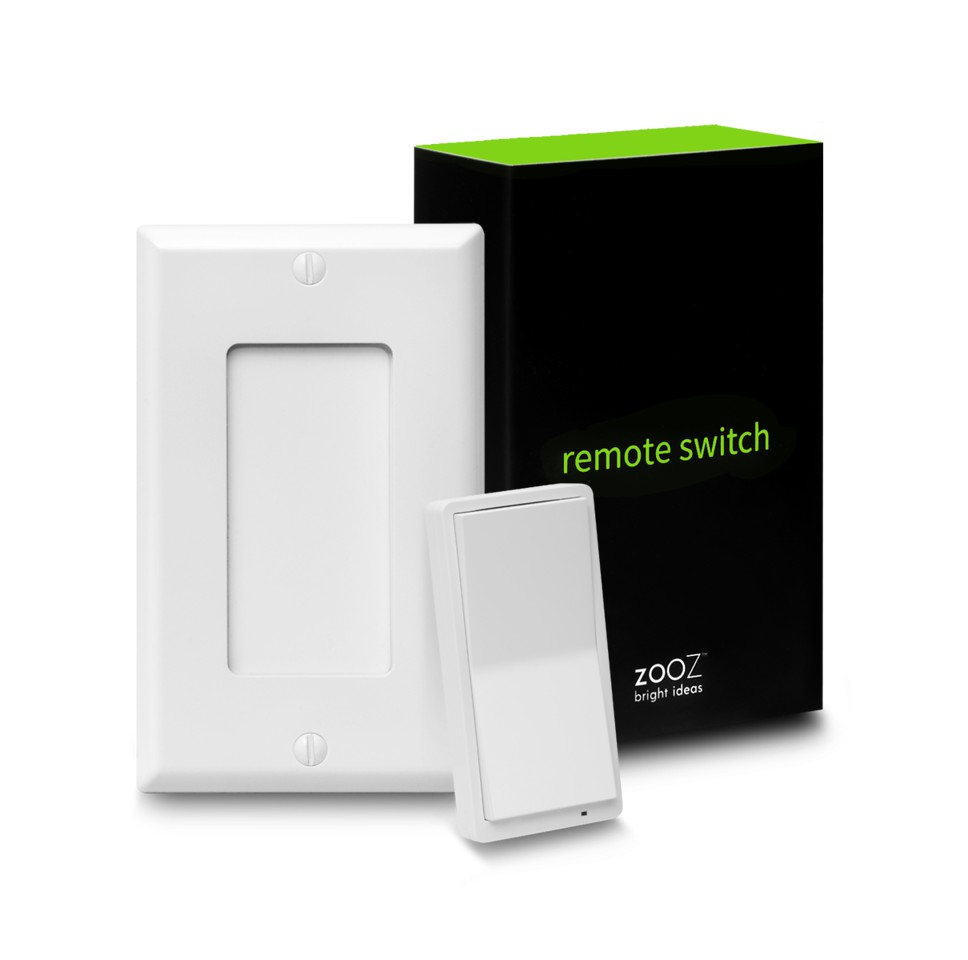
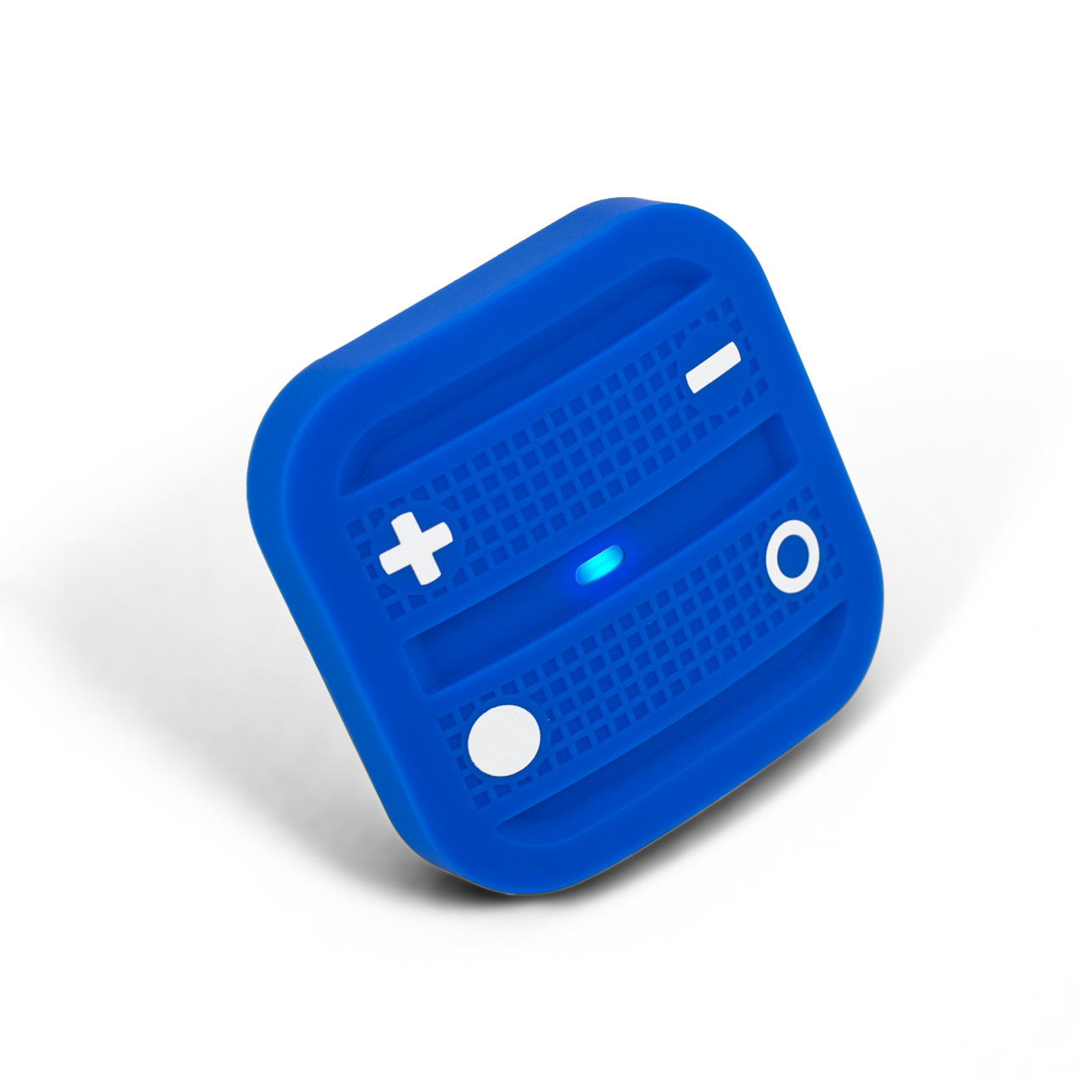
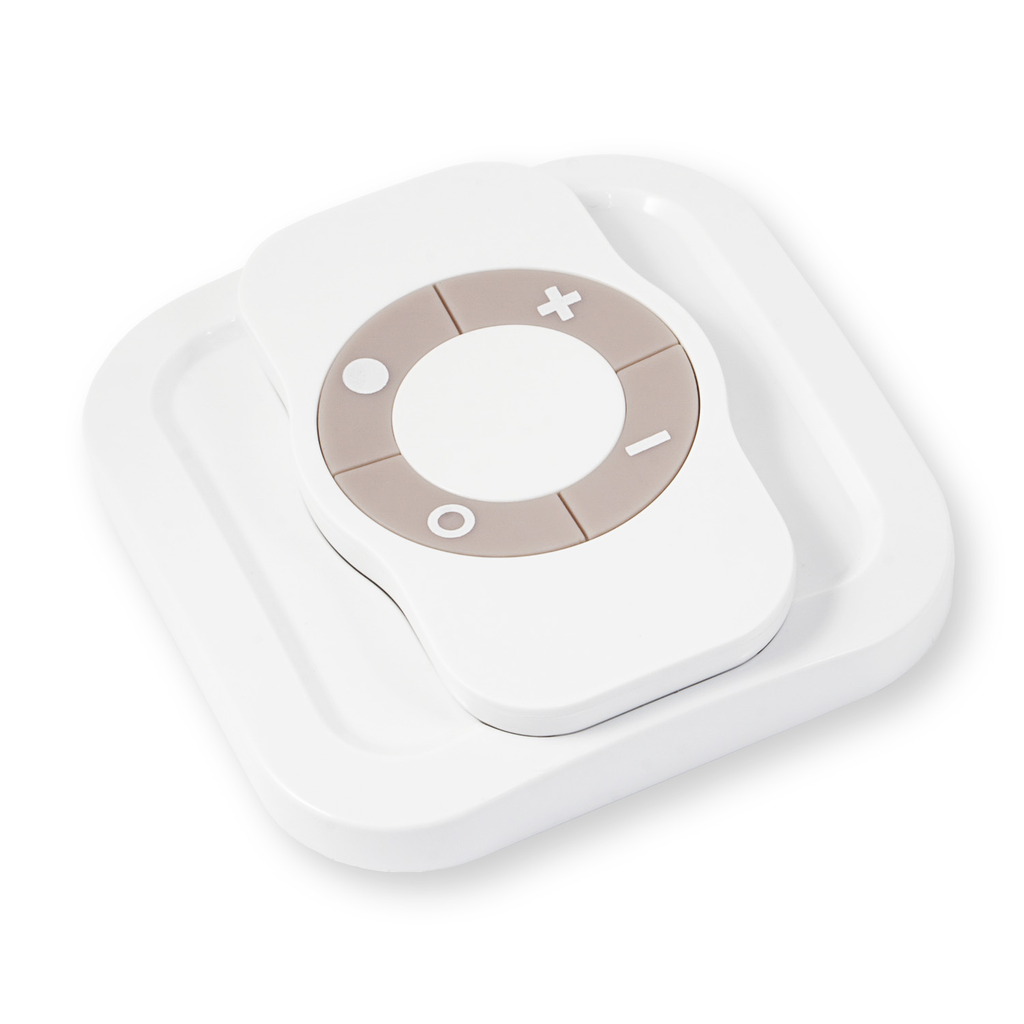
The NodOn® wall switch controls any compatible receivers Z-Wave® or Z-Wave Plus®, such as the Smart Plug NodOn®. It can address, directly, up to 4 groups of 8 devices and sent up to 16 different scenes to a Home Automation Gateway. This controller can operate on its own (“Standalone” Mode) or as gateway’s assistant (“Gateway” Mode). The product integrates a LED, which give an intuitive feedback for each operation you perform. Based on an innovative technology, the NodOn® wall switch is only powered with a CR2032 battery, offering 2 years’ autonomy. The NodOn® wall switch can be screwed or bonded thanks of the adhesive tape included. The NodOn® wall switch is based on brand new 500 series Z-Wave® module from Sigma Designs®, and supports all the new features of Z-Wave Plus® standard: Longer range (up to 40 meters indoor), lower power consumption, higher data rate transmission, and many more new features.
Want to buy adds it to your wish list and follows NodOn for updates. I own it adds it to your collection.
The NodOn® wall switch controls any compatible receivers Z-Wave® or Z-Wave Plus®, such as the Smart Plug NodOn®. It can address, directly, up to 4 groups of 8 devices and sent up to 16 different scenes to a Home Automation Gateway. This controller can operate on its own (“Standalone” Mode) or as gateway’s assistant (“Gateway” Mode). The product integrates a LED, which give an intuitive feedback for each operation you perform. Based on an innovative technology, the NodOn® wall switch is only powered with a CR2032 battery, offering 2 years’ autonomy. The NodOn® wall switch can be screwed or bonded thanks of the adhesive tape included. The NodOn® wall switch is based on brand new 500 series Z-Wave® module from Sigma Designs®, and supports all the new features of Z-Wave Plus® standard: Longer range (up to 40 meters indoor), lower power consumption, higher data rate transmission, and many more new features.
Hardware platform
ZM5202
Short description
The NodOn® wall switch controls any compatible receivers Z-Wave® or Z-Wave Plus®. It can operate on its own (“Standalone” Mode) or as gateway’s assistant (“Gateway” Mode). The product integrates a LED as an intuitive feedback tool.
Association groups
Group Number Maximum Nodes Supported End Point ID Description 1
Product identifier
CWS-3-1-0X
Countries / regions
European Union
Certification number
ZC10-15070008
Radio range z wave (m)
40
Configuration parameters
Parameter Number Name Description Format Size Min Value Max Value Default Value Parameter Values 5
Supports explorer frames
Yes
From to description 0 0 single press sends “basic set” command to associated devices in group 3. 1 1 single press sends broadcast “switch all on” command. 2 2 single press sends broadcast “switch all off” command. 6 button 3 configuration to set up the how button 3 behaves, when set in mono profie 0 1 0 0 0 from to description 0 0 single press sends “basic set” command to associated devices in group 4. 1 1 single press sends broadcast “switch all on” command. 2 2 single press sends broadcast “switch all off” command. 2 buttons 2&4 profile to set up the profie of buttons 2 & 4 0 1 0 0 0 from to description 0 0 scene. product sends “central scene notification” commands or “scene activation” commands. 1 1 mono. button 1 is not paired with button 3. 2 2 duo. button 1 is paired with button 3. 1 buttons 1&3 profile to set up the profie of buttons 1 & 3s 0 1 0 0 0 from to description 0 0 scene. product sends “central scene notification” commands or “scene activation” commands. 1 1 mono. button 1 is not paired with button 3. 2 2 duo. button 1 is paired with button 3. 3 scene type to choose the way of sending scene to the gateway 0 1 0 0 0 from to description 0 0 use “central scene” commands. 1 1 use “scene activation” commands. 4 button 1 configuration to set up the how button 1 behaves, when set in mono profie 0 1 0 0 0 from to description 0 0 single press sends “basic set” command to associated devices in group 2. 1 1 single press sends broadcast “switch all on” command. 2 2 single press sends broadcast “switch all off” command. 8 led management how to set up led behaviour 0 1 0 0 0 from to description 3 3 combined behaviors of 0x01 and 0x02 modes. 0 0 led does not acknowledge button action and does not acknowledge result of radio command sent. 1 1 when the end user performs a single press, double press or hold press on a button, led blinks blue to acknowledge the button action. 2 2 when the end user sends a controlled command: “basic set” command “central scene notification” command “multilevel switch stop level change” command led blinks green to acknowledge transmission success or blinks red to acknowledge transmission failed. 7 button 4 configuration to set up the how button 4 behaves, when set in mono profie 0 1 0 0 0 from to description 0 0 single press sends “basic set” command to associated devices in group 5. 1 1 single press sends broadcast “switch all on” command. 2 2 single press sends broadcast “switch all off” command. texts