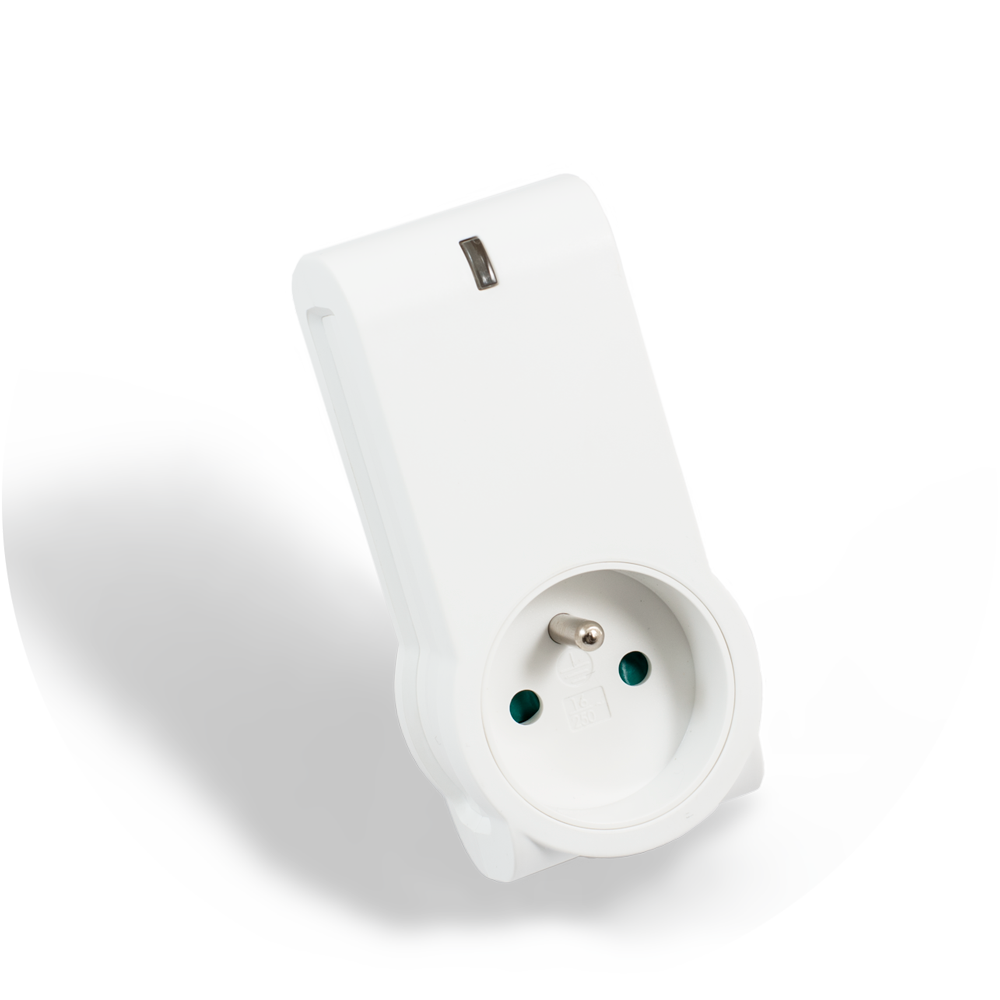
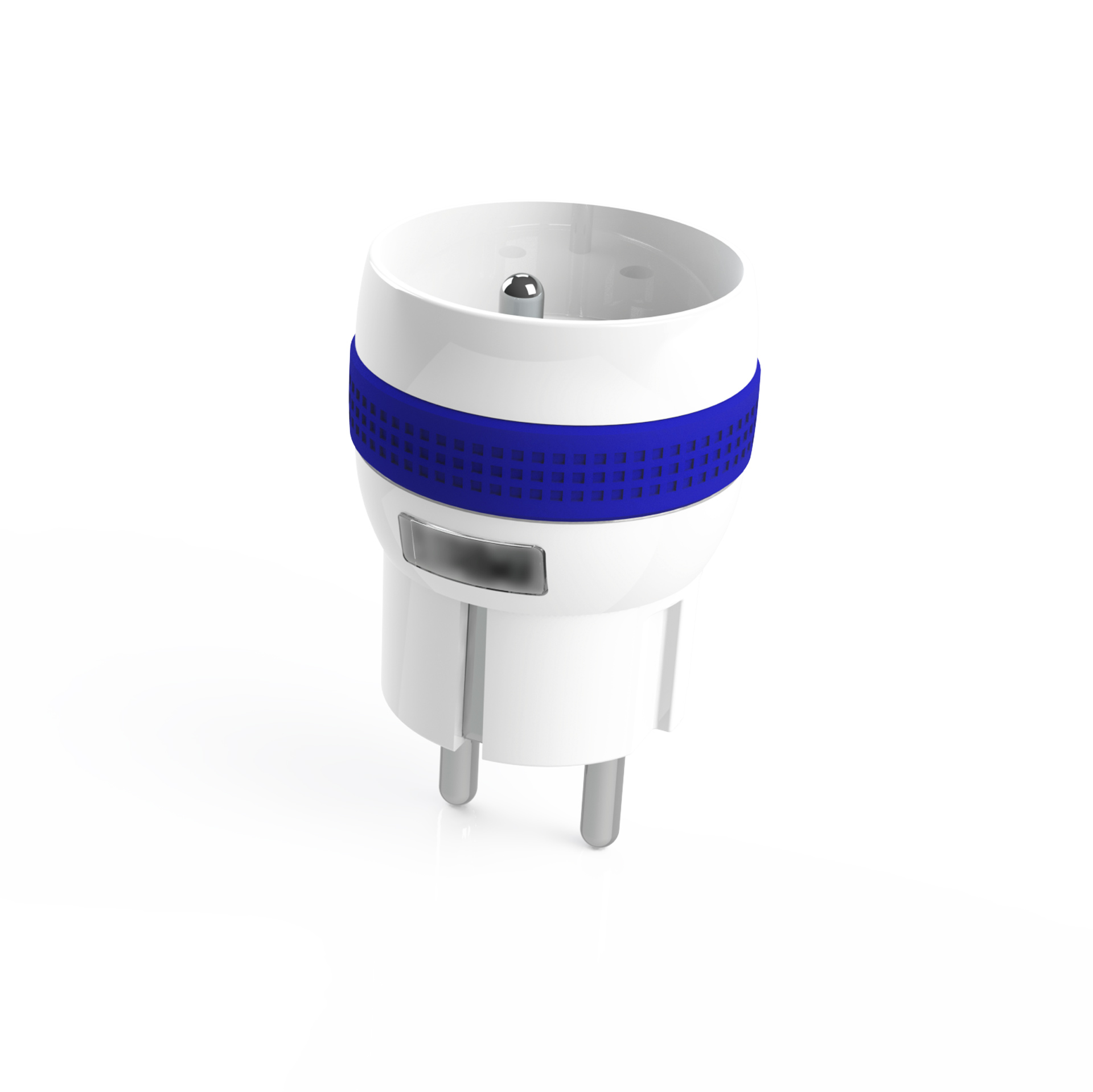
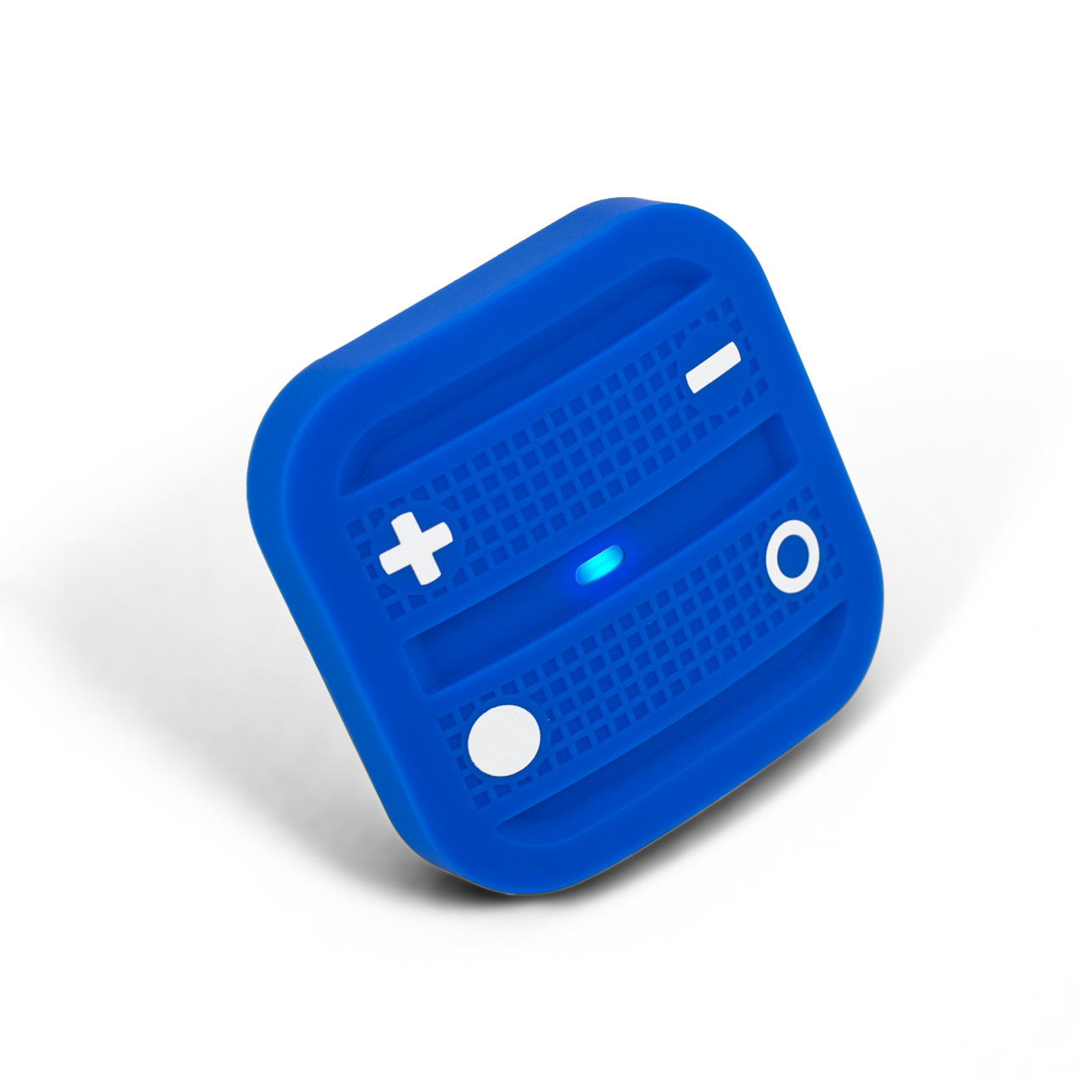
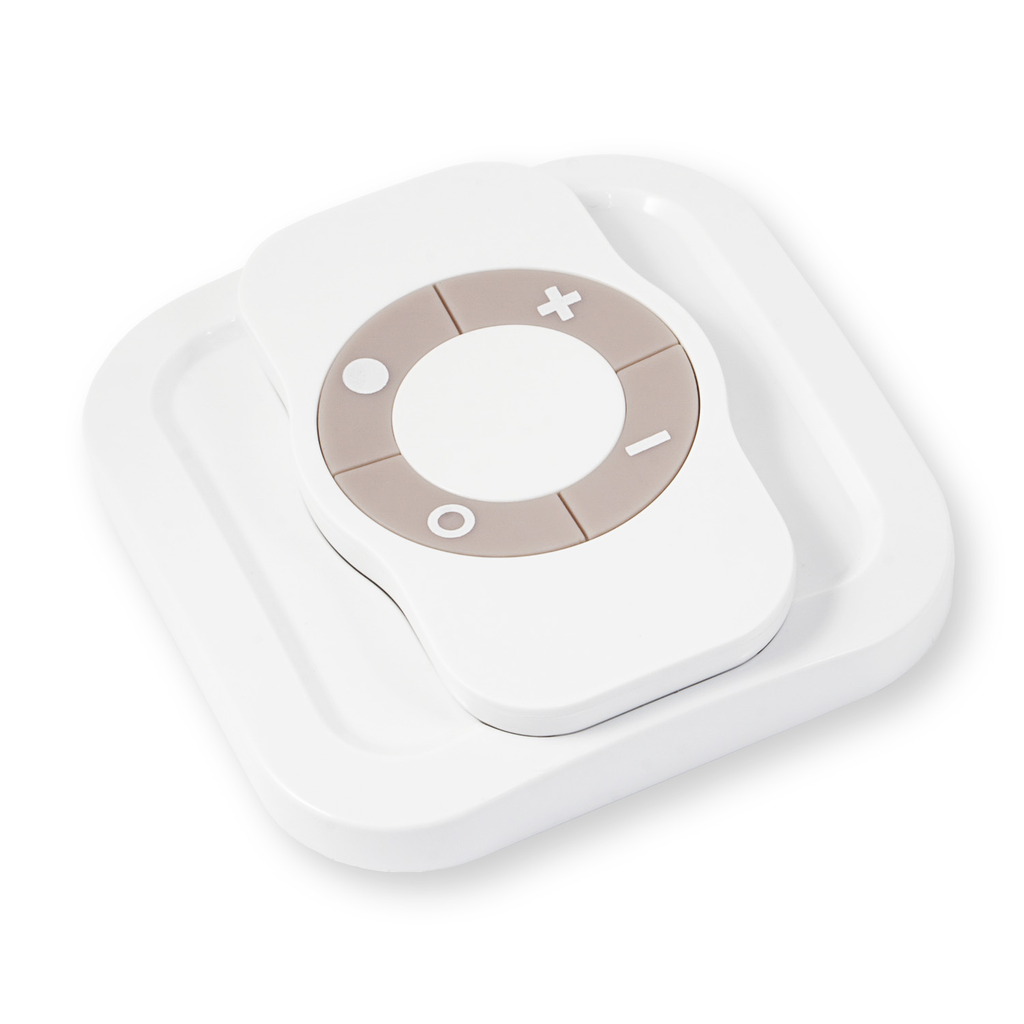
The NodOn Smart Plug can be controlled by any kind of Z-Wave® (or Z-Wave Plus®) gateway or other Z-Wave® controller (standalone mode) such as the NodOn® Soft Remote or Octan Remote. In both standard, Type E (French) or Schuko (German), the plug can be mounted in both side (head up or head down). Combined to its ultra-thin design, these both specificities allow an easy integration, without obstructing nearby power holes on a power strip. Equipped with a very small super-capacitor, the NodOn Smart Plug is able to send an emergency frame to the gateway in case of power outage. The NodOn Smart Plug is based on brand new 500 series Z-Wave® module from Sigma Designs®, and support all the new features of Z-Wave Plus® standard: Longer range (up to 40m), lower power consumption, higher data rate transmission, and many more new features.
Long descriptionThe NodOn Smart Plug can be controlled by any kind of Z-Wave® (or Z-Wave Plus®) gateway or other Z-Wave® controller (standalone mode) such as the NodOn® Soft Remote or Octan Remote. In both standard, Type E (French) or Schuko (German), the plug can be mounted in both side (head up or head down). Combined to its ultra-thin design, these both specificities allow an easy integration, without obstructing nearby power holes on a power strip. Equipped with a very small super-capacitor, the NodOn Smart Plug is able to send an emergency frame to the gateway in case of power outage. The NodOn Smart Plug is based on brand new 500 series Z-Wave® module from Sigma Designs®, and support all the new features of Z-Wave Plus® standard: Longer range (up to 40m), lower power consumption, higher data rate transmission, and many more new features. From to description 0 0 on 1 1 off 2 2 status before power outage 4 always on this parameter forces the smart plug status to be on. while enable it is not possible to switch off the plug (local or wireless). 0 1 0 0 0 from to description 0 0 always on disable 1 1 always on enable 3 follow state this parameter allows to enable or deactivate group 2 & group 3. the value may be the sum of available values. for example, if you want to enable group 2 & 3, the parameter value is 1+2=3. 0 1 0 0 3 from to description 0 0 group 2 and group3 disable 1 1 group 2 enable 2 2 group 3 enable 5 alarm 1 type configuration this parameter is to set the alarm 1 type configuration. use the home automation gateway interface or our alarm set up form to define the value corresponding to your need. (notification type, event type, priority, lock device, group 2 enable, group 3 enable, alarm action, led behavior, alarm duration) 0 2 0 0 0 from to description 0 65535 to set up your values please follow this link : www.nodon.fr/support/asp3/alarm 6 alarm 1 specifications this parameter is to set the alarm 1 specifications. use the home automation gateway interface or our alarm set up form to define the value corresponding to your need. 0 4 0 0 0 from to description 0 2097151999 to set up your values please follow this link : www.nodon.fr/support/asp3/alarm 7 alarm 2 type configuration this parameter is to set the alarm 2 type configuration. use the home automation gateway interface or our alarm set up form to define the value corresponding to your need. (notification type, event type, priority, lock device, group 2 enable, group 3 enable, alarm action, led behavior, alarm duration) 0 2 0 0 0 from to description 0 65535 to set up your values please follow this link : www.nodon.fr/support/asp3/alarm 8 alarm 2 specifications this parameter is to set the alarm 2 specifications. use the home automation gateway interface or our alarm set up form to define the value corresponding to your need. 0 4 0 0 0 from to description 0 2097151999 to set up your values please follow this link : www.nodon.fr/support/asp3/alarm 9 alarm 3 type configuration this parameter is to set the alarm 3 type configuration. use the home automation gateway interface or our alarm set up form to define the value corresponding to your need. (notification type, event type, priority, lock device, group 2 enable, group 3 enable, alarm action, led behavior, alarm duration) 0 2 0 0 0 from to description 0 65535 to set up your values please follow this link : www.nodon.fr/support/asp3/alarm 10 alarm 3 specifications this parameter is to set the alarm 3 specifications. use the home automation gateway interface or our alarm set up form to define the value corresponding to your need. 0 4 0 0 0 from to description 0 2097151999 to set up your values please follow this link : www.nodon.fr/support/asp3/alarm 11 alarm 4 type configuration this parameter is to set the alarm 4 type configuration. use the home automation gateway interface or our alarm set up form to define the value corresponding to your need. (notification type, event type, priority, lock device, group 2 enable, group 3 enable, alarm action, led behavior, alarm duration) 0 2 0 0 0 from to description 0 65535 to set up your values please follow this link : www.nodon.fr/support/asp3/alarm 17 alarm 7 type configuration this parameter is to set the alarm 7 type configuration. use the home automation gateway interface or our alarm set up form to define the value corresponding to your need. (notification type, event type, priority, lock device, group 2 enable, group 3 enable, alarm action, led behavior, alarm duration) 0 2 0 0 0 from to description 0 65535 to set up your values please follow this link : www.nodon.fr/support/asp3/alarm textsID Description Value 1