✅ Future-proofBuilt to keep working — even if the maker walks away.
It works locally over Z-Wave, so it keeps running even if NodOn shuts down the app or the servers. Nothing here ties you to a single company's survival.
Works locally over Z-Wave — keeps running without the maker's cloud
Still in production
Based on how this device connects (local vs. cloud), whether it’s still sold and supported, and its app / subscription. A guide, not a guarantee.
Connectivity
Z-Wave
Prices
No prices yet — be the first to add one.
Community tags
Be the first to tag this page — tags appear right away. Try a theme, capability, or subject (e.g. WWII, heist, slow burn, time travel, A24).
Community photos
Photos from members
No member photos yet.
Reviews
What members say
Sign in to rate Z-Wave Plus Micro Smart Plug ON/OFF and share a photo.
No reviews yet.
Community
Be the first to start a thread about Z-Wave Plus Micro Smart Plug ON/OFF
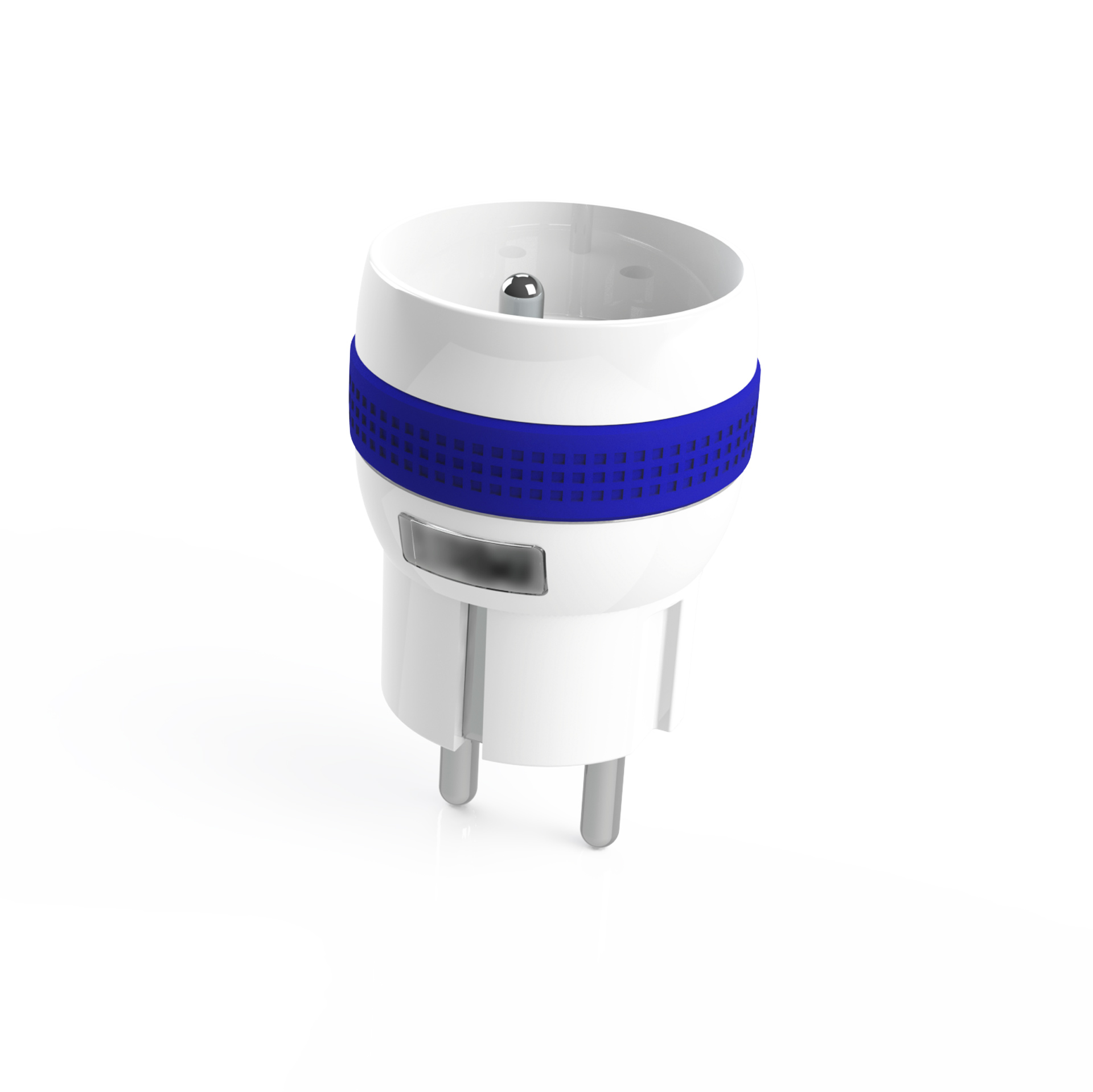
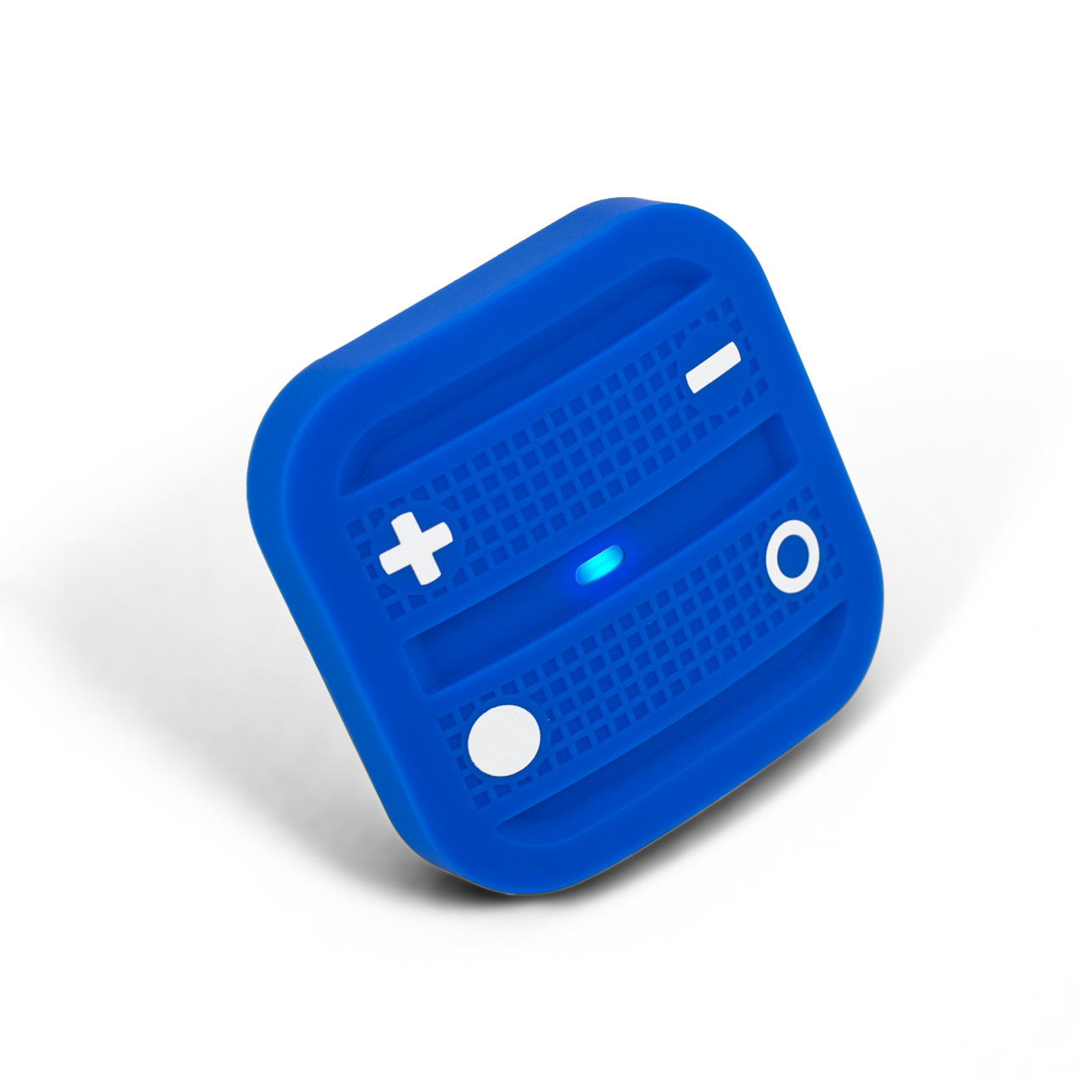
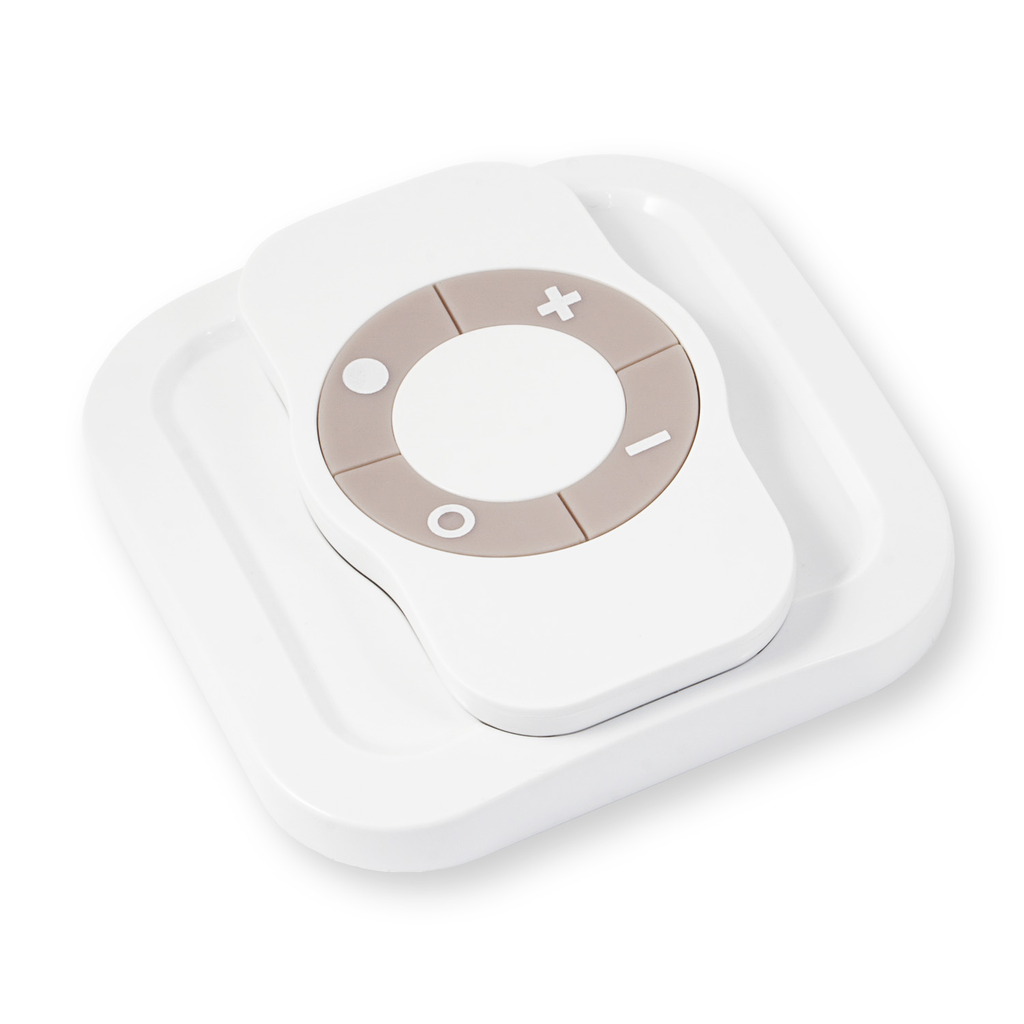
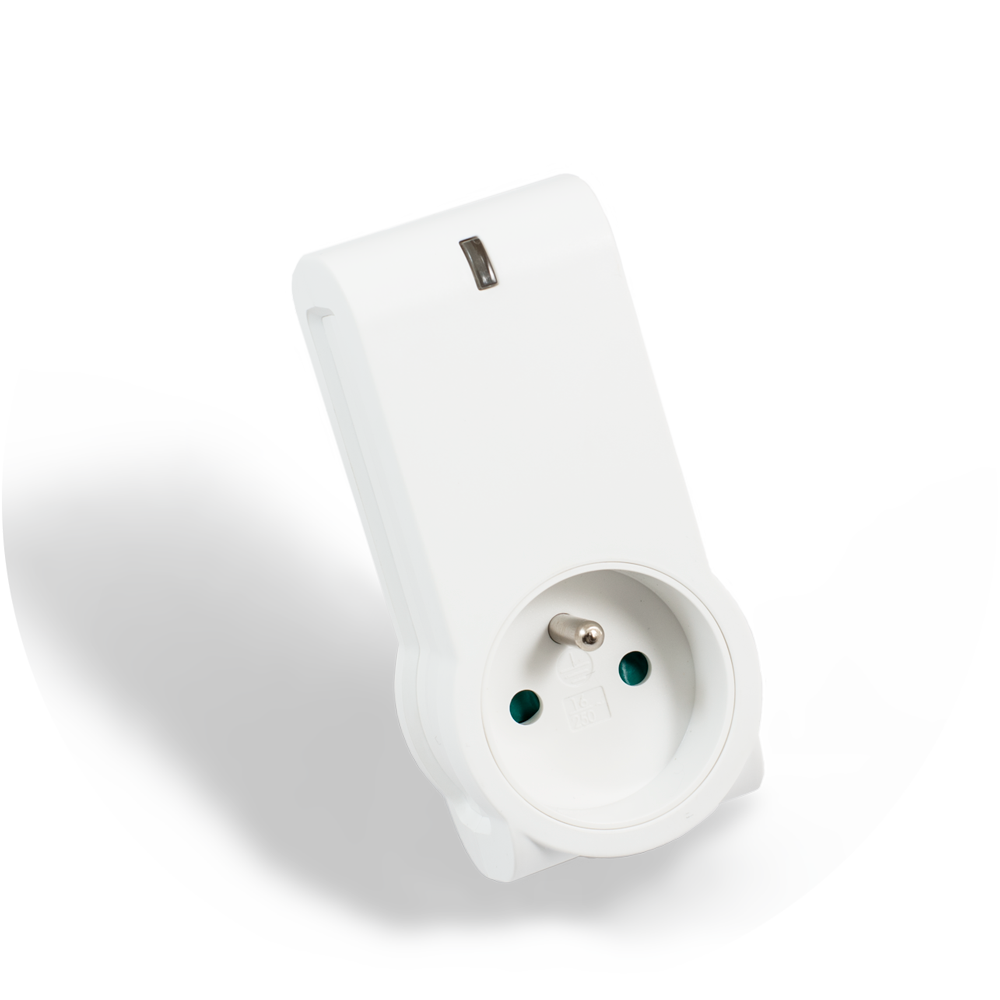
The NodOn Micro Smart Plug can be controlled by any kind of Z-Wave® (or Z-Wave Plus®) gateway or other Z-Wave® controller (standalone mode) such as the NodOn® Soft Remote or Octan Remote. It existed in both standard, Type E (French) or Schuko (German). Its very small design and volume allow easy integration, without obstructing nearby power holes on a power strip. Furthermore, it can perform Power and Energy Metering. The NodOn Smart Plug is based on brand new 500 series Z-Wave® module from Sigma Designs®, and support all the new features of Z-Wave Plus® standard: Longer range (up to 40m), lower power consumption, higher data rate transmission, and many more new features.
Want to buy adds it to your wish list and follows NodOn for updates. I own it adds it to your collection.
The NodOn Micro Smart Plug can be controlled by any kind of Z-Wave® (or Z-Wave Plus®) gateway or other Z-Wave® controller (standalone mode) such as the NodOn® Soft Remote or Octan Remote. It existed in both standard, Type E (French) or Schuko (German). Its very small design and volume allow easy integration, without obstructing nearby power holes on a power strip. Furthermore, it can perform Power and Energy Metering. The NodOn Smart Plug is based on brand new 500 series Z-Wave® module from Sigma Designs®, and support all the new features of Z-Wave Plus® standard: Longer range (up to 40m), lower power consumption, higher data rate transmission, and many more new features.
Hardware platform
ZM5202
Short description
The NodOn Micro Smart Plug is among the world's smallest Z-Wave Smart Plug, offering in addition Power and Energy Metering Capabilities
Association groups
Group Number Maximum Nodes Supported End Point ID Description 3
Product identifier
MSP-3-1-X1
Countries / regions
European Union
Certification number
ZC10-16045035
Configuration parameters
Parameter Number Name Description Format Size Min Value Max Value Default Value Parameter Values 5
Supports explorer frames
Yes
Controlled command classes
Identifier Name Key Version COMMAND_CLASS_APPLICATION_STATUS
From to description 0 65535 to set up your values please follow this link : www.nodon.fr/support/msp3/alarm 6 alarm 1 specifications this parameter is to set the alarm 1 specifications. use the home automation gateway interface or our alarm set up form to define the value corresponding to your need. 0 4 0 0 0 from to description 0 2097151999 to set up your values please follow this link : www.nodon.fr/support/msp3/alarm 3 follow state this parameter allows to enable or disable group 2 & group 3. 0 1 0 0 3 from to description 2 2 group 2 disable, group 3 enable 3 3 group 2 and group 3 enable 0 0 group 2 and group 3 disable 1 1 group 2 enable, group 3 disable 4 always on this parameter forces the micro smart plug status to be on. while enable it is not possible to switch off the plug (local or wireless). 0 1 0 0 0 from to description 0 0 always on disable 1 1 always on enable 1 default state this parameter defines the status of the micro smart plug after a power outage or after being plugged. 0 1 0 0 2 from to description 1 1 off 0 0 on 2 2 state before power outage 11 alarm 4 type configuration this parameter is to set the alarm 4 type. use the home automation gateway interface or our alarm set up form to define the value corresponding to your need. 0 2 0 0 0 from to description 0 65535 to set up your values please follow this link : www.nodon.fr/support/msp3/alarm 8 alarm 2 specifications this parameter is to set the alarm 2 specifications. use the home automation gateway interface or our alarm set up form to define the value corresponding to your need. 0 4 0 0 0 from to description 0 2097151999 to set up your values please follow this link : www.nodon.fr/support/msp3/alarm 24 metering pulse whatever other metering reports, this parameter will send one power and one energy report to the lifeline every x s (seconds). 0 2 0 0 3600 from to description 0 0 metering pulse disable 1 65535 metering pulse enable and send report every 1 s (to 65535 s) 7 alarm 2 type configuration this parameter is to set the alarm 2 type. use the home automation gateway interface or our alarm set up form to define the value corresponding to your need. 0 2 0 0 0 from to description 0 65535 to set up your values please follow this link : www.nodon.fr/support/msp3/alarm 9 alarm 3 type configuration this parameter is to set the alarm 3 type. use the home automation gateway interface or our alarm set up form to define the value corresponding to your need. 0 2 0 0 0 from to description 0 65535 to set up your values please follow this link : www.nodon.fr/support/msp3/alarm 23 energy auto sending report this parameter will send a new energy report automatically if the energy value changes of x wh (watt hour) compared to the last report. 0 2 0 0 1000 from to description 0 0 energy auto polling report disable 1 65535 energy auto polling report enable with 1 wh (to 65535 wh) diffential 10 alarm 3 specifications this parameter is to set the alarm 3 specifications. use the home automation gateway interface or our alarm set up form to define the value corresponding to your need. 0 4 0 0 0 from to description 0 2097151999 to set up your values please follow this link : www.nodon.fr/support/msp3/alarm 17 alarm 7 type configuration this parameter is to set the alarm 7 type. use the home automation gateway interface or our alarm set up form to define the value corresponding to your need. 0 2 0 0 0 from to description 0 2097151999 to set up your values please follow this link : www.nodon.fr/support/msp3/alarm 0 65535 to set up your values please follow this link : www.nodon.fr/support/msp3/alarm texts