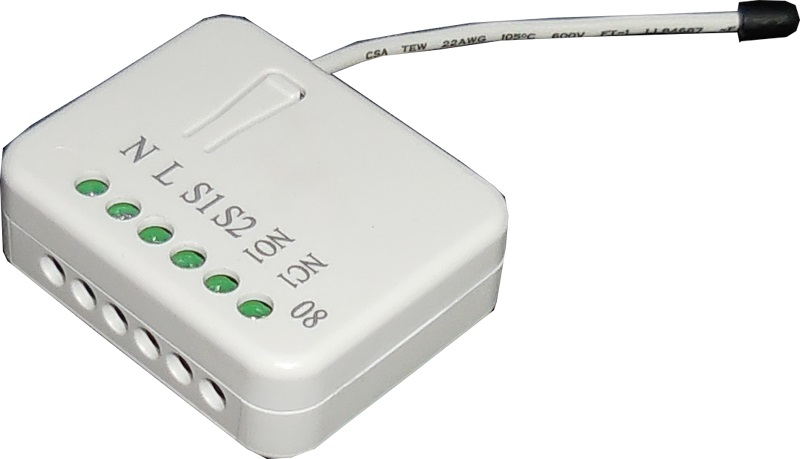
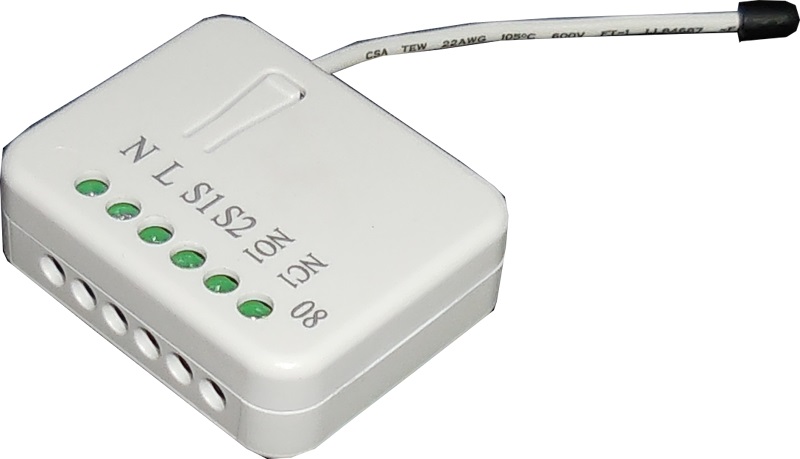
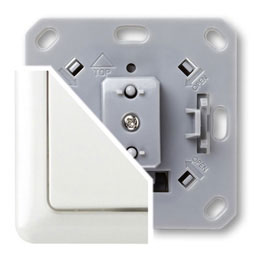
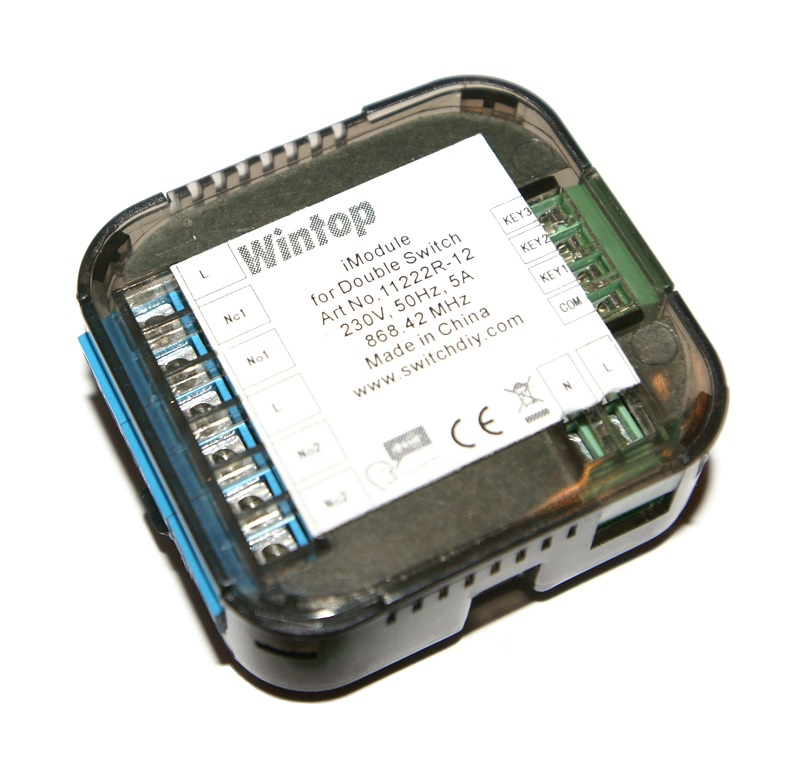
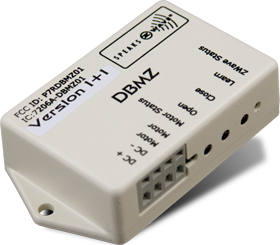
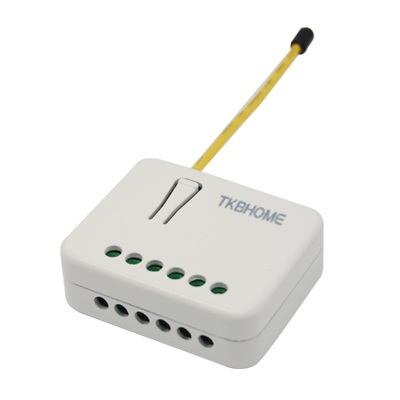
The in-wall Roller Shutter Controller is designed to switch rise/lower roller shutter connected to its terminals using radio waves, controllers and a push button directly connected to this Roller Controller. This in-wall Roller Shutter Controller is a transceiver which is a Z-Wave Plus™ enabled device and is fully compatible with any Z-Wave™ enabled network. Slim design let the Controller can easily hide itself into the wall box and that will be good for the house decoration. The new smart relay calibration technology can reduce the inrush current caused by the load and let the module work perfectly with many kind of Roller Shutter. This in-wall Roller Shutter Controller is able to detect position of the Shutter by using the patterned power measuring method, so it can be remote controlled not only fully up or down, but also can be adjusted to ex. 30% or 50%. And when manual controlled by push button, the controller also can memorize the position and send the new shutter position to its controller (ex. IP-Gateway).
Long descriptionThe in-wall Roller Shutter Controller is designed to switch rise/lower roller shutter connected to its terminals using radio waves, controllers and a push button directly connected to this Roller Controller. This in-wall Roller Shutter Controller is a transceiver which is a Z-Wave Plus™ enabled device and is fully compatible with any Z-Wave™ enabled network. Slim design let the Controller can easily hide itself into the wall box and that will be good for the house decoration. The new smart relay calibration technology can reduce the inrush current caused by the load and let the module work perfectly with many kind of Roller Shutter. This in-wall Roller Shutter Controller is able to detect position of the Shutter by using the patterned power measuring method, so it can be remote controlled not only fully up or down, but also can be adjusted to ex. 30% or 50%. And when manual controlled by push button, the controller also can memorize the position and send the new shutter position to its controller (ex. IP-Gateway). Short descriptionThe in-wall Roller Shutter Controller is designed to switch rise/lower roller shutter connected to its terminals using radio waves, controllers and a push button directly connected to this Roller Controller. From to description 2 2 mode 2 : whenever the shutter move pass a 10 percent level, it will auto report the level to group 1 node. 1 1 mode 1 : in 5 seconds period after controlled by a moving command, it will report the destination level when received request command. out of the 5 seconds period, it will report the actual level of the shutter when received request command. 4 threshold of kwh for load caution this is a warning when the kwh of load over the preset threshold value, if the setting value is 10000, when the accumulated power consumption of relay1 or relay2 over this value, pan08 will send kwh meter report command to the node of correspond group, minimum value is 1 kwh and default value is 10000 k wh. 0 2 0 0 10000 from to 1 10000 5 external switch type there are 2 type switch can be selected. 0 1 0 0 2 from to description 2 2 two push button: (the default setting is two push button (2)) if this setting is configured as two push button, s1 and s2 input will be valid, but will not accept pressing s1and s2 at the same time. in this switch type, the inclusion/exclusion/reset/association function can also be fulfilled by pressing s1 or s2 just like the operation of include button. when s1 is pressed and hold more than 1.5 seconds, the shutter will move up toward top(0x ff), and the shutter will stop moving when s1 is released. when s2 is pressed and hold more than 1.5 seconds, the shutter will move down toward bottom(0x00), and the shutter will stop moving when s2 is released. when s1 is short pressed, the shutter will move up toward top(0x ff). while in this moving short pressed s1 again, the shutter just keep moving up toward top(0x ff). the easy way to stop this moving is short pressing s2. when s2 is short pressed, the shutter will move down toward botton(0x00). while in this moving short pressed s2 again, the shutter just keep moving down toward botton(0x00). the easy way to stop this moving is short pressing s1. 1 1 one push button: when the configuration setting is one push button, only s1 input will be valid. the control moving commands can be accepted in this switch type while the shutter is moving. in this switch type, the inclusion/exclusion/reset/association function can also be fulfilled by pressing s1 just like the operation of include button. when s1 is short pressed, the shutter will move up toward top(0x ff). while in this moving s1 is short pressed again, the shutter will stop moving. a third short pressing of s1 will move the shutter down toward bottom(0x00). while in this moving s1 is short pressed again, the shutter will stop moving. and so on… inverting direction and stopping. 2 kwh meter report period if the setting is configured for 1hour (set value =6), the pan08 will report its accumulated power consumption (kw/h) every 1 hour to the node of correspond group. the maximum interval to report its accumulated power consumption (kw/h) is 227.55 days (10min*32767/1440=227.55 days). default value=1 hour. 0 2 0 0 6 from to description 1 32767 6*10min= 1 hour 3 threshold of current for load caution this is a warning when the current of load over the preset threshold value, if the setting value is 500, when the load current of relay1 over this value, pan08 will send current meter report to warn the group1 node, the range of the setting value is from 10 to 500, and the default value is 500. 0 2 0 0 500 from to description 10 500 500*0.01 a=5 a 1 watt meter report period if the setting is configured for 1hour (set value =720), the pan08 will report its instant power consumption every 1 hour to the node of group 1. the maximum interval to report its instant power consumption is 45 hours (5s*32767/3600=45hr). default value is 1 hour. 0 2 0 0 720 from to description 1 32767 5*720s=3600s=1 hour textsID Description Value 5