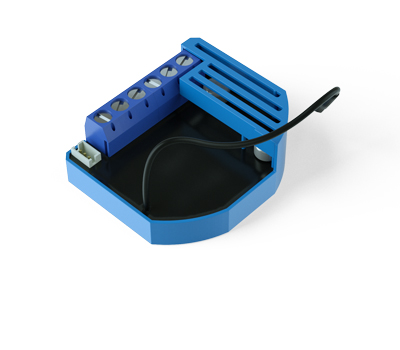
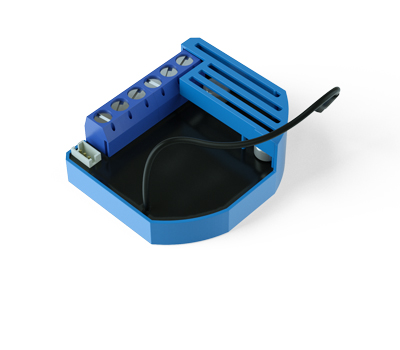
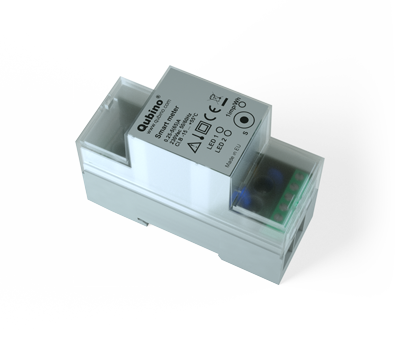
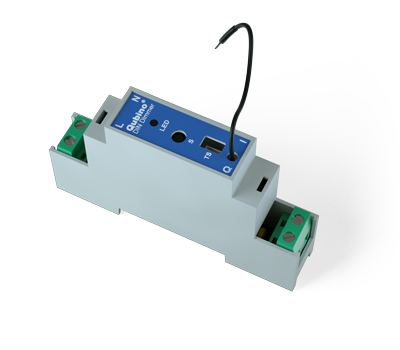
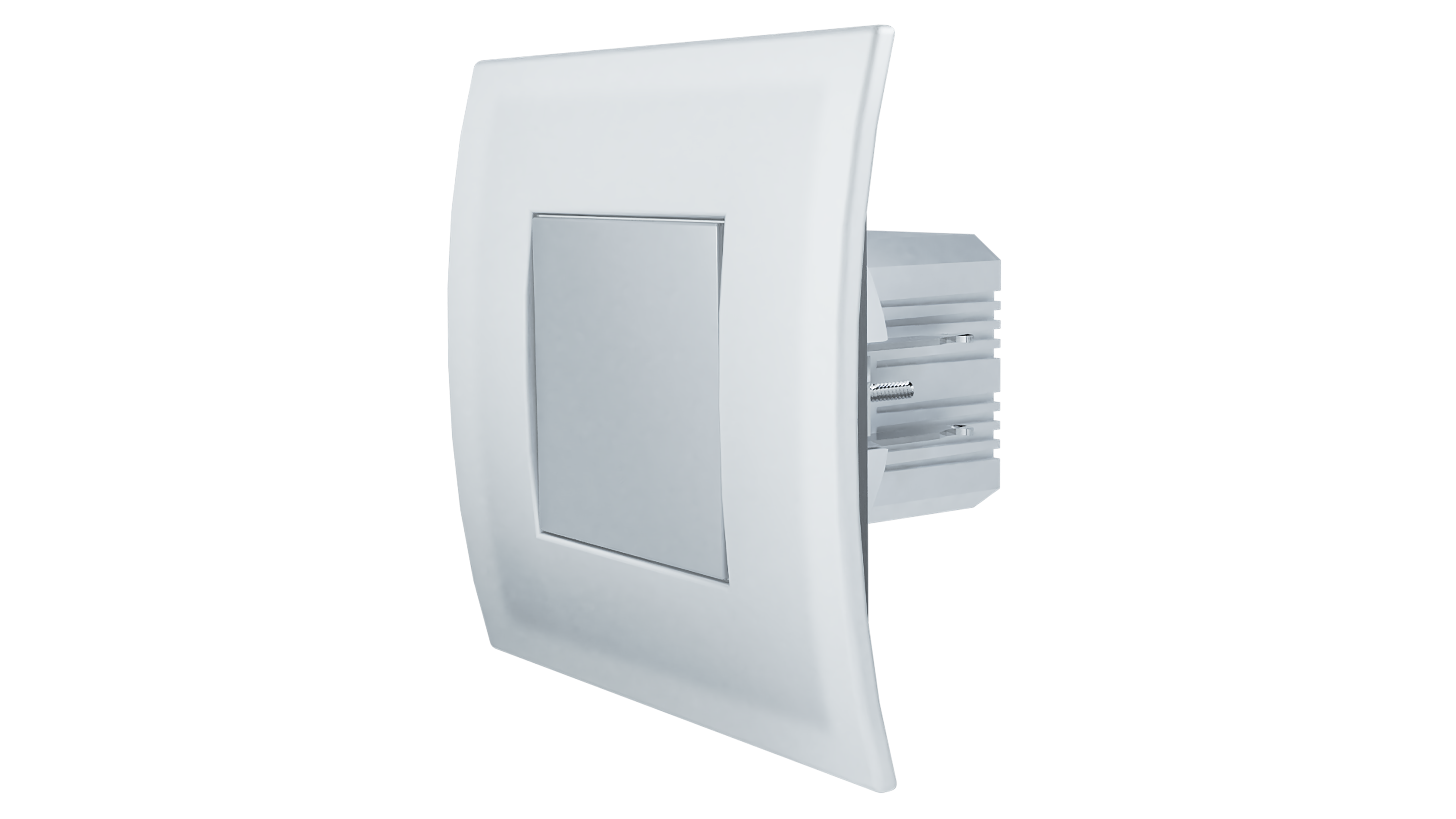
✅ Future-proofBuilt to keep working — even if the maker walks away.
It works locally over Z-Wave, so it keeps running even if QUBINO shuts down the app or the servers. Nothing here ties you to a single company's survival.
Works locally over Z-Wave — keeps running without the maker's cloud
Still in production
Based on how this device connects (local vs. cloud), whether it’s still sold and supported, and its app / subscription. A guide, not a guarantee.
Connectivity
Z-Wave
Prices
No prices yet — be the first to add one.
Community tags
Be the first to tag this page — tags appear right away. Try a theme, capability, or subject (e.g. WWII, heist, slow burn, time travel, A24).
Sign in to start a thread in the QUBINO community.
Edit history
Loading edit history…
Certified
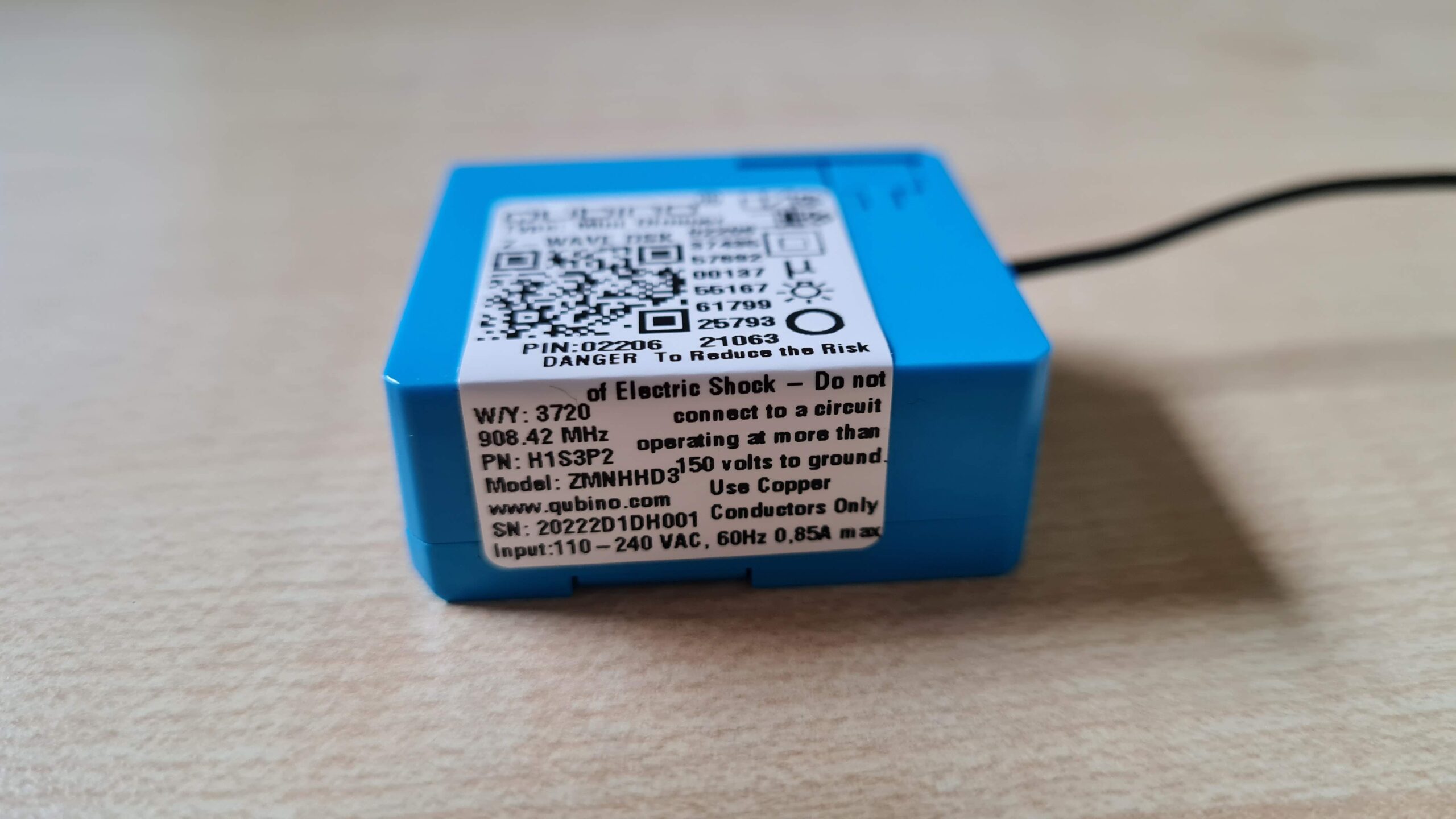
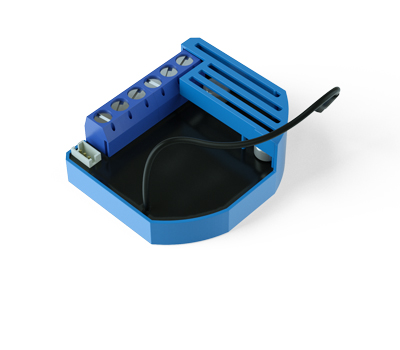
Mini Dimmer is a MOSFET-switching light device that also supports control of low-voltage halogen lamps with electronic transformers, dimmable compact fluorescent lights, and dimmable LED bulbs. It measures power consumption of the connected device. It supports push-button/momentary switches (default) and toggle switches. It can work with or without the neutral line. Qubino Mini Dimmer allows the easiest and quickest installation. It is designed to be mounted inside a “flush mounting box”, hidden behind a traditional wall switch. It acts as repeater in order to improve range and stability of Z-Wave™ network. Supports SmartStart
Want to buy adds it to your wish list and follows QUBINO for updates. I own it adds it to your collection.
Mini Dimmer is a MOSFET-switching light device that also supports control of low-voltage halogen lamps with electronic transformers, dimmable compact fluorescent lights, and dimmable LED bulbs. It measures power consumption of the connected device. It supports push-button/momentary switches (default) and toggle switches. It can work with or without the neutral line. Qubino Mini Dimmer allows the easiest and quickest installation. It is designed to be mounted inside a “flush mounting box”, hidden behind a traditional wall switch. It acts as repeater in order to improve range and stability of Z-Wave™ network. Supports SmartStart
Hardware platform
ZM5101
Short description
The Qubino Mini Dimmer is the world most compact dimmer. MOSFET-switching light device that also supports control of low-voltage halogen lamps with electronic transformers, dimmable compact fluorescent lights, and dimmable LED bulbs. It can work with or without the neutral line (3 or 2-Wired system). Support SmartStart.
Product identifier
ZMNHHD3
Countries / regions
United States of America, Colombia
Supports smart start
Yes
Certification number
ZC10-21127065
Radio range z wave (m)
40
Configuration parameters
Parameter Number Name Description Format Size Min Value Max Value Default Value Parameter Values 65
Supports explorer frames
Yes
Supported command classes
Identifier Name Key Version COMMAND_CLASS_POWERLEVEL
Controlled command classes
Identifier Name Key Version COMMAND_CLASS_BASIC
Supported notification types
Notification Type Event / State Power Management
Supported / controlled meter types
Meter Type Rate Type Description Electric meter
Value antique brass supported notification types communications protocol value manufacturer proprietary protocol switch load capacity current switch load capacity watts switch load capacity volt ampere outdoor use switch type value decorator paddle push association groups
Group Number Maximum Nodes Supported End Point ID Group Name Description 1
From to description 1 1 1 second 1 127 1 seconds 127 seconds, step is 1 second 66 dimming time when key hold choose the time during which the dimmer will move between the min. and max. dimming values during a continuous press of the push button i1, by an associated device or through the ui controls (basic set, switch multilevel set). 0 2 1 253 3 from to description 1 127 1 second – 127 seconds 128 253 1 minute – 126 minutes 1 in wall switch type for load to control i1 with this parameter, you can select between push button (momentary) and on/off toggle switch types. 0 1 0 1 0 from to description 0 0 push button (momentary) 1 1 on/off toggle switch 6 load type with this parameter, you select the load type, dimmable or non dimmable. device operating in dimmable mode on non dimmable load can lead to device or load malfunction. for non dimmable loads par. 6 must be set to 1. ⓘ note: when par.6 set to 1 (non dimmable load) values of listed parameters will be ingnored (par.60 min. dimming value, par.61 max. dimming value, par.65 dimm. time when key presed par.66 dimm. time when key hold, par.21 double click function ⓘ note: if the bulb is dimmable or non dimmable (generally valid for led) is shown on the bulb itself or on packaging. ⓘ note: parameter 6 is replacing parameter 5. present in previous version. 0 1 0 1 0 from to description 0 0 dimmable load 1 1 non dimmable load 11 turn load 1 off automatically with timer if load is on, you can schedule it to turn off automatically after a period of time defined in this parameter. the timer is reset to zero each time the device receives an on or off command, either remotely (from the gateway (hub) or associated device) or locally from the switch. 0 2 0 32536 0 from to description 0 0 auto off disabled 1 32536 1 32536 seconds auto off timer enabled for a given amount of seconds 61 maximum dimming value the value set in this parameter determines the maximum dimming value (the highest value which can be set on the device, when, for example, dimming lights with wall switch or slider in the gui (gateway hub)) ⓘ note: the maximum level may not be lower than the minimum level! 0 1 0 99 99 from to description 1 99 2 % 99 %, step is 1 %. maximum dimming value is set by entering a value. 67 ignore start level choose whether the device should use (or disregard) the start dimming level value. if the device is configured to use the start level, it should start the dimming process from the currently set dimming level. this parameter is used with association group 3. note: parameter is valid only in dimmer mode. in switch mode the parameter has no effect. 0 1 0 1 0 from to description 0 0 use the start level value 1 1 ignore the start level value 68 dimming duration choose the time during which the device will transition from the current value to the new target value. this parameter applies to the association group 3. note: parameter is valid only in dimmer mode. in switch mode the parameter has no effect. 0 1 0 127 0 from to description 0 0 dimming duration according to parameter 66 1 127 from 1 to 127 seconds 70 overload safety switch the function allows for turning off the controlled device in case of exceeding the defined power for more than 5s. controlled device can be turned back on by input i1 or sending a control frame. ⓘ note: this functionality is not an overload safety protection, please check the technical specifications chapter for more details. in case of overload the following message will be send towards the controller: • command class notification v5 • the alarm v1 type field set to 0x00 • notification type 0x08 and 0x08 (overload detected) 0 2 0 200 200 from to description 0 0 function not active 1 200 1 w 200 w 71 calibration trigger choose when will be the calibration procedure triggered. 0 1 0 2 0 from to description 1 1 calibration done after power cycle regardless of inclusion status 2 2 force calibration. calibration will start immediately 72 calibration status (read only) with this parameter you can check the calibration status. 0 1 1 2 2 from to description 1 1 calibration was successful 2 2 calibration failed 73 alarm/notification events this parameter defines the module behaviour in case it receives any alarm/notification events. note: when value 3 is selected the default time interval of the blinking is 10 minutes. it can be stopped with a button press or sending a control frame. to adjust the time interval please refer to parameter 74 – alarm/notification time interval. 0 1 0 3 0 from to description 1 1 turn off 2 2 turn on 3 3 start blinking (output turns 1s on, and 1s off) 74 alarm/notification time interval (dependant on parameter 73) this parameter defines the time interval of the blinking state, once the module receives an alarm/notification event. minimum step increase is 1 minute. note: this parameter does not have any effect if parameter 73 is not set to value 3. 0 1 1 125 10 from to description 1 125 1 125 minutes texts