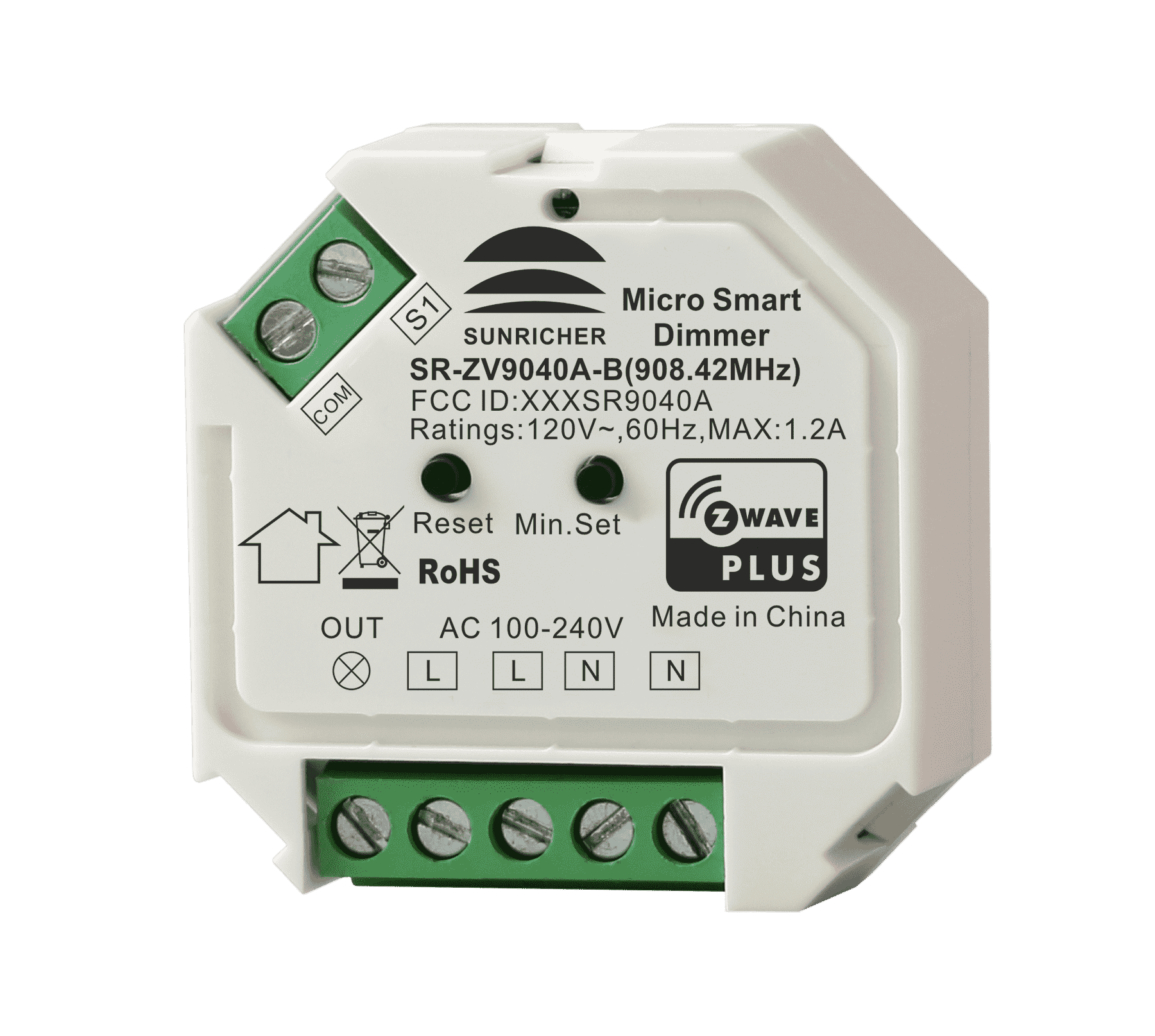
✅ Future-proofBuilt to keep working — even if the maker walks away.
It works locally over Z-Wave, so it keeps running even if Sunricher shuts down the app or the servers. Nothing here ties you to a single company's survival.
Works locally over Z-Wave — keeps running without the maker's cloud
Still in production
Based on how this device connects (local vs. cloud), whether it’s still sold and supported, and its app / subscription. A guide, not a guarantee.
Connectivity
Z-Wave
Prices
No prices yet — be the first to add one.
Community tags
Be the first to tag this page — tags appear right away. Try a theme, capability, or subject (e.g. WWII, heist, slow burn, time travel, A24).
Community photos
Photos from members
No member photos yet.
Reviews
What members say
Sign in to rate Z-Wave Smart Plug and share a photo.
No reviews yet.
Community
Be the first to start a thread about Z-Wave Smart Plug
Threads post into the Sunricher community forum.
Sign in to start a thread in the Sunricher community.
Edit history
Loading edit history…
Certified
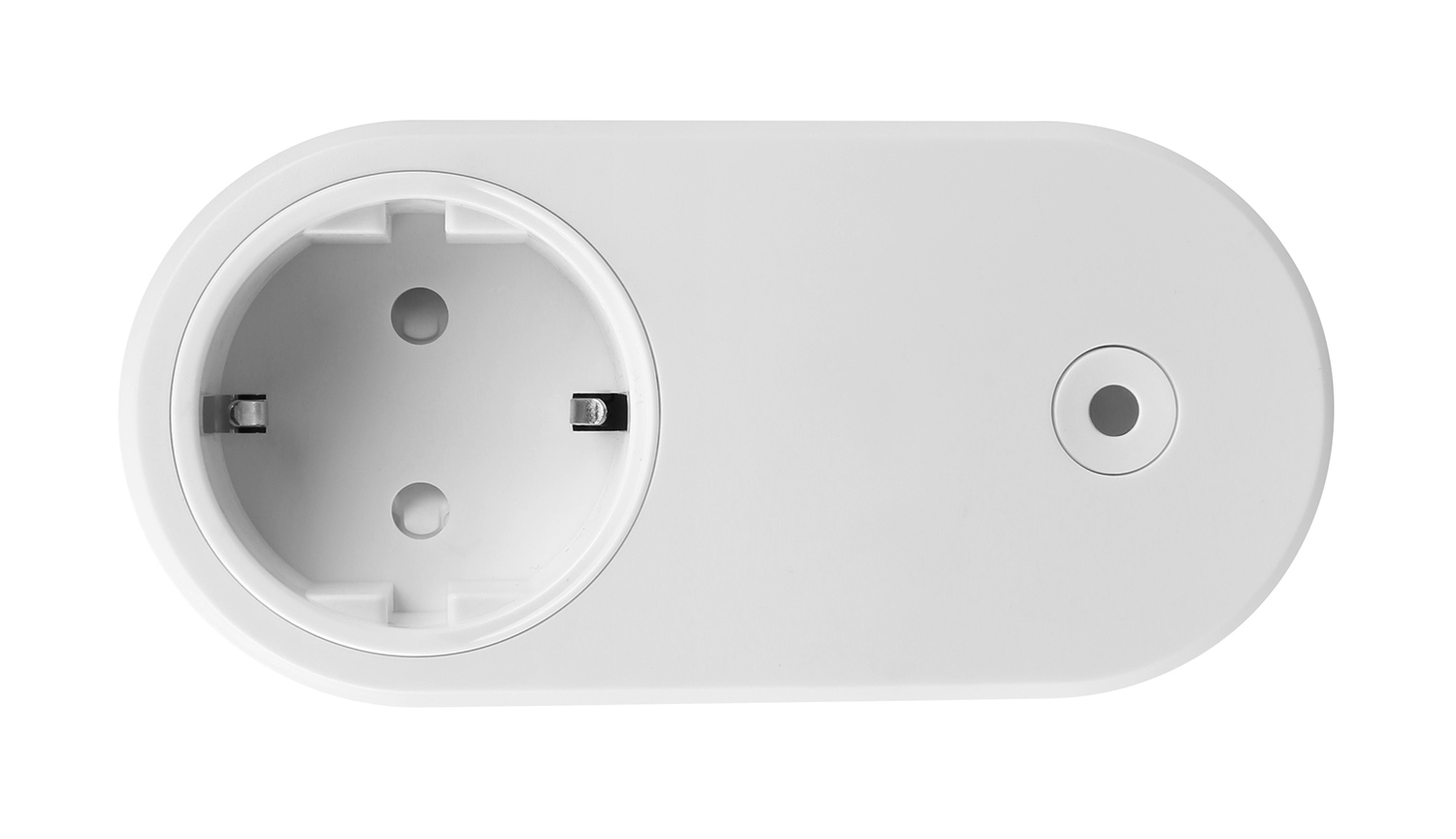
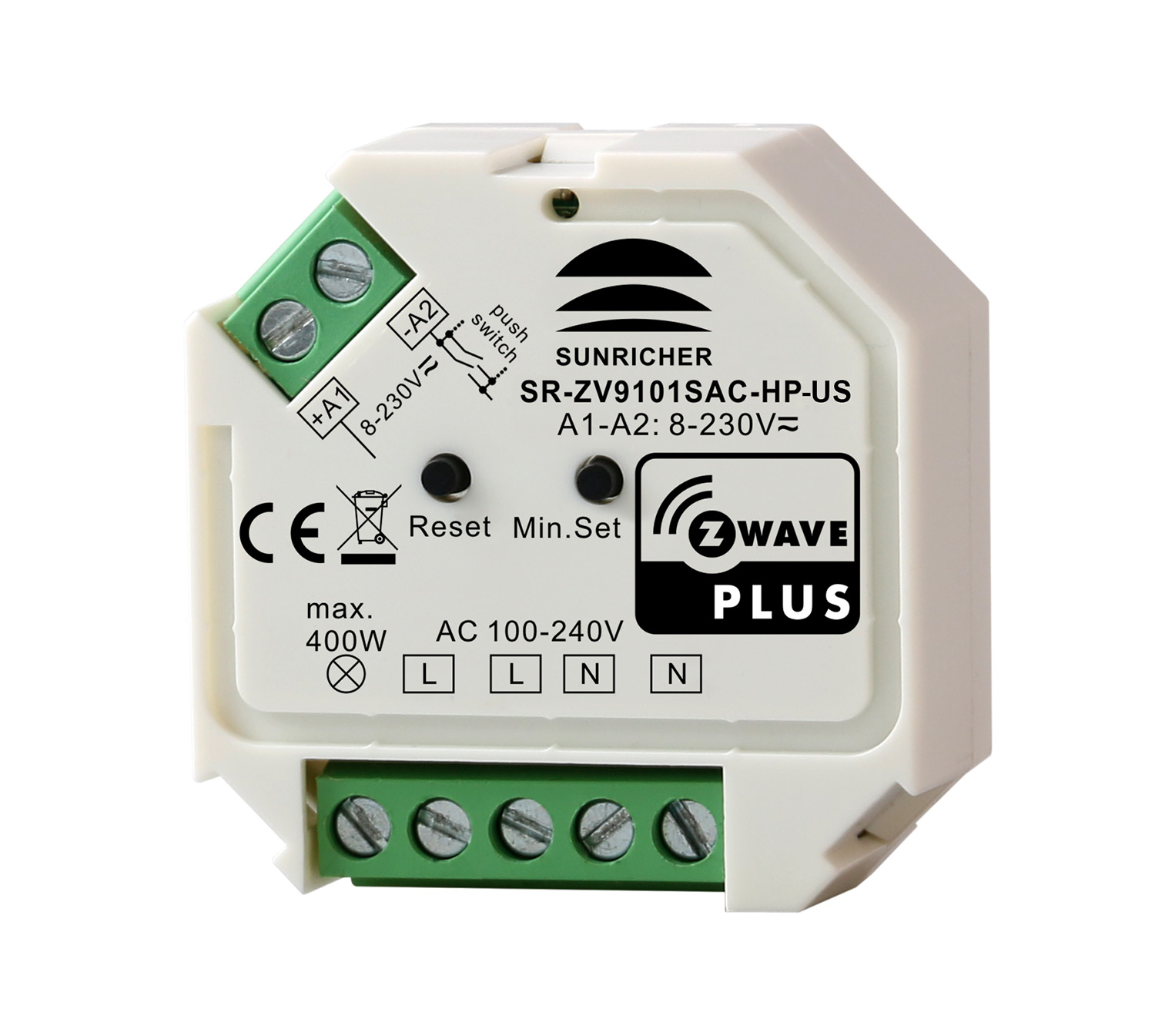
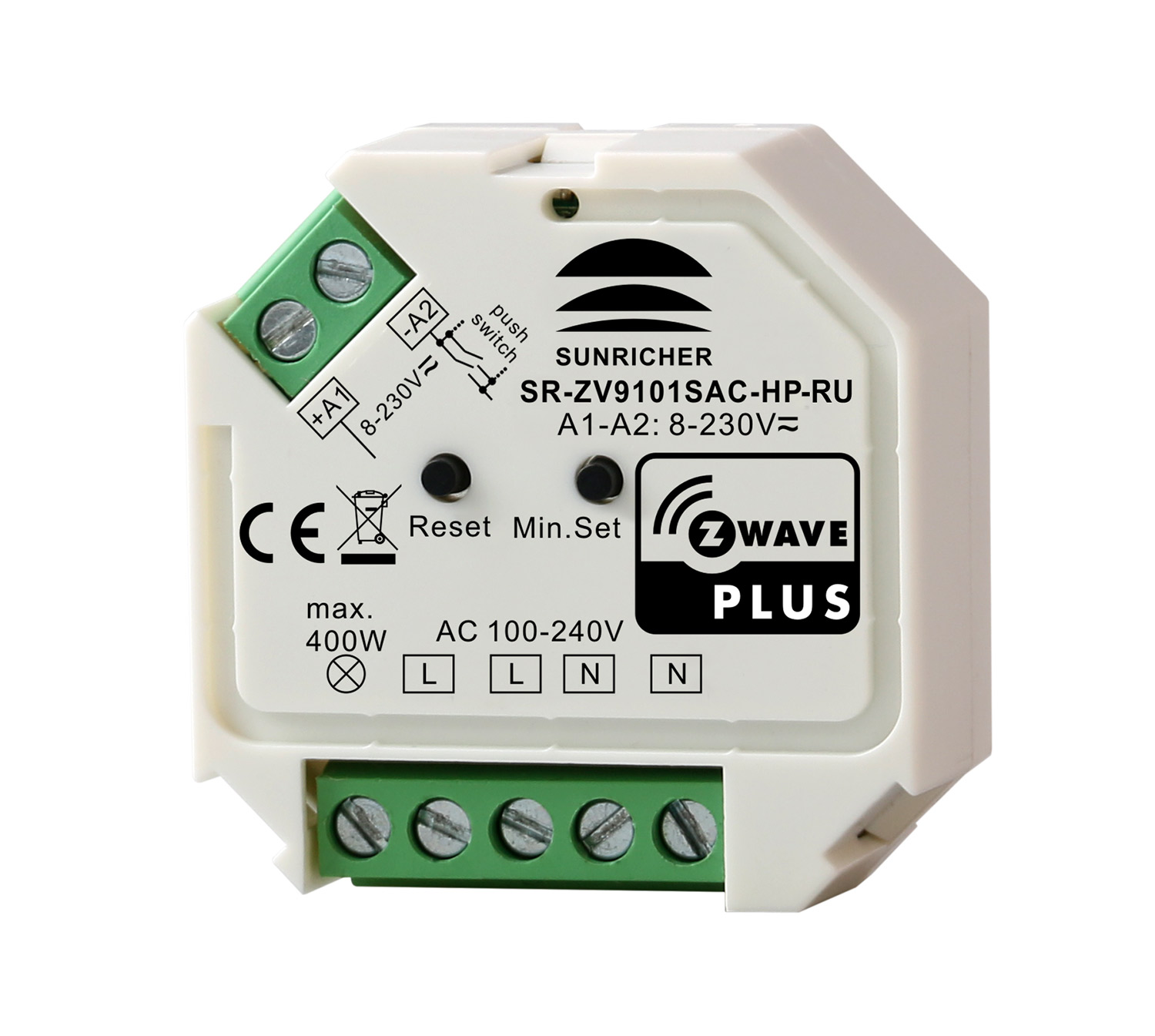
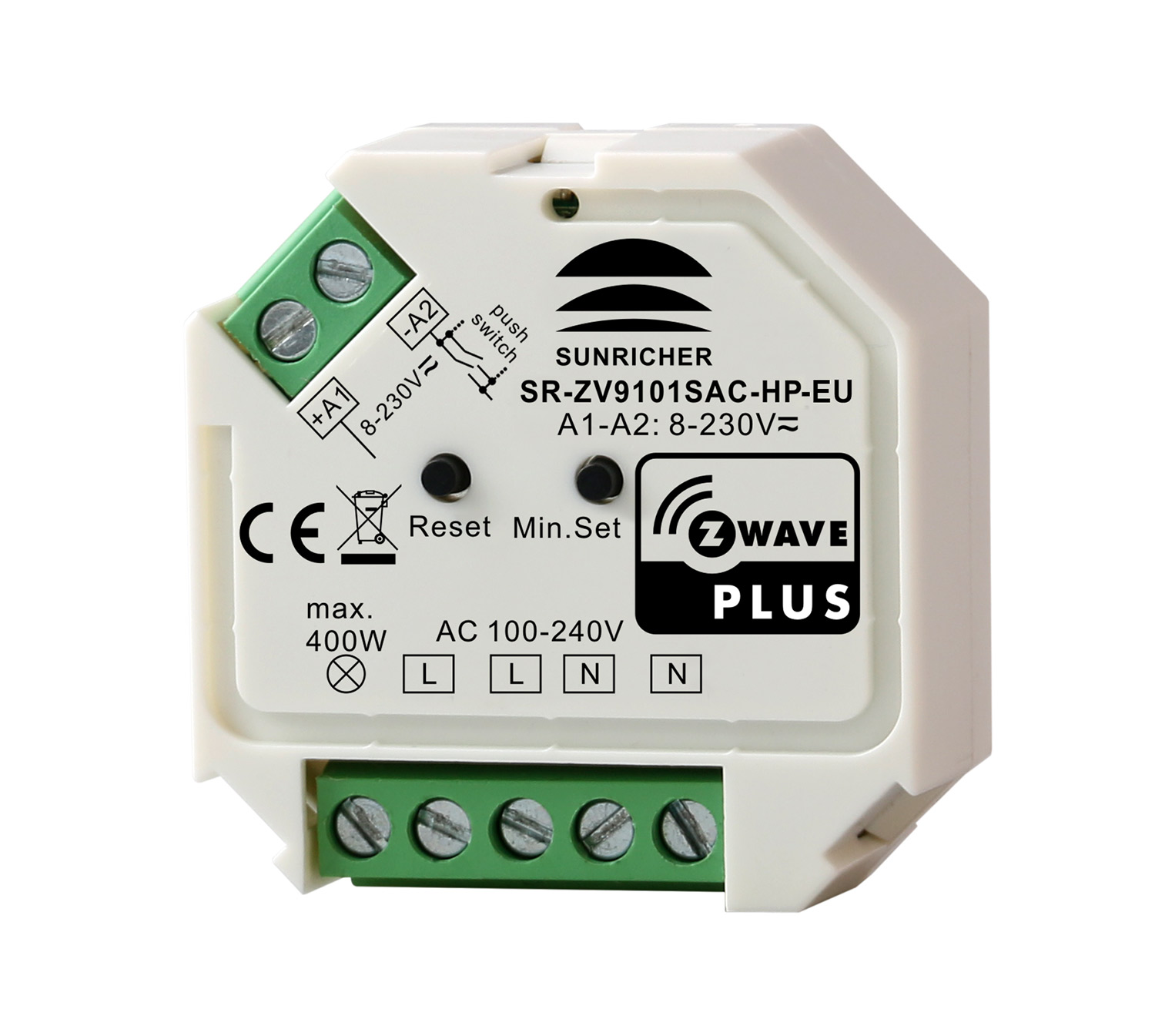
The Z-Wave™ Smart Plug is a Z-Wave™ device that is used to power connected lighting using Z-Wave Plus™ and can be controlled by other Z-Wave devices. The device supports metering function (voltage, current, energy consumption and power), it also supports thermostat’s Heat Mode, Energy Heat Mode, OFF Mode. The device cannot act as Z-Wave network controller (primary or secondary) and will always need a Z-Wave network controller to be included into a Z-Wave network The encryption modes that the smart plug supports are S0, S2 Unauthenticated. When the smart plug is being included into a Z-Wave network, you can use your primary controller/gateway to enable one encryption mode or disable encryption. (The primary controller/gateway shall support encryption mode configuration).
Want to buy adds it to your wish list and follows Sunricher for updates. I own it adds it to your collection.
The Z-Wave™ Smart Plug is a Z-Wave™ device that is used to power connected lighting using Z-Wave Plus™ and can be controlled by other Z-Wave devices. The device supports metering function (voltage, current, energy consumption and power), it also supports thermostat’s Heat Mode, Energy Heat Mode, OFF Mode. The device cannot act as Z-Wave network controller (primary or secondary) and will always need a Z-Wave network controller to be included into a Z-Wave network The encryption modes that the smart plug supports are S0, S2 Unauthenticated. When the smart plug is being included into a Z-Wave network, you can use your primary controller/gateway to enable one encryption mode or disable encryption. (The primary controller/gateway shall support encryption mode configuration).
Hardware platform
ZM5101
Short description
The Z-Wave™ Smart Plug is a Z-Wave™ device that is used to power connected lighting using Z-Wave Plus™ and can be controlled by other Z-Wave devices. The device supports metering function (voltage, current, energy consumption and power), it also supports thermostat’s Heat Mode, Energy Heat Mode, OFF Mode.
Product identifier
SR-ZV9021A-EU
Countries / regions
European Union
Certification number
ZC10-21097050
Radio range z wave (m)
40
Configuration parameters
Parameter Number Name Description Format Size Min Value Max Value Default Value Parameter Values 7
Supports explorer frames
Yes
Supported command classes
Identifier Name Key Version COMMAND_CLASS_FIRMWARE_UPDATE_MD_V4
Supported multilevel sensors
Multilevel Sensor Type Air temperature
Supported notification types
Notification Type Event / State Heat Alarm
Supported / controlled meter types
Meter Type Rate Type Description Electric meter
Value heat energy save heat thermostat hvac systems supported value heat only association groups
Group Number Maximum Nodes Supported End Point ID Group Name Profile Description 1
From to description 0 1 0 switch mode; 1 thermostat mode 8 parameter 8 when configured as thermostat mode: if thermostat setpoint or mode changes, whether to report actively 1 1 0 1 0 from to description 0 0 not report 1 1 report actively 9 parameter 9 temperature compensation value 1 1 50 50 0 from to description 50 50 set a threshold,unit is 0.1 celsius degree 11 parameter 11 temperature change report threshold, report to gateway when change value is lower or higher than the threshold 1 1 0 50 2 from to description 0 0 0: disable report 2 50 set a threshold,unit is 0.1 celsius degree 17 parameter 17 time interval for periodically active report of voltage value, current value, power value, energy consumption unit is s. 1 4 60 2678400 600 from to description 60 2678400 unit is s texts