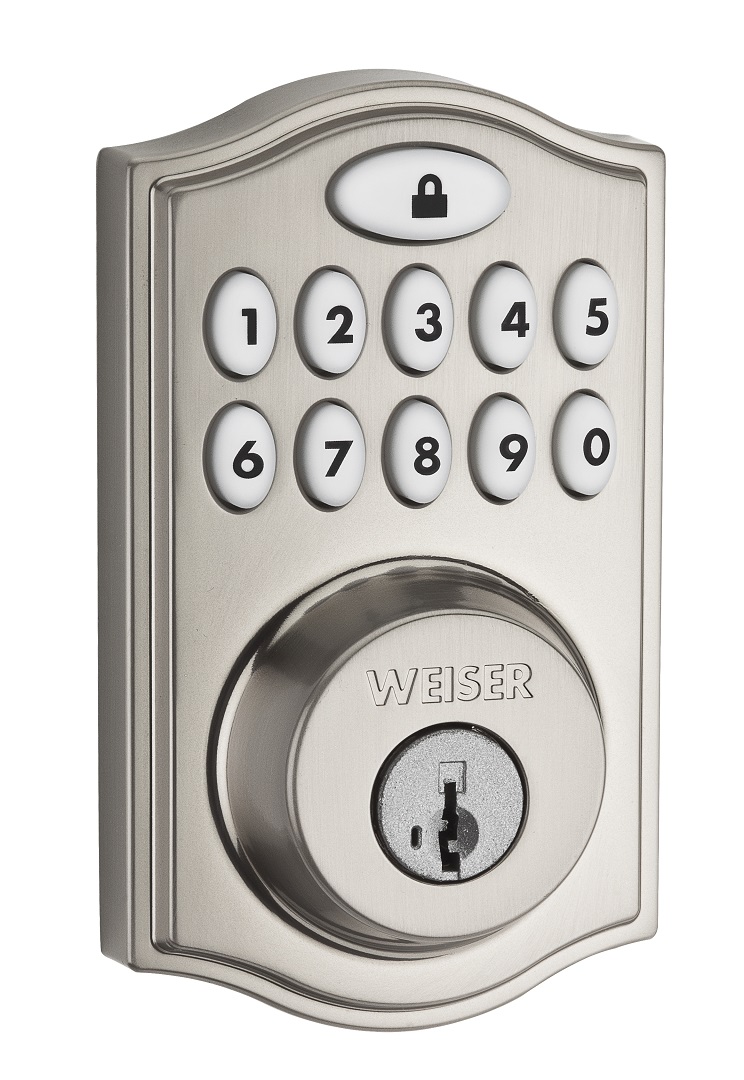
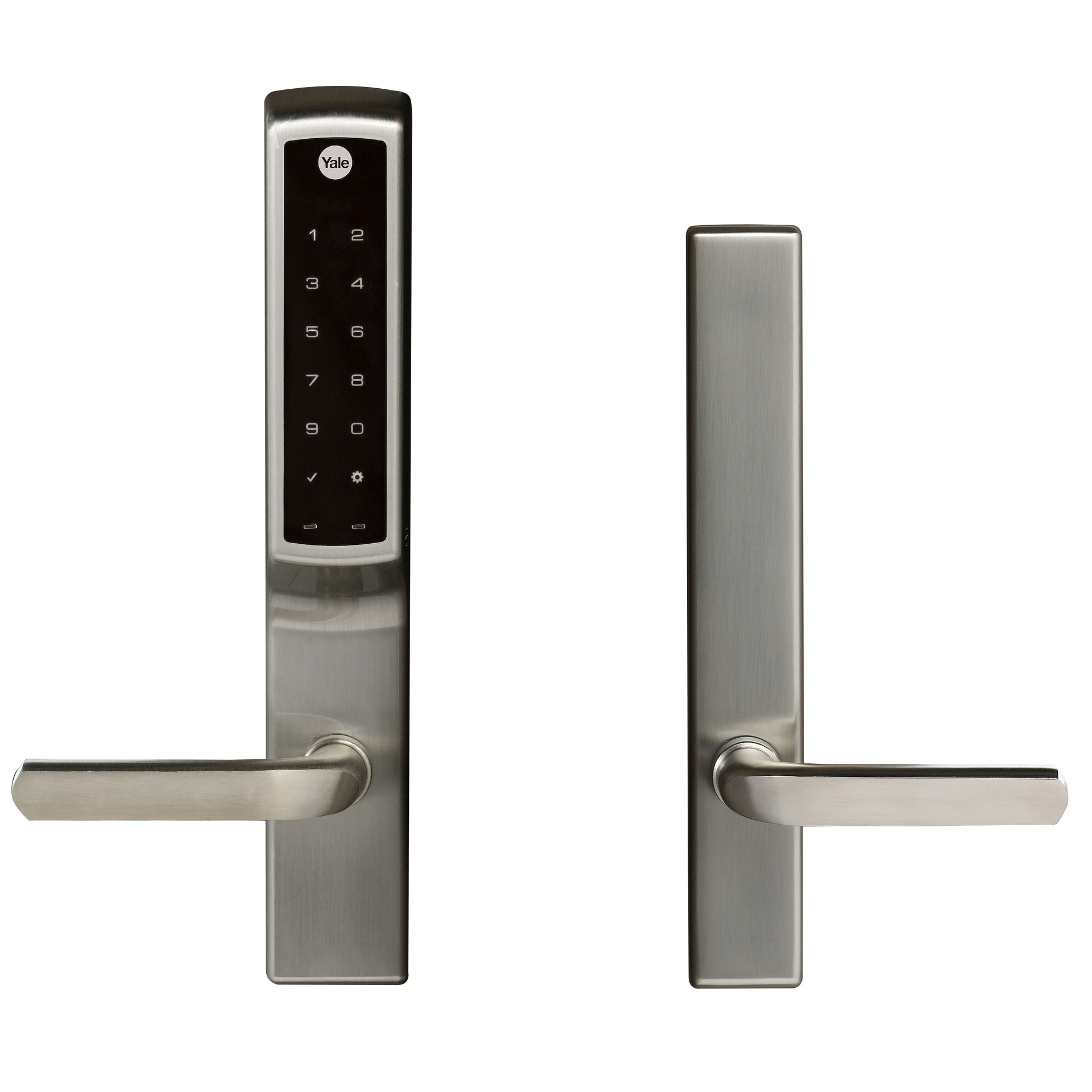
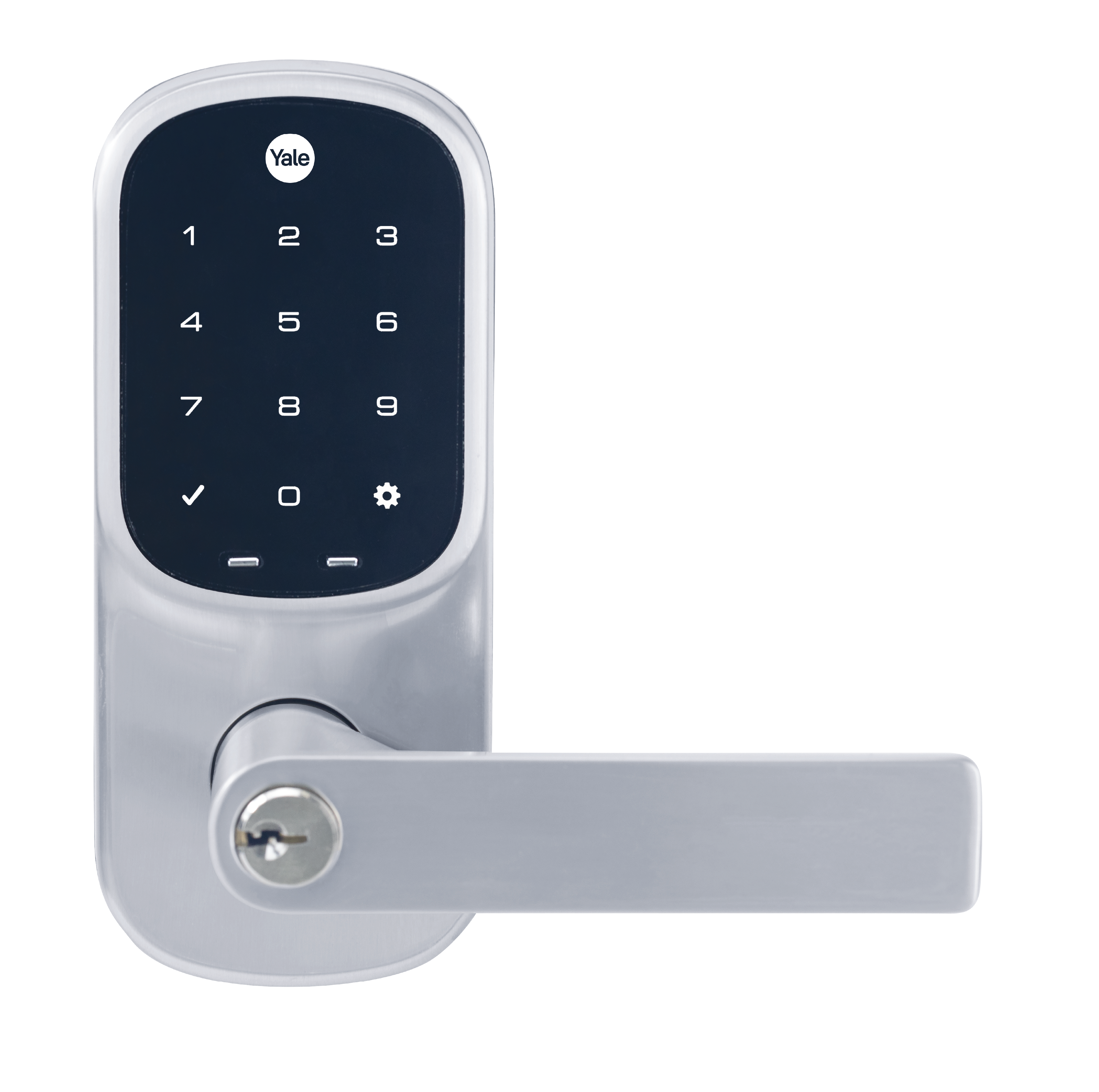
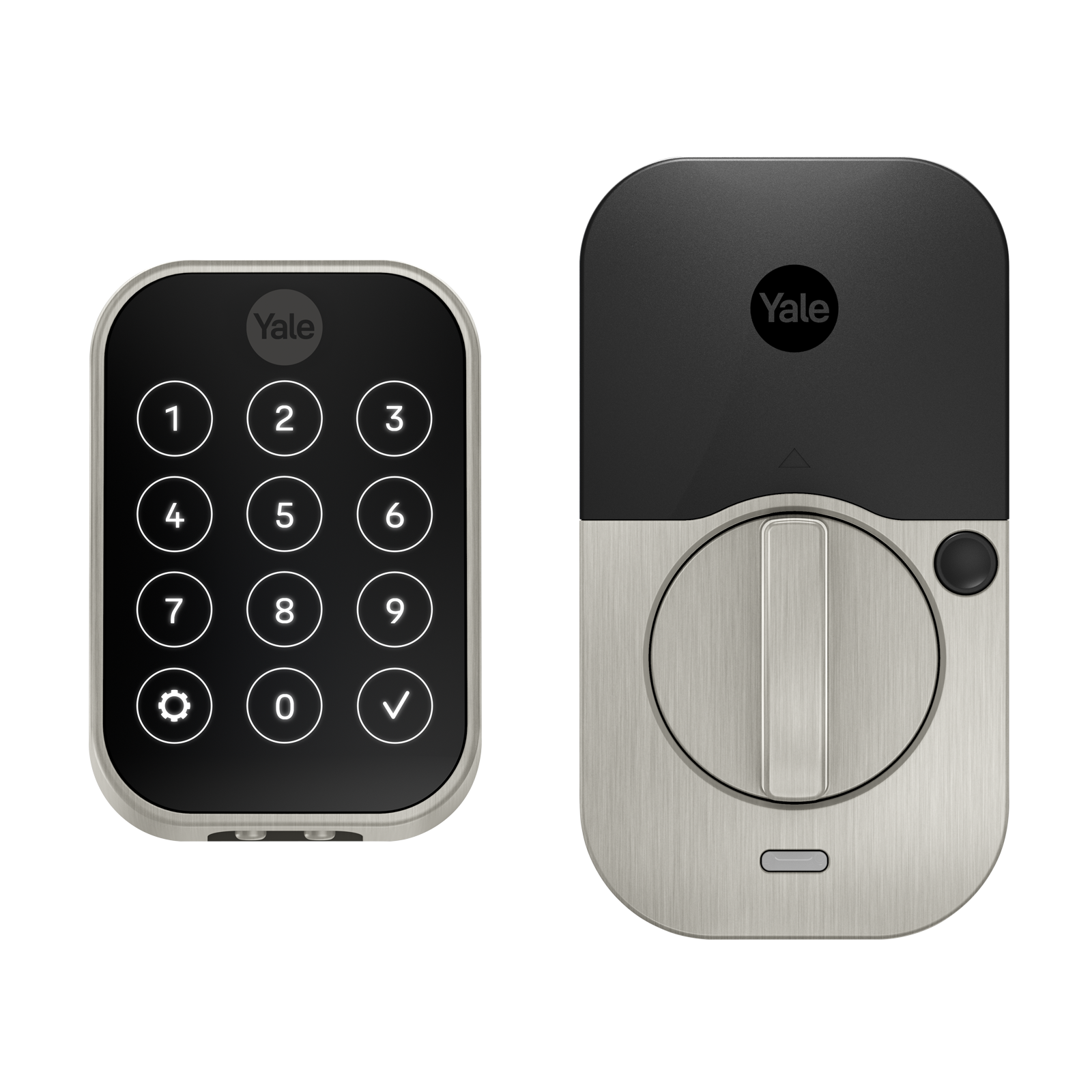
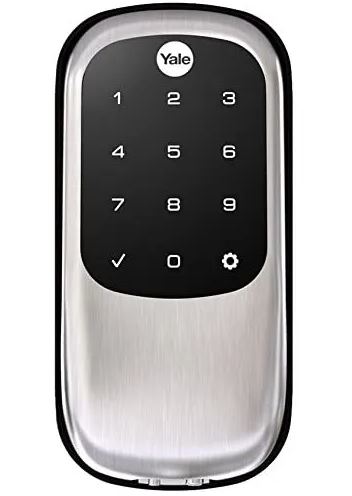
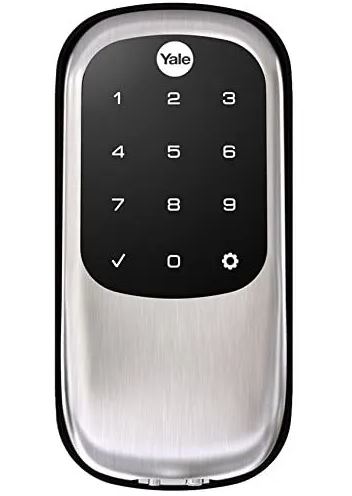
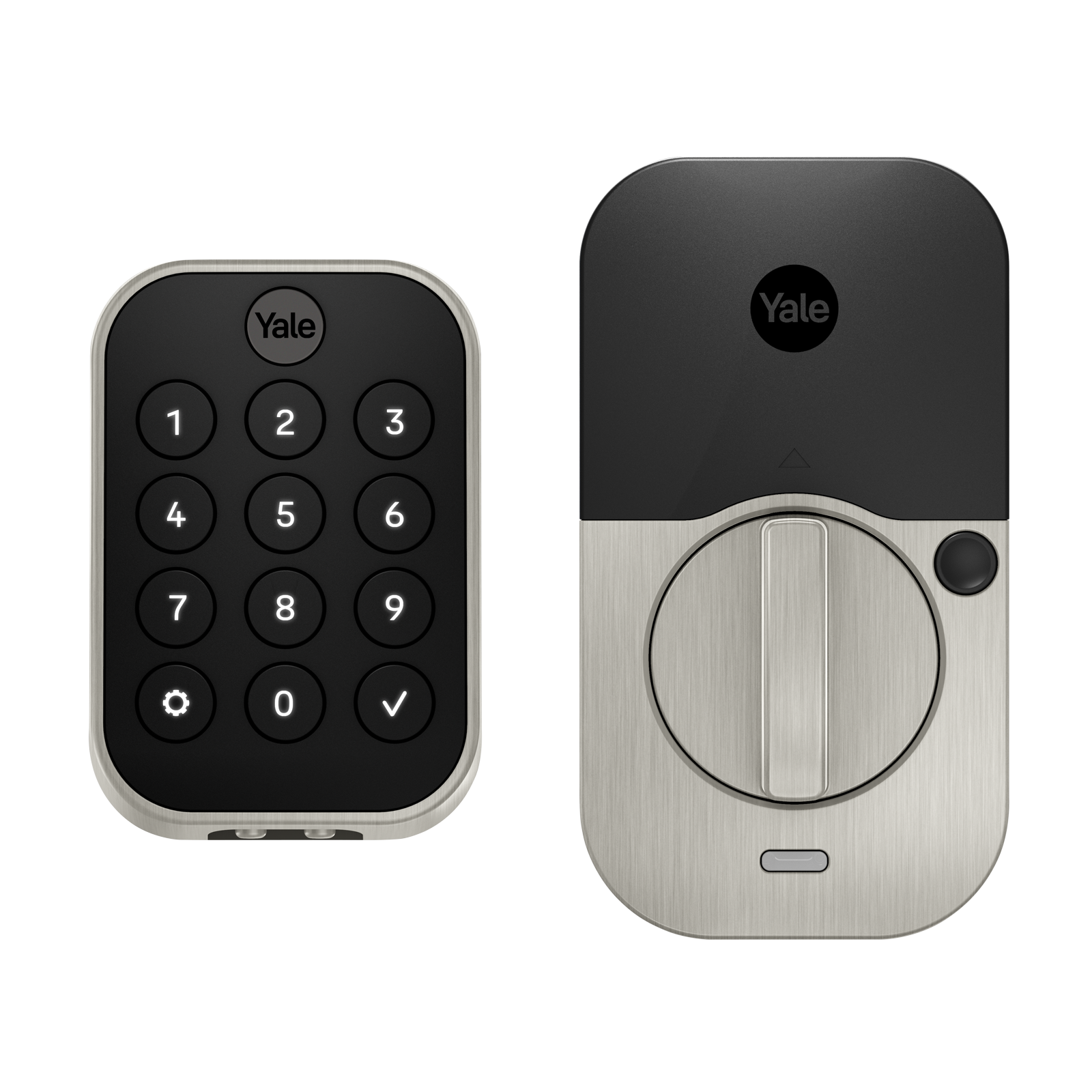
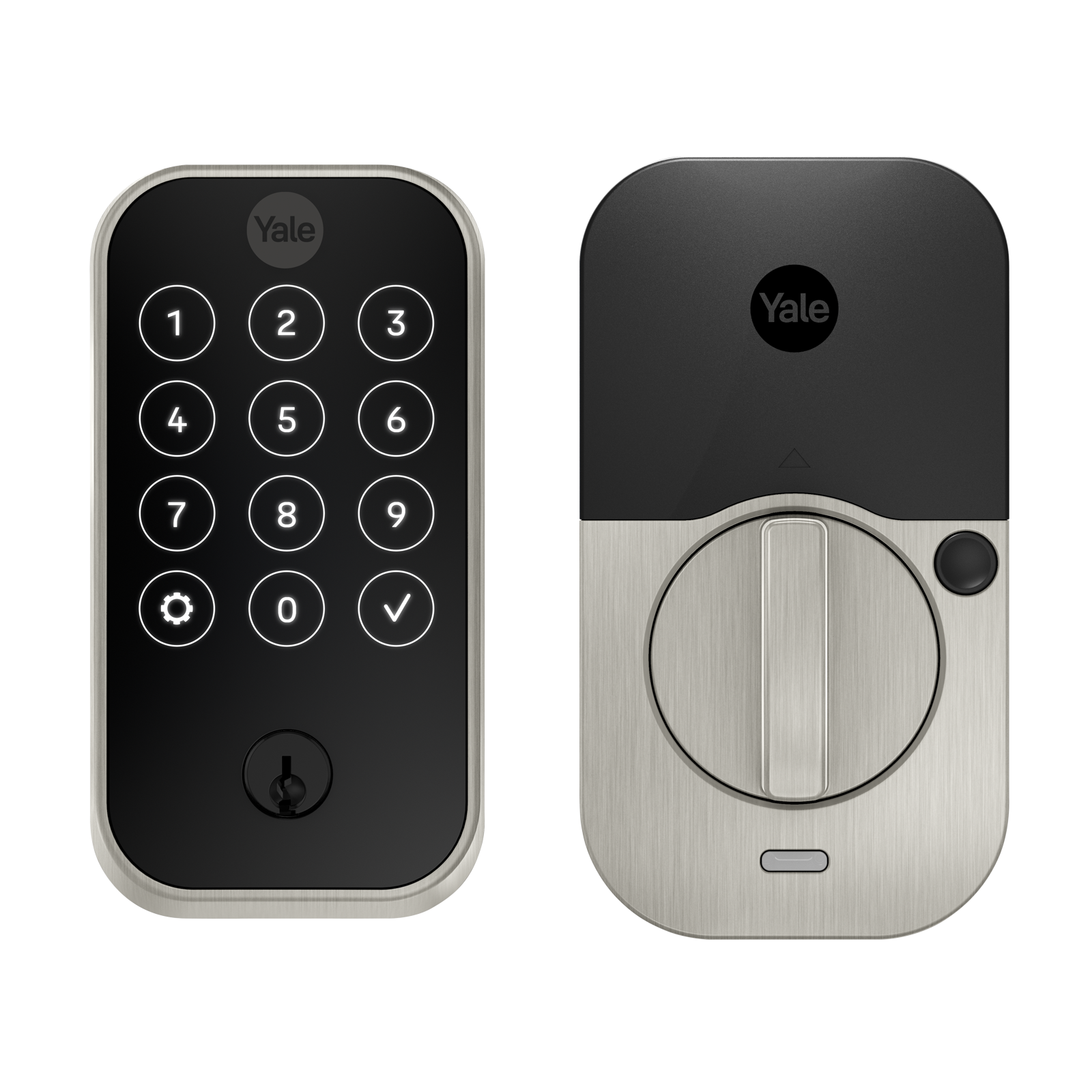
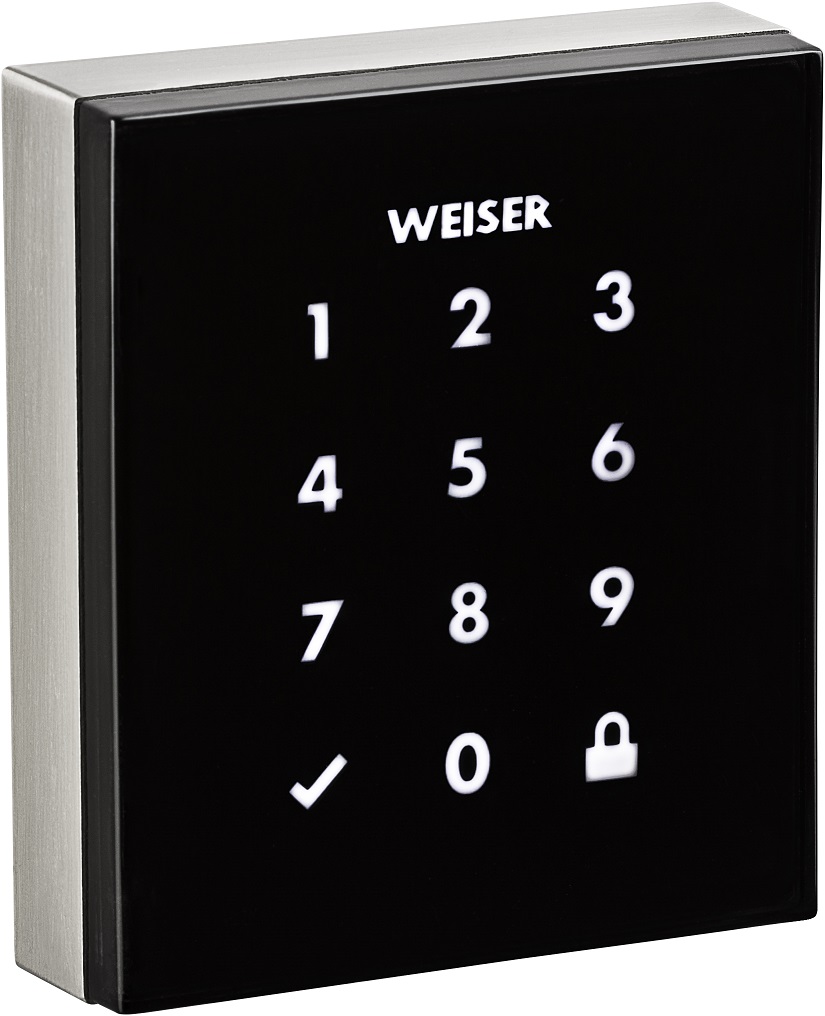
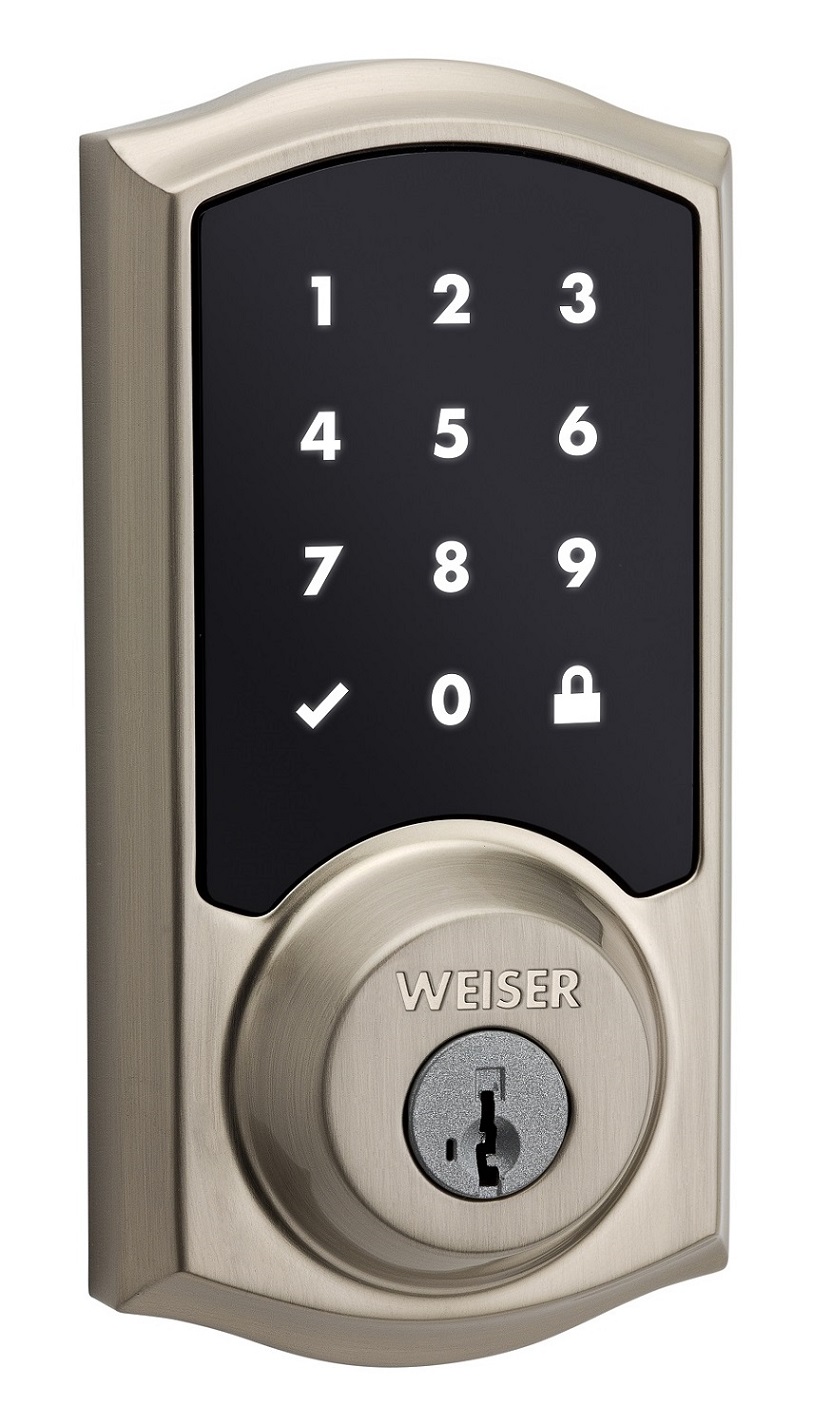
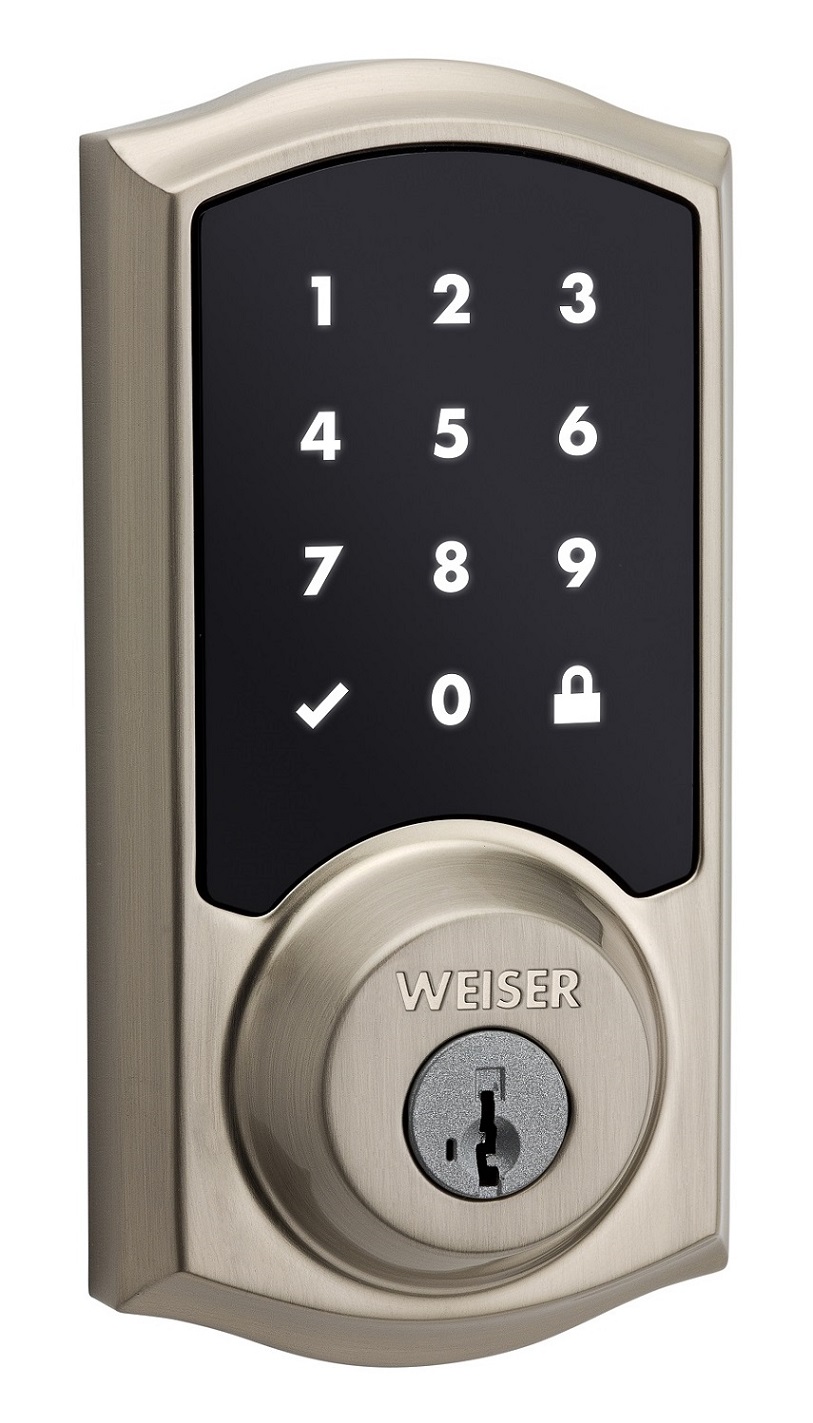
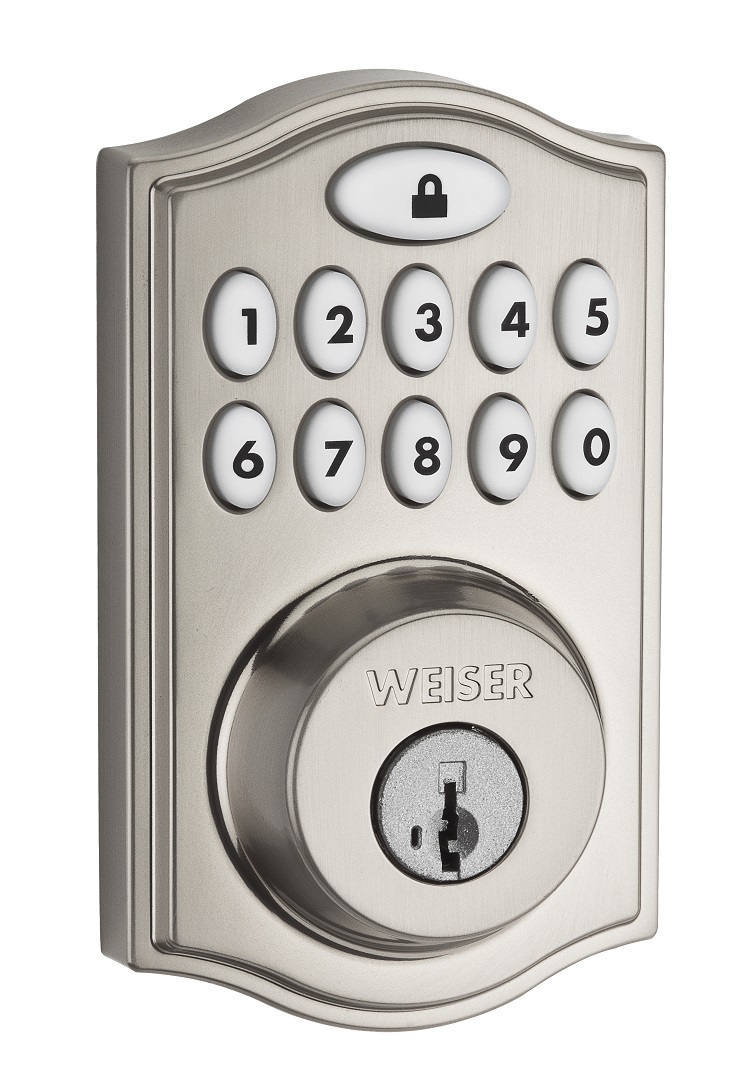
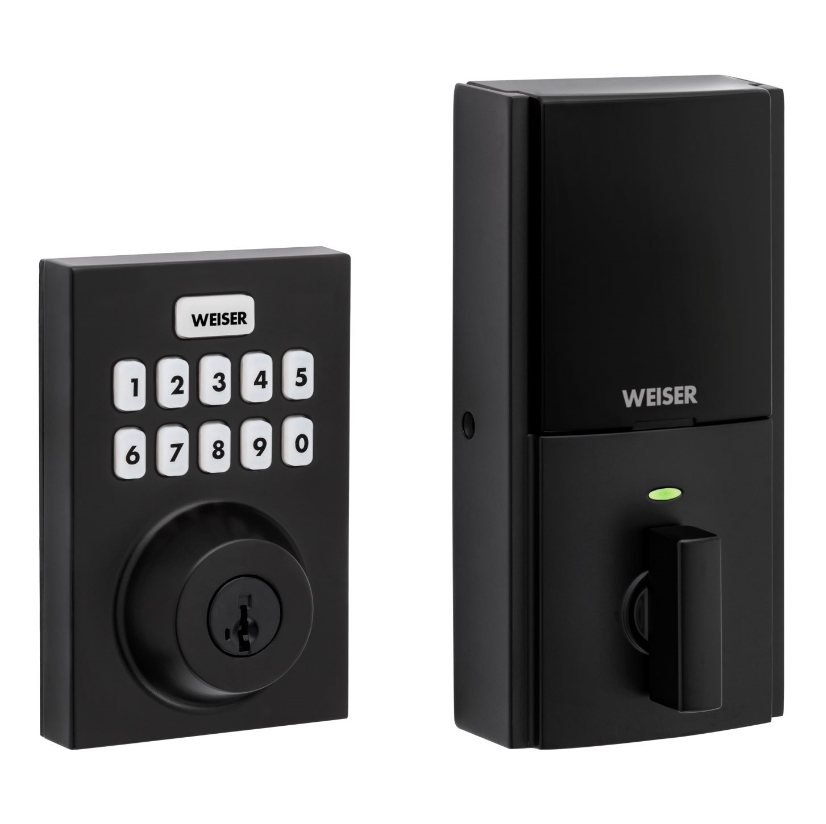
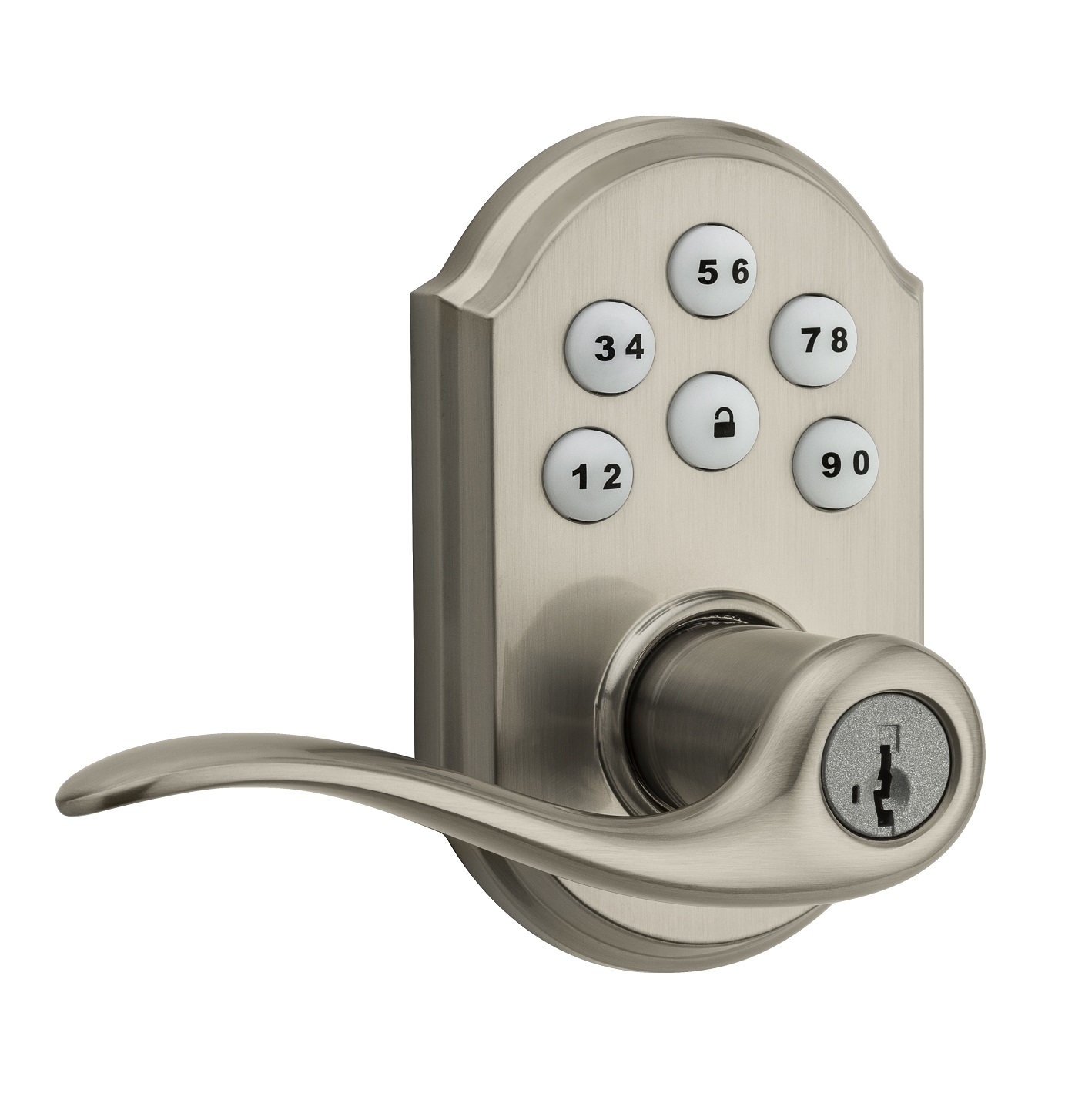
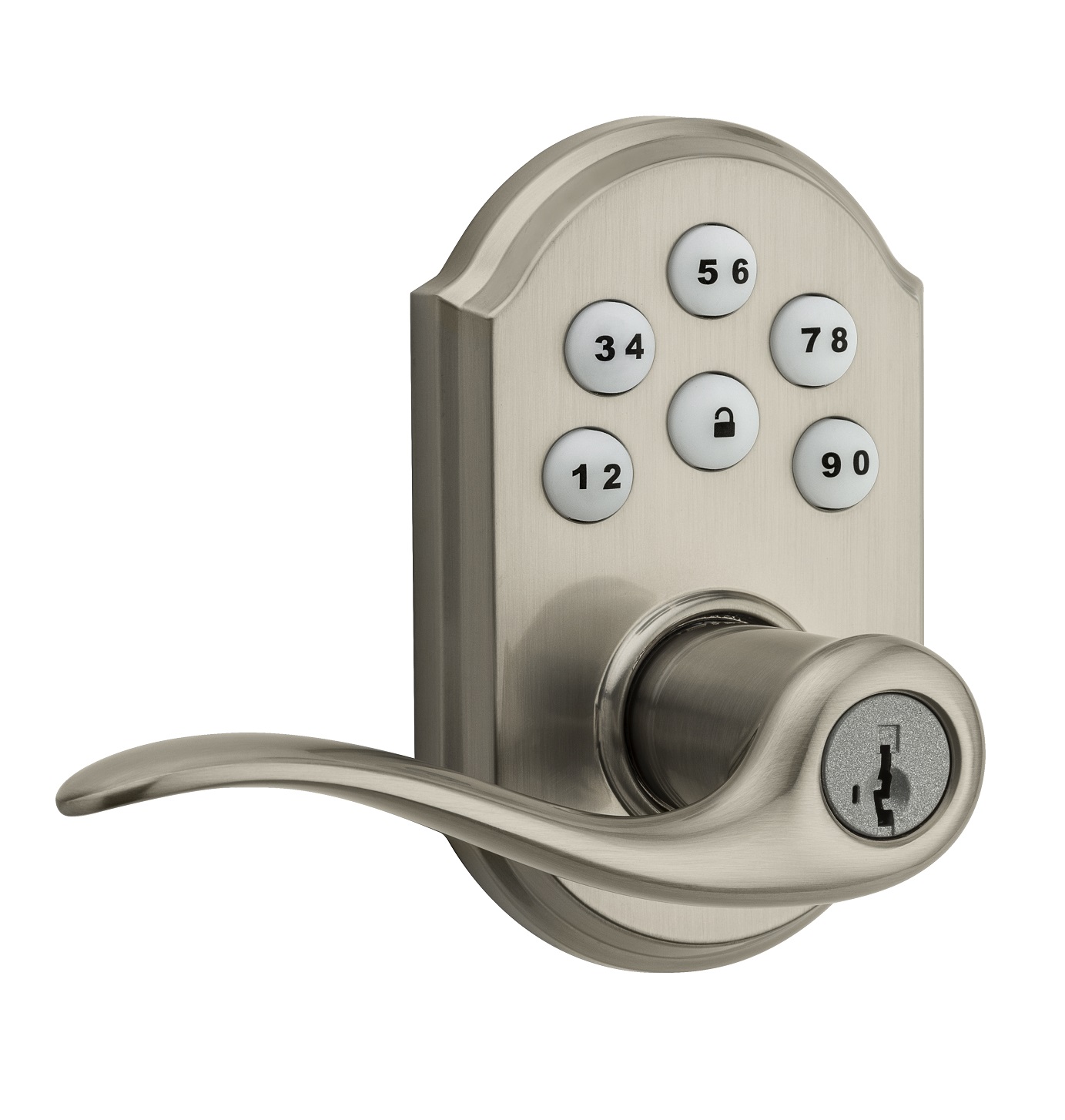
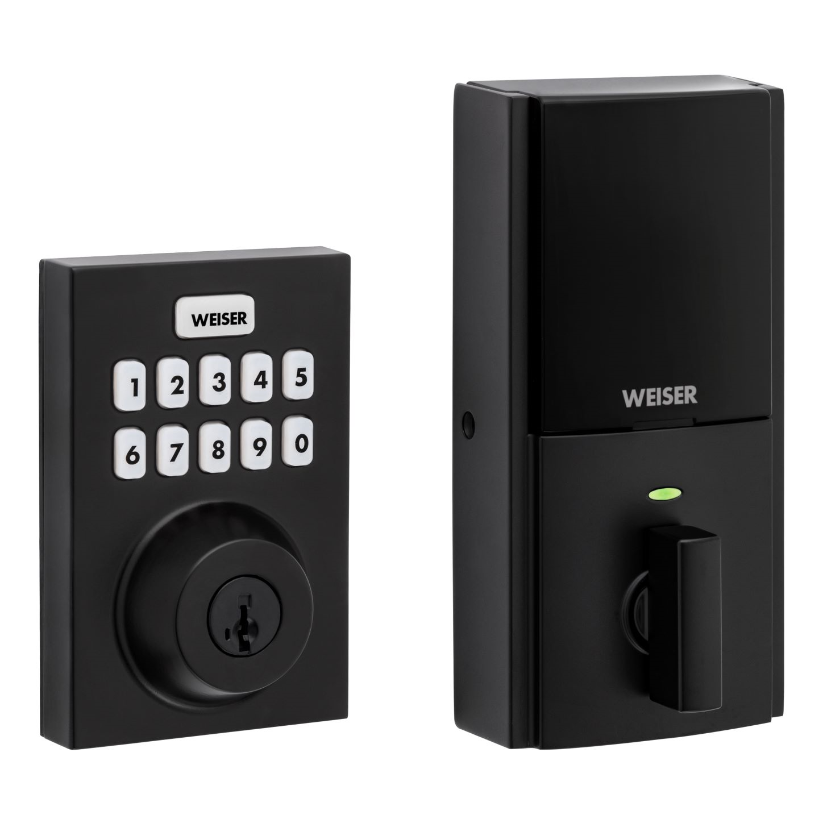
Weiser introduces the SmartCode™ 10 Touchpad Electronic Deadbolt with Z-Wave. 10 digit backlit keypad with one touch locking Dramatically reduced, all-metal interior 30 user codes plus master code BHMA grade 2 certified 20 minute fire rating - UL certified Full 128-bit encryption security SmartKey: Re-key the lock in seconds
Want to buy adds it to your wish list and follows Weiser for updates. I own it adds it to your collection.
✅ Future-proofBuilt to keep working — even if the maker walks away.
It works locally over Z-Wave, so it keeps running even if Weiser shuts down the app or the servers. Nothing here ties you to a single company's survival.
Works locally over Z-Wave — keeps running without the maker's cloud
Still in production
Based on how this device connects (local vs. cloud), whether it’s still sold and supported, and its app / subscription. A guide, not a guarantee.
Connectivity
Z-Wave
Prices
No prices yet — be the first to add one.
Community tags
Be the first to tag this page — tags appear right away. Try a theme, capability, or subject (e.g. WWII, heist, slow burn, time travel, A24).
Community photos
Photos from members
No member photos yet.
Reviews
What members say
Sign in to rate SmartCode 10 Touchpad Electronic Deadbolt and share a photo.
No reviews yet.
Community
Be the first to start a thread about SmartCode 10 Touchpad Electronic Deadbolt
Threads post into the Weiser community forum.
Sign in to start a thread in the Weiser community.
A Z-Wave Plus® enabled deadbolt from Kwikset, offering the latest S2 security and SmartStart functionality. Has a 10-Digit keypad with one-touch locking, tapered deadbolt designed to assist with misaligned doors, and features the SmartKey Re-Key technology with BumpGuard protection.
Hardware platform
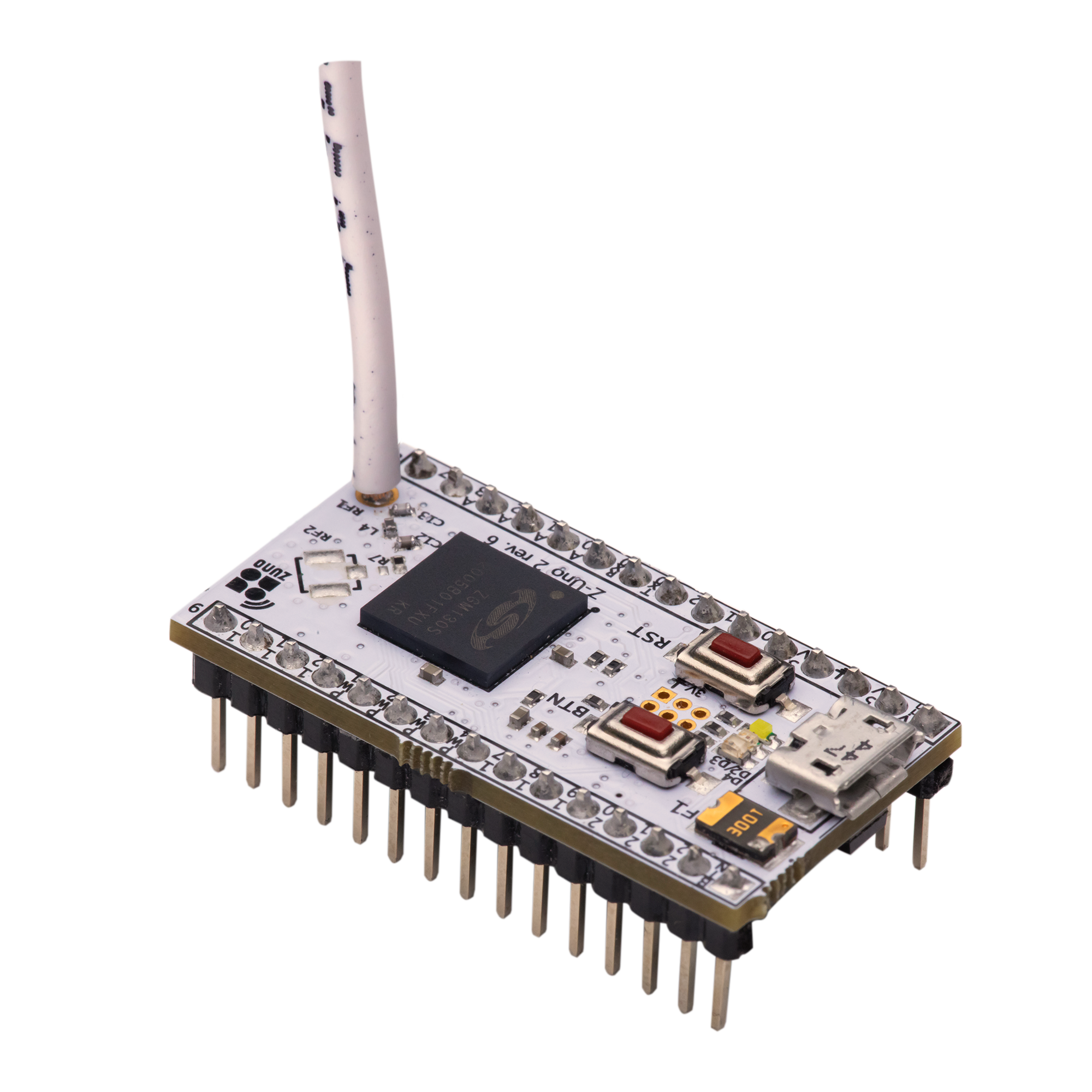
ZGM130
Short description
For enhanced security, a MasterCode may be used in order to protect local user code maintenance, as well as other configuration settings.
Product identifier
GED1800
Countries / regions
United States of America, Canada
Supports smart start
Yes
Certification number
ZC12-24050355
Radio range z wave (m)
40
Configuration parameters
Parameter Number Name Description Format Size Min Value Max Value Default Value Parameter Values Read-only 1
Supports explorer frames
Yes
Supported command classes
Identifier Name Key Version COMMAND_CLASS_CONFIGURATION_V4
Supported notification types
Notification Type Event / State Access Control
Value deadbolt firmware updatable value not updatable battery quantity value 4 battery type value aa association groups
Group Number Maximum Nodes Supported End Point ID Group Name Description 1
From to description 0 0 turns status led off 1 1 turns status led on 2 sound control the configuration parameter 2 is a read/write parameter with a one byte field, used to control the lock’s buzzer. if set to on, the buzzer is enabled and will sound during normal events. if set to off, the buzzer is disabled, and the buzzer sound will not occur. 2 1 0 1 1 from to description 0 0 turns the sound (buzzer) off 1 1 turns the sound (buzzer) on 3 user program button control the configuration parameter 3 is a read/write parameter with a one byte field, used to control the user program button. if set to on, the program button is available for user code maintenance. if set to off, the program button is not available for user code maintenance. 2 1 0 1 1 from to description 0 0 disables the program button 1 1 enables the program button 4 secure screen control the configuration parameter 4 is a read/write parameter with a one byte field, used to control the secure screen functionality on touch locks only. this parameter is not used on non touch locks and will be ignored. if set to enabled, the touch screen will display the secure screen functionality when woken. if set to disabled, the touch screen will not display the secure screen functionality when woken. 2 1 0 1 1 from to description 0 0 disables secure screen (touch products only) 1 1 enables secure screen (touch products only) 10 handing control the configuration parameter 10 is a read/write parameter with a one byte field. when this parameter is read, it will return the handing of the lock. when this parameter is written, it will run a handing operation. when written with a value of 0x01, it will cause the lock to cycle through locking and unlocking until it determines the correct handing. it is suggested that this operation occur while the door is opened so that no obstructions will be in the way for the operation. after the completion of the handing process, a configuration report message will be sent back to the requestor. it will contain a non zero value for success or a zero value for failure. 2 1 0 2 0 from to description 0 0 unknown latch position (get/read from lock) 0 1 initiate the handing process (set/write to lock) 1 0 right handed lock (get/write to lock) 2 0 left handed lock (get/write to lock) 46 motor load value the configuration parameter 46 is a read only parameter with a four byte field. it is used to retrieve the calculated sideload value from the last motor run that was performed. this value is used to represent the amount of power needed to run the motor, giving the opportunity to see if any resistance was encountered based on the value read from a free running motor with no resistance. 2 4 0 16777215 0 from to description 0 16777215 provides an insight into the amount of resistance encountered by motor yes texts