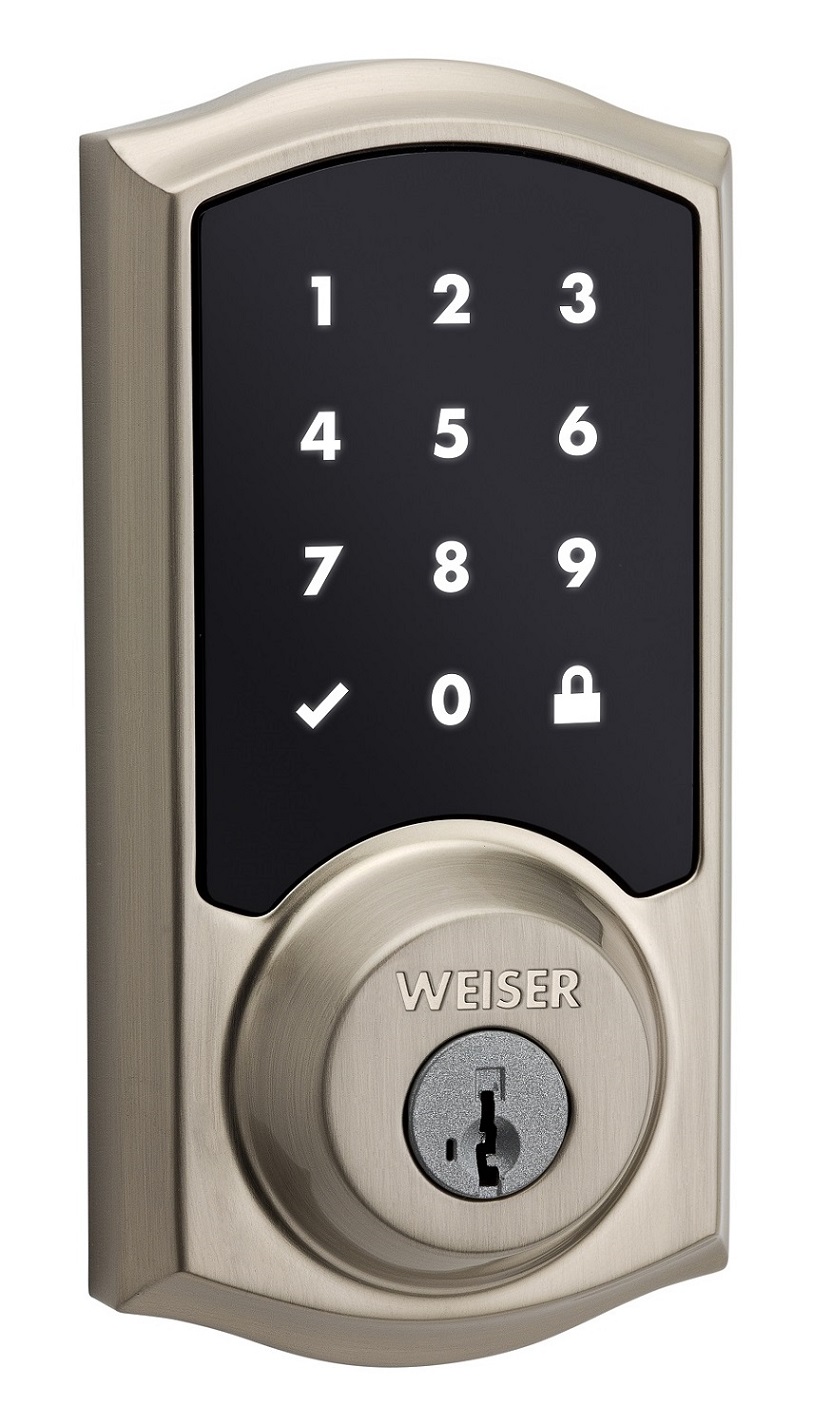
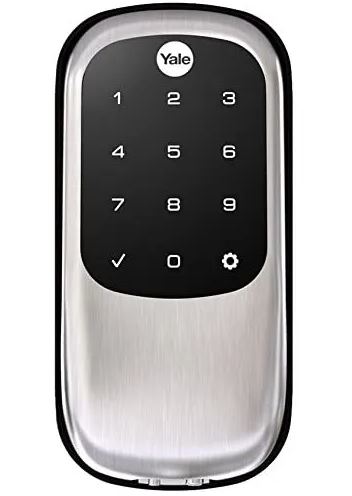
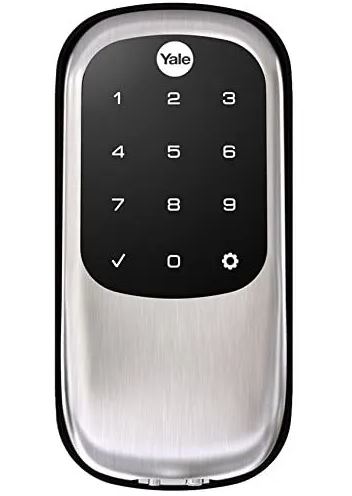
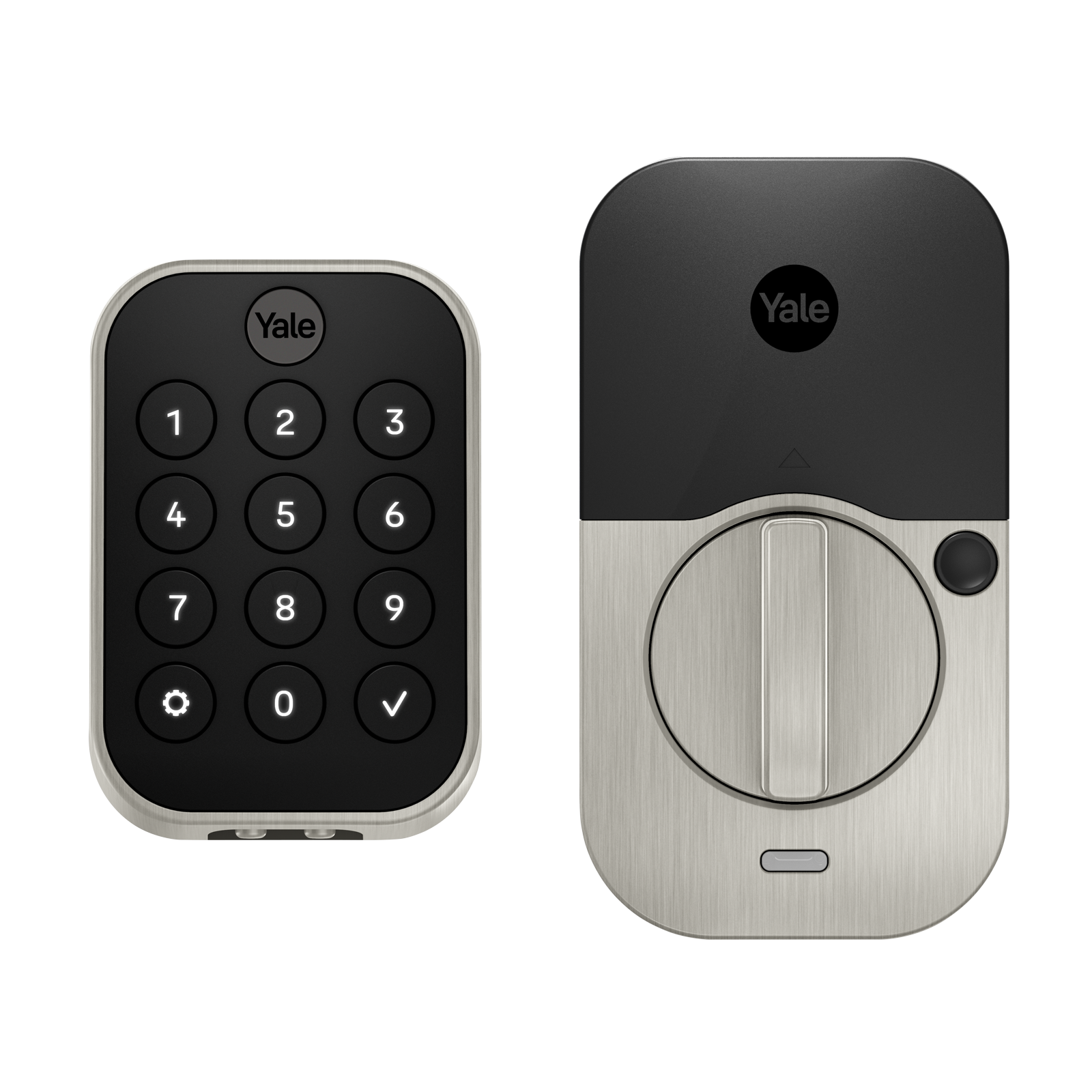
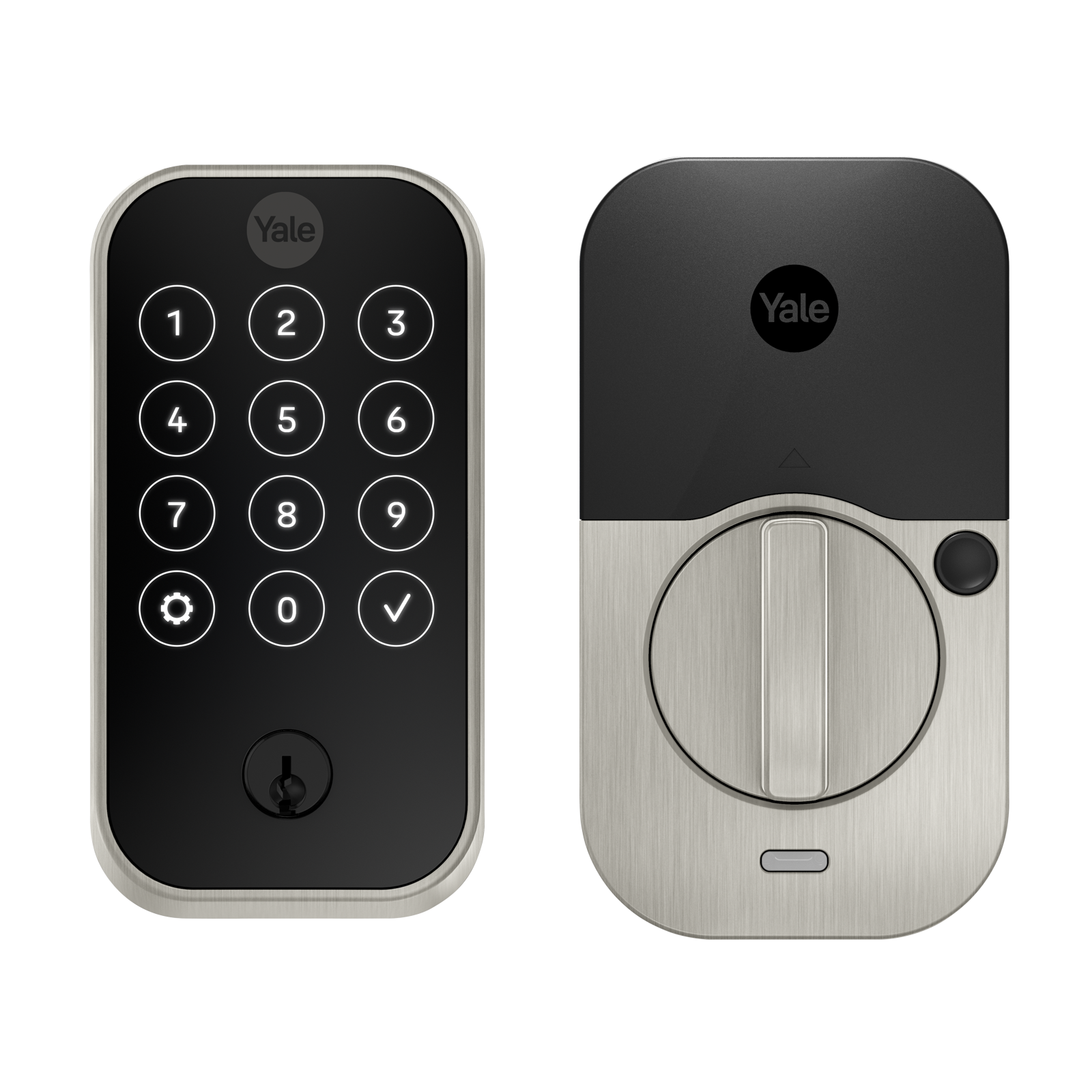
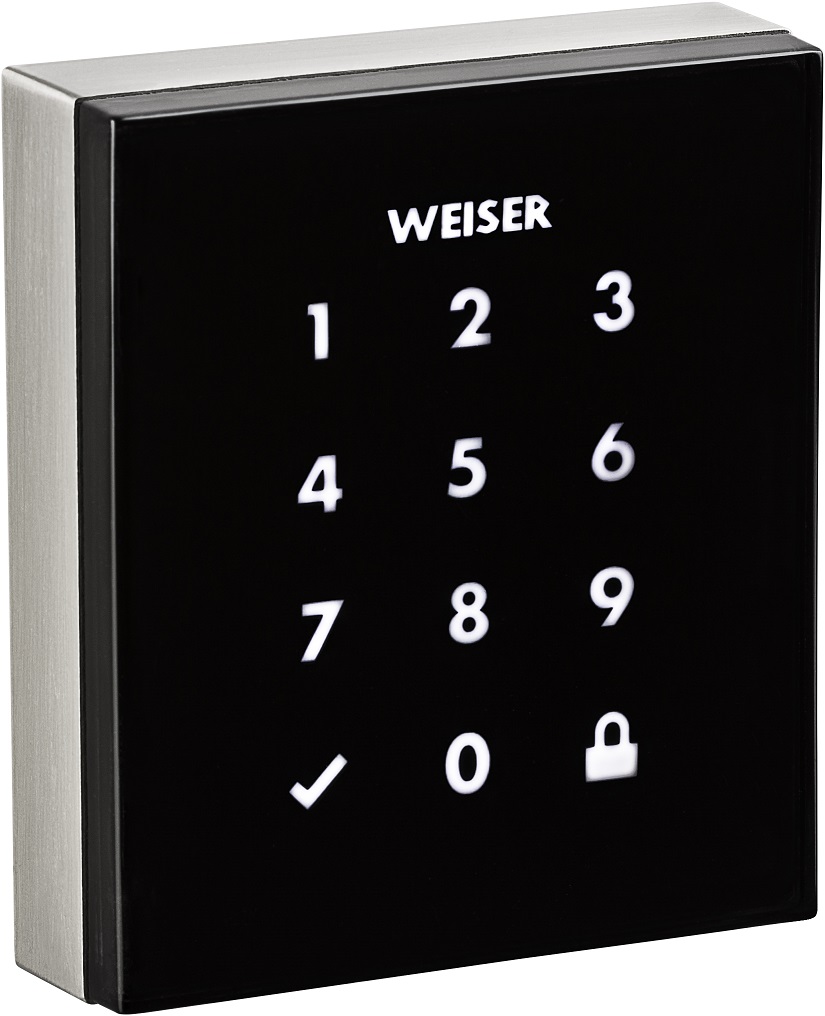
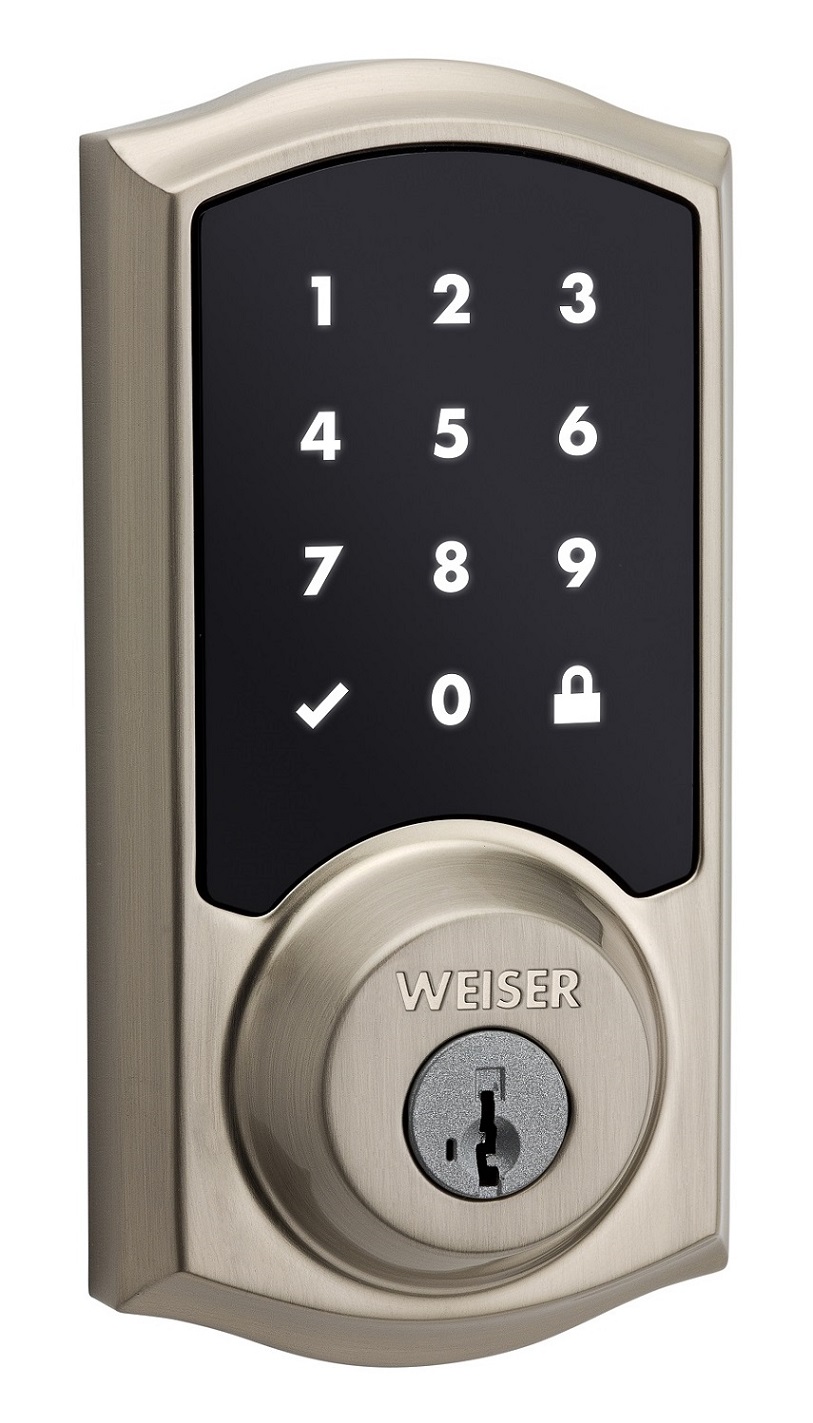
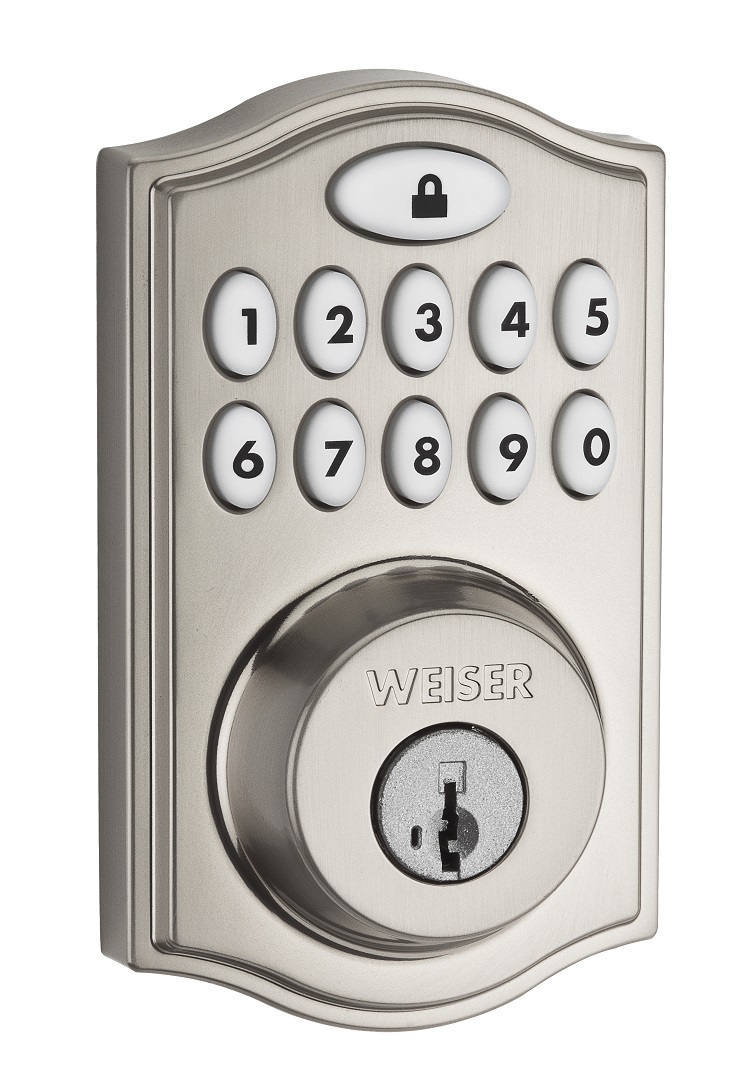
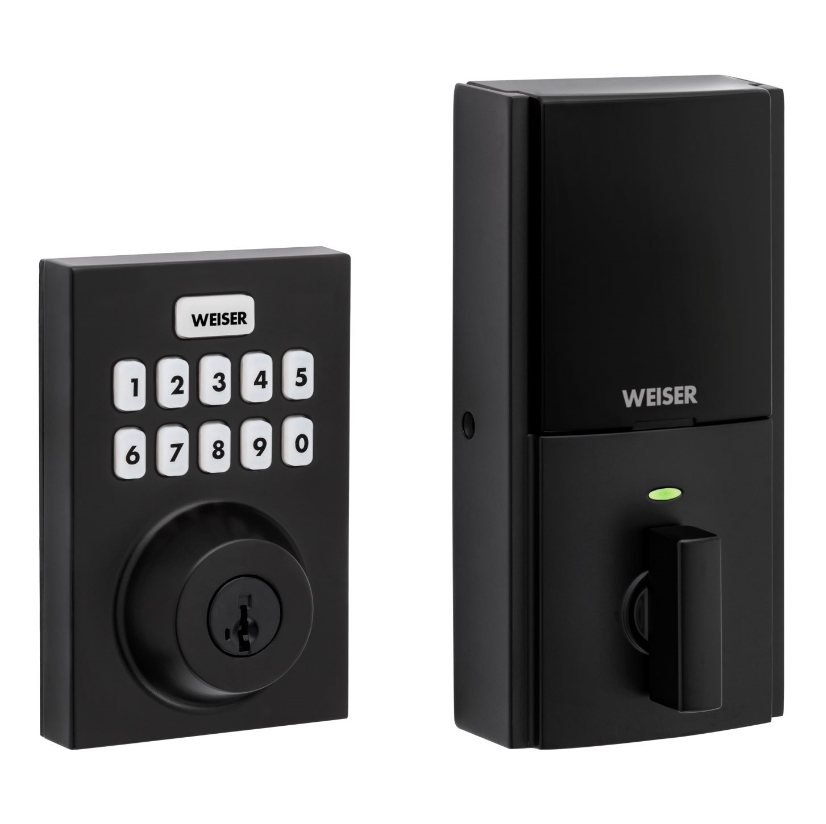
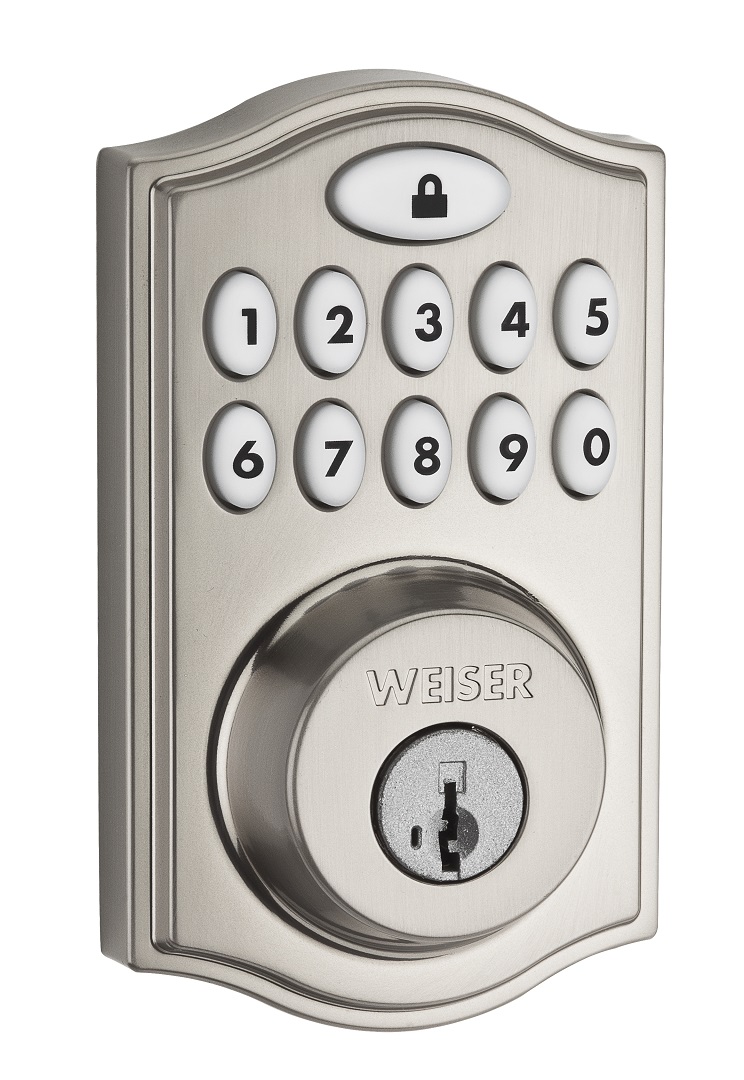
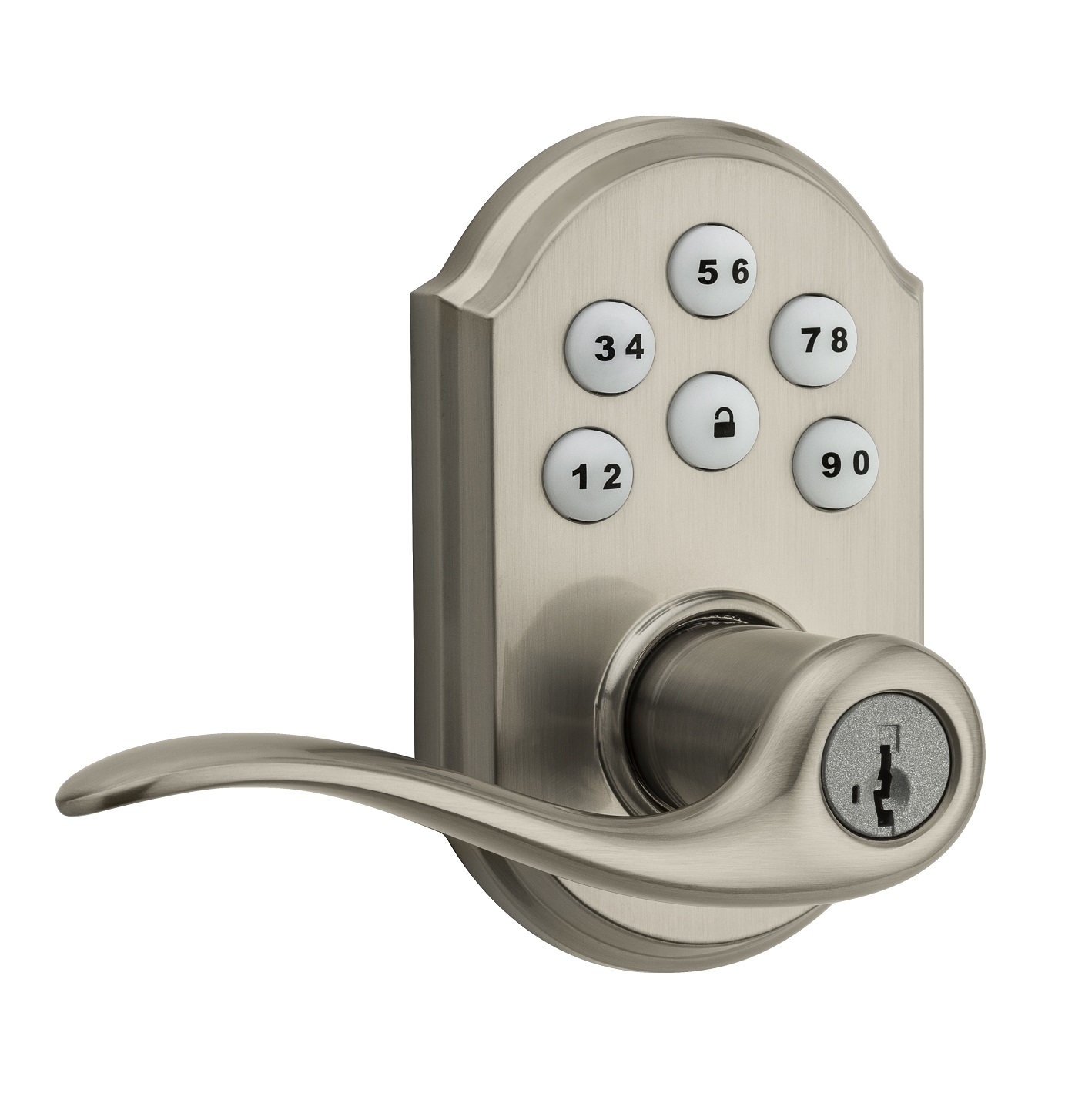
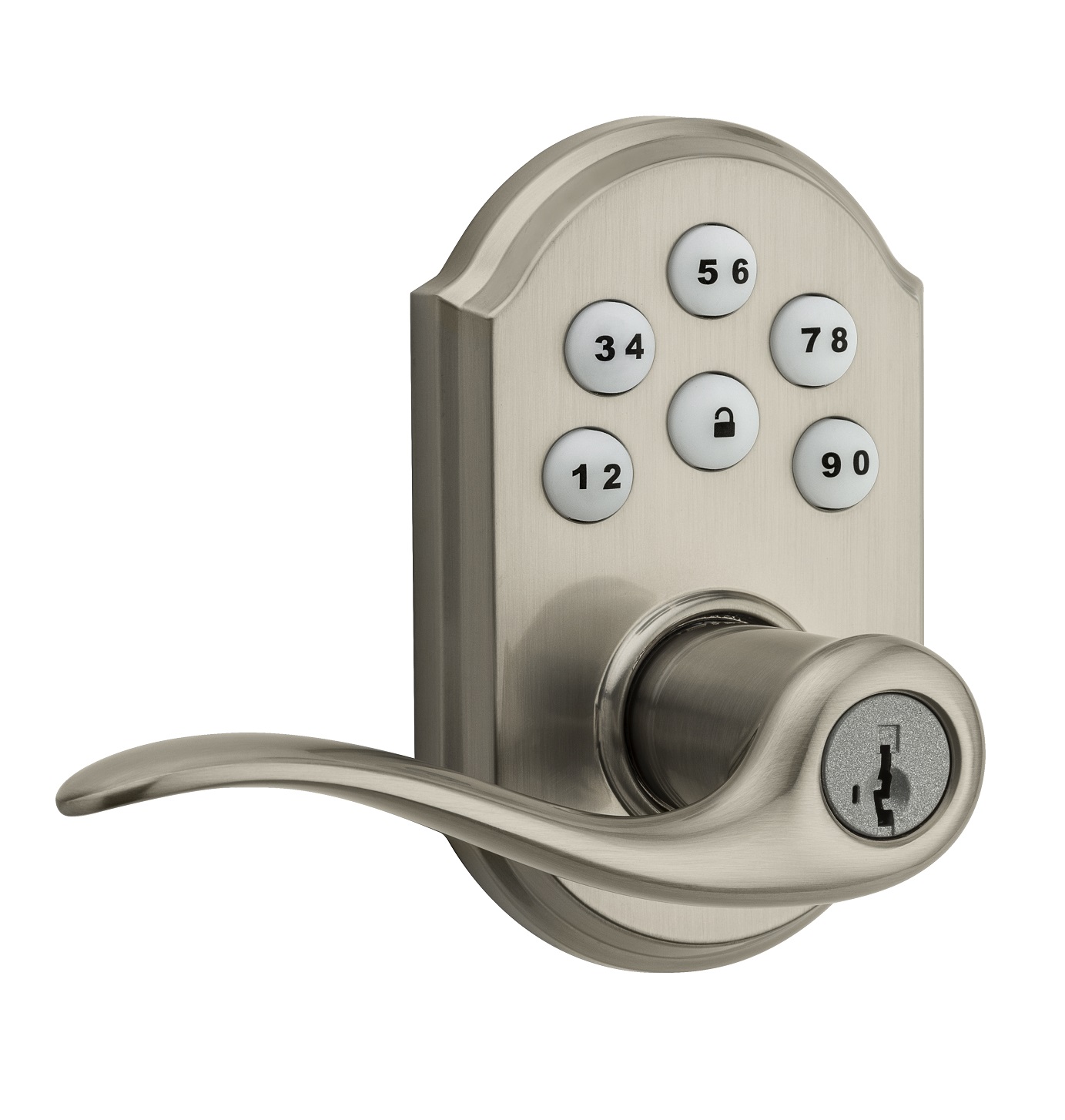
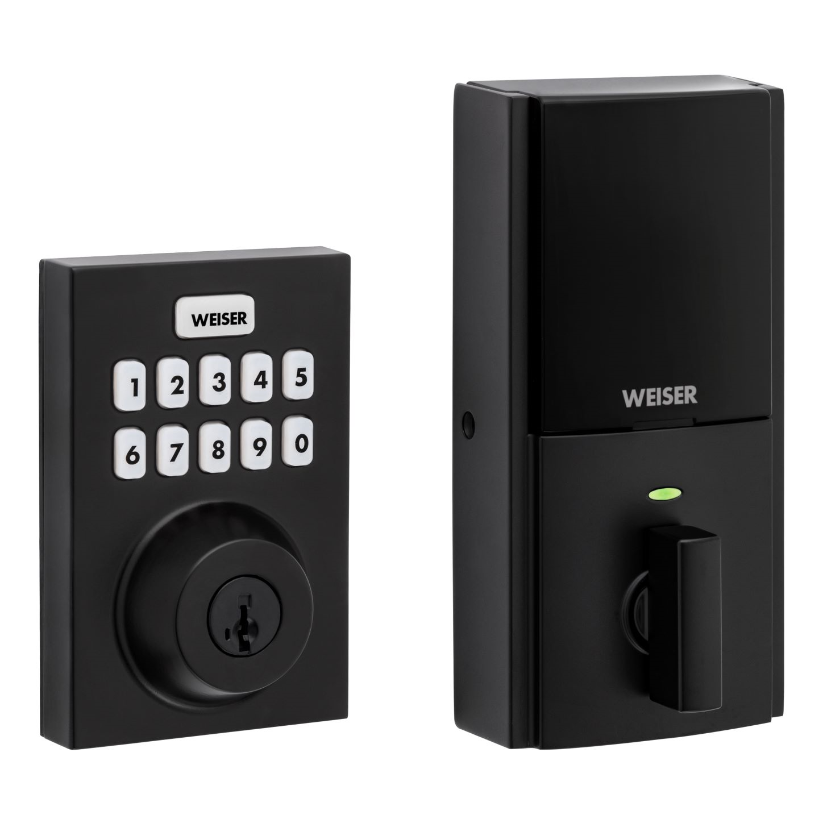
Long descriptionWeiser® introduces the SmartCode™ 10 Touchscreen Electronic Deadbolt with Z-Wave. Advanced touchscreen SecureScreen: Additional security by preventing fingerprint code detection One touch locking Dramatically reduced, all-metal interior 30 user codes plus master code BHMA grade 2 certified 20 minute fire rating - UL certified Full 128-bit encryption security SmartKey: Re-key the lock in seconds From to description 1 1 owner 3 3 guest 4 4 worker 3 user code type for user code 3 this configuration parameter is used to get or set the type of user for their corresponding user code. by default, all user codes are set to the owner type unless otherwise specified. the parameter type is associated with the user code location 3. caution must be used when setting these values. guests and workers will require schedules attached to them in order for those types to be assigned. 0 1 0 0 1 from to description 1 1 owner 3 3 guest 4 4 worker 4 user code type for user code 4 this configuration parameter is used to get or set the type of user for their corresponding user code. by default, all user codes are set to the owner type unless otherwise specified. the parameter type is associated with the user code location 4. caution must be used when setting these values. guests and workers will require schedules attached to them in order for those types to be assigned. 0 1 0 0 1 from to description 1 1 owner 3 3 guest 4 4 worker 5 user code type for user code 5 this configuration parameter is used to get or set the type of user for their corresponding user code. by default, all user codes are set to the owner type unless otherwise specified. the parameter type is associated with the user code location 5. caution must be used when setting these values. guests and workers will require schedules attached to them in order for those types to be assigned. 0 1 0 0 1 from to description 1 1 owner 3 3 guest 4 4 worker 8 user code type for user code 8 this configuration parameter is used to get or set the type of user for their corresponding user code. by default, all user codes are set to the owner type unless otherwise specified. the parameter type is associated with the user code location 8. caution must be used when setting these values. guests and workers will require schedules attached to them in order for those types to be assigned. 0 1 0 0 1 from to description 1 1 owner 3 3 guest 4 4 worker 9 user code type for user code 9 this configuration parameter is used to get or set the type of user for their corresponding user code. by default, all user codes are set to the owner type unless otherwise specified. the parameter type is associated with the user code location 9. caution must be used when setting these values. guests and workers will require schedules attached to them in order for those types to be assigned. 0 1 0 0 1 from to description 1 1 owner 3 3 guest 4 4 worker 10 user code type for user code 10 this configuration parameter is used to get or set the type of user for their corresponding user code. by default, all user codes are set to the owner type unless otherwise specified. the parameter type is associated with the user code location 10. caution must be used when setting these values. guests and workers will require schedules attached to them in order for those types to be assigned. 0 1 0 0 1 from to description 1 1 owner 3 3 guest 4 4 worker 11 user code type for user code 11 this configuration parameter is used to get or set the type of user for their corresponding user code. by default, all user codes are set to the owner type unless otherwise specified. the parameter type is associated with the user code location 11. caution must be used when setting these values. guests and workers will require schedules attached to them in order for those types to be assigned. 0 1 0 0 1 from to description 1 1 owner 3 3 guest 4 4 worker 17 user code type for user code 17 this configuration parameter is used to get or set the type of user for their corresponding user code. by default, all user codes are set to the owner type unless otherwise specified. the parameter type is associated with the user code location 17. caution must be used when setting these values. guests and workers will require schedules attached to them in order for those types to be assigned. 0 1 0 0 1 from to description 1 1 owner 3 3 guest 4 4 worker 23 user code type for user code 23 this configuration parameter is used to get or set the type of user for their corresponding user code. by default, all user codes are set to the owner type unless otherwise specified. the parameter type is associated with the user code location 23. caution must be used when setting these values. guests and workers will require schedules attached to them in order for those types to be assigned. 0 1 0 0 1 from to description 1 1 owner 3 3 guest 4 4 worker 24 user code type for user code 24 this configuration parameter is used to get or set the type of user for their corresponding user code. by default, all user codes are set to the owner type unless otherwise specified. the parameter type is associated with the user code location 24. caution must be used when setting these values. guests and workers will require schedules attached to them in order for those types to be assigned. 0 1 0 0 1 from to description 1 1 owner 3 3 guest 4 4 worker 25 user code type for user code 25 this configuration parameter is used to get or set the type of user for their corresponding user code. by default, all user codes are set to the owner type unless otherwise specified. the parameter type is associated with the user code location 25. caution must be used when setting these values. guests and workers will require schedules attached to them in order for those types to be assigned. 0 1 0 0 1 from to description 1 1 owner 3 3 guest 4 4 worker 1 user code type for user code 1 this configuration parameter is used to get or set the type of user for their corresponding user code. by default, all user codes are set to the owner type unless otherwise specified. the parameter type is associated with the user code location 1. caution must be used when setting these values. guests and workers will require schedules attached to them in order for those types to be assigned. 0 1 0 0 1 from to description 1 1 owner 3 3 guest 4 4 worker 6 user code type for user code 6 this configuration parameter is used to get or set the type of user for their corresponding user code. by default, all user codes are set to the owner type unless otherwise specified. the parameter type is associated with the user code location 6. caution must be used when setting these values. guests and workers will require schedules attached to them in order for those types to be assigned. 0 1 0 0 1 from to description 3 3 guest 4 4 worker 1 1 owner 7 user code type for user code 7 this configuration parameter is used to get or set the type of user for their corresponding user code. by default, all user codes are set to the owner type unless otherwise specified. the parameter type is associated with the user code location 7. caution must be used when setting these values. guests and workers will require schedules attached to them in order for those types to be assigned. 0 1 0 0 1 from to description 1 1 owner 3 3 guest 4 4 worker textsID Description Value 4