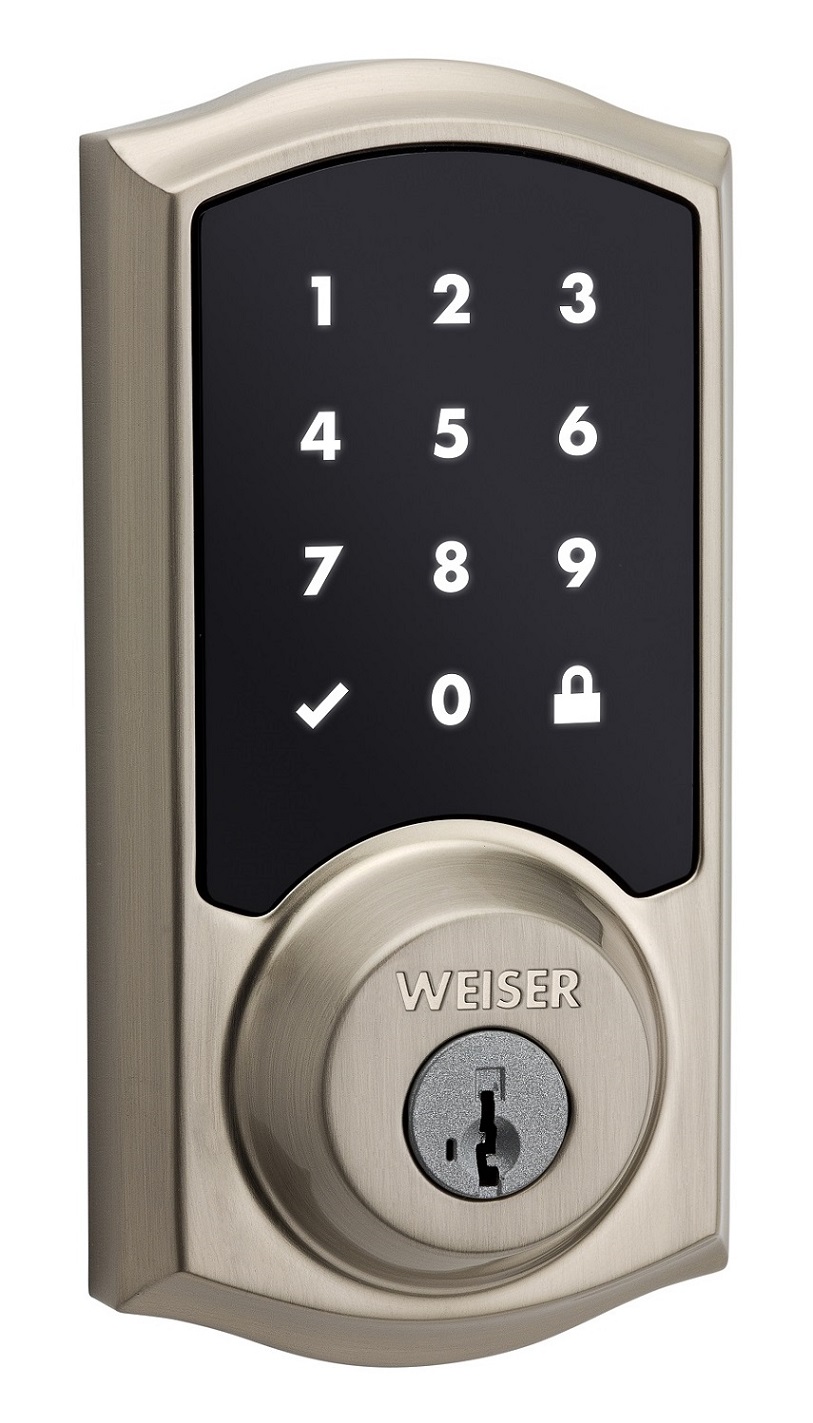
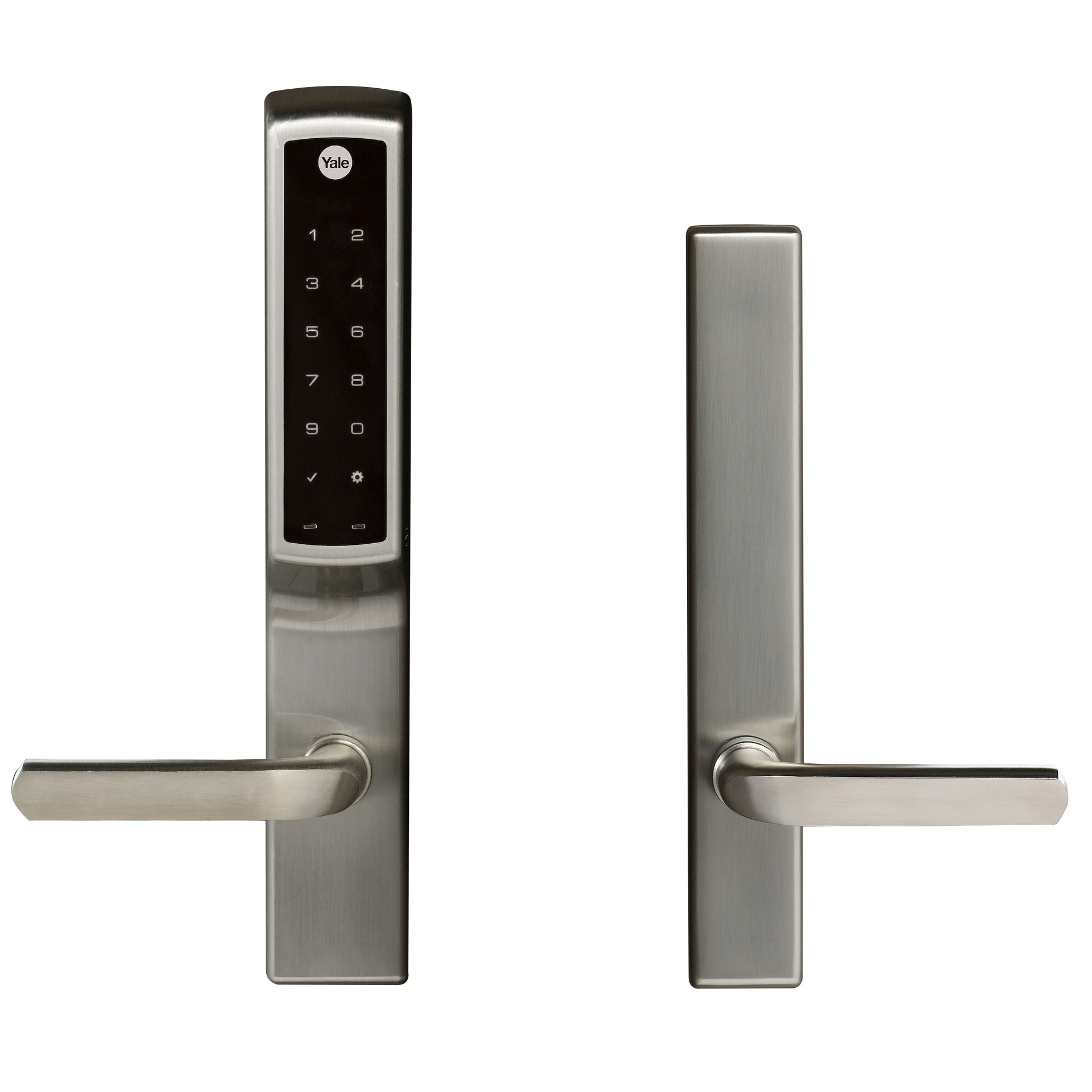
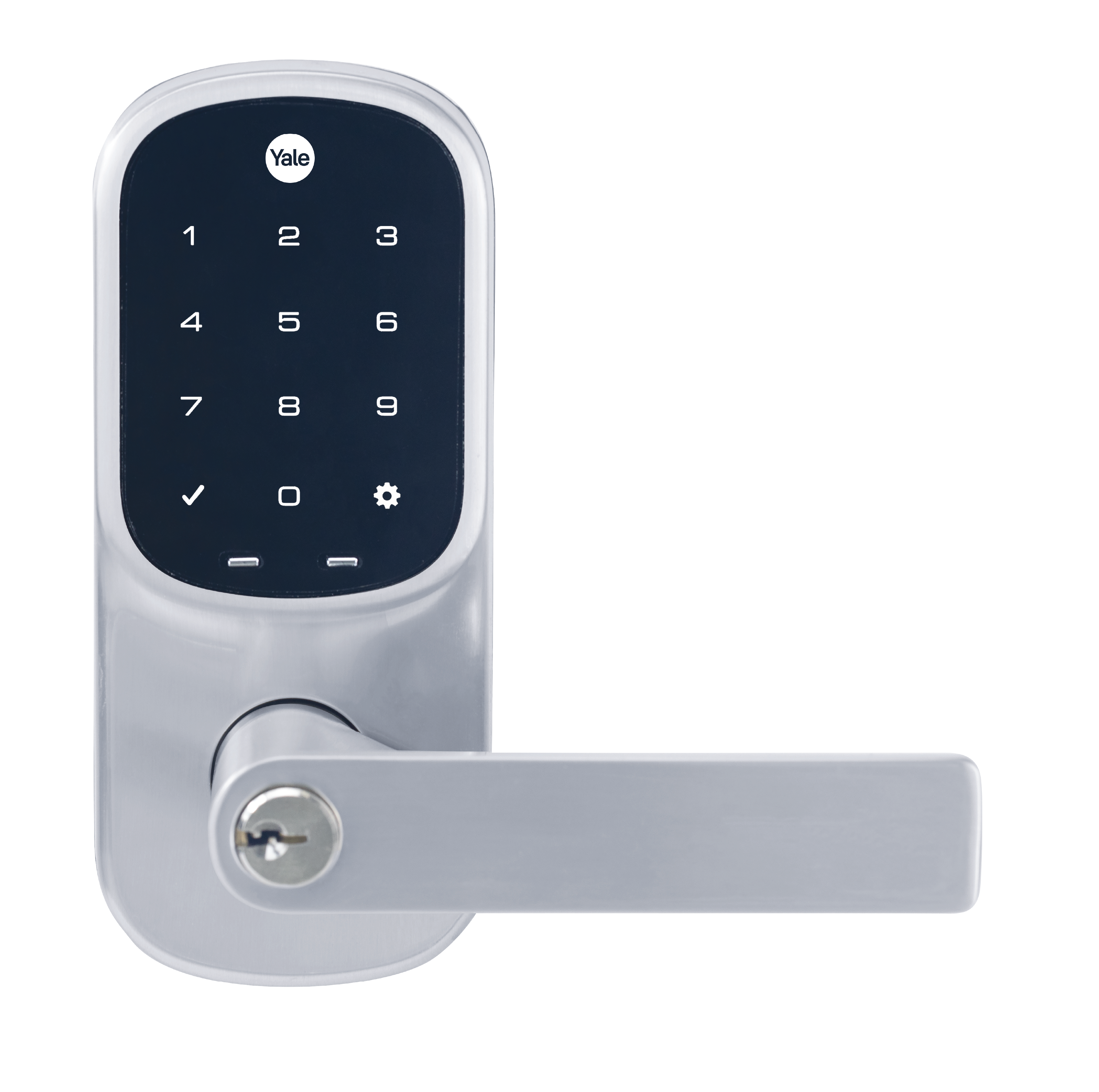
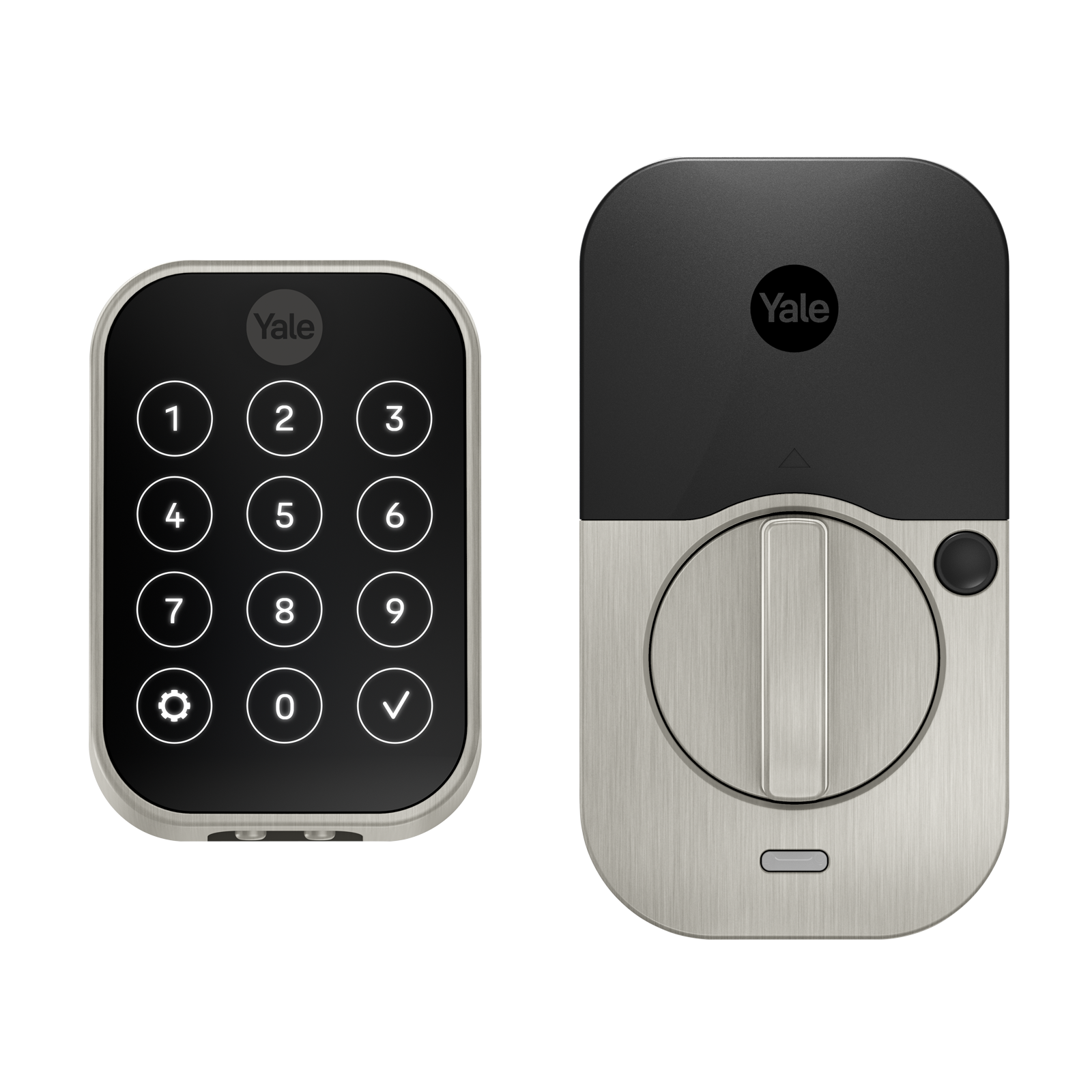
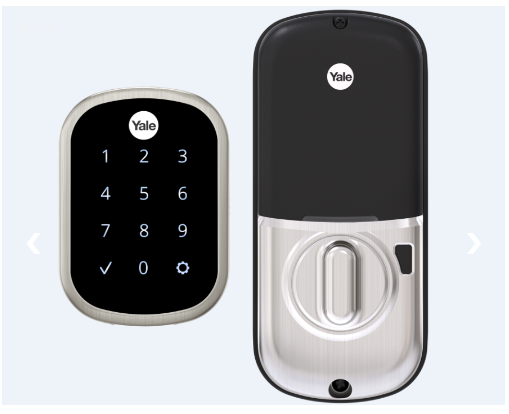
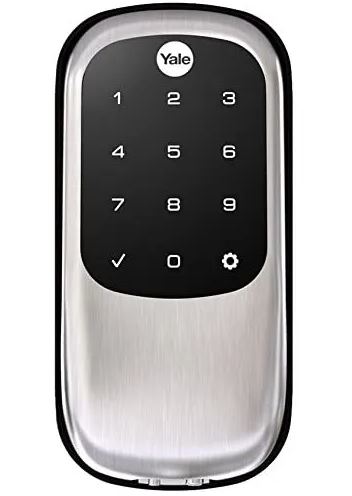
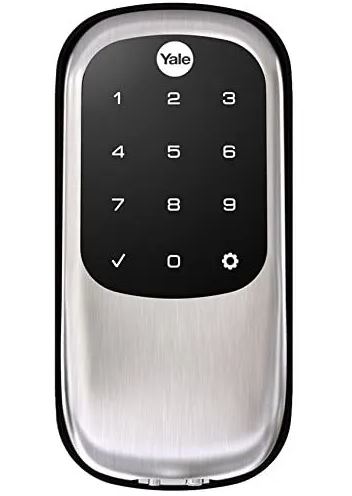
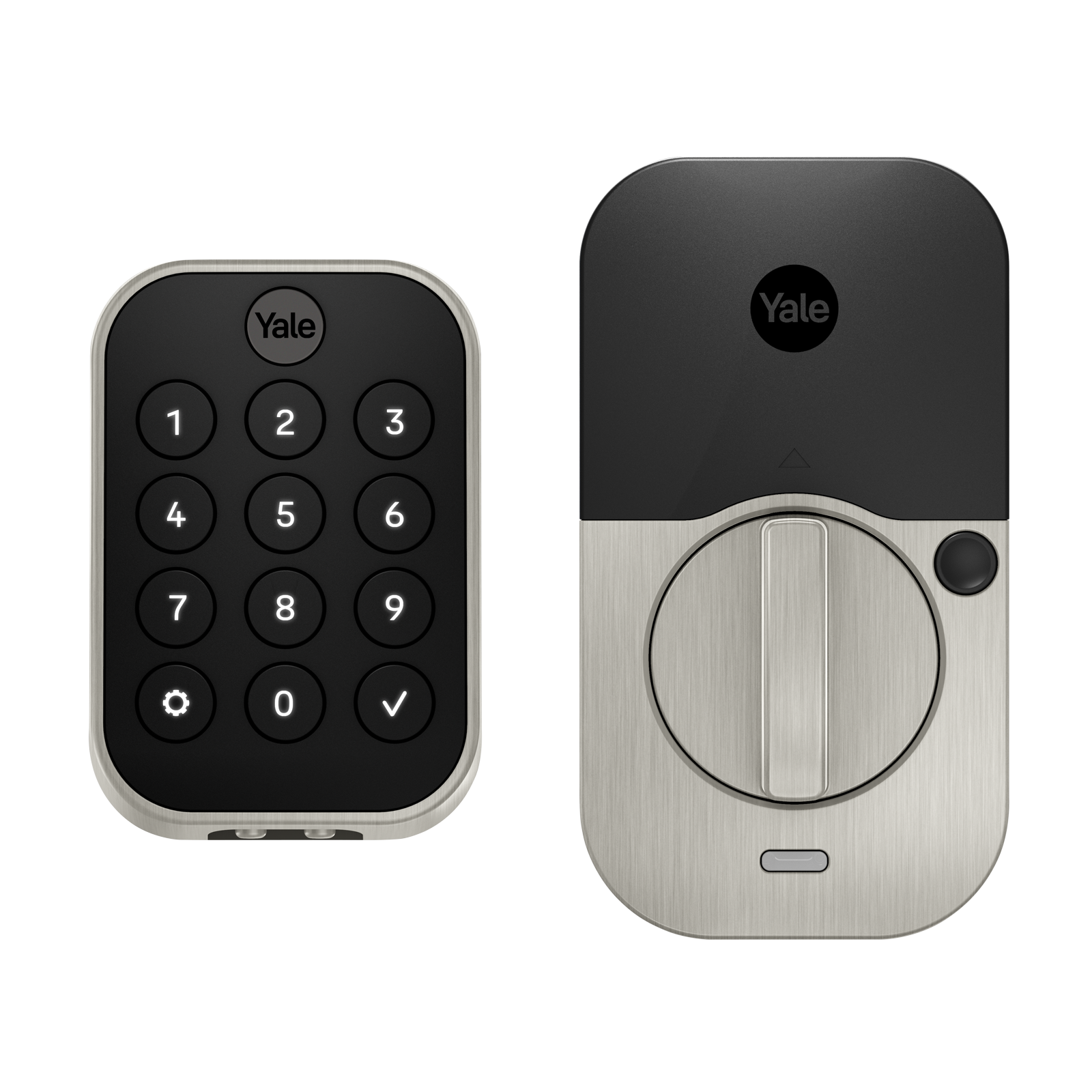
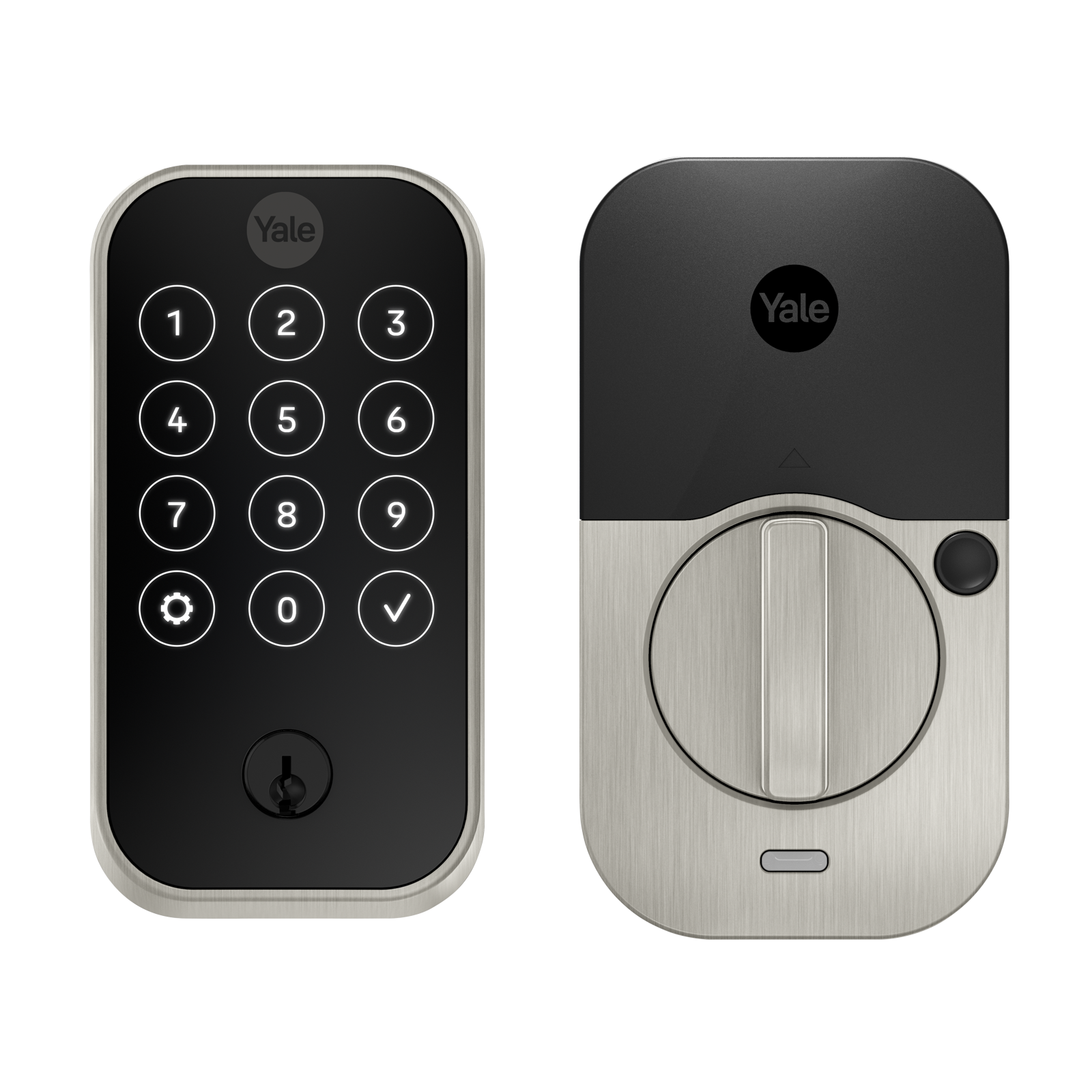
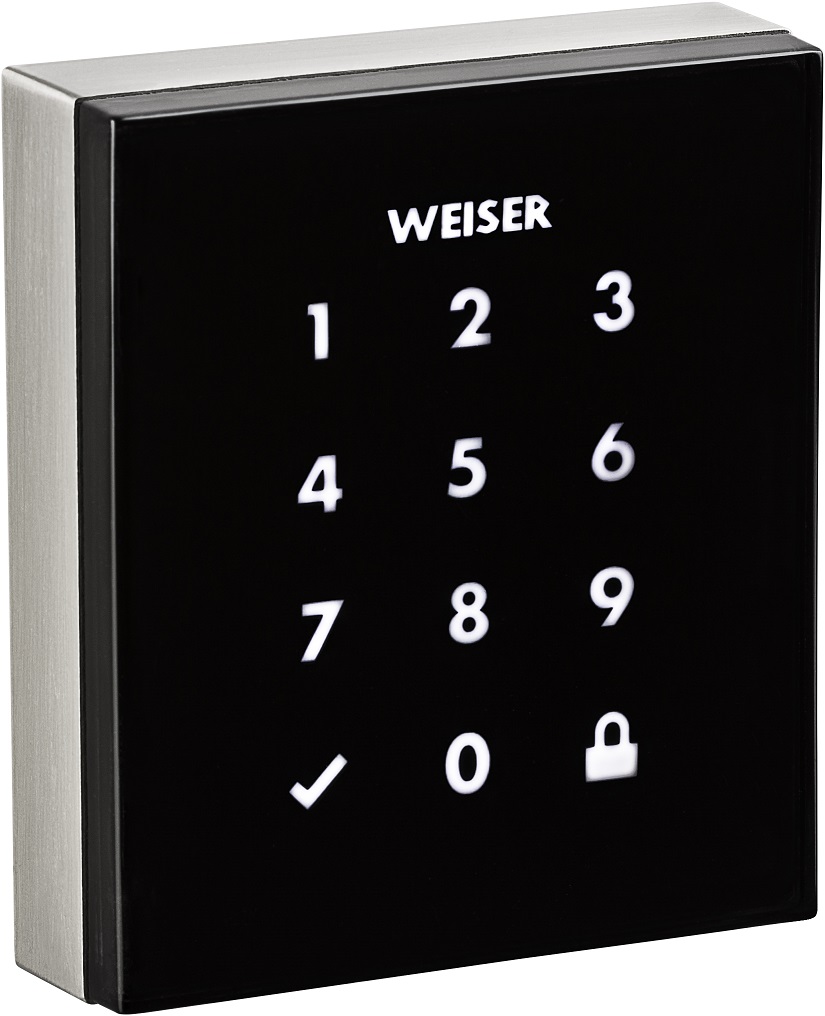
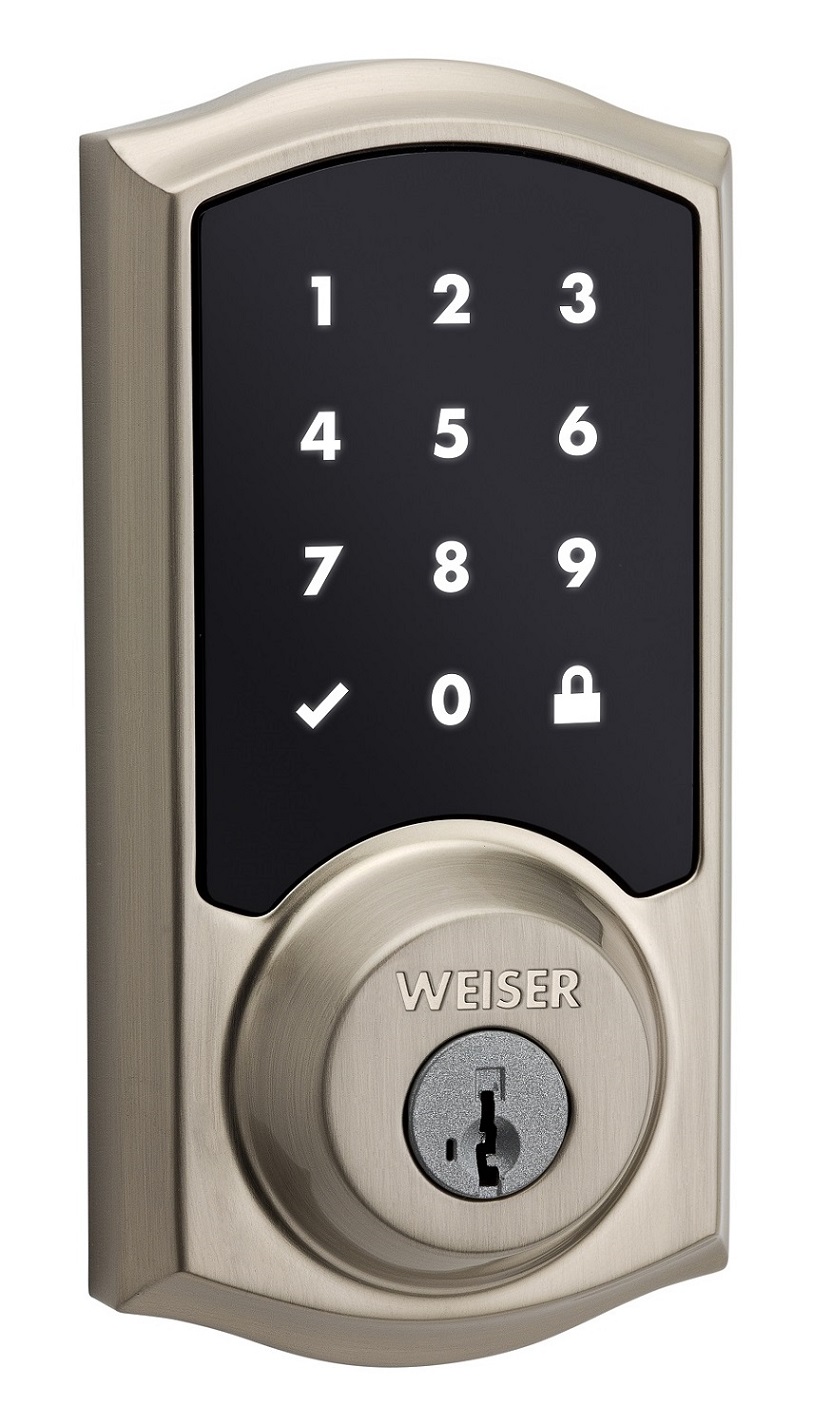
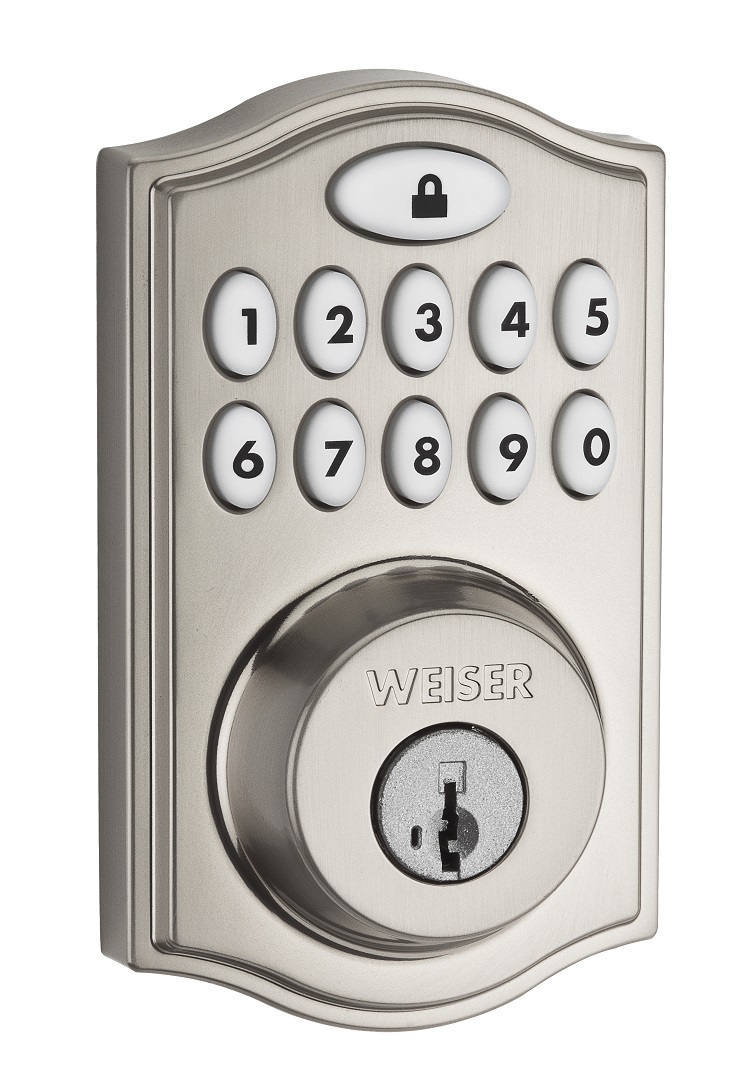
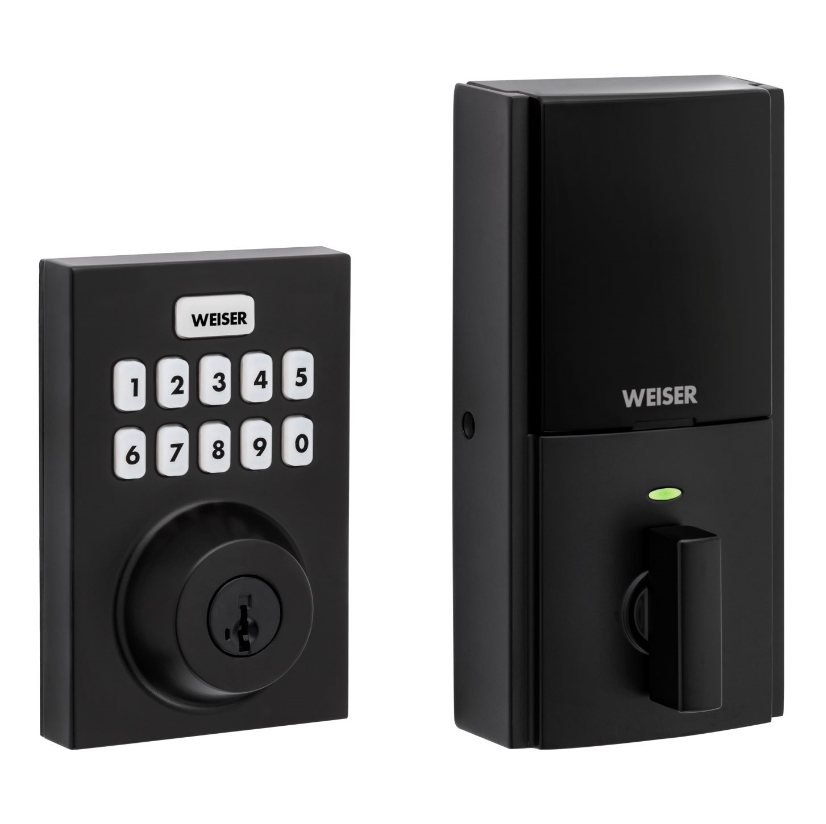
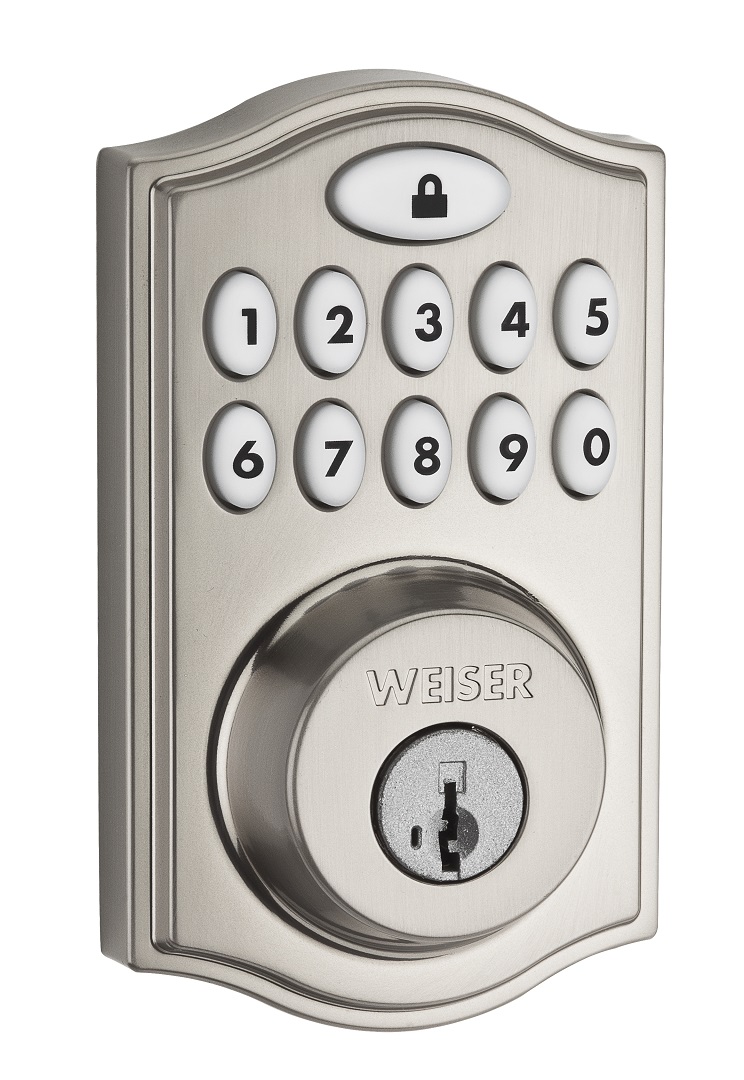
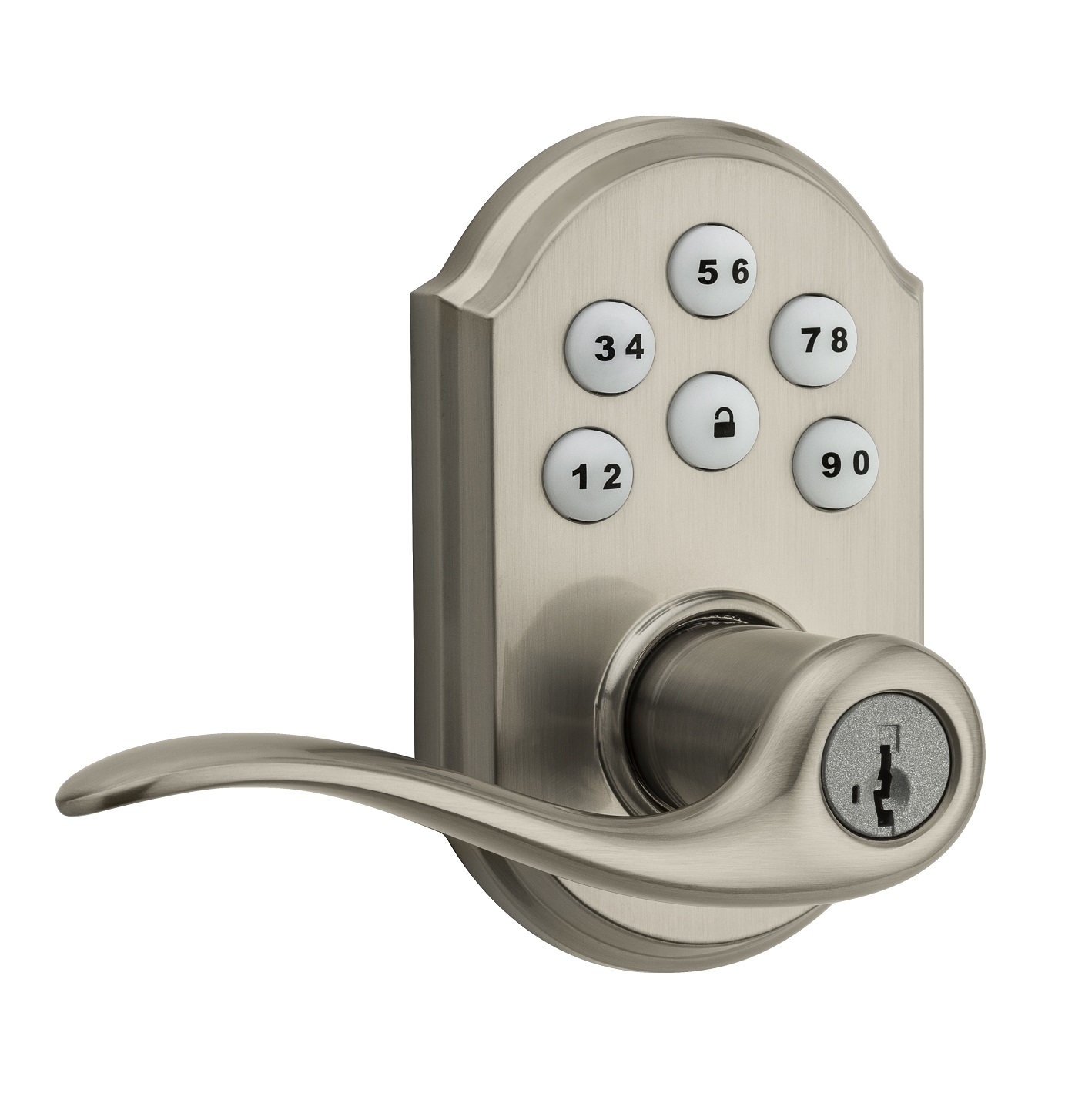
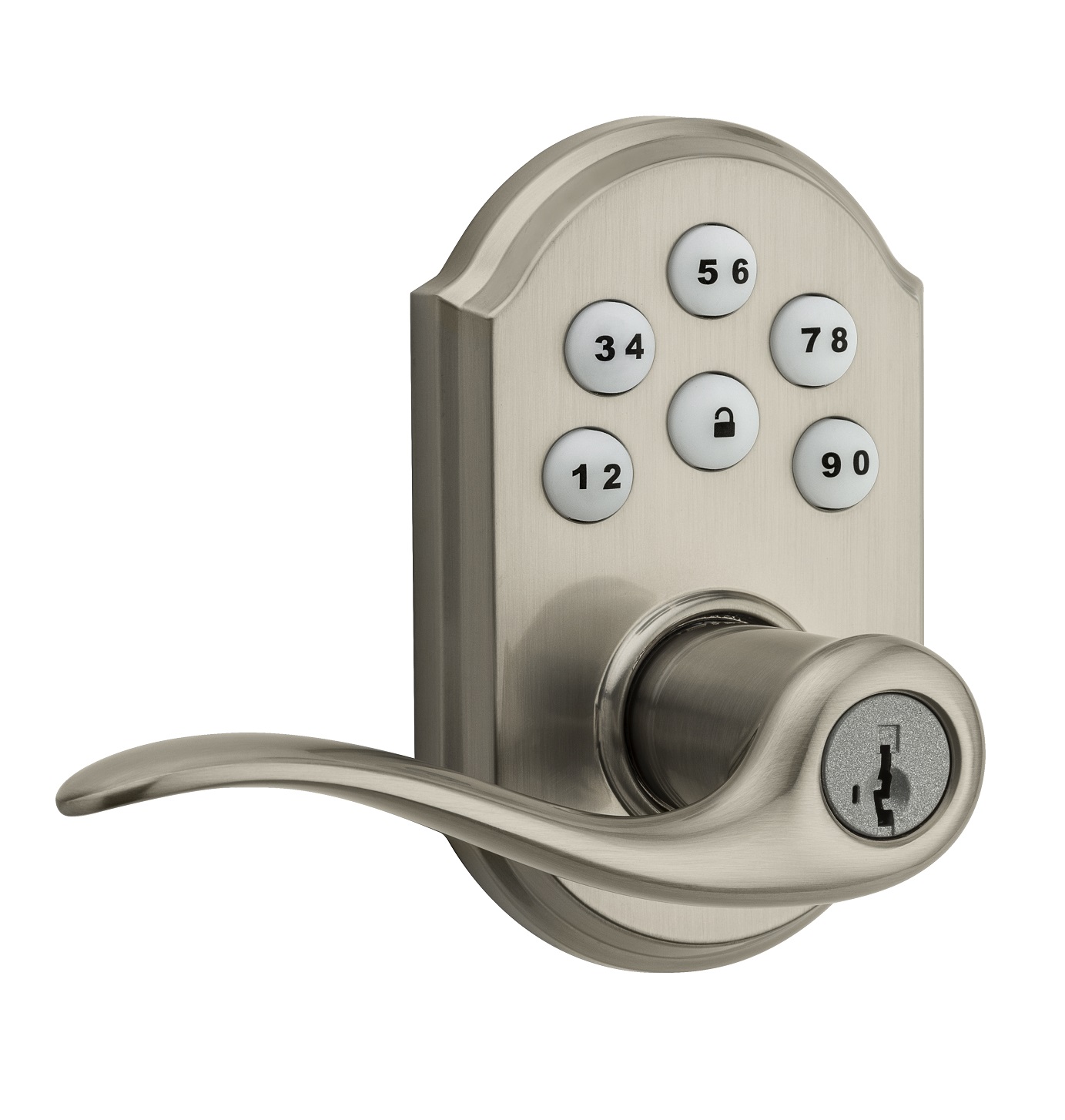
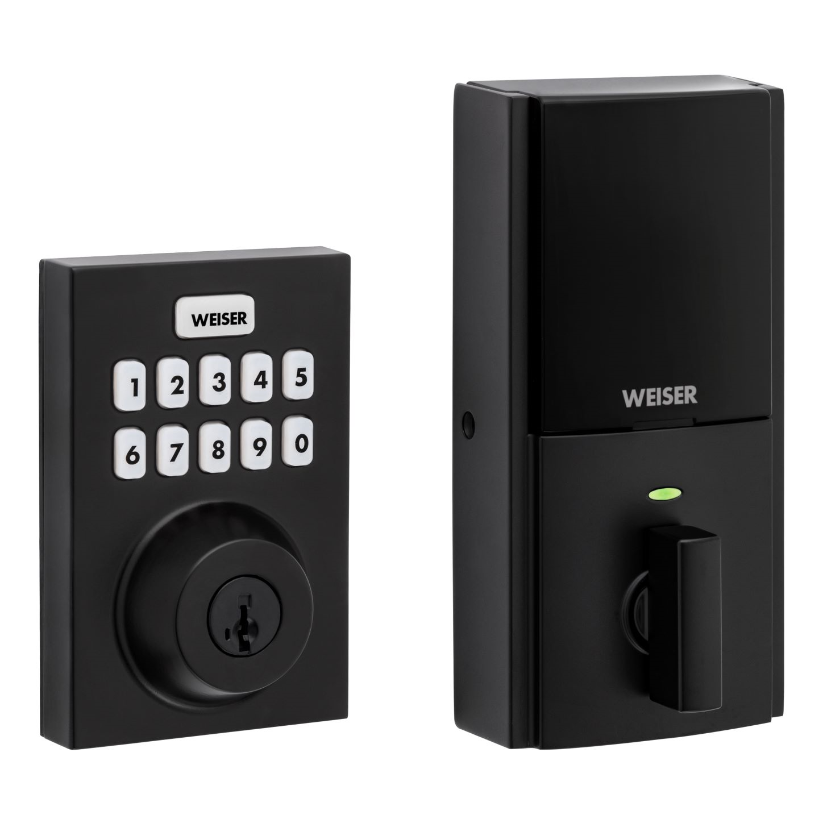
Weiser® introduces the SmartCode™ 10 Touchscreen Electronic Deadbolt with Z-Wave. Advanced touchscreen SecureScreen: Additional security by preventing fingerprint code detection One touch locking Dramatically reduced, all-metal interior 30 user codes plus master code BHMA grade 2 certified 20 minute fire rating - UL certified Full 128-bit encryption security SmartKey: Re-key the lock in seconds
Want to buy adds it to your wish list and follows Weiser for updates. I own it adds it to your collection.
✅ Future-proofBuilt to keep working — even if the maker walks away.
It works locally over Z-Wave, so it keeps running even if Weiser shuts down the app or the servers. Nothing here ties you to a single company's survival.
Works locally over Z-Wave — keeps running without the maker's cloud
Still in production
Based on how this device connects (local vs. cloud), whether it’s still sold and supported, and its app / subscription. A guide, not a guarantee.
Connectivity
Z-Wave
Prices
No prices yet — be the first to add one.
Community tags
Be the first to tag this page — tags appear right away. Try a theme, capability, or subject (e.g. WWII, heist, slow burn, time travel, A24).
Community photos
Photos from members
No member photos yet.
Reviews
What members say
Sign in to rate SmartCode 10 Touchscreen Electronic Deadbolt and share a photo.
No reviews yet.
Community
Be the first to start a thread about SmartCode 10 Touchscreen Electronic Deadbolt
Threads post into the Weiser community forum.
Sign in to start a thread in the Weiser community.
Edit history
Loading edit history…
Firmware
Current version HW: 6 FW: 4.10:66.23
Specifications
Overview
Company
Weiser
Category
Lock
Device type
Door Lock - Keypad
Connectivity
Standard / protocol
Z-Wave
Connectivity
Z-Wave
Transport
Z-Wave
Spec version
6.51.08
Z-Wave frequency
US: 916.00MHz, 908.40MHz
Certification & compliance
Certificate ID
ZC10-17045550
Firmware & software
Firmware version
HW: 6 FW: 4.10:66.23
Hardware version
ZM5101
Identity & commercial
Model number
GED2150
Lifecycle
Status
Active
More specs
Name
SmartCode 10 Touchscreen Electronic Deadbolt
Brand
Weiser
Features
Feature Values Communications Protocol
Is flirs
Yes
Documents
Category Description File Manual_Primary_Lang
Role type
ROLE_TYPE_SLAVE_SLEEPING_LISTENING
User icon
0x0300
Categories
Locks
Product id
0x0642
Device type
Door Lock - Keypad
Oem version
HW: 6 FW: 4.10:66.23
Library type
SLAVE_ENHANCED_232
Supports nwi
Yes
Similar Lock
Current-generation and recently-released alternatives in the same category.
Weiser® introduces the SmartCode™ 10 Touchscreen Electronic Deadbolt with Z-Wave. Advanced touchscreen SecureScreen: Additional security by preventing fingerprint code detection One touch locking Dramatically reduced, all-metal interior 30 user codes plus master code BHMA grade 2 certified 20 minute fire rating - UL certified Full 128-bit encryption security SmartKey: Re-key the lock in seconds
Hardware platform
ZM5101
Short description
SmartCode10 Touchscreen Electronic Deadbolt
Product identifier
GED2150
Countries / regions
United States of America
Certification number
ZC10-17045550
Configuration parameters
Parameter Number Name Description Format Size Min Value Max Value Default Value Parameter Values 5
Supports explorer frames
Yes
Supported command classes
Identifier Name Key Version COMMAND_CLASS_POWERLEVEL
Supported notification types
Notification Type Event / State Access Control
Value z wave serial api door lock type value deadbolt firmware updatable value updatable by consumer by rf supported notification types value access control home security power management battery quantity value 4 battery type value aa association groups
Group Number Maximum Nodes Supported End Point ID Description 1
From to description 1 1 owner 4 4 worker 3 3 guest 6 user code type for user code 6 this configuration parameter is used to get or set the type of user for their corresponding user code. by default, all user codes are set to the owner type unless otherwise specified. the parameter type is associated with the user code location 6. caution must be used when setting these values. guests and workers will require schedules attached to them in order for those types to be assigned. 0 1 0 0 1 from to description 1 1 owner 3 3 guest 4 4 worker 7 user code type for user code 7 this configuration parameter is used to get or set the type of user for their corresponding user code. by default, all user codes are set to the owner type unless otherwise specified. the parameter type is associated with the user code location 7. caution must be used when setting these values. guests and workers will require schedules attached to them in order for those types to be assigned. 0 1 0 0 1 from to description 1 1 owner 3 3 guest 4 4 worker 8 user code type for user code 8 this configuration parameter is used to get or set the type of user for their corresponding user code. by default, all user codes are set to the owner type unless otherwise specified. the parameter type is associated with the user code location 8. caution must be used when setting these values. guests and workers will require schedules attached to them in order for those types to be assigned. 0 1 0 0 1 from to description 1 1 owner 3 3 guest 4 4 worker 9 user code type for user code 9 this configuration parameter is used to get or set the type of user for their corresponding user code. by default, all user codes are set to the owner type unless otherwise specified. the parameter type is associated with the user code location 9. caution must be used when setting these values. guests and workers will require schedules attached to them in order for those types to be assigned. 0 1 0 0 1 from to description 1 1 owner 3 3 guest 4 4 worker 10 user code type for user code 10 this configuration parameter is used to get or set the type of user for their corresponding user code. by default, all user codes are set to the owner type unless otherwise specified. the parameter type is associated with the user code location 10. caution must be used when setting these values. guests and workers will require schedules attached to them in order for those types to be assigned. 0 1 0 0 1 from to description 1 1 owner 3 3 guest 4 4 worker 11 user code type for user code 11 this configuration parameter is used to get or set the type of user for their corresponding user code. by default, all user codes are set to the owner type unless otherwise specified. the parameter type is associated with the user code location 11. caution must be used when setting these values. guests and workers will require schedules attached to them in order for those types to be assigned. 0 1 0 0 1 from to description 1 1 owner 3 3 guest 4 4 worker 2 user code type for user code 2 this configuration parameter is used to get or set the type of user for their corresponding user code. by default, all user codes are set to the owner type unless otherwise specified. the parameter type is associated with the user code location 2. caution must be used when setting these values. guests and workers will require schedules attached to them in order for those types to be assigned. 0 1 0 0 1 from to description 4 4 worker 1 1 owner 3 3 guest 3 user code type for user code 3 this configuration parameter is used to get or set the type of user for their corresponding user code. by default, all user codes are set to the owner type unless otherwise specified. the parameter type is associated with the user code location 3. caution must be used when setting these values. guests and workers will require schedules attached to them in order for those types to be assigned. 0 1 0 0 1 from to description 3 3 guest 4 4 worker 1 1 owner 4 user code type for user code 4 this configuration parameter is used to get or set the type of user for their corresponding user code. by default, all user codes are set to the owner type unless otherwise specified. the parameter type is associated with the user code location 4. caution must be used when setting these values. guests and workers will require schedules attached to them in order for those types to be assigned. 0 1 0 0 1 from to description 1 1 owner 3 3 guest 4 4 worker 23 user code type for user code 23 this configuration parameter is used to get or set the type of user for their corresponding user code. by default, all user codes are set to the owner type unless otherwise specified. the parameter type is associated with the user code location 23. caution must be used when setting these values. guests and workers will require schedules attached to them in order for those types to be assigned. 0 1 0 0 1 from to description 1 1 owner 3 3 guest 4 4 worker 24 user code type for user code 24 this configuration parameter is used to get or set the type of user for their corresponding user code. by default, all user codes are set to the owner type unless otherwise specified. the parameter type is associated with the user code location 24. caution must be used when setting these values. guests and workers will require schedules attached to them in order for those types to be assigned. 0 1 0 0 1 from to description 1 1 owner 3 3 guest 4 4 worker 25 user code type for user code 25 this configuration parameter is used to get or set the type of user for their corresponding user code. by default, all user codes are set to the owner type unless otherwise specified. the parameter type is associated with the user code location 25. caution must be used when setting these values. guests and workers will require schedules attached to them in order for those types to be assigned. 0 1 0 0 1 from to description 1 1 owner 3 3 guest 4 4 worker 17 user code type for user code 17 this configuration parameter is used to get or set the type of user for their corresponding user code. by default, all user codes are set to the owner type unless otherwise specified. the parameter type is associated with the user code location 17. caution must be used when setting these values. guests and workers will require schedules attached to them in order for those types to be assigned. 0 1 0 0 1 from to description 1 1 owner 3 3 guest 4 4 worker 1 user code type for user code 1 this configuration parameter is used to get or set the type of user for their corresponding user code. by default, all user codes are set to the owner type unless otherwise specified. the parameter type is associated with the user code location 1. caution must be used when setting these values. guests and workers will require schedules attached to them in order for those types to be assigned. 0 1 0 0 1 from to description 4 4 worker 3 3 guest 1 1 owner texts