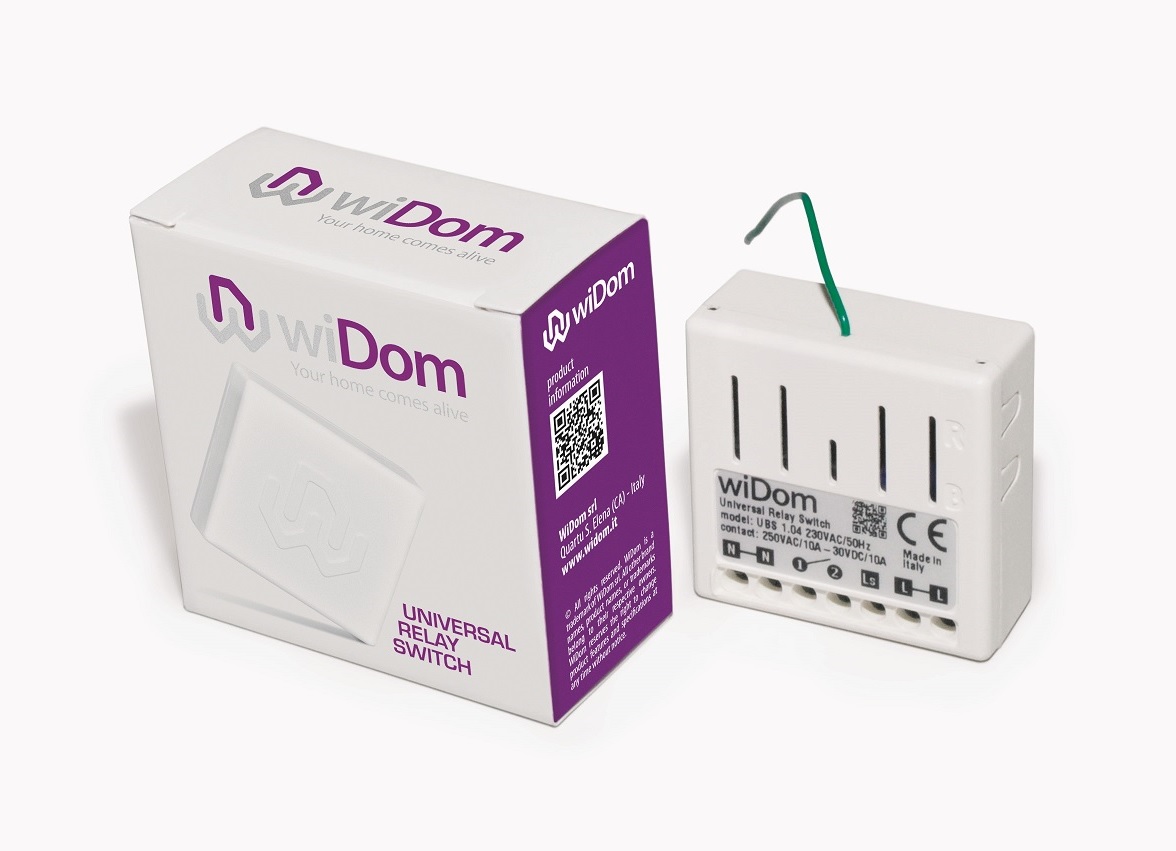
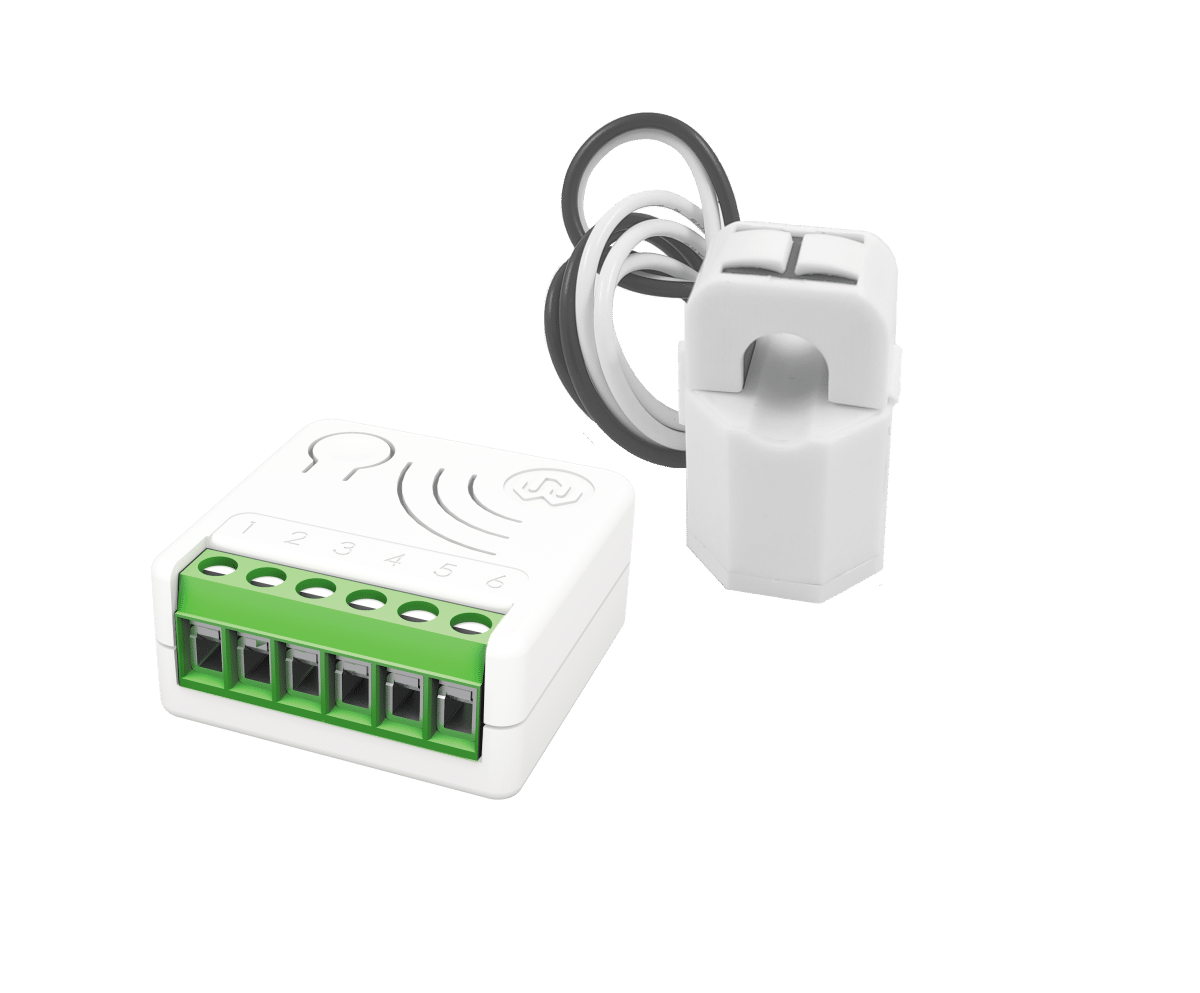
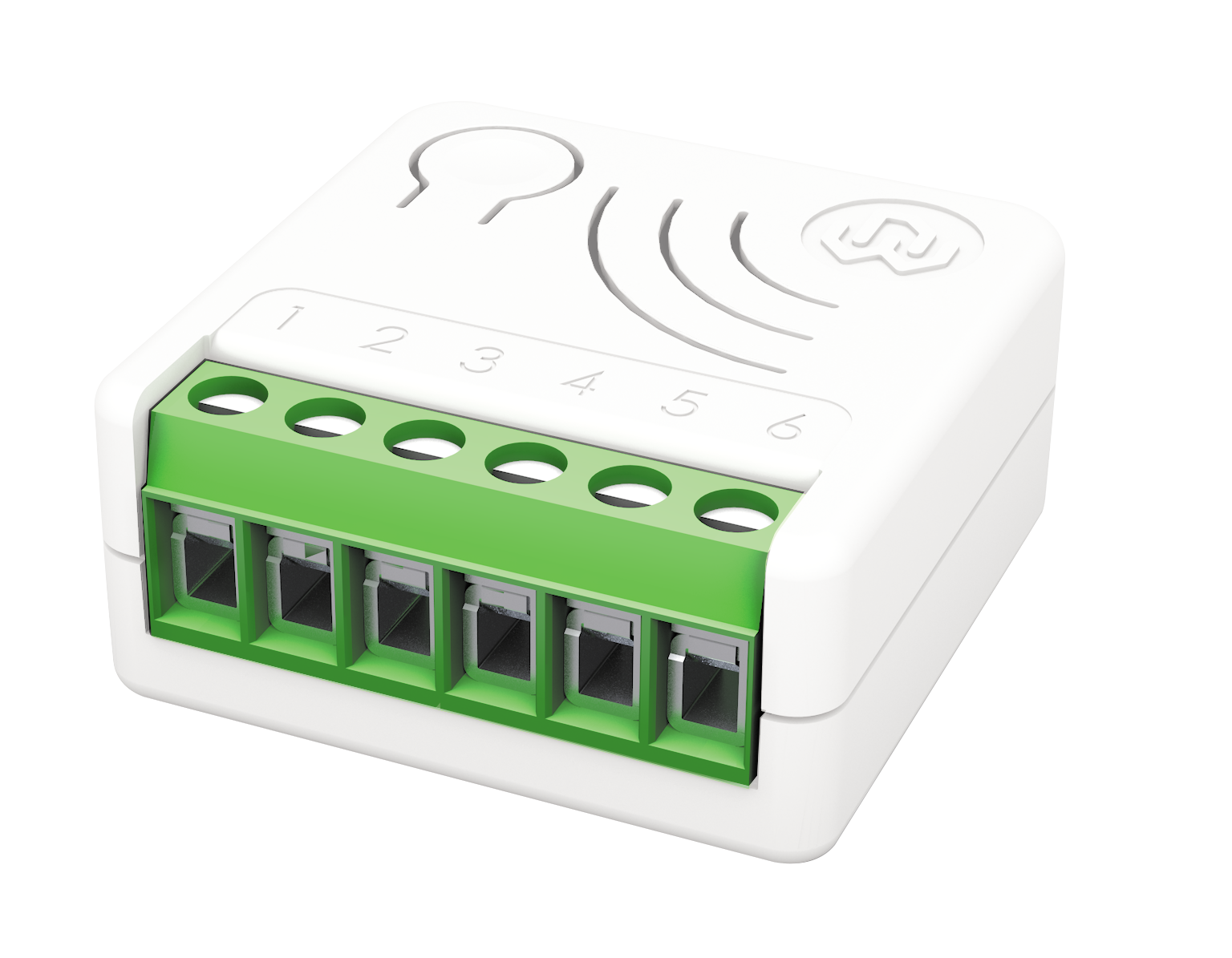
✅ Future-proofBuilt to keep working — even if the maker walks away.
It works locally over Z-Wave, so it keeps running even if Widom shuts down the app or the servers. Nothing here ties you to a single company's survival.
Works locally over Z-Wave — keeps running without the maker's cloud
Still in production
Based on how this device connects (local vs. cloud), whether it’s still sold and supported, and its app / subscription. A guide, not a guarantee.
Connectivity
Z-Wave
Prices
No prices yet — be the first to add one.
Community tags
Be the first to tag this page — tags appear right away. Try a theme, capability, or subject (e.g. WWII, heist, slow burn, time travel, A24).
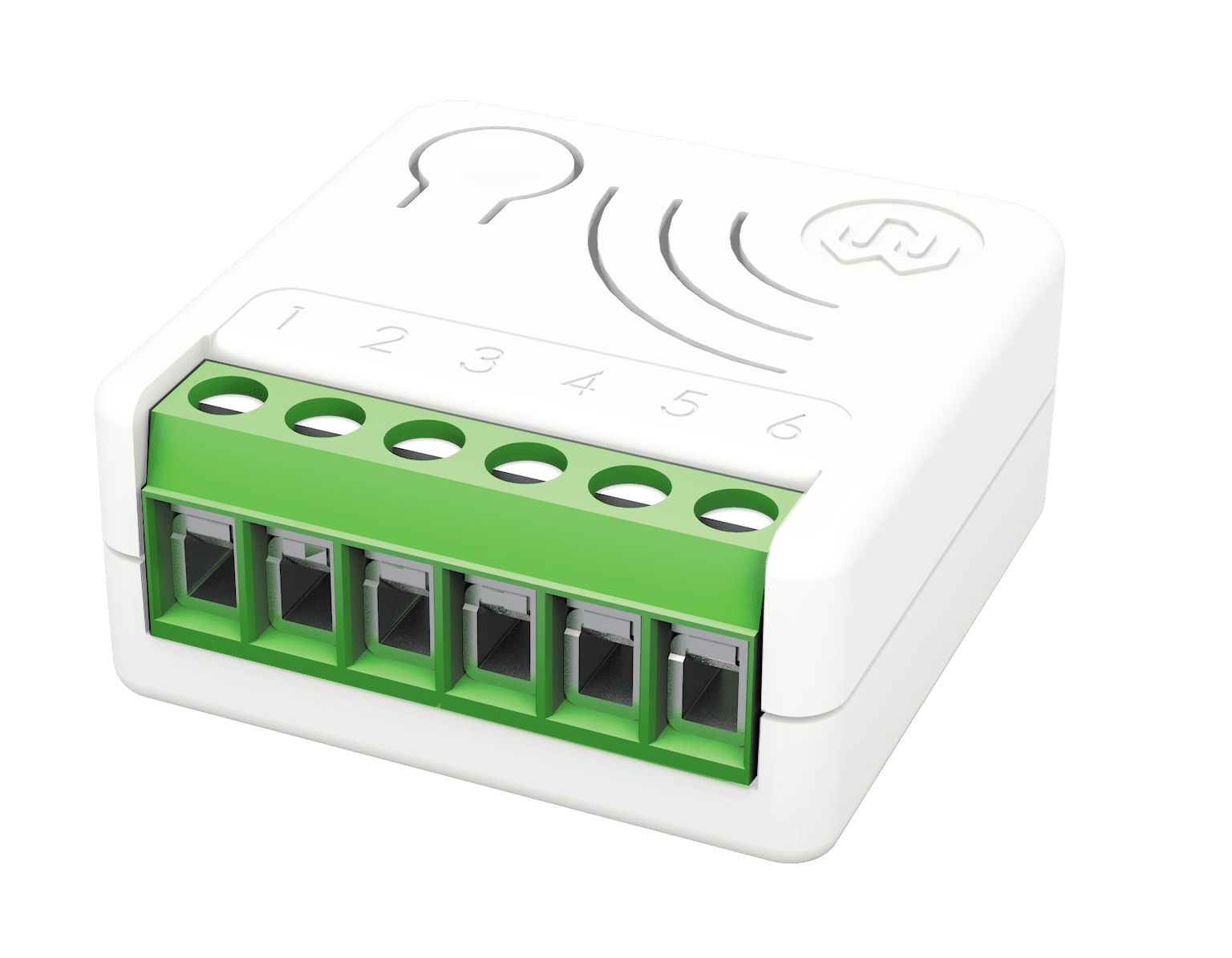
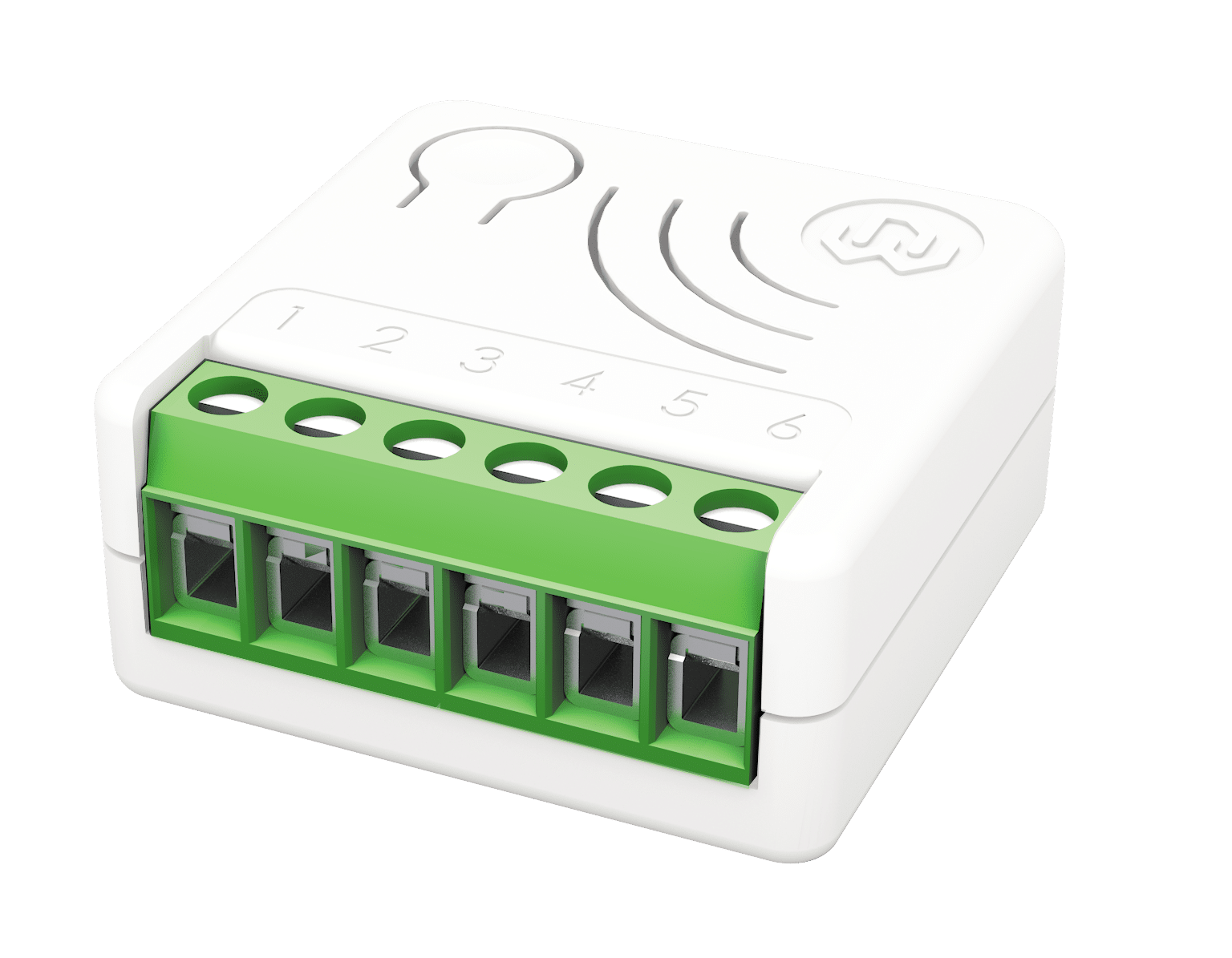
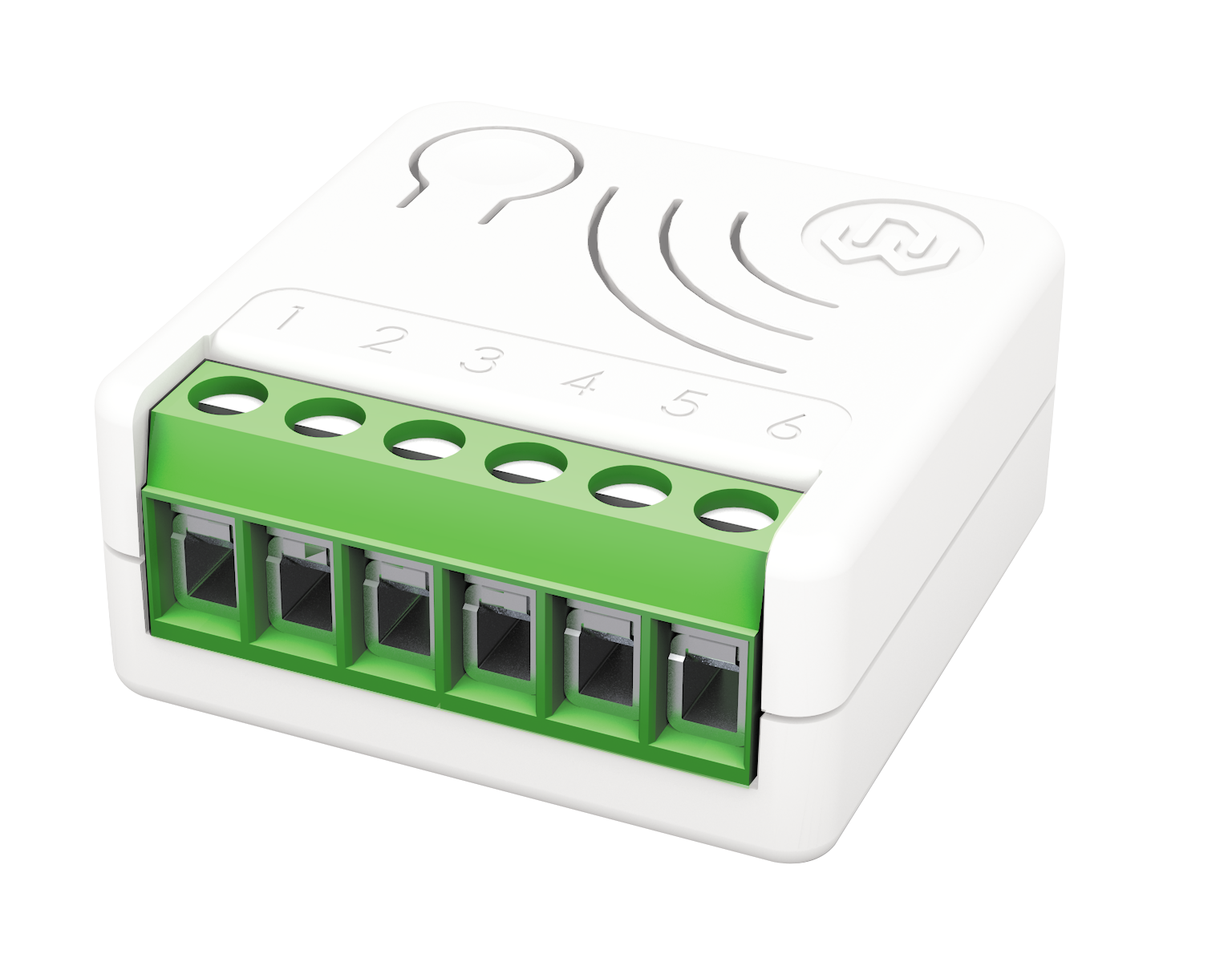
Universal Double Switch is the ON/OFF smallest control device in the world designed to independently control two separate loads, suited for use as both a local and remote switch. Similarly to the other WiDom “in wall” devices, it can be fully integrated into pre-existing systems and configured to associate configurable behaviours to a specific number of clicks, in full integration with the Z-Wave home automation ecosystem. Each of its two channels features an integrated consumption measurement device. The Universal Double Switch also boasts the lowest energy consumption on the market. At the same time, it is completely configurable so that it can adapt to the most varied needs while also being ready to be used without needing additional configurations in order to operate. Thanks to the framework developed by WiDom, the various types of “events” on the “External Switch” can be recognised and associated to actions to be performed on the device, on any associated devices, on all devices on the network.
Want to buy adds it to your wish list and follows Widom for updates. I own it adds it to your collection.
Universal Double Switch is the ON/OFF smallest control device in the world designed to independently control two separate loads, suited for use as both a local and remote switch. Similarly to the other WiDom “in wall” devices, it can be fully integrated into pre-existing systems and configured to associate configurable behaviours to a specific number of clicks, in full integration with the Z-Wave home automation ecosystem. Each of its two channels features an integrated consumption measurement device. The Universal Double Switch also boasts the lowest energy consumption on the market. At the same time, it is completely configurable so that it can adapt to the most varied needs while also being ready to be used without needing additional configurations in order to operate. Thanks to the framework developed by WiDom, the various types of “events” on the “External Switch” can be recognised and associated to actions to be performed on the device, on any associated devices, on all devices on the network.
Hardware platform
ZM5202
Short description
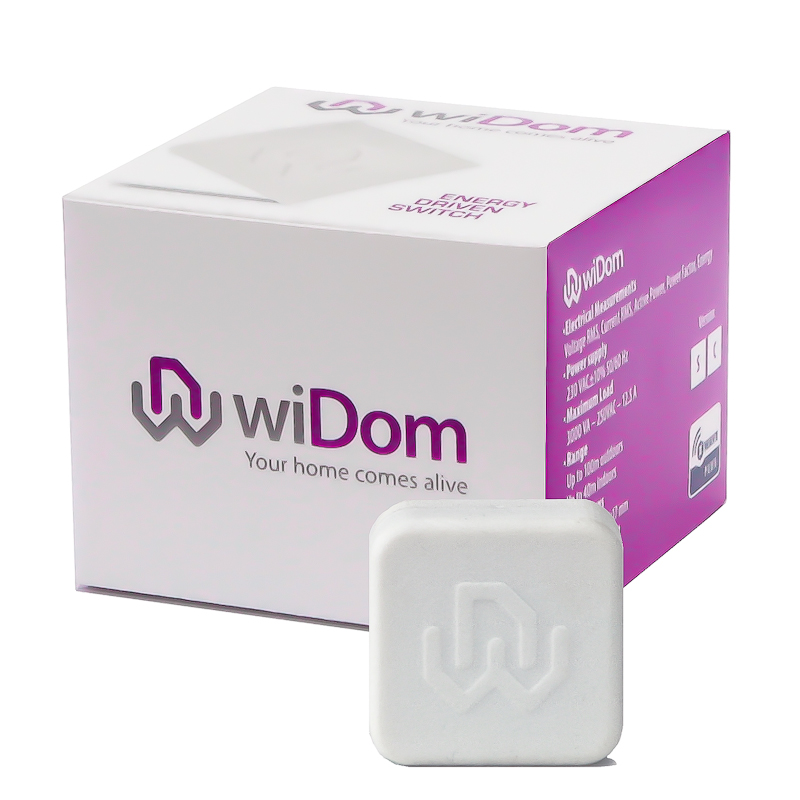
Universal Double Switch is the ON/OFF smallest control device in the world designed to independently control two separate loads, suited for use as both a local and remote switch. Similarly to the other WiDom “in wall” devices, it can be fully integrated into pre-existing systems and configured to associate configurable behaviours to a specific number of clicks, in full integration with the Z-Wave home automation ecosystem.
Association groups
Group Number Maximum Nodes Supported End Point ID Description 1
Product identifier
0504
Countries / regions
European Union
Certification number
ZC10-15115003
Radio range z wave (m)
40
Configuration parameters
Parameter Number Name Description Format Size Min Value Max Value Default Value Parameter Values 1
Supports explorer frames
Yes
Controlled command classes
Identifier Name Key Version COMMAND_CLASS_SWITCH_BINARY
From to description 2 2 on 3 3 off 4 4 ignore 1 1 toggle 2 outputs status upon receipt of 2 clicks on its command defines the status of the output o1/o2 when the switch connected to i1/i2 receives 2 click. 0 1 0 0 1 from to description 1 1 togle 2 2 on 3 3 off 4 4 ignore 3 type of outputs defines if the outputs are controlled individually, as a traditional device with two channels, or if its behaviour simulates a single pole double throw relay. 0 1 0 0 0 from to description 0 0 channel 1 and channel 2 are controlled individually 1 127 the two channels are in opposite status. if the channel 1 is close the channel 2 is open, if the channel 1 is open the channel 2 is close. the value of the parameter defines the closing delay of the relay in tenth of seconds 4 number of clicks that activate the control of the associated devices defines the number of clicks on the switch 1 or switch 2 that enable the control of the correspondent associated devices. 0 1 0 0 0 from to description 1 1 associated devices are controlled by 1 click on the correspondent external switch 2 2 associated devices are controlled by 2 clicks on the correspondent external switch 5 level used to control the devices associated to group 2 and 3 defines how to control the devices associated to group 2 and 3. 0 1 0 0 100 from to description 1 1 the associated devices are switched on 1 99 the associated devices (dimmer, roller shutters) are set to the indicated level (only for devices associated to group 3) 100 100 if the relay 1 is on/off, the associated devices are on/off 101 101 if the relay 1 is on the associated devices are on; if it is off no action is taken on the associated devices 102 102 if the relay 1 is off the associated devices are off; if it is on no action is taken on the associated devices 103 103 if the relay 1 is on the associated devices are off; if it is off no action is taken on the associated devices 104 104 if the relay 1 is off the associated devices are on; if it is on no action is taken on the associated devices 105 105 if the relay 1 is on/off, the associated devices are off/on 106 106 no action is taken on the associated devices 0 0 the associated devices are switched off 6 level used to control the devices associated to group 4 and 5 defines how to control the devices associated to group 4 and 5. 0 1 0 0 100 from to description 1 99 the associated devices (dimmer, roller shutters) are set to the indicated level (only for devices associated to group 5) 100 100 if the relay 2 is on/off, the associated devices are on/off 101 101 if the relay 2 is on the associated devices are on; if it is off no action is taken on the associated devices 102 102 if the relay 2 is off the associated devices are off; if it is on no action is taken on the associated devices 0 0 the associated devices are switched off 1 1 the associated devices are switched on 103 103 if the relay 2 is on the associated devices are off; if it is off no action is taken on the associated devices 104 104 if the relay 2 is off the associated devices are on; if it is on no action is taken on the associated devices 105 105 if the relay 2 is on/off, the associated devices are off/on 106 106 no action is taken on the associated devices 10 timer to switch on the channel 1 defines the time after which the channel 1 is switched on. 0 2 0 0 0 from to description 0 0 timer disabled 1 32000 after this time the relay of the channel 1 is on 11 timer to switch on the channel 2 defines the time after which the channel 2 is switched on. 0 2 0 0 0 from to description 0 0 timer disabled 1 32000 after this time the relay of the channel 2 is on 60 start up status defines the status of the device following a restart. 0 1 0 0 4 from to description 4 4 status prior to restart 0 0 both relay 1 and relay 2 off 1 1 relay 1 on, relay 2 off 2 2 relay 1 off, relay 2 on 3 3 both relay 1 and relay 2 on 61 configuration reset 0 1 0 0 4 from to description 0 0 the device is reset to the original factory settings 1 1 all associations and only the associations are reset 2 2 the associations are maintained while all other configuration parameters are reset to the original factory settings, except for the specific configuration. 3 3 the device will be restarted 4 4 ignore 62 type of external switch 0 1 0 0 4 from to description 0 0 the actions on the external switch are ignored. in this mode, the device can only be controlled via the network. 1 1 the external switch is a normally open button 2 2 the external switch is a traditional switch 4 4 after the first single click on the external switch, the system automatically determines the type of external switch used and sets the parameter with the new value accordingly. texts