✅ Future-proofBuilt to keep working — even if the maker walks away.
It works locally over Z-Wave, so it keeps running even if HELTUN shuts down the app or the servers. Nothing here ties you to a single company's survival.
Works locally over Z-Wave — keeps running without the maker's cloud
Still in production
Based on how this device connects (local vs. cloud), whether it’s still sold and supported, and its app / subscription. A guide, not a guarantee.
Connectivity
Z-Wave
Prices
No prices yet — be the first to add one.
Community tags
Be the first to tag this page — tags appear right away. Try a theme, capability, or subject (e.g. WWII, heist, slow burn, time travel, A24).
Community photos
Photos from members
No member photos yet.
Reviews
What members say
Sign in to rate Heating Thermostat and share a photo.
No reviews yet.
Community
Be the first to start a thread about Heating Thermostat
Threads post into the HELTUN community forum.
Sign in to start a thread in the HELTUN community.
Edit history
Loading edit history…
Certified
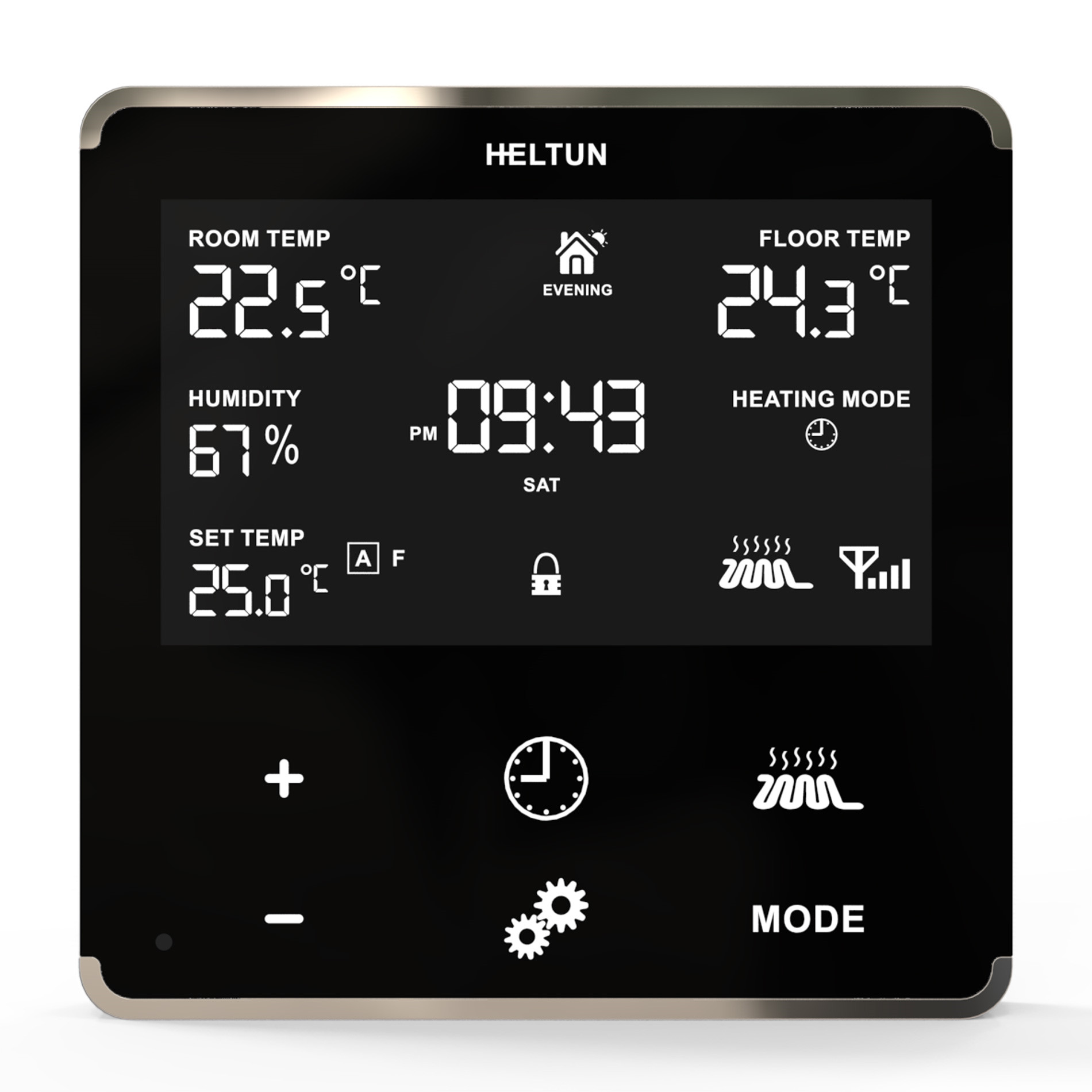
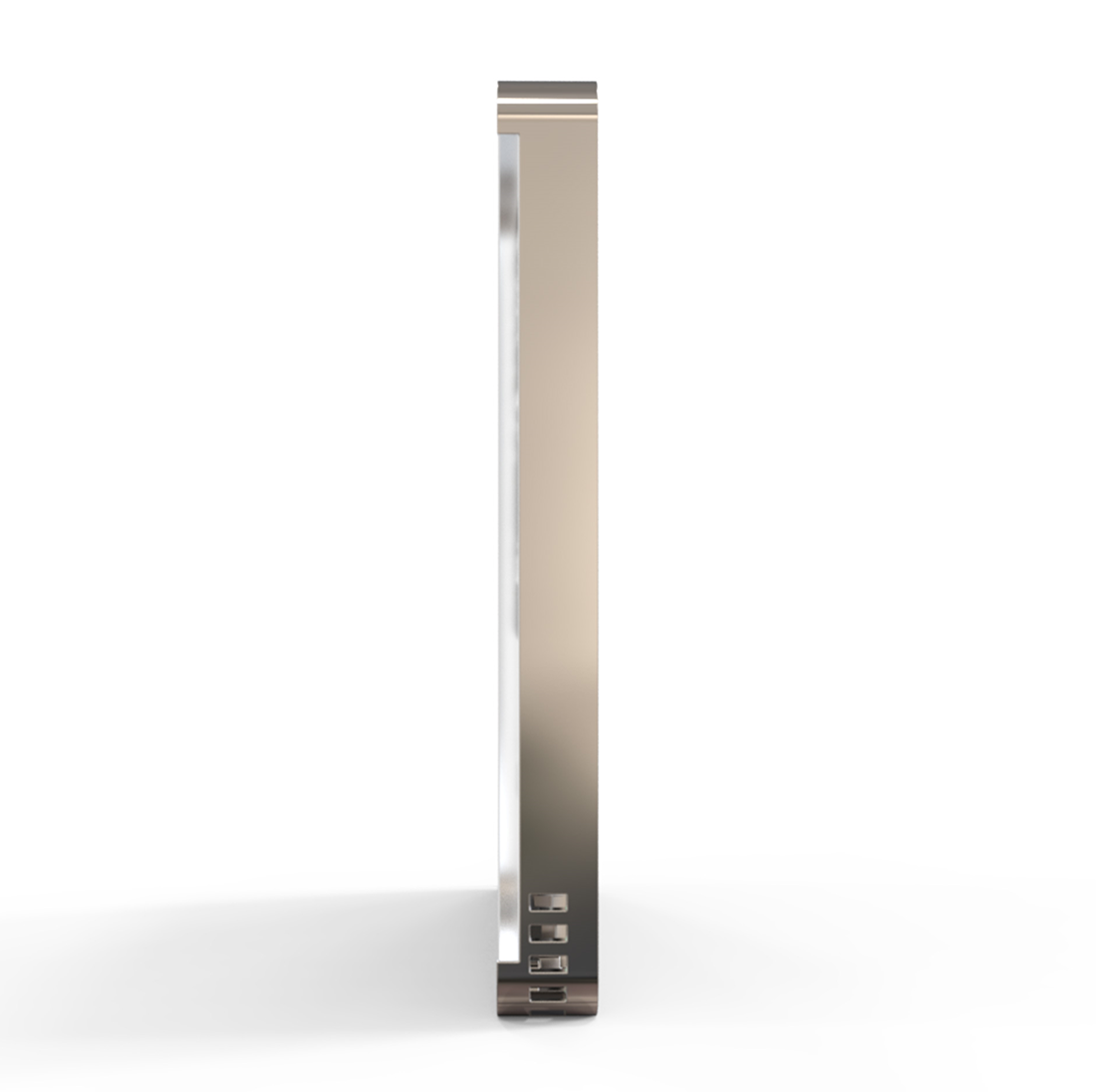
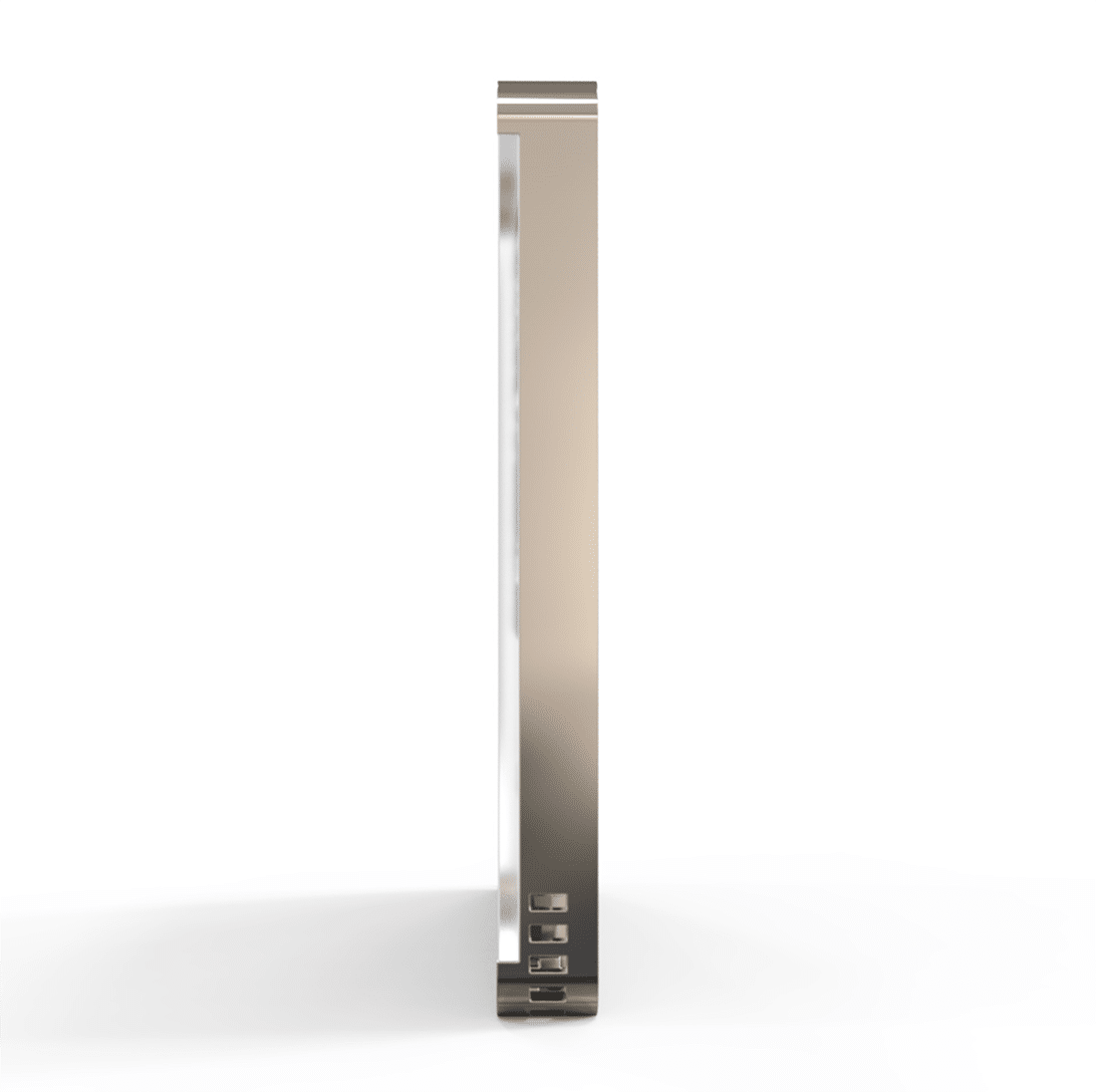
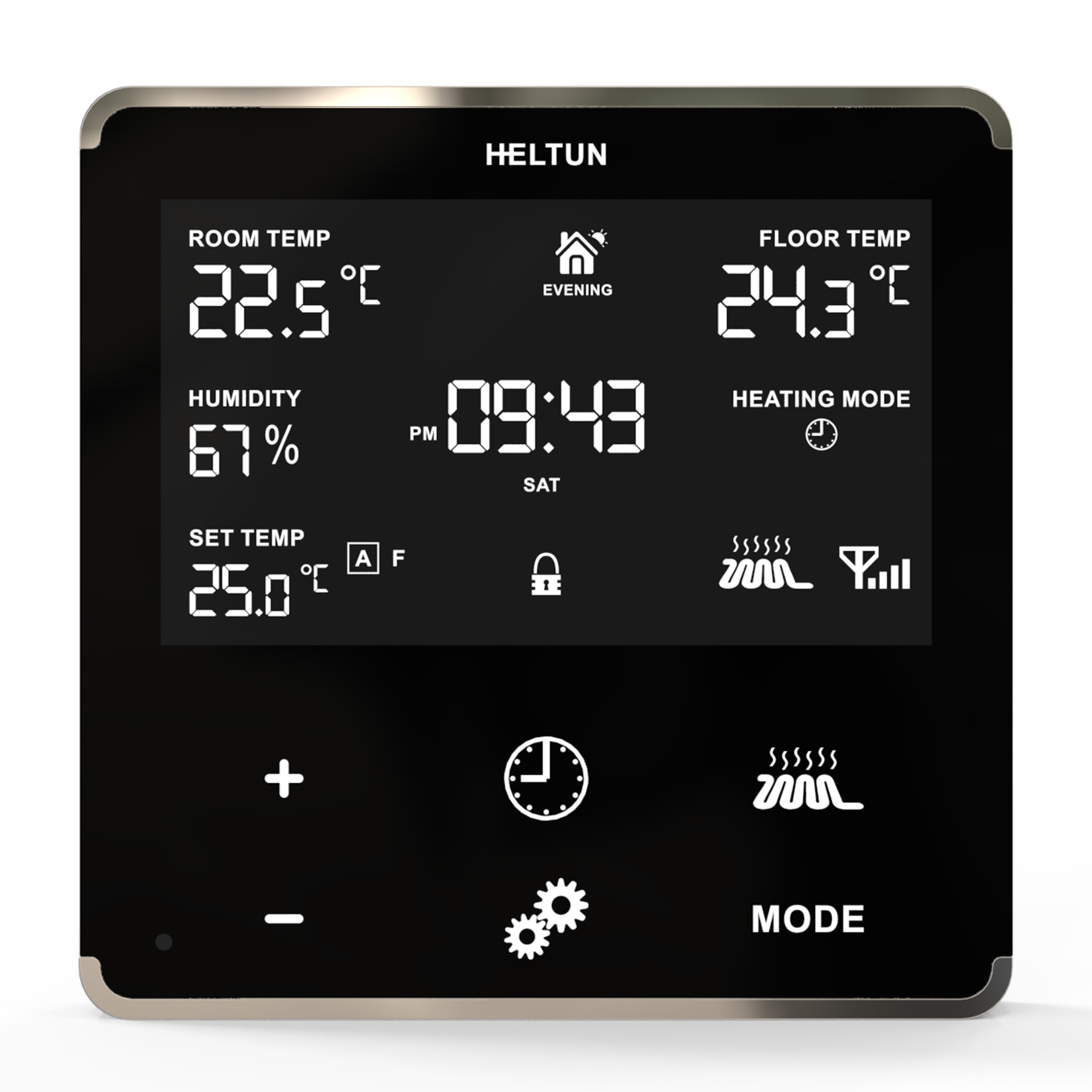
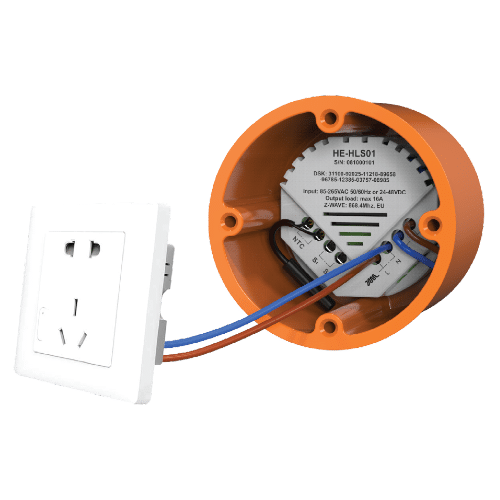
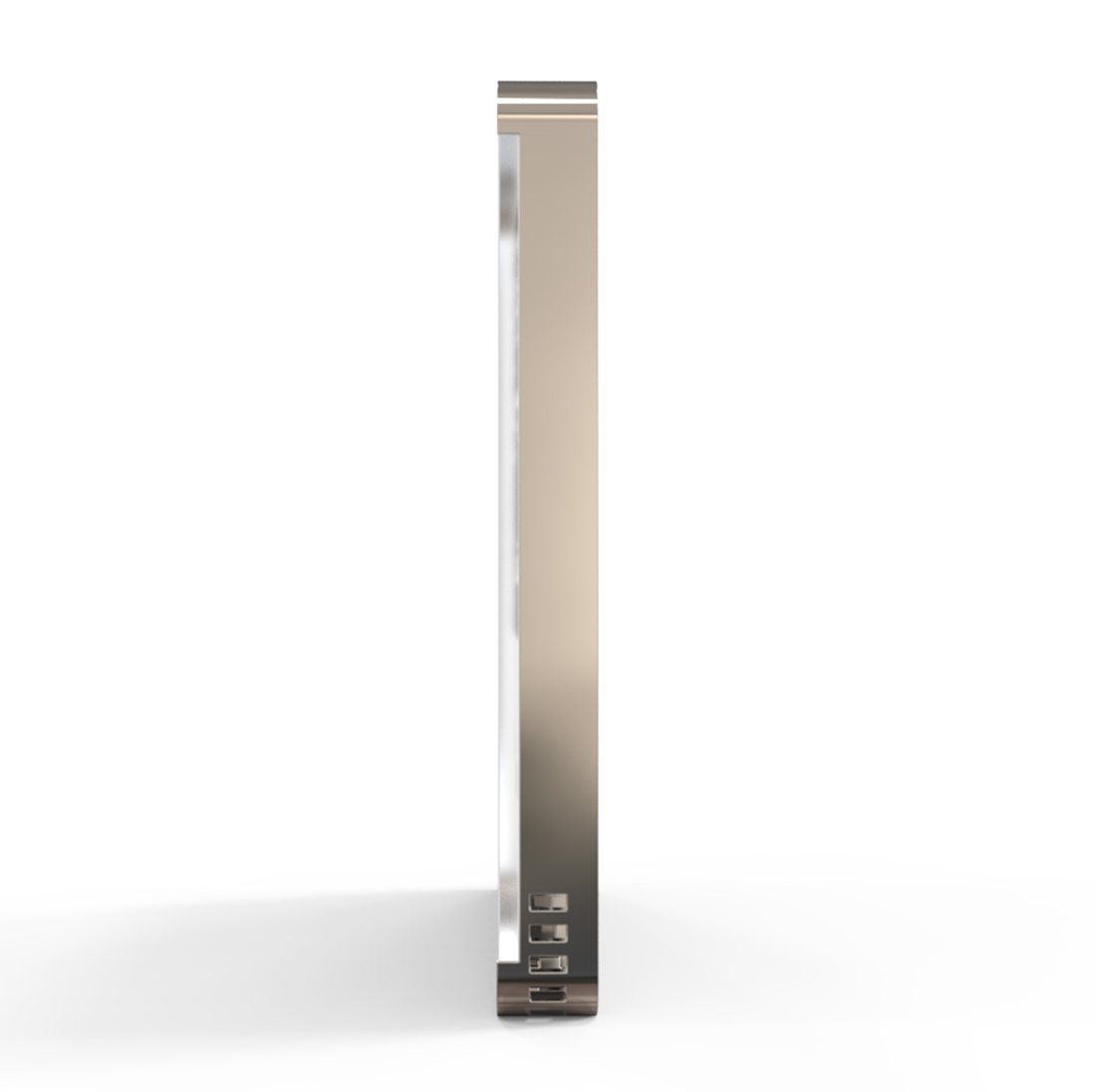
The HE-HT01 is HELTUN’s advanced programmable thermostat for heating systems that is ‘impossibly thin’ on the wall while being packed full of features. It delivers highly accurate comfort control using proprietary technology and four built-in sensors. Even though it stands out only 9mm from the wall, it provides all the information you need at-a-glance without having to touch the display. You can monitor and control the HE-HT01 from anywhere in the world using a Z-Wave hub and your smartphone.* And because it uses the Z-Wave 700 Platform, SmartStart, and S2 Security, the HE-HT01 can be placed up to 100 meters away from the hub and is a snap to install. Best of all, real-time and cumulative energy consumption meters help you save money on energy costs while staying comfortable all year long. The HELTUN HE-HT01 is part of an entire line of smart, connected products designed to provide the best technology has to offer without compromising stylish living. (*hub and smartphone not included)
Want to buy adds it to your wish list and follows HELTUN for updates. I own it adds it to your collection.
The HE-HT01 is HELTUN’s advanced programmable thermostat for heating systems that is ‘impossibly thin’ on the wall while being packed full of features. It delivers highly accurate comfort control using proprietary technology and four built-in sensors. Even though it stands out only 9mm from the wall, it provides all the information you need at-a-glance without having to touch the display. You can monitor and control the HE-HT01 from anywhere in the world using a Z-Wave hub and your smartphone.* And because it uses the Z-Wave 700 Platform, SmartStart, and S2 Security, the HE-HT01 can be placed up to 100 meters away from the hub and is a snap to install. Best of all, real-time and cumulative energy consumption meters help you save money on energy costs while staying comfortable all year long. The HELTUN HE-HT01 is part of an entire line of smart, connected products designed to provide the best technology has to offer without compromising stylish living. (*hub and smartphone not included)
Hardware platform
ZGM130
Short description
Advanced Programmable Z-Wave Plus v2 Thermostat for Heating Systems—with S2 security and Smart Start on the Z-Wave 700 platform.
Product identifier
HE-HT01
Countries / regions
India, Malaysia, Singapore, United Arab Emirates, Brazil, Russian Federation, Australia, Japan, China, European Union, South Africa, Chile, Republic of Korea, Israel, United States of America, Hong Kong
Supports smart start
Yes
Certification number
ZC12-19120023
Radio range z wave (m)
40
Configuration parameters
Parameter Number Name Description Format Size Min Value Max Value Default Value Parameter Values 1
Supports explorer frames
Yes
Supported command classes
Identifier Name Key Version COMMAND_CLASS_CONFIGURATION_V4
Supported multilevel sensors
Multilevel Sensor Type Air temperature
Supported / controlled meter types
Meter Type Rate Type Description Electric meter
Value 16 a switch load capacity watts value 4000 switch type value dry contact thermostat hvac systems supported value heat only thermostat modes value heat dry air auto changeover energy save heat away thermostat power source value power stealing (hard wired 24 v) mains powered (120 v/240 v) firmware updatable value updatable by consumer by rf association groups
Group Number Maximum Nodes Supported End Point ID Group Name Profile Description 2
From to description 1 100 floor sensor resistance in kilo ohms (kω) 2 s1 input mode s1 input mode 3 1 0 2 0 from to description 0 0 no action will be taken (the input state is ignored by the thermostat logic). 1 0 thermostat will be switched to the operating mode selected in parameter 3 if the output was short circuited. the heating thermostat will go back to previous mode as soon as the input is open. 2 0 thermostat will be switched to the operating mode selected in parameter 3 if the output was short circuited, but it will not undertake any action if the input is open again. 3 s1 input action mode number for s1 input action 3 1 1 7 6 from to description 1 0 com mode 2 0 time mode 3 0 dry mode 4 0 eco mode 5 0 vac mode 6 0 man mode with idle (off) state 7 0 man mode with heating (on) state 4 source type source sensor: 1=a, 2=af, 3=f, 4=fa, 5=p, 6=pa, 7=pf 3 1 1 7 6 from to description 1 0 a – air sensor. regulation (heating control) is based on the set point applied to the internal room air temperature sensor. 2 0 af – air sensor + floor sensor. regulation is based on set point applied to the internal room temperature sensor but also controlled by the floor temperature sensor ensuring that the floor temperature remains within the set limits. the lower floor temperature limit is specified in parameter 16 (ft l) and the high temperature limit in parameter 17 (ft h). 3 0 f – floor sensor. regulation is based on the set point applied to the external floor temperature sensor. 4 0 fa – floor sensor + air sensor. regulation is based on set point applied to the external floor sensor but is also controlled by the internal air temperature sensor ensuring that the room temperature remains within the set limits. the lower air temperature limit is specified in parameter 14 (at l) and the higher temperature limit in parameter 15 (at h). 5 0 p – power regulator. regulation is based on the time settings for heating which will be on during the time in parameter 05 (pon) and then off during the time in parameter 06 (pof). this cycle will be repeated constantly. 6 0 pa – power regulator + air sensor. regulation is based on the time set by parameters 05 and 06 but also controlled by the internal air temperature sensor ensuring that the room temperature remains within the set limits. the air temperature limits are specified in parameters 14 and 15. 7 0 pf – power regulator + floor sensor. regulation is based on the time set by parameters 05 and 06 but also controlled by the floor temperature sensor ensuring that the floor temperature remains within set limits. the floor temperature limits are specified in parameters 16 and 17. 8 dry switch mode mode to switch after dry mode operation completion 3 1 1 6 1 from to description 1 0 com mode 2 0 time mode 4 0 eco mode 5 0 vac mode 6 0 man mode mode with idle state 9 time correction time correction by controller 3 1 0 1 1 from to description 0 0 switch off auto correction 1 0 if thermostat is connected to a z wave gateway, the time and day will be periodically polled and corrected from the gateway 10 time format time format 3 1 0 1 1 from to description 0 0 24 hour format 1 0 12 hour (am/pm) format 11 weekday week day. this parameter allows manually adjustment of the day of the week in case if the thermostat is not connected to any z wave gateway or parameter 09 (auto correction) is selected as 0. 3 1 1 7 1 from to description 1 0 monday 2 0 tuesday 3 0 wednesday 4 0 thursday 5 0 friday 6 0 saturday 7 0 sunday 17 floor temp max floor temperature maximum in °c, x10 the floor temp max value cannot be lower than floor temp min value +10 2 2 50 370 320 from to description 50 370 this parameter is the floor temperature high limit – reading the external ntc temperature sensor. it only comes into effect if af or pf are selected as the source sensor. the factory default value is 32°c (89°f). note: the ft h value cannot be lower than ft l value +1°c. 25 reserved parameter reserved by the manufacturer. setting this parameter will have no impact on dut functionality. 3 1 0 1 0 from to description 0 0 parameter reserved by the manufacturer. setting this parameter will have no impact on dut functionality. 1 0 parameter reserved by the manufacturer. setting this parameter will have no impact on dut functionality. 31 reserved parameter reserved by the manufacturer. setting this parameter will have no impact on dut functionality. 3 1 0 1 0 from to description 0 0 parameter reserved by the manufacturer. setting this parameter will have no impact on dut functionality. 1 0 parameter reserved by the manufacturer. setting this parameter will have no impact on dut functionality. 41 sensors report time sensors consecutive reporting interval, minutes. when the device is connected to the z wave gateway (controller), it periodically sends to the gateway reports from its room & floor temperature, humidity and light sensors even if there are not changes in the values. this parameter defines the interval between consecutive reports. the value can be adjusted from 1 min to 120 min. note: if the sensor readings change, the device will send the report to the gateway regardless of this parameter value. in order not to increase traffic on your network, it is not recommended to reduce the value of this parameter. we recommend to reduce the value of this parameter only in case of poor connection, when reports from the device does not always reach the gateway. 2 1 1 120 10 from to description 1 120 the value can be adjusted from 1 to 120 minutes 42 consumption report time consumption meter consecutive reporting interval, minutes. this parameter defines the interval between consecutive reports of real time and cumulative energy consumption data to the gateway. the value can be adjusted from 1 min to 120 min. the factory default value is 10 min. note: if the sensor readings change, the device will send the report to the gateway regardless of this parameter value. in order not to increase traffic on your network, it is not recommended to reduce the value of this parameter. 2 1 1 120 10 from to description 1 120 the value can be adjusted from 1 to 120 minutes. 43 temperature threshold temperature difference to send to controller, value x10. this parameter determines the change in temperature level (in °c) resulting in temperature sensors report being sent to the gateway. the value of this parameter should be x10, e.g. for 0.4°c use value 40. from 0.5°c to 10°c can be selected. use the value 0 if there is a need to stop sending the reports. the factory default value is 0.5°c (5). 2 1 0 100 5 from to description 0 0 stop sending the reports 5 100 temperature level (in °c) 44 humidity threshold humidity difference to send to controller, %. this parameter determines the change in humidity level in % resulting in humidity sensors report being sent to the gateway. from 2% to 25% can be selected. use the value 0 if there is a need to stop sending the reports. the factory default value is 2. 2 1 0 25 2 from to description 0 0 stop sending the reports 2 25 humidity level in % 45 light threshold light sensor values difference to send to controller, %. this parameter determines the change in temperature level resulting in temperature sensors report being sent to the gateway. from 10% to 99% can be selected. use the value 0 if there is a need to stop sending the reports. the factory default value is 50. 2 1 0 99 50 from to description 0 0 stop sending the reports 10 99 temperature level change in % 46 morning start time morning start time. format: hhmm. e.g.08:00 should be sent as 0800 2 2 0 2359 600 from to description 0 2359 morning start time. format: hhmm (from 00:00 to 23:59) 47 day start time day start time. format: hhmm. 2 2 0 2359 900 from to description 0 2359 day start time. format: hhmm (from 00:00 to 23:59) 48 evening start time evening start time. format: hhmm. 2 2 0 2359 1800 from to description 0 2359 evening start time. format: hhmm (from 00:00 to 23:59) 49 night start time night start time. format: hhmm. 2 2 0 2359 2300 from to description 0 2359 night start time. format: hhmm (from 00:00 to 23:59) texts