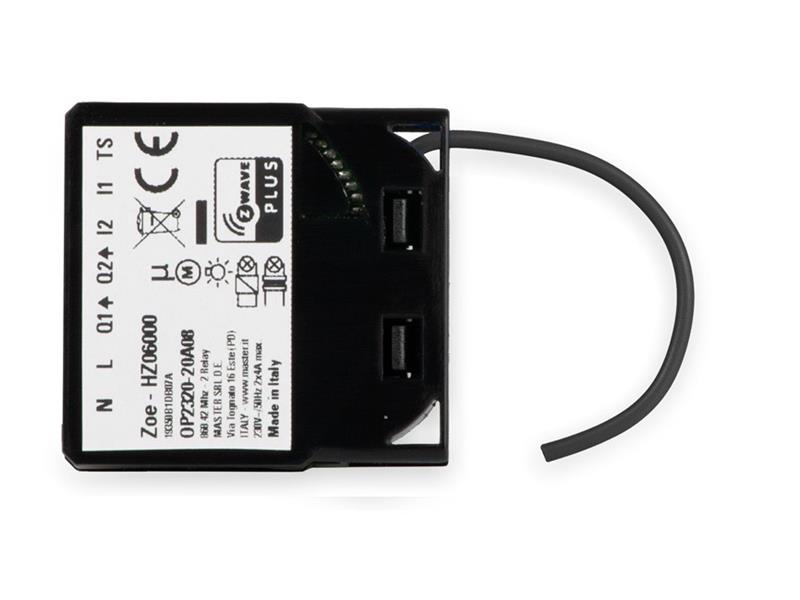
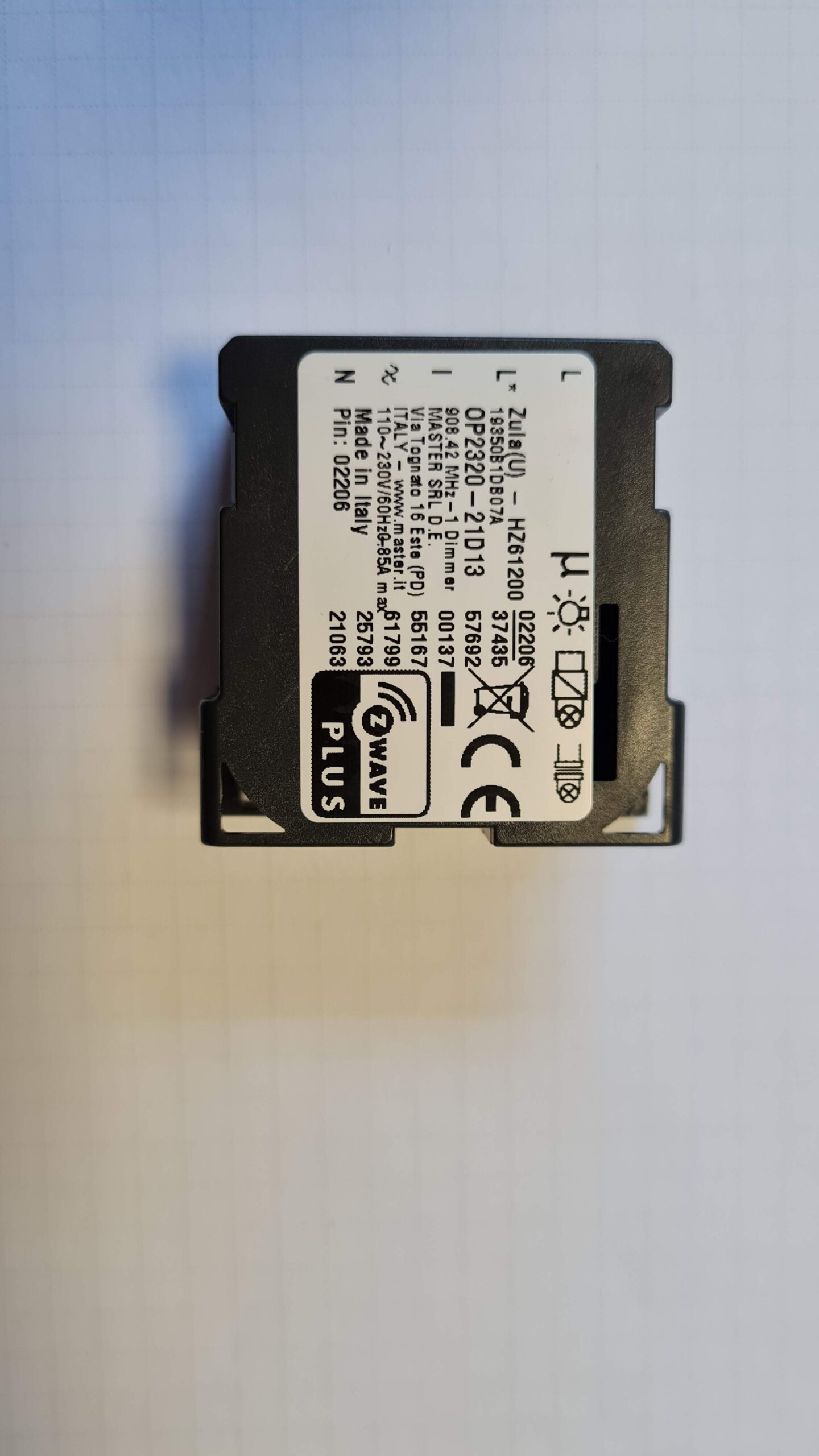
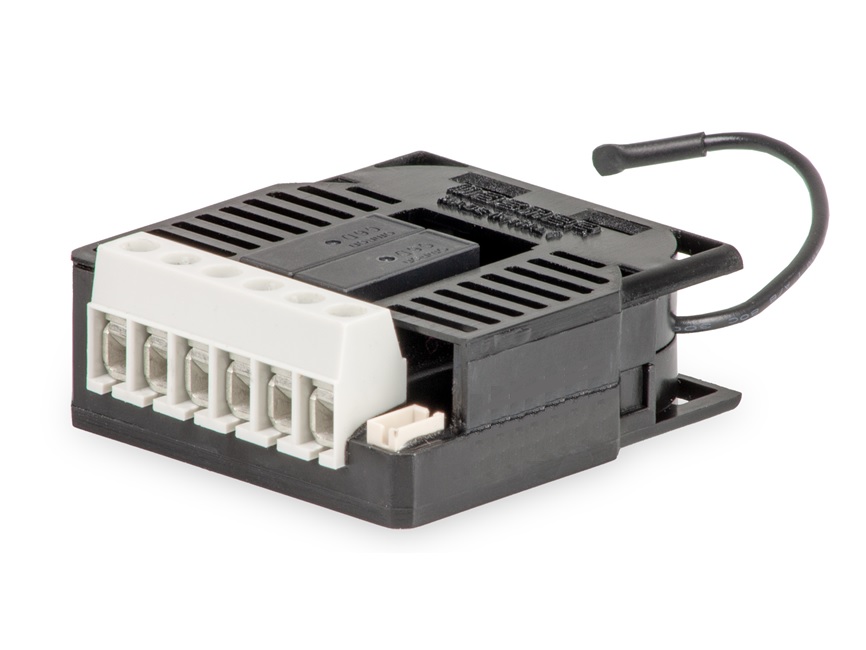
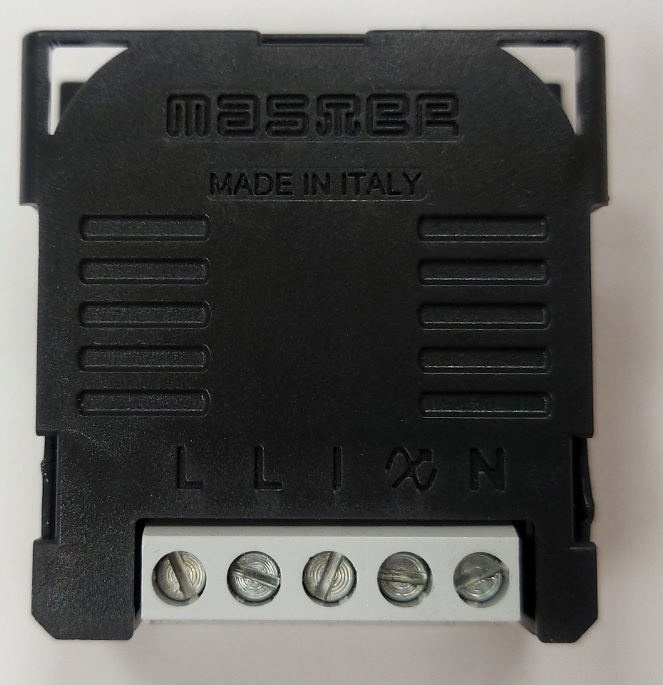
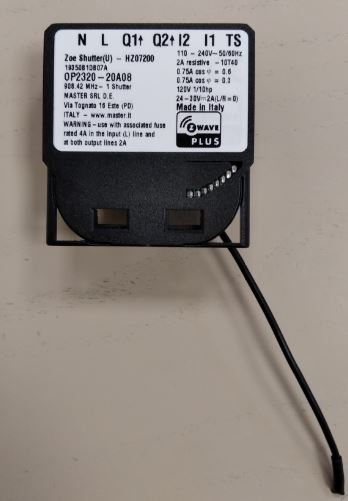
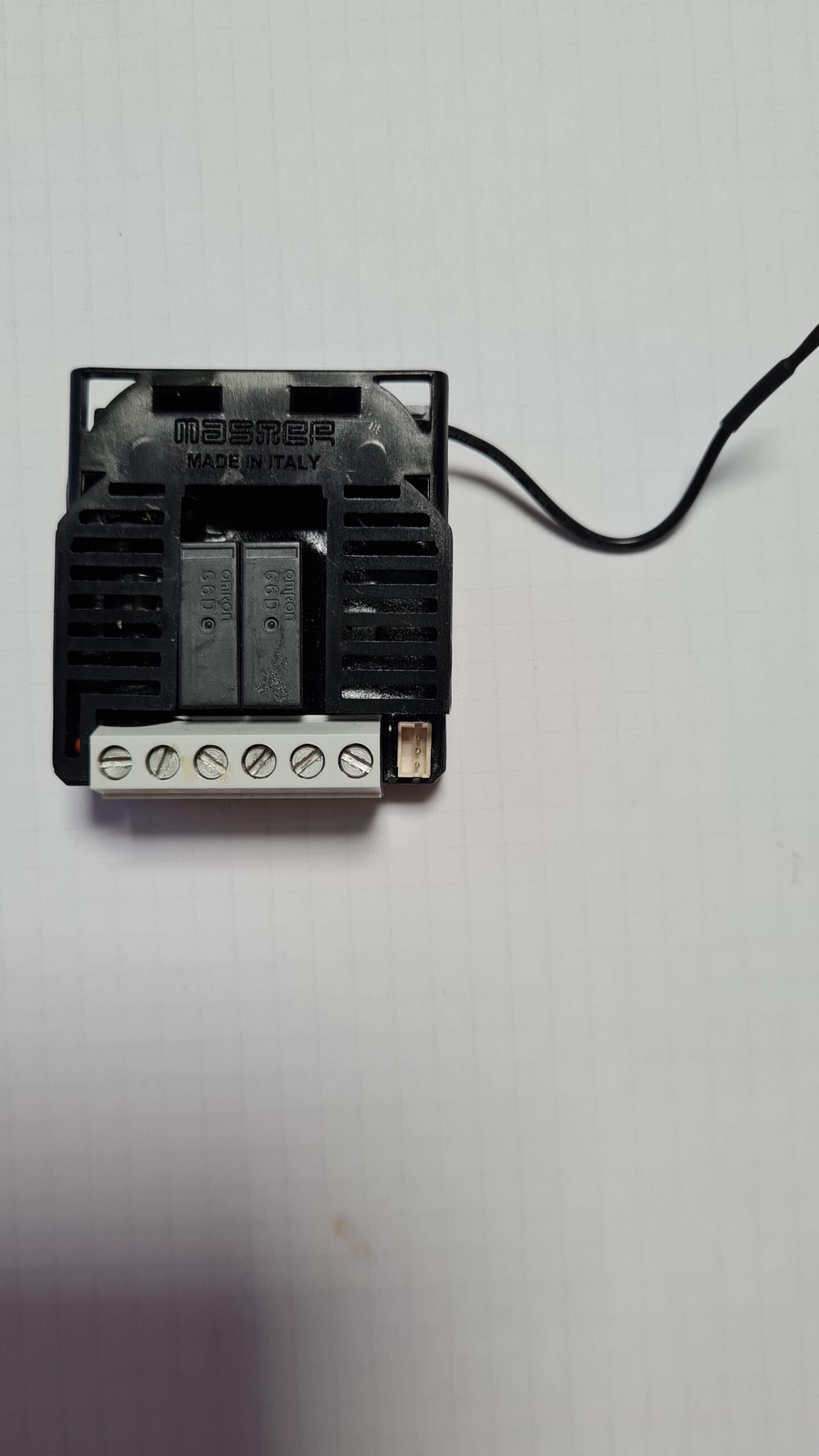
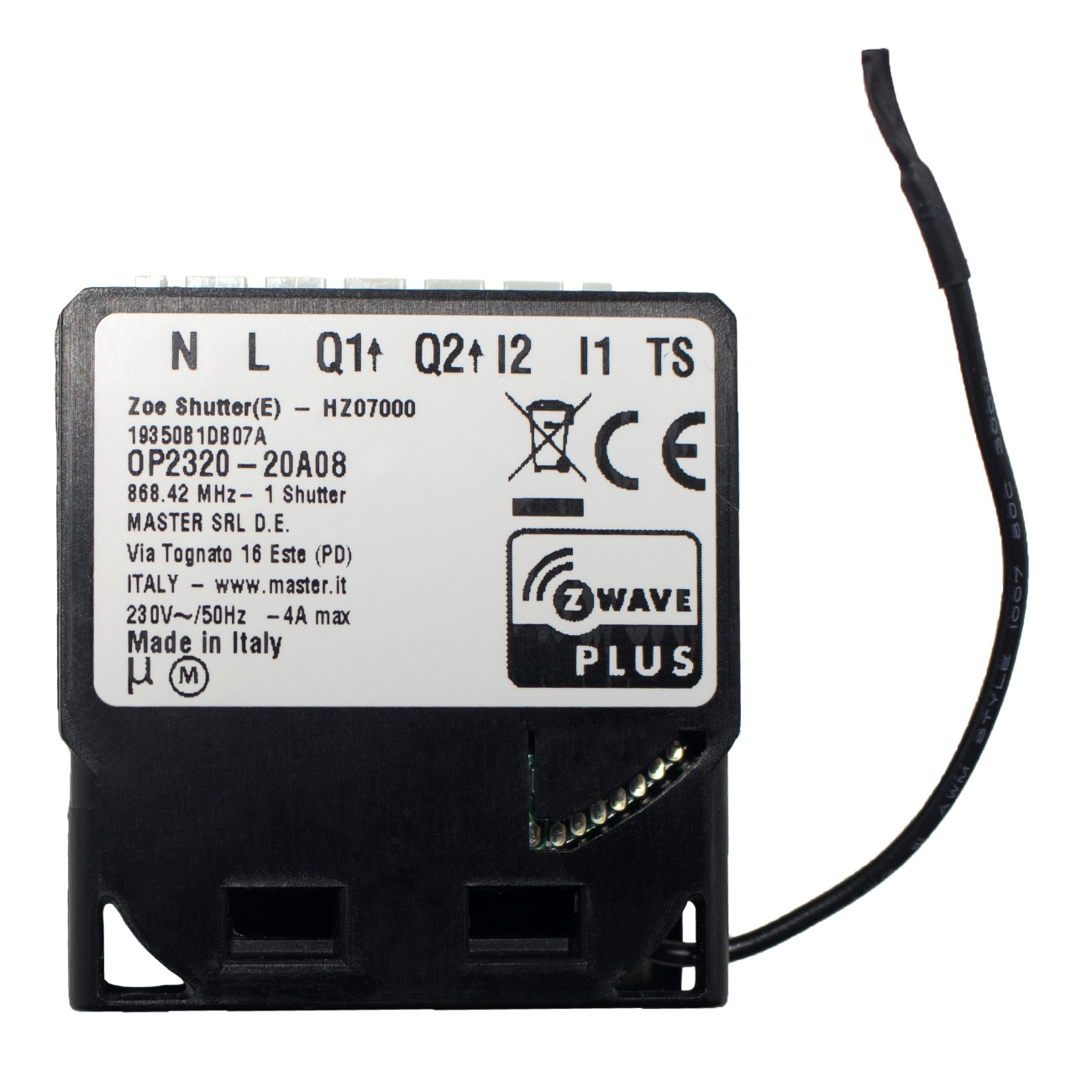
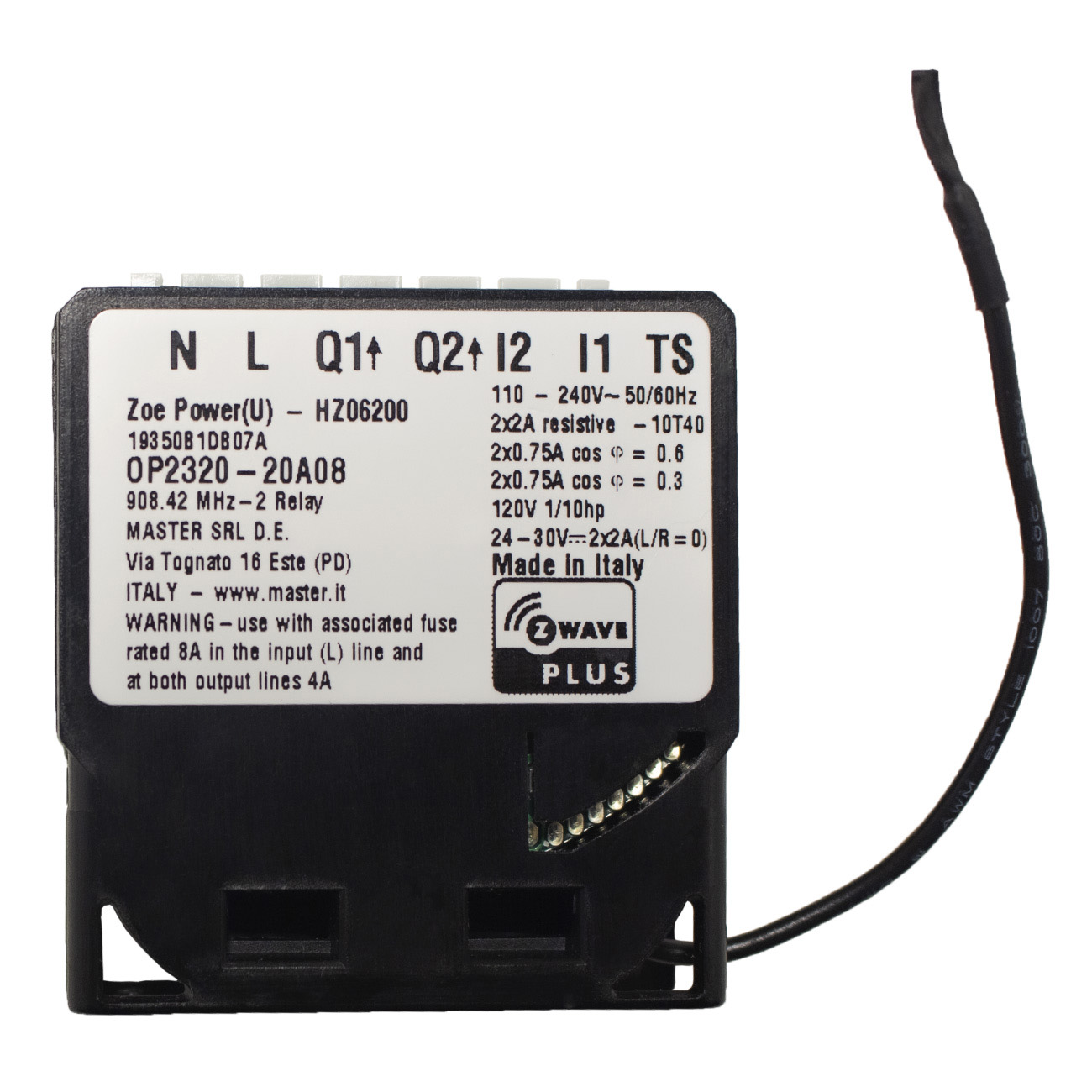
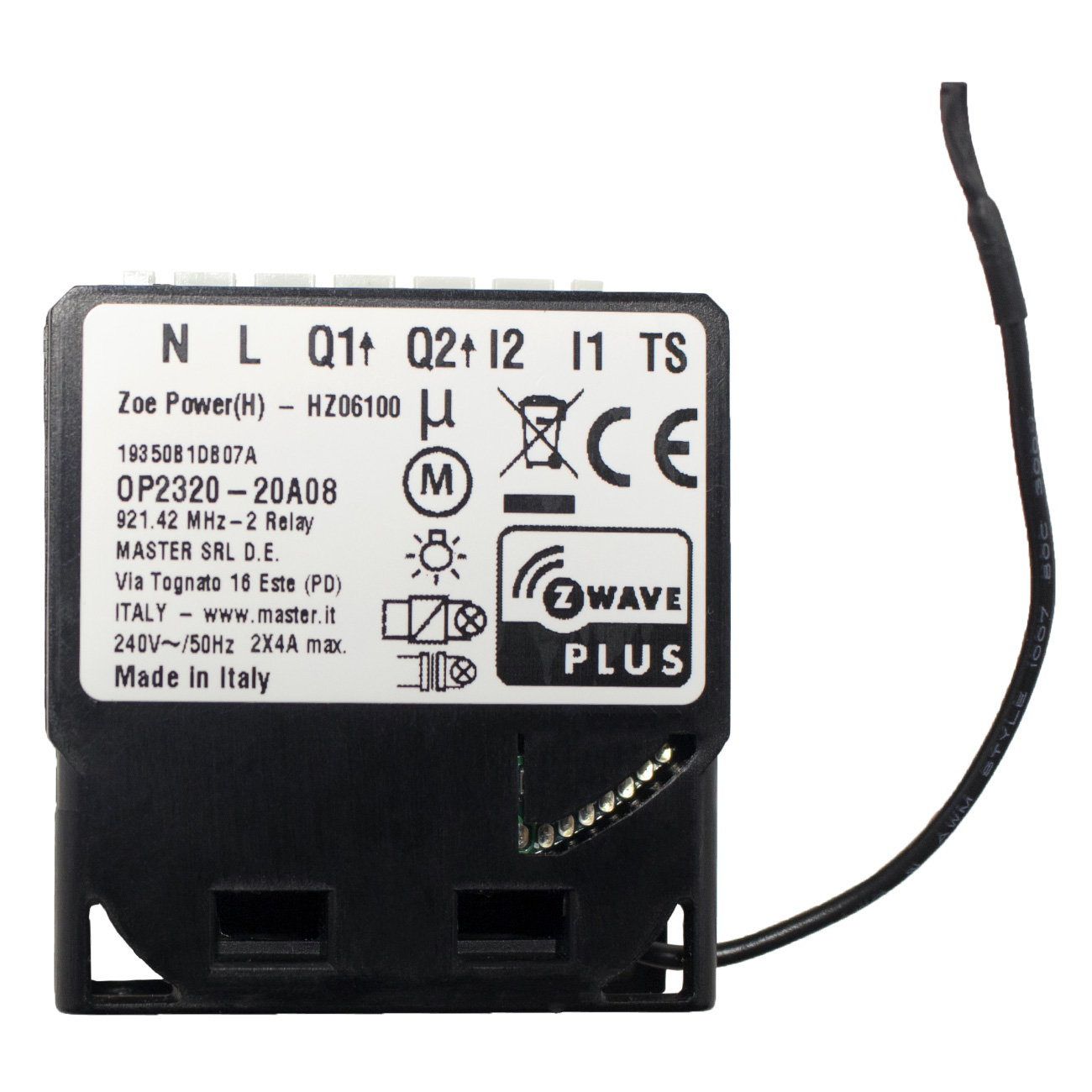
Long descriptionZoe is a line-powered Z-Wave interface for 2 loads (OUT) and 2 push buttons/switches (IN). Compatible with any Vesta board HM03000 or HM02000+HA06900. Supports protected mode (Z-Wave network security mode) with AES-128 encryption. Advanced microprocessor control. Works with various types of inputs (switches, pushbuttons, two-way switches). To be installed in wall switch boxes of dimensions allowing for installation, conforming to provisions of applicable regulations. Zoe can work as stand-alone device, and can be connected to a Z-Wave network. Value 920 color value black firmware updatable value updatable by manufacturer loads controlled value 2 neutral wire required switch load capacity current value 4 switch type value push button z wave scene type value scene electric load type value incandescent mlv (magnetic) led inductive (e.g. motor) association groupsGroup Number Maximum Nodes Supported End Point ID Group Name Description 1 From to description 0 0 auto off disabled 1 32535 1second (0,01s) 32535 seconds (325,35s) auto off enabled with define time, step is 1s or 10ms according to parameter nr.15. 2 parameter no. 2 – input 2 switch type available configuration parameters (data type is 1 byte dec): • default value 1 • 0 mono stable switch type (push button) • 1 bi stable switch type 1 1 0 1 1 from to description 0 0 mono stable switch type (push button) 1 1 bi stable switch type 43 parameter no. 43 – power reporting in watts by time interval for q2 set value means time interval (0 – 32535) in seconds, when power report is send. available configuration parameters (data type is 2 byte dec): • default value 300 (power report in watts is send each 300s) • 0 reporting disabled • 1 32535 = 1 second 32535 seconds. reporting enabled, power report is send with time interval set by entered value. 1 2 0 32535 300 from to description 1 32535 1 second 32535 seconds. reporting enabled, power report is send with time interval set by entered value. 0 0 reporting disabled 41 parameter no. 41 – power reporting in watts on power change for q2 set value means percentage, set value from 0 – 100 = 0% 100%. available configuration parameters (data type is 1 byte dec): • default value 10 • 0 reporting disabled • 1 100 = 1% 100% reporting enabled. power report is send (push) only when actual power in watts in real time changes for more than set percentage comparing to previous actual power in watts, step is 1%. note: if power changed is less than 1 w, the report is not send (pushed), independent of percentage set. 1 1 0 100 10 from to description 1 100 1% 100% reporting enabled. power report is send (push) only when actual power in watts in real time changes for more than set percentage comparing to previous actual power in watts, step is 1%. note: if power changed is less than 1 w, the report is not send (pushed), independent of percentage set. 0 0 reporting disabled 42 parameter no. 42 – power reporting in watts by time interval for q1 set value means time interval (0 – 32535) in seconds, when power report is send. available configuration parameters (data type is 2 byte dec): • default value 300 (power report in watts is send each 300s) • 0 reporting disabled • 1 32535 = 1 second 32535 seconds. reporting enabled, power report is send with time interval set by entered value. 1 2 0 32535 300 from to description 1 32535 1 second 32535 seconds. reporting enabled, power report is send with time interval set by entered value. 0 0 reporting disabled 64 parameter no. 64 – output q2 switch selection set value means the type of the device that is connected to the q2 output. the device type can be normally open (no) or normally close (nc). available configuration parameters (data type is 1 byte dec): • default value 0 • 0 when system is turned off the output is 0 v (nc). • 1 when system is turned off the output is 230 v (no). 1 1 0 1 0 from to description 0 0 when system is turned off the output is 0 v (nc). 1 1 when system is turned off the output is 230 v (no). 120 parameter no. 120 – temperature sensor reporting parameter no. 120 – temperature sensor reporting if digital temperature sensor is connected, module reports measured temperature on temperature change defined by this parameter. available configuration parameters (data type is 1 byte dec): • default value 5 = 0,5°c • 0 – reporting disabled • 1 127 = 0,1°c – 12,7°c, step is 0,1°c 1 1 0 127 5 from to description 0 0 reporting disabled 1 127 0,1°c – 12,7°c, step is 0,1°c 110 parameter no. 110 – temperature sensor offset settings set value is added or subtracted to actual measured value by sensor. available configuration parameters (data type is 2 byte dec): • default value 32536 • 32536 offset is 0.0 c • from 1 to 100 value from 0.1 °c to 10.0 °c is added to actual measured temperature. • from 1001 to 1100 value from 0.1 °c to 10.0 °c is subtracted to actual measured temperature. 1 2 0 32536 32536 from to description 1 100 value from 0.1 °c to 10.0 °c is added to actual measured temperature. 1001 1100 value from 0.1 °c to 10.0 °c is subtracted to actual measured temperature. 32536 32536 offset is 0.0 c 63 parameter no. 63 – output q1 switch selection set value means the type of the device that is connected to the q1 output. the device type can be normally open (no) or normally close (nc). available configuration parameters (data type is 1 byte dec): • default value 0 • 0 when system is turned off the output is 0 v (nc). • 1 when system is turned off the output is 230 v (no). 1 1 0 1 0 from to description 0 0 when system is turned off the output is 230 v (no). 1 1 when system is turned off the output is 0 v (nc). 1 parameter 1 parameter no. 1 – input 1 switch type available configuration parameters (data type is 1 byte dec): • default value 1 • 0 mono stable switch type (push button) • 1 bi stable switch type 1 1 0 1 1 from to description 0 0 mono stable switch type (push button) 1 1 bi stable switch type 10 parameter no. 10 activate / deactivate functions all on/all off available configuration parameters (data type is 2 byte dec): • default value 255 • 255 all on active, all off active. • 0 all on is not active all off is not active • 1 all on is not active all off active • 2 all on active all off is not active zoe power module responds to commands all on / all off that may be sent by the main controller or by other controller belonging to the system. 1 2 0 255 255 from to description 0 0 all on is not active all off is not active 1 1 all on is not active all off active 2 2 all on active all off is not active 255 255 all on active, all off active. textsID Description Value 2