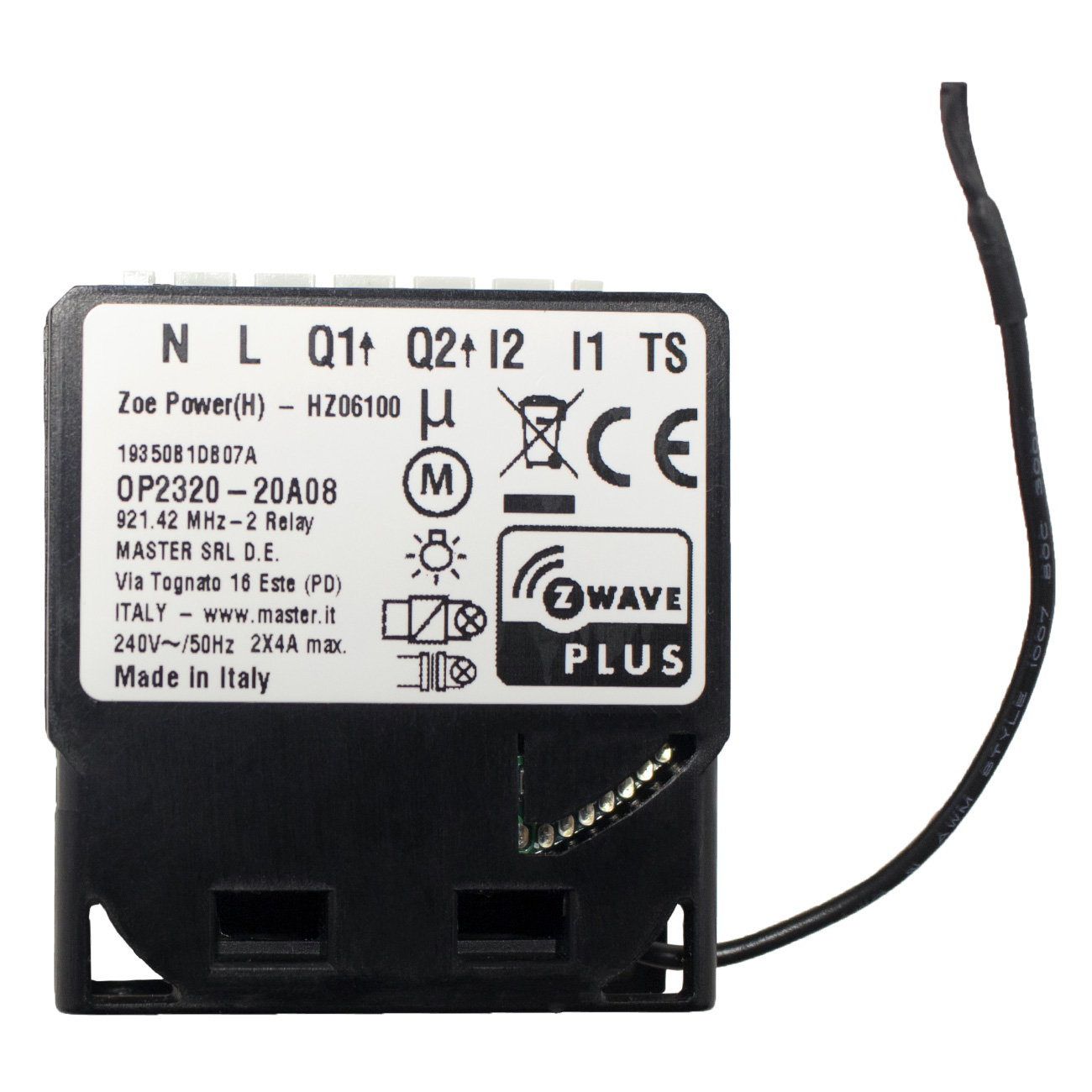
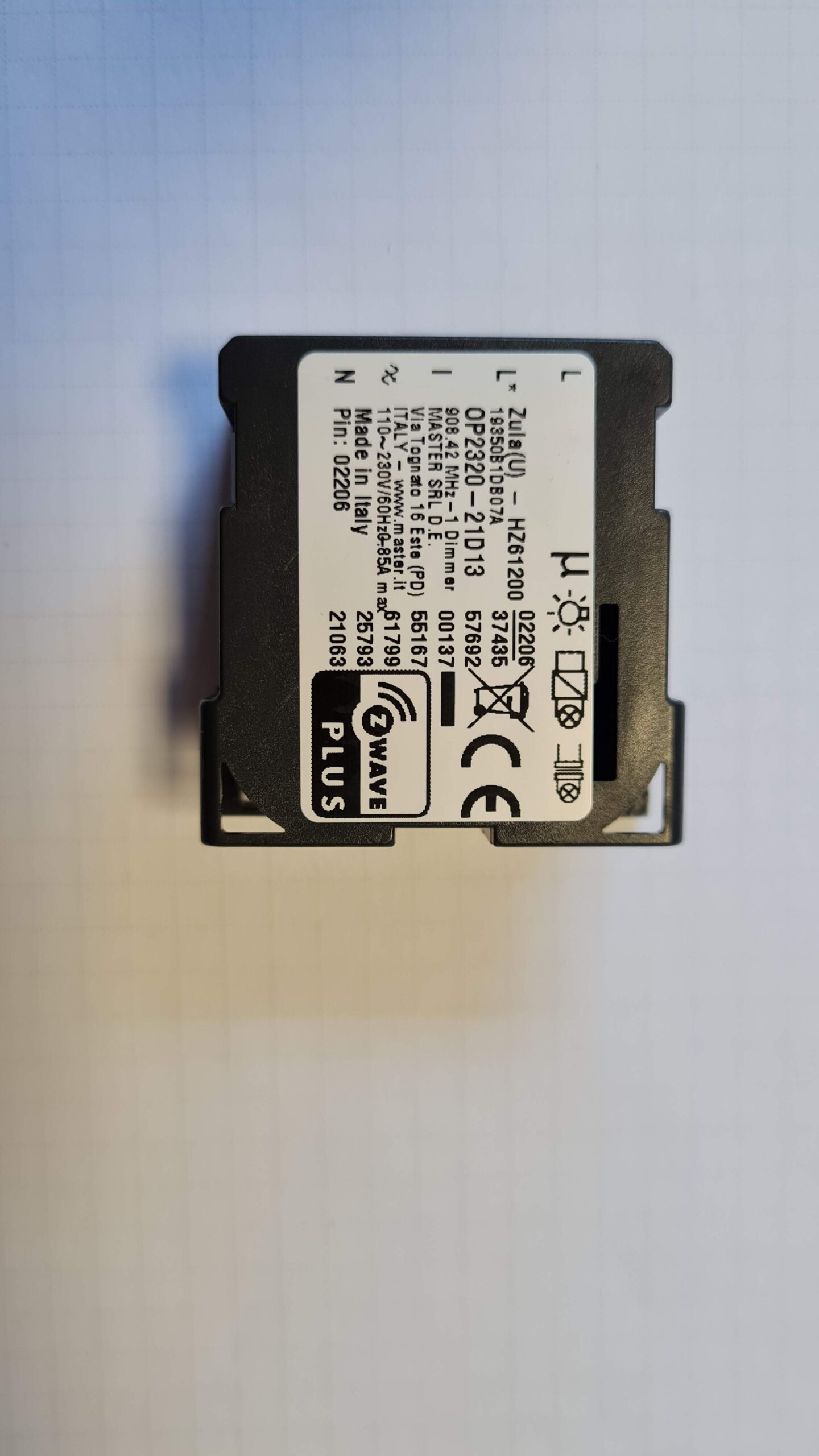
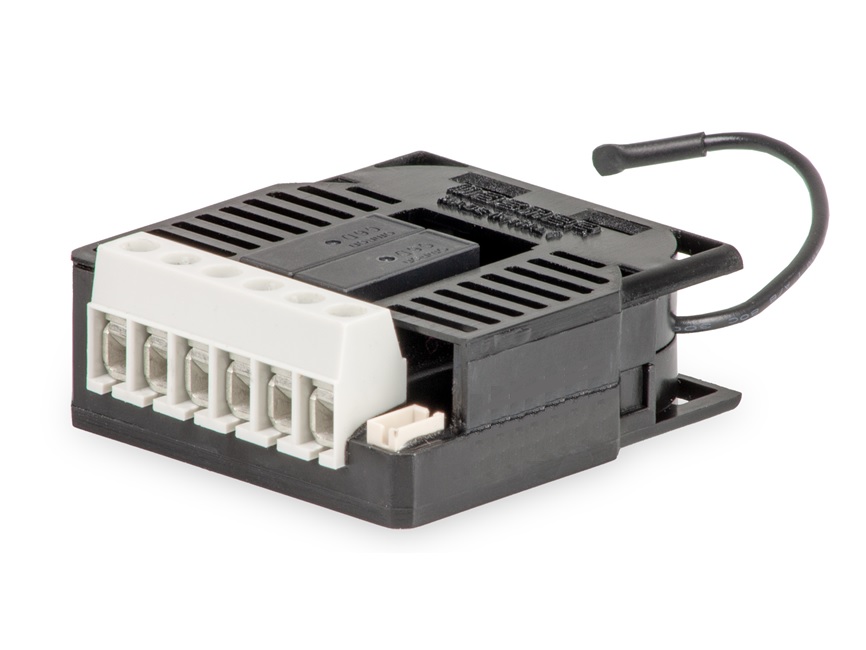
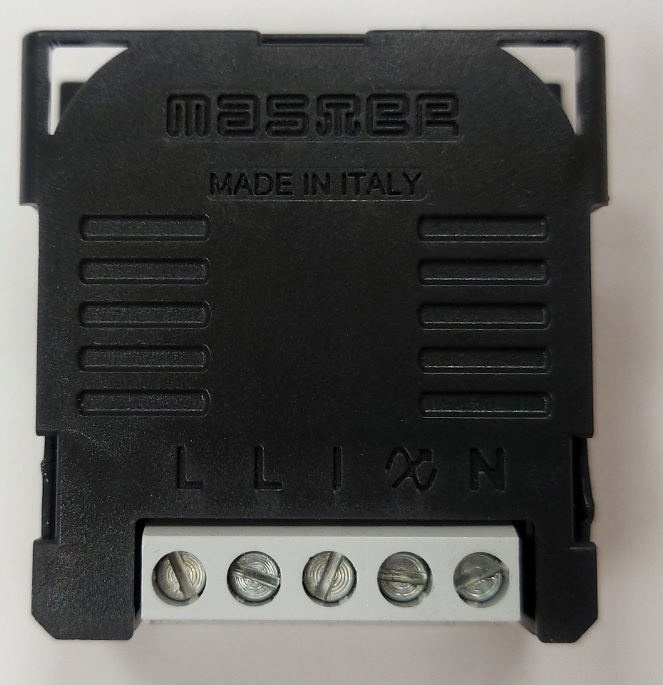
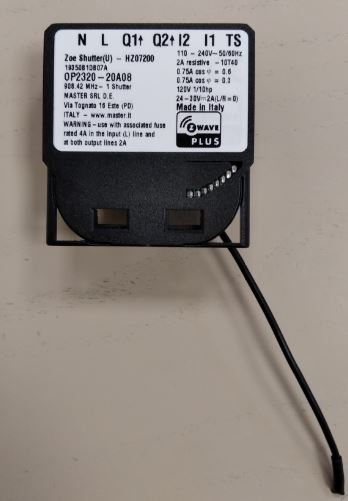
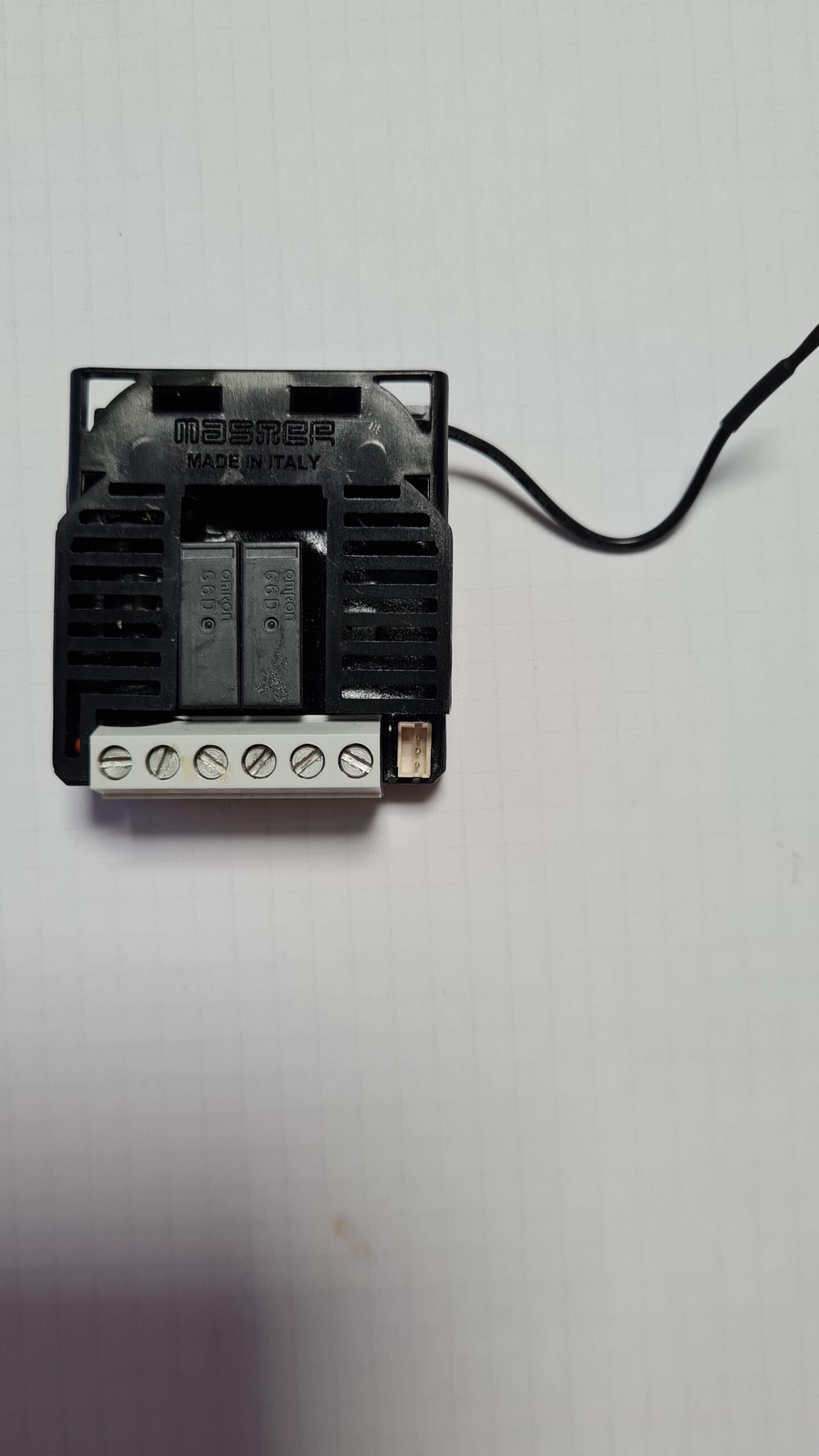
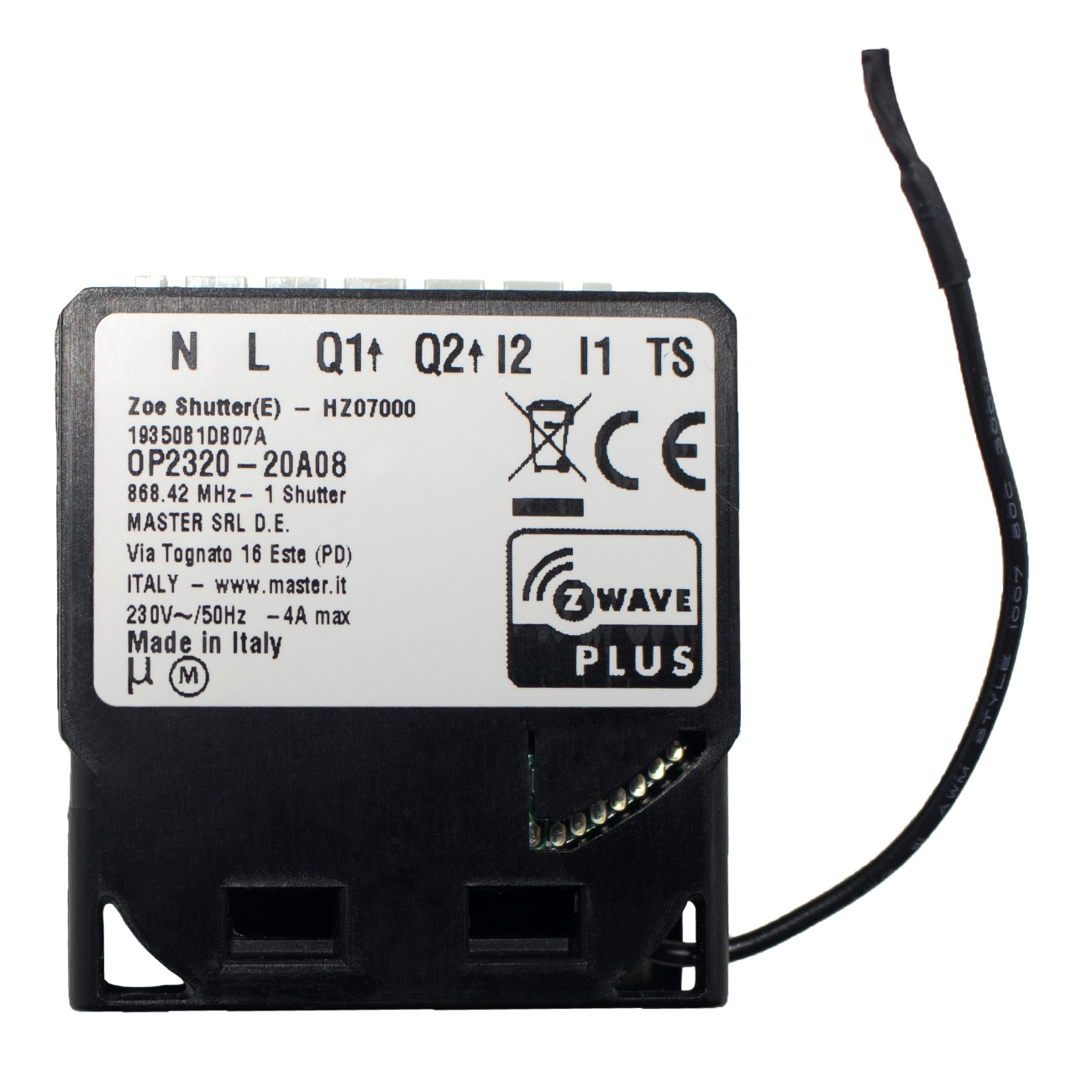
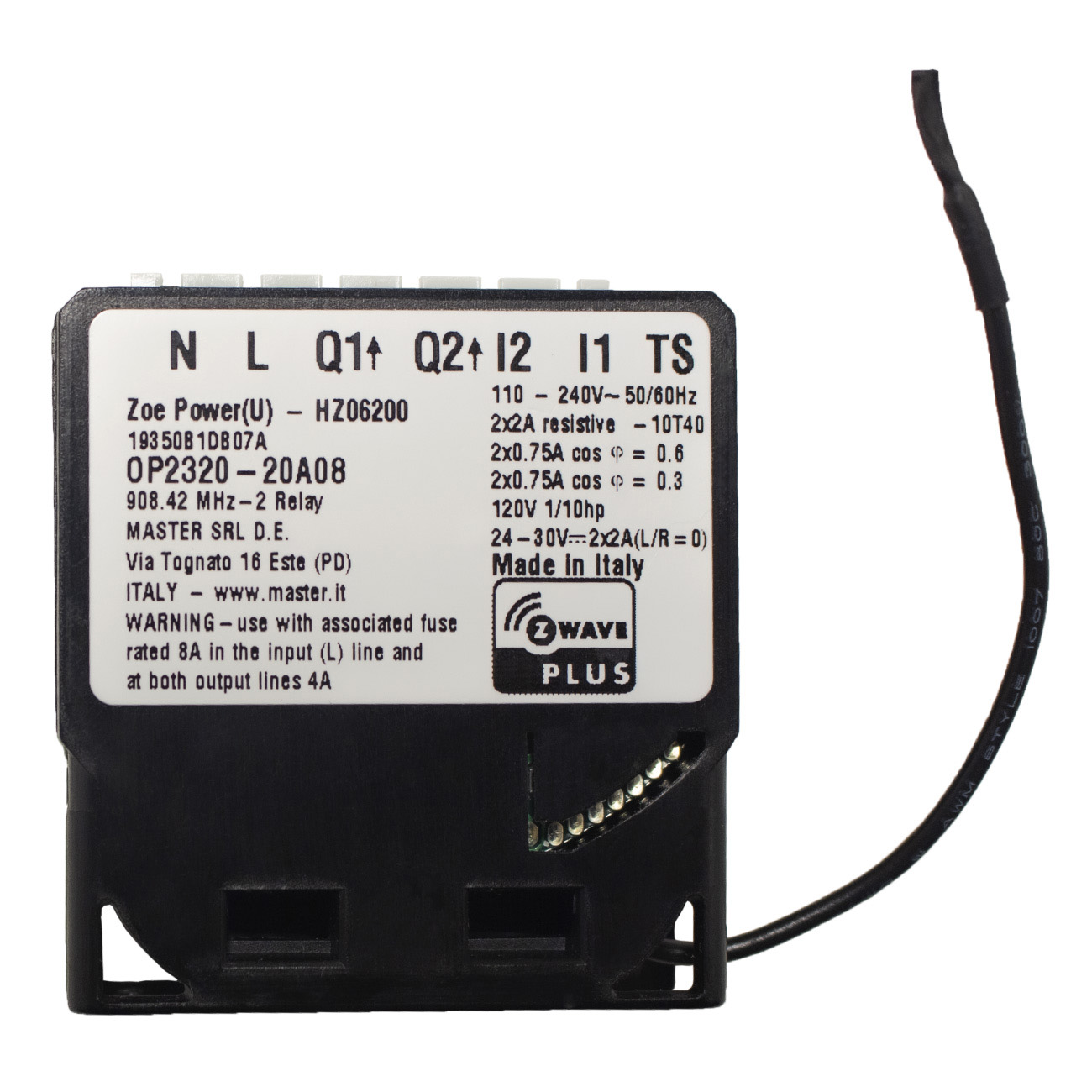
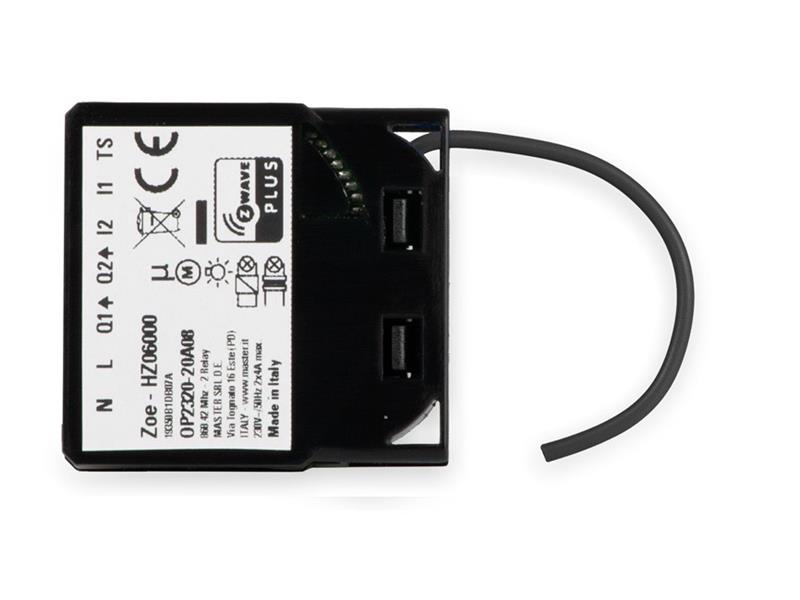
The ZOE Power H controls on/off function for two electrical devices (door locks, door openers, fans, etc.) or lights. It measures power consumption of the connected device, and can be paired with a digital temperature sensor (sold separately). It supports push-button/momentary switches and toggle switches (default). The connection of a digital temperature sensor means you can create complex scenes and control any device relative to a set temperature range. The ZOE Power H acts as a Z-Wave repeater to improve the range and stability of the Z-Wave network.
Want to buy adds it to your wish list and follows Master for updates. I own it adds it to your collection.
✅ Future-proofBuilt to keep working — even if the maker walks away.
It works locally over Z-Wave, so it keeps running even if Master shuts down the app or the servers. Nothing here ties you to a single company's survival.
Works locally over Z-Wave — keeps running without the maker's cloud
Still in production
Based on how this device connects (local vs. cloud), whether it’s still sold and supported, and its app / subscription. A guide, not a guarantee.
Connectivity
Z-Wave
Prices
No prices yet — be the first to add one.
Community tags
Be the first to tag this page — tags appear right away. Try a theme, capability, or subject (e.g. WWII, heist, slow burn, time travel, A24).
The ZOE Power H controls on/off function for two electrical devices (door locks, door openers, fans, etc.) or lights. It measures power consumption of the connected device, and can be paired with a digital temperature sensor (sold separately). It supports push-button/momentary switches and toggle switches (default). The connection of a digital temperature sensor means you can create complex scenes and control any device relative to a set temperature range. The ZOE Power H acts as a Z-Wave repeater to improve the range and stability of the Z-Wave network.
Hardware platform
ZM5202
Short description
The ZOE Power H controls is ideal for remotely controlling up to two electrical devices (door locks, door openers, small appliances, etc.) or lights.
Product identifier
HZ06100
Countries / regions
Australia
Certification number
ZC10-20096969
Radio range z wave (m)
40
Configuration parameters
Parameter Number Name Description Format Size Min Value Max Value Default Value Parameter Values 43
Supports explorer frames
Yes
Supported command classes
Identifier Name Key Version COMMAND_CLASS_POWERLEVEL
Controlled command classes
Identifier Name Key Version COMMAND_CLASS_BASIC
Supported multilevel sensors
Multilevel Sensor Type Air temperature
Supported notification types
Notification Type Event / State Power Management
Supported / controlled meter types
Meter Type Rate Type Description Electric meter
Value toggle neutral wire required switch load capacity watts value 920 switch load capacity current value 4 color value black loads controlled value 2 electric load type value incandescent fluorescent led inductive (e.g. motor) association groups
Group Number Maximum Nodes Supported End Point ID Group Name Description 1
From to description 0 0 reporting disabled 1 32525 1 second 32535 seconds. reporting enabled, power report is send with time interval set by entered value. 1 parameter no. 1 – input 1 switch type available configuration parameters (data type is 1 byte dec): • default value 1 • 0 mono stable switch type (push button) • 1 bi stable switch type 1 1 0 1 1 from to description 0 0 mono stable switch type (push button) 1 1 bi stable switch type 2 parameter no. 2 – input 2 switch type available configuration parameters (data type is 1 byte dec): • default value 1 • 0 mono stable switch type (push button) • 1 bi stable switch type 1 1 0 1 0 from to description 0 0 mono stable switch type (push button) 1 1 bi stable switch type 10 parameter no. 10 activate / deactivate functions all on/all off available configuration parameters (data type is 2 byte dec): • default value 255 • 255 all on active, all off active. • 0 all on is not active all off is not active • 1 all on is not active all off active • 2 all on active all off is not active zoe power module responds to commands all on / all off that may be sent by the main controller or by other controller belonging to the system. 1 2 0 255 255 from to description 0 0 all on is not active all off is not active 1 1 all on is not active all off active 255 255 all on active, all off active 2 2 all on active all off is not active 41 parameter no. 41 – power reporting in watts on power change for q2 set value means percentage, set value from 0 – 100 = 0% 100%. available configuration parameters (data type is 1 byte dec): • default value 10 • 0 reporting disabled • 1 100 = 1% 100% reporting enabled. power report is send (push) only when actual power in watts in real time changes for more than set percentage comparing to previous actual power in watts, step is 1%. note: if power changed is less than 1 w, the report is not send (pushed), independent of percentage set. 1 1 0 100 10 from to description 0 0 reporting disabled 1 100 1% 100% reporting enabled. power report is send (push) only when actual power in watts in real time changes for more than set percentage comparing to previous actual power in watts, step is 1%. note: if power changed is less than 1 w, the report is not send (pushed), independent of percentage set. 42 parameter no. 42 – power reporting in watts by time interval for q1 set value means time interval (0 – 32535) in seconds, when power report is send. available configuration parameters (data type is 2 byte dec): • default value 300 (power report in watts is send each 300s) • 0 reporting disabled • 1 32535 = 1 second 32535 seconds. reporting enabled, power report is send with time interval set by entered value. 1 2 0 32525 300 from to description 0 0 reporting disabled 1 32525 1 second 32535 seconds. reporting enabled, power report is send with time interval set by entered value. 63 parameter no. 63 – output q1 switch selection set value means the type of the device that is connected to the q1 output. the device type can be normally open (no) or normally close (nc). available configuration parameters (data type is 1 byte dec): • default value 0 • 0 when system is turned off the output is 0 v (nc). • 1 when system is turned off the output is 230 v (no). 1 1 0 1 0 from to description 0 0 when system is turned off the output is 0 v (nc). 1 1 when system is turned off the output is 230 v (no). 64 parameter no. 64 – output q2 switch selection set value means the type of the device that is connected to the q2 output. the device type can be normally open (no) or normally close (nc). available configuration parameters (data type is 1 byte dec): • default value 0 • 0 when system is turned off the output is 0 v (nc). • 1 when system is turned off the output is 230 v (no). 1 1 0 1 0 from to description 0 0 when system is turned off the output is 0 v (nc). 1 1 when system is turned off the output is 230 v (no). 110 parameter no. 110 – temperature sensor offset settings set value is added or subtracted to actual measured value by sensor. available configuration parameters (data type is 2 byte dec): • default value 32536 • 32536 offset is 0.0 c • from 1 to 100 value from 0.1 °c to 10.0 °c is added to actual measured temperature. • from 1001 to 1100 value from 0.1 °c to 10.0 °c is subtracted to actual measured temperature. 1 2 0 32526 32526 from to description 1 100 from 1 to 100 value from 0.1 °c to 10.0 °c is added to actual measured temperature. 1001 1100 from 1001 to 1100 value from 0.1 °c to 10.0 °c is subtracted to actual measured temperature. 32526 32526 offset is 0.0 c 120 parameter no. 120 – temperature sensor reporting if digital temperature sensor is connected, module reports measured temperature on temperature change defined by this parameter. available configuration parameters (data type is 1 byte dec): • default value 5 = 0.5°c • 0 – reporting disabled • 1 127 = 0.1°c – 12.7°c, step is 0.1 1 1 0 127 0 from to description 0 0 reporting disabled 1 127 0.1°c – 12.7°c, step is 0.1°c 11 parameter no. 11 automatic turning off output q1 after set time when relay q1 is on it goes automatically off after time defined by this parameter. timer is reset to zero each time the module receive on command regardless from where it comes (push button, associated module, controller,..). available configuration parameters (data type is 2 byte dec) • default value 0 • 0 auto off disabled • 1 32535 = 1second (0,01s) 32535 seconds (325.35s) auto off enabled with define time, step is 1s or 10ms according to parameter nr.15. 1 2 0 32525 0 from to description 0 0 auto off disabled 1 32525 1second (0.01s) 32535 seconds (325.35s) auto off enabled with define time, step is 1s or 10ms according to parameter nr.15. texts