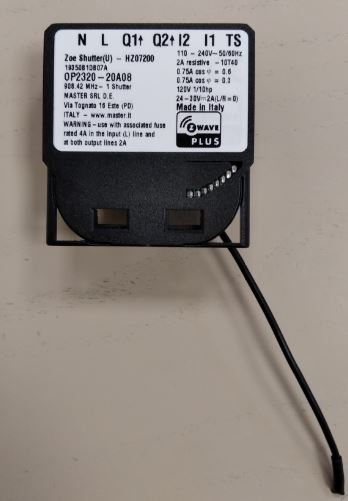
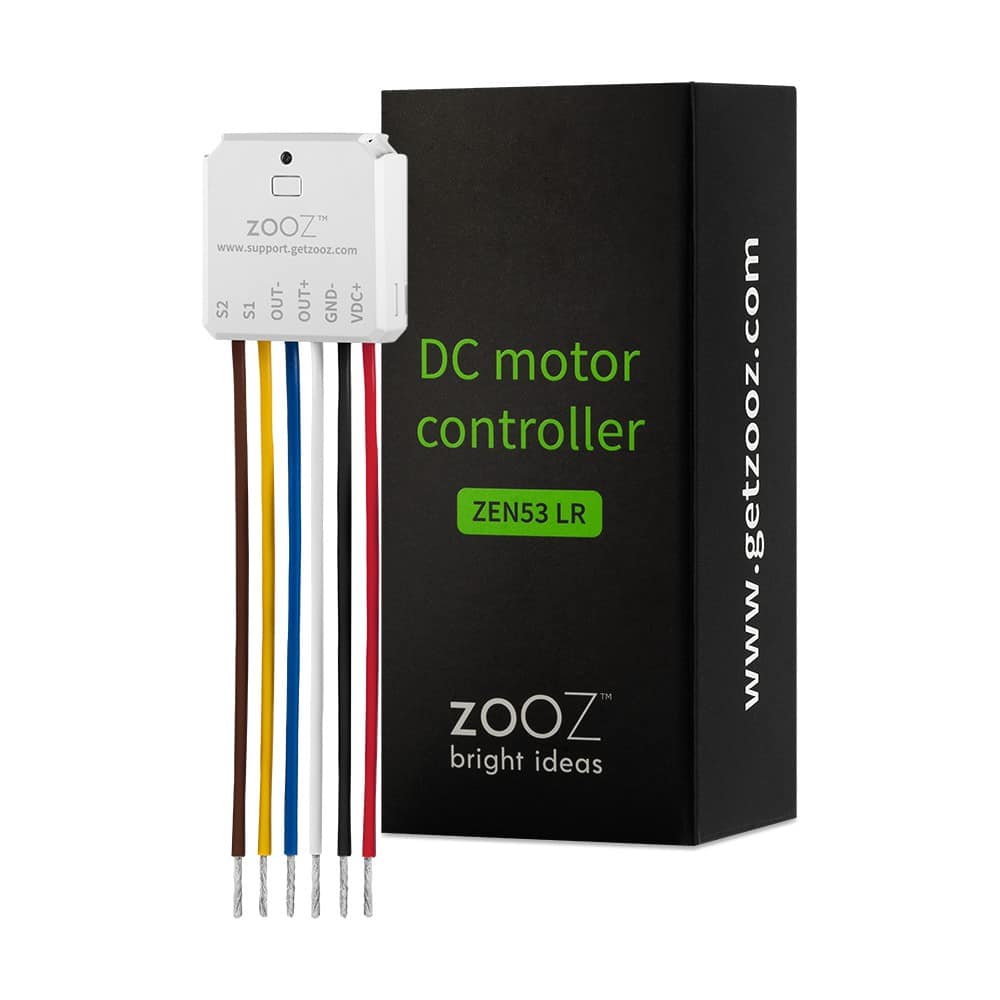
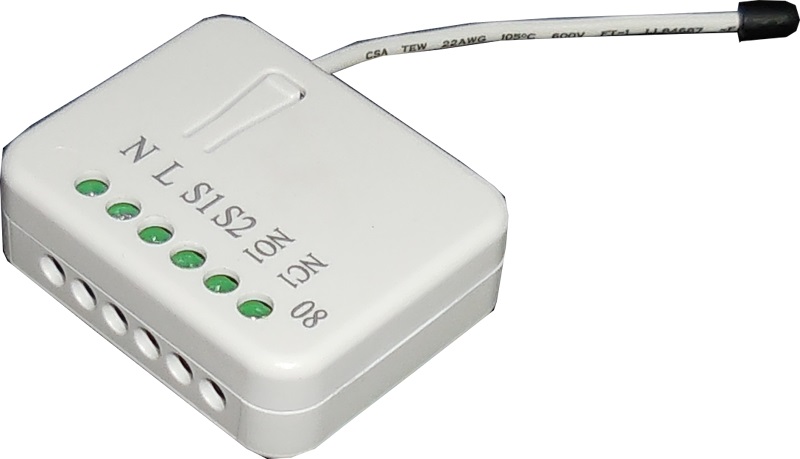
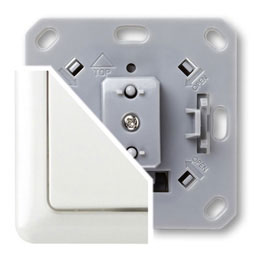
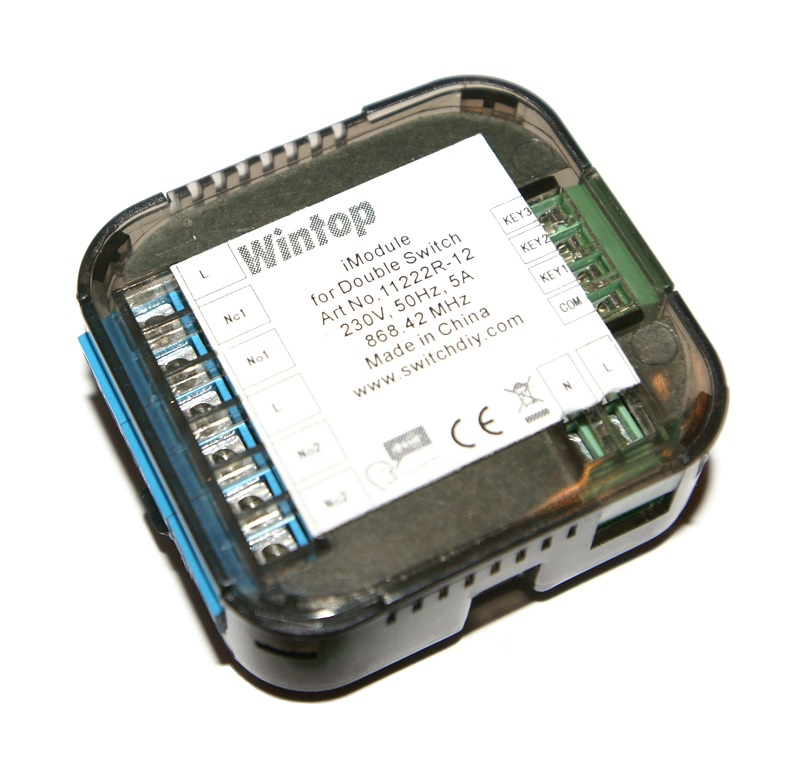
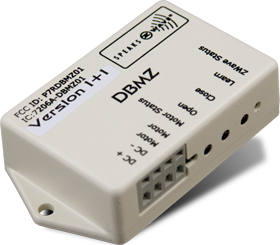
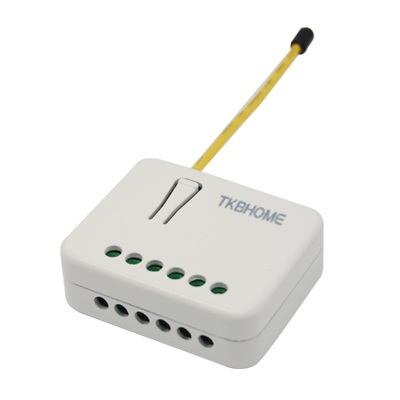
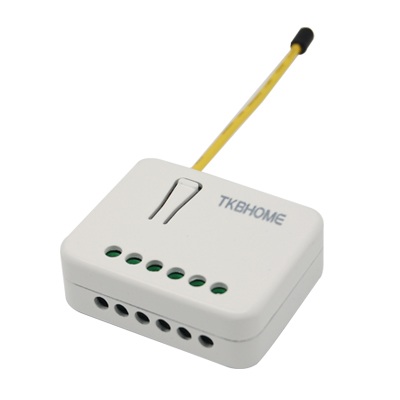
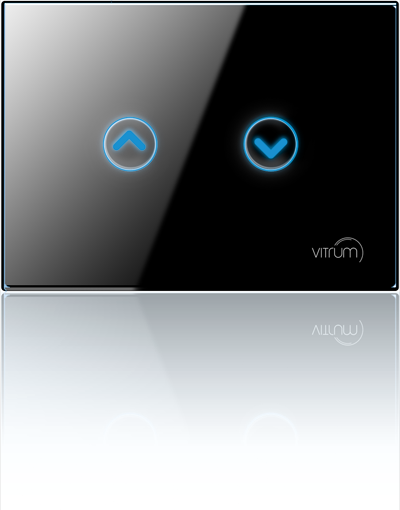
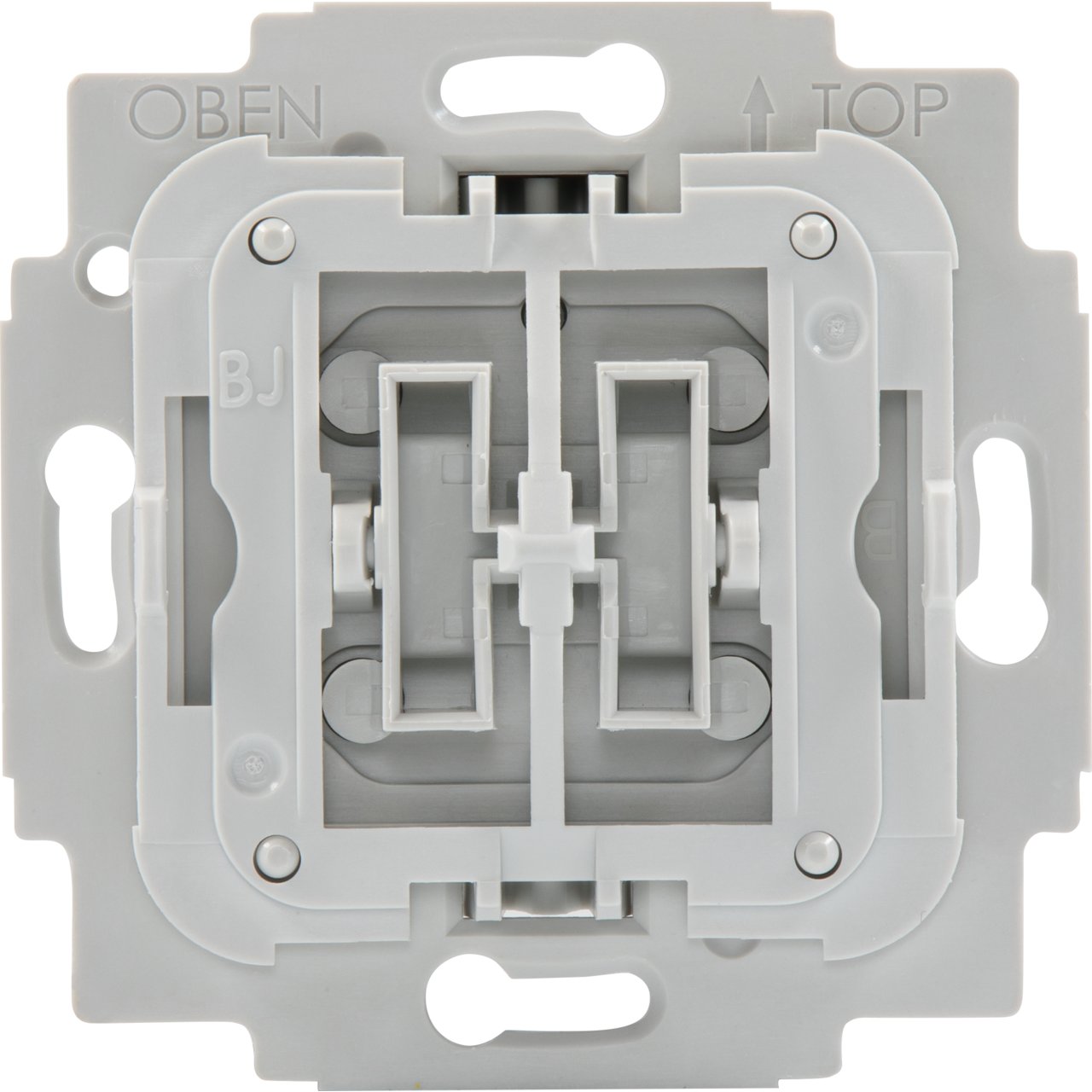
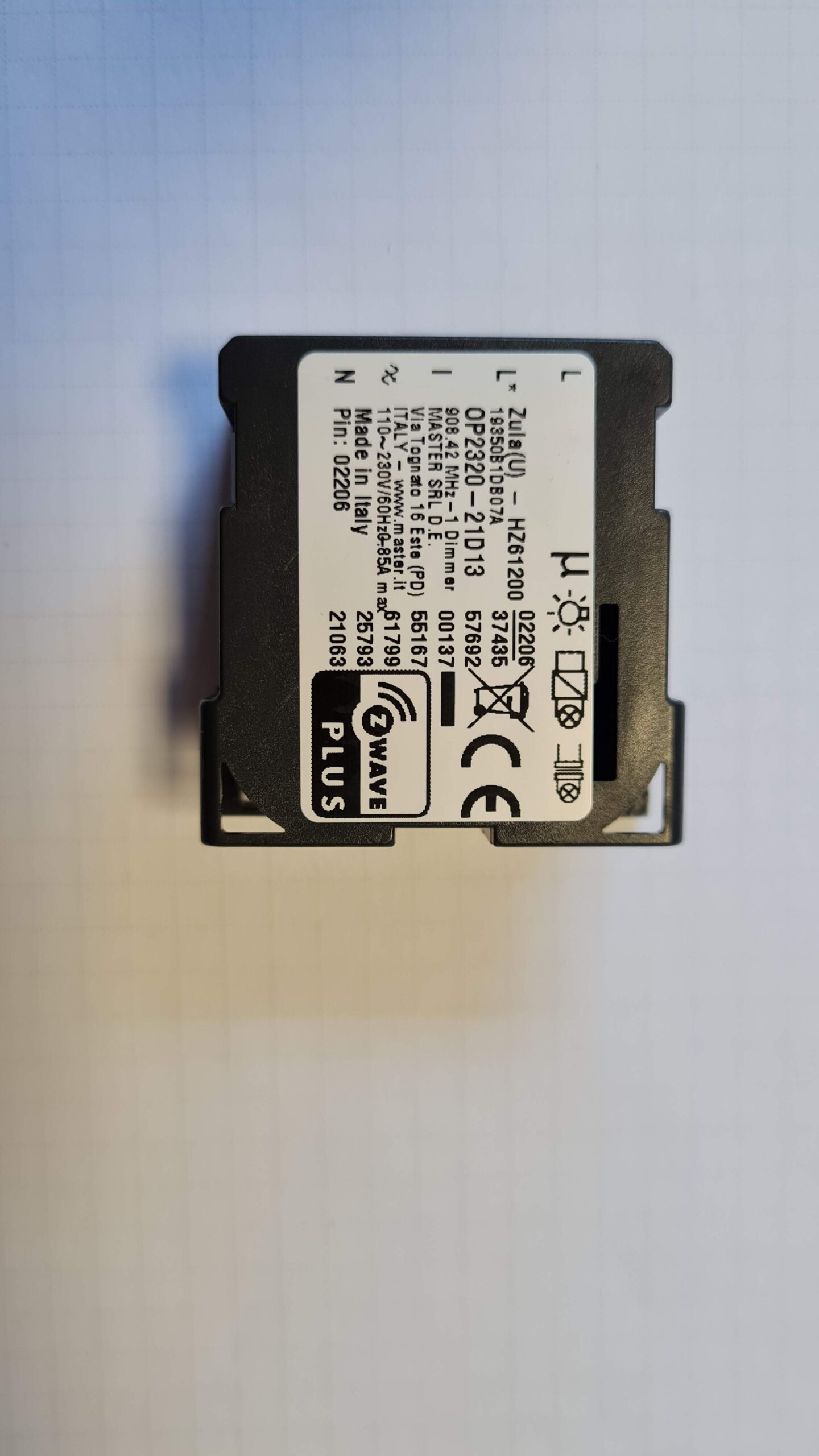
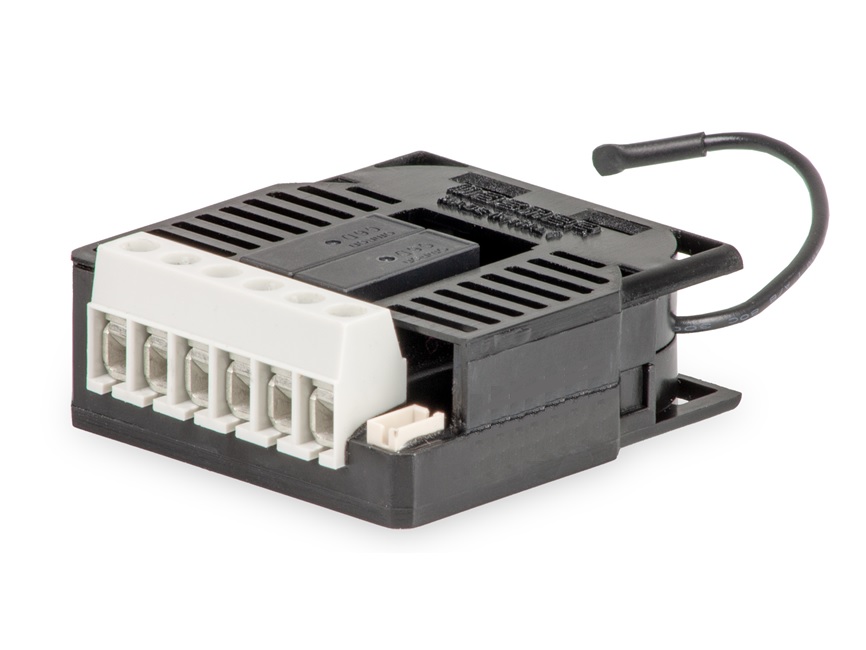
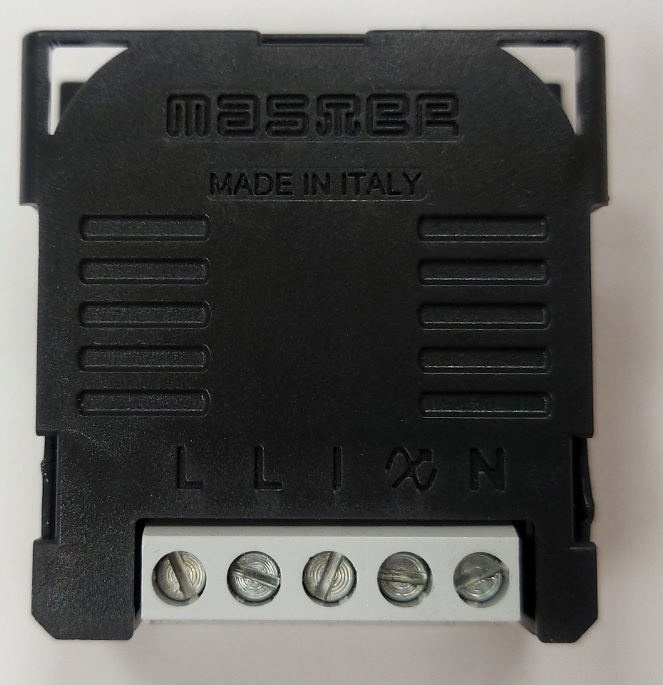
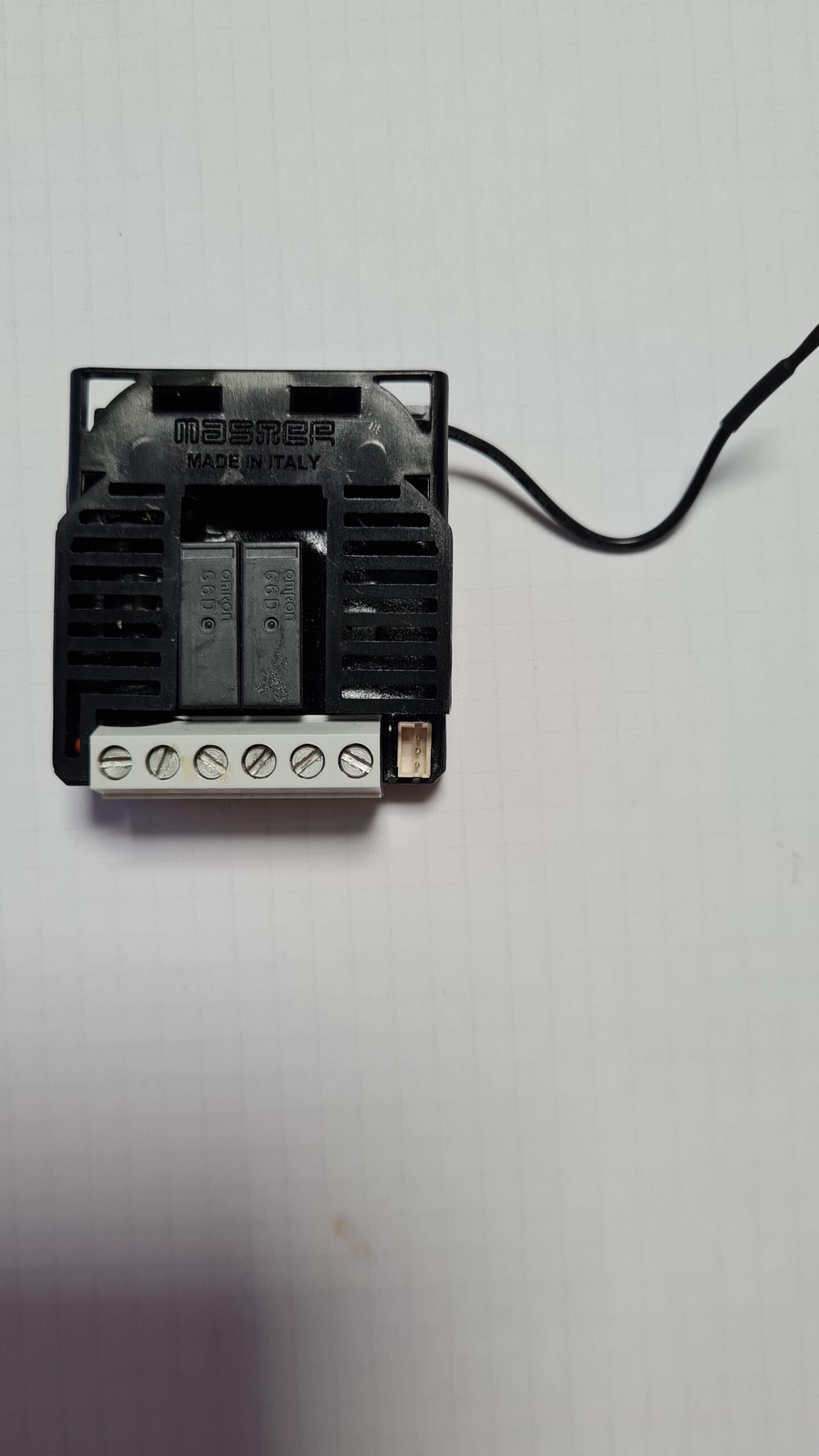
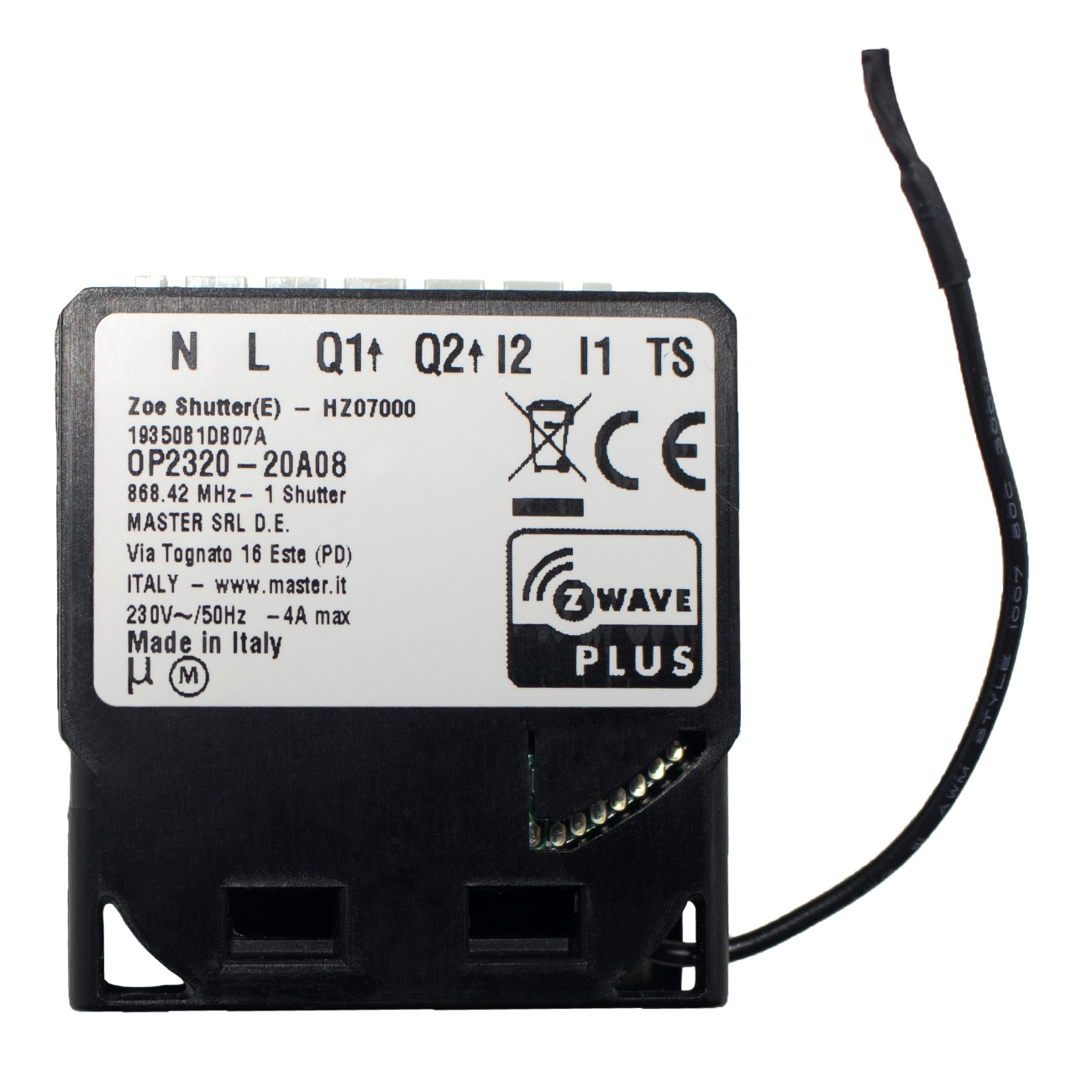
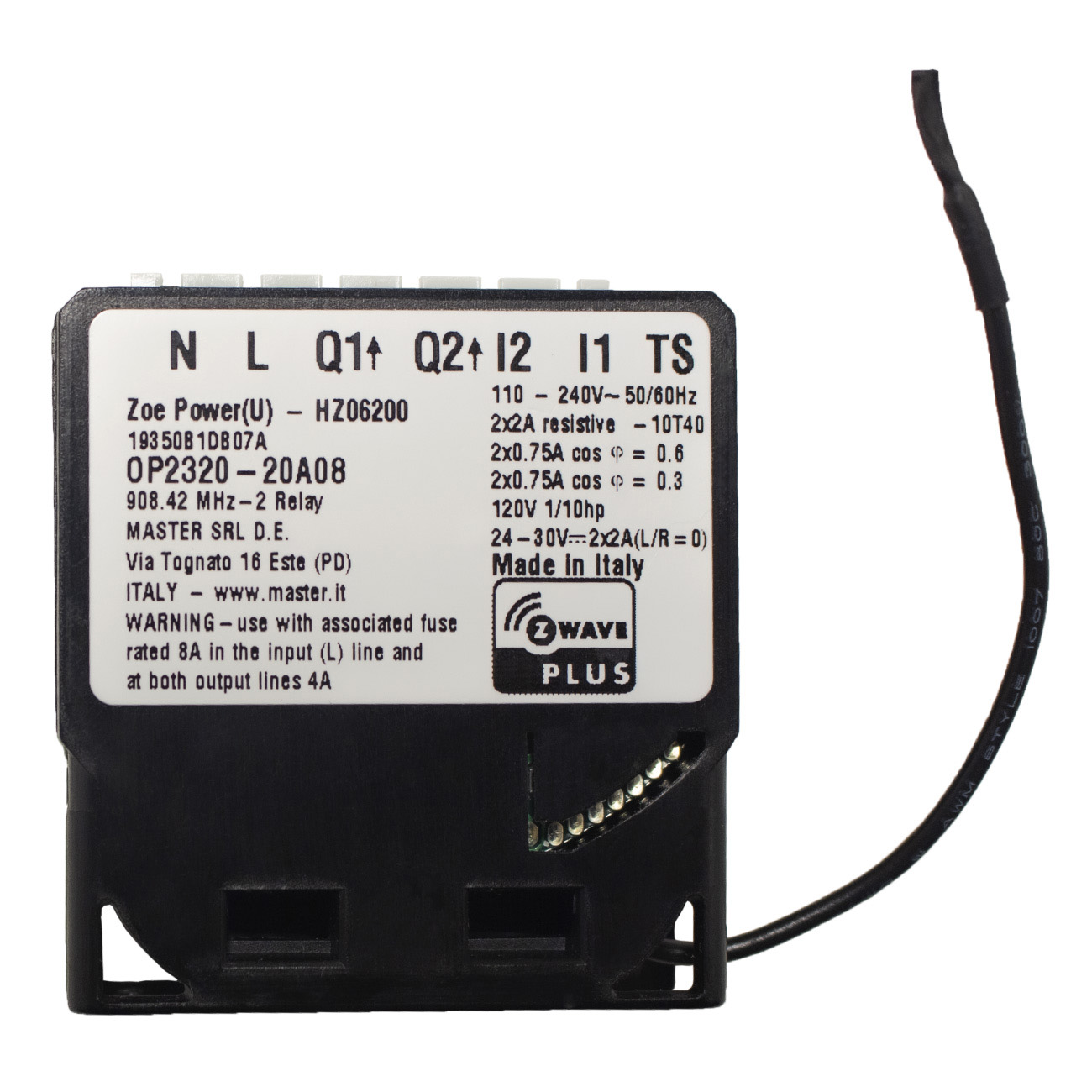
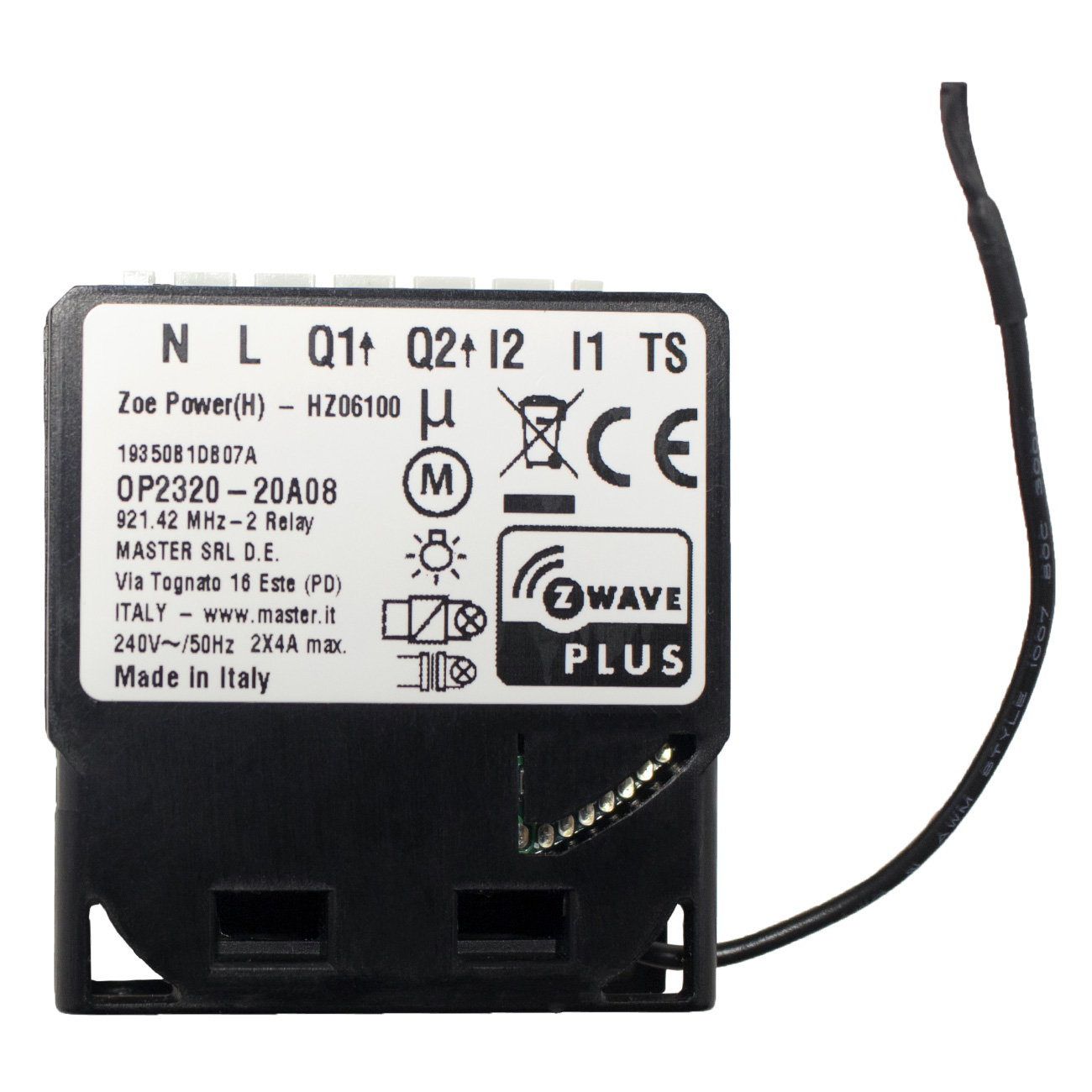
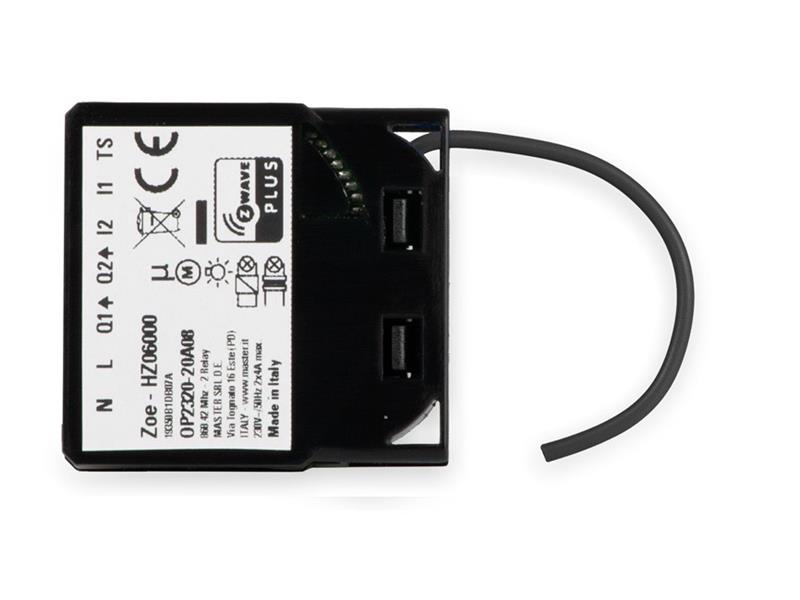
Long descriptionThis Z-Wave™ module is used to control the motor of blinds, rollers, shades, venetian blinds, etc … The module can be controlled either through a Z-Wave network or through the wall switch. Precise positioning is supported for motors equipped with mechanical or electronic end switches. The module is designed to be mounted inside a “flush mounting box”, hidden behind a traditional wall switch. Module measures power consumption of motor and support connection of digital temperature sensor. It is designed to act as repeater in order to improve range and stability of Z-Wave network. Short descriptionThis Z-Wave™ module is used to control the motor of blinds, rollers, shades, venetian blinds, etc … The module can be controlled either through a Z-Wave network or through the wall switch Value 4 switch load capacity watts value 920 neutral wire required color value black electric load type value inductive (e.g. motor) window covering control features value position aware automatic calibration manual calibration supports horizontal blinds/louvers supports tilt motion supports up/down motion supports open/close motion association groupsGroup Number Maximum Nodes Supported End Point ID Group Name Description 1 From to description 0 0 all on is not active all off is not active 1 1 all on is not active all off active 2 2 all on active all off is not active 255 255 all on active, all off active. 42 power reporting in watts by time interval for q1 or q2 set value means time interval (0 – 32767) in seconds, when power report is send. available configuration parameters (data type is 2 byte dec): • default value 0 = reporting disabled • 0 reporting disabled • 1 32767 = 1 second 32767 seconds. reporting enabled, power report is send with time interval set by entered value. 1 2 0 32767 0 from to description 1 32767 1 32767 seconds. power consumption reporting enabled. report is sent according to time interval (value) set here 0 0 power consumption reporting disabled 72 slats tilting full turn time this parameter defines the time necessary for slats to make full turn (180 degrees). available configuration parameters (data type is 2 byte dec): • default value 150 = 1,5 seconds • 0 tilting time disabled • 1 32767 = 0,01seconds 327,67 seconds note: if time set is too high, this will result that after full turn, shutter will start move up or down, for time remaining. 1 2 0 32767 150 from to description 0 0 tilting time disabled 1 32767 0,01seconds 327,67 seconds 71 operating modes this parameter defines selection between two available operating modes. available configuration parameters (data type is 1 byte dec): • default value 0 • 0 shutter mode • 1 venetian mode (up/down and slate rotation) note1: after parameter change, first exclude module (without setting parameters to default value) then wait at least 30s and then re include the module! 1 1 0 1 0 from to description 0 0 shutter mode 1 1 venetian mode (up/down and slate rotation) 73 slats position this parameter defines slats position after up/down movement through z wave or push buttons. available configuration parameters (data type is 1 byte dec): • default value 1 • 0 slats return to previously set position only in case of z wave control (not valid for limit switch positions). • 1 slats return to previously set position in case of z wave control, push button operation or when the lower limit switch is reached. 1 1 0 1 1 from to description 0 0 slats return to the previously set position only after being activated via the z wave gateway (hub) (not valid for limit switch positions) 1 1 slats return to the previously set position in case they were activated via the z wave gateway (hub), push button operation or when the lower limit switch is reached 78 forced shutter calibration by modifying the parameters setting from 0 to 1 a shutter enters the calibration mode. available configuration parameters (data type is 1 byte dec): • default value 0 • 1 start calibration process (when calibration process is finished, completing full cycle up, down and up, set the parameter 78 (forced shutter calibration) value back to 0. 1 1 0 1 0 from to description 0 1 start calibration process (when calibration process is finished, completing full cycle up, down and up, set the parameter 78 (forced shutter calibration) value back to 0. 120 parameter no. 120 – temperature sensor reporting threshold if digital temperature sensor is connected, module reports measured temperature on temperature change defined by this parameter. available configuration parameters (data type is 1 byte dec): • default value 5 = 0,5°c • 0 reporting disabled • 1 127 = 0,1°c 12,7°c, step is 0,1°c 1 1 0 127 5 from to description 0 0 reporting disabled 1 127 where 1 stands for 0.1°c and 127 stands for 12.7°c. 74 motor moving up/down time this parameter defines shutter motor moving time of complete opening or complete closing. available configuration parameters (data type is 2 byte dec): • default value 0 • 0 – moving time disabled (working with limit switches) • 1 32767 = 0,1seconds 3276,7seconds after that time motor is stopped (relay goes to off state) note: important is that the reference position to manually set moving time is always shutter lower position! set parameter 74 to 0 and move the shutter (using up/down push buttons or main controller ui) to the lowest desired position. on this shutter position, set parameter 74 to time for complete opening or complete closing. at this point shutter can be moved up (open) for set time, but can't be moved down because this position is already set as lower shutter position. to change shutter lower position below already set (manual recalibration), parameter 74 must be set to 0 and repeat the procedure described above. in case shutter has limit switches, but anyhow you would like to limit opening/closing position by time, you can still do it. in case you put time that is longer that opening/closing real time limited by limit switches, shutter will stop at limit switch, but the module relay will switch off after define time, not by shutter limit switch. take in consideration that in this condition, the positioning with slider through ui will not show correct shutter position. 1 2 0 32767 0 from to description 0 0 moving time disabled (working with limit switches) 1 32676 0.1 seconds – 3276.7 seconds 110 temperature sensor offset settings set value is added or subtracted to actual measured value by sensor. available configuration parameters (data type is 2 byte dec): • default value 32536 • 32536 offset is 0.0 c • from 1 to 100 value from 0.1 °c to 10.0 °c is added to actual measured temperature. • from 1001 to 1100 value from 0.1 °c to 10.0 °c is subtracted to actual measured temperature. 1 2 0 32536 32536 from to description 1 100 where 1 stands for 0.1°c and 100 stands for 10.0°c added to the actual measurement. 1001 1100 where 1001 stands for 0.1°c and 1100 stands for 10.0°c subtracted from the actual measurement. 32536 32536 offset is 0.0 c textsID Description Value 1